# Retypeset
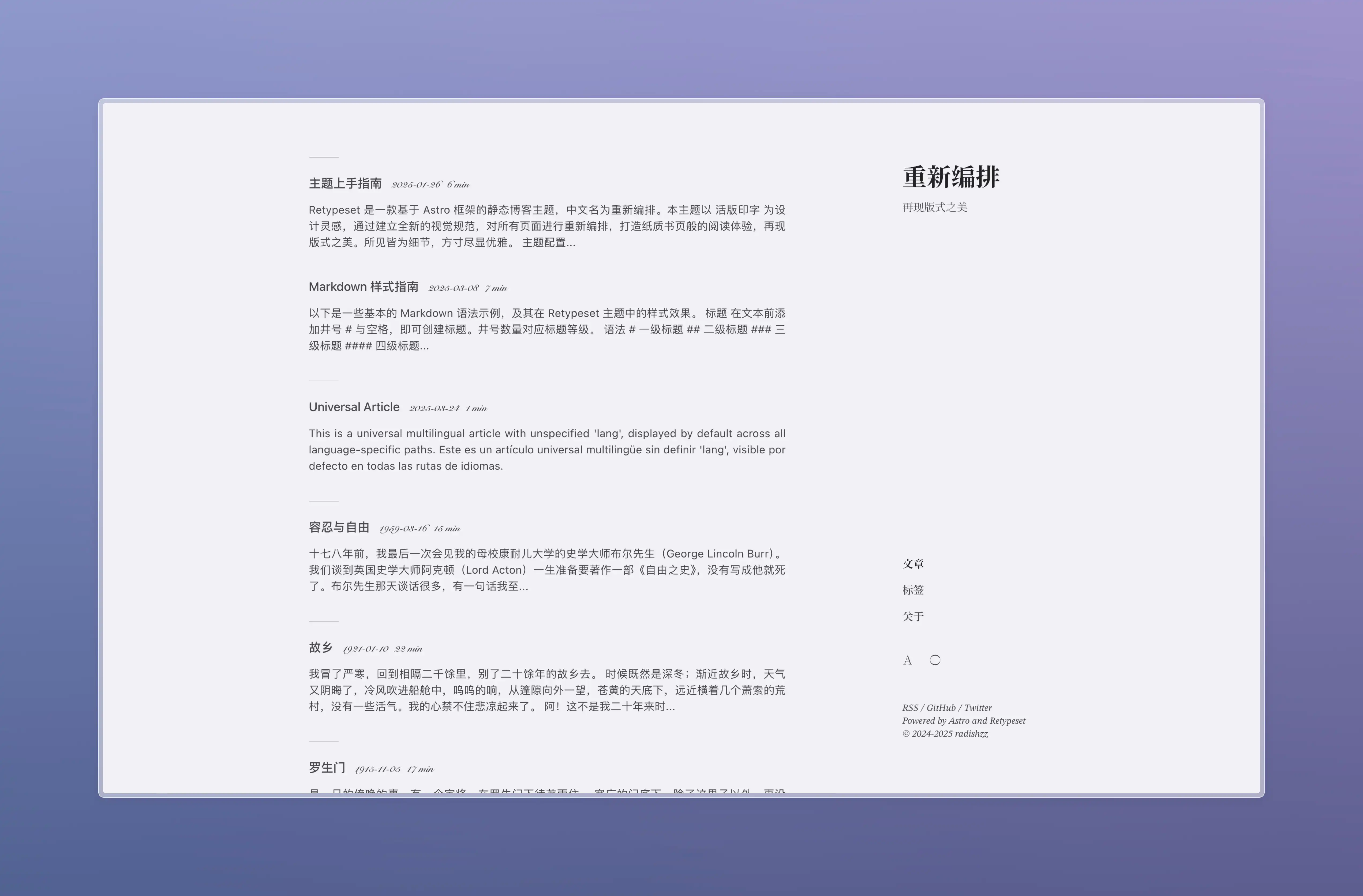
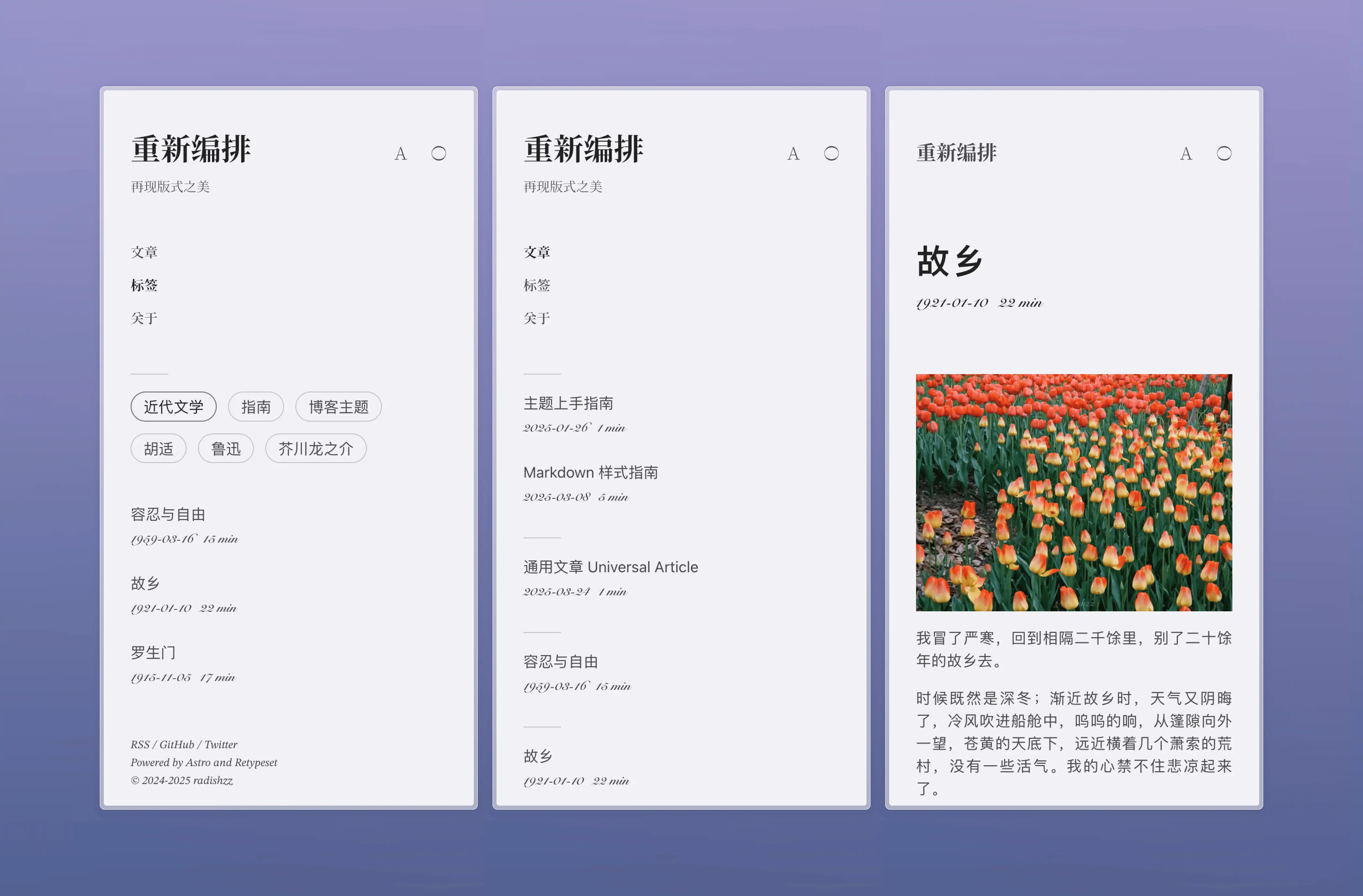
Retypeset 是一款基于 [Astro](https://astro.build/) 框架的静态博客主题,中文名为重新编排。本主题以 [活版印字](https://astro-theme-typography.vercel.app/) 为设计灵感,通过建立全新的视觉规范,对所有页面进行重新编排,打造纸质书页般的阅读体验,再现版式之美。所见皆为细节,方寸尽显优雅。
## 预览
- [重新编排](https://retypeset.radishzz.cc/)
- [重新編排](https://retypeset.radishzz.cc/zh-tw/)
- [再組版](https://retypeset.radishzz.cc/ja/)
- [Retypeset](https://retypeset.radishzz.cc/en/)
- [Retipografía](https://retypeset.radishzz.cc/es/)
- [Переверстка](https://retypeset.radishzz.cc/ru/)
## 特征
- 基于 Astro 与 UnoCSS 开发
- 支持 SEO、Sitemap、OpenGraph、RSS、MDX、LaTeX、Mermaid 和 TOC
- i18n 多语言
- 亮色 / 暗色模式
- 优雅的过渡动画
- 丰富的主题配置
- 中文排版优化
- 响应式设计
- 评论系统
## 性能

## 开始
1. [Fork](https://github.com/radishzzz/astro-theme-retypeset/fork) 此仓库,或使用此模版创建新仓库。
2. 在终端执行以下指令:
```bash
# 克隆仓库
git clone <仓库地址>
# 进入项目目录
cd <仓库名称>
# 全局安装 pnpm(如果未安装)
npm install -g pnpm
# 安装依赖
pnpm install
# 启动开发服务器
pnpm dev
```
3. 参考 [主题上手指南](https://retypeset.radishzz.cc/posts/theme-guide/),自定义你的博客并创建新文章。
4. 参考 [Astro 部署指南](https://docs.astro.build/zh-cn/guides/deploy/),将博客部署至 Netlify、Vercel 等平台。
[](https://app.netlify.com/start) [](https://vercel.com/new)
## 更新
Retypeset 会不定期发布 [新功能](https://github.com/radishzzz/astro-theme-retypeset/issues/18),执行 `pnpm update-theme` 即可更新主题。如果遇到合并冲突,请参考 [此视频](https://youtu.be/lz5OuKzvadQ?si=sH_ALNgqxrYqNVQT) 手动解决。
## 鸣谢
- [Typography](https://github.com/moeyua/astro-theme-typography)
- [Fuwari](https://github.com/saicaca/fuwari)
- [Redefine](https://github.com/EvanNotFound/hexo-theme-redefine)
- [AstroPaper](https://github.com/satnaing/astro-paper)
- [赫蹏](https://github.com/sivan/heti)
- [初夏明朝體](https://github.com/GuiWonder/EarlySummerSerif)
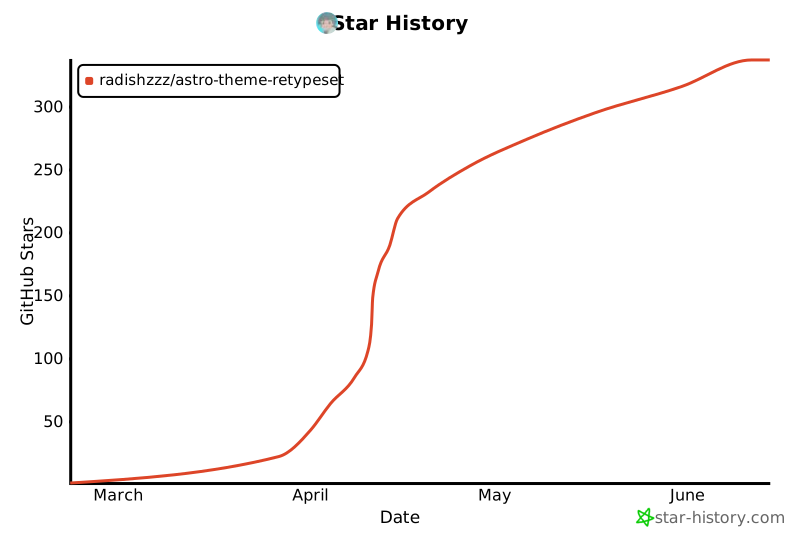
## Star History