# DLSS 5 Swapper v2.2.1 — the overlay page, themes and a live preview
- **⭐ In-game overlay:** press **F8** and the app's own panel appears over the
running game — the same HTML, fonts and sliders as the preview, connected to
the pinned RenoDX v4.7 build so the controls move the settings that are really
loaded. **While the panel is open the game receives no mouse or keyboard
input**, so the camera holds still and a slider can be judged on one fixed
shot, exactly as ReShade does for its own overlay. Install it together with
DLSS from one switch, choose your hotkey, or remove it on its own.
**It supports DLSS5-Feeder and RenoDX v4.7 only** — the panel is built around
that exact, hash-verified build and is not offered for OptiScaler.
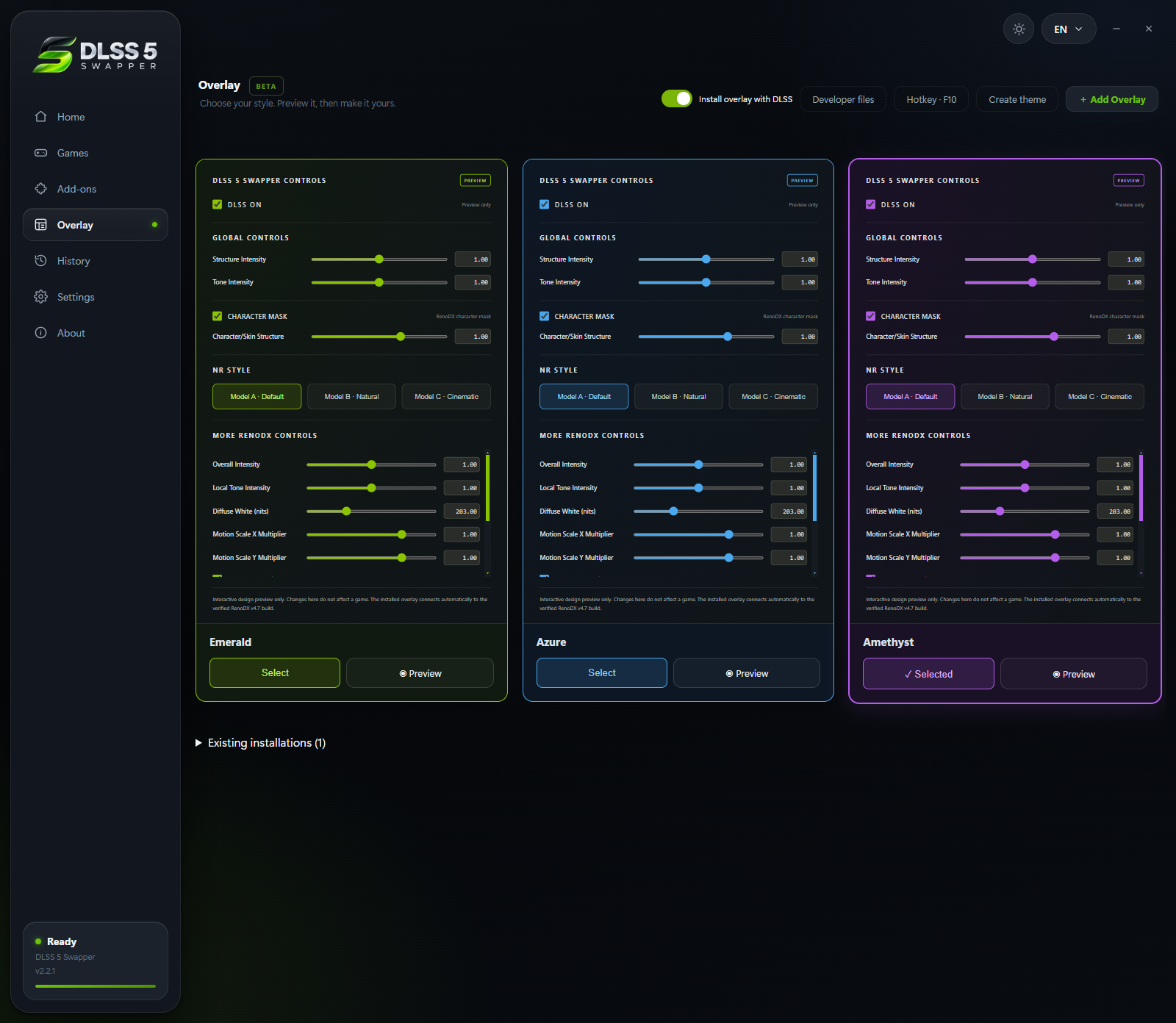
- **Overlay themes, including your own:** Emerald, Azure and Amethyst, plus
**Create theme** — pick an accent colour and the panel's other shades are
derived from it, in the app and in the game alike.
- **Per-game rendering API override:** now **optional**, with **Automatic** as
the default. Pick DirectX 8/9/10/11/12, Vulkan or OpenGL for a game that
reports the wrong renderer; automatic detection is left untouched.
- **Artwork for everyone:** posters and banners come from Steam's public
endpoints with no key, so every user sees the same covers and heroes.
- **Some issues were fixed**, including the overlay connection line that
contradicted the CONNECTED badge, dialogs that stayed dark in the light theme,
theme cards misaligned in Arabic/Persian/Urdu, and an updated overlay build
that refused to install over the previous one.
[What arrived in 2.2.0 →](docs/releases/v2.2.0.md)
### The Overlay page
### Create your own theme
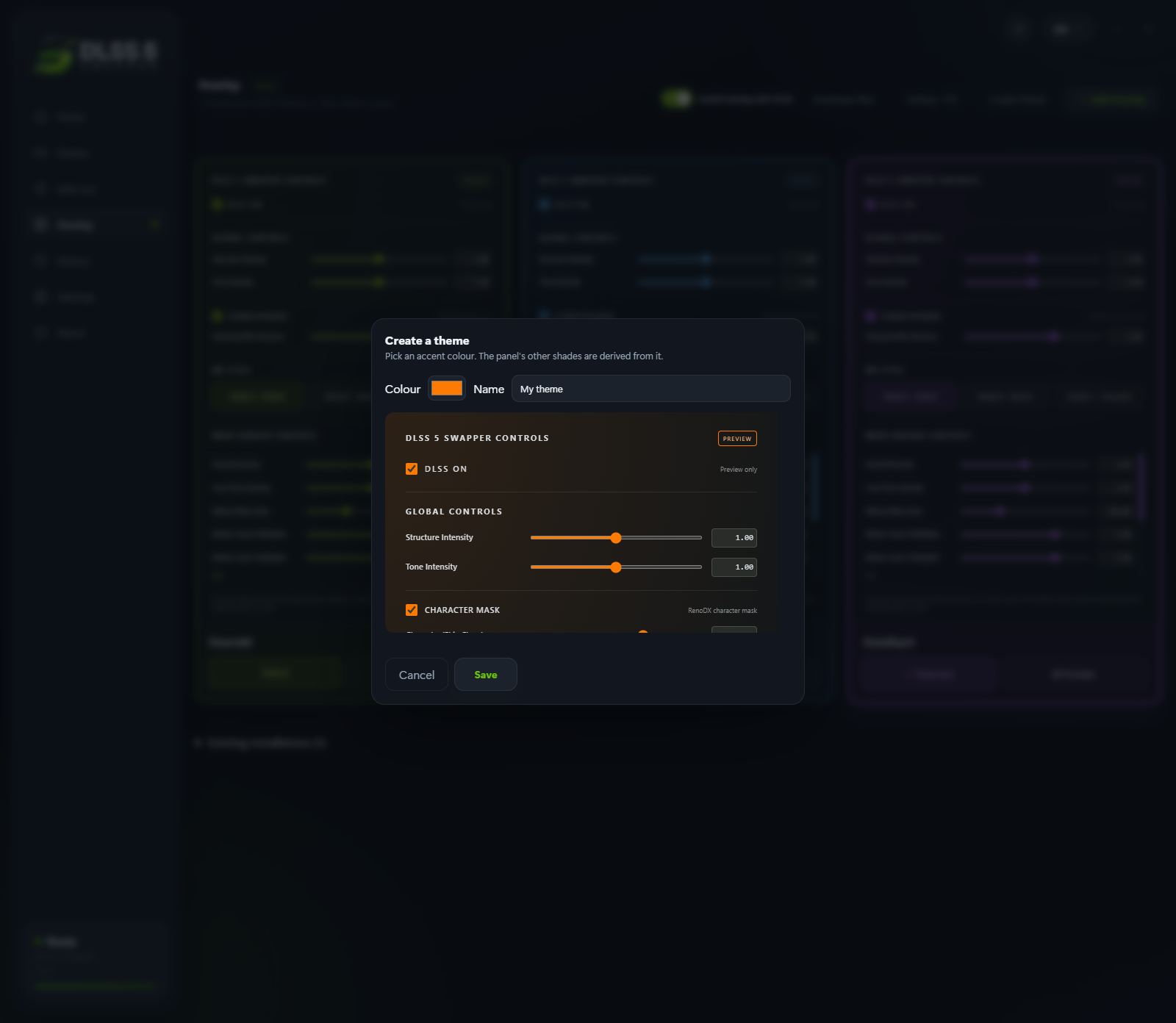
Pick an accent colour and the panel's other shades follow it. The preview is the
real panel, not a colour swatch.
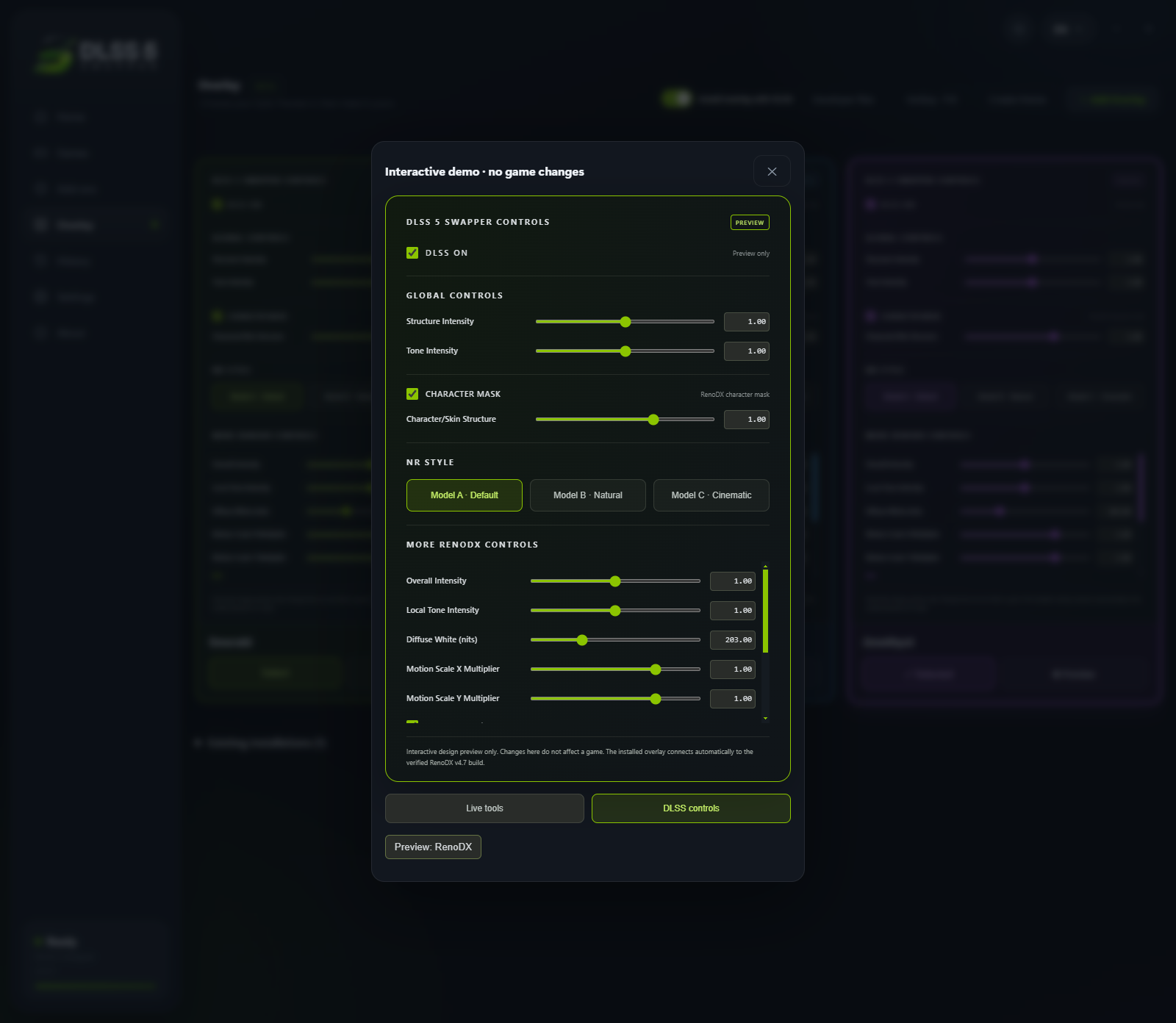
### Preview before you choose