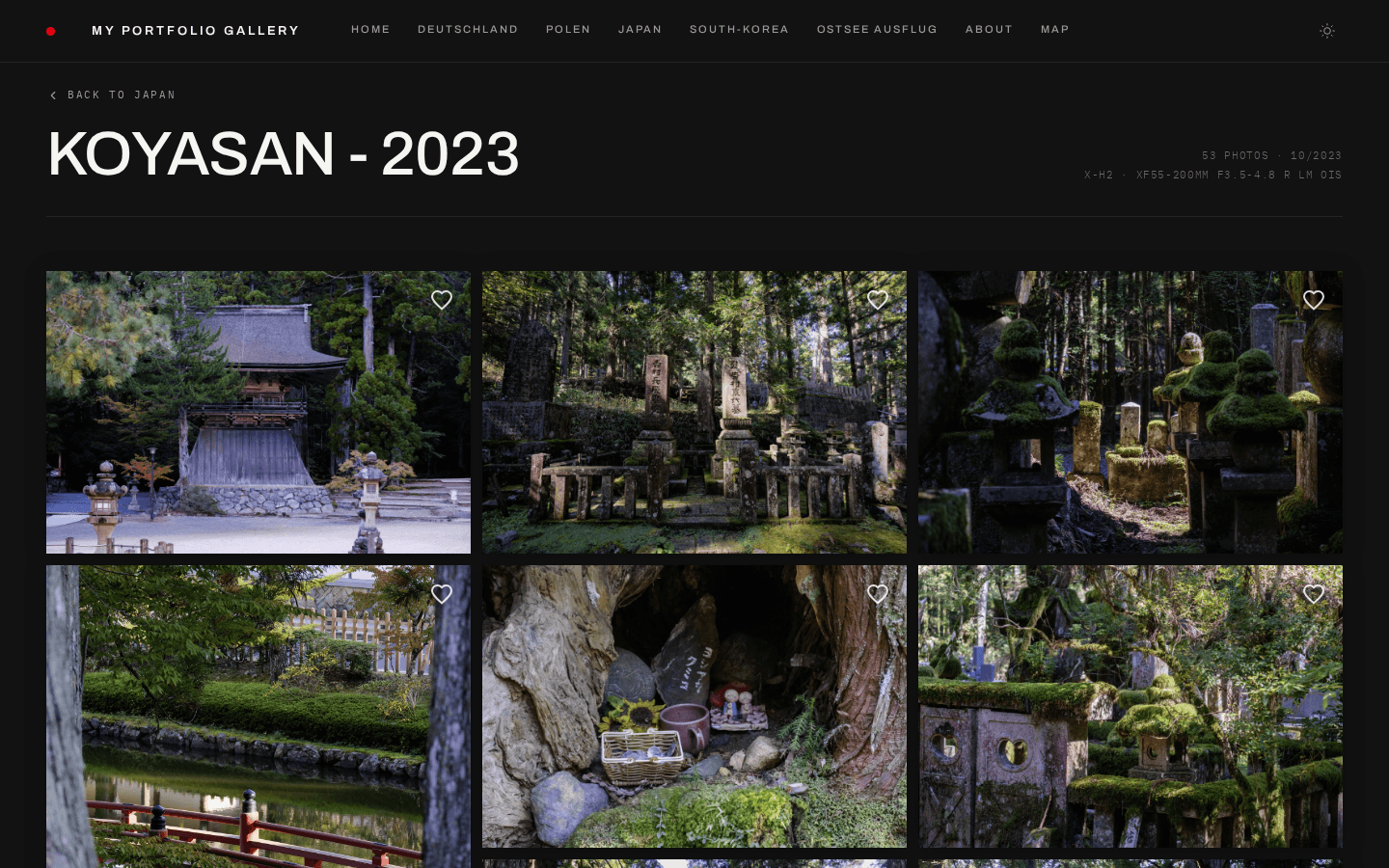
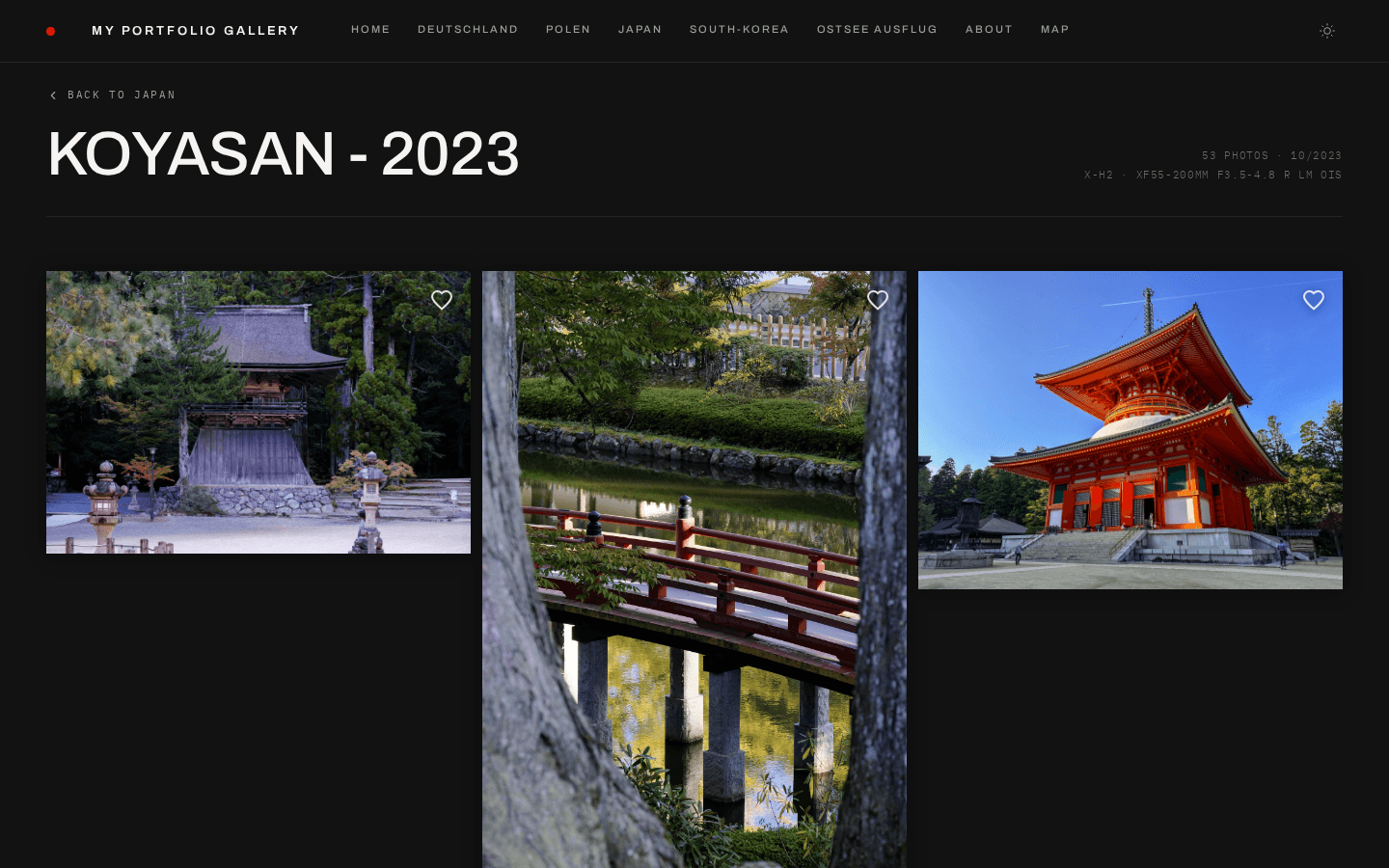
Masonry and showcase, both in Studio Modern — the same album, a different grid layout.
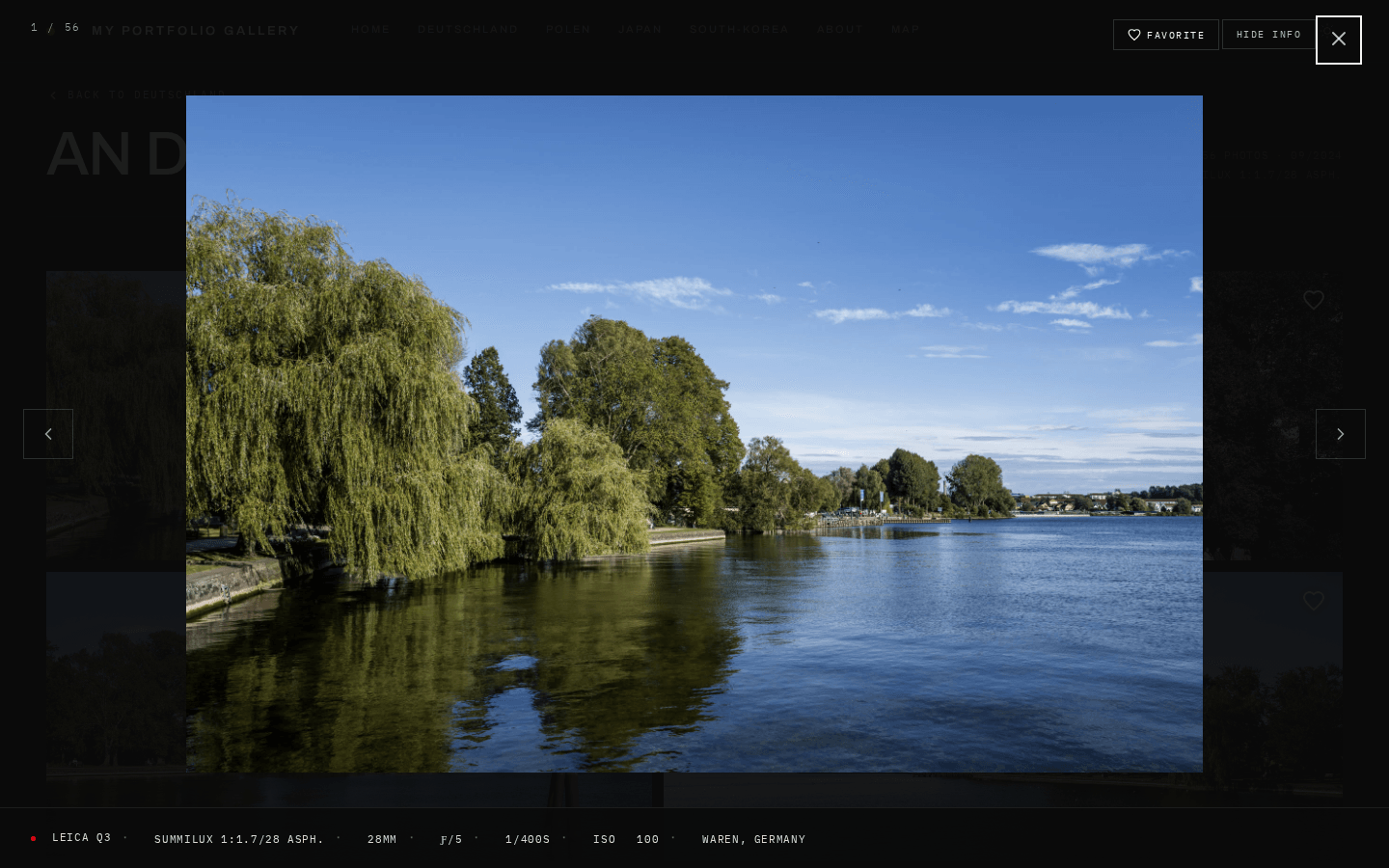
The fullscreen lightbox with the EXIF panel — camera, lens and exposure for the frame on screen.
## Content & Organization - **Page grouping** — organize albums into named pages (a `subpage` in `gallery.yaml`, e.g. `/japan/tokyo-2023`) - **Auto-generated slugs** — URL slugs derived from album names automatically - **YAML gallery config** — all gallery structure defined in a single `content/gallery.yaml` file - **Markdown about page** — `content/about.md` with frontmatter for portrait, name, location, and gear list, editable from the admin panel - **Journal** — photo essays and travel stories at `/journal`, with drafts, per-entry passwords, cover images and reading times; new entries can start from a template (wedding, hiking, travel, …) - **Photo Essay mode** — long-form storytelling pages alternating text with fullbleed, paired and grid image layouts, facts lists, a slice of an album, and a map with the pins you choose — typed places, or photos placed by their GPS - **Unlisted pages and albums** _(experimental)_ — a page or standalone album reachable by its own direct link, absent from the navigation, homepage, sitemap and map; choose or randomly generate the album's slug, and add a password to make the link private - **Page on/off toggle** — take a page offline without deleting it - **External navigation links** _(experimental)_ — point the header at a shop, a blog, or a social profile - **Client proofing** — clients favorite photos and export the selection; picks stay in the visitor's browser and the URL, with nothing stored server-side (proofing links, below, do save them) - **Client proofing links** — a private link per client and album, picks saved server-side, a submit that locks the selection and pings you via webhook, expiry dates, download limits, and a Lightroom-ready export of the chosen file names ([guide](gallery-features.md#client-proofing-links)) - **Originals delivery** — per-album opt-in lets visitors download a whole album or their proofing selection as a ZIP of the originals, with GPS coordinates removed from JPEG, HEIC, AVIF, MP4 and MOV files - **Lightbox watermark** — configurable overlay on fullscreen images - **Six interface languages** — English, German, French, Spanish, Italian and Dutch for everything visitors see - **Privacy-friendly analytics** — cookieless view counts, no third parties, can be switched off - **Dynamic OG images** — auto-generated social preview images per album
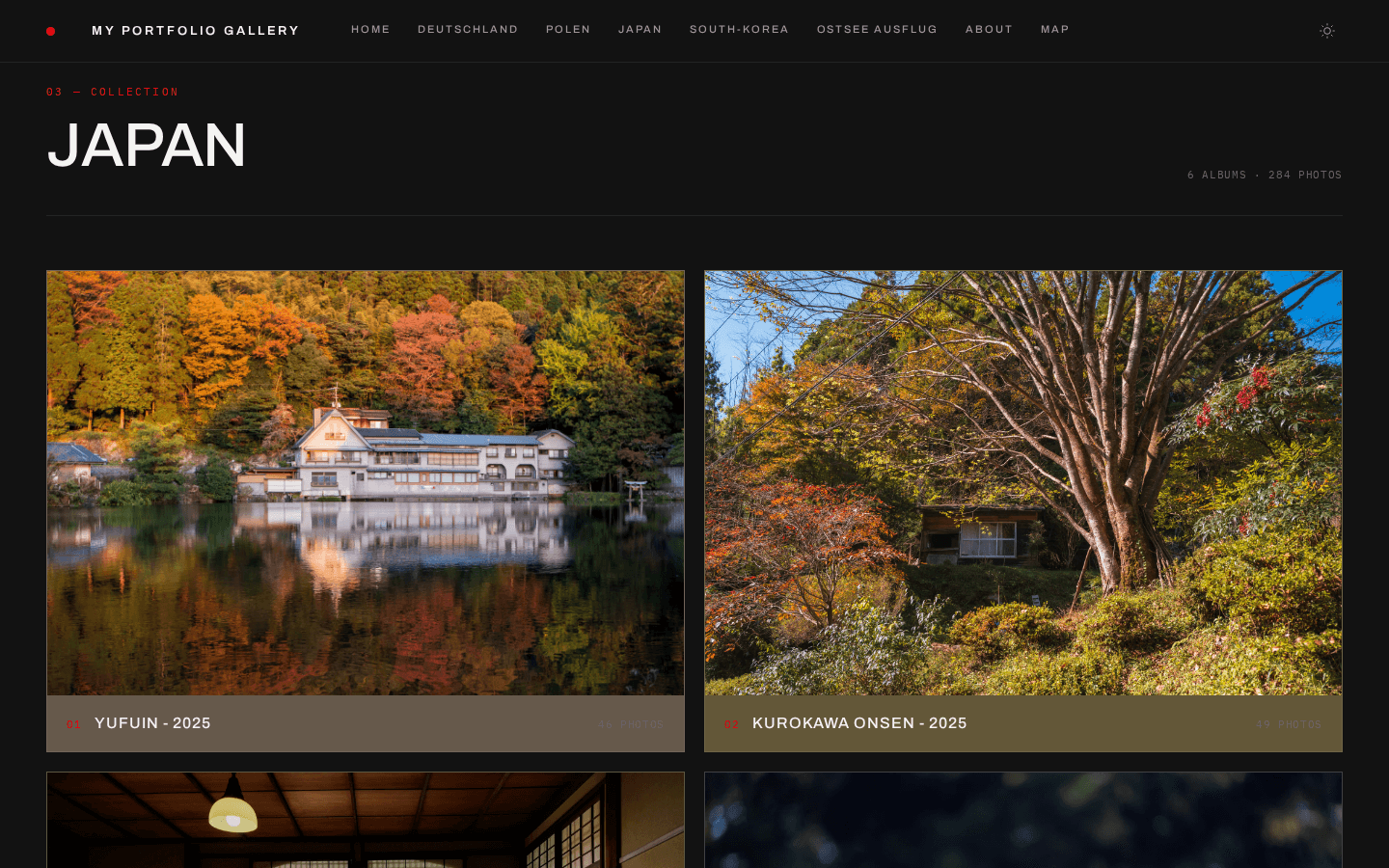
A page grouping several albums into one collection.
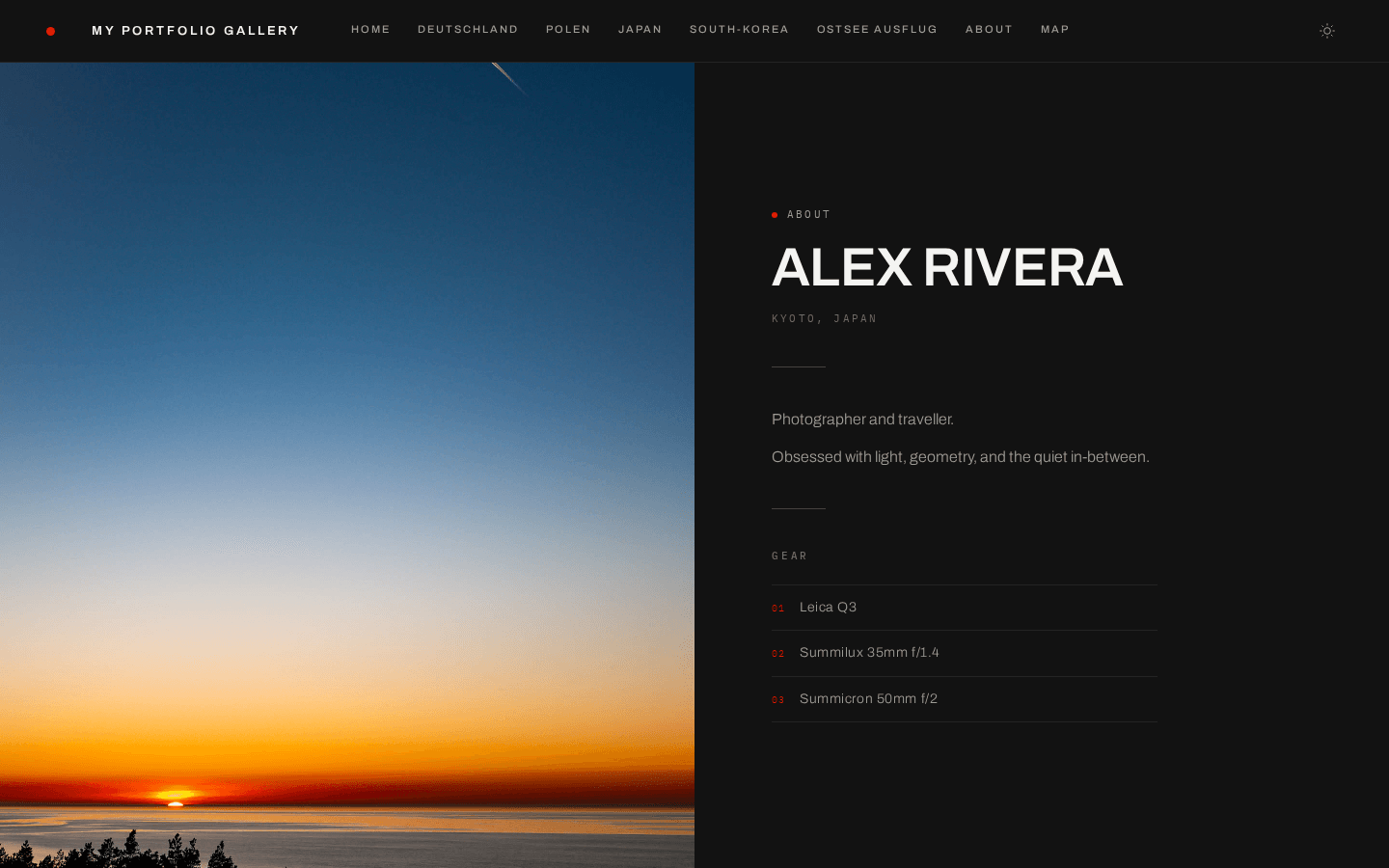
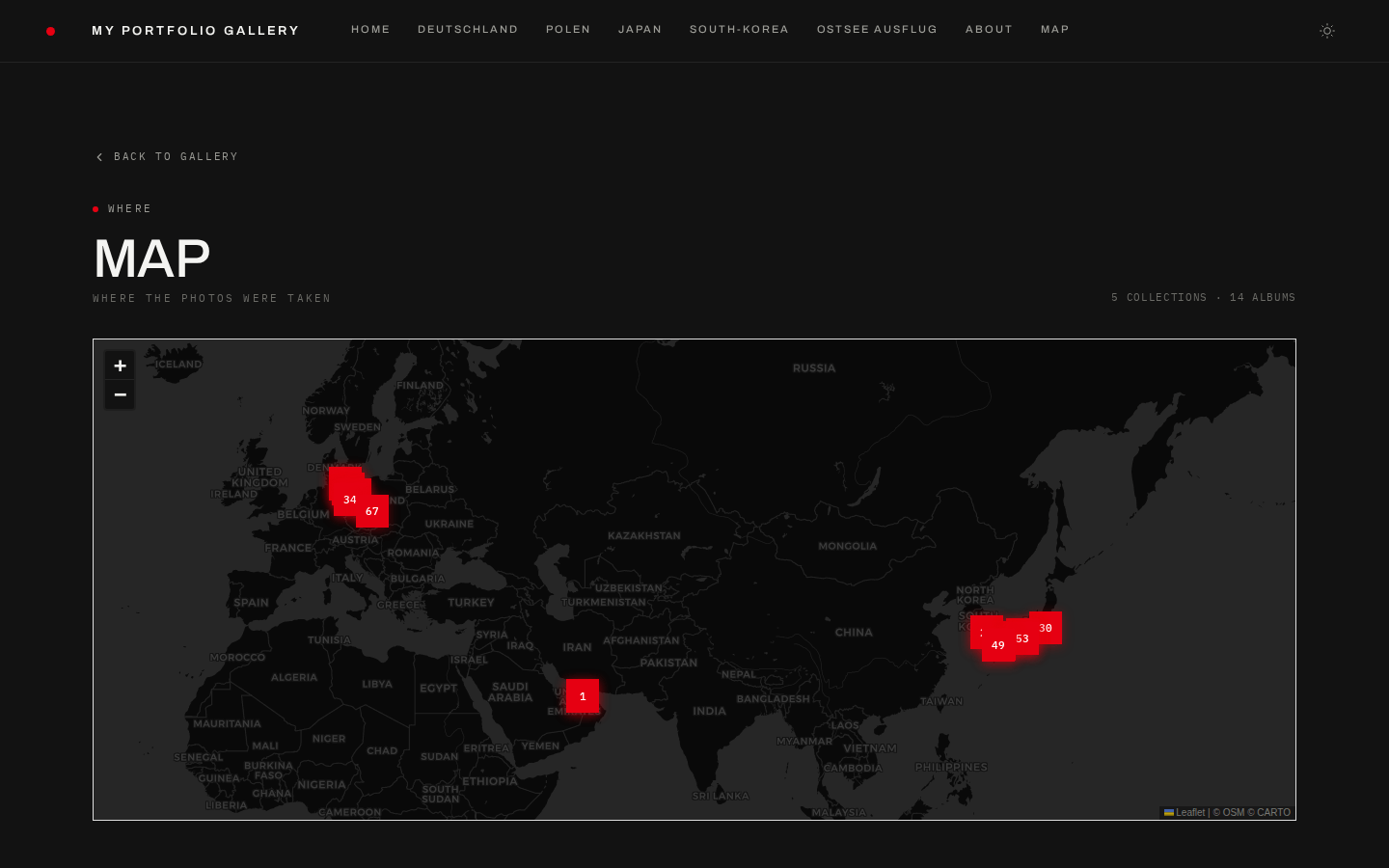
The Markdown about page and the GPS map, both generated from your Immich data.
## Admin Panel - **Visual page builder** — drag & drop interface to manage hero images, standalone albums, pages, and sections - **Album picker** — browse all shared Immich albums with search, see photo counts, and add them with one click - **Settings editor** — configure theme, grid layout, footer, legal/impressum, SEO, image protection and the about page from a visual UI - **Visual previews everywhere** — grid layout, theme, photo frame, hero style and the Google search snippet are picked from preview cards instead of text fields - **Journal Studio** — split-screen block editor with a live preview of the real page; start from a template, drag blocks into order - **Essay block editor** — assemble photo essays block by block without touching Markdown - **Unsaved edits survive** — leave the page builder or the journal editor mid-edit, and your changes are waiting when you come back - **Diagnostics** — a page that checks the Immich connection, config and security settings, and links every finding to its fix - **Photo order editor** — drag & drop a hand-picked opening sequence for any album - **Favicon upload** — give the site its own icon in the browser tab - **Backup manager** — every save is backed up automatically; restore any of them with one click - **Live YAML sync** — changes are written directly to `gallery.yaml` and `settings.yaml` with automatic backups - **Password protected** — secured with its own admin password, separate from album passwords