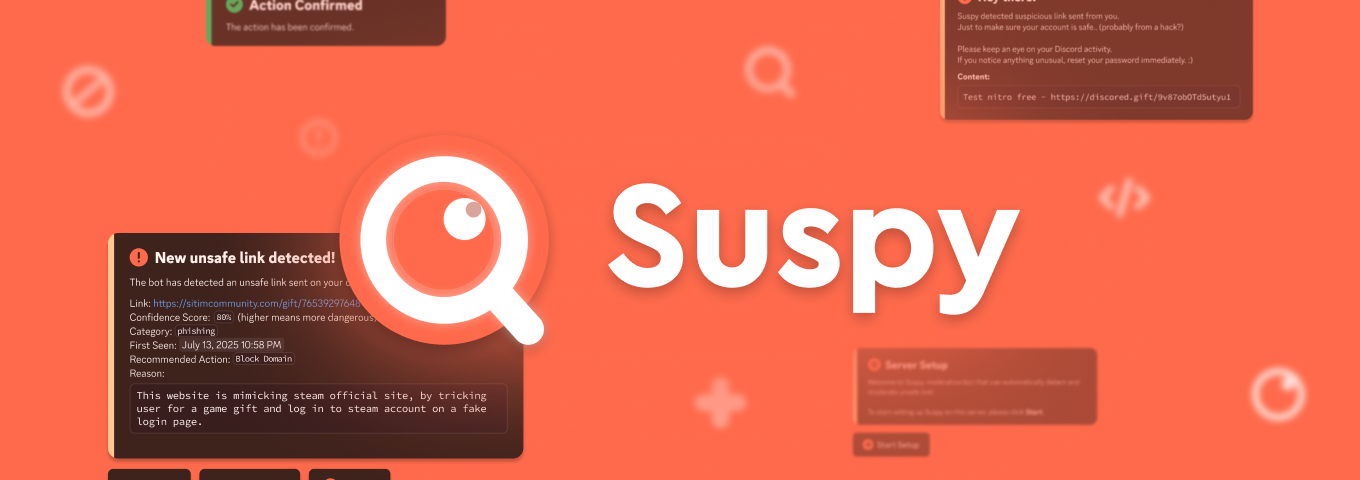
Suspy - Link moderation made easy
### ❔ What is Suspy?
Suspy is a bot for discord (and telegram soon), to help automatically scan and moderate suspicious link (like scam/phish/etc.) sent on your server, with the help of AI powered scan tool.
It can scan messages containing links sent in the server, evaluate how safe they are, and automatically moderate the message by deleting it and notifying an admin. It can also analyze new, unknown links using an AI-powered tool to detect threats in real time (using [Gemini](https://aistudio.google.com)).
## 😁 Cool, but i wanna try first!
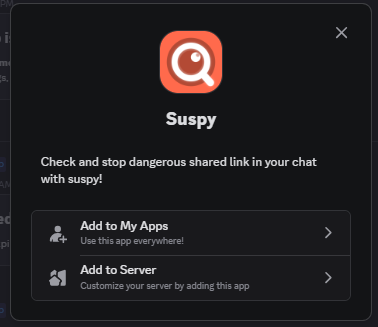
Invite the bot to your server and run `/setup` after invite,
or add to your user apps (my apps) and use `/check`:
[](https://discord.com/oauth2/authorize?client_id=1392111150807912488)
(https://discord.com/oauth2/authorize?client_id=1392111150807912488)
## 🤔 How about self host this bot myself?
Just follow this instruction to self host this project yourself, or use this button for one click deploy to railway (hosting service). If you're a Hack Club Nest member and want to set up this bot on your nest, be sure to also follow [this tutorial](https://hackclub.notion.site/converge-nest).
[](https://railway.com/deploy/jCoqjT?referralCode=2j7pjj)
### 🛠️ Requirements
- Create a Discord bot in [Developer portal](https://discord.com/developers/applications)
- Generate Gemini api key from [Google AI studio](https://aistudio.google.com/apikey)
- Spin up postgres database (You can use [Neon service](https://neon.com), [Hackclub Public Postgres](https://guides.hackclub.app/index.php/PostgreSQL) (if you're a nest member), or self-host your own postgres for this.)
- Installed [`bun`](https://bun.sh) for runtime and package manager.
### 💻 Step by step
1. Clone/download this repository (look for button "Code" on top of this repo page or run this if you have git installed.)
```bash
git clone https://github.com/realzzysan/suspy.git
```
2. Add environment variables
You can also use `.env` file on your local project. Look on file `.env.example` for instruction on what to set.
```properties
DATABASE_URL="..."
GEMINI_API_KEY="..."
...
```
3. Set up project using `bun`
This command will install dependencies, and setup database migration. (postinstall)
```bash
# Make sure to complete step 2 first before running this.
bun install
```
4. 🎉 Run the bot (yay!)
```bash
bun start
```
## Contributions
Contributions are welcome!
Feel free to open issues or pull requests to add features, fix bugs, or improve the project!
## References
- [Gemini](https://aistudio.google.com) - AI Provider for this project
- [Drizzle](https://orm.drizzle.team) - Database ORM
- [Bun](https://bun.sh) - JavaScript Runtime