
The visual documentation MCP server.
Terminal · Code · Browser · Markdown · Diff · HTML · PDF · GIF
For documentation workflows — when structured snapshots aren't enough.


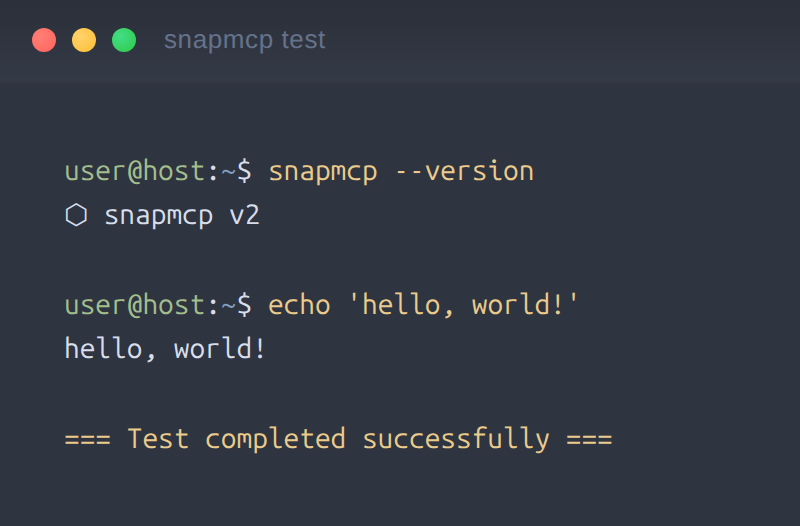 |
| Code (Shiki syntax) |
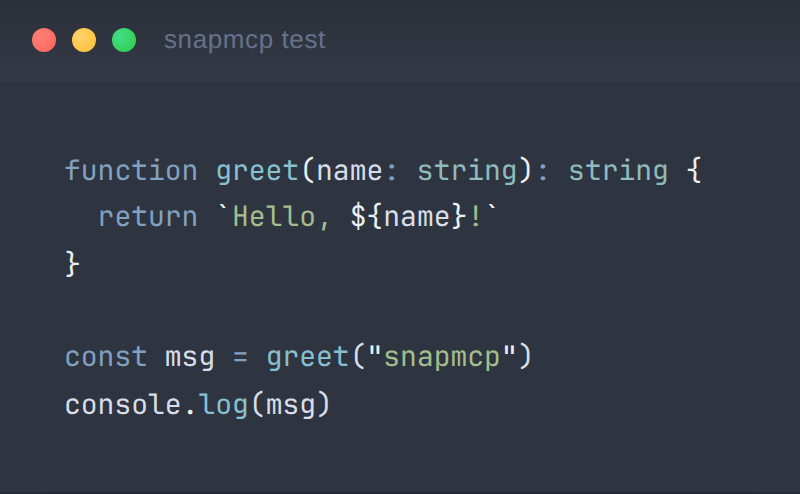 |
| Diff (green/red) |
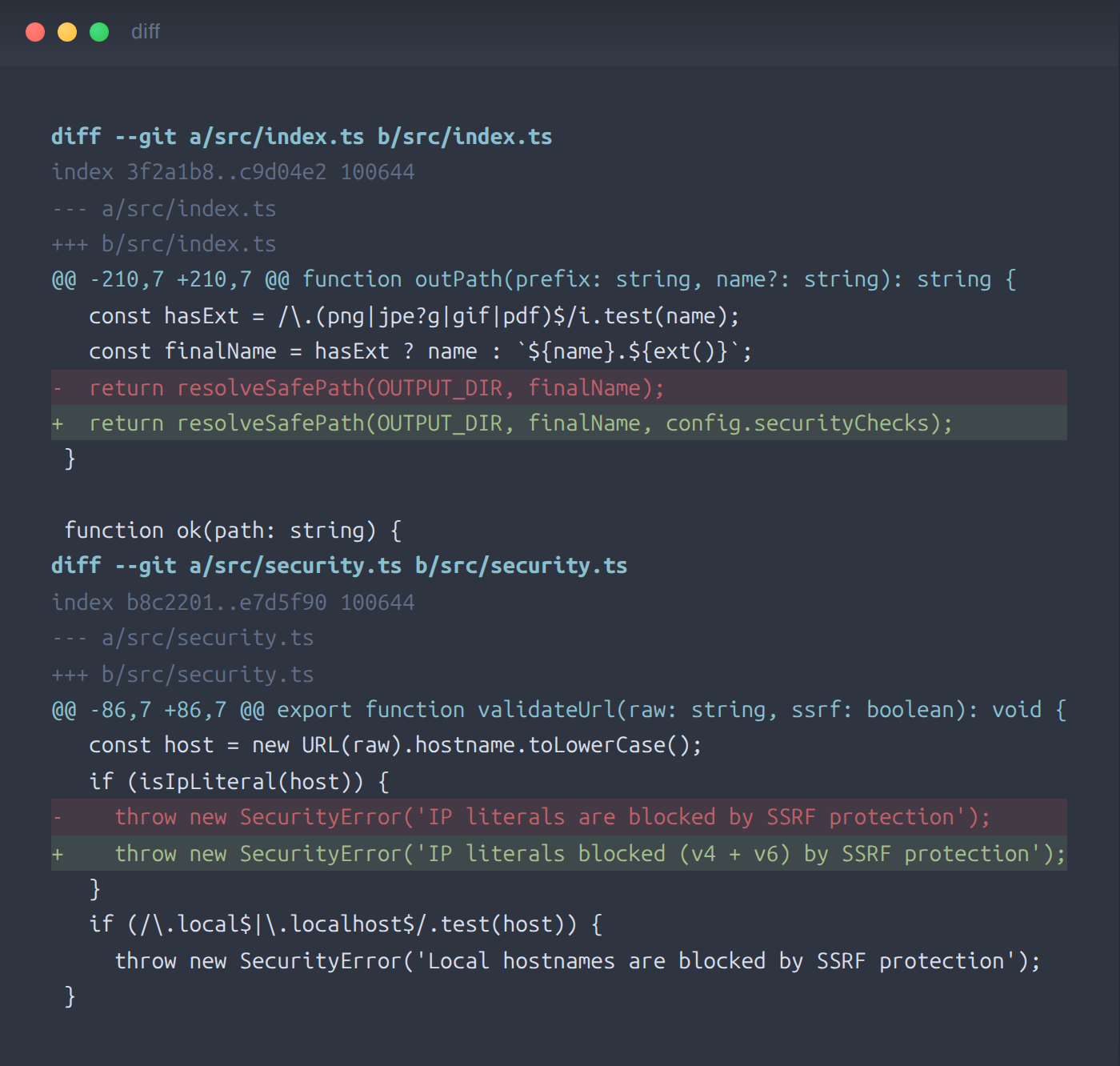 |
## Why snapmcp vs Playwright MCP
Different tools for different jobs. Playwright MCP drives a browser through token-efficient accessibility snapshots; snapmcp renders pixel-faithful images for humans to read. If your agent needs to *click*, use Playwright. If it needs to *show*, use snapmcp.
| Use case | snapmcp | Playwright MCP |
|----------|:-------:|:--------------:|
| Terminal capture with real colors | ✅ auto-detects Kitty, Gnome, Alacritty, WezTerm themes | ❌ no terminal support |
| Code → syntax-highlighted image | ✅ Shiki, 50+ languages, 27 themes | ❌ not its purpose |
| Git diff → visual red/green image | ✅ `capture_diff` | ❌ |
| URL → PDF document | ✅ `capture_pdf` | ❌ |
| Animated GIF from captures | ✅ `capture_gif` (zero-dep gifenc) | ❌ |
| Markdown → styled document | ✅ `capture_markdown`, `capture_document` | ❌ |
| Browser page screenshot | ✅ `capture_browser` (full-page or viewport) | ✅ |
| Browser **automation** (click, fill, navigate) | ❌ screenshots only | ✅ accessibility-tree driven, token-efficient — the right tool for this |
Most documentation pipelines pair them: Playwright MCP to *interact*, snapmcp to *document*.
## Tools
| Tool | Description |
|------|-------------|
| `capture_terminal` | Terminal output with syntax-colored prompts (auto-detects real terminal theme) |
| `capture_code` | Syntax-highlighted code via Shiki (50+ languages, 27 themes) |
| `capture_browser` | Full-page or viewport screenshots (uses system Chrome profile when available) |
| `capture_file` | File → auto-detected language → highlighted screenshot |
| `capture_markdown` | Rendered markdown as a styled document |
| `capture_html` | Arbitrary HTML snippet rendered as image |
| `capture_diff` | Git diffs with green additions / red deletions |
| `capture_pdf` | URL → PDF document |
| `capture_batch` | Batch capture multiple items in one call |
| `capture_gif` | Animated GIF from multiple screenshots |
| `capture_sequence` | Side-by-side animated sequence |
| `capture_document` | Create document (MD/HTML/PDF) with embedded captures |
| `snapmcp-hint` | Server capability hints for MCP clients |
## Use cases
**Automated documentation** — an agent writes a setup guide and embeds real captures: the terminal output of the install command (with your actual theme), the config file syntax-highlighted, the diff of the migration. One prompt, three `capture_*` calls, images saved next to the markdown.
**Visual QA** — after a UI change, the agent captures the affected pages with `capture_browser`, batches before/after with `capture_batch`, and assembles an animated comparison with `capture_gif` for the PR description.
**Terminal guides** — CLI tutorials where the screenshots must match what readers will see: `capture_terminal` reproduces the real prompt colors instead of a generic dark rectangle.
## Security
SSRF protection is **on by default** — no opt-in required.
| Feature | Description |
|---------|-------------|
| **SSRF Protection** | On by default (disable with `SNAPMCP_SSRF_PROTECTION=false`). Blocks IP literals (v4 + v6), localhost variants, and DNS names that resolve to private ranges (`127.0.0.0/8`, `10.0.0.0/8`, `172.16.0.0/12`, `192.168.0.0/16`, `fc00::/7`, `fe80::/10`, etc.); every page request (redirects included) is re-checked |
| **File Allowlist** | `SNAPMCP_ALLOWED_PATHS` defaults to deny-all when unset; only explicitly allowed paths can be captured |
| **Path Traversal** | Prevents `../` escapes, symlink traversal (via realpath), and null byte injection |
| **Input Limits** | Terminal 1000 lines; code/markdown/HTML 200KB; diff 500KB; file reads 5MB; max GIF frames 60; max GIF canvas 8192×8192 |
| **Audit Log** | Optional structured JSON log file with timestamped events |
| **Chromium Sandbox** | Sandbox availability checked at startup |
## Configuration
Environment variables for the MCP server:
| Variable | Default | Description |
|----------|---------|-------------|
| `SNAPMCP_DIR` | `./captures` | Output directory for captures |
| `SNAPMCP_THEME` | auto-detected | Syntax theme (27 built-in themes + auto-detected terminal) |
| `SNAPMCP_FORMAT` | `png` | Output format (`png`, `jpeg`) |
| `SNAPMCP_QUALITY` | `90` | JPEG quality (1-100) |
| `SNAPMCP_PADDING` | `32` | Content padding in pixels |
| `SNAPMCP_SHADOW` | `none` | Drop shadow (`none`, `soft`, `medium`, `strong`; aliases `sm`/`md`/`lg`) |
| `SNAPMCP_WINDOW_CHROME` | `false` | macOS-style title bar frame |
| `SNAPMCP_BORDER_RADIUS` | `0` | Window corner radius |
| `SNAPMCP_BADGE` | `false` | Footer badge |
| `SNAPMCP_LOG_FILE` | — | Audit log file path |
| `SNAPMCP_CHROME_EXECUTABLE` | — | Path to Chrome/Chromium binary |
| `SNAPMCP_CHROME_CHANNEL` | — | Chrome channel (`stable`, `beta`, `dev`, `canary`) |
| `SNAPMCP_CHROME_PROFILE` | — | Chrome profile directory name |
| `SNAPMCP_ALLOWED_PATHS` | (deny-all) | Comma- or semicolon-separated allowed file paths for `capture_file` |
27 built-in Shiki themes: `dracula`, `one-dark-pro`, `nord`, `tokyo-night`, `catppuccin-mocha`, `catppuccin-latte`, `ayu-dark`, `ayu-light`, `vitesse-dark`, `vitesse-light`, `min-dark`, `min-light`, `poimandres`, `rose-pine`, `rose-pine-moon`, `rose-pine-dawn`, `slack-dark`, `slack-ochin`, `snazzy-light`, `github-dark-dimmed`, `github-light`, `one-light`, `solarized-light`, `solarized-dark`, `material-theme`, `material-theme-lighter`, `material-theme-ocean`
## CLI
SnapMCP ships with a full CLI beyond the MCP server:
```
snapmcp — Start the MCP server
snapmcp init — Interactive setup wizard (detects Chrome, terminal theme, output dir)
snapmcp doctor — Health check: 7 checks across Node, Chromium, paths, env
snapmcp test — Generate test captures (terminal + code) to verify the setup
```
## Documentation
| Page | Contents |
|------|----------|
| [Getting Started](docs/getting-started.md) | Installation, quick start, MCP client setup |
| [Tools Reference](docs/tools.md) | All 13 tools with parameters and examples |
| [Configuration](docs/configuration.md) | All SNAPMCP_* env vars, themes, defaults |
| [CLI Reference](docs/cli.md) | Init, doctor, test commands |
| [Guides](docs/guides/) | Terminal capture, browser capture, GIF animation |
| [ARCHITECTURE.md](./ARCHITECTURE.md) | Module map, data flow, security architecture |
| [CONTRIBUTING.md](./CONTRIBUTING.md) | Dev workflow, testing guidelines, PR checklist |
## Development
```bash
git clone https://github.com/reeinharddd/snapmcp
cd snapmcp
bun install
bun run build # tsc → dist/
bun test # 317 tests
```
Requirements: Node.js ≥ 20 or Bun ≥ 1.2. CI runs on ubuntu / macOS / windows via GitHub Actions.
## License
MIT — see [LICENSE](./LICENSE).