# planet-movement
The `movement.py` Python module enables the searching and processing of [Planet](https://www.planet.com/) imagery to highlight object movement between valid image pairs. Included are functions for filtering Planet API search results to identify image pairs, and for processing images into visual outputs.
## Methodology
Change detection algorithms are commonly used in remote sensing imagery analysis to help identify the differences between two images collected over the same geographic area at different times.
Planet's constellation of small satellites is able to image the earth every day, making daily change detection possible for most of the globe. This collection strategy also provides an unique opportunity for change detection on a much shorter time scale.
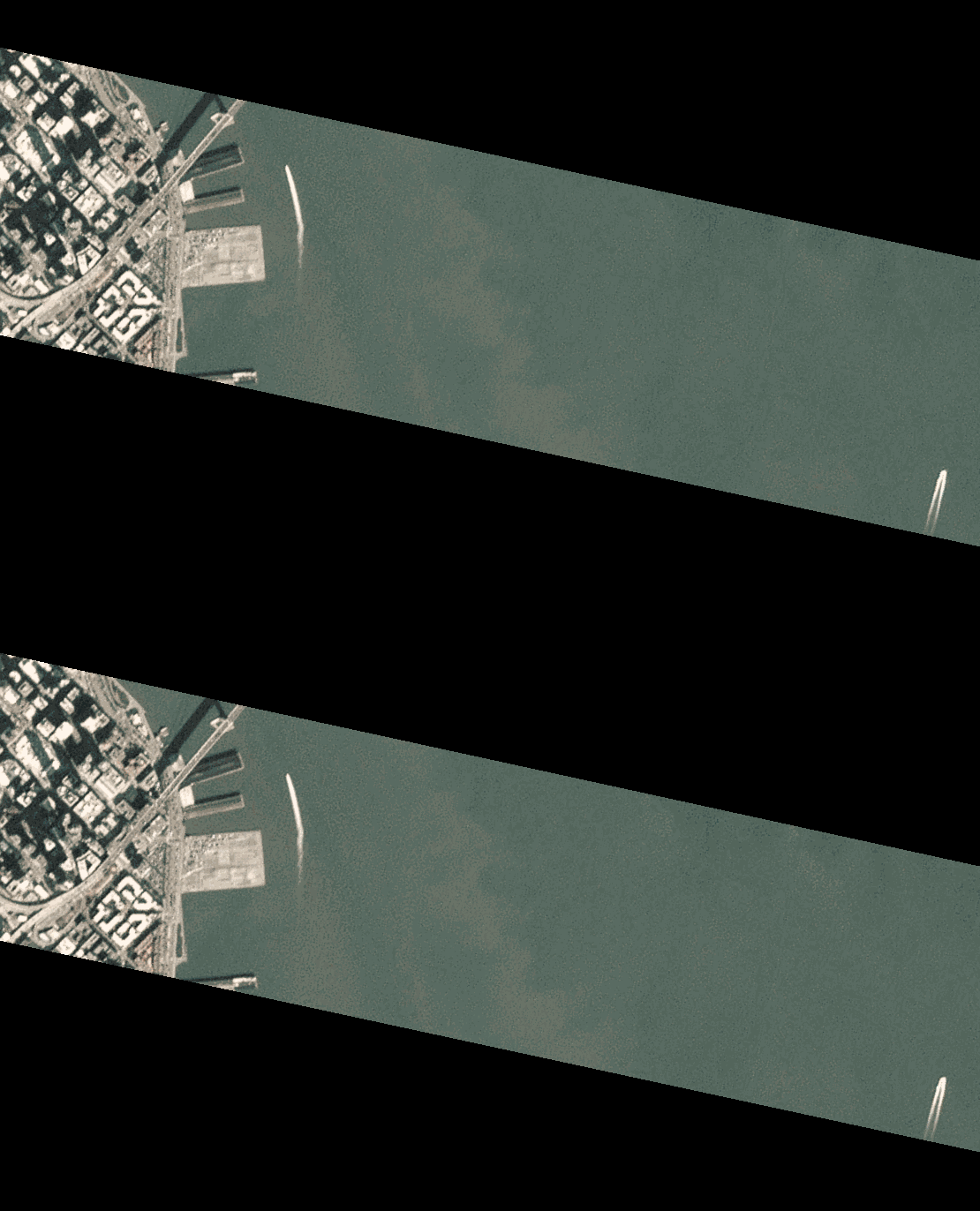
Image frames collected during each satellite flight scan contain a small amount of geographic overlap with the previous frame in the scan. Frames are collected less than two seconds apart, so a comparison of these overlapping regions makes rapid change detection possible.
An example of this overlap between Time 1 and Time 2 images is shown below.
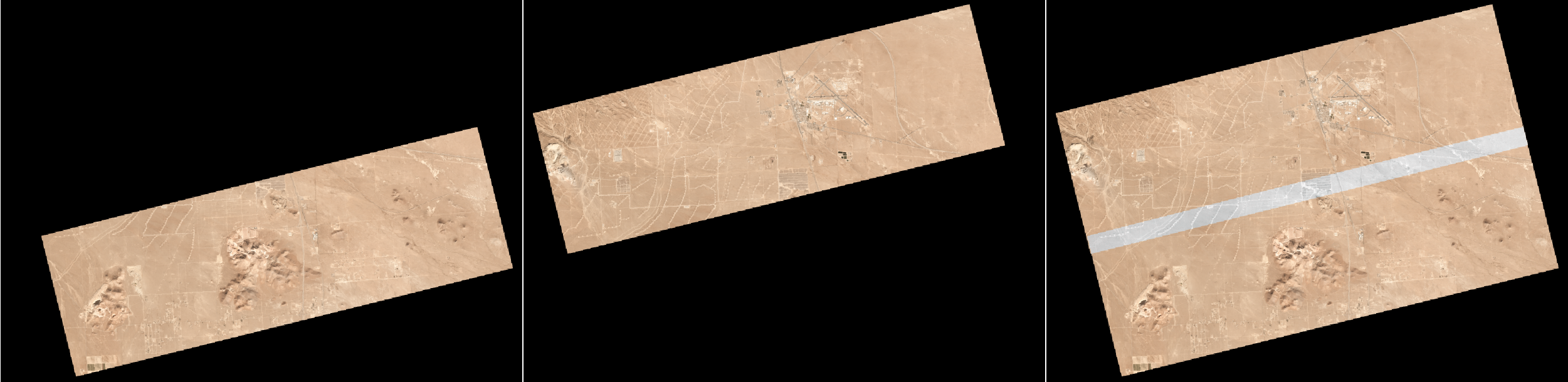
On this short time scale, any differences observed in this overlap are largely due to the physical displacement of moving objects on the groud. The `movement.py` module can be used to search and process the overlapping regions of these image pairs to highlight this change.
## Setup
```bash
# Clone this repository
git clone https://github.com/rhammell/planet-movement.git
# Go into the repository
cd planet-movement
# Install required modules
pip install -r requirements.txt
```
## Image Pairs
Images are determined to be a valid pair if they have:
1. Equal `satellite_id` values
2. Equal `strip_id` values
3. Difference in `acquired` values less than 2
4. Overlapping image geometry
The `find_pairs()` function filters Planet API search results to return a list of image pairs. Each pair is contained in a two element tuple, where each image is represented as a Planet API image reference.
```python
# Python 3
from planet import api
import movement
# Planet API client
client = api.ClientV1()
# Point of interest
poi = {
"type": "Point",
"coordinates": [-122.38640785217285, 37.61647504351534]
}
# Geometry filter
query = api.filters.and_filter(
api.filters.geom_filter(poi)
)
# Build search request
item_types = ['PSScene3Band']
request = api.filters.build_search_request(query, item_types)
# Perform quick search
results = client.quick_search(request)
# Find image pairs within search results
pairs = movement.find_pairs(results)
print('Pairs found: ', len(pairs))
for pair in pairs:
print(pair[0]['id'], pair[1]['id'])
```
Results from this filtering can be downloaded using standard Planet API methods.
```python
from planet.api import downloader
# Planet API Downloader
dl = downloader.create(client)
# Download first pair
dl.download(iter(pairs[0]), ["visual"], r"C:/destination/folder")
```
## Processing
The `process_pairs()` function creates new visual outputs from an input image pair.
```python
movement.process_pair(r"C:/path/to/image1.tif", r"C:/path/to/image2.tif")
```
The overlapping region of the pair is cropped out from each image and combined into a GIF animation (.gif) and a Color Multi-view (CMV) (.tif).
### GIF Outputs
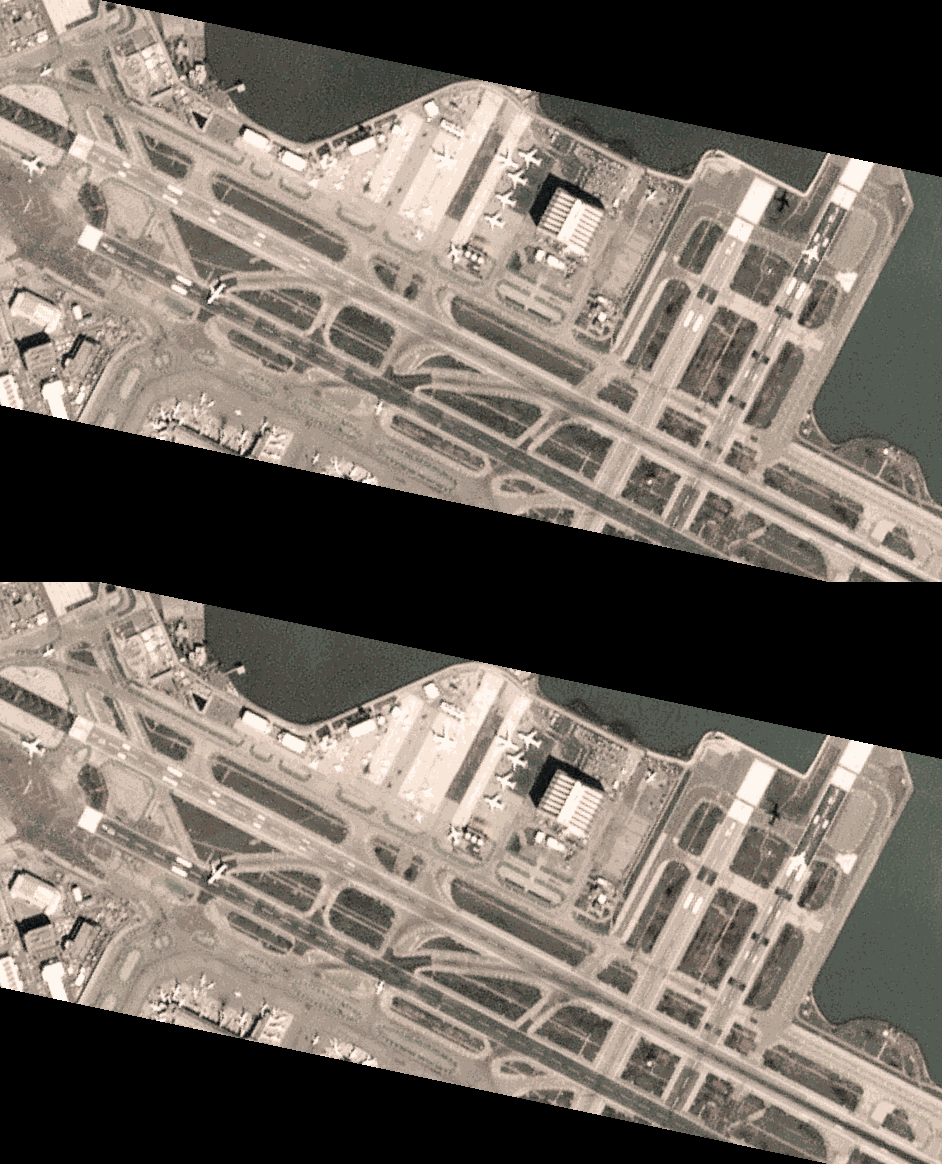
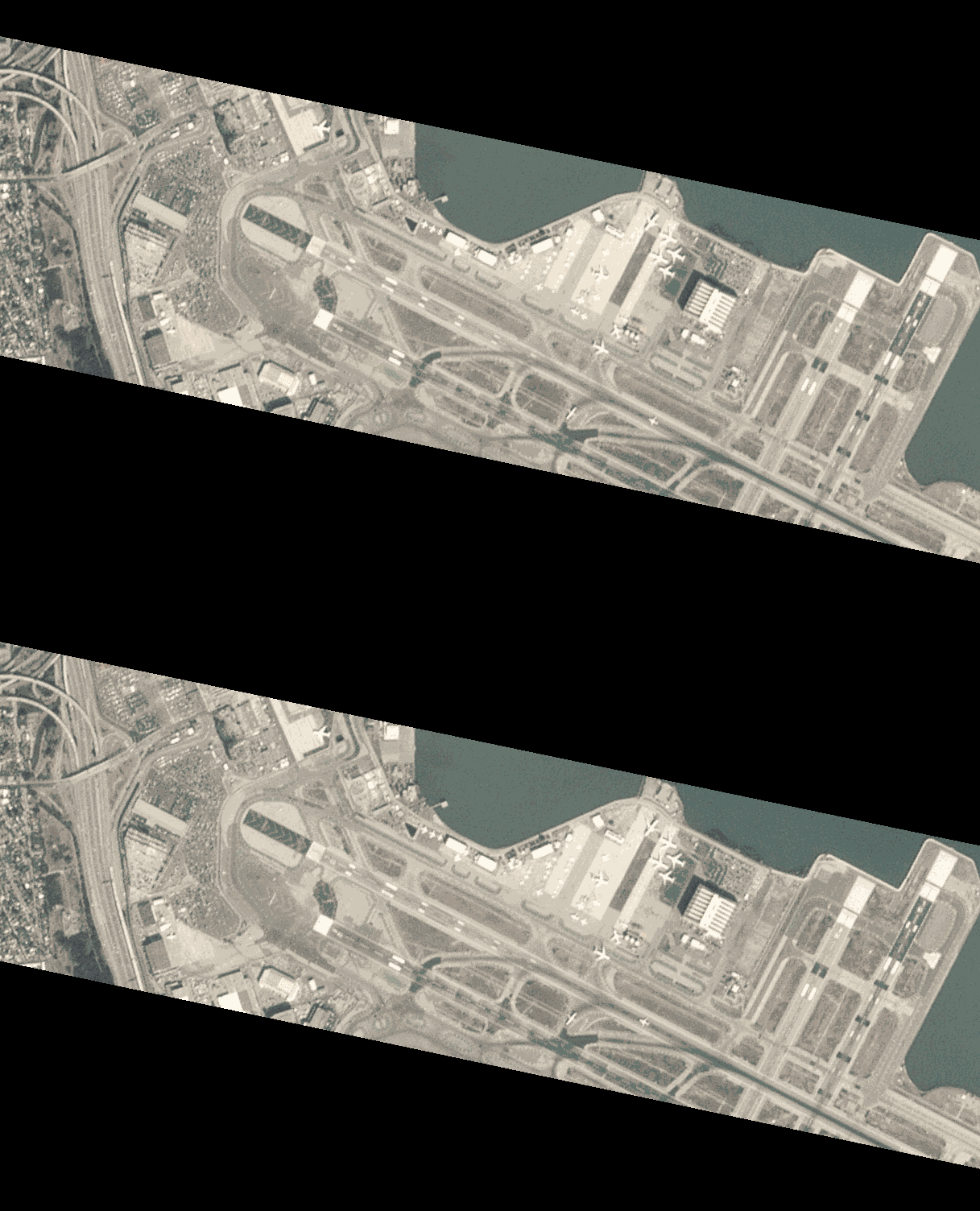
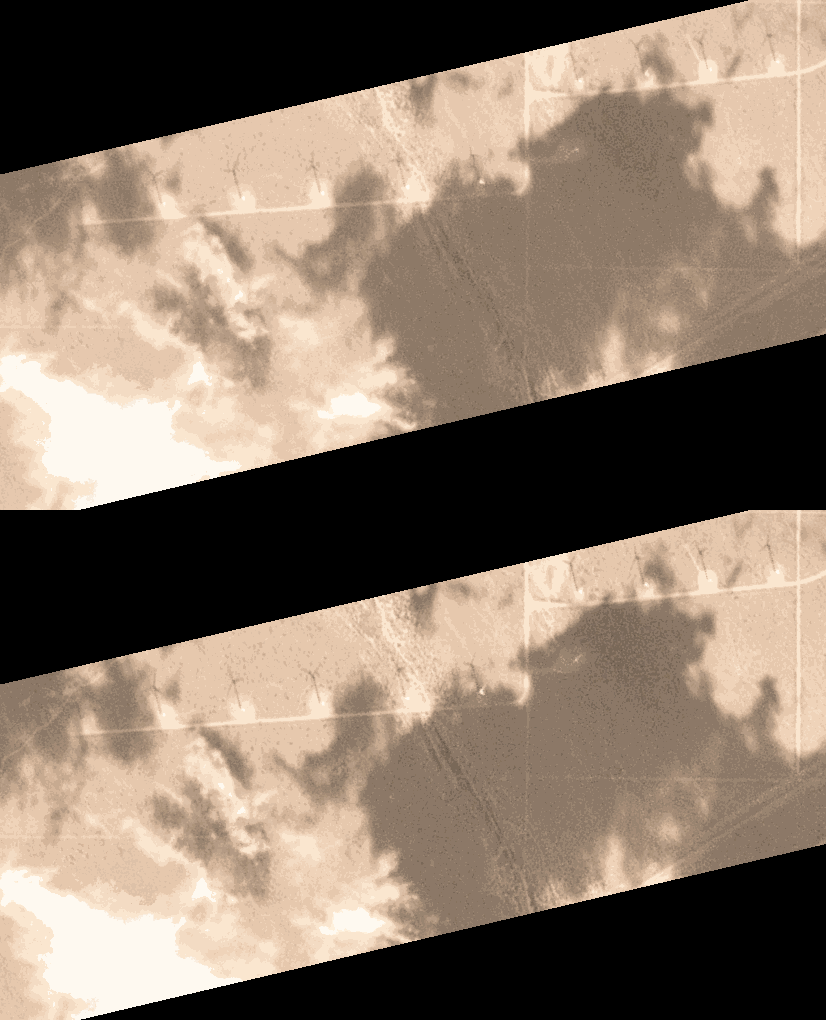
The GIF animation flickers between both images every half second and allows for easy visual comparison between the two images. Examples are shown below.
### CMV Outputs
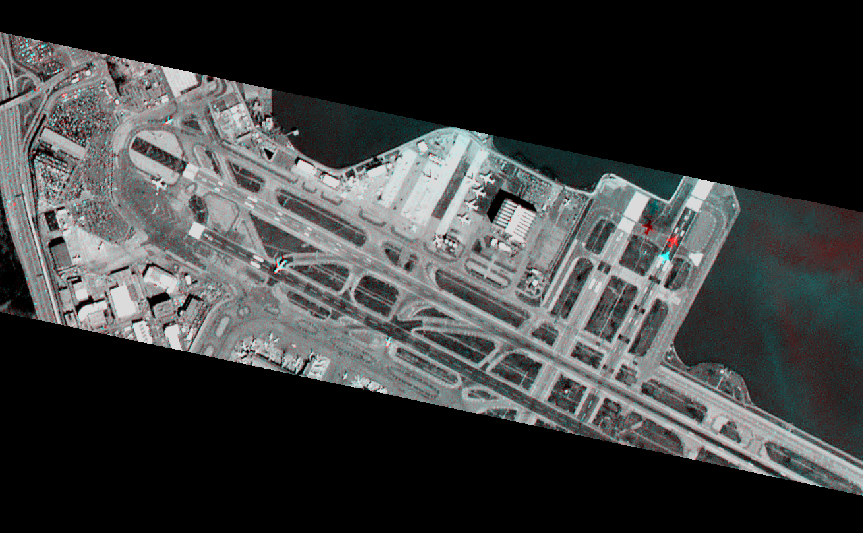
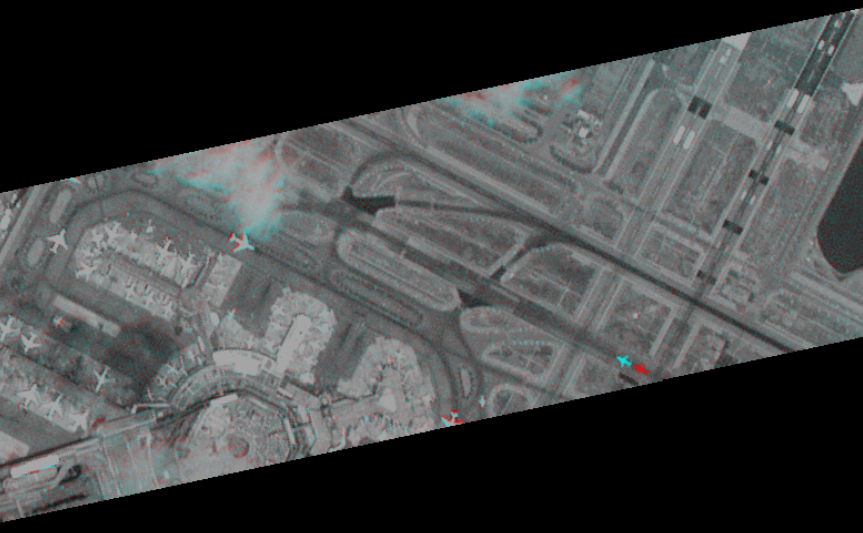
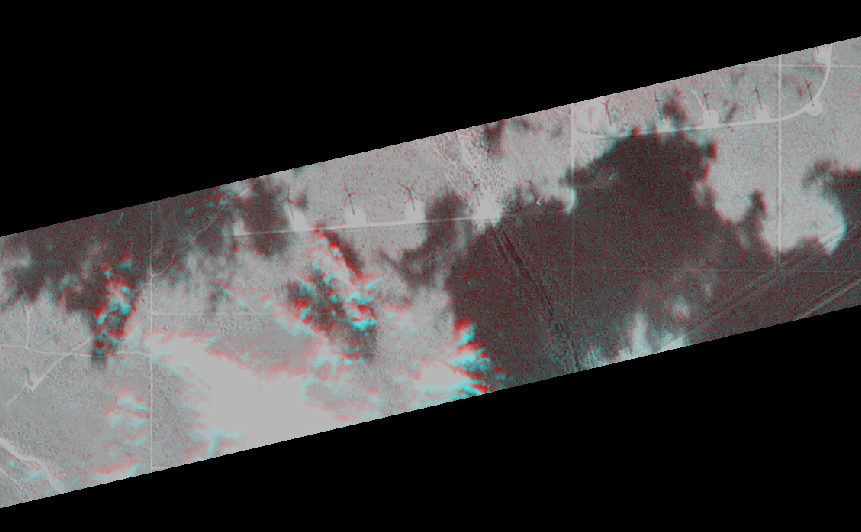
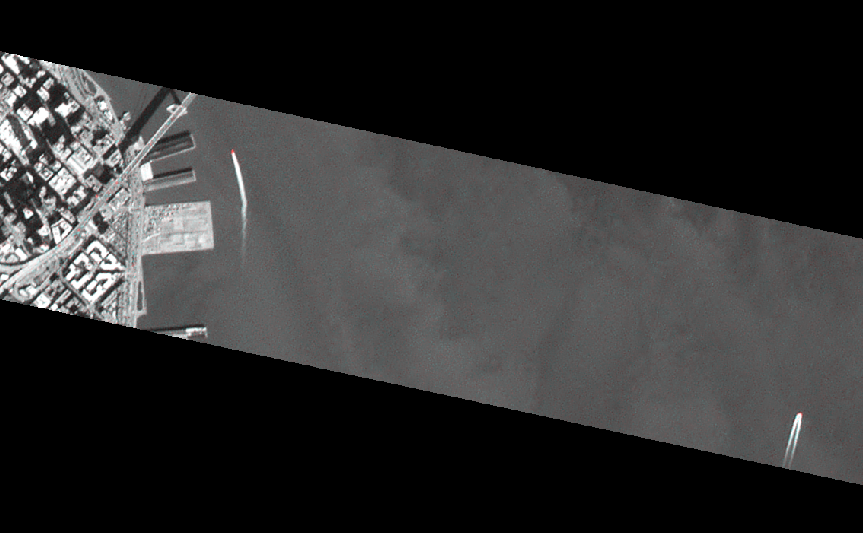
The CMV is a three band image, where the band 1 contains the first input image, converted to a single-band luminance image, and bands 2 & 3 contain the sencond image, converted to a single-band luminance image. Areas of change between the input images show as either red or blue, while unchanged areas remain grayscale.
Spatial reference data is retained in the .tif image, which allows for distance measurements to be made. By measuring the displacement of objects in the scene, and the time between the two images, it becomes possible to calculate the speed of objects movement on the ground.
Examples are shown below.