
A modern, easy-to-use, and feature-rich keyboard firmware written in Rust.




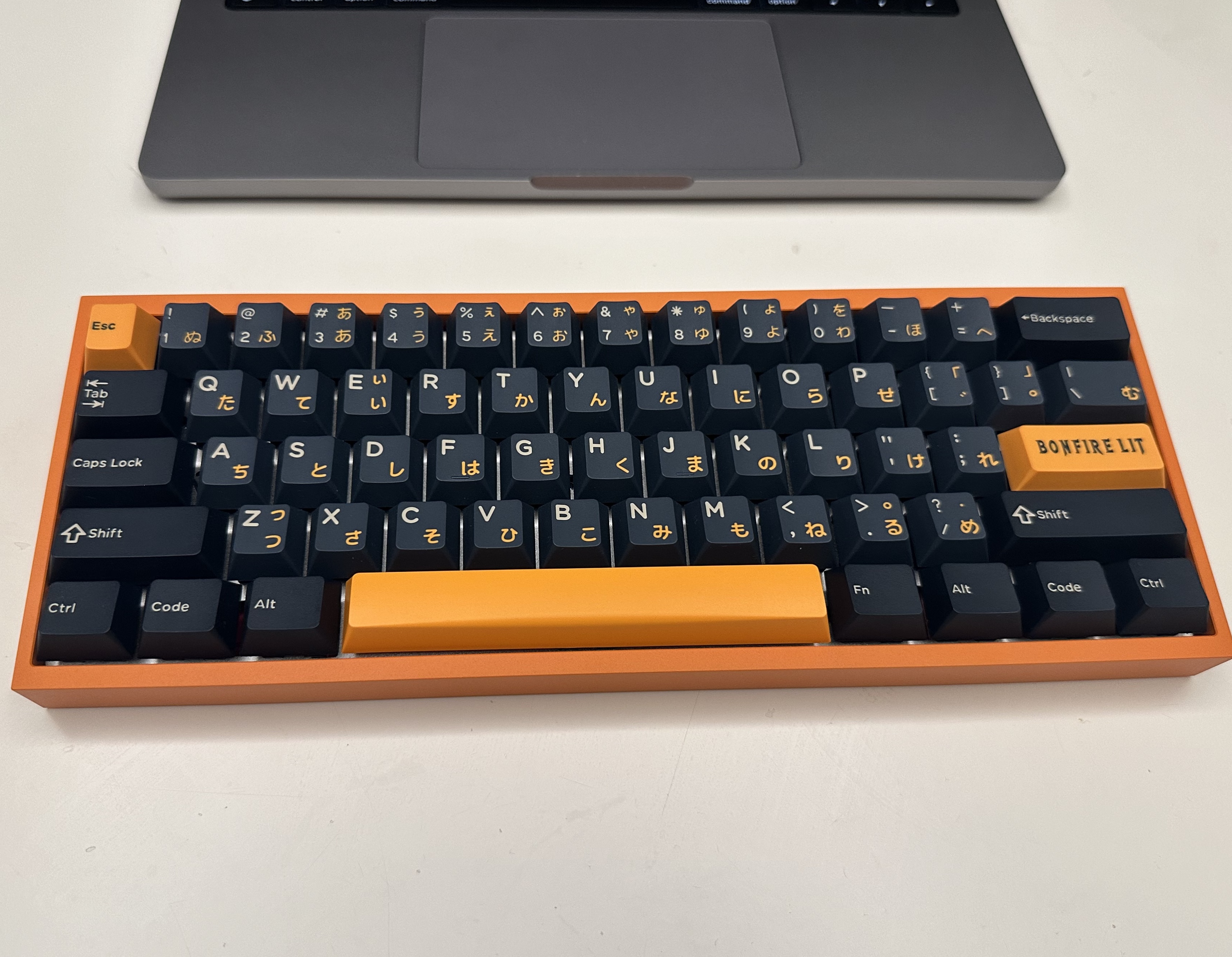 |
| 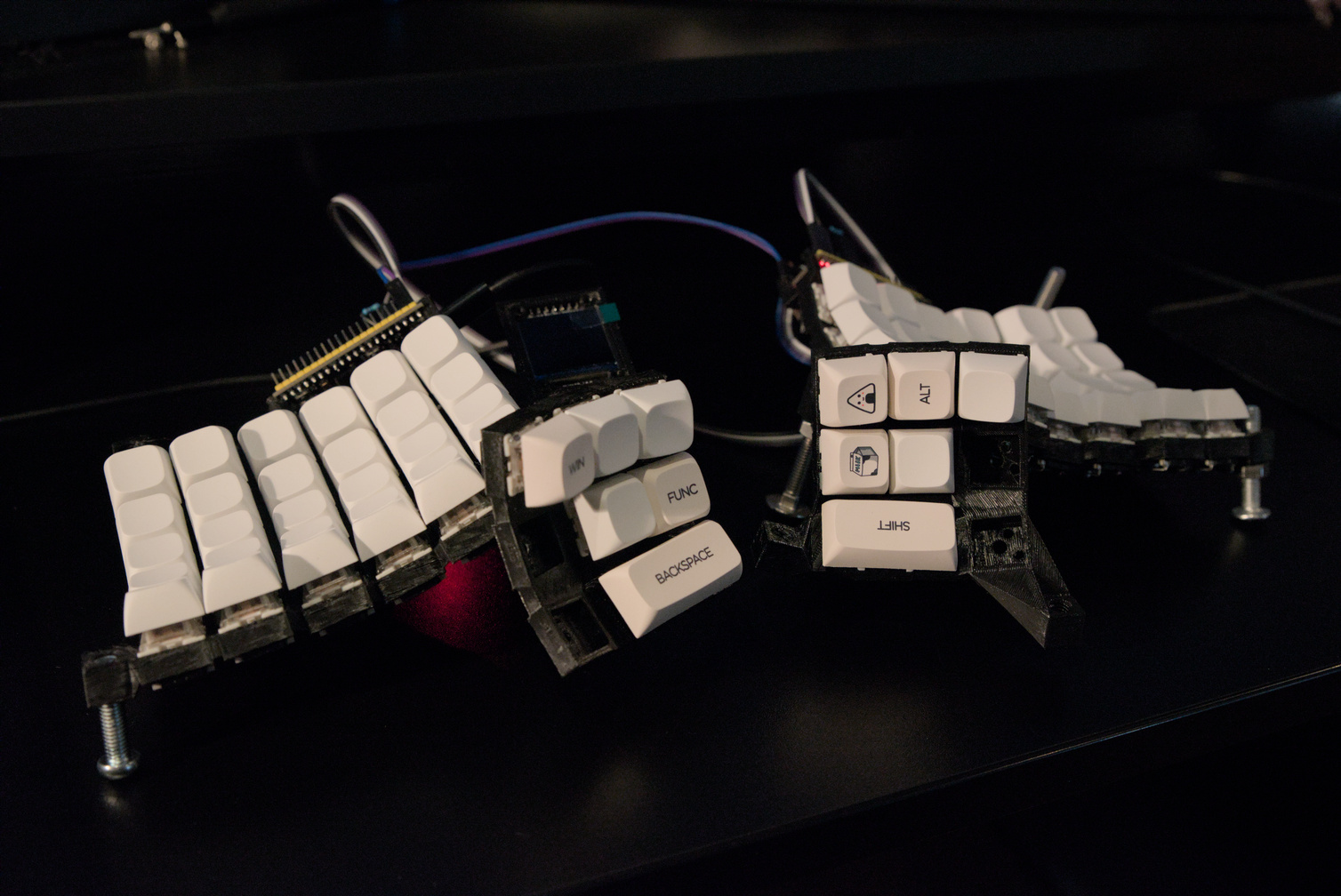 |
| 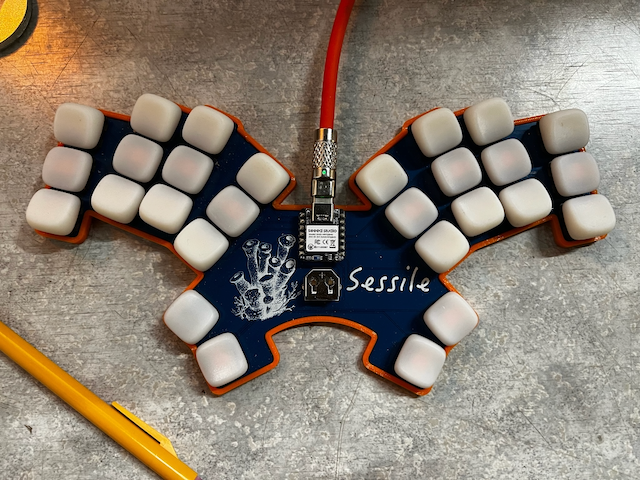 |
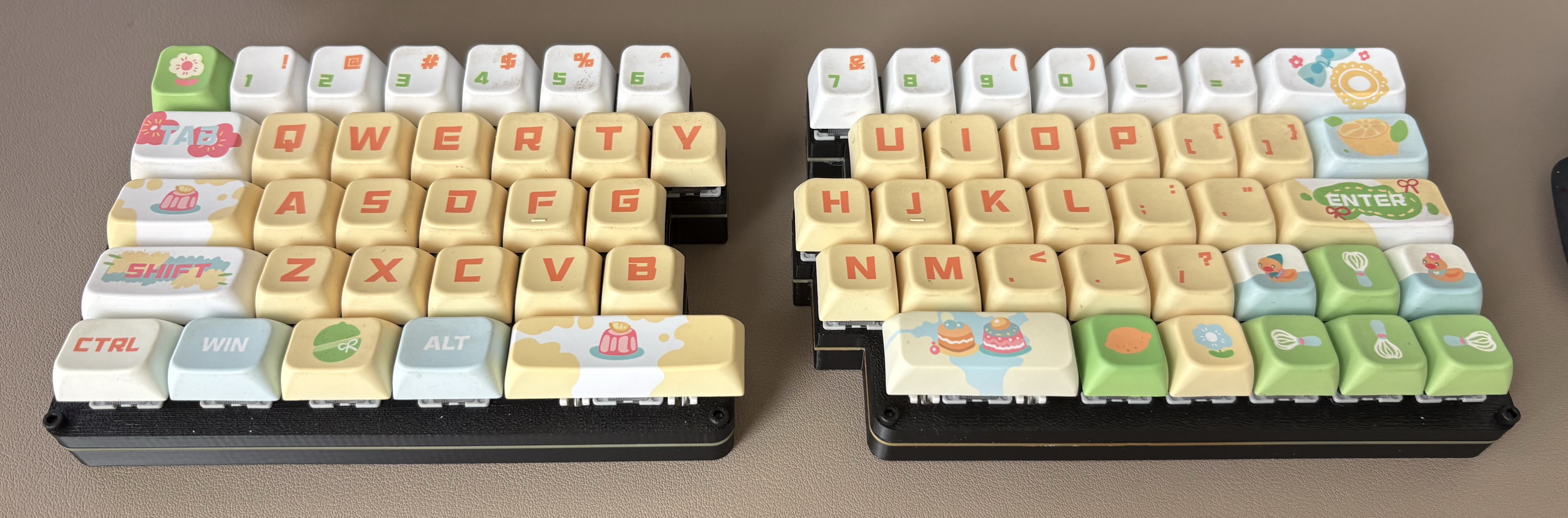
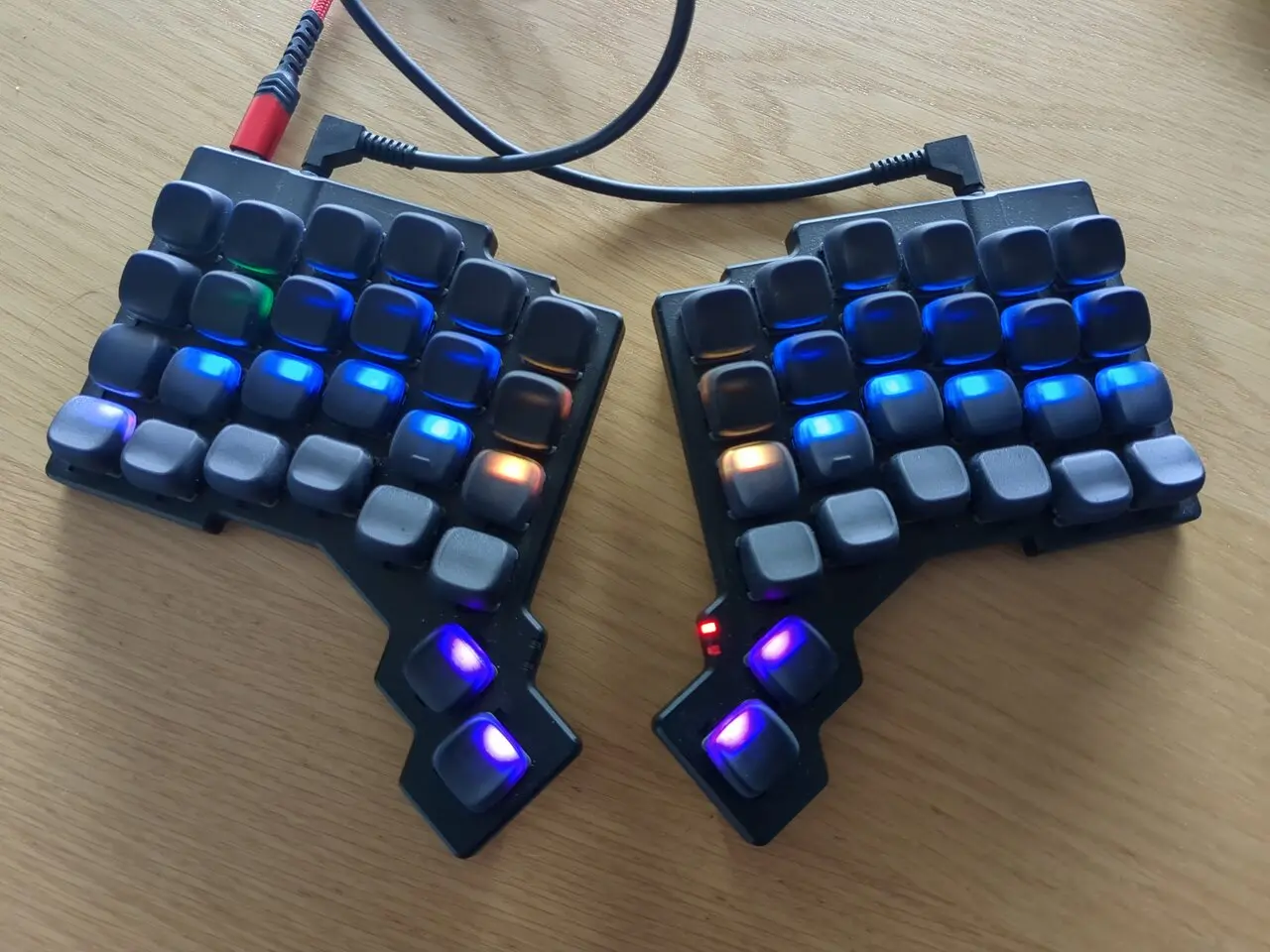
| [Urchin](https://github.com/TimoBbz/urchin-rmk-firmware) | [zx66](https://github.com/zongxin1993/zx66-keybord) | [rmk-zsa-voyager](https://github.com/jpds/rmk-zsa-voyager) |
| --- | --- | --- |
|
|
| [Urchin](https://github.com/TimoBbz/urchin-rmk-firmware) | [zx66](https://github.com/zongxin1993/zx66-keybord) | [rmk-zsa-voyager](https://github.com/jpds/rmk-zsa-voyager) |
| --- | --- | --- |
| 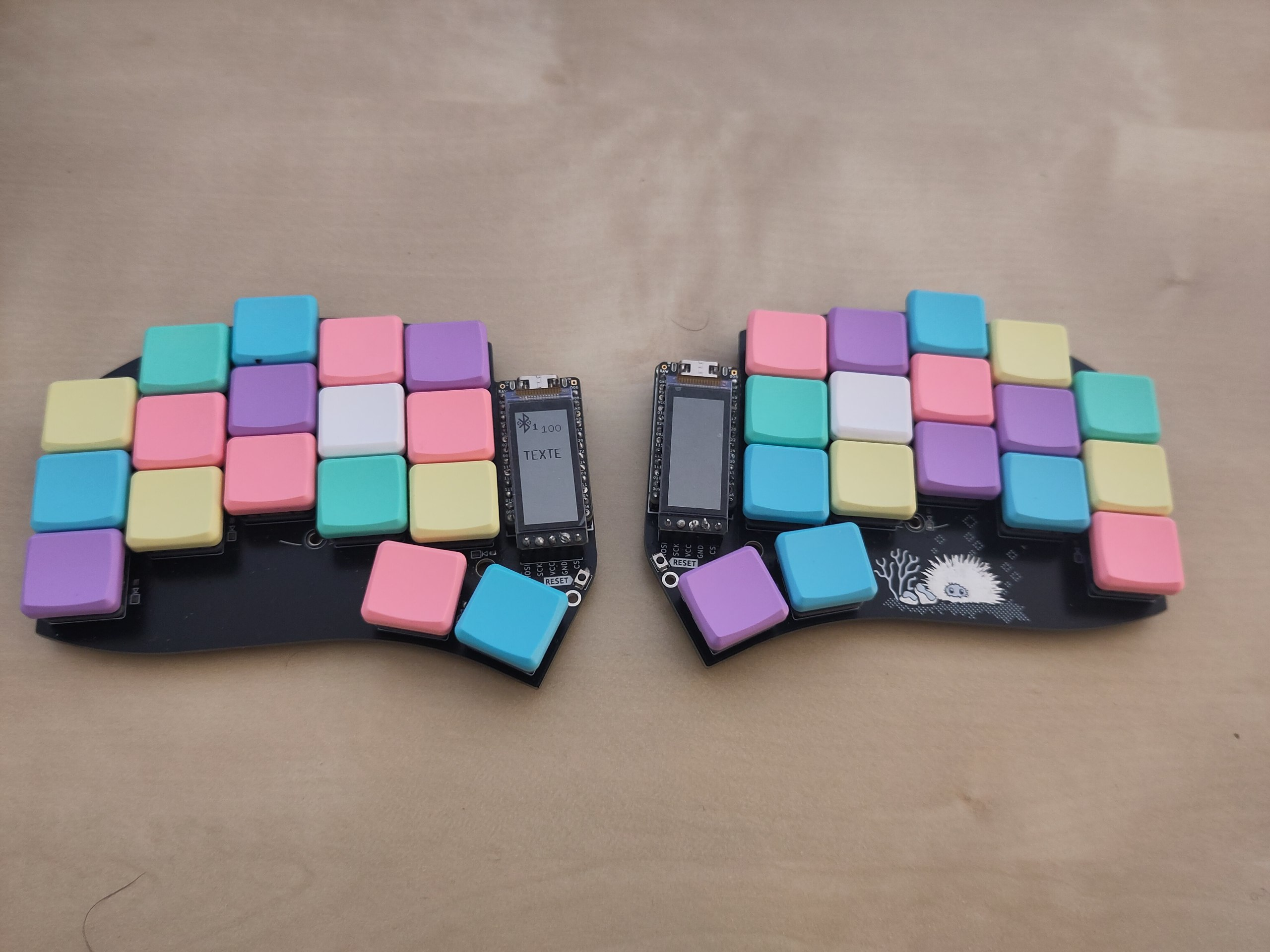 |
|  |
|  |
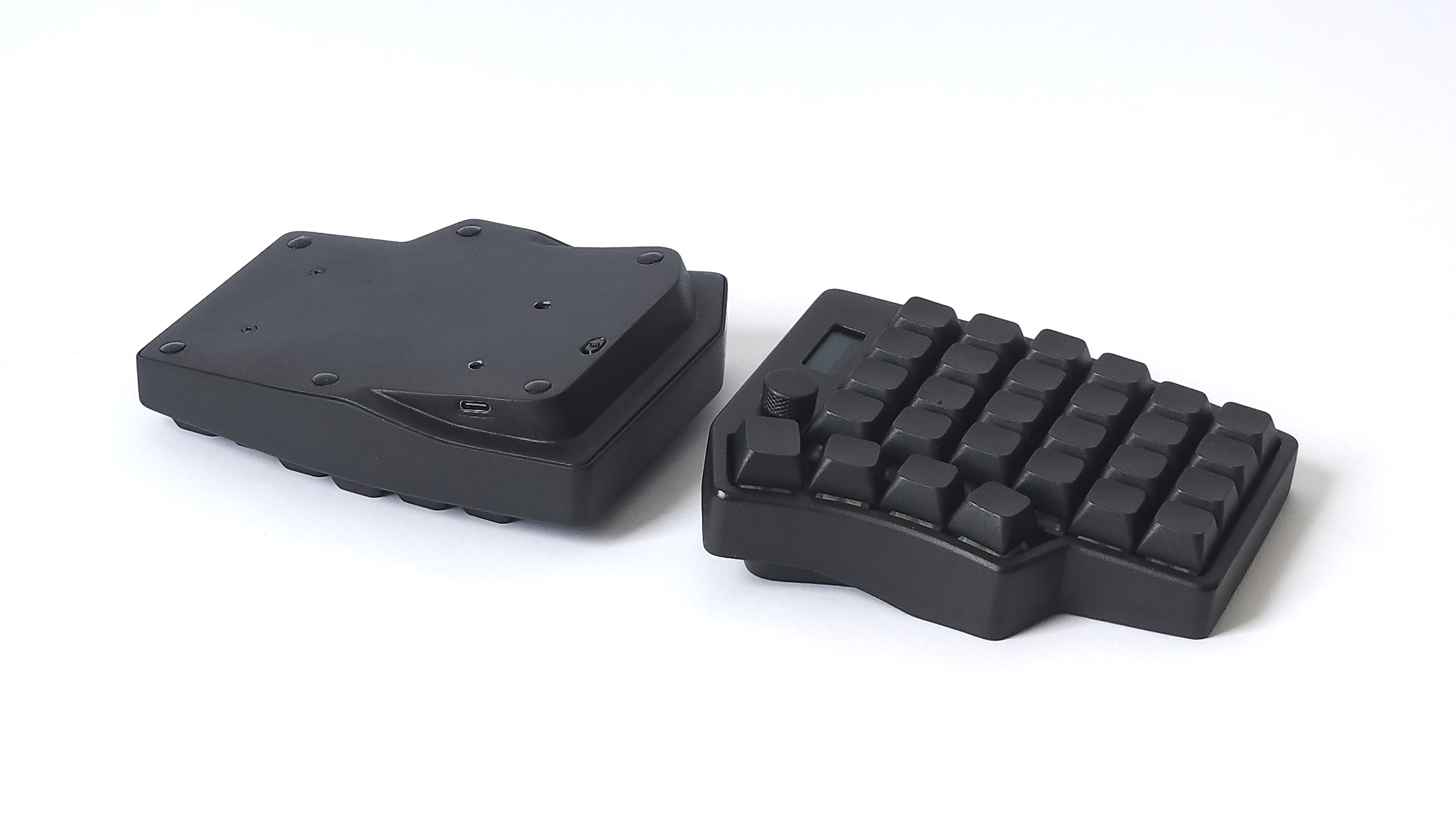
| [Lunakbd](https://github.com/gbPagano/lunakbd) |
| --- |
|
|
| [Lunakbd](https://github.com/gbPagano/lunakbd) |
| --- |
|  |
## Getting Started
### Option 1: Start with a Template
Quickly bootstrap your project using [rmkit](https://github.com/rmk-rs/rmkit) and the official RMK [project template](https://github.com/rmk-rs/rmk-template).
```shell
cargo install rmkit flip-link
# If you encounter installation issues on Windows, try this alternative command:
# powershell -ExecutionPolicy ByPass -c "irm https://github.com/rmk-rs/rmkit/releases/latest/download/rmkit-installer.ps1 | iex"
rmkit init
```
For comprehensive guidance, refer to the [User Guide](https://rmk.rs/docs/user_guide/guide_overview).
### Option 2: Explore Built-in Examples
Browse the examples in the [`examples`](https://github.com/rmk-rs/rmk/tree/main/examples) directory. Below are step-by-step instructions for rp2040 development. The process is similar for other microcontrollers when using a debug probe.
#### rp2040 Setup
1. Install [probe-rs](https://github.com/probe-rs/probe-rs)
```shell
curl --proto '=https' --tlsv1.2 -LsSf https://github.com/probe-rs/probe-rs/releases/latest/download/probe-rs-tools-installer.sh | sh
```
2. Build the firmware
```shell
cd examples/use_rust/rp2040
cargo build --release
```
3. Flash using a debug probe
With a debug probe connected to your rp2040 board, simply run:
```shell
cd examples/use_rust/rp2040
cargo run --release
```
4. (Optional) Flash via USB
Without a debug probe, you can use `elf2uf2-rs` to flash via USB:
1. Install the tool: `cargo install elf2uf2-rs`
2. Modify `examples/use_rust/rp2040/.cargo/config.toml` to use `elf2uf2`:
```diff
- runner = "probe-rs run --chip RP2040"
+ runner = "elf2uf2-rs -d"
```
3. Connect your rp2040 board while holding the BOOTSEL button until the USB drive appears
4. Flash the firmware:
```shell
cd examples/use_rust/rp2040
cargo run --release
```
Upon successful completion, you'll see output similar to:
```shell
Finished release [optimized + debuginfo] target(s) in 0.21s
Running `elf2uf2-rs -d 'target\thumbv6m-none-eabi\release\rmk-rp2040'`
Found pico uf2 disk G:\
Transfering program to pico
173.00 KB / 173.00 KB [=======================] 100.00 % 193.64 KB/s
```
## [Development Roadmap](https://rmk.rs/docs/development/roadmap)
Current roadmap of RMK can be found [here](https://rmk.rs/docs/development/roadmap).
## Minimum Supported Rust Version (MSRV)
RMK is developed against the latest stable Rust release. While other versions may work, they are not fully tested.
## License
RMK is licensed under either of
- Apache License, Version 2.0 (LICENSE-APACHE or
|
## Getting Started
### Option 1: Start with a Template
Quickly bootstrap your project using [rmkit](https://github.com/rmk-rs/rmkit) and the official RMK [project template](https://github.com/rmk-rs/rmk-template).
```shell
cargo install rmkit flip-link
# If you encounter installation issues on Windows, try this alternative command:
# powershell -ExecutionPolicy ByPass -c "irm https://github.com/rmk-rs/rmkit/releases/latest/download/rmkit-installer.ps1 | iex"
rmkit init
```
For comprehensive guidance, refer to the [User Guide](https://rmk.rs/docs/user_guide/guide_overview).
### Option 2: Explore Built-in Examples
Browse the examples in the [`examples`](https://github.com/rmk-rs/rmk/tree/main/examples) directory. Below are step-by-step instructions for rp2040 development. The process is similar for other microcontrollers when using a debug probe.
#### rp2040 Setup
1. Install [probe-rs](https://github.com/probe-rs/probe-rs)
```shell
curl --proto '=https' --tlsv1.2 -LsSf https://github.com/probe-rs/probe-rs/releases/latest/download/probe-rs-tools-installer.sh | sh
```
2. Build the firmware
```shell
cd examples/use_rust/rp2040
cargo build --release
```
3. Flash using a debug probe
With a debug probe connected to your rp2040 board, simply run:
```shell
cd examples/use_rust/rp2040
cargo run --release
```
4. (Optional) Flash via USB
Without a debug probe, you can use `elf2uf2-rs` to flash via USB:
1. Install the tool: `cargo install elf2uf2-rs`
2. Modify `examples/use_rust/rp2040/.cargo/config.toml` to use `elf2uf2`:
```diff
- runner = "probe-rs run --chip RP2040"
+ runner = "elf2uf2-rs -d"
```
3. Connect your rp2040 board while holding the BOOTSEL button until the USB drive appears
4. Flash the firmware:
```shell
cd examples/use_rust/rp2040
cargo run --release
```
Upon successful completion, you'll see output similar to:
```shell
Finished release [optimized + debuginfo] target(s) in 0.21s
Running `elf2uf2-rs -d 'target\thumbv6m-none-eabi\release\rmk-rp2040'`
Found pico uf2 disk G:\
Transfering program to pico
173.00 KB / 173.00 KB [=======================] 100.00 % 193.64 KB/s
```
## [Development Roadmap](https://rmk.rs/docs/development/roadmap)
Current roadmap of RMK can be found [here](https://rmk.rs/docs/development/roadmap).
## Minimum Supported Rust Version (MSRV)
RMK is developed against the latest stable Rust release. While other versions may work, they are not fully tested.
## License
RMK is licensed under either of
- Apache License, Version 2.0 (LICENSE-APACHE or