[](https://travis-ci.org/robertherdzik/RHPlaceholder)
[](https://cocoapods.org/pods/RHPlaceholder)
[](/LICENSE)
[](https://developer.apple.com/iphone/index.action)
[](https://developer.apple.com/swift)
[](https://twitter.com/Roherdzik)
# RHPlaceholder 💾
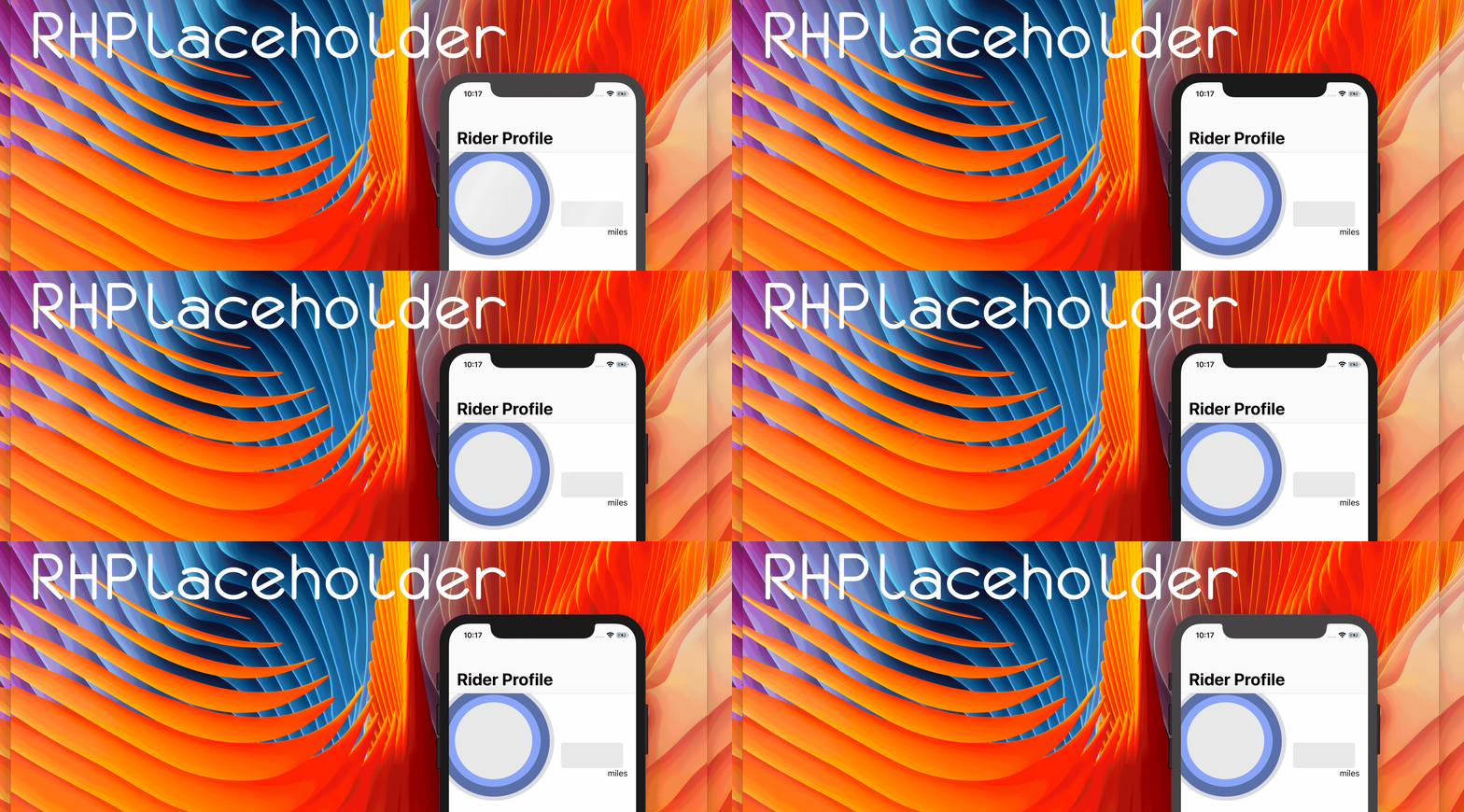
Because traditional `loading view` like `UIActivityIndicatorView` or similar one are no longer so trendy (Facebook or Instagram apps are moving away from these approaches), I decided to create very simple library which will give you oportunity to have Facebook or Instagram 'view loading state' in your great project without big effort 💥! 🍕
## Play with it 😎
## Installation
You can install library using Cocoapods:
```
pod 'RHPlaceholder'
```
or using
Carthage:
add
```
github "robertherdzik/RHPlaceholder"
```
to your Cartfile and perform `carthage update --platform iOS.`
## Usage
WOW... it is soo easy to use 🙊! Base integration with your storyboard VC will take couple minutes 💥
### Base Usage
just create instance const of `Placeholder` in your `ViewController`:
```swift
private let placeholderMarker = Placeholder() // By default you will have Insta like gradient animation
```
bear in mind, that you can choose between couple of predefined animations (like e.g. RainbowAnimatorGradient):
```swift
private let placeholderMarker = Placeholder(layerAnimator: RainbowAnimatorGradient.self)
```
... and then just bind up library with your views which needs to be animated:
```swift
private func addPlaceholder() {
let viewElements: [UIView] = [
name,
surname,
age,
email,
birthDate
]
placeholderMarker.register(viewElements)
}
```
call `addPlaceholder()` method in `viewDidLoad()`.
Boom 😲 library has been associated with your views 👏
all what left, is to controll showing 'loading state' animation on your views using `startAnimation()` and `remove()`
```swift
func fetchUserData() {
placeholderMarker.startAnimation()
apiManager.fetchUser() { [weak self] user in
self?.placeholderMarker.remove()
// .. rest of the method
}
}
```
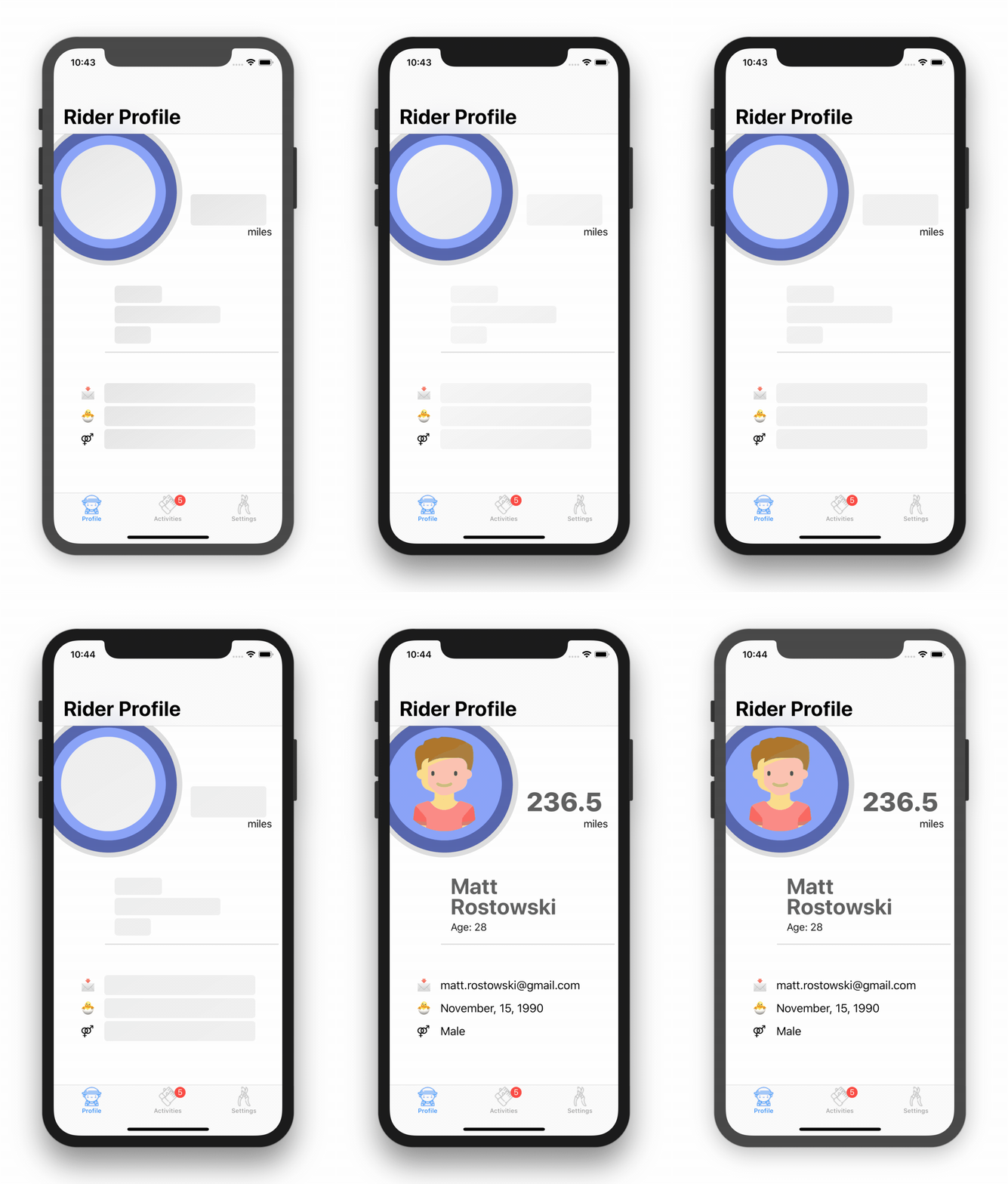
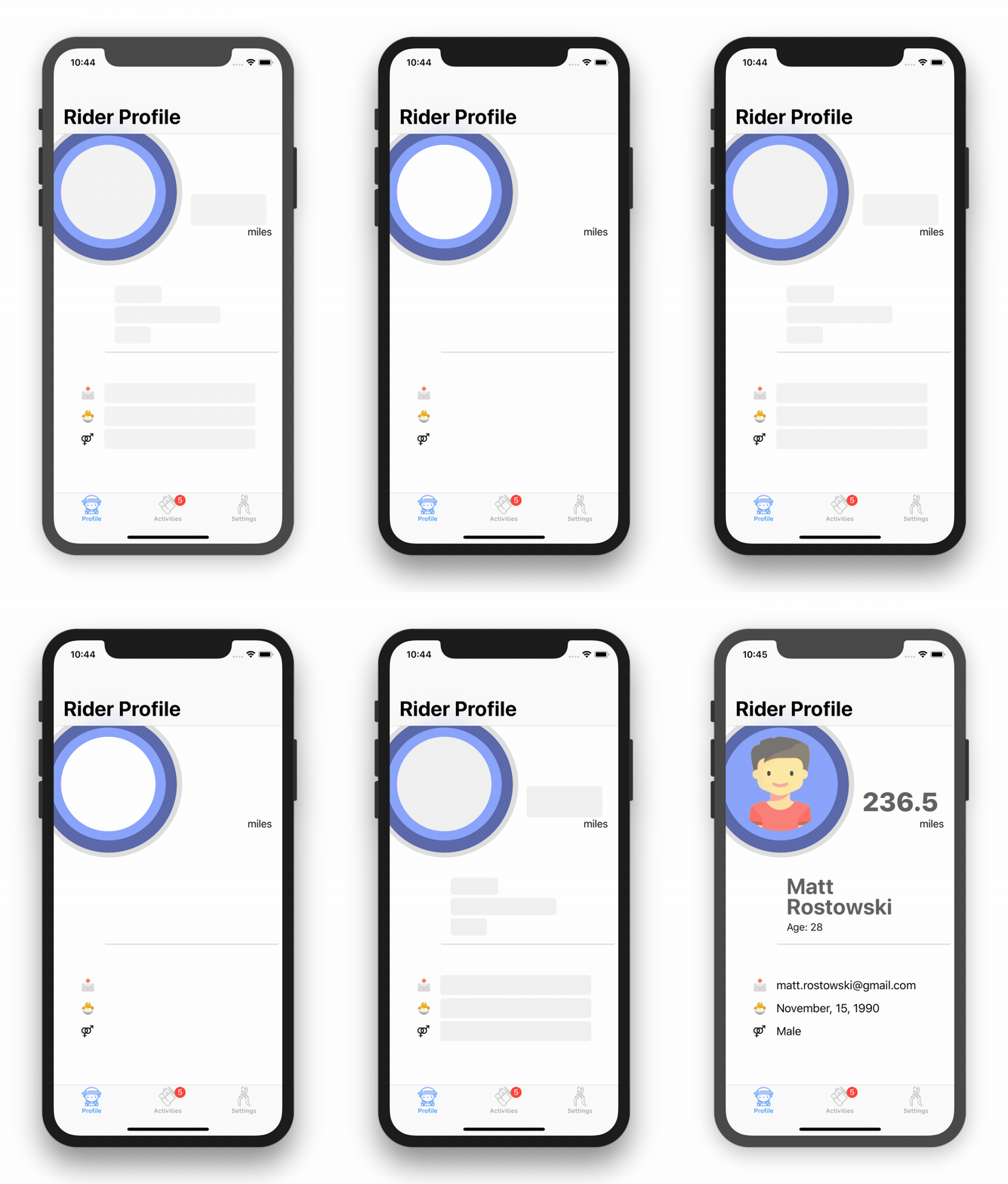
#### List of available animatotrs:
##### (`default`) InstaLayerAnimatorGradient
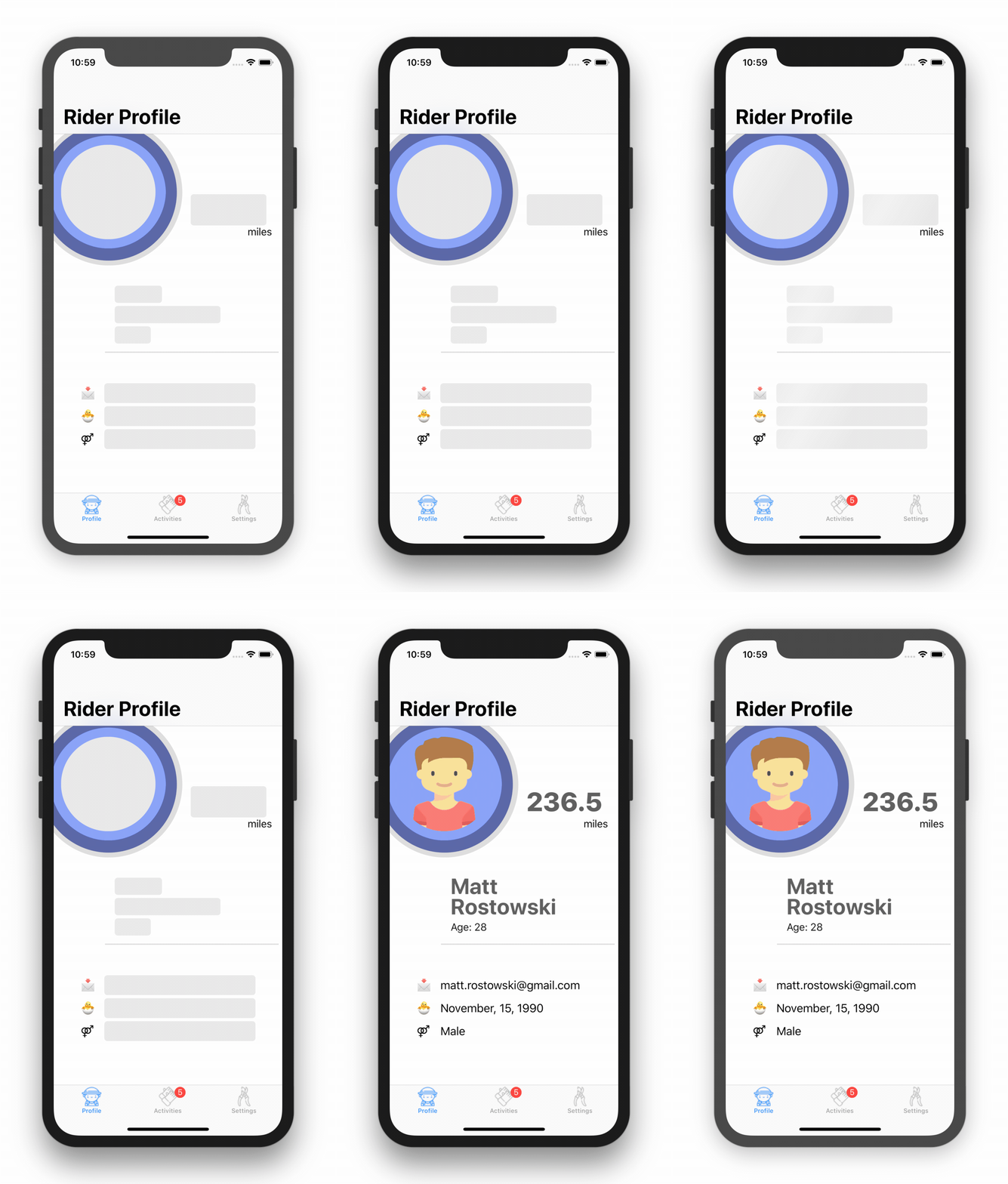
| BackAndForthLayerAnimatorGradient |
BlinkAnimator |
RainbowAnimatorGradient |
 |
 |
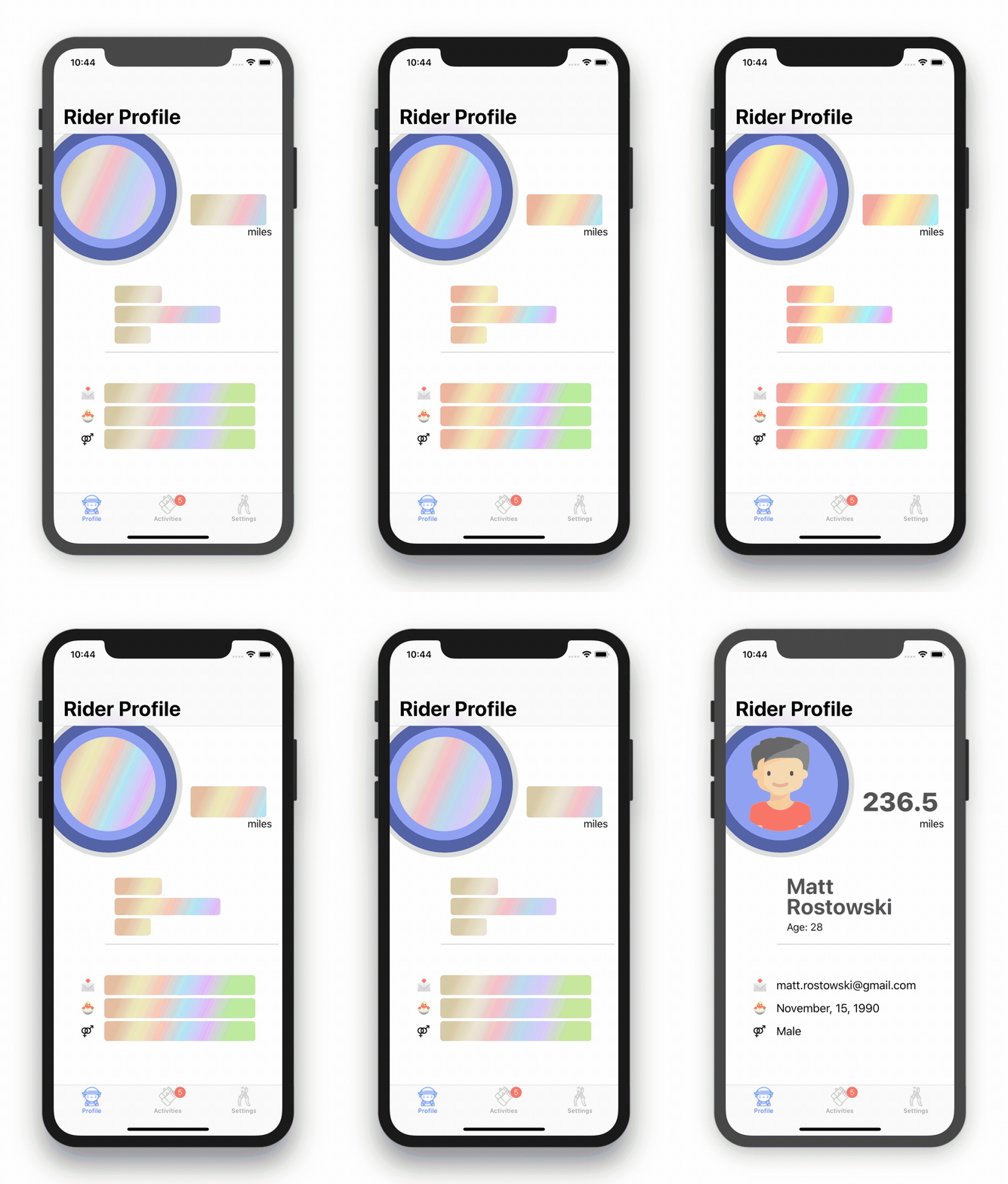 |
#### Customization
You can add your own Animators, by conforming to the `LayerAnimating` protocol and passing your new Animator as a param to the `Placeholder` init.
## Swift support
| Library ver| Swift ver| Note |
| ------------- |:-------------:| ------------- |
| 0.0.3 | 4.1 | Very early version, API may change |
| 0.0.5 | 4.2 | Very early version, API may change |
| 0.0.6 | 5.0 | Very early version, API may change |
## Check the Demo project
Please check out the demo project, you can see there how Library has been implemented in details.
### Layout Inspiration
Layout inspiration has been taken from one of the Dribbble projects, unfortunately I cannot find now this project anymore, because of that I cannot annotate creator in here 😦...
### Assets
---
- Great 😍 tab bar icons from:
---
- Cool 😎 profile icon from: