# Rosé Pine for Sublime Text
 All natural pine, faux fur and a bit of soho vibes for the classy minimalist.
[Rosé Pine community](https://github.com/rose-pine/rose-pine-theme)
## Usage
For Sublime Text 4, should also work on version 3.
To install manually, from the menu go to Preferences > Browse Packages. Then download this repository to a new directory called "Theme - Rose Pine" inside the "Packages" directory.
This package is also available on [Package Control](https://packagecontrol.io).
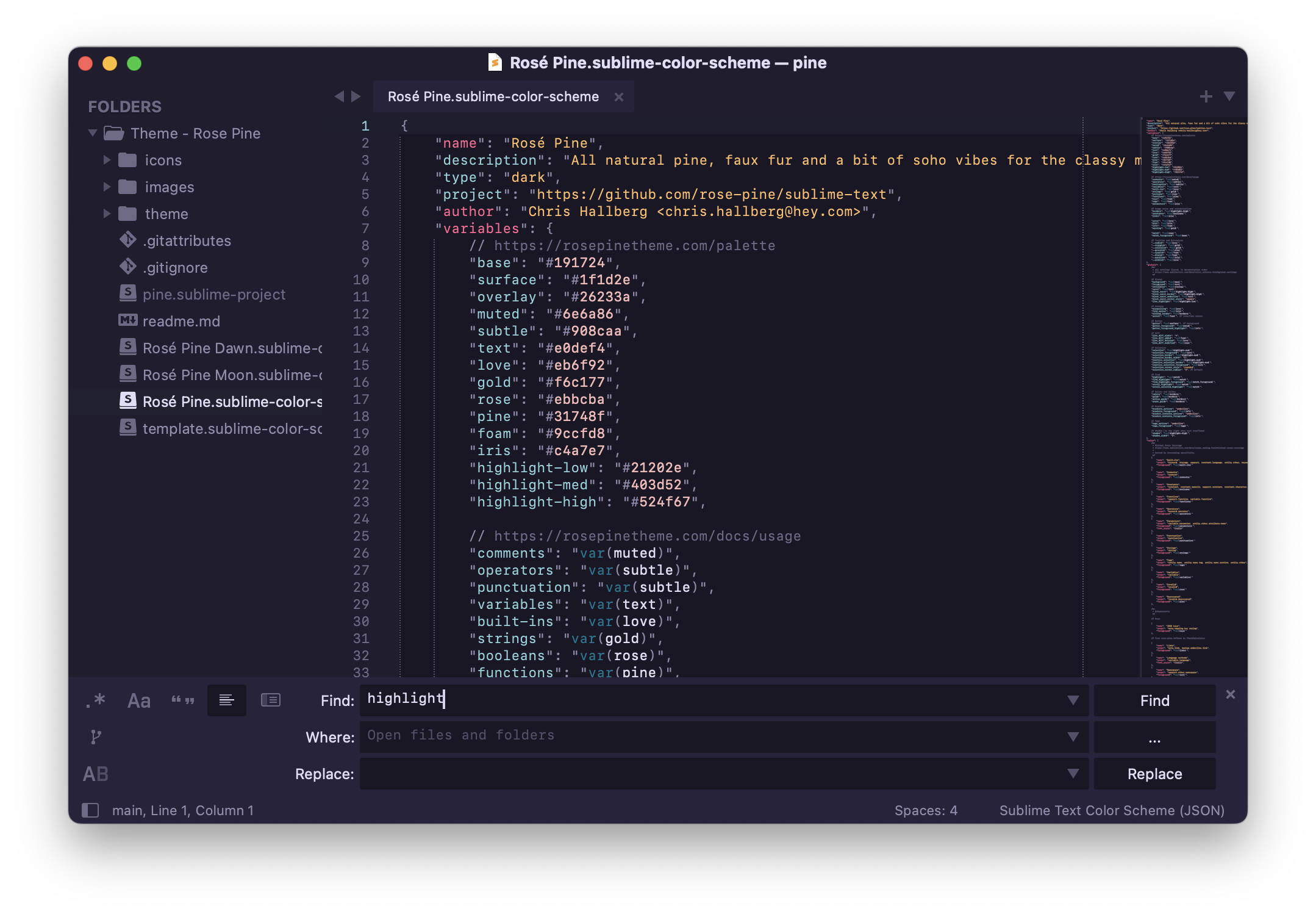
This package consists of both Color Schemes (for syntax highlighting) and Themes (for the application UI). For the best result select a matching combination for both:
```json
{
"theme": "Rosé Pine.sublime-theme",
"color_scheme": "Rosé Pine.sublime-color-scheme",
}
```
The three palettes are available for each:
- Rosé Pine
- Rosé Pine Moon
- Rosé Pine Dawn
## Gallery
All natural pine, faux fur and a bit of soho vibes for the classy minimalist.
[Rosé Pine community](https://github.com/rose-pine/rose-pine-theme)
## Usage
For Sublime Text 4, should also work on version 3.
To install manually, from the menu go to Preferences > Browse Packages. Then download this repository to a new directory called "Theme - Rose Pine" inside the "Packages" directory.
This package is also available on [Package Control](https://packagecontrol.io).
This package consists of both Color Schemes (for syntax highlighting) and Themes (for the application UI). For the best result select a matching combination for both:
```json
{
"theme": "Rosé Pine.sublime-theme",
"color_scheme": "Rosé Pine.sublime-color-scheme",
}
```
The three palettes are available for each:
- Rosé Pine
- Rosé Pine Moon
- Rosé Pine Dawn
## Gallery
 ## Update
The themes use the same implementation using Sublime's "extend" feature. Any changes to `Rosé Pine.sublime-theme` are immediately reflected in the other derived themes.
For the color schemes, update the template file and synchronise the others using this command:
```sh
npx @rose-pine/build -t template.sublime-color-scheme -o .
```
## Thanks to
- [ThatOneCalculator](https://github.com/thatonecalculator)
## Update
The themes use the same implementation using Sublime's "extend" feature. Any changes to `Rosé Pine.sublime-theme` are immediately reflected in the other derived themes.
For the color schemes, update the template file and synchronise the others using this command:
```sh
npx @rose-pine/build -t template.sublime-color-scheme -o .
```
## Thanks to
- [ThatOneCalculator](https://github.com/thatonecalculator)