# Screenshot gallery
[Project overview](../README.md) · [User guide](USER-GUIDE.md) · [Themes](THEMES.md) · [Android](ANDROID.md) · [Downloads](https://github.com/sPROFFEs/Aoede/releases/latest)
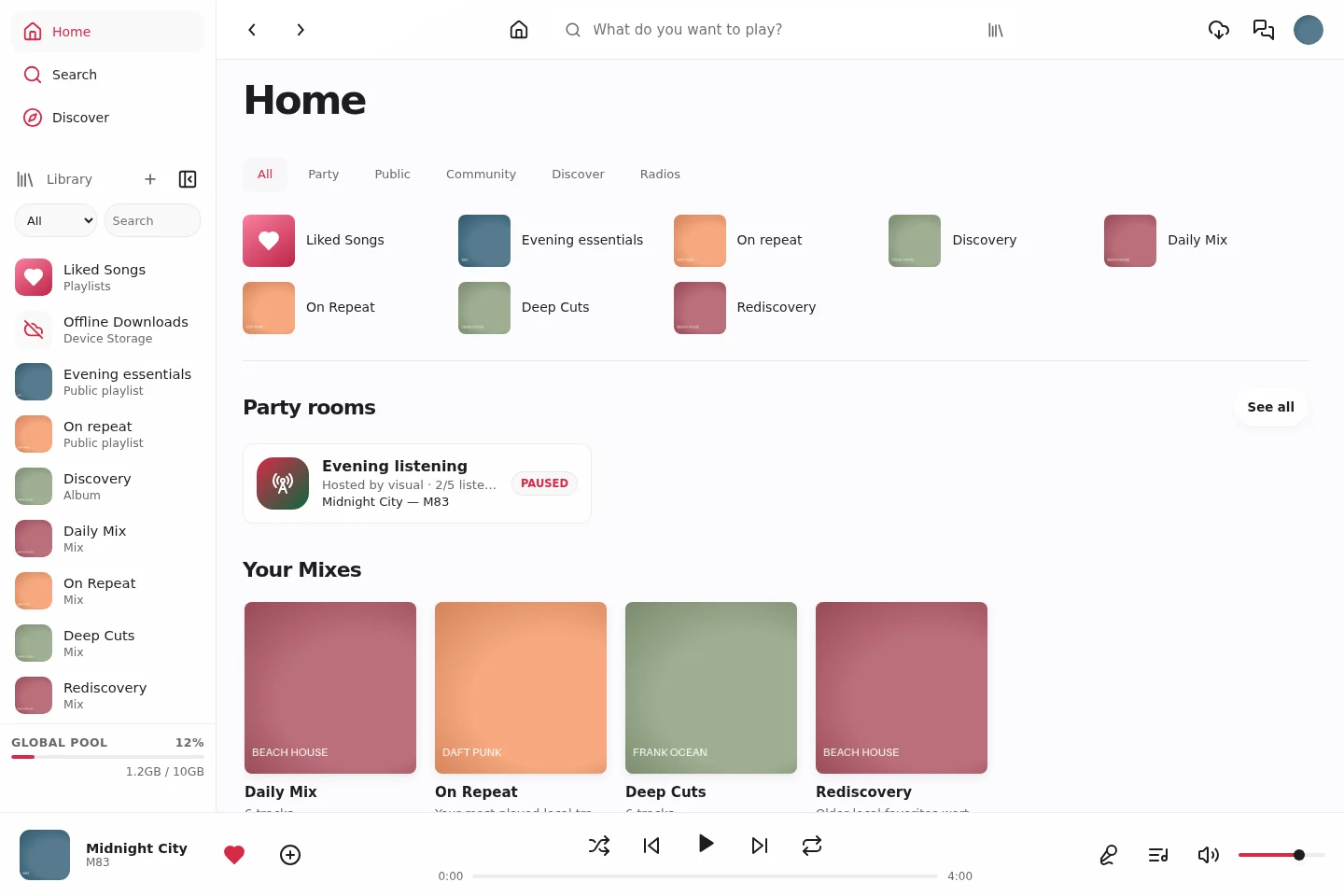
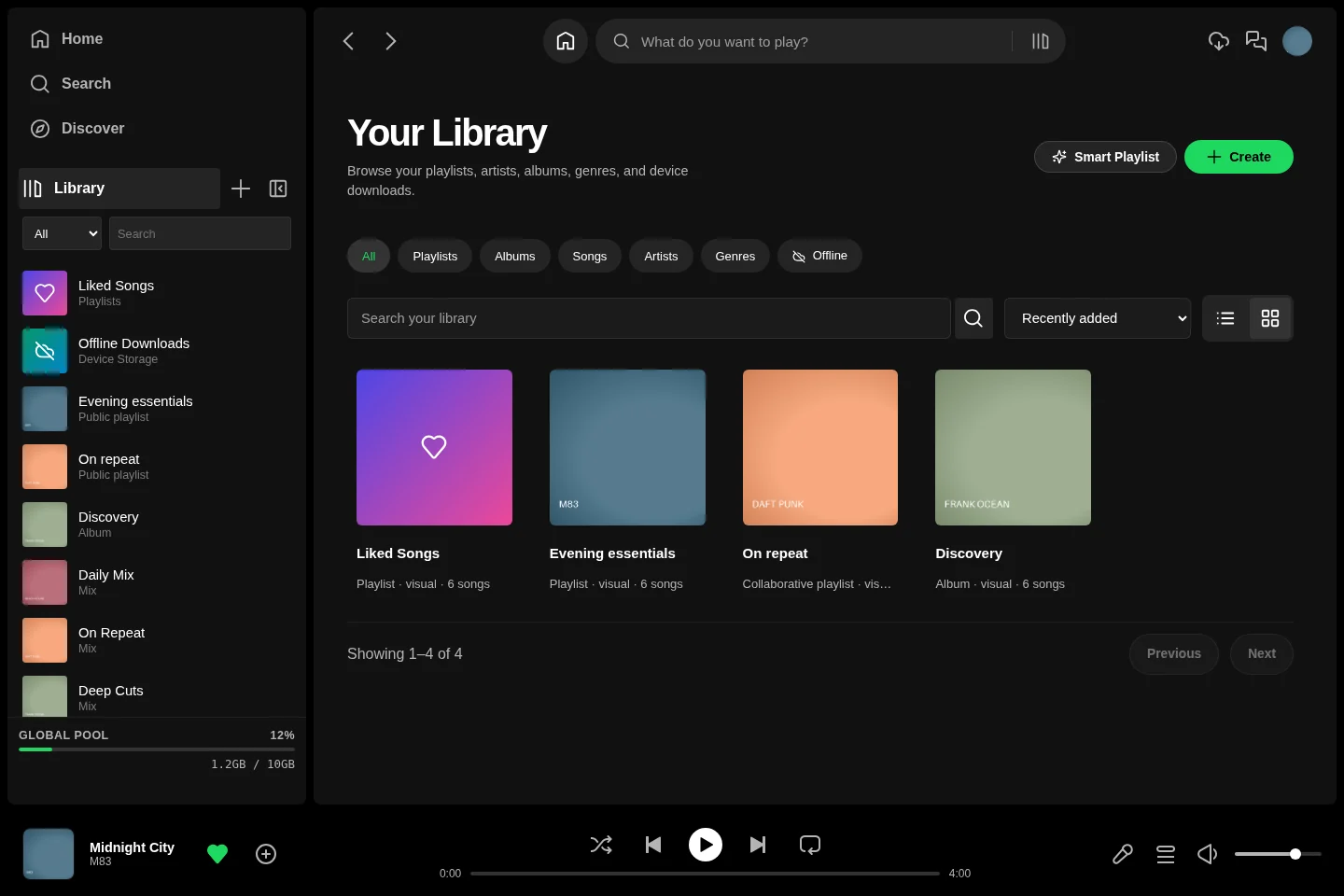
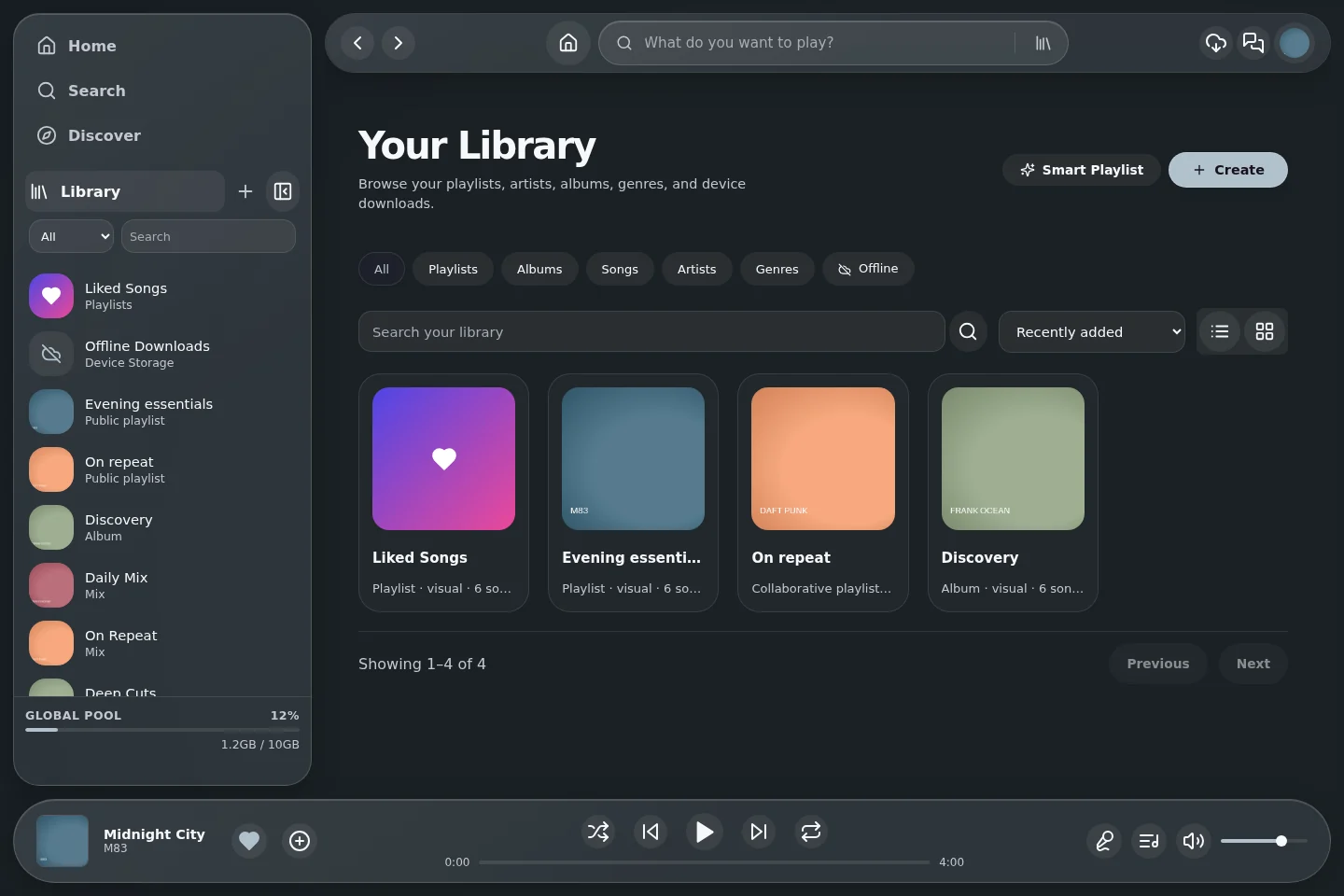
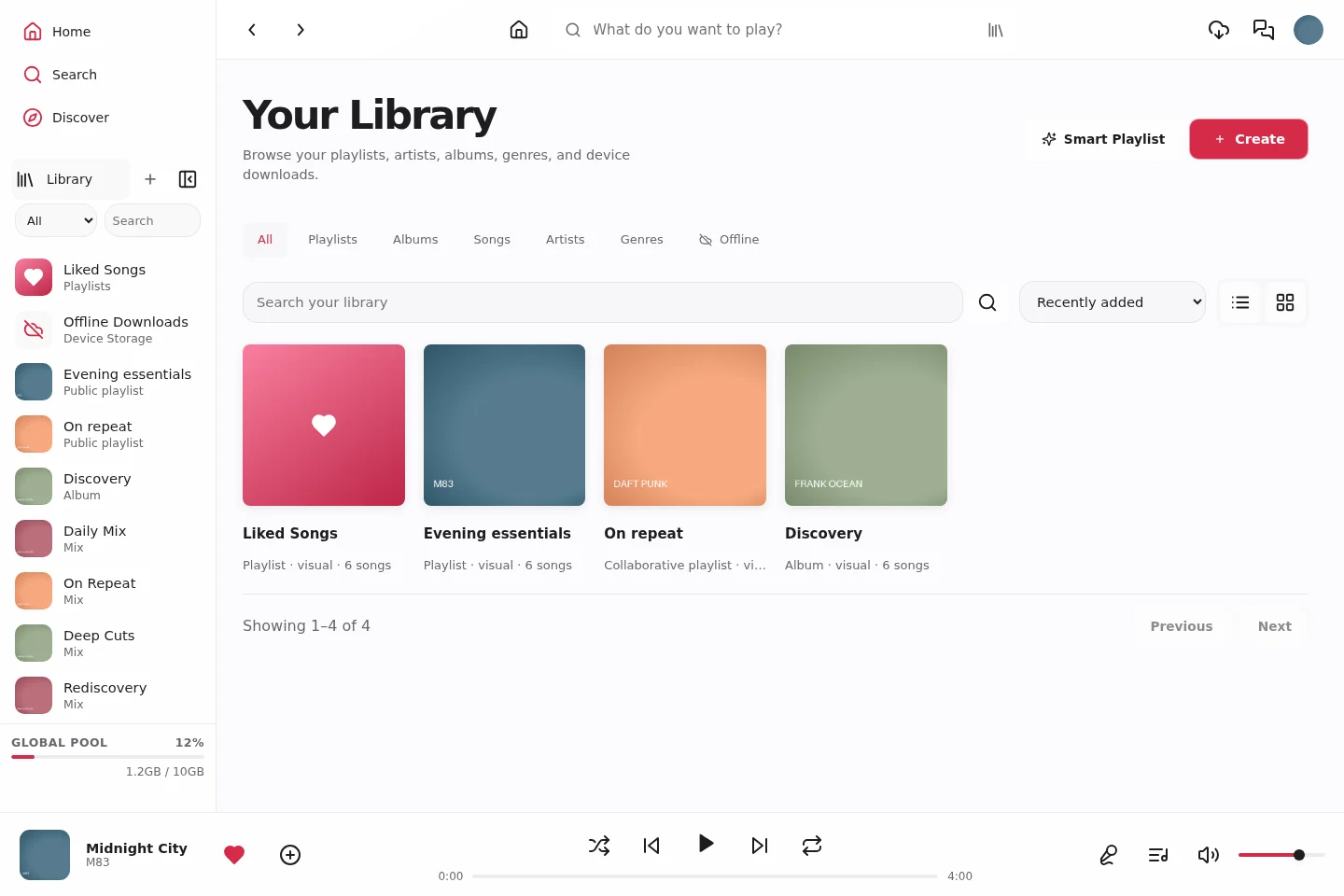
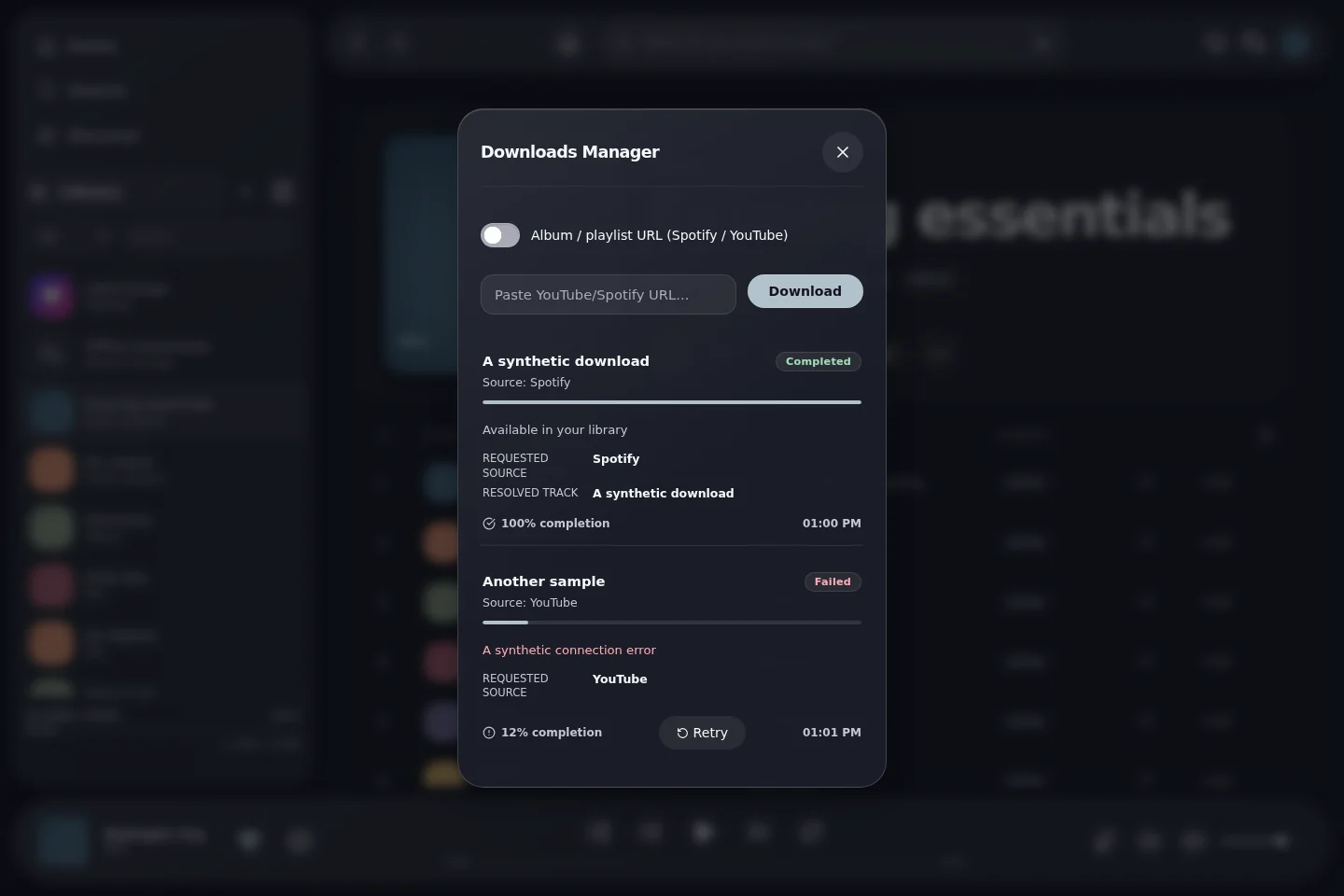
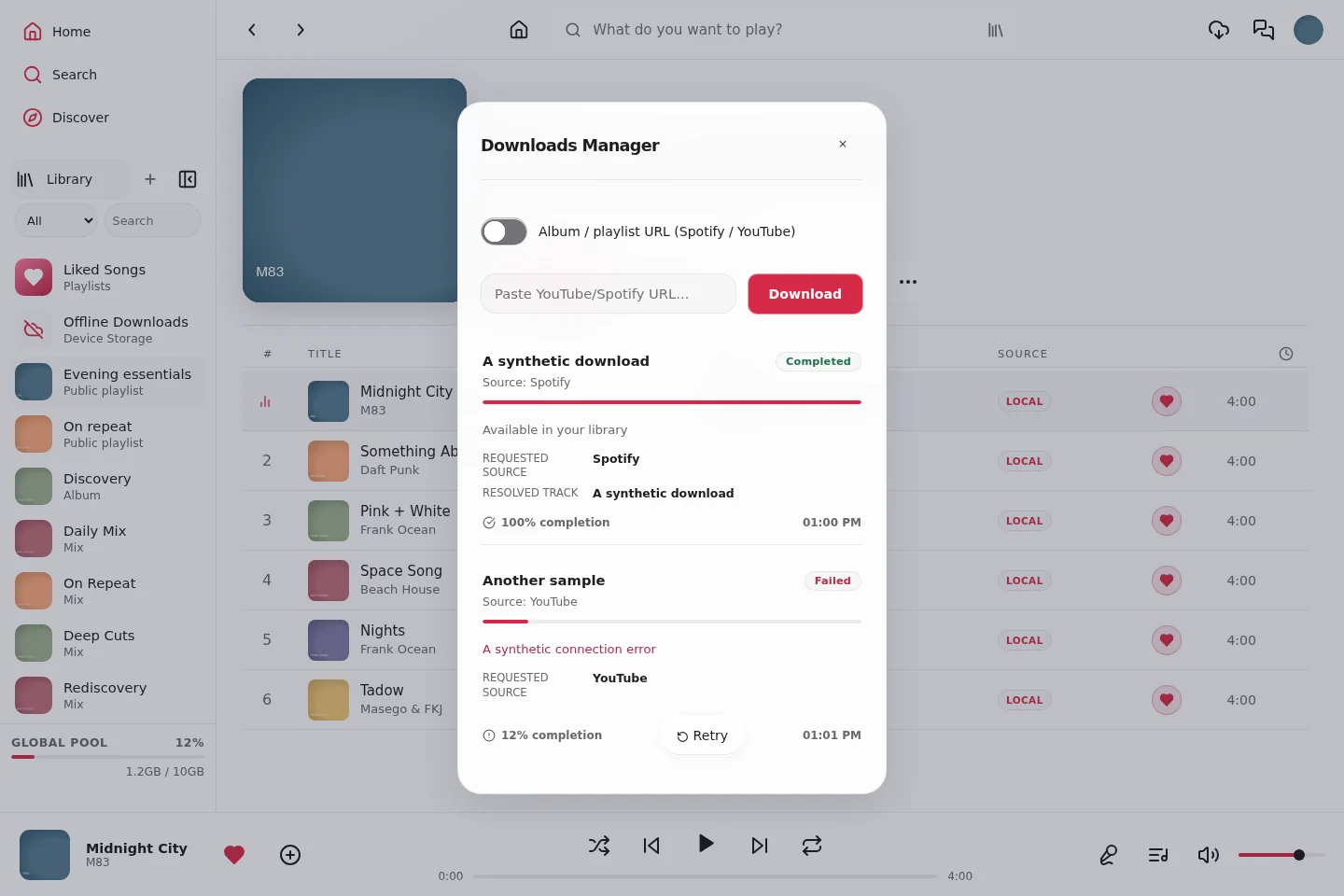
Explore the current **Aoede 1.3.1** web interface and **Android 1.2.9** native client. Expand a feature group and click any image to open it at full resolution.
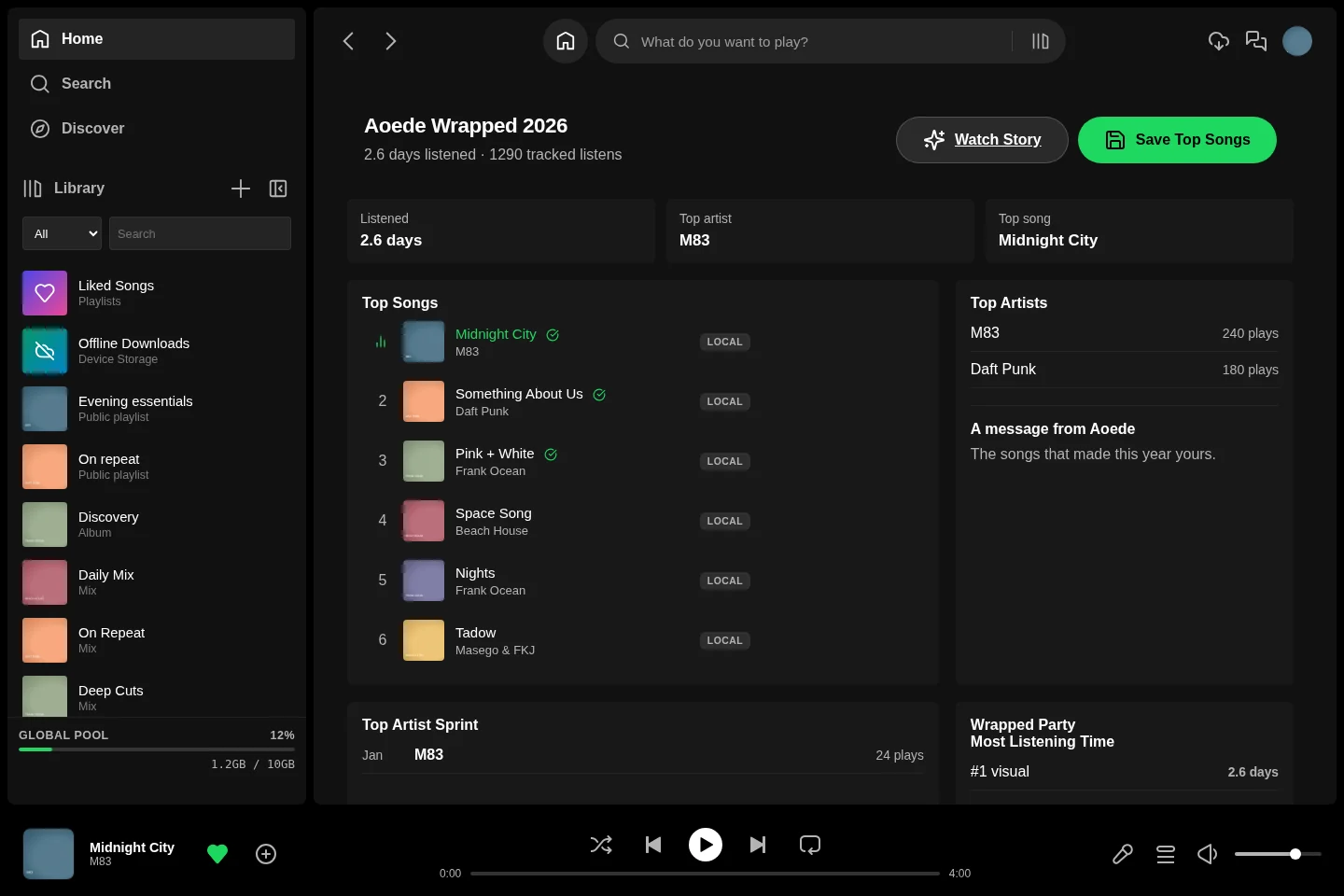
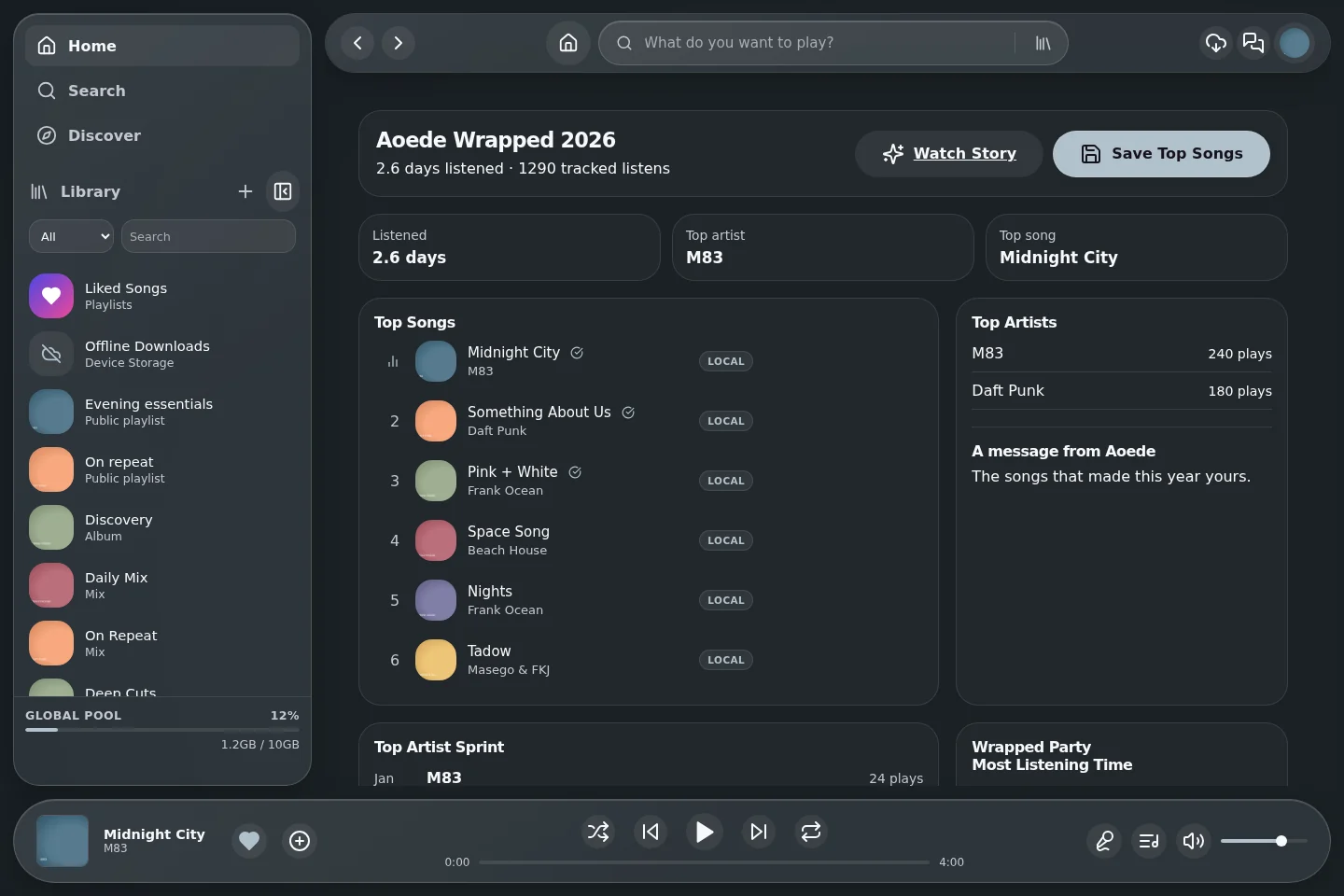
These are captures of the real application interfaces, with fictional accounts, demonstration artwork, sample track metadata and synthetic service responses. They are not design mockups or screenshots of a production server. Example provider connections, listening totals and host metrics illustrate their screens; they do not describe a live deployment.
| Gallery | What is captured |
|---|---|
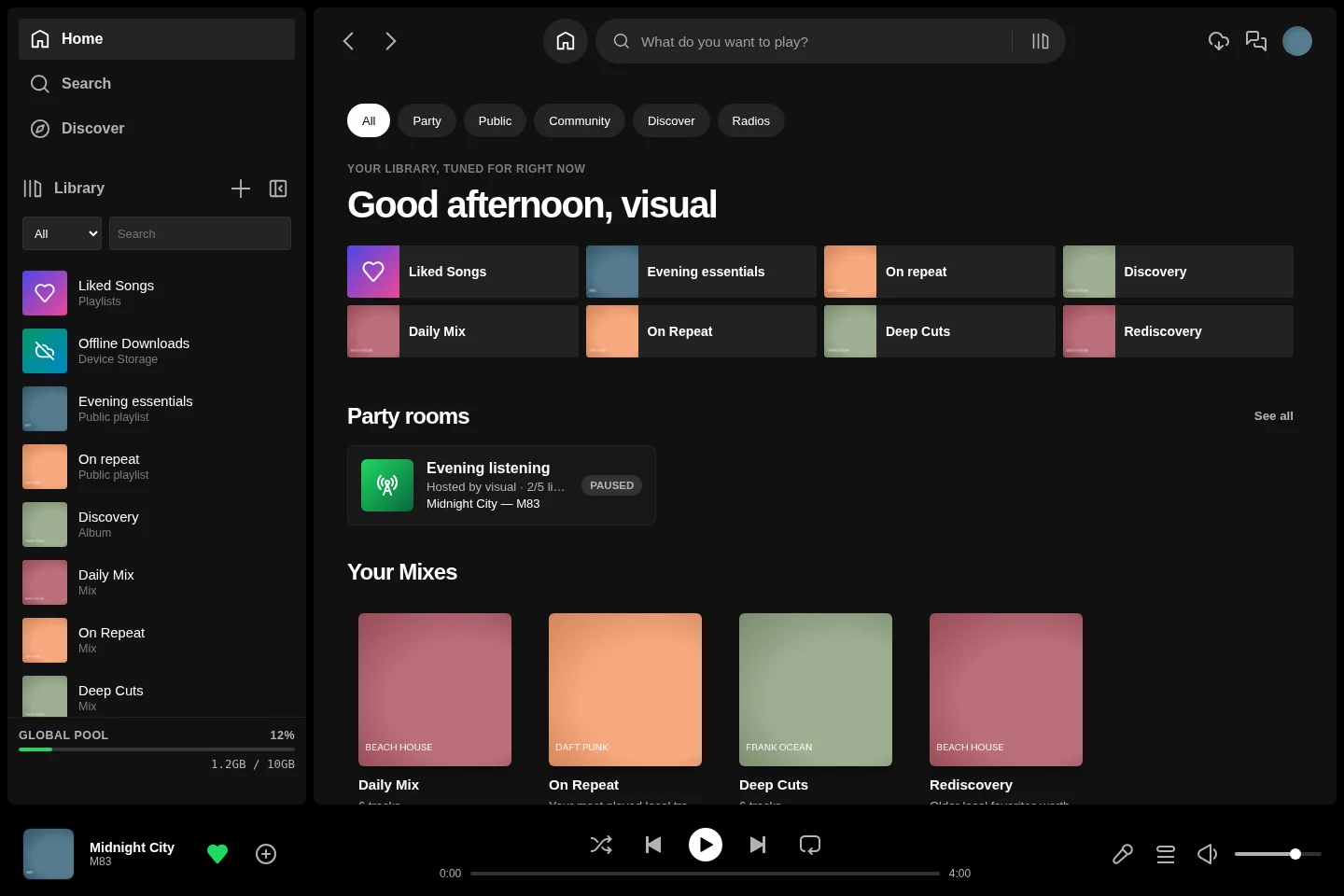
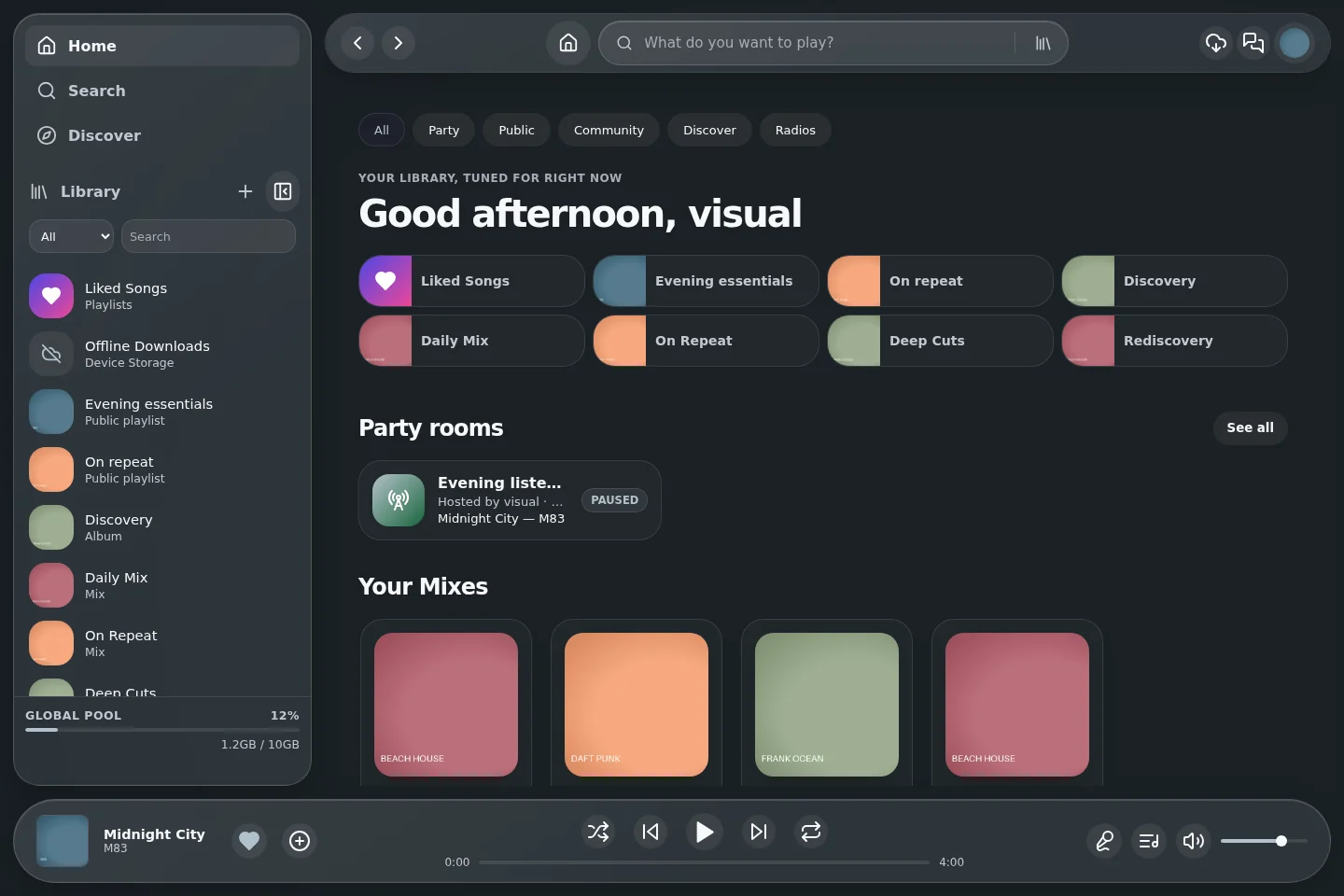
| [Desktop web](#desktop-web) | The actual frontend at 1440 × 960. Desktop wrappers use this frontend inside their application window. |
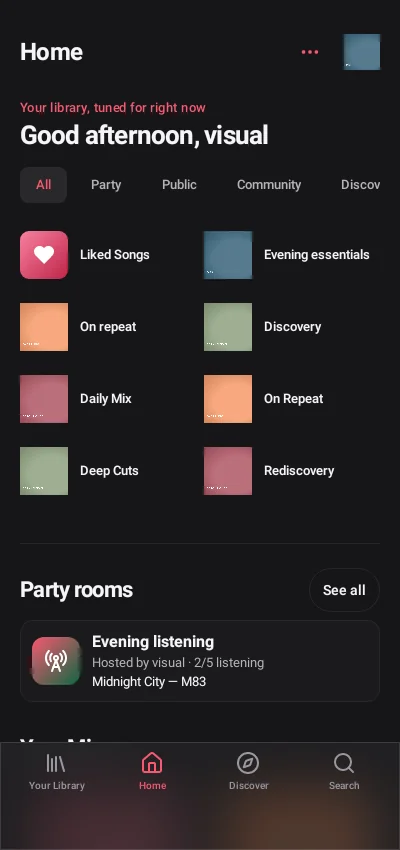
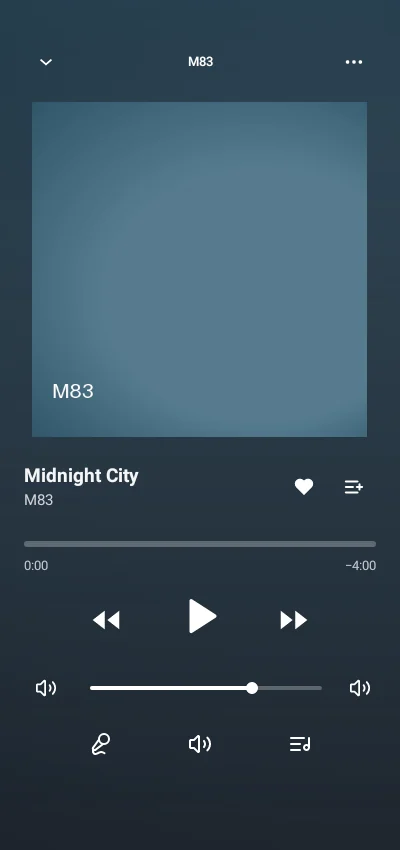
| [Mobile web / PWA](#mobile-web-and-pwa) | The responsive frontend at 400 × 850, also used by web-based compatibility clients. |
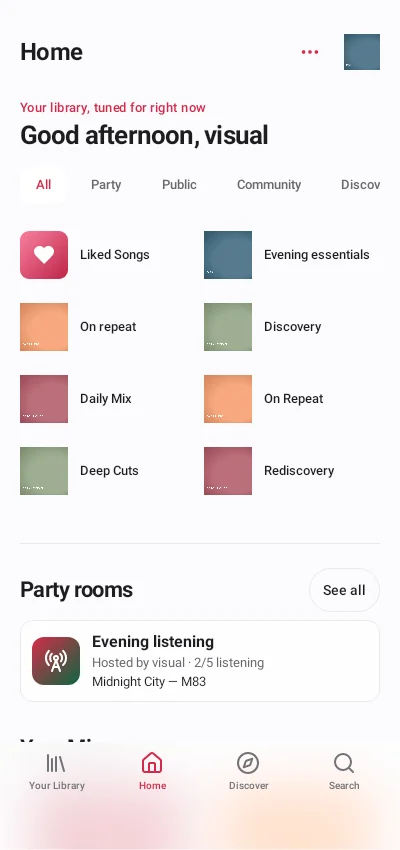
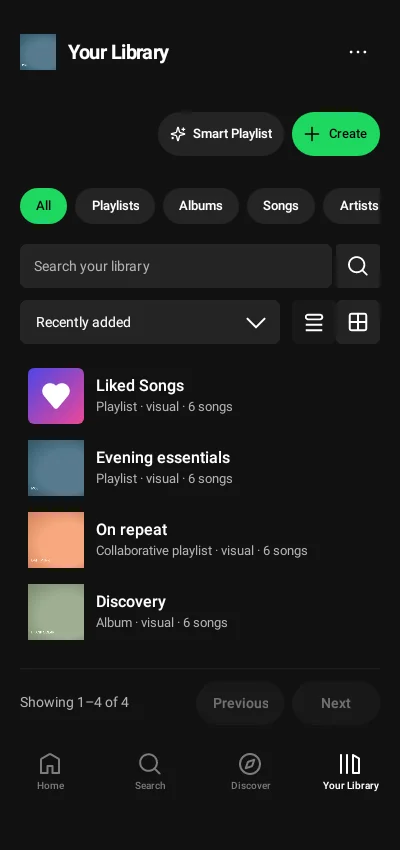
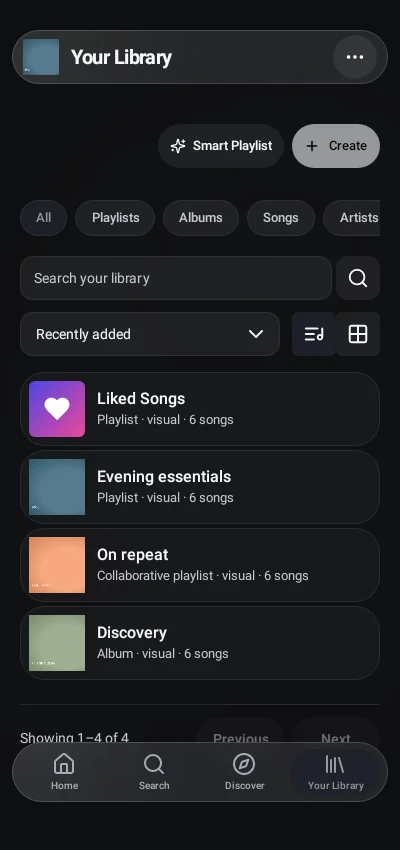
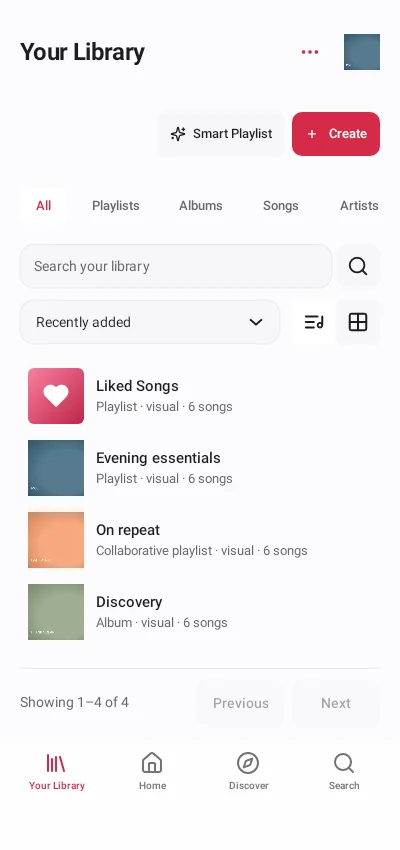
| [Native Android APK](#native-android-apk) | The actual Android views at a 400 × 850 viewport in Android's local test runtime; dialog captures use their own bounds. |
| [Android widgets and music island](#android-widgets-and-music-island) | The actual native components rendered independently of a launcher or lock screen. |
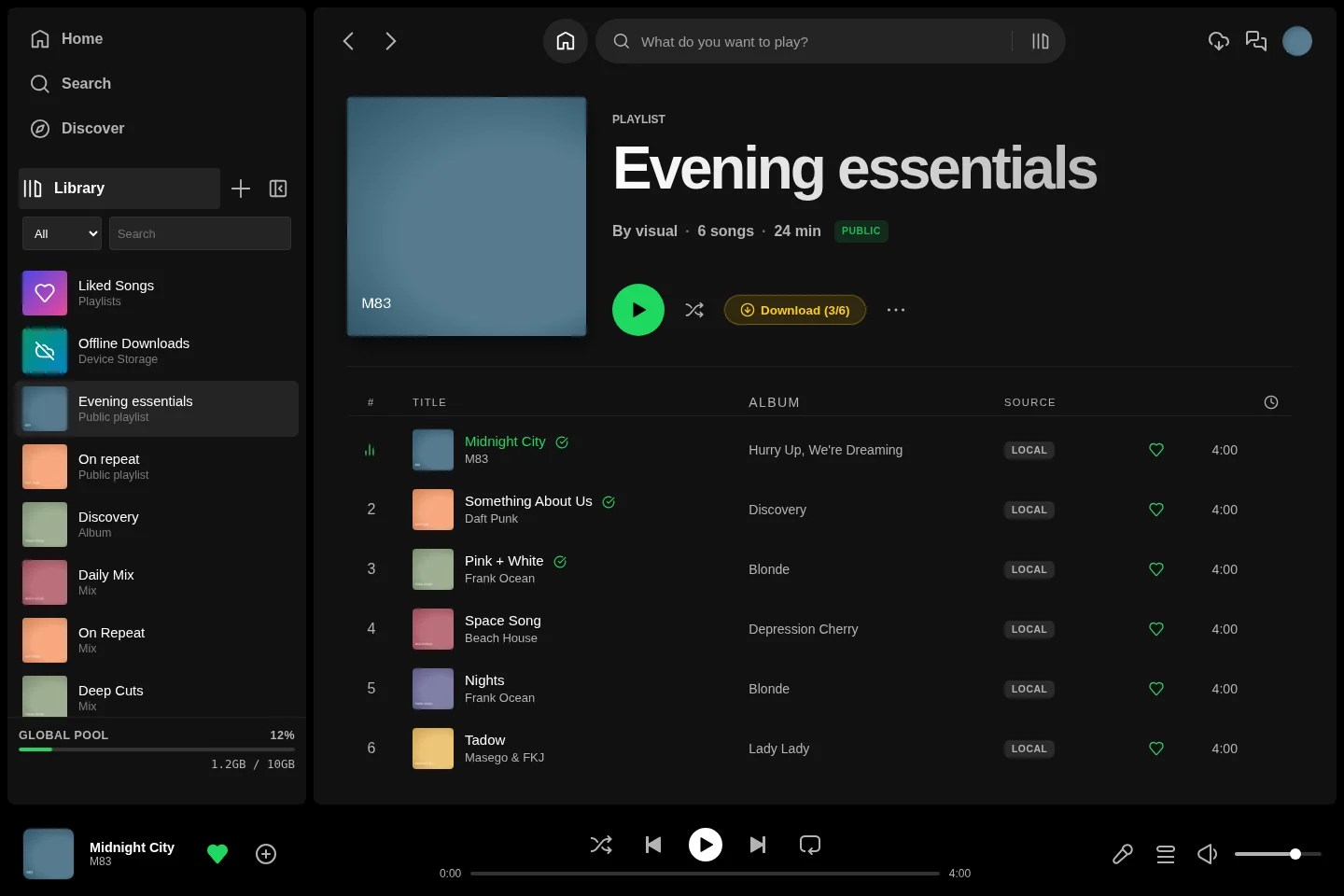
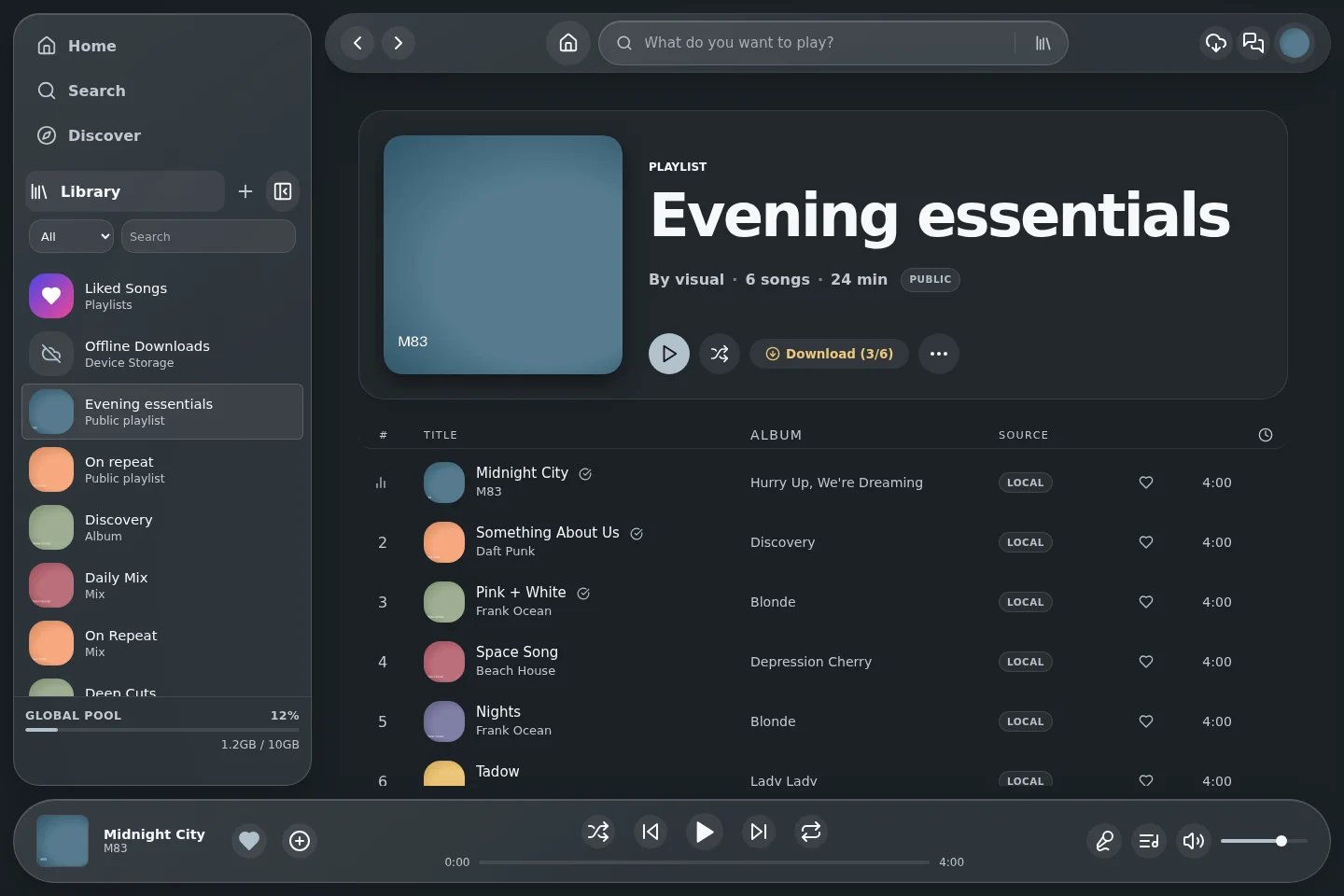
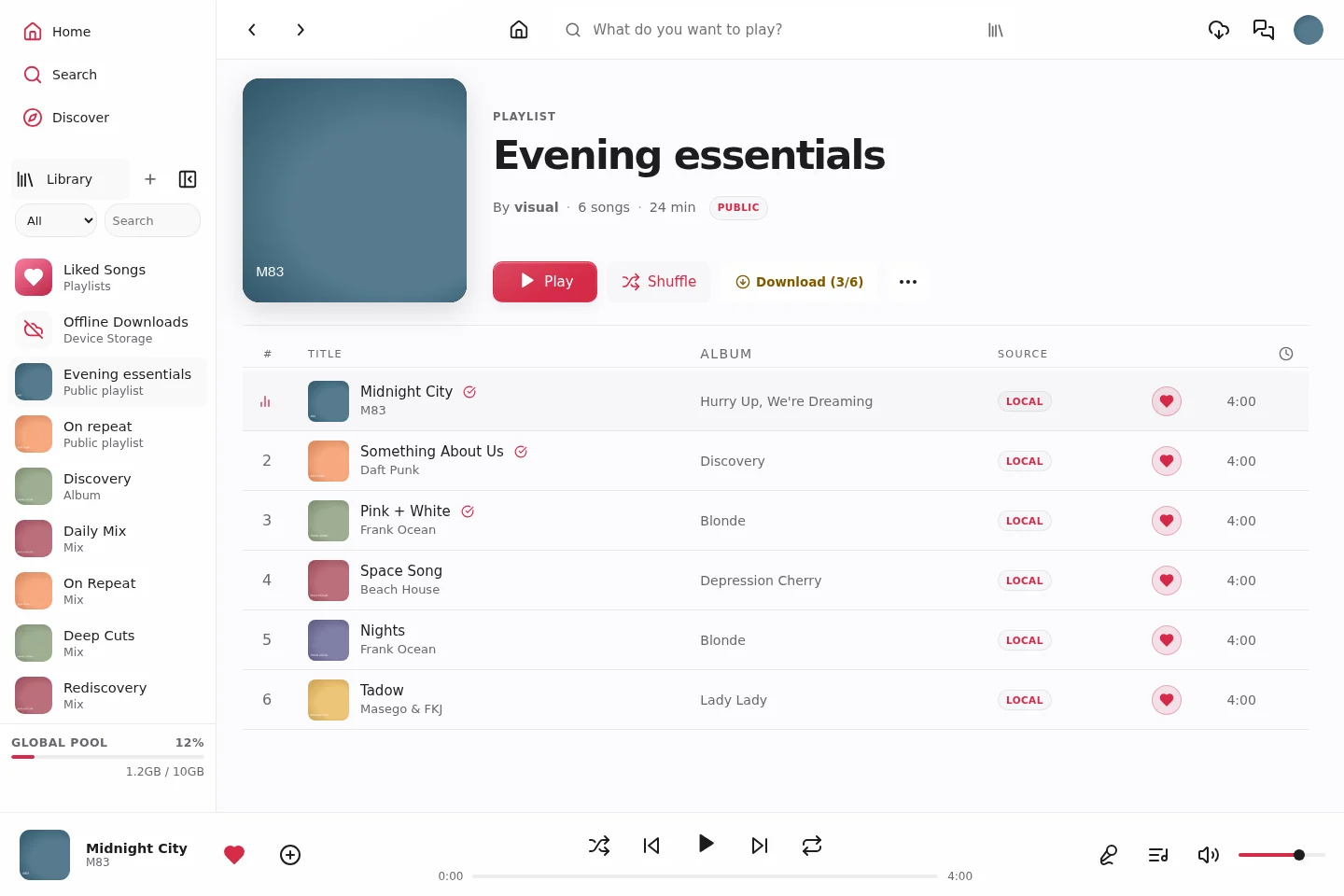
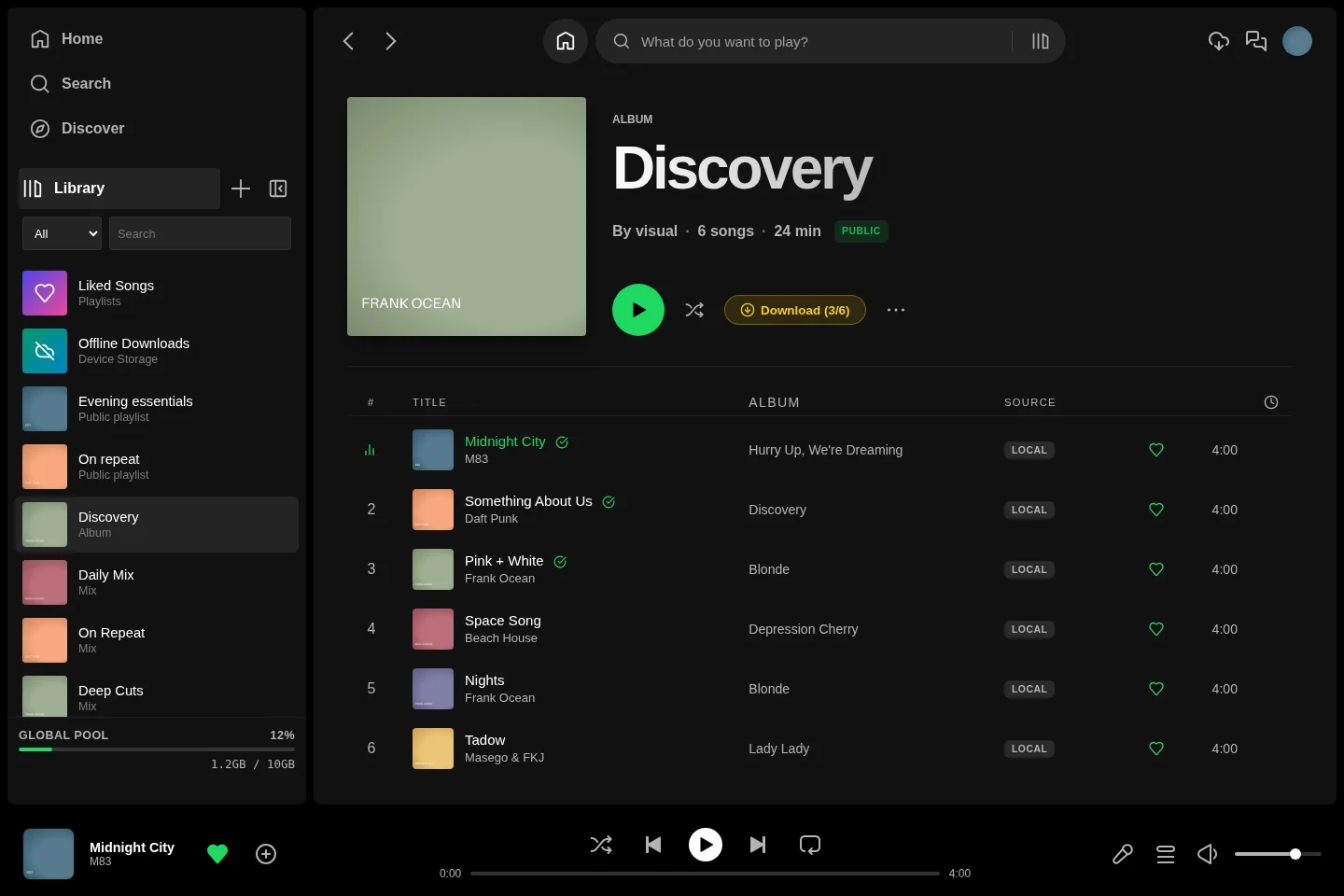
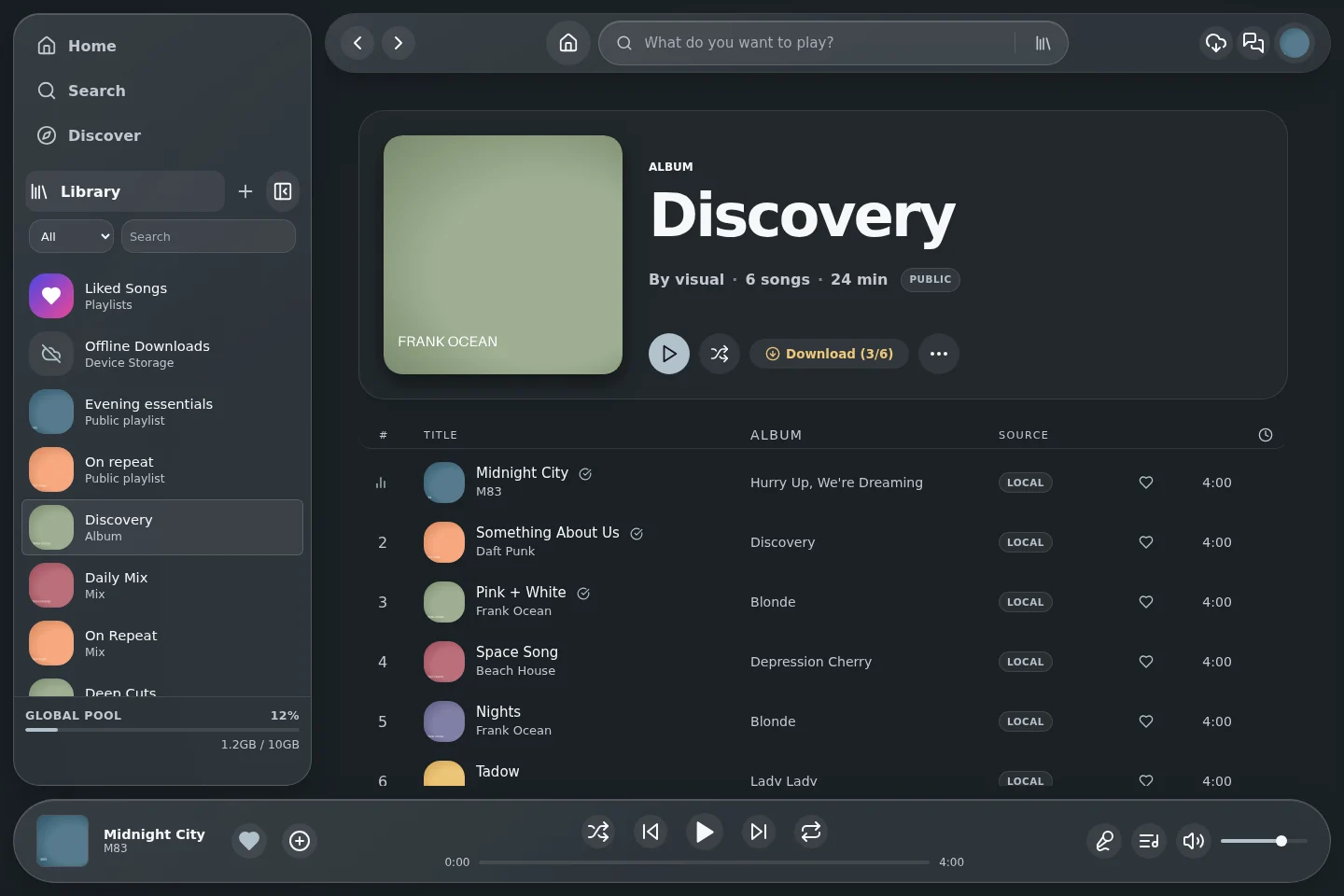
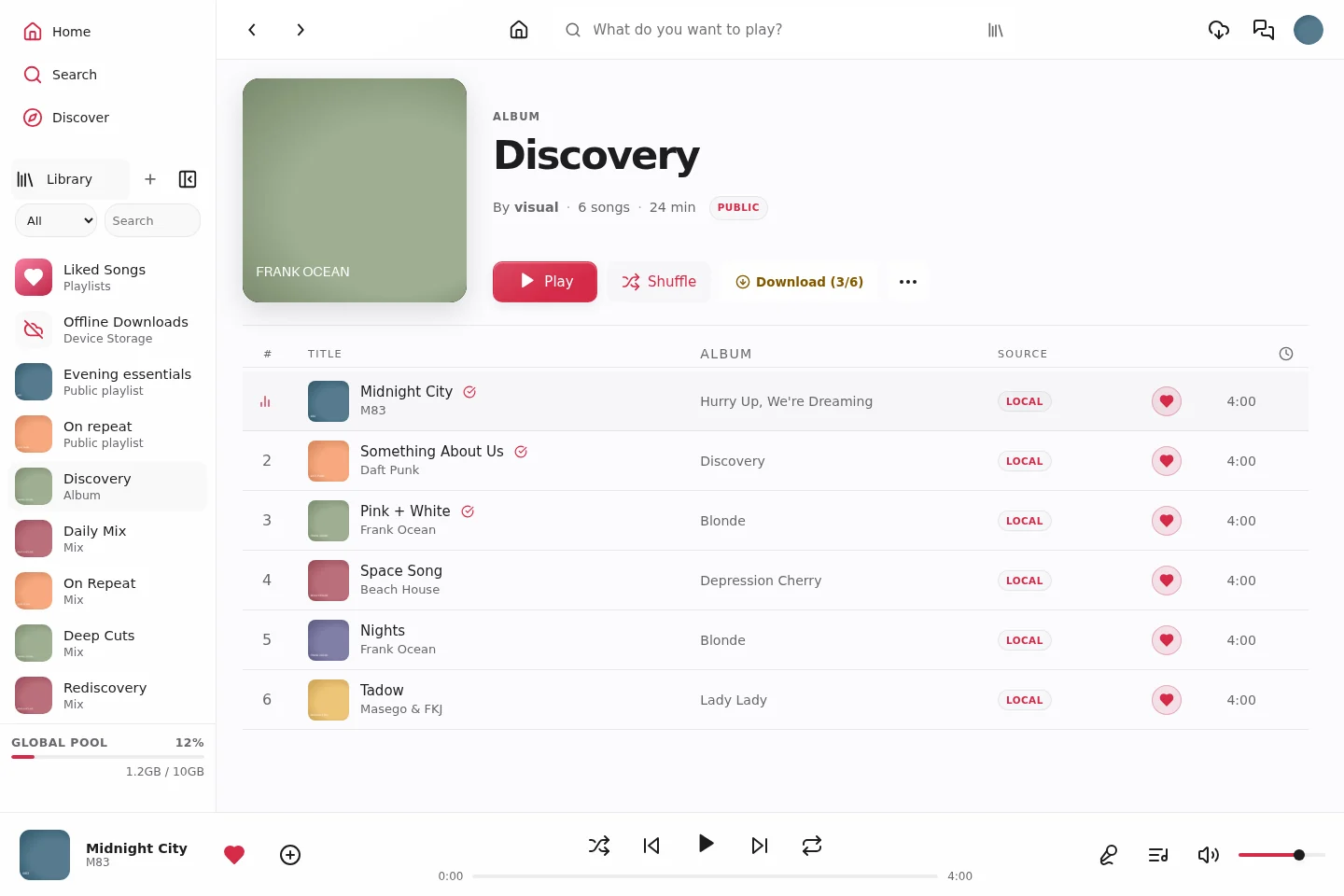
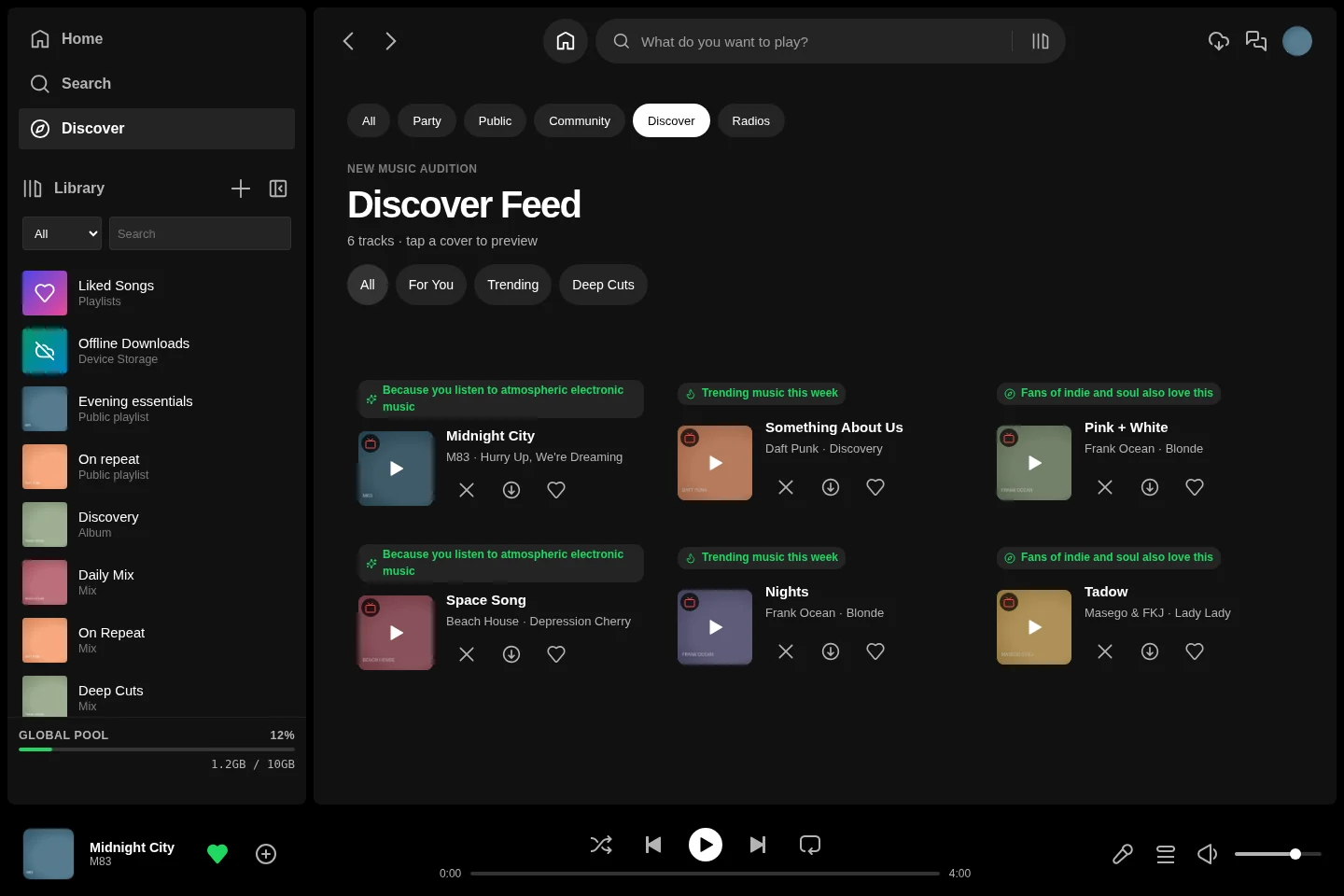
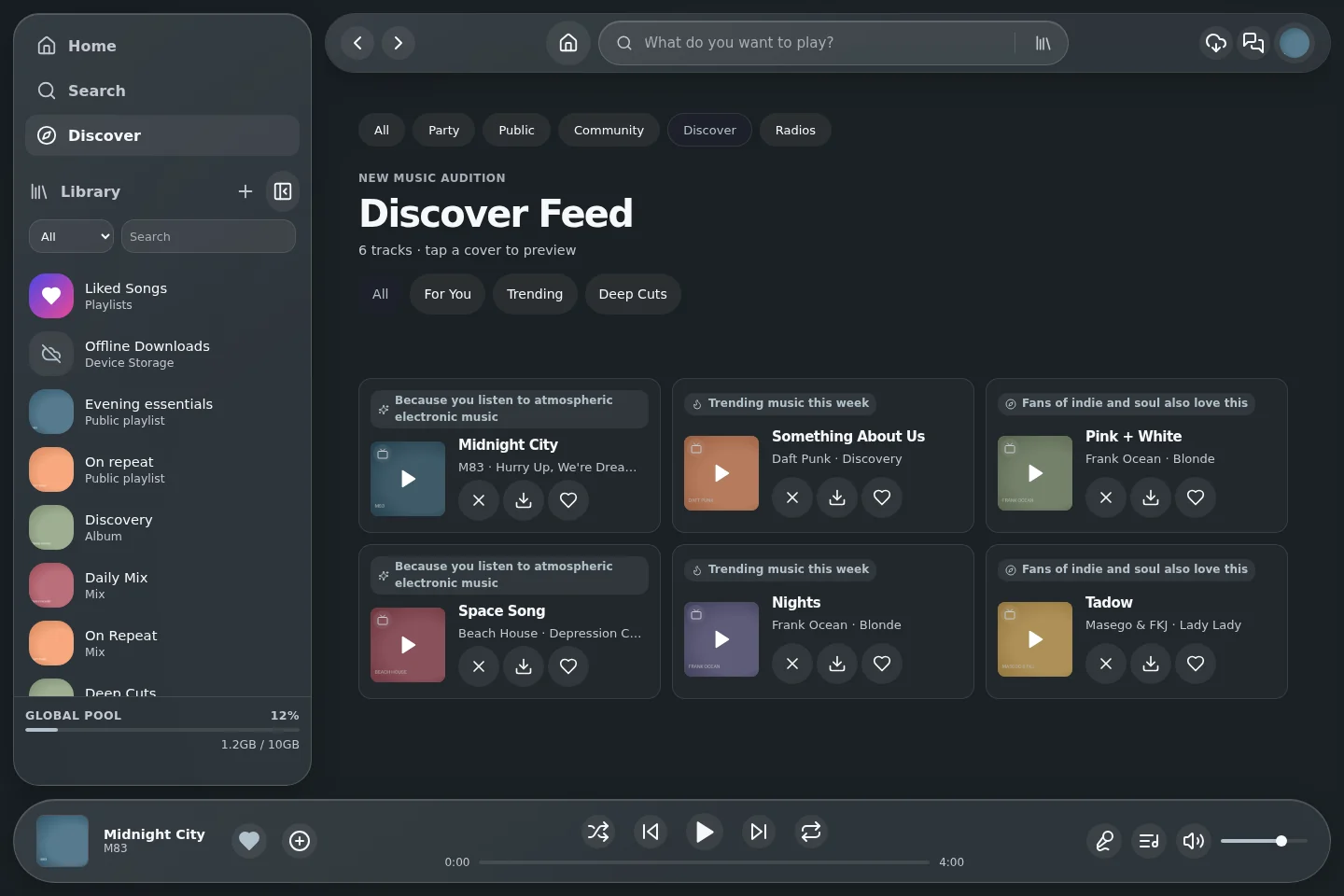
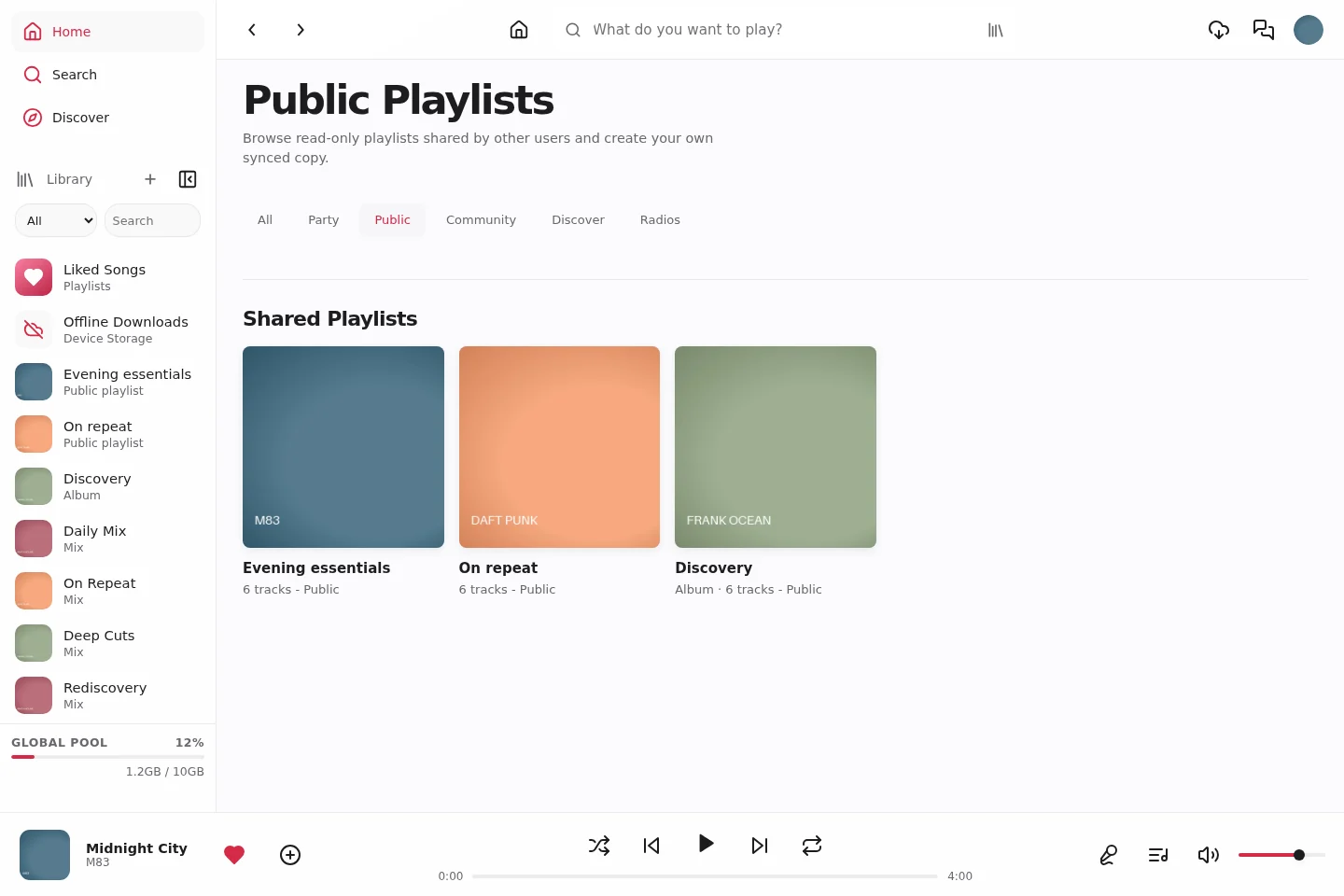
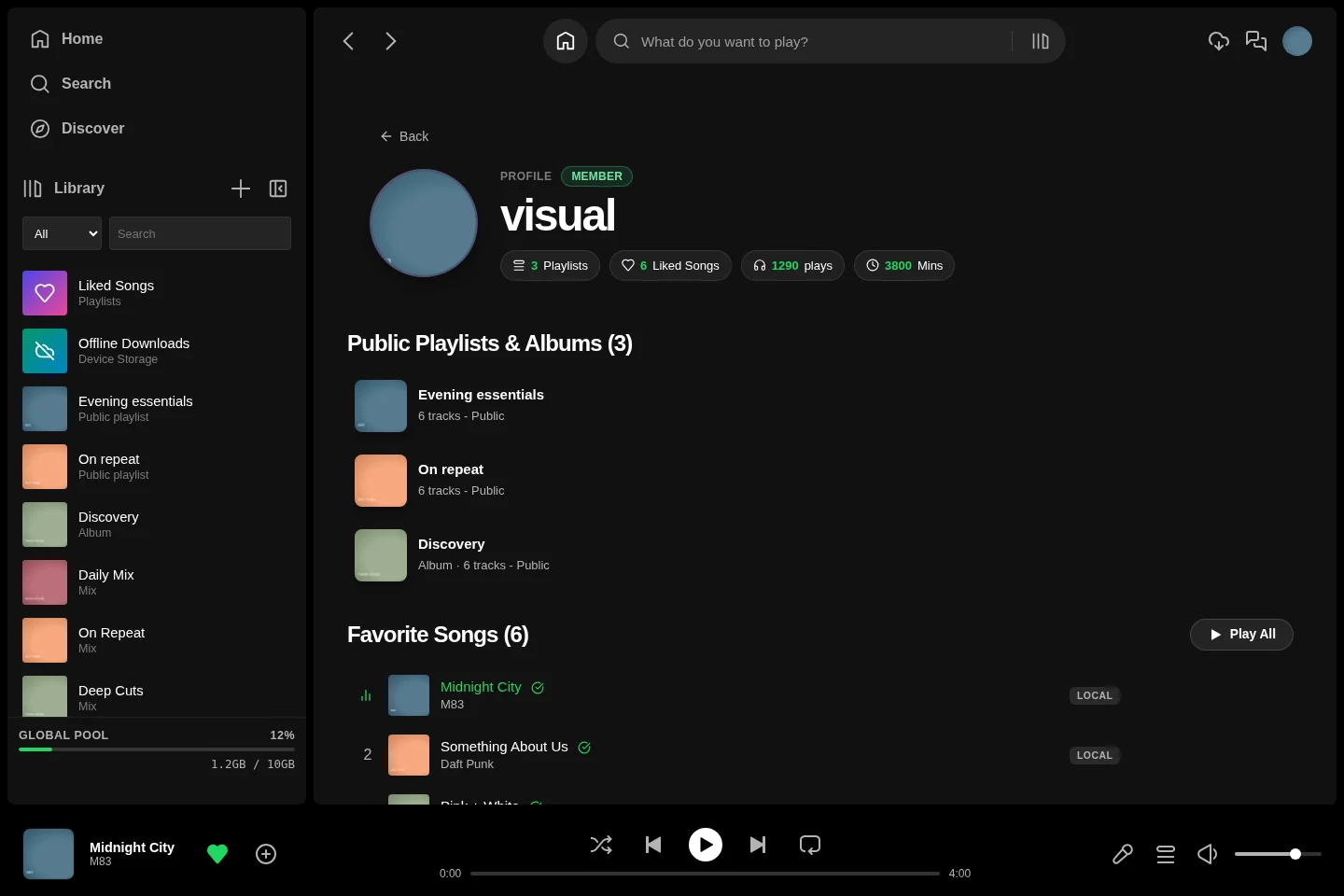
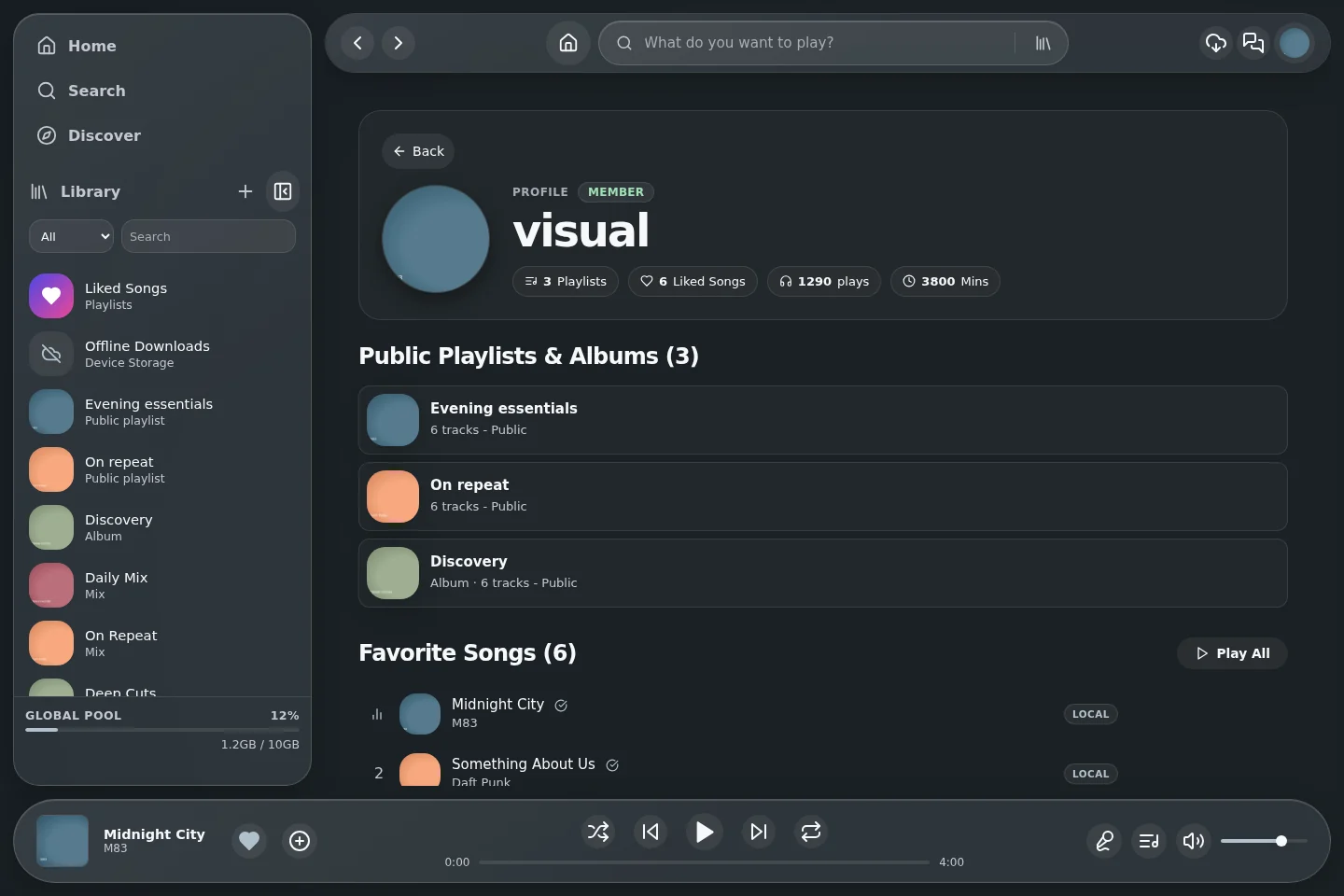
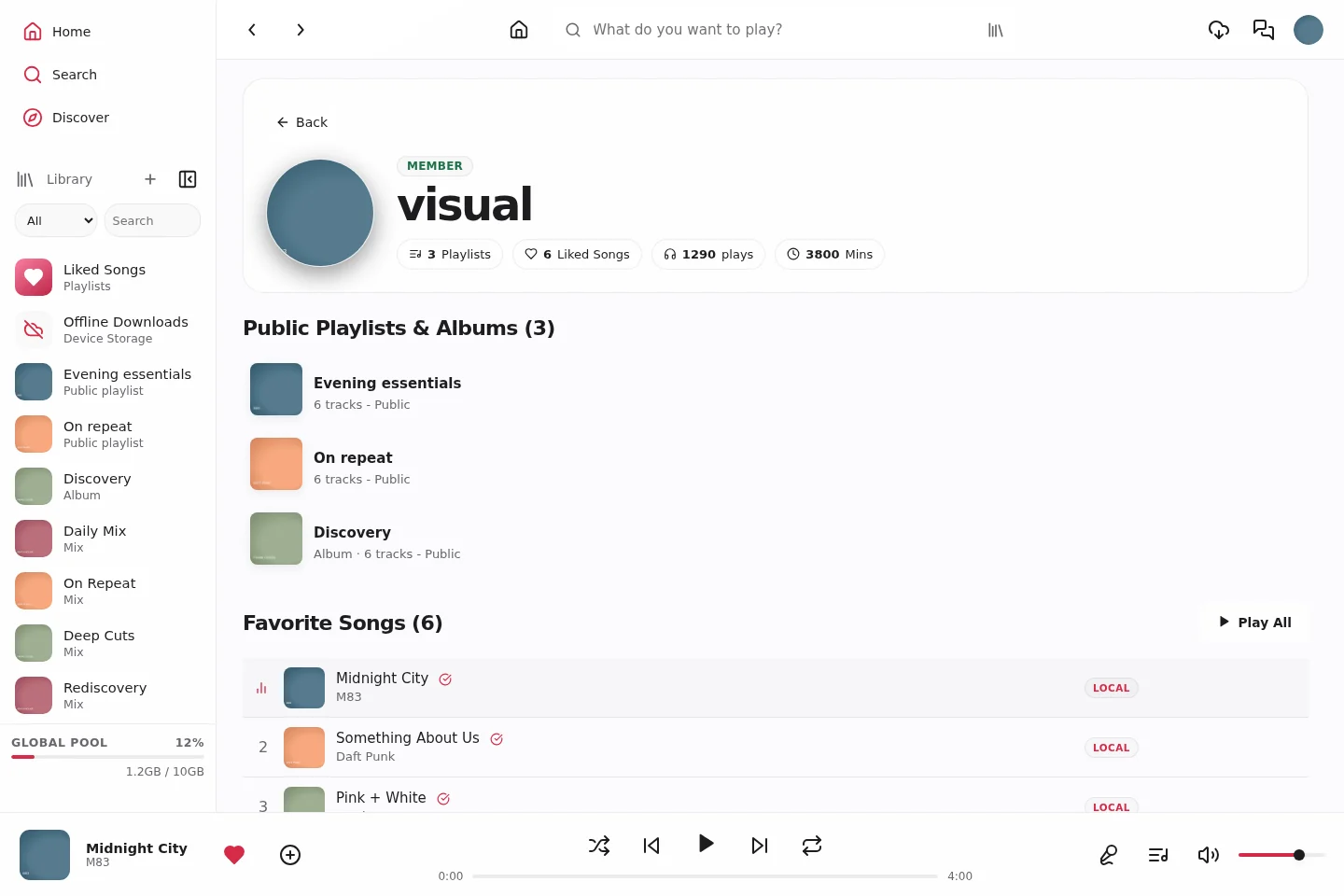
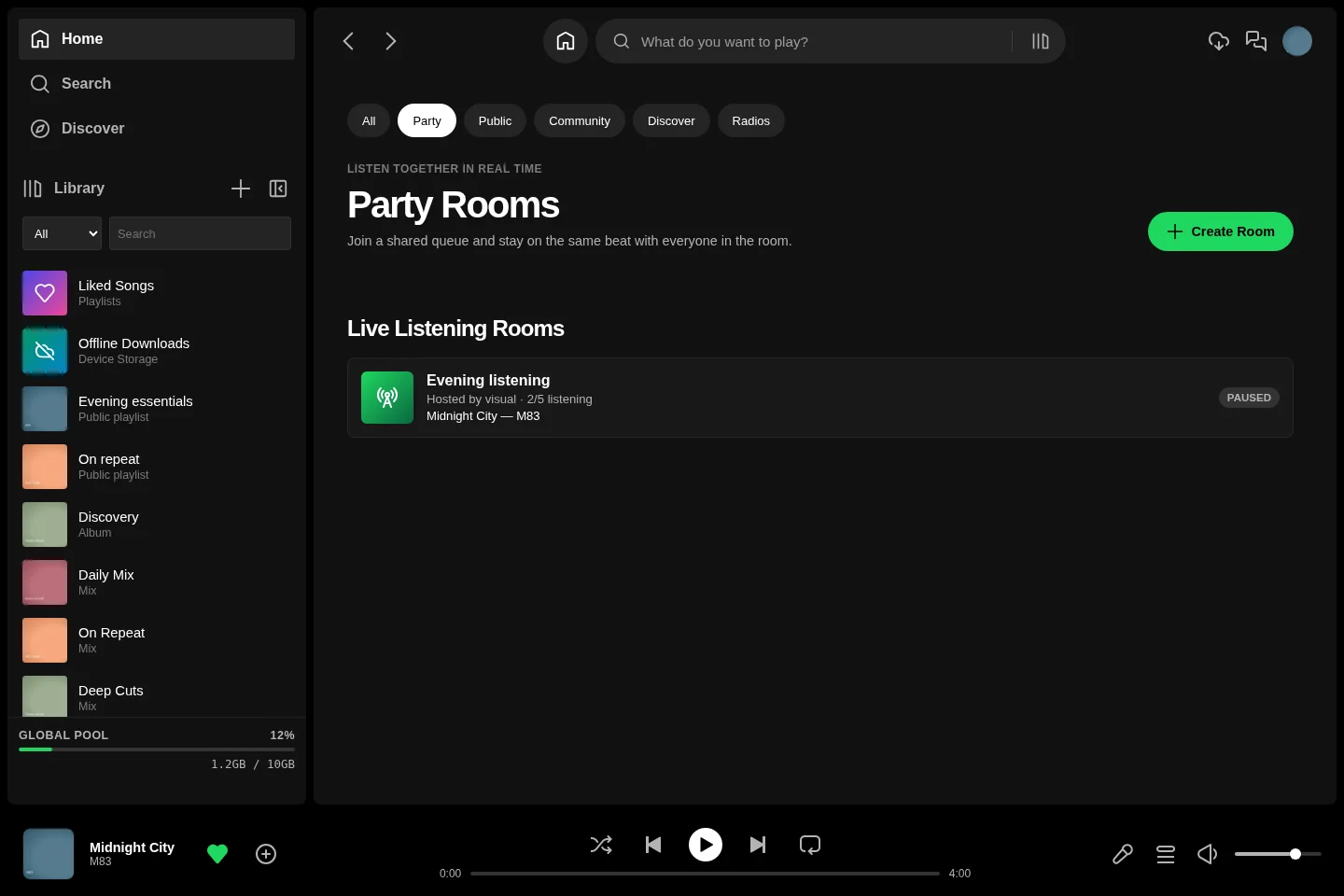
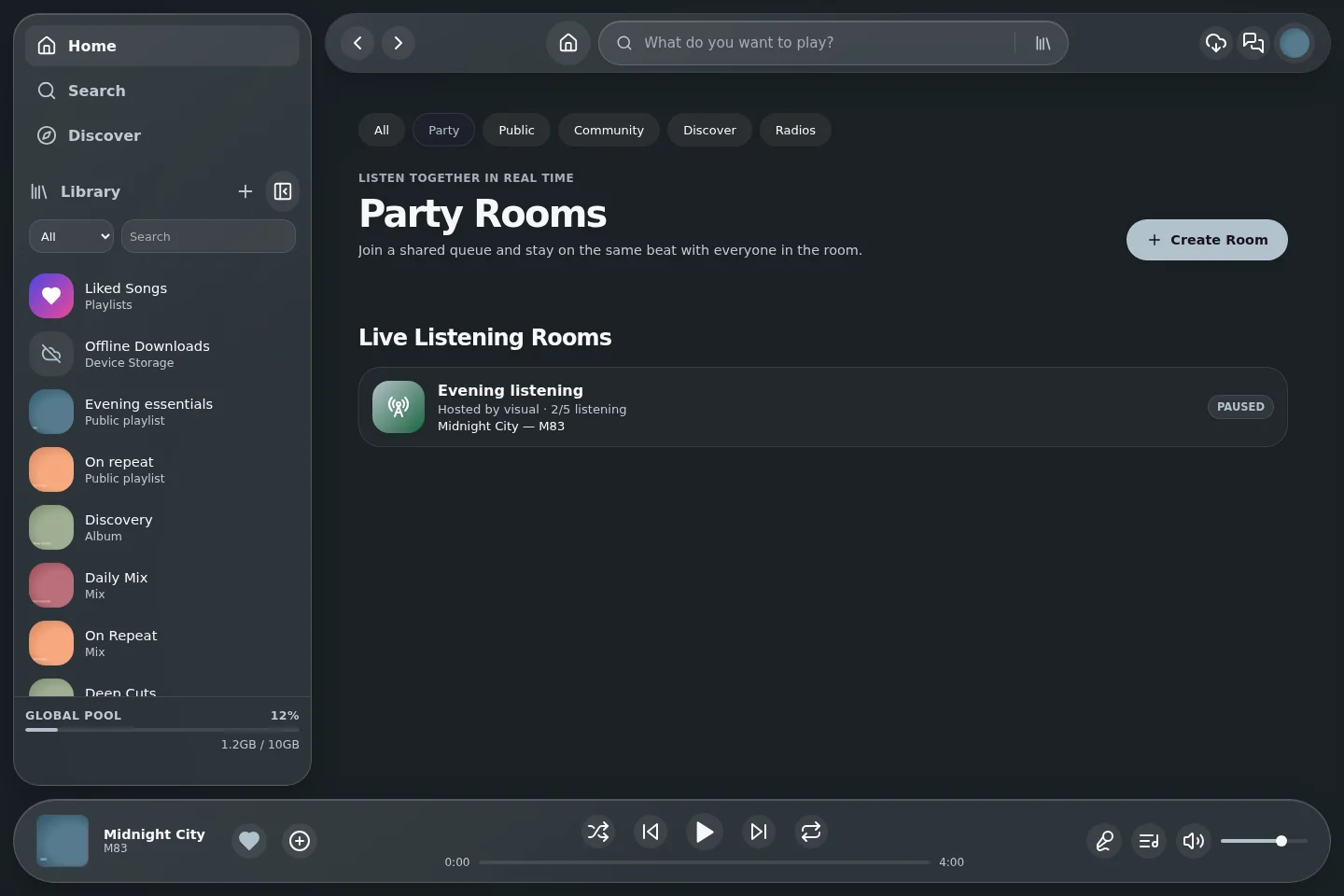
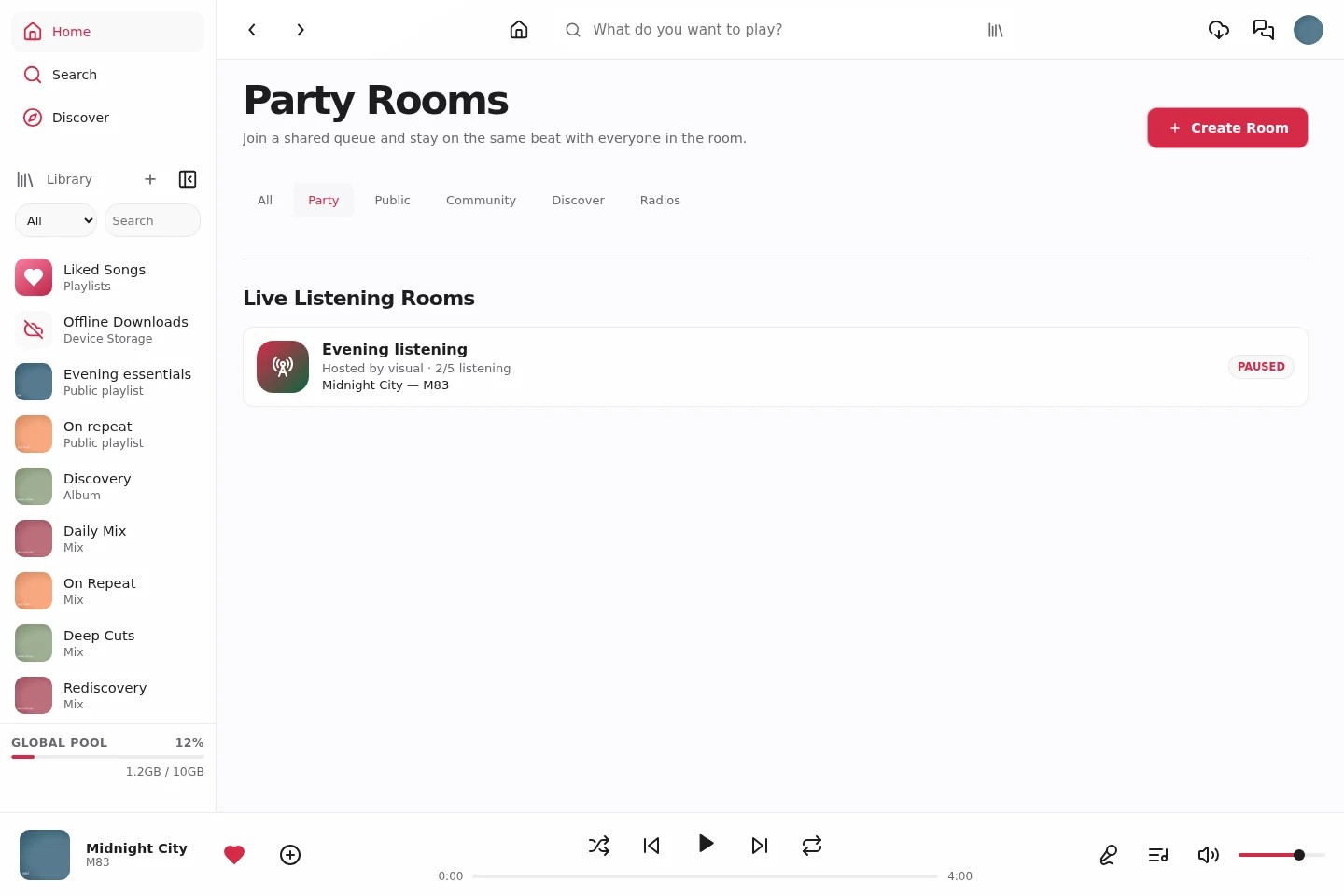
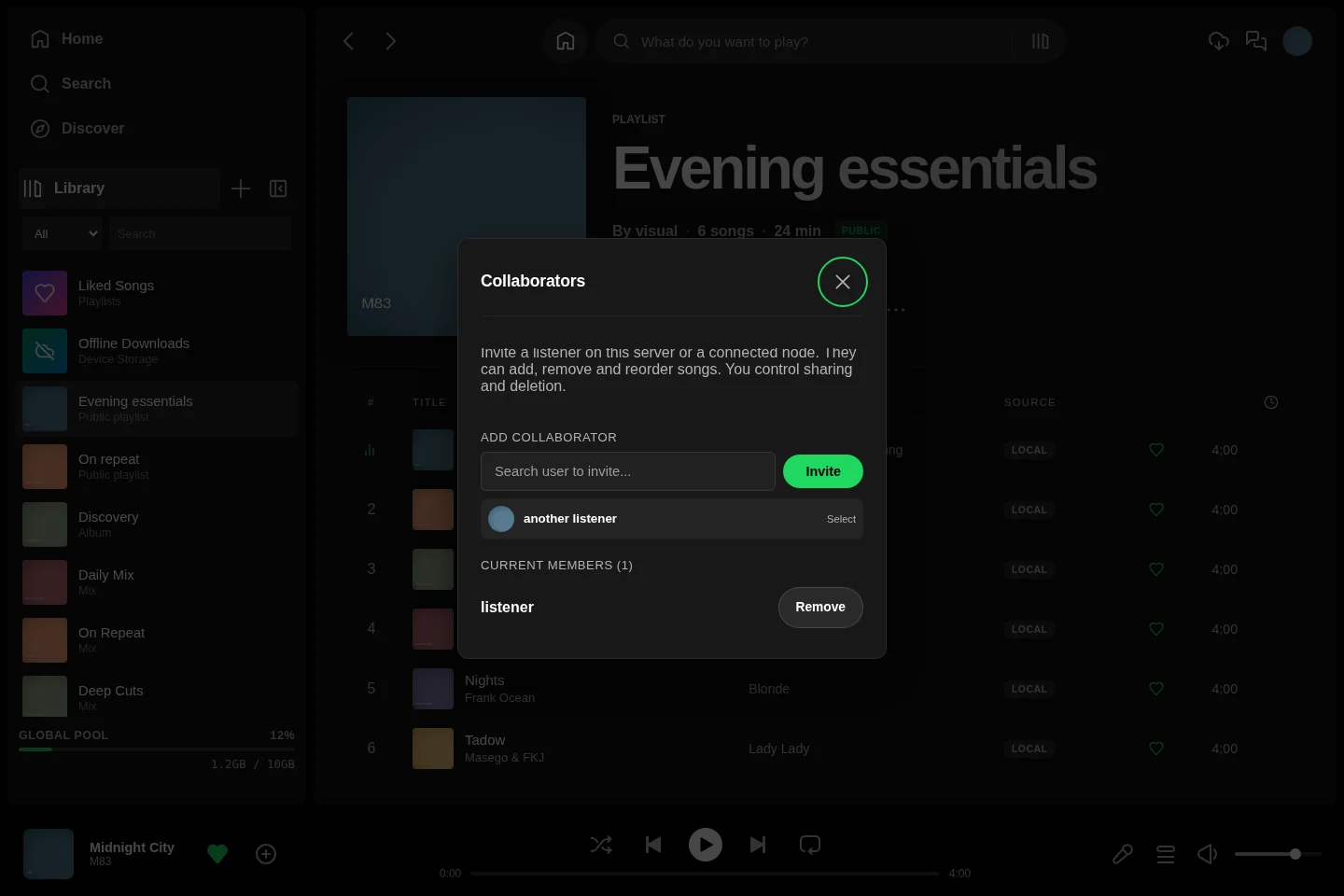
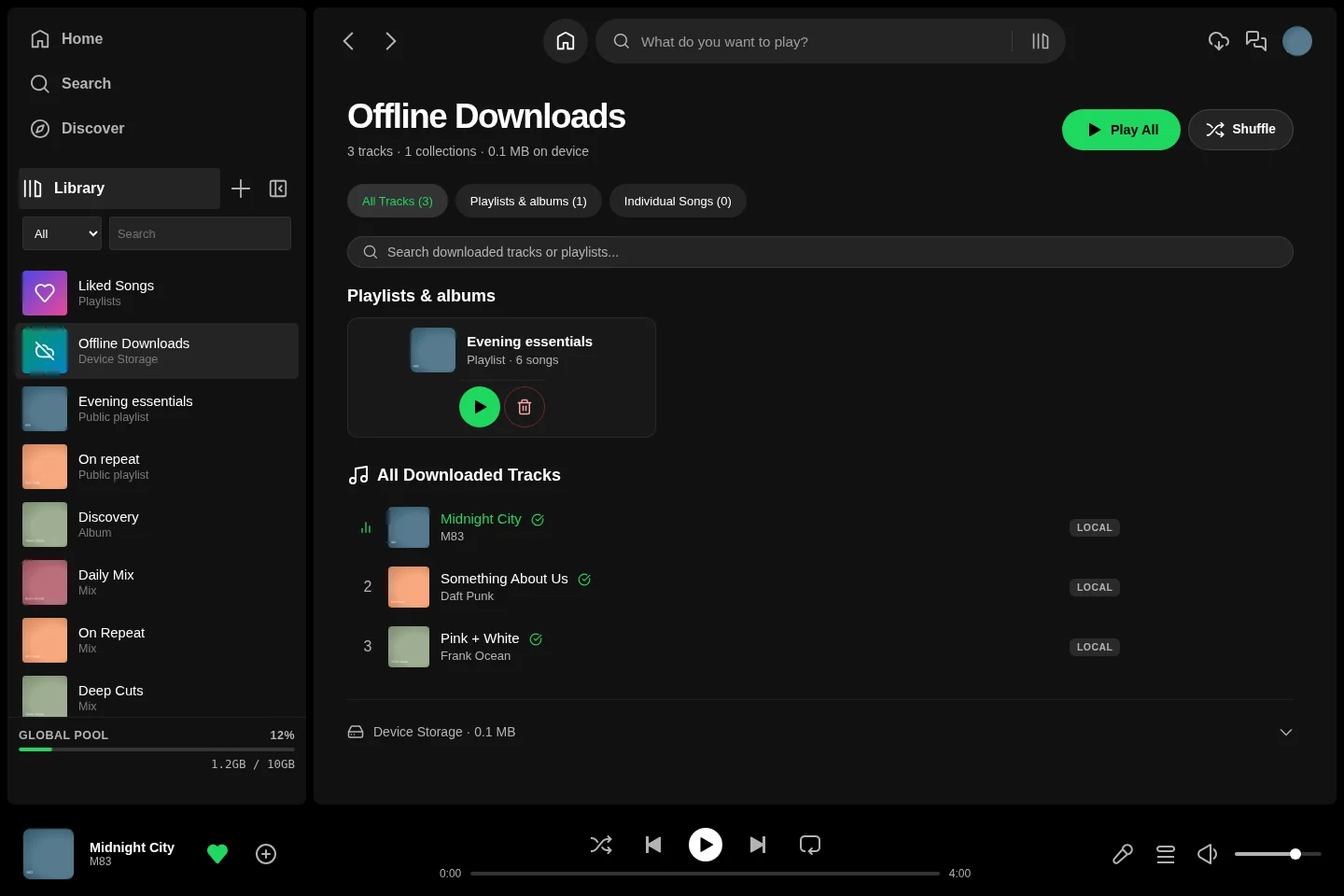
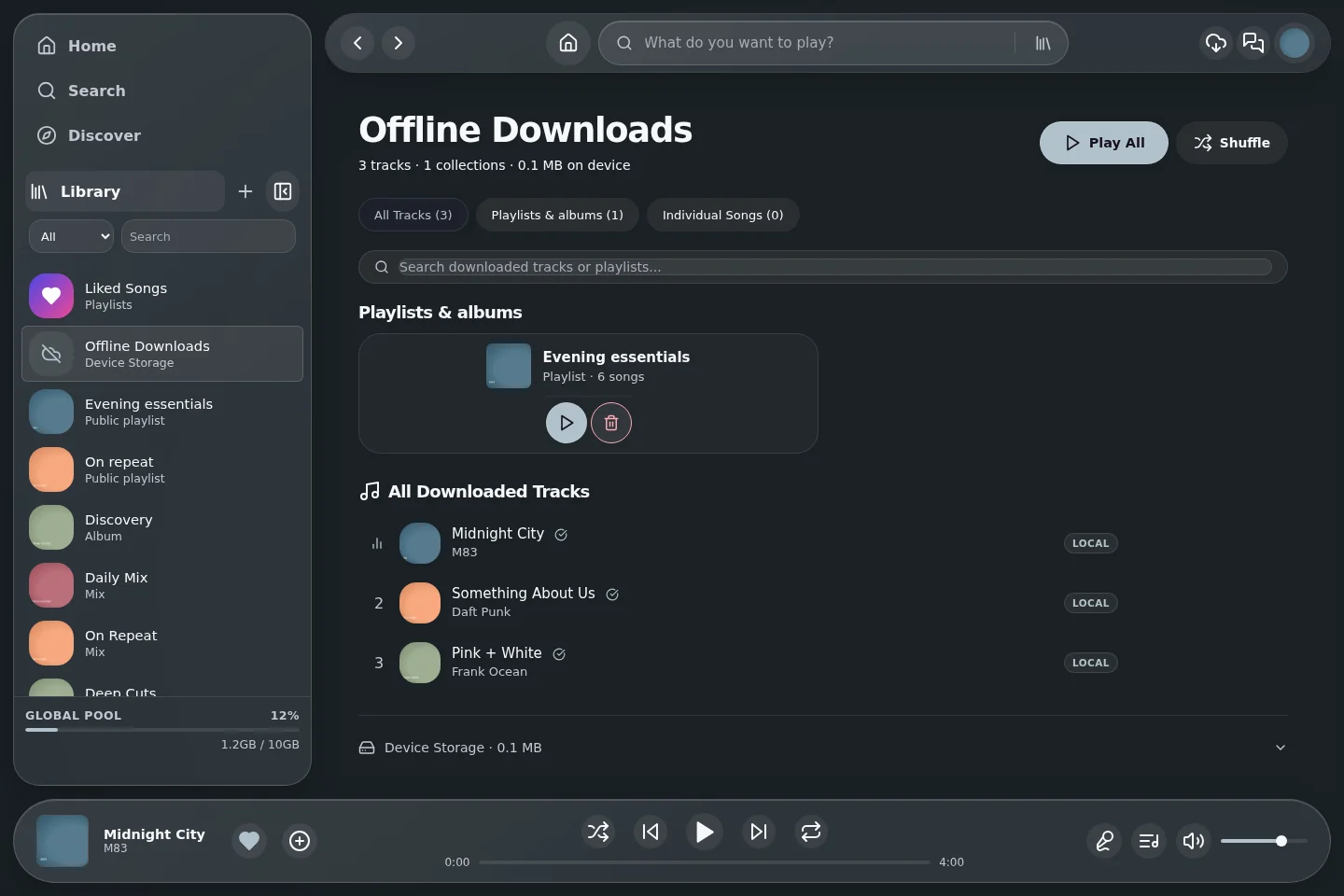
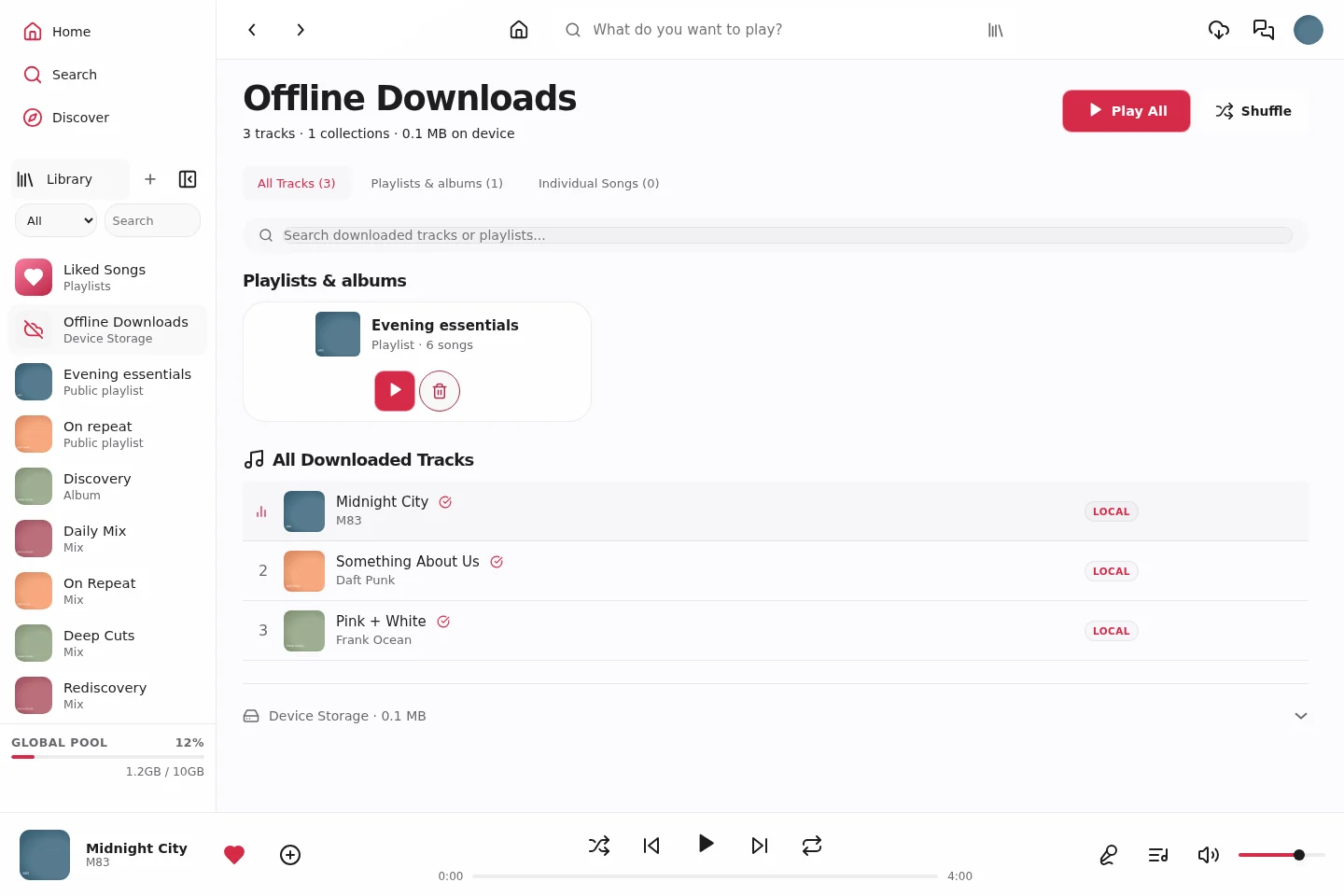
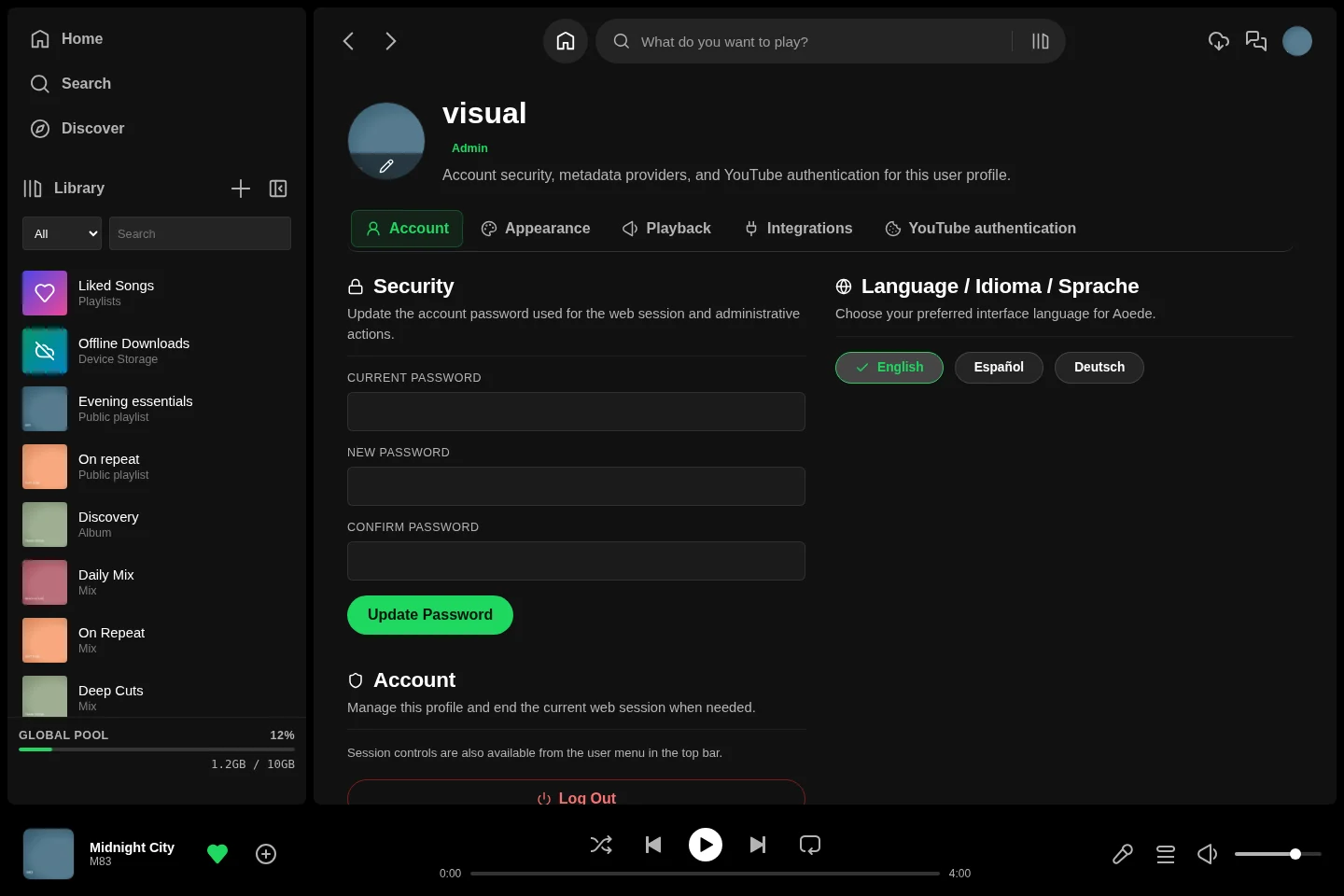
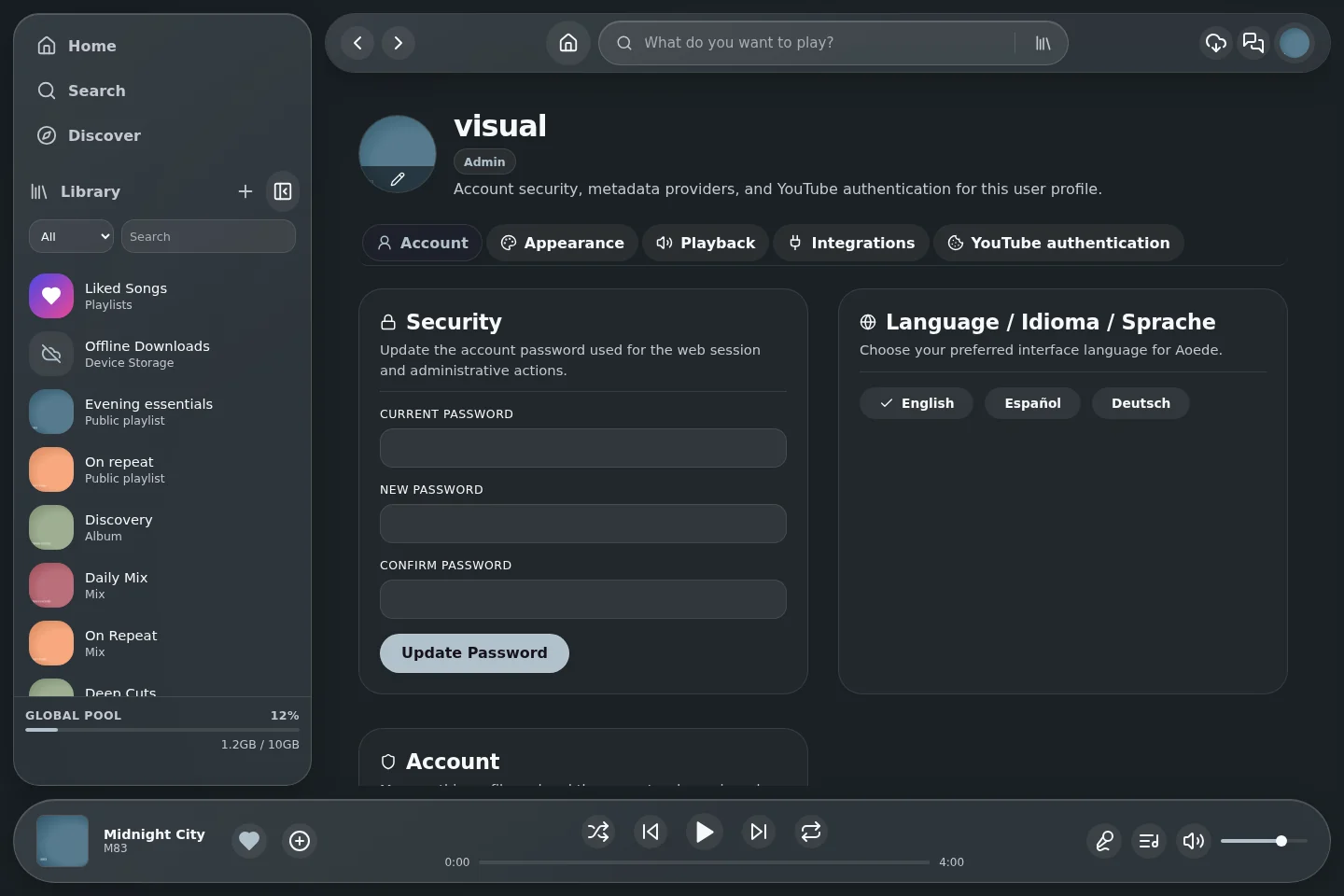
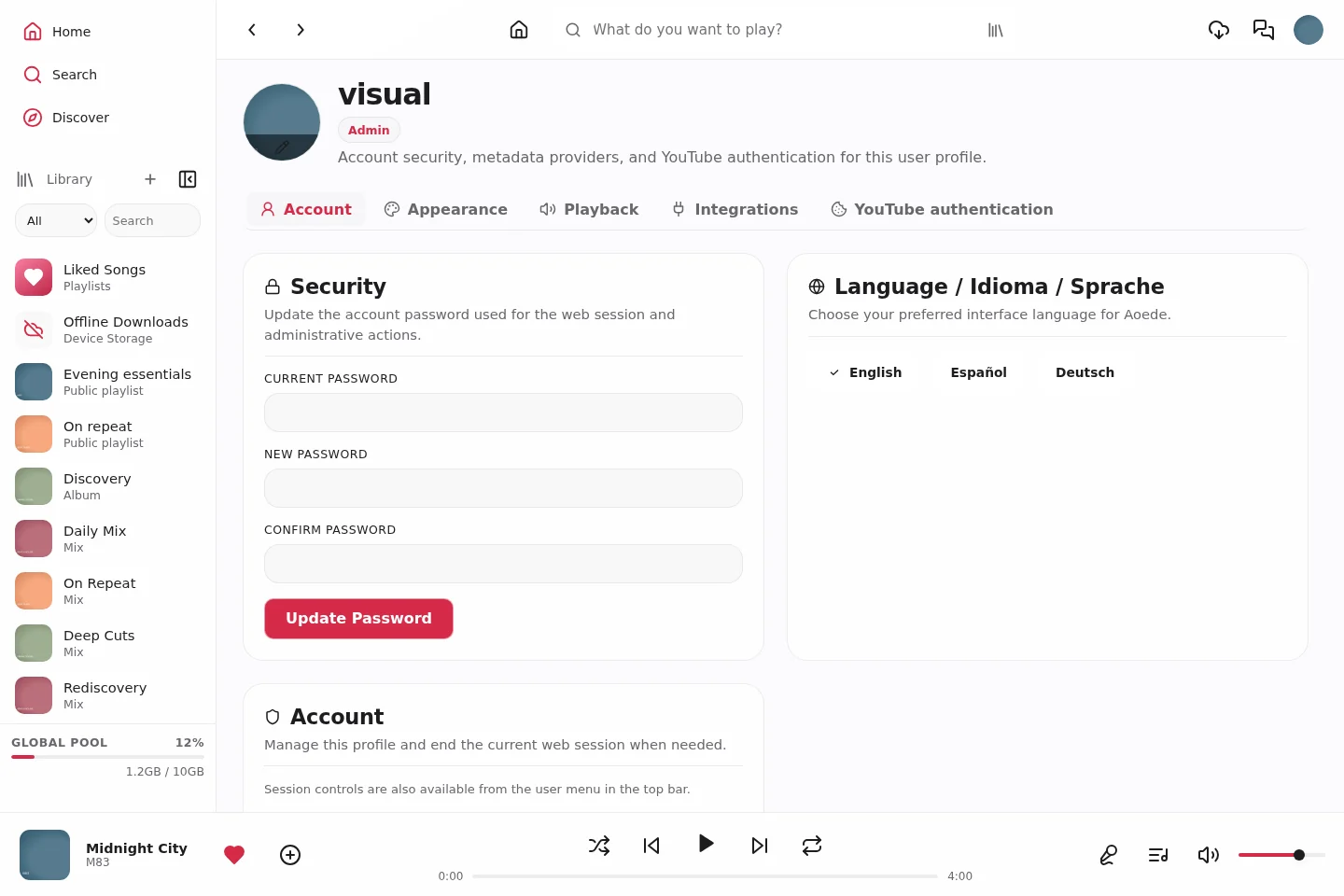
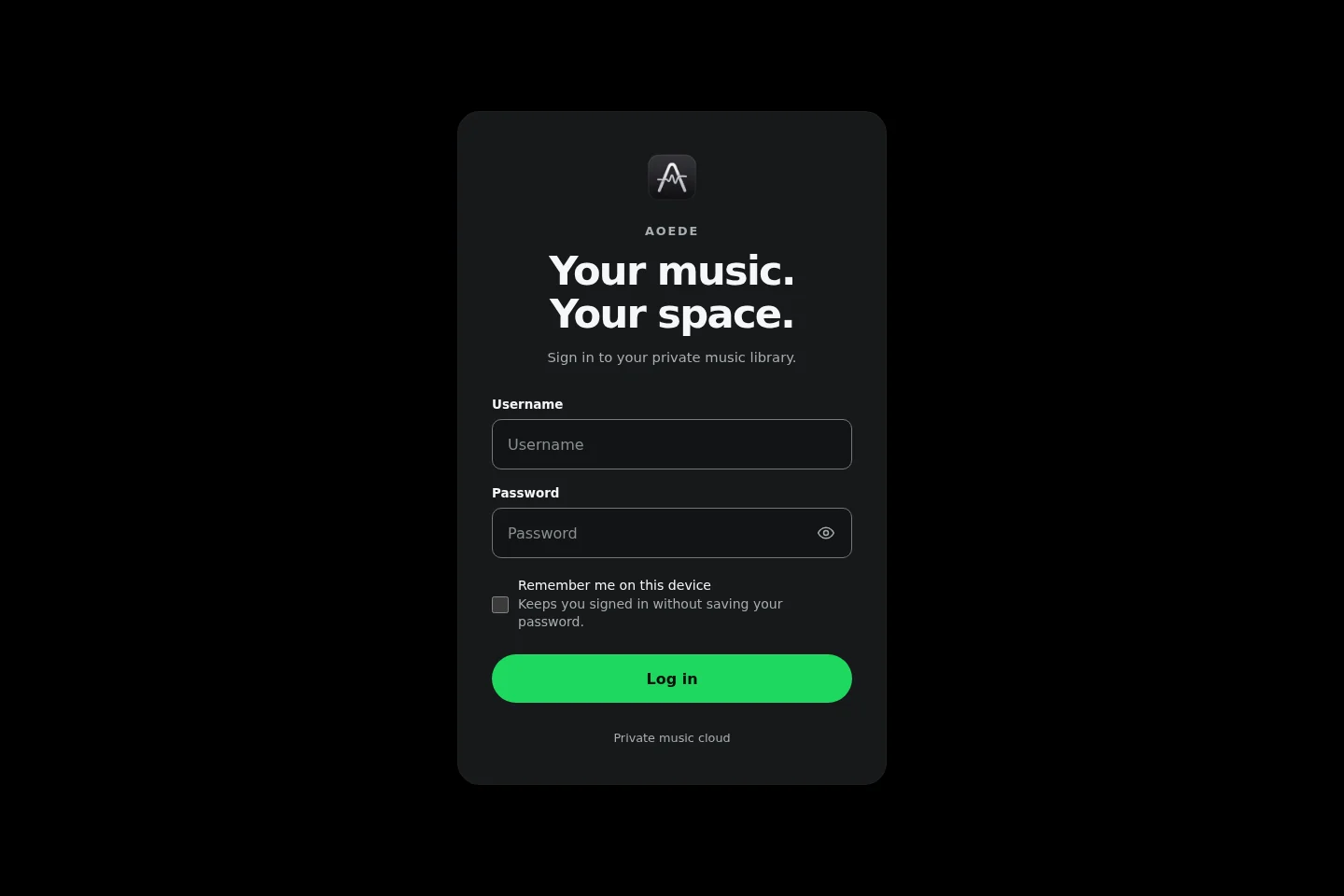
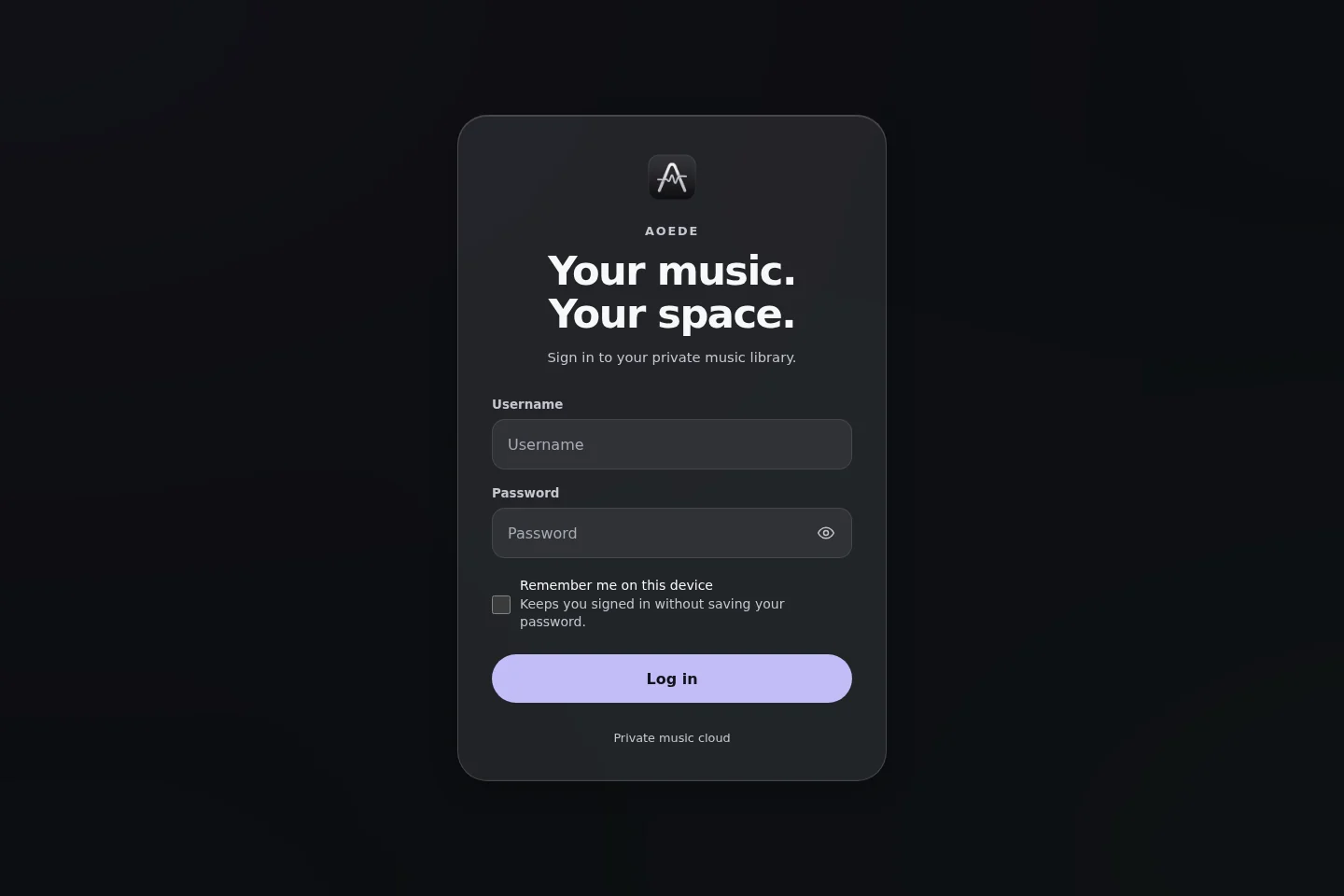
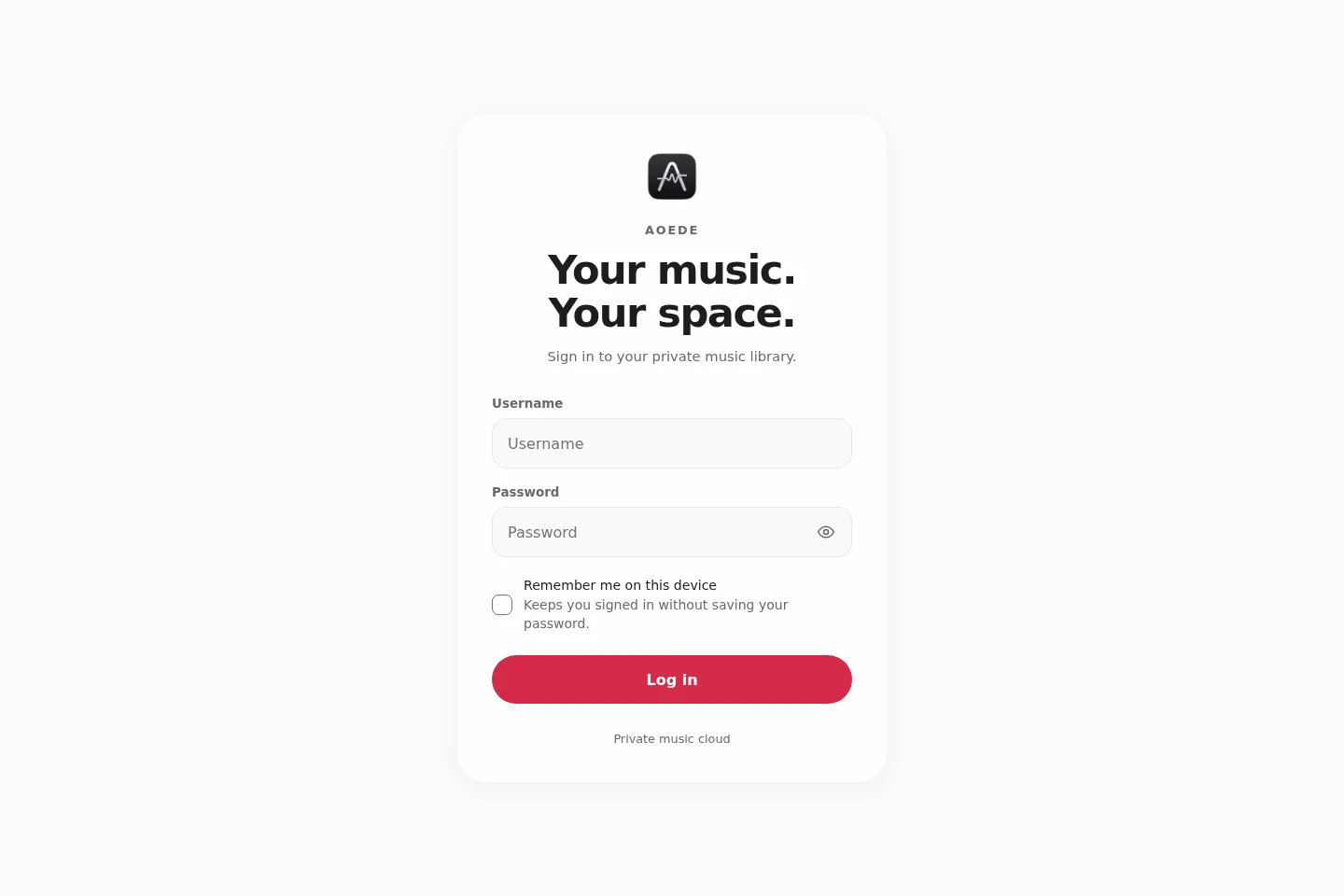
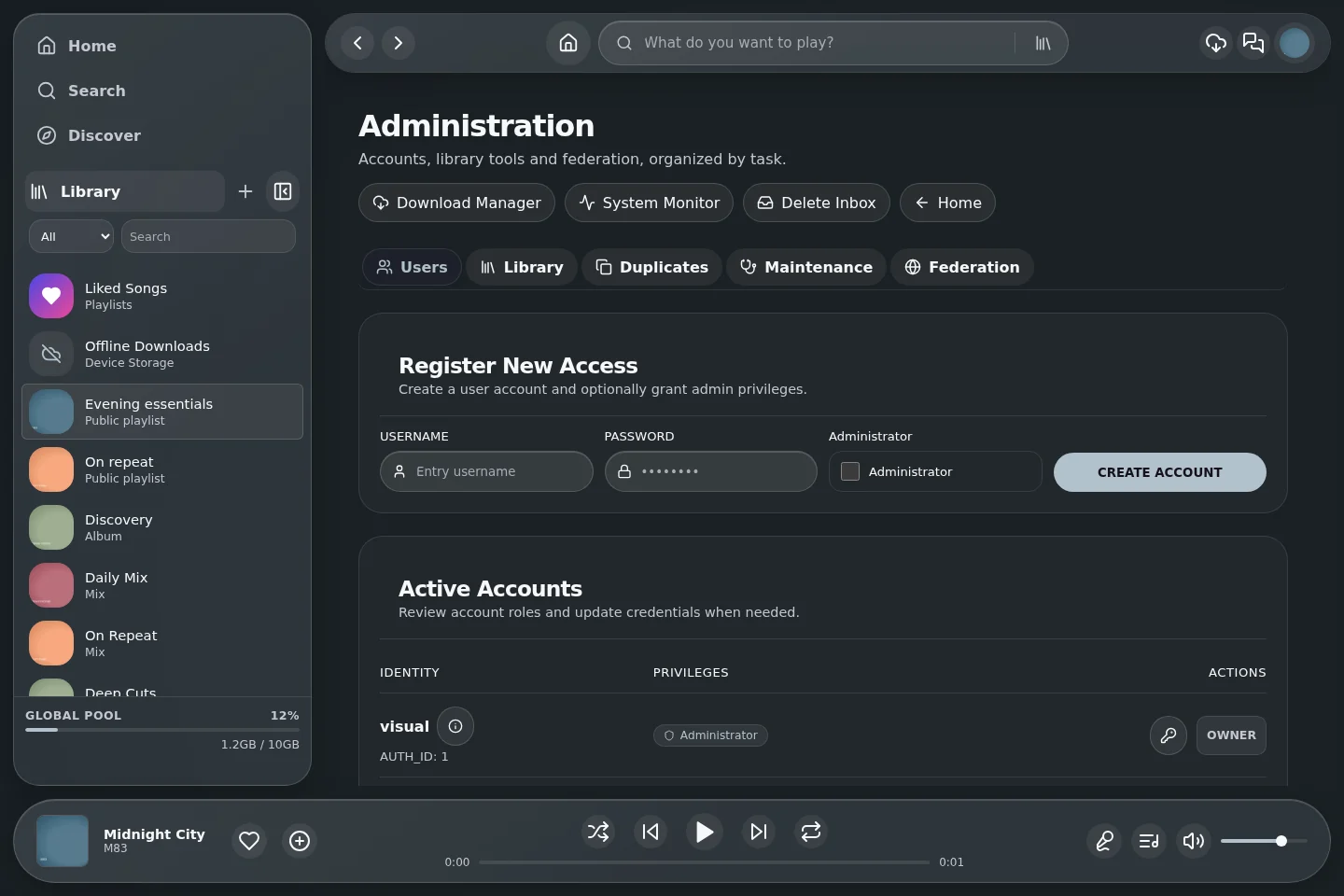
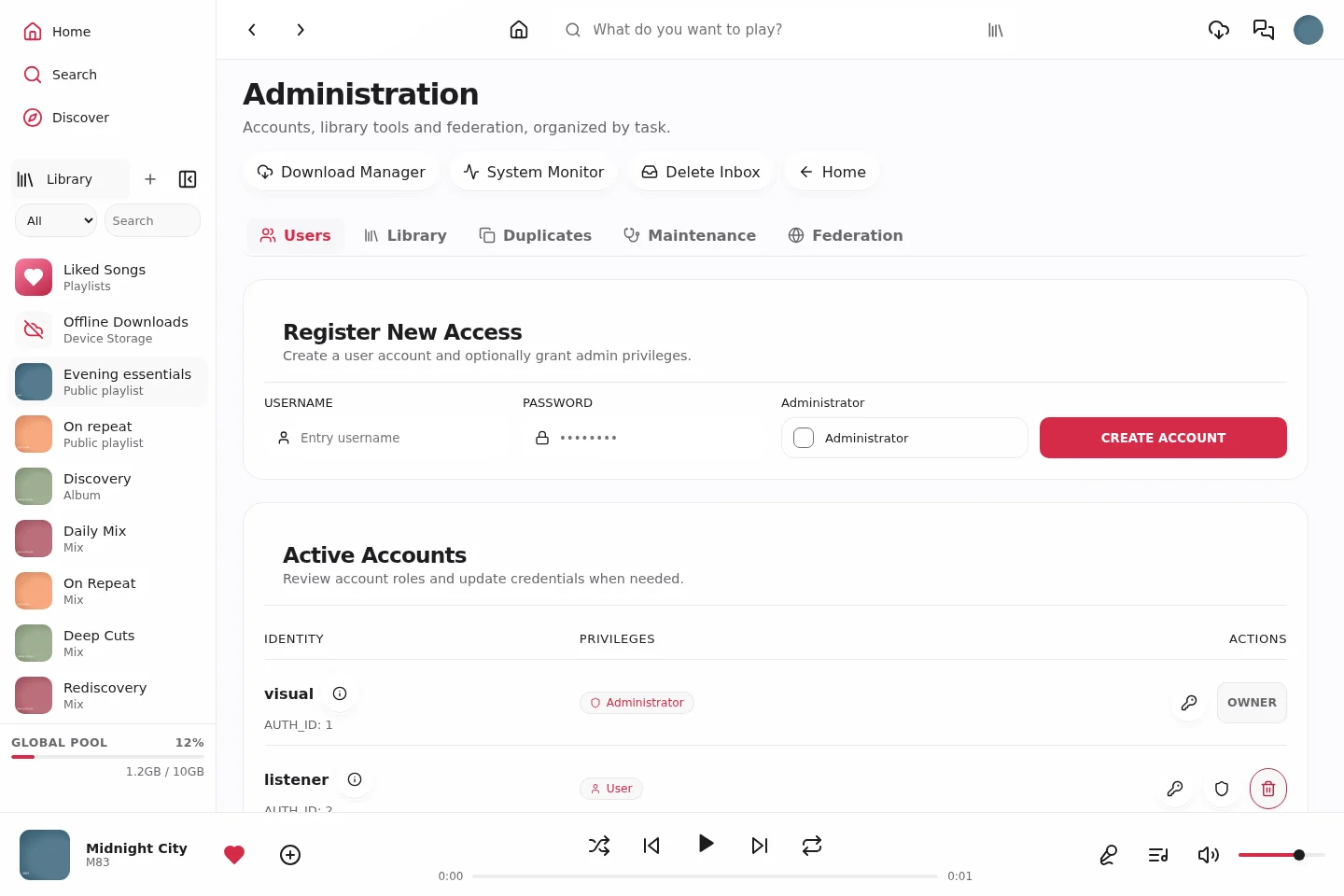
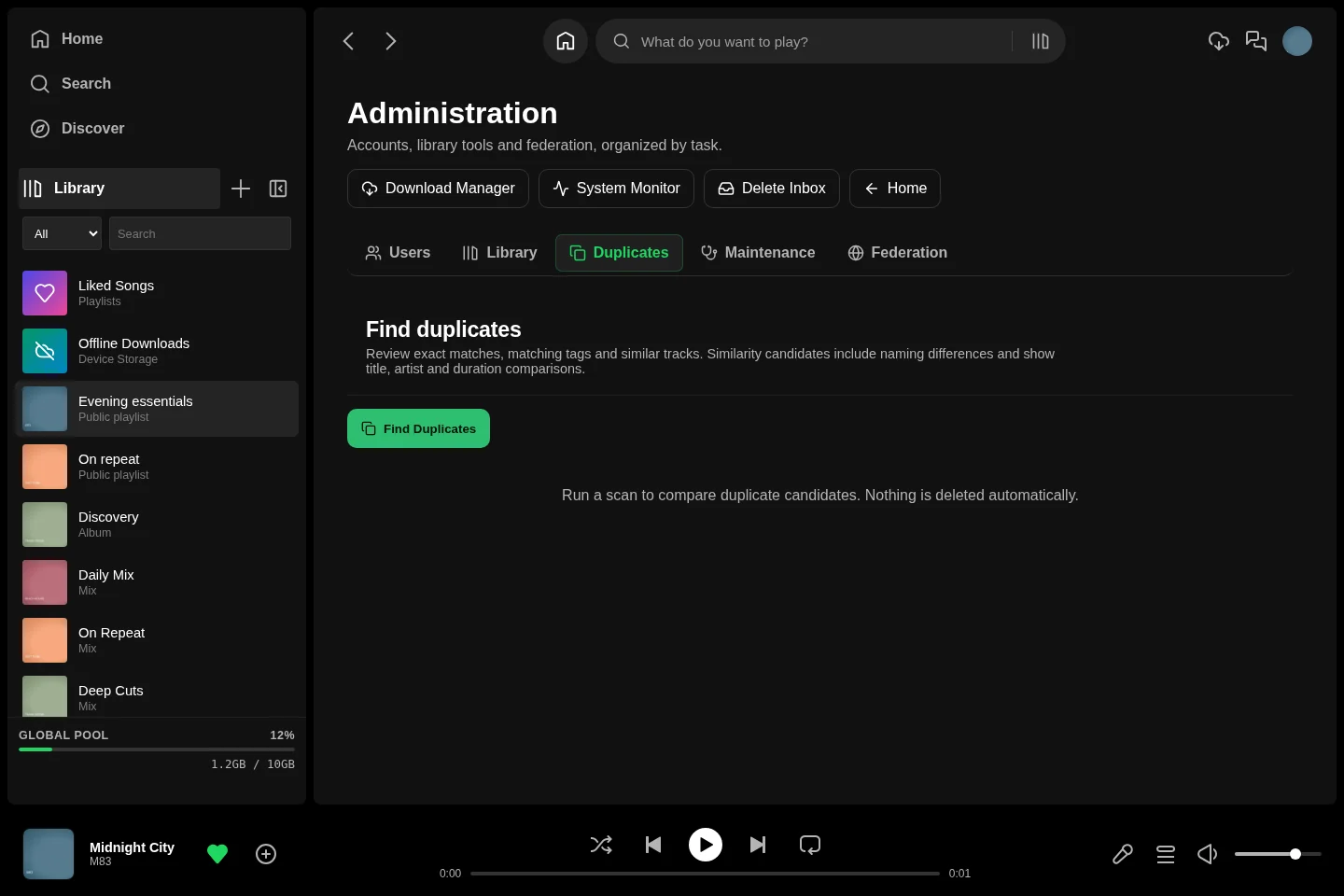
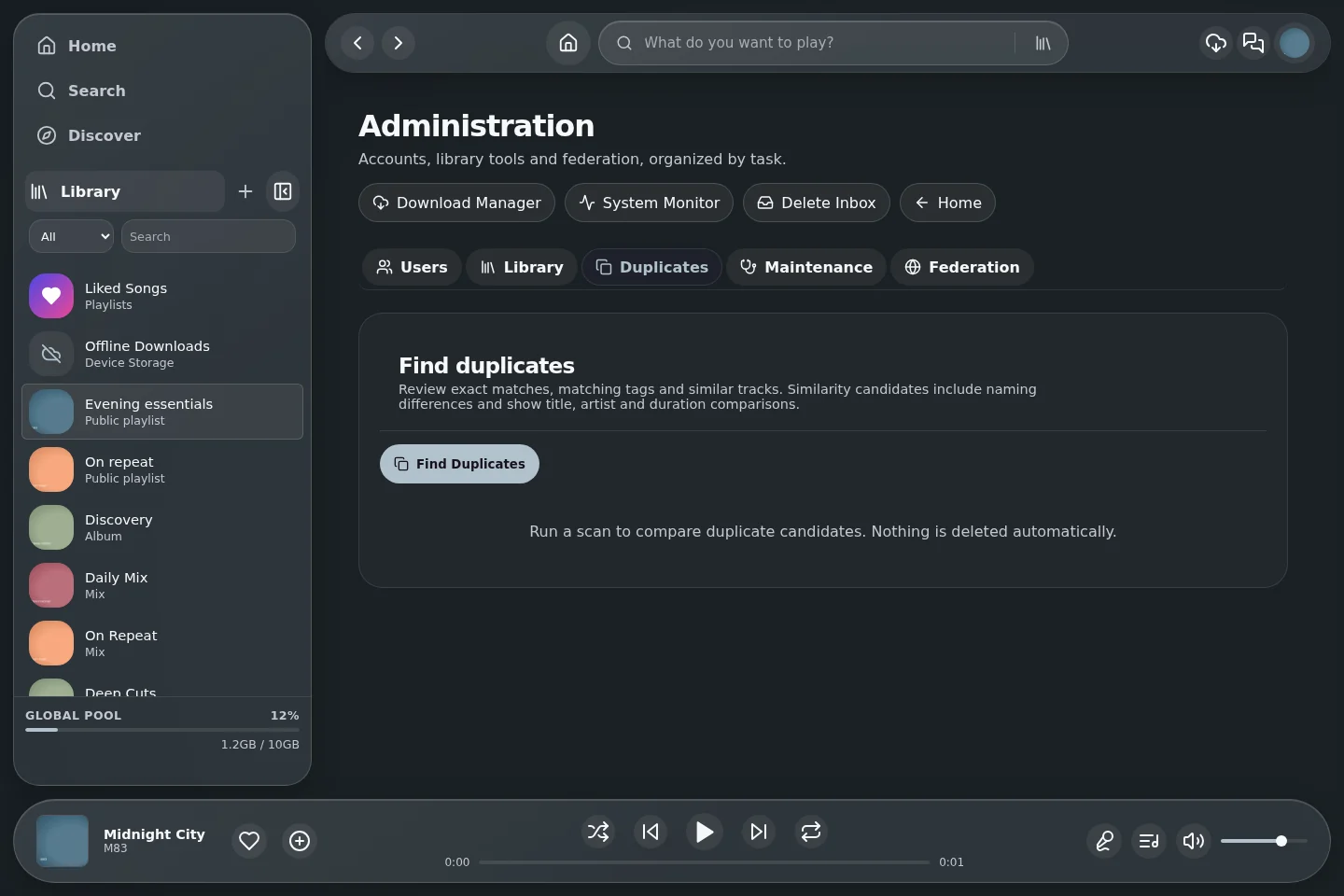
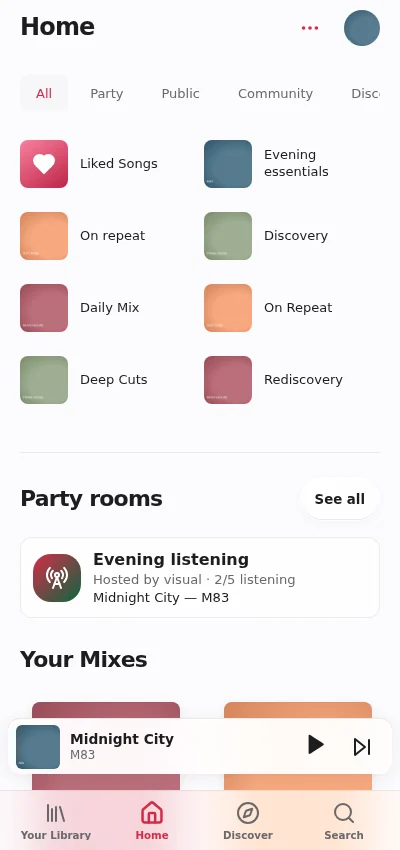
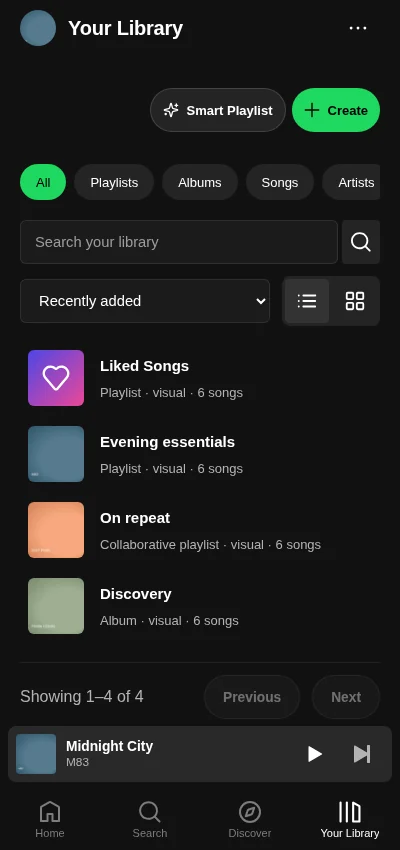
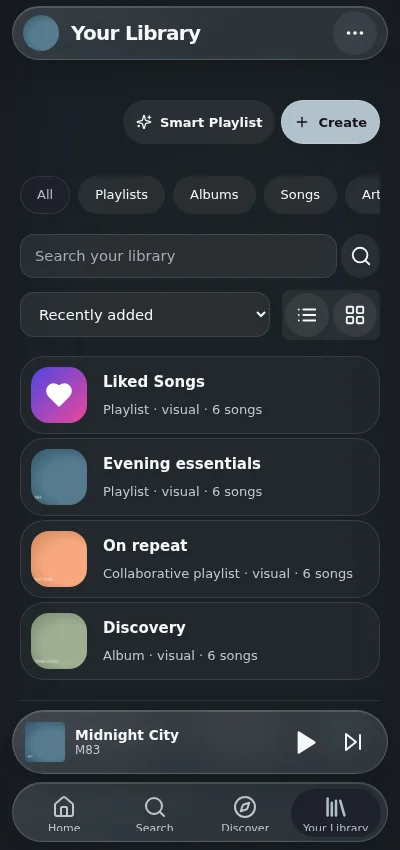
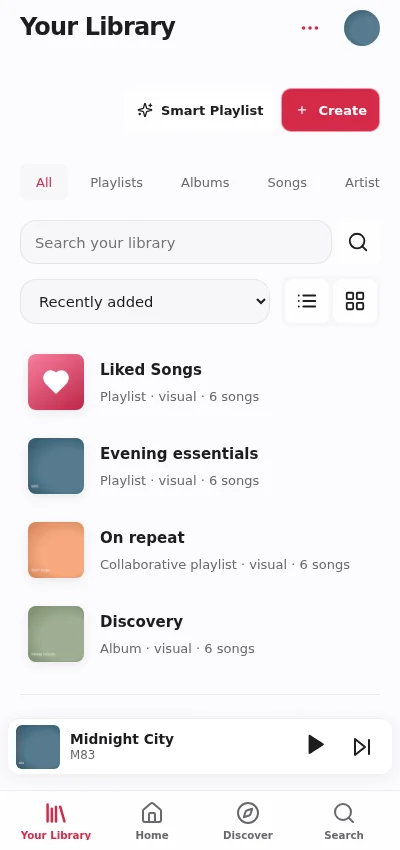
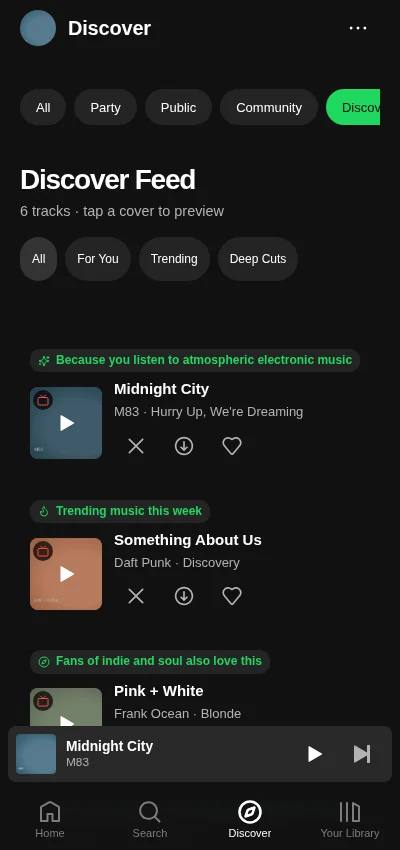
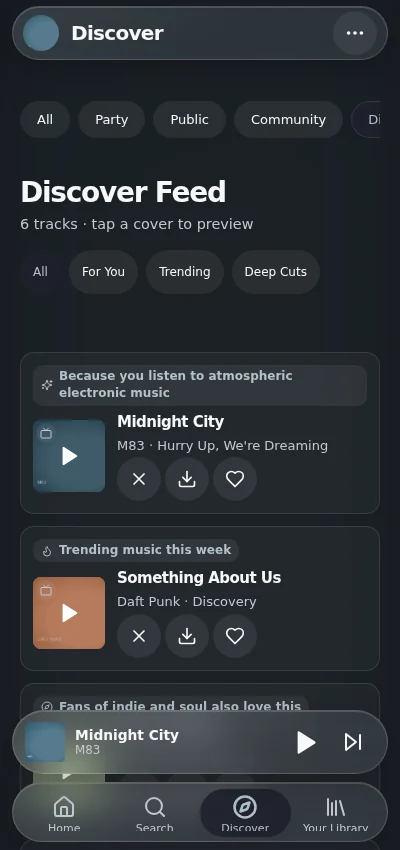
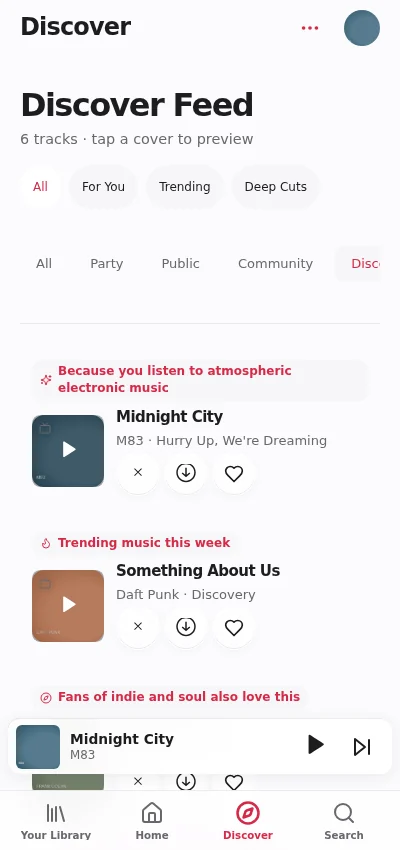
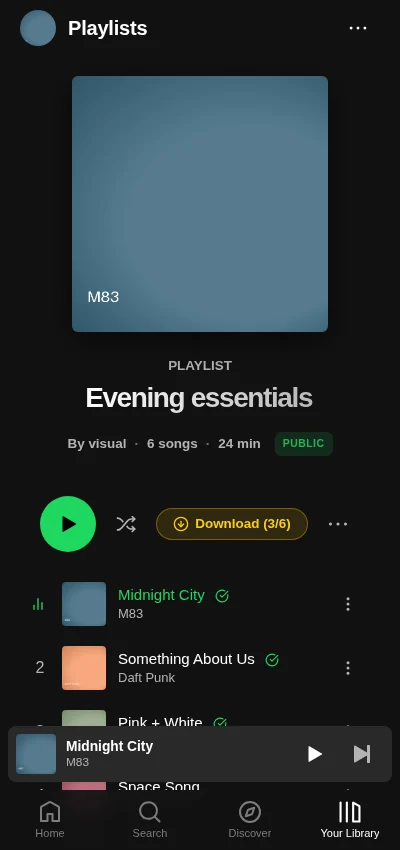
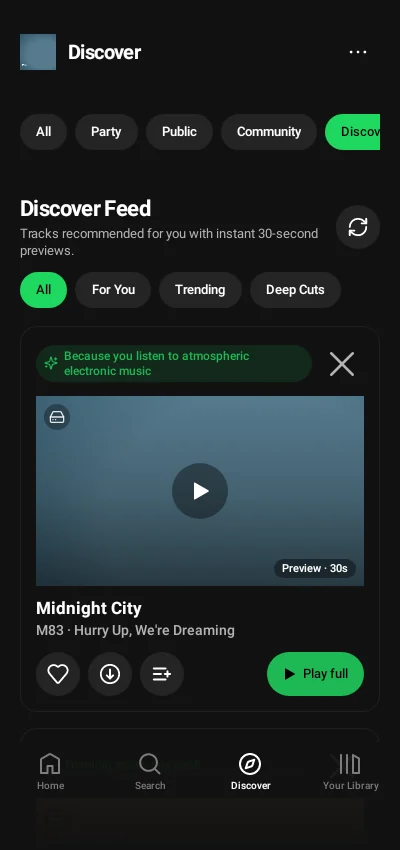
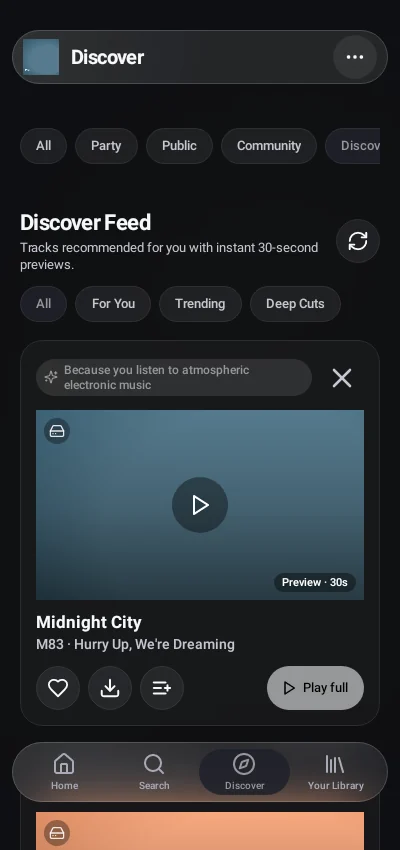
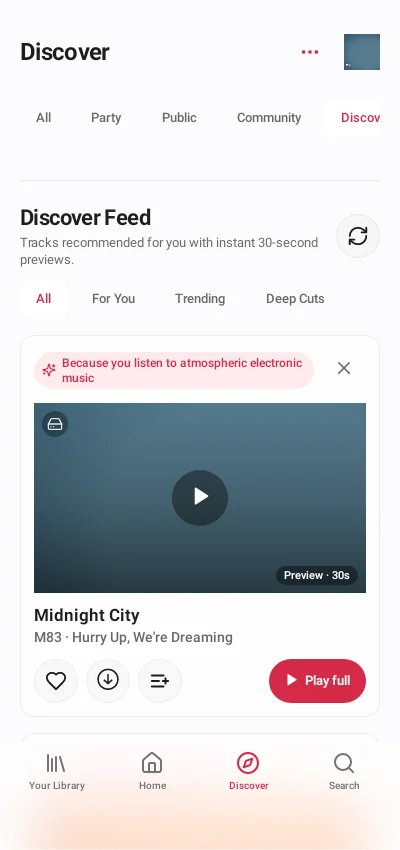
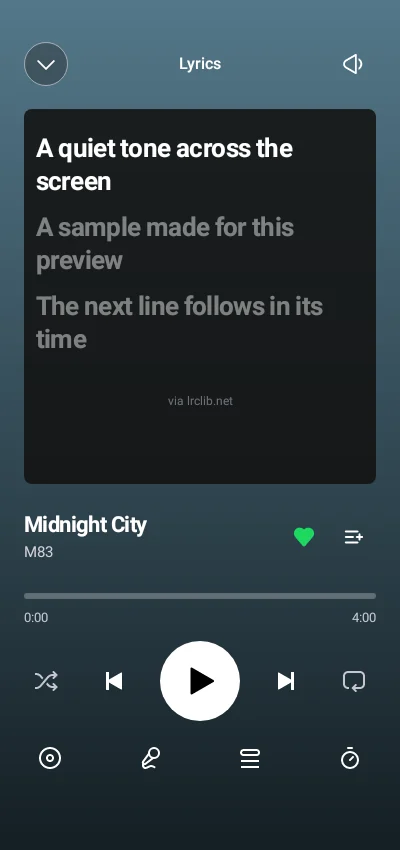
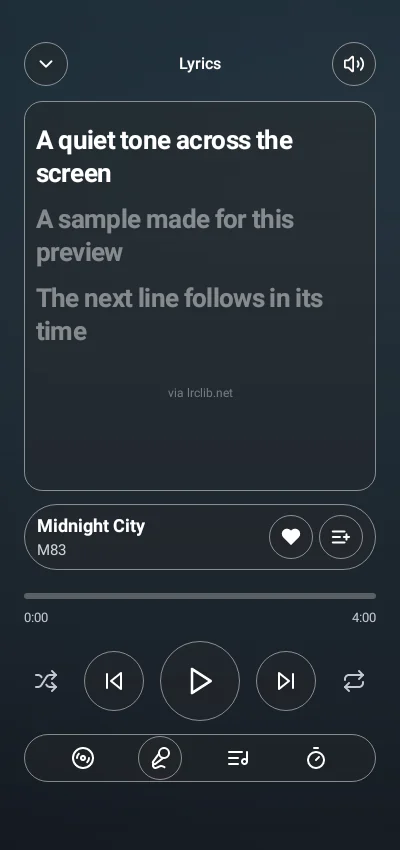
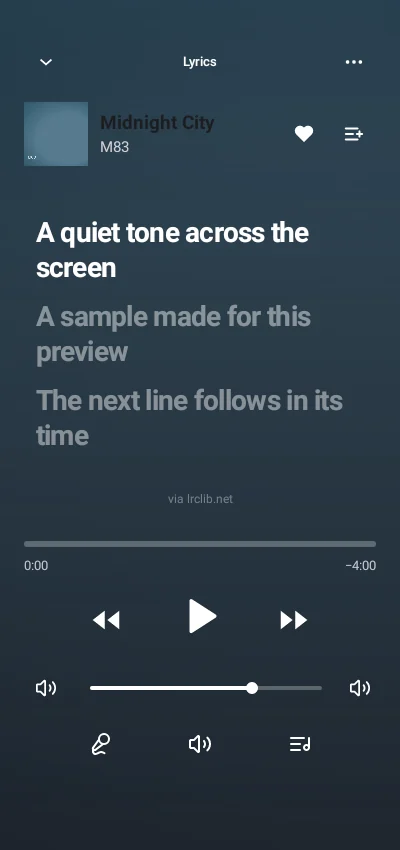
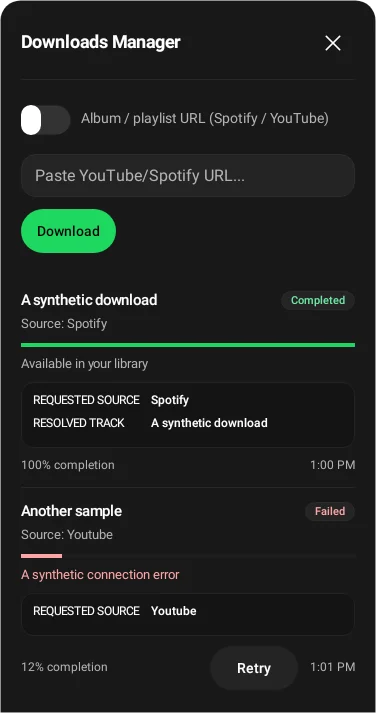
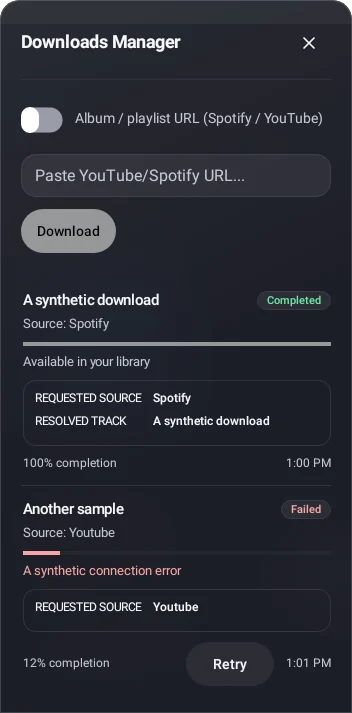
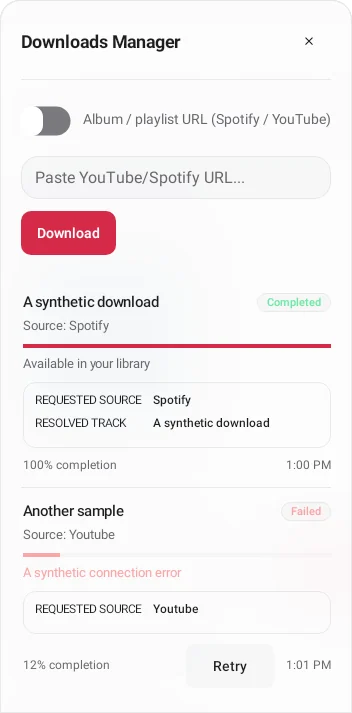
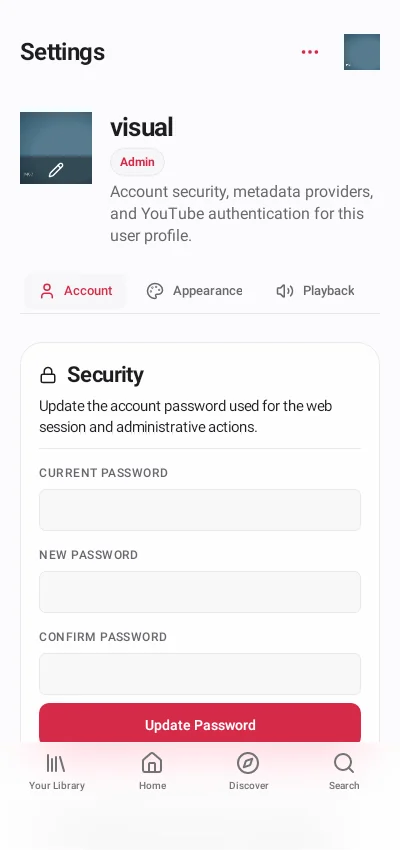
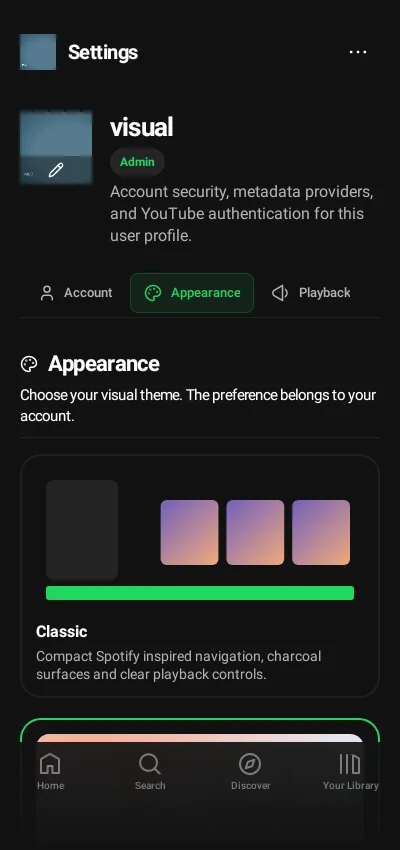
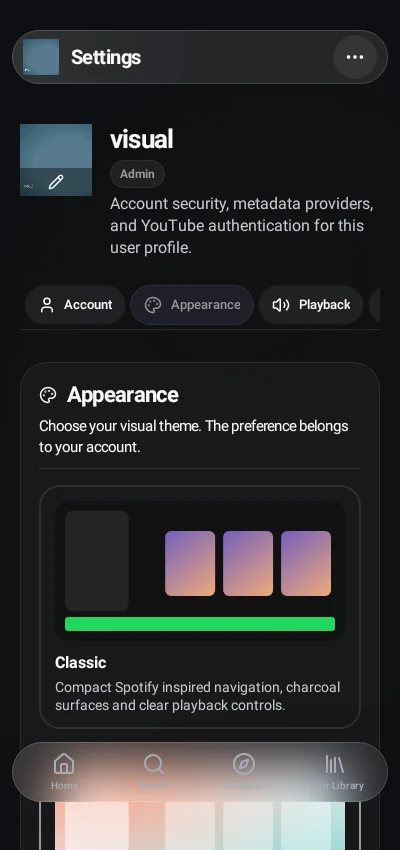
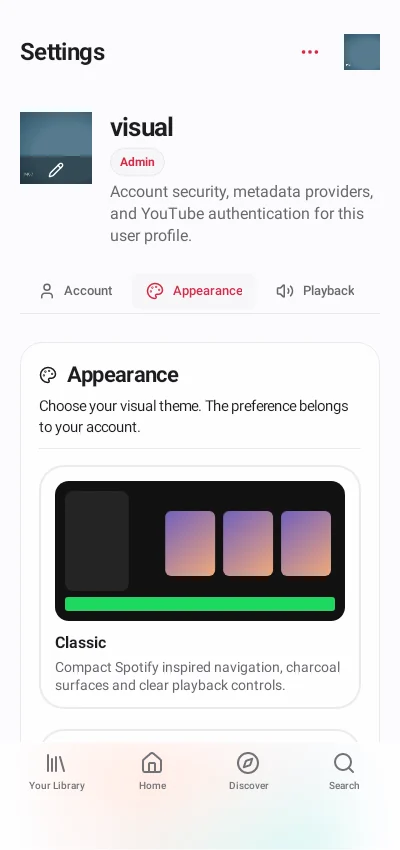
Each themed comparison runs left to right: **Classic (dark)**, **Glass (dark)**, **Vitrine (light)**. Glass and Vitrine also follow the device's light/dark preference. Captures show paused playback where controls need a stable frame; animations and background audio cannot be demonstrated by a still image.
## Desktop web
The sidebar, compact player and page controls remain part of the captured frontend. Content below the viewport is reached by scrolling.
Home and your collections
Saved playlists and curated albums share collection controls while remaining distinct library types.
| Classic | Glass | Vitrine |
|---|
| Home and personal mixes |
|---|
 |
 |
 |
| Your Library |
|---|
 |
 |
 |
| Playlist details |
|---|
 |
 |
 |
| Curated album details |
|---|
 |
 |
 |
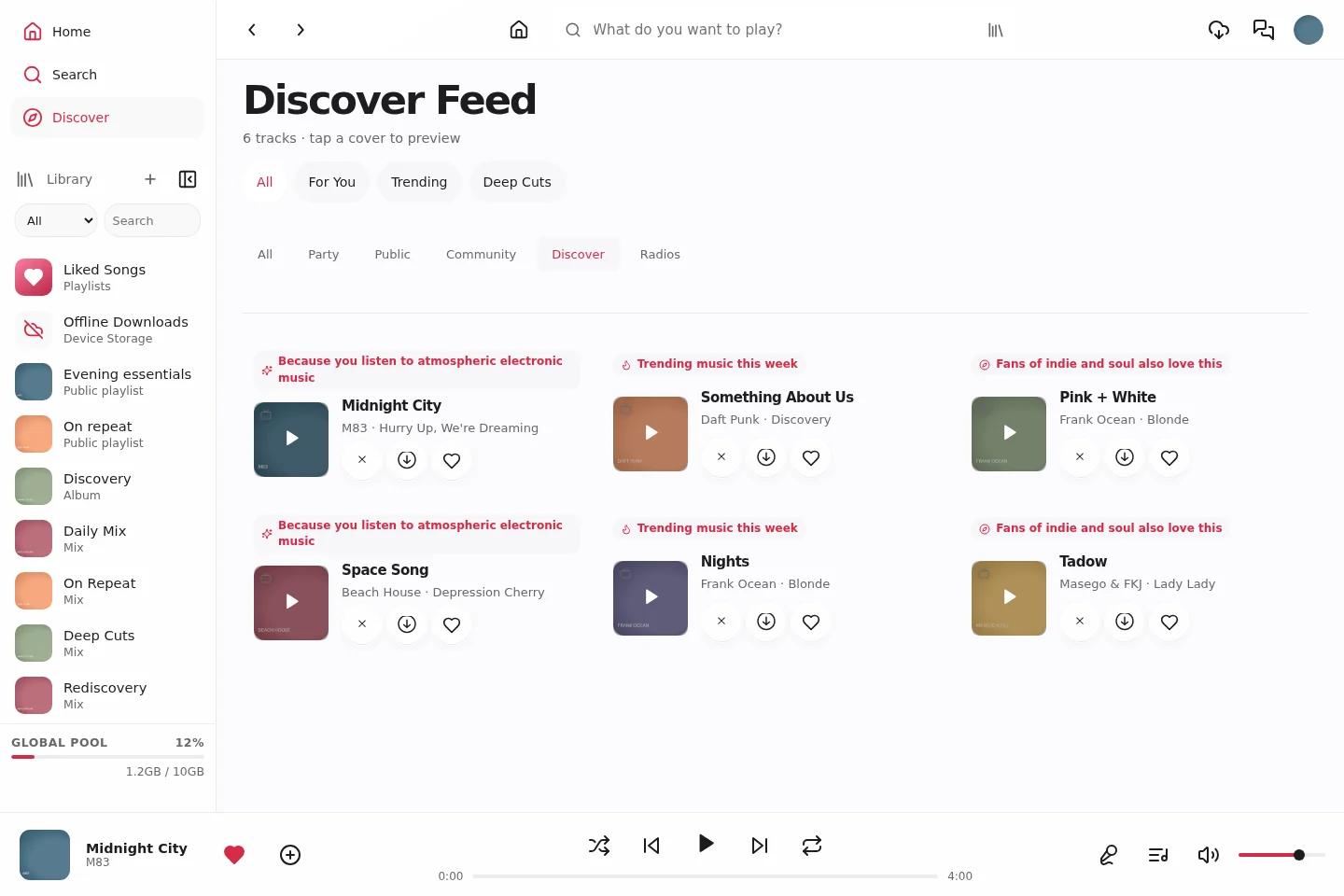
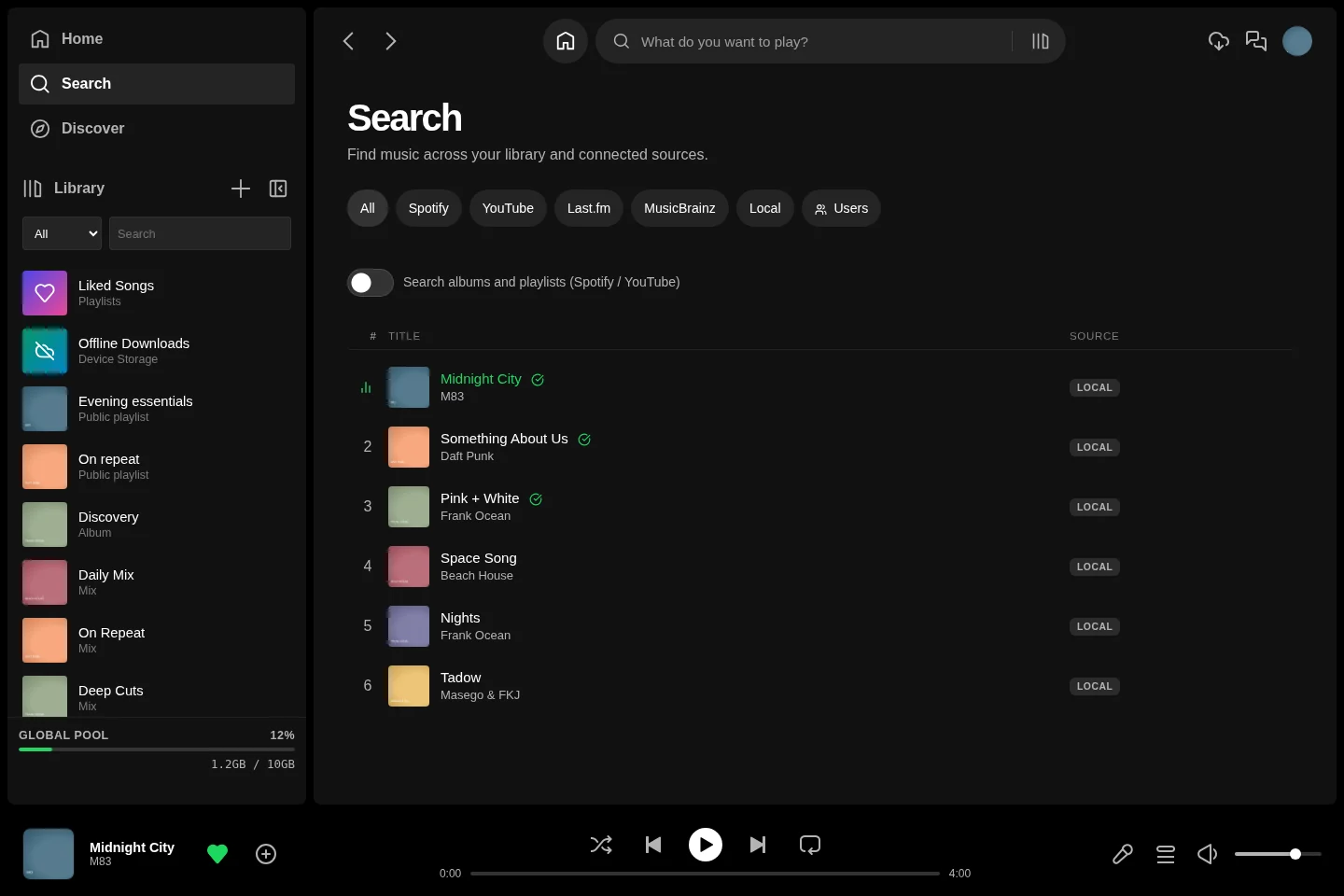
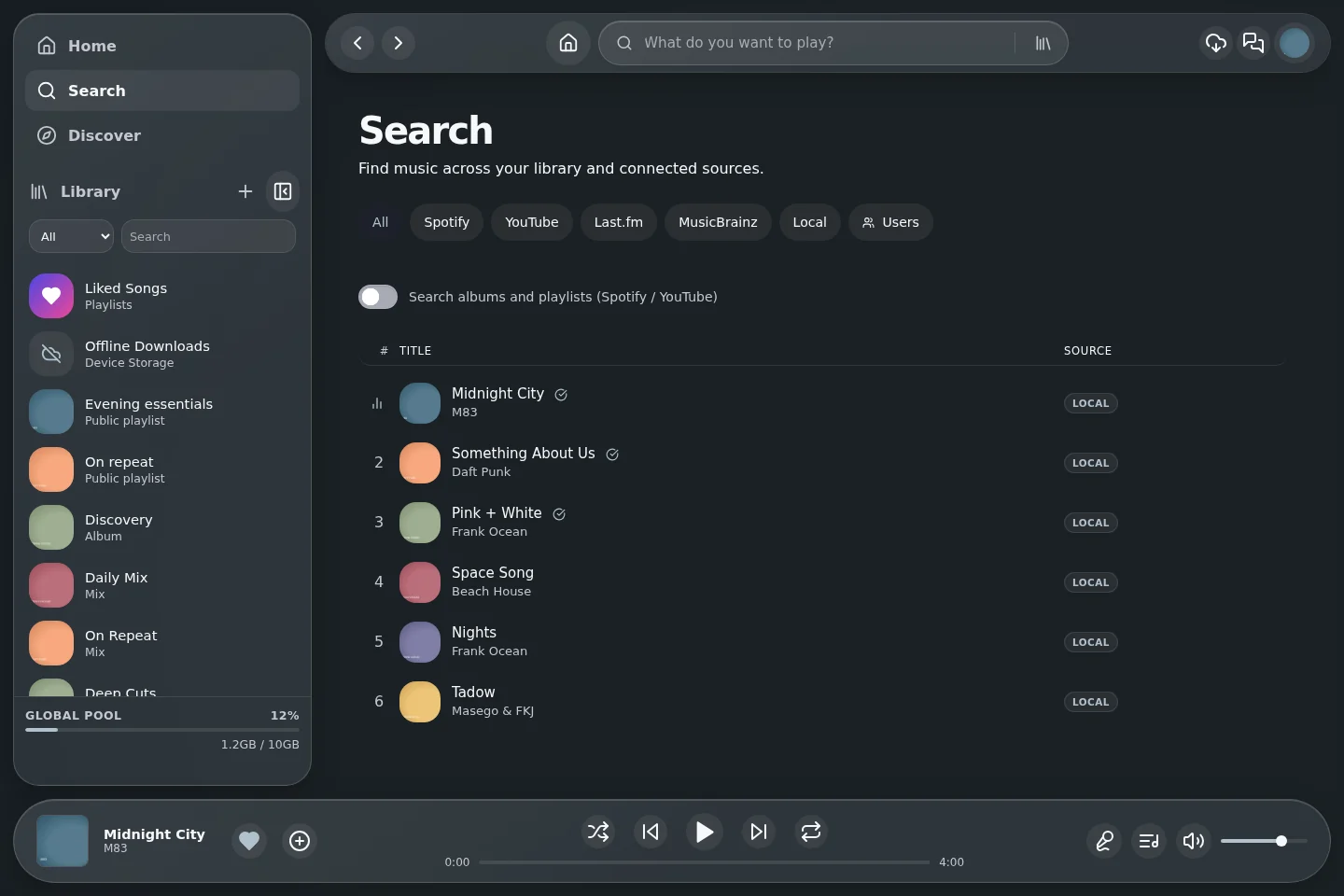
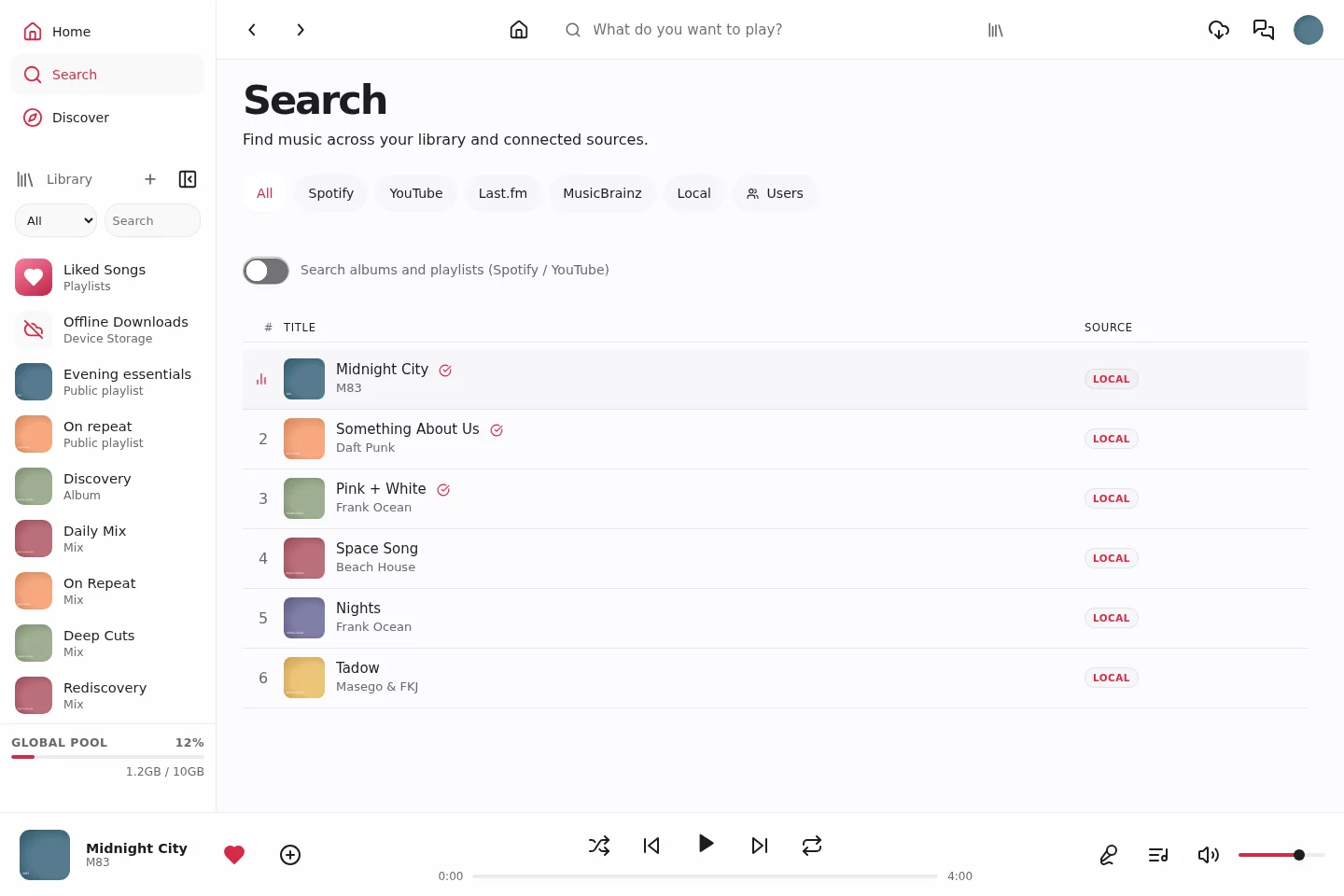
Discovery, search and collection imports
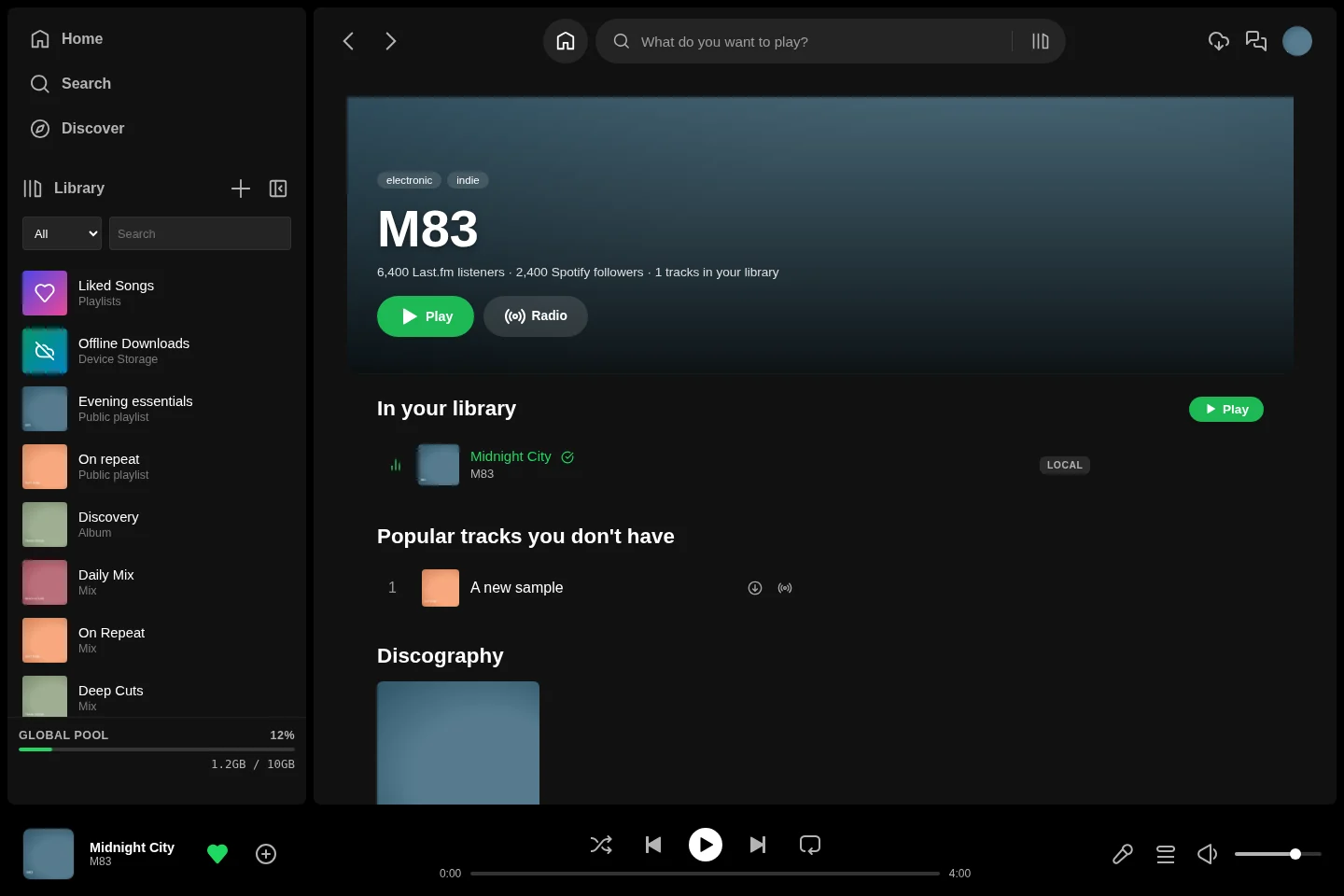
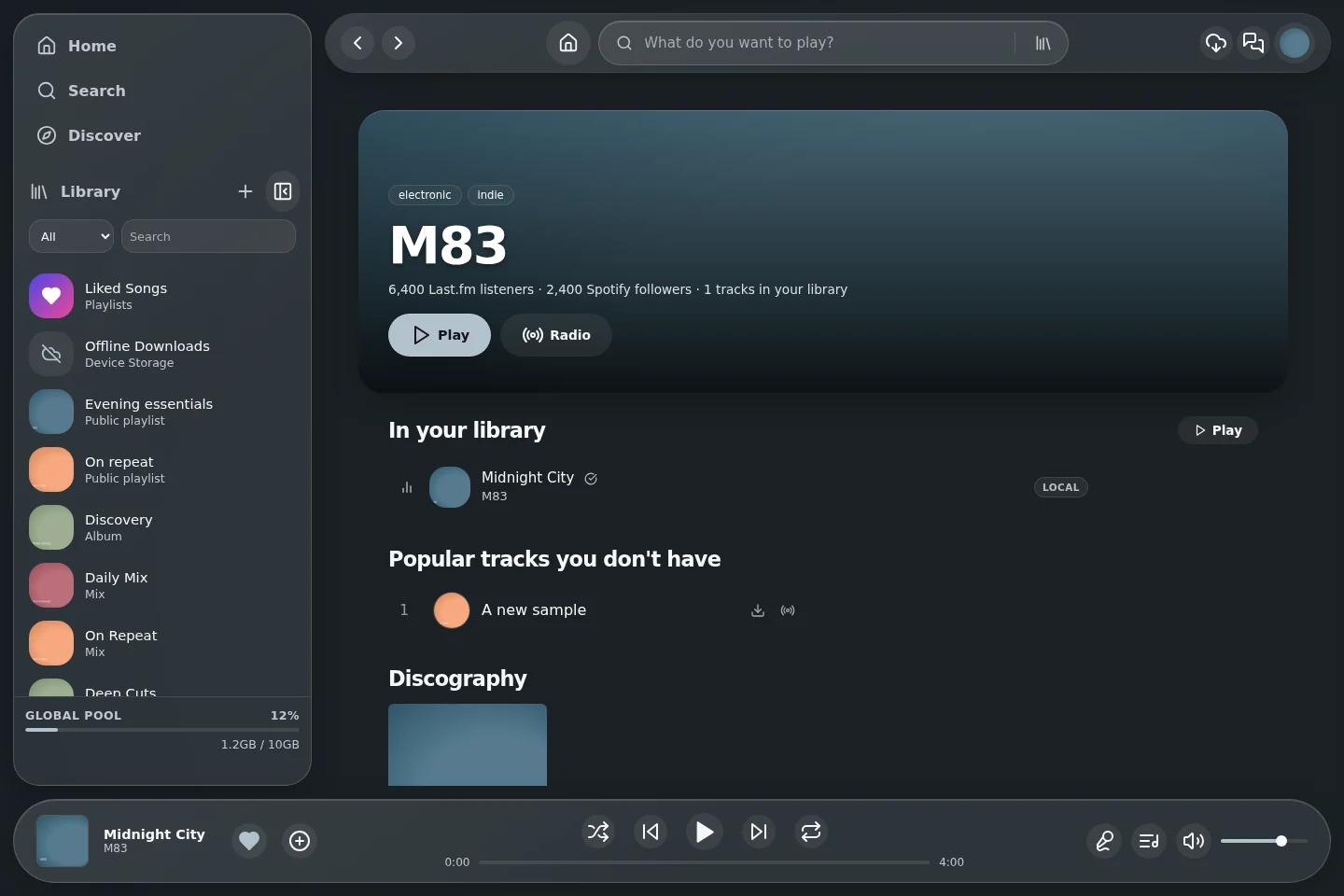
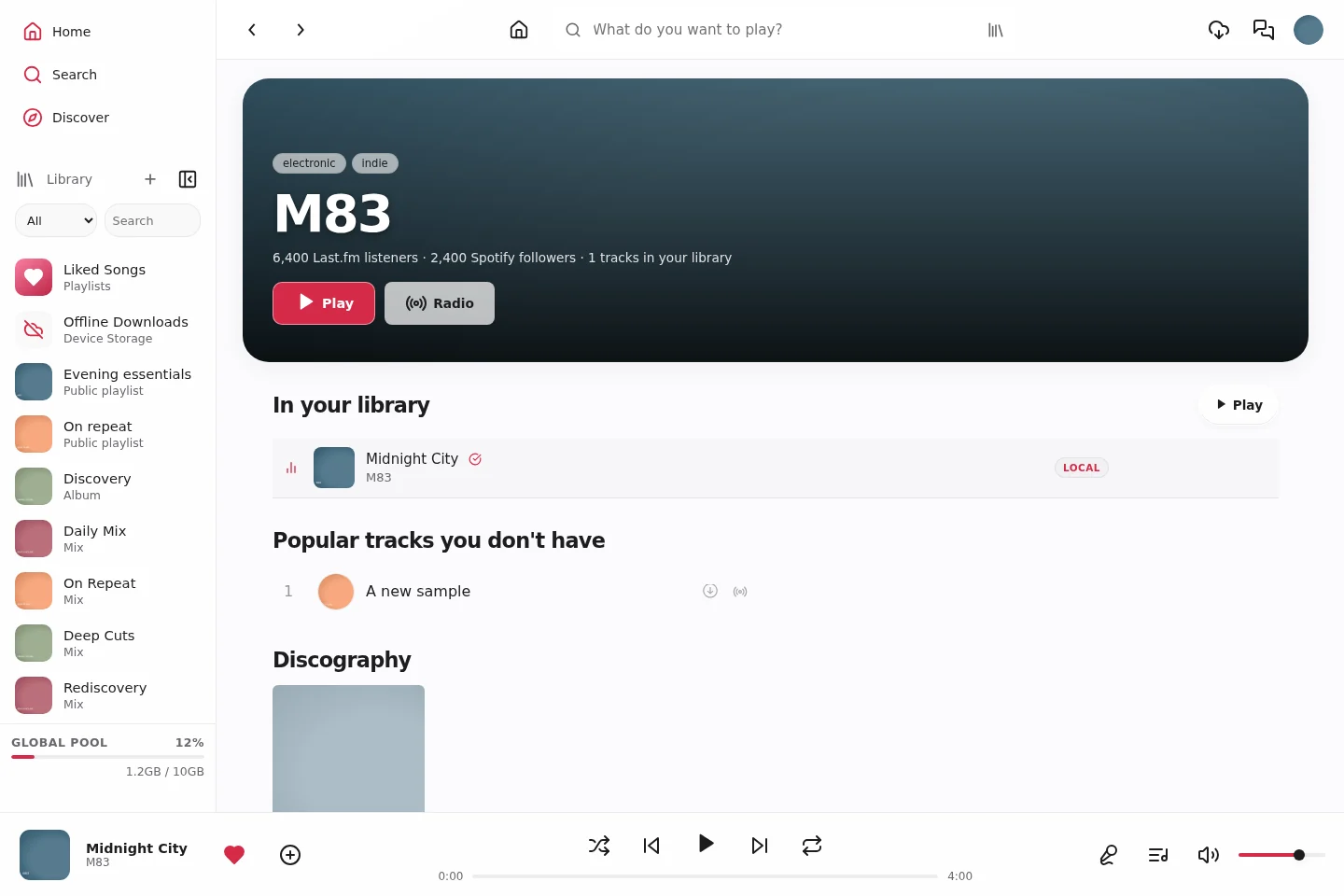
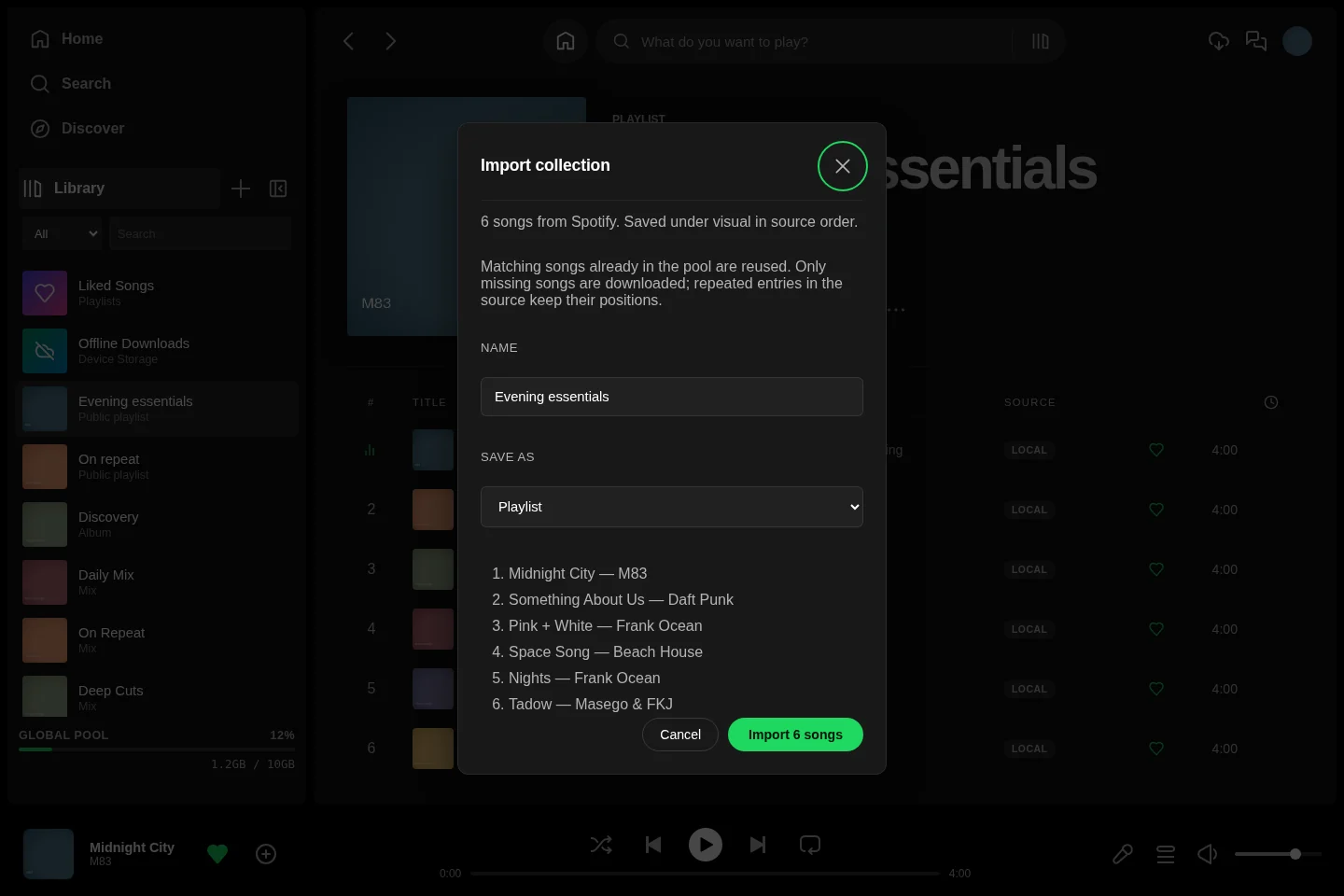
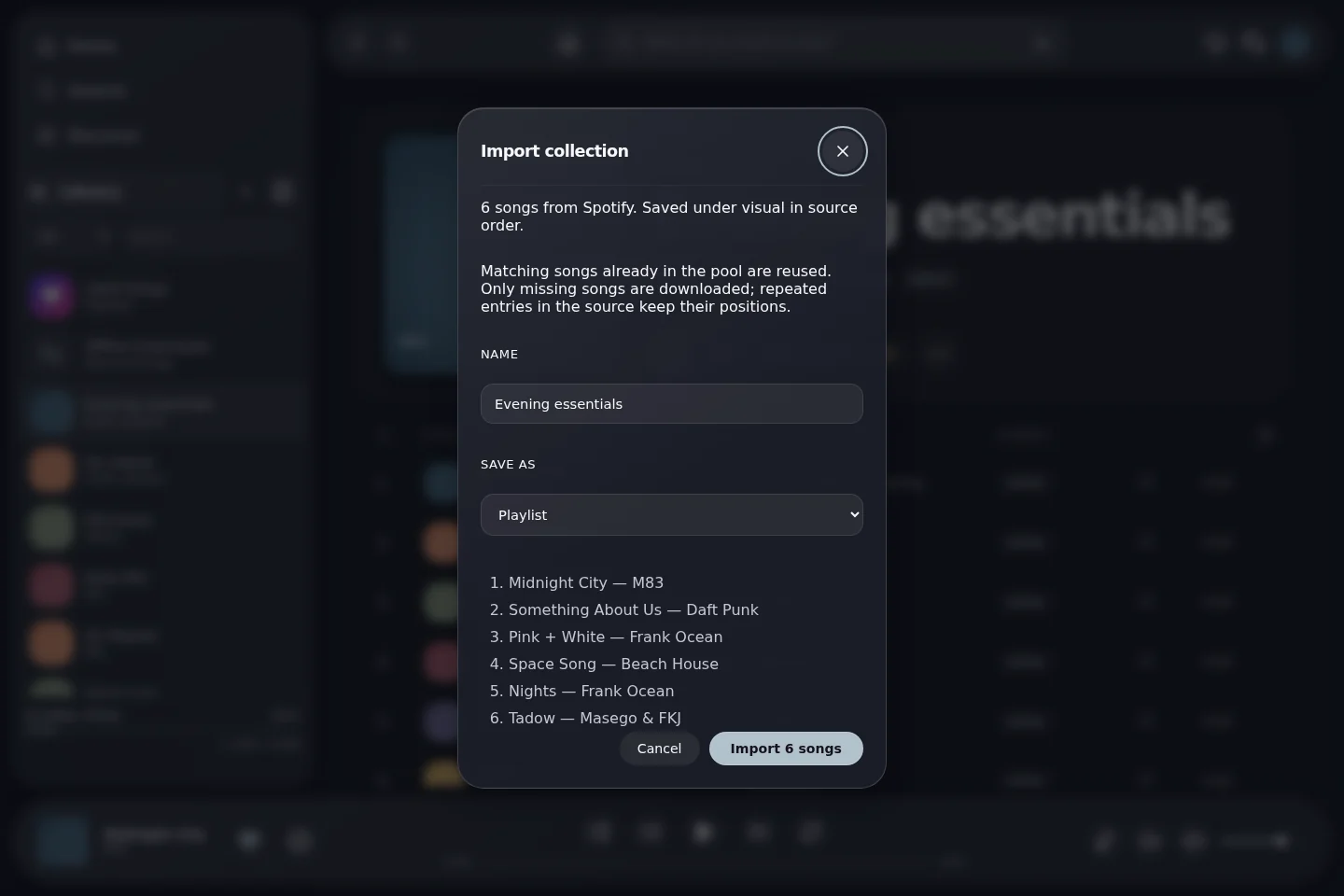
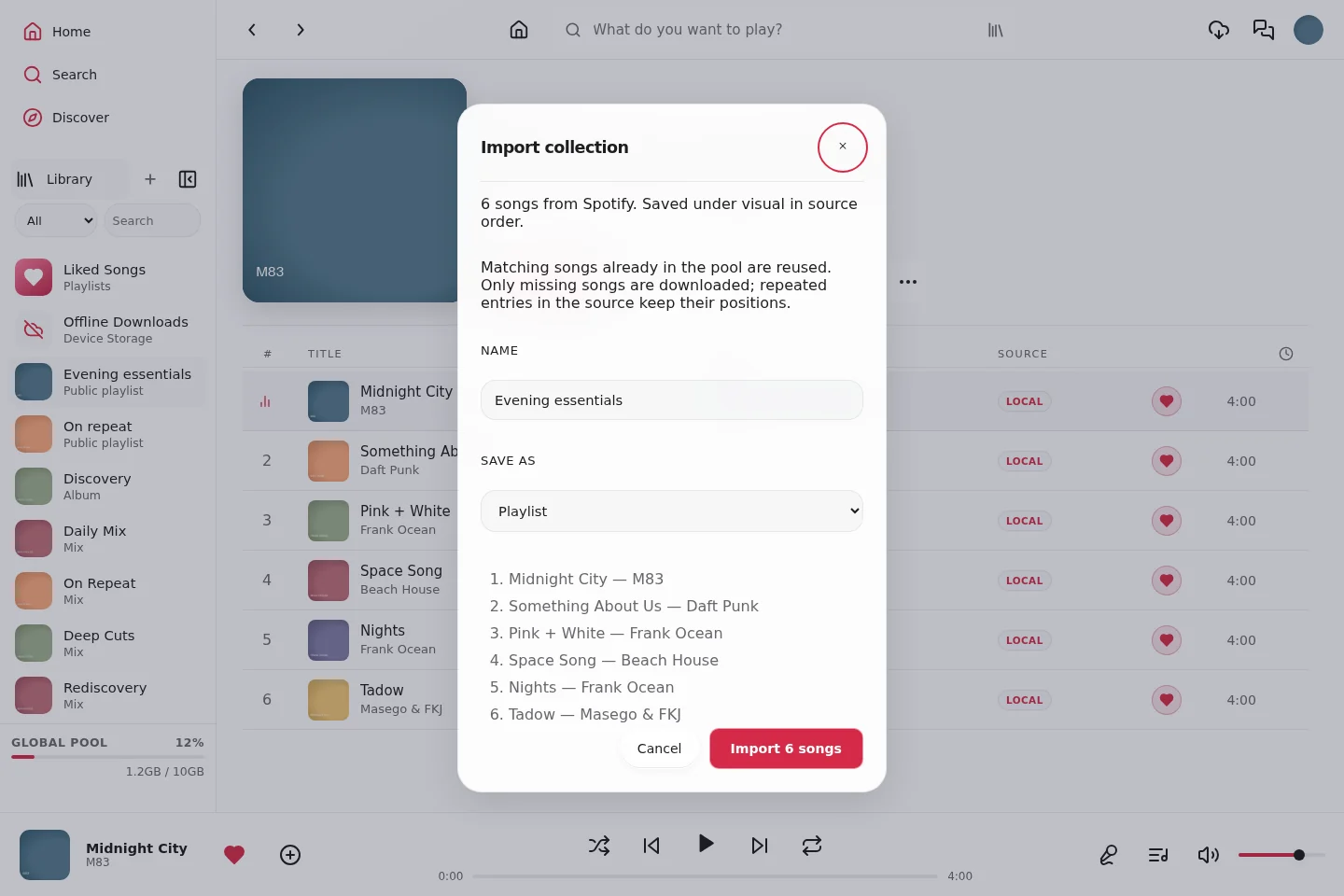
Request a recommendation category, preview supported tracks, explore an artist or review an ordered collection before importing. Provider availability and account configuration determine results. [Import guide](IMPORTING-MUSIC.md)
| Classic | Glass | Vitrine |
|---|
| Discovery and recommendation explanations |
|---|
 |
 |
 |
| Music search and source filters |
|---|
 |
 |
 |
| Artist page |
|---|
 |
 |
 |
| Album / playlist import preview |
|---|
 |
 |
 |
Public profiles, collaboration and parties
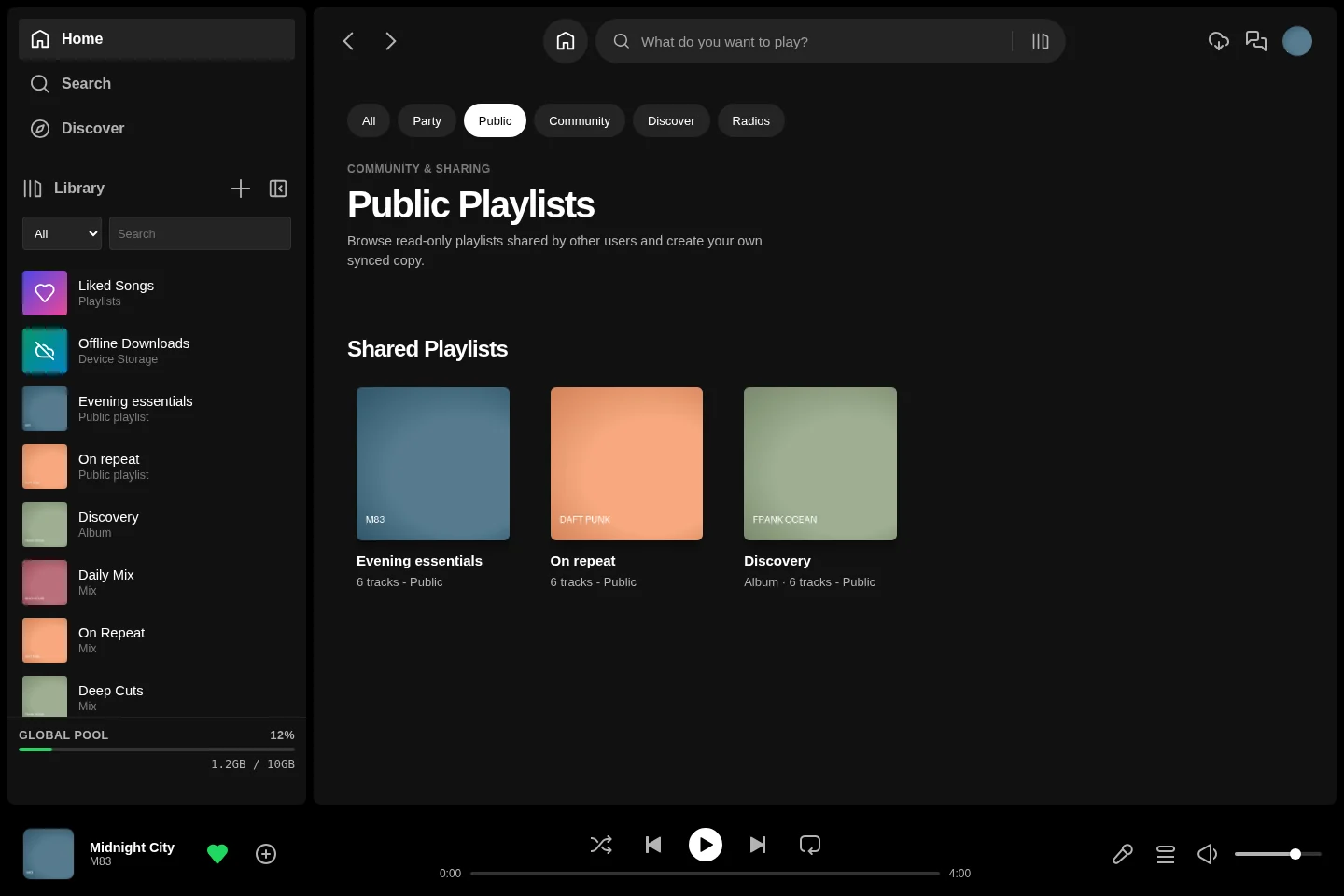
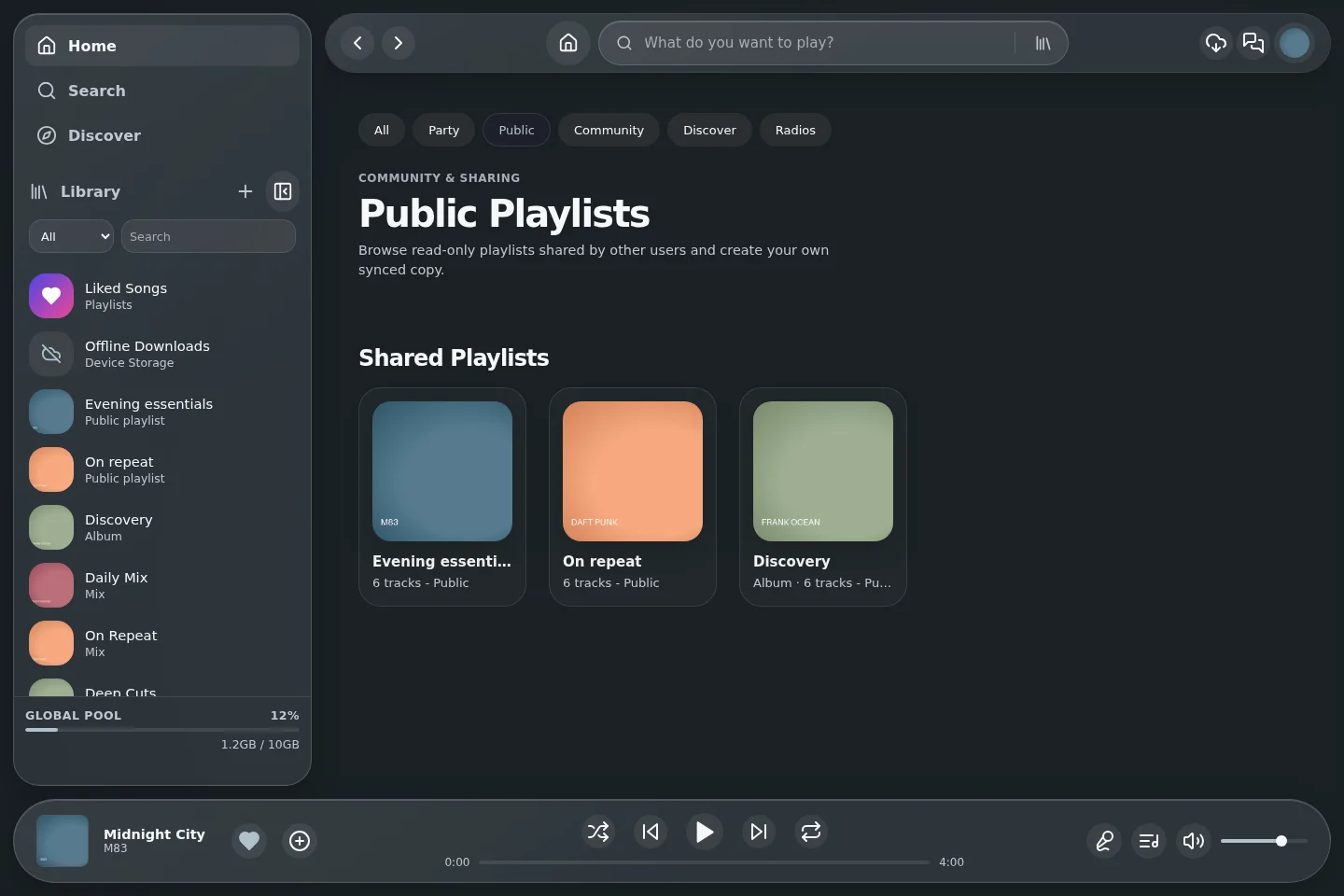
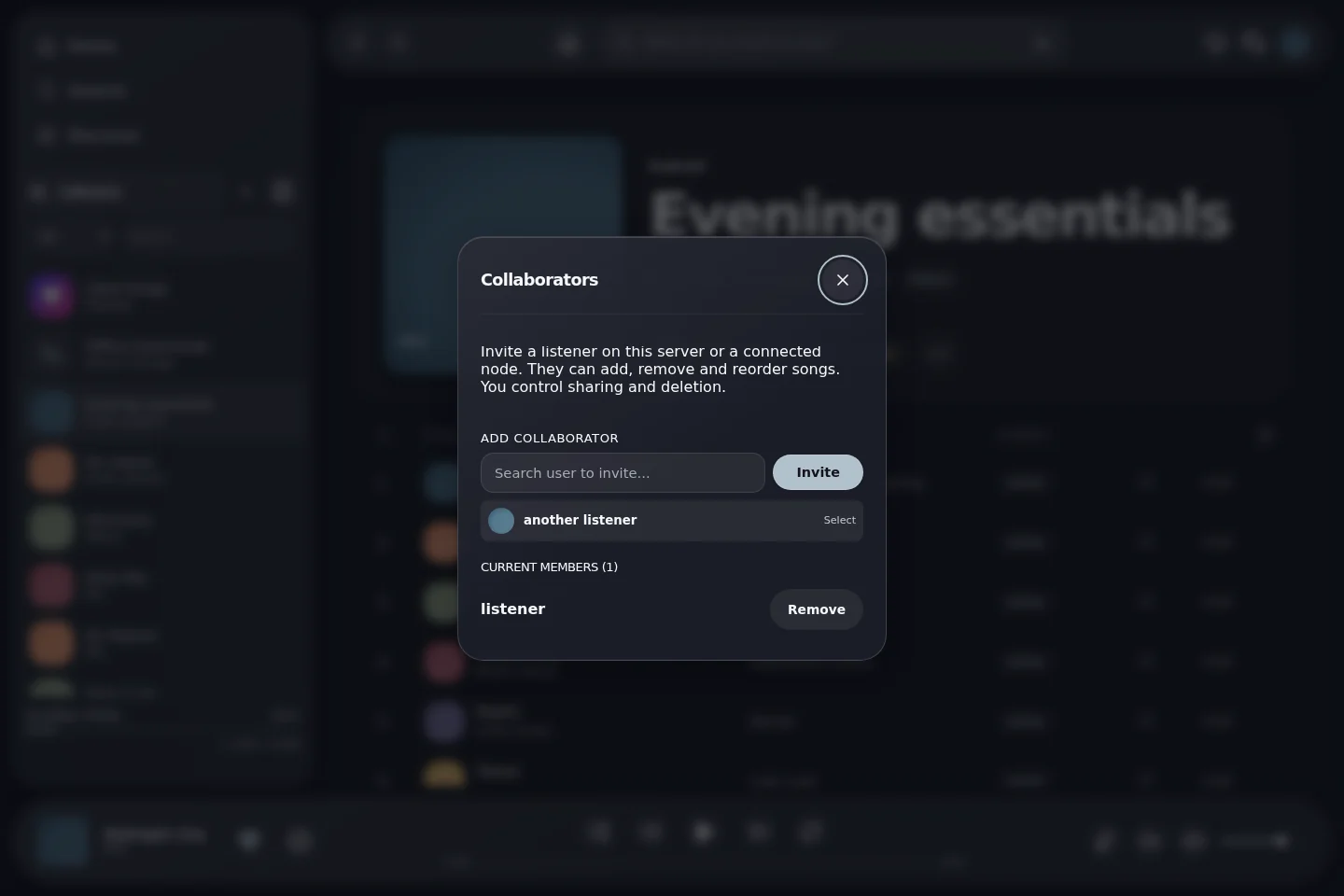
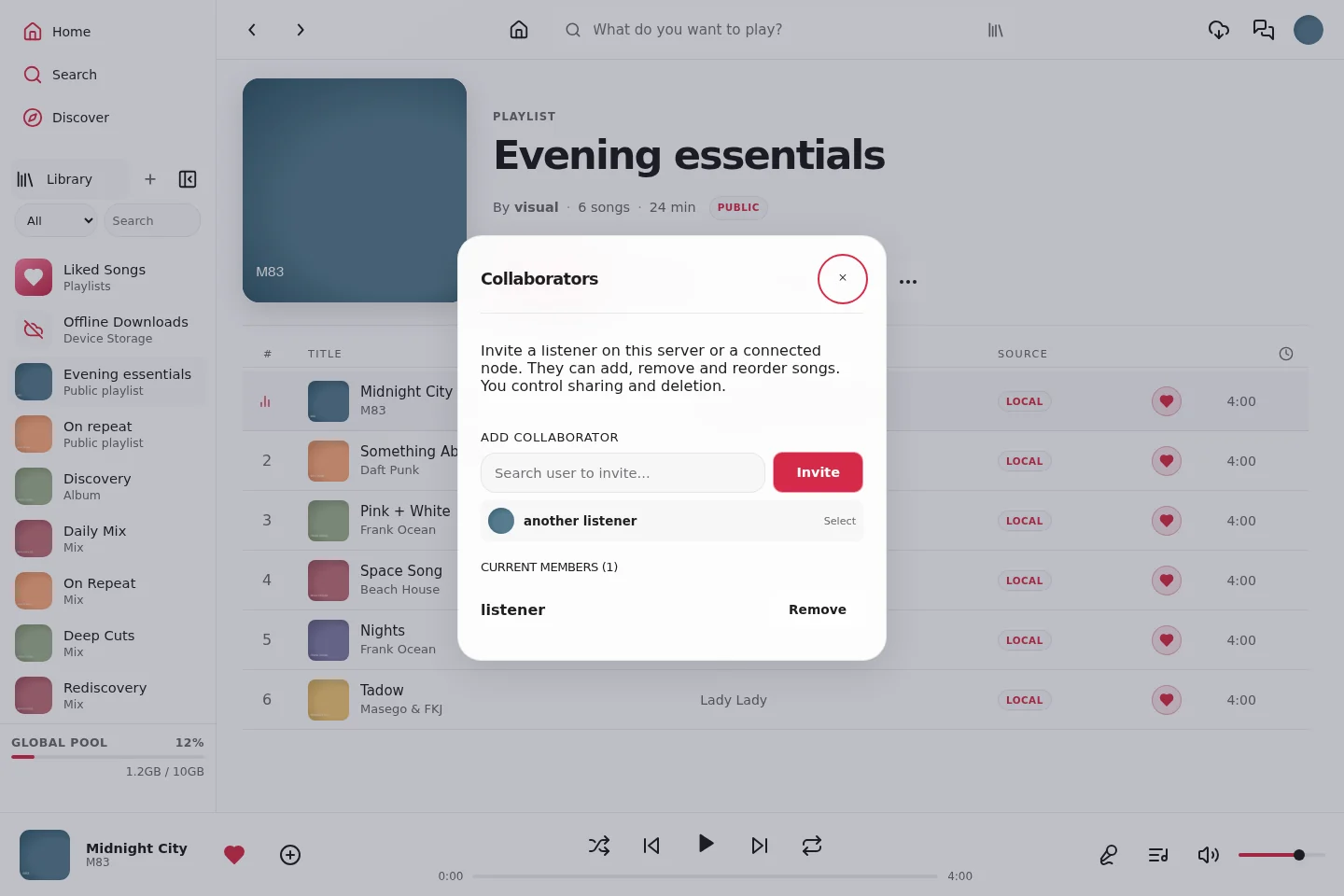
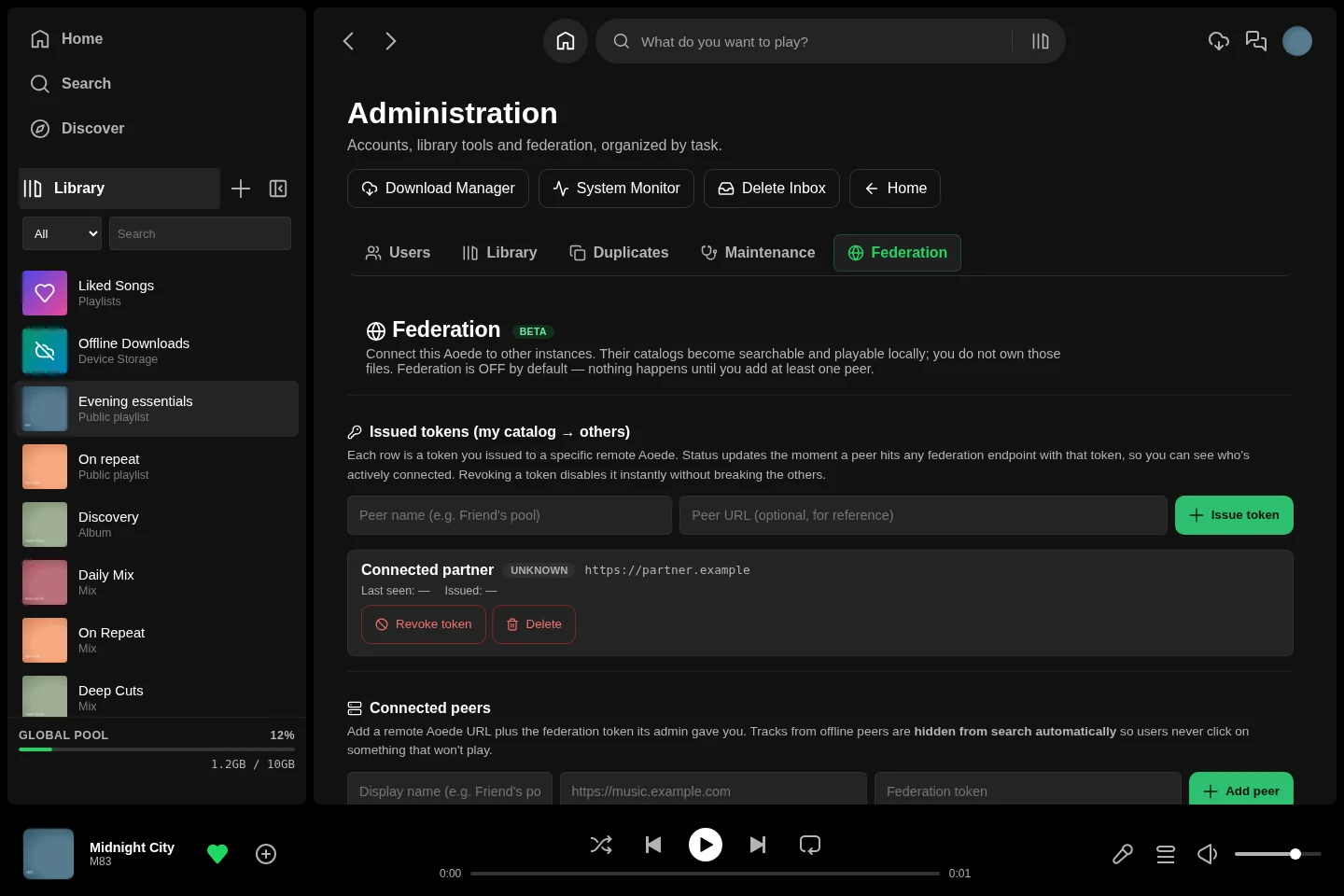
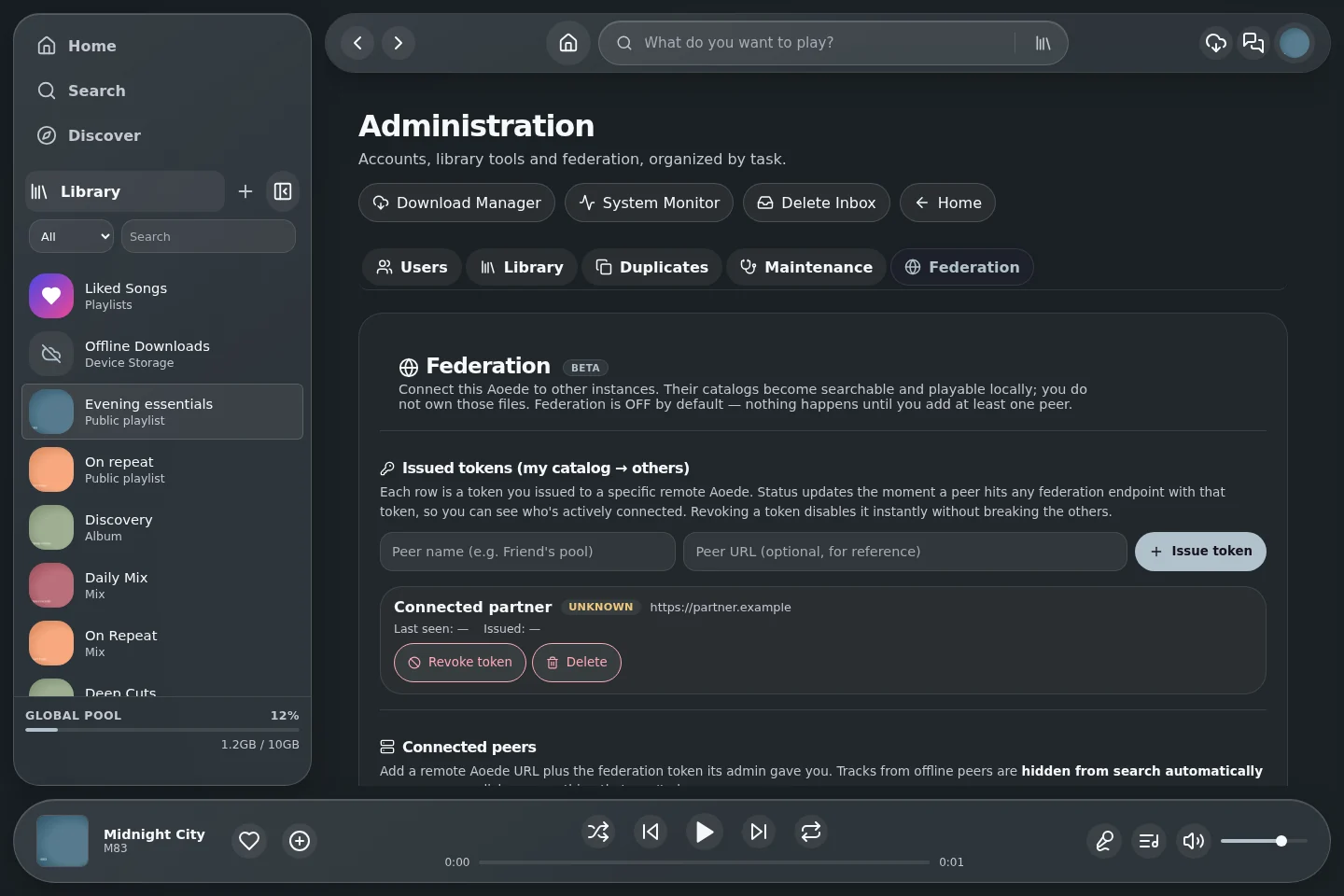
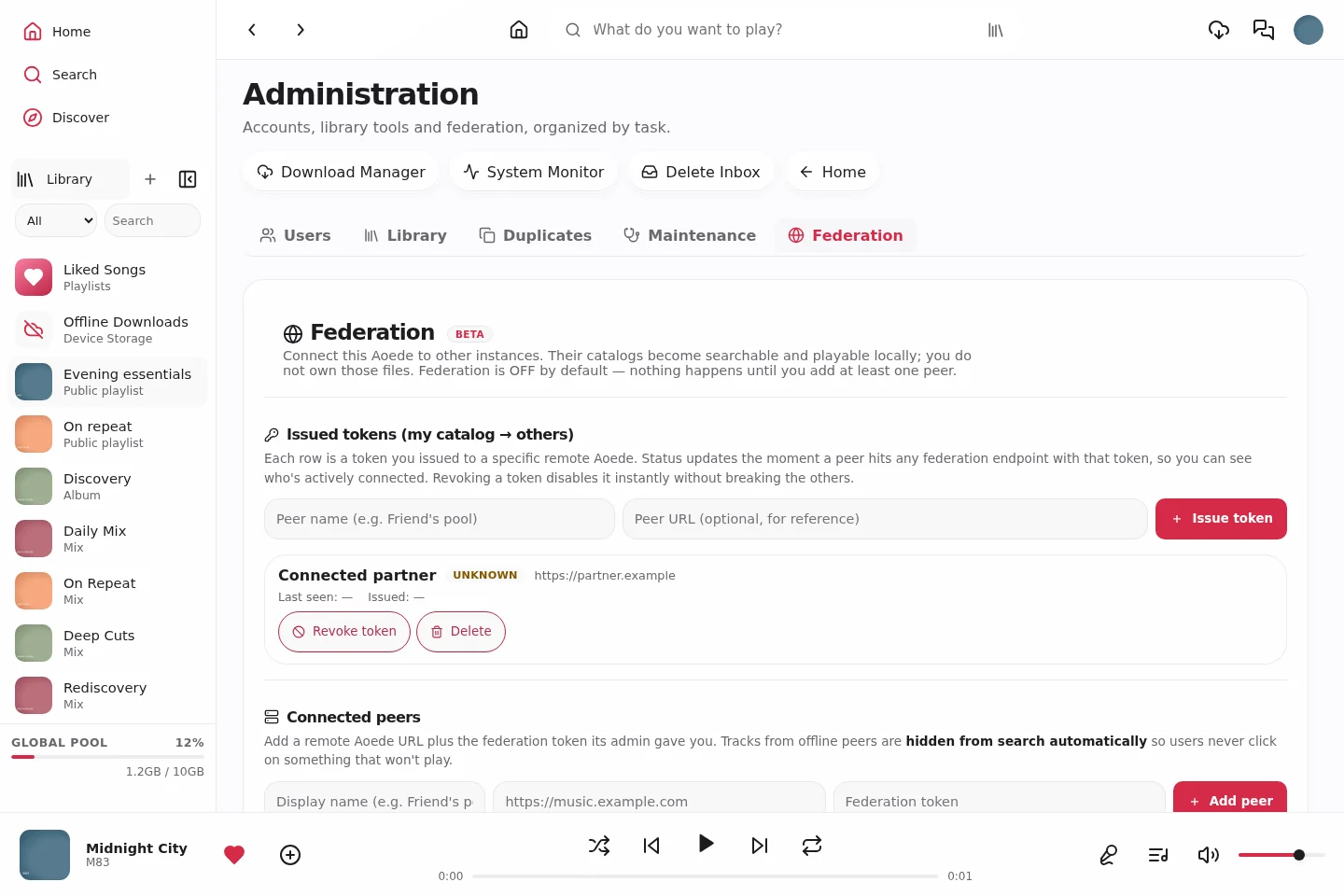
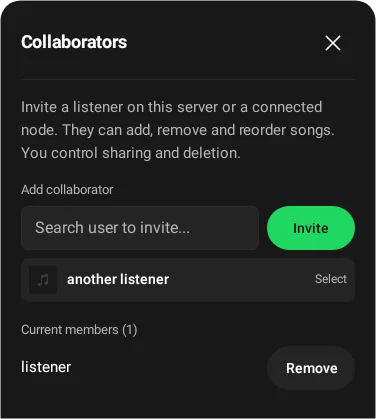
Public visibility, collaborator editing rights and Party Room membership are separate controls. Federation connects compatible, configured nodes; a local gallery capture is not evidence of a live federated session. [Shared listening guide](PARTY-ROOMS.md)
| Classic | Glass | Vitrine |
|---|
| Public collections |
|---|
 |
 |
 |
| Public profile |
|---|
 |
 |
 |
| Party Rooms |
|---|
 |
 |
 |
| Playlist collaborators |
|---|
 |
 |
 |
Playback, lyrics and offline listening
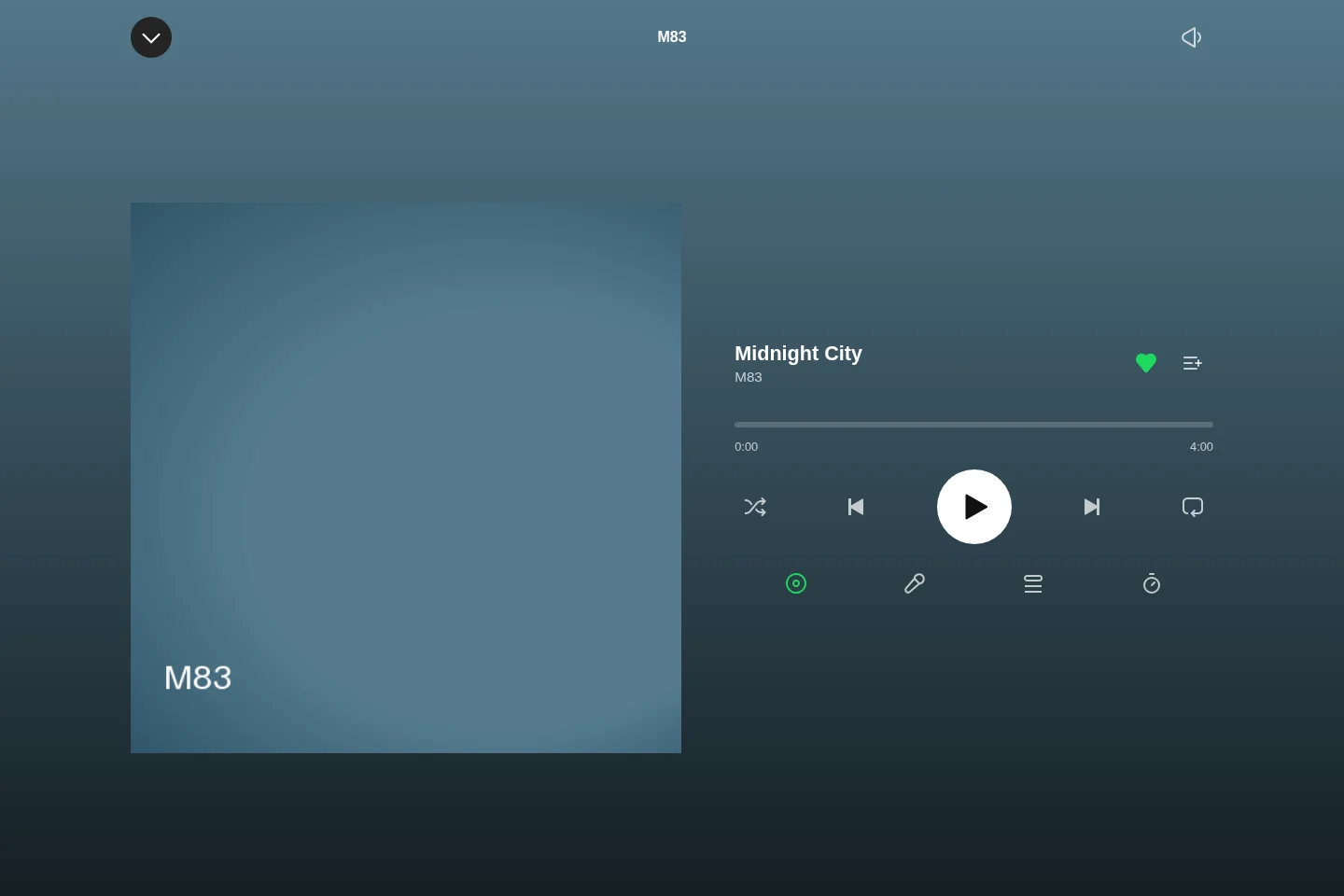
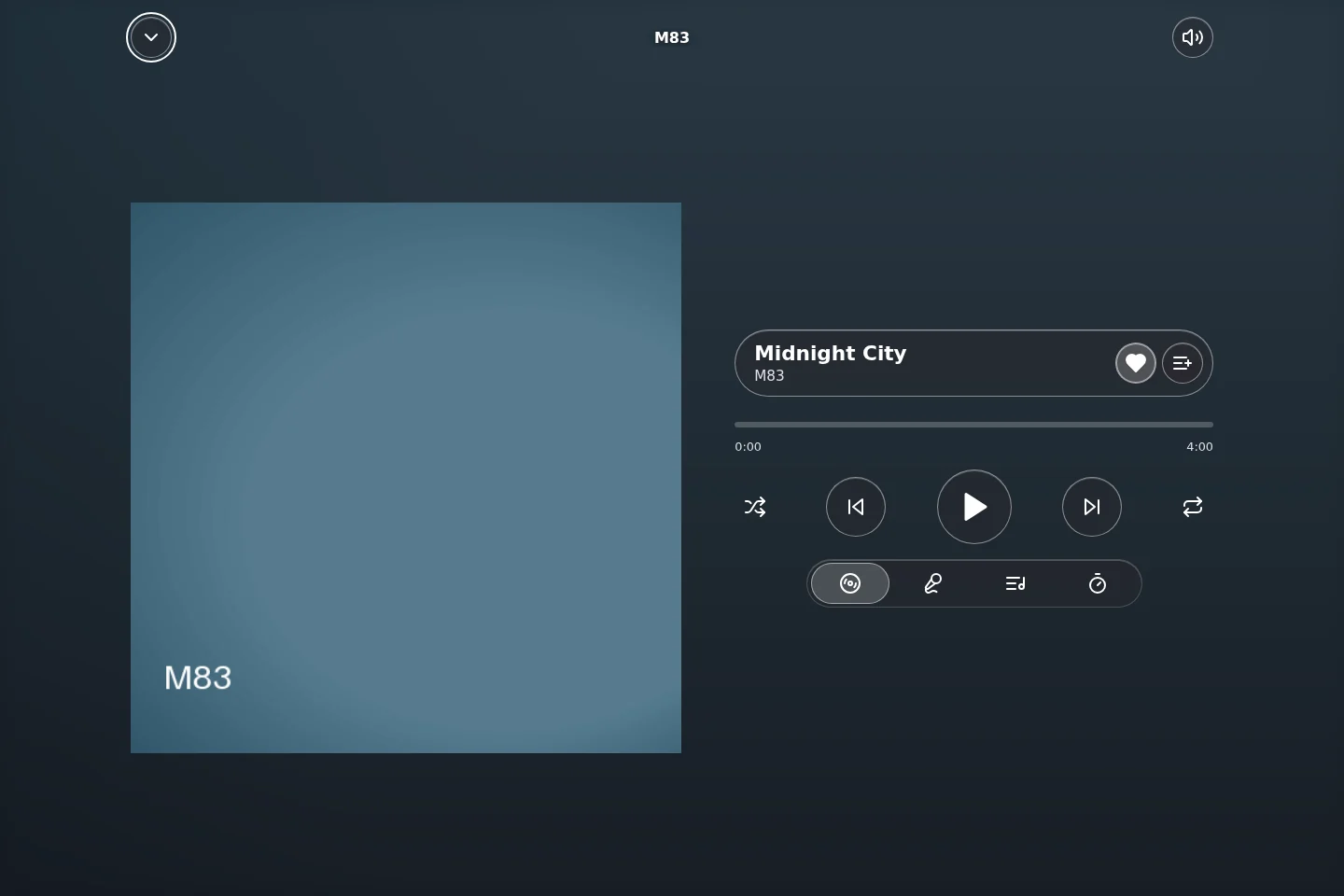
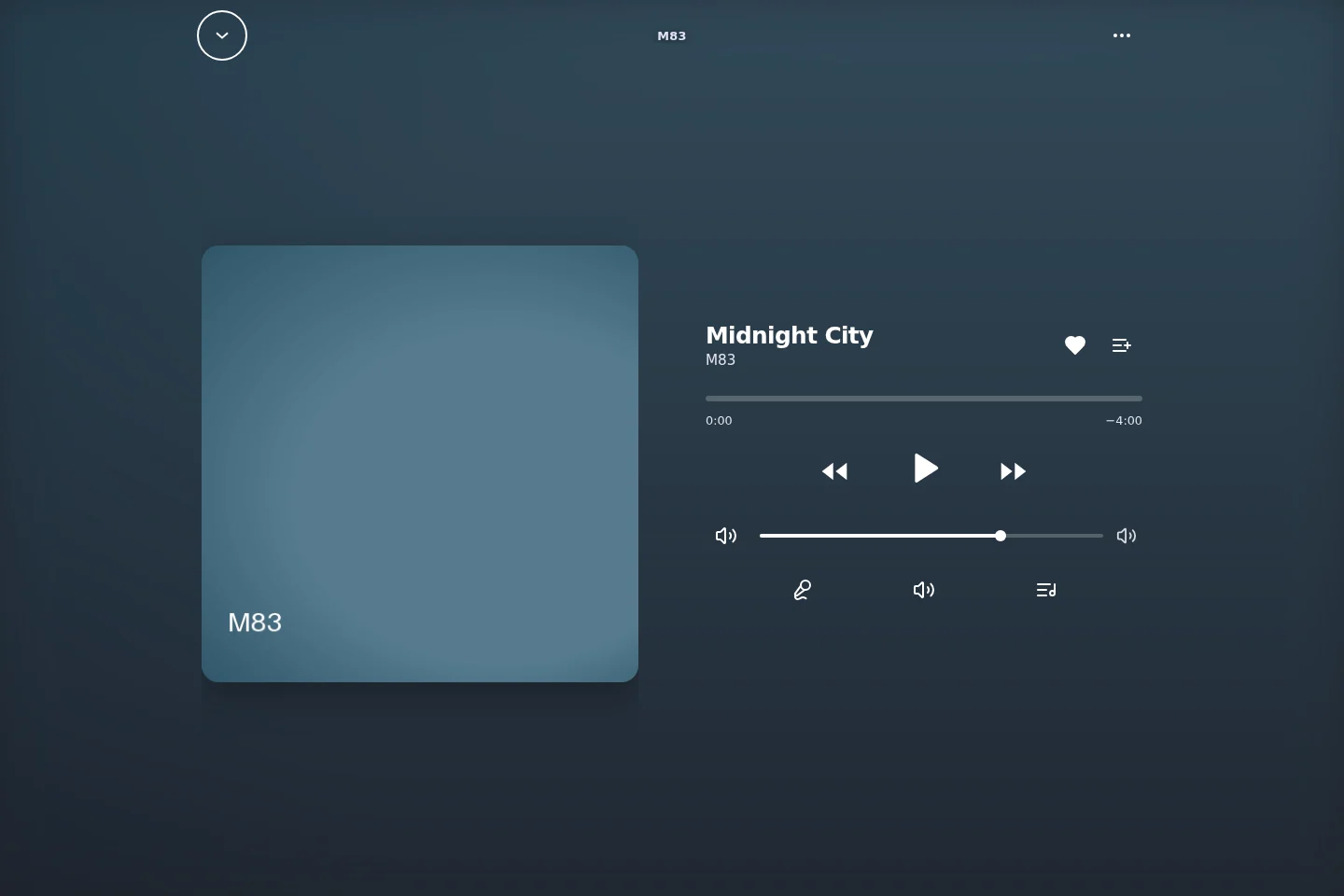
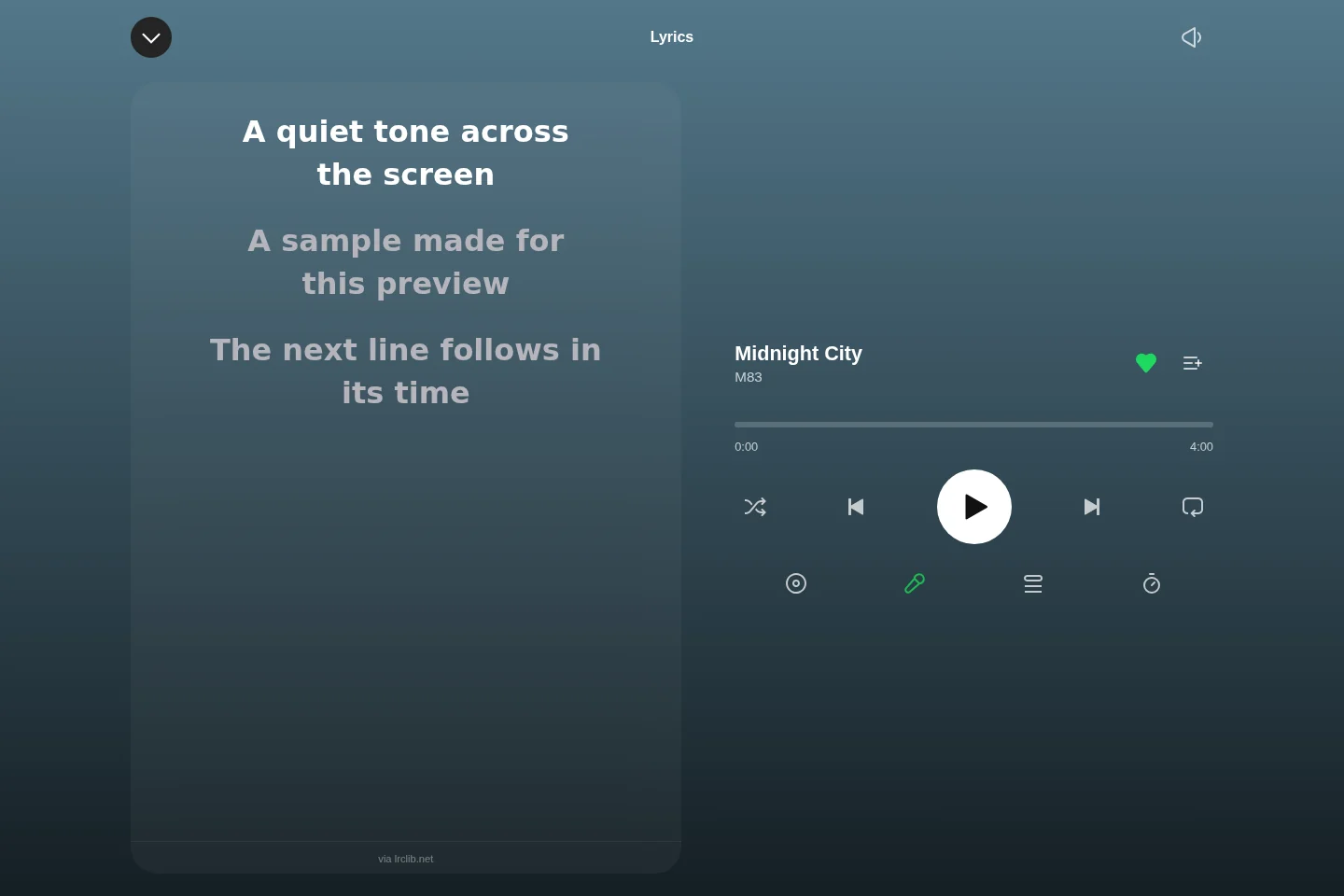
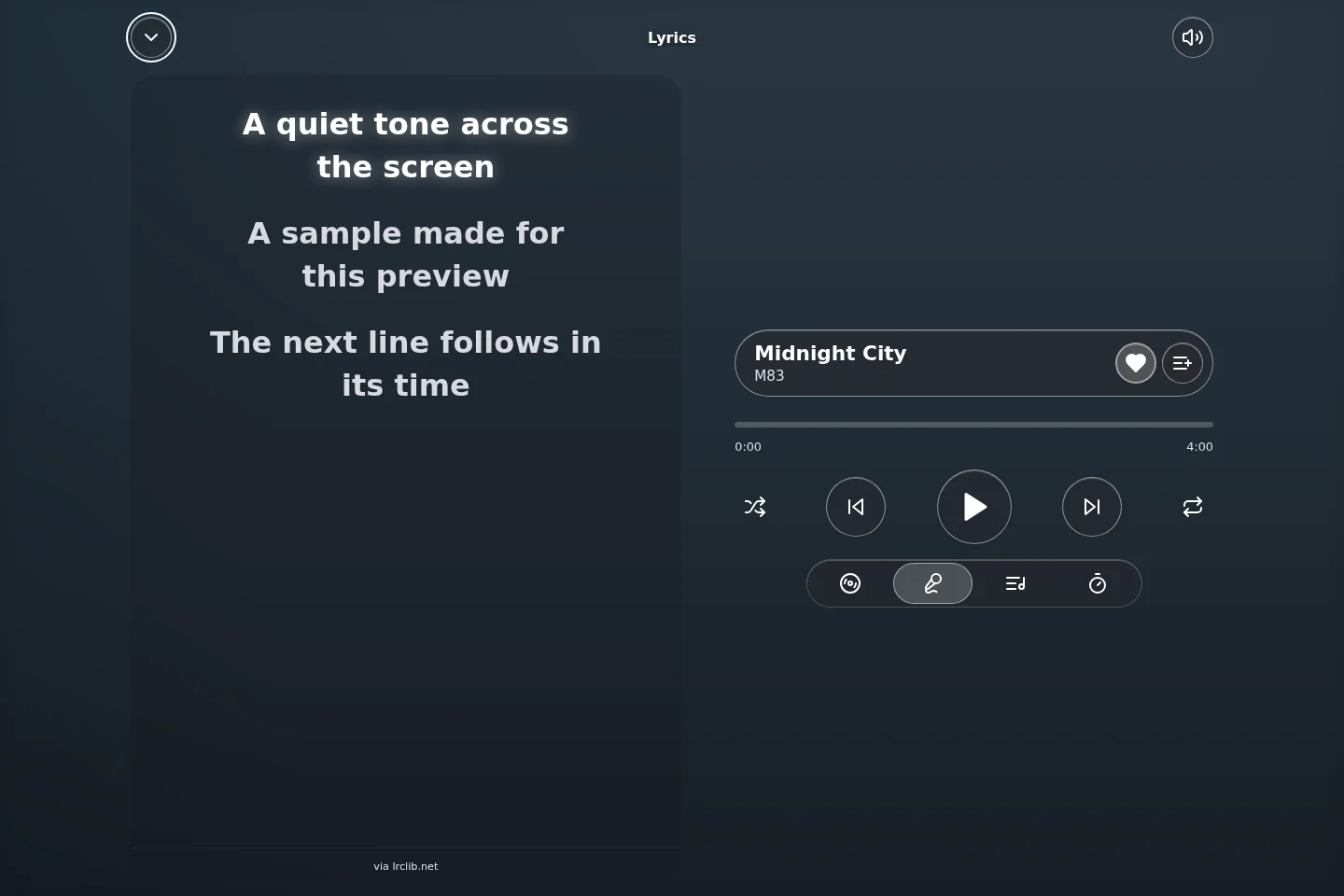
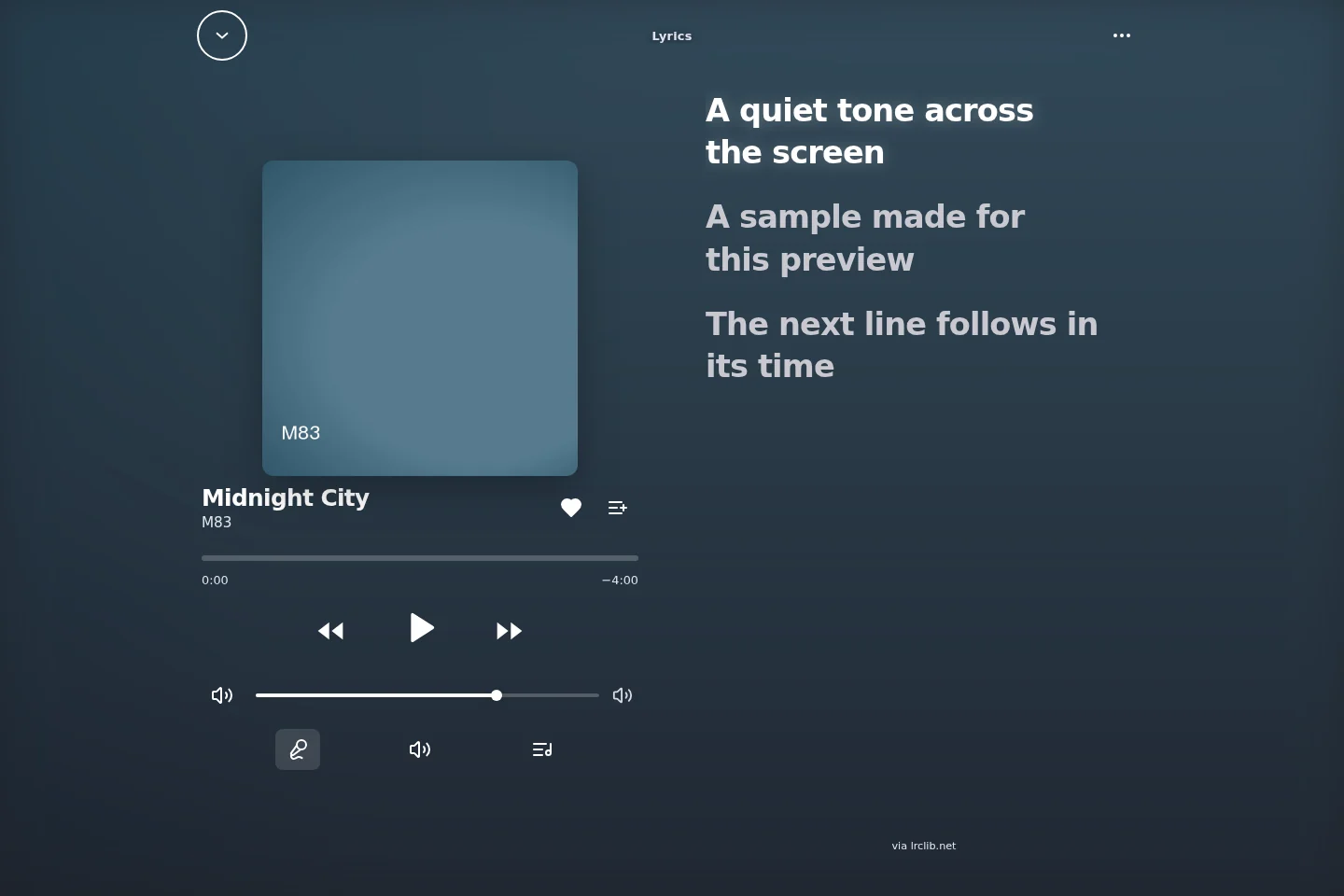
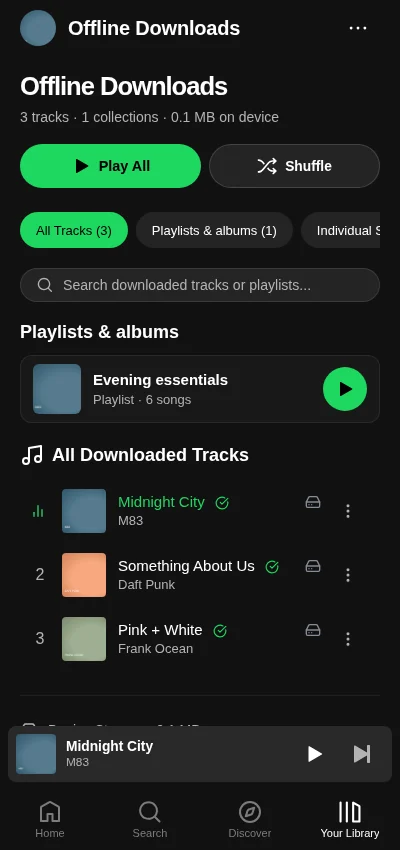
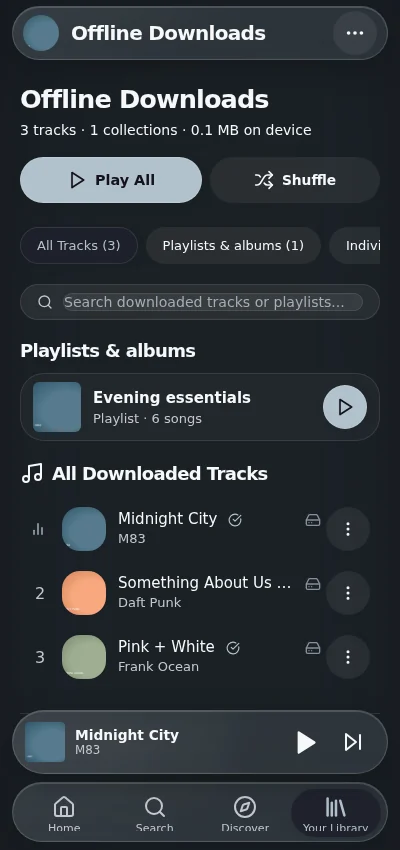
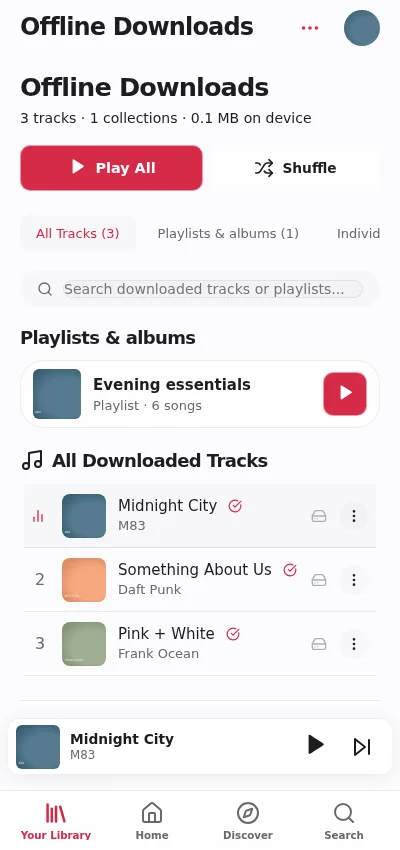
The fullscreen player shares its playback session with the compact player. Offline screenshots contain sample recordings saved through the real browser download flow. These silent demonstration files do not contain the named commercial recordings.
| Classic | Glass | Vitrine |
|---|
| Fullscreen player |
|---|
 |
 |
 |
| Lyrics view |
|---|
 |
 |
 |
| Device downloads |
|---|
 |
 |
 |
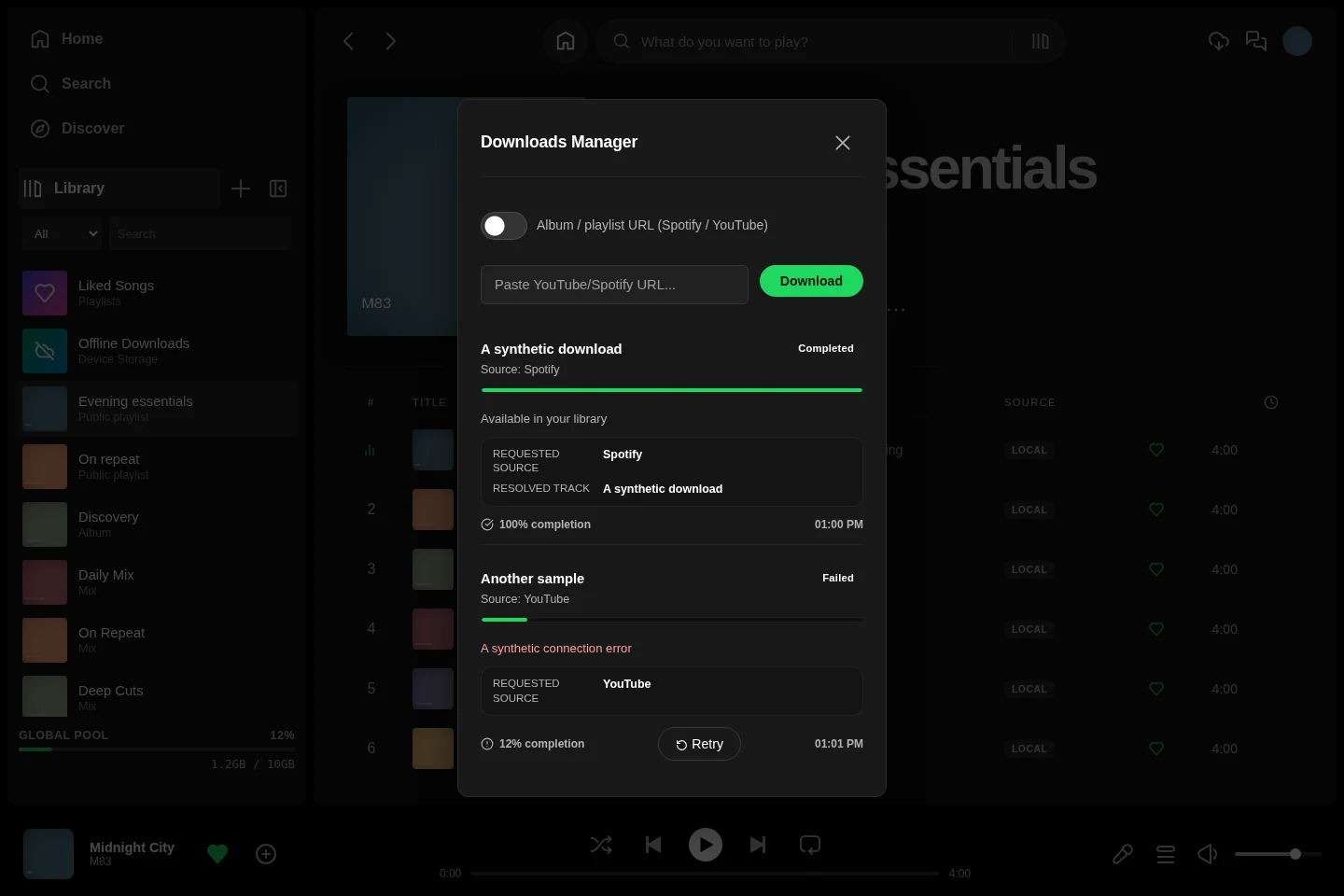
| Download jobs |
|---|
 |
 |
 |
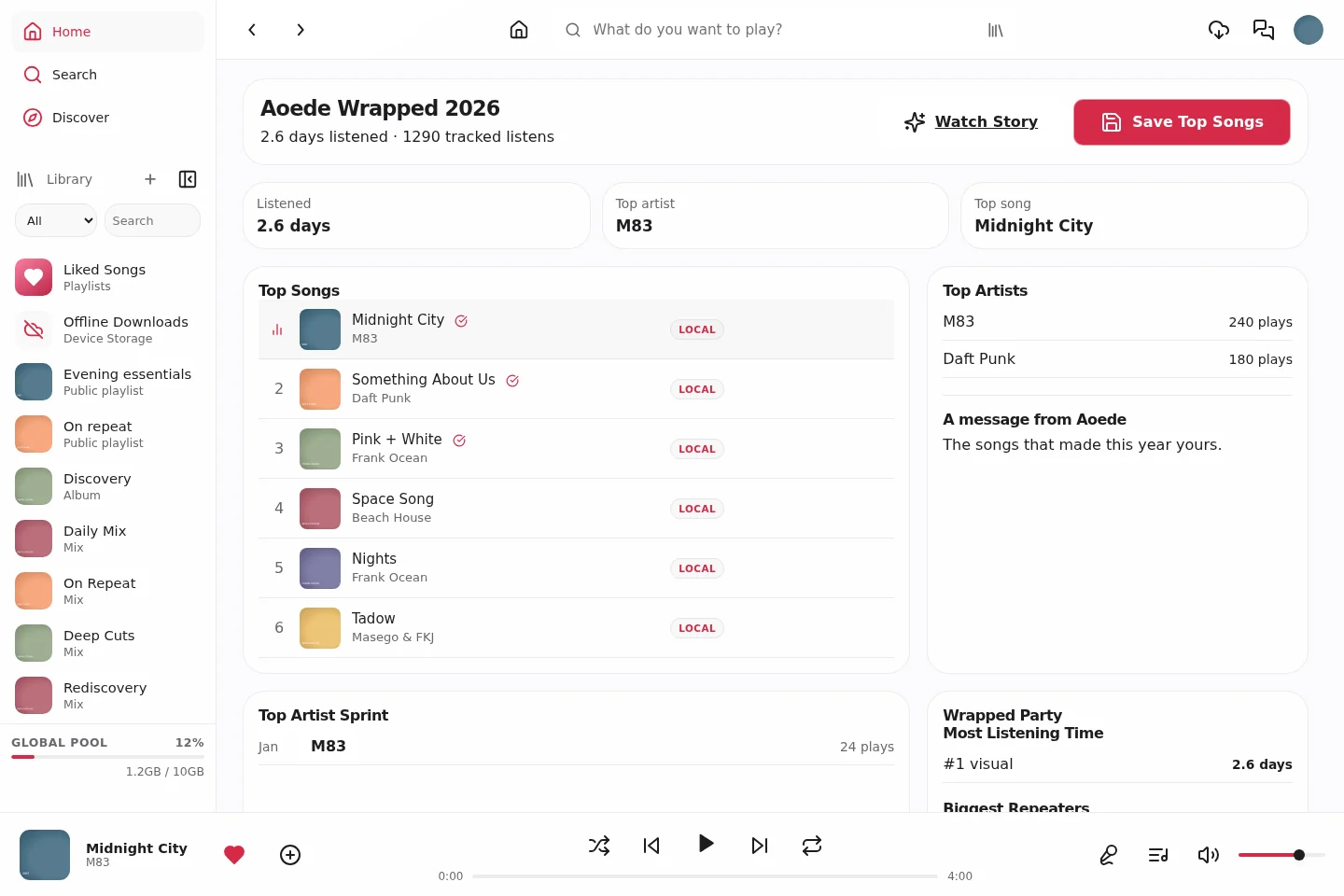
Wrapped, preferences and sign-in
Wrapped is available when enabled by the administrator. Theme preferences follow the account; playback and storage settings have device-specific options.
| Classic | Glass | Vitrine |
|---|
| Annual Wrapped summary |
|---|
 |
 |
 |
| Account settings |
|---|
 |
 |
 |
| Sign-in |
|---|
 |
 |
 |
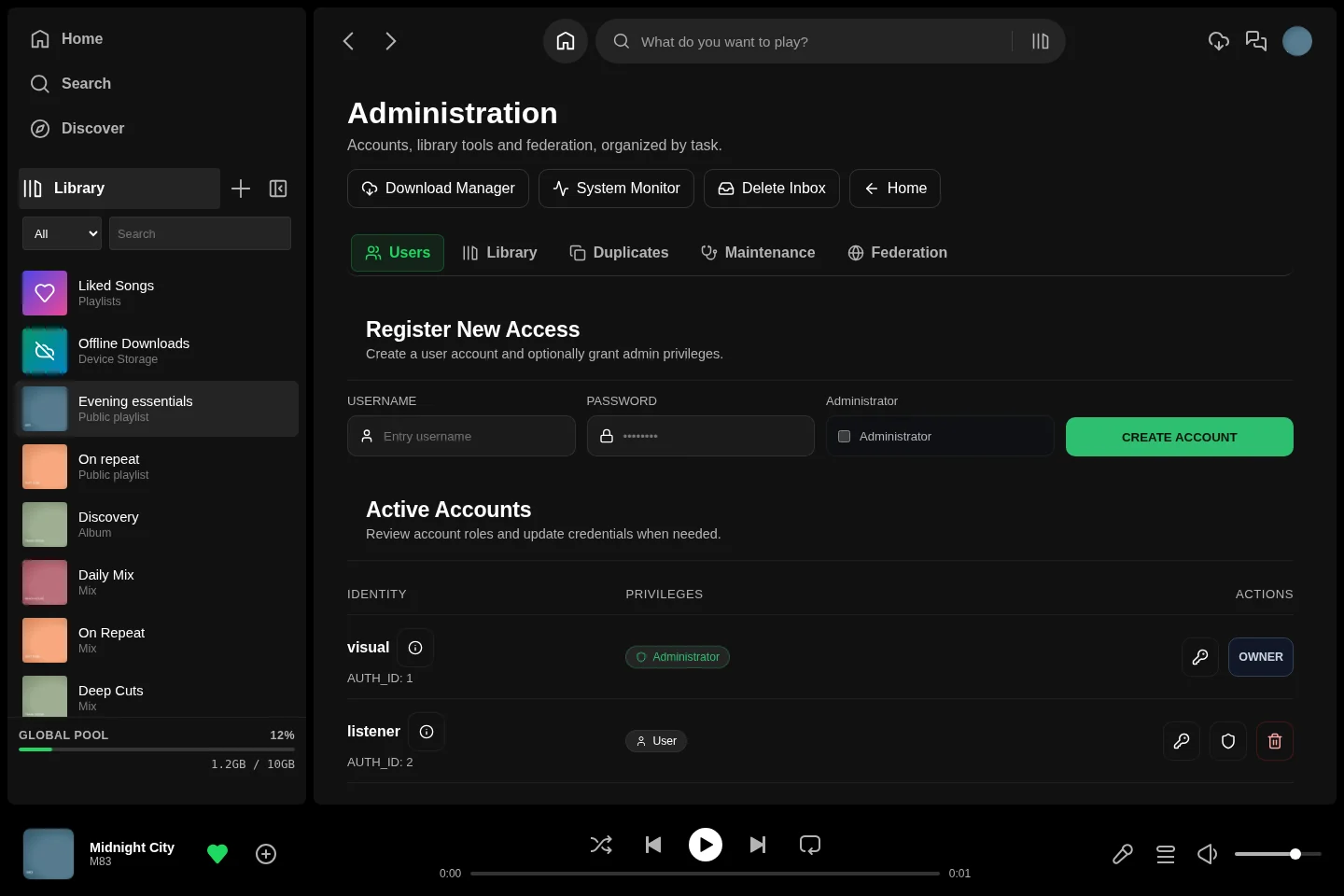
Administration and server operations
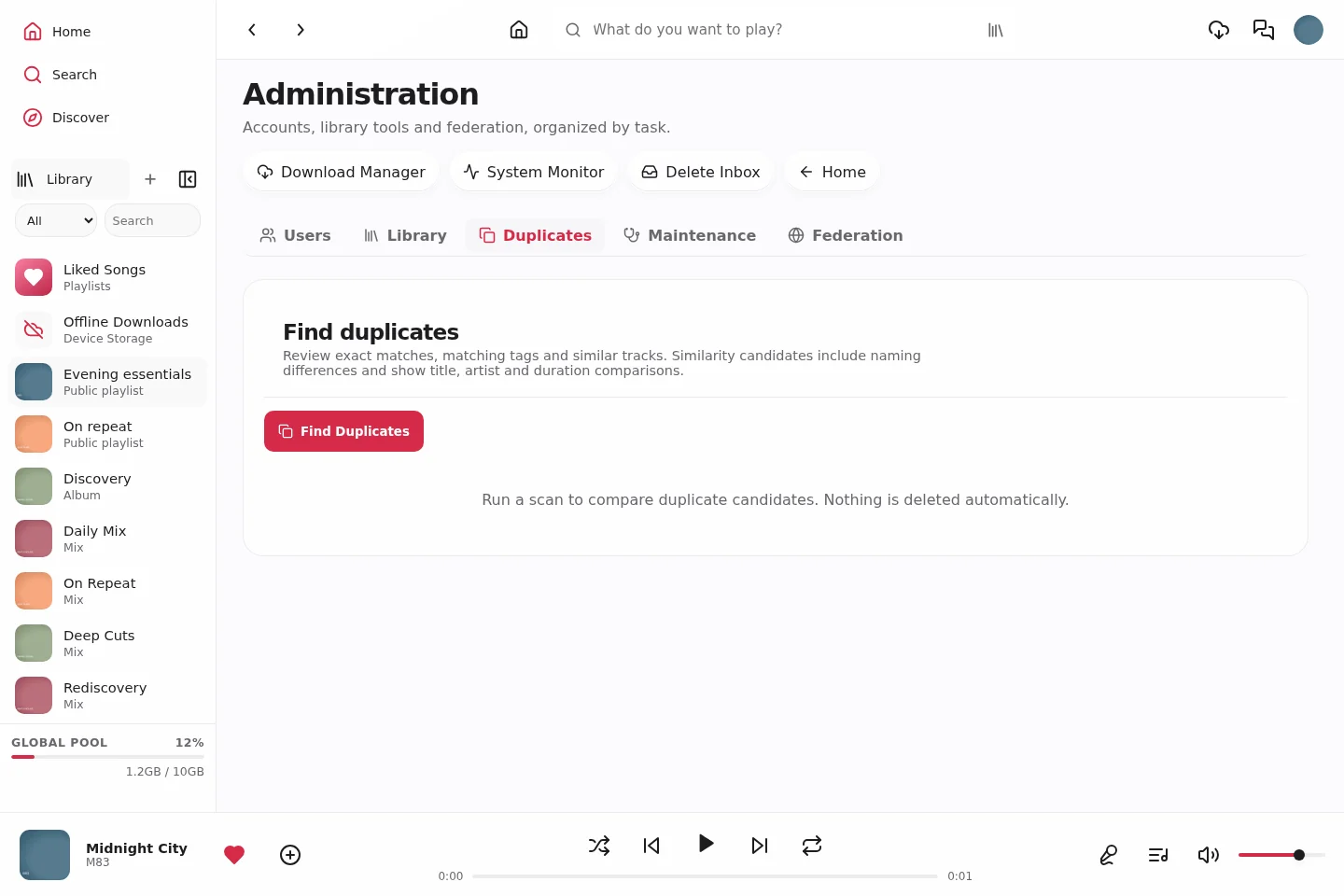
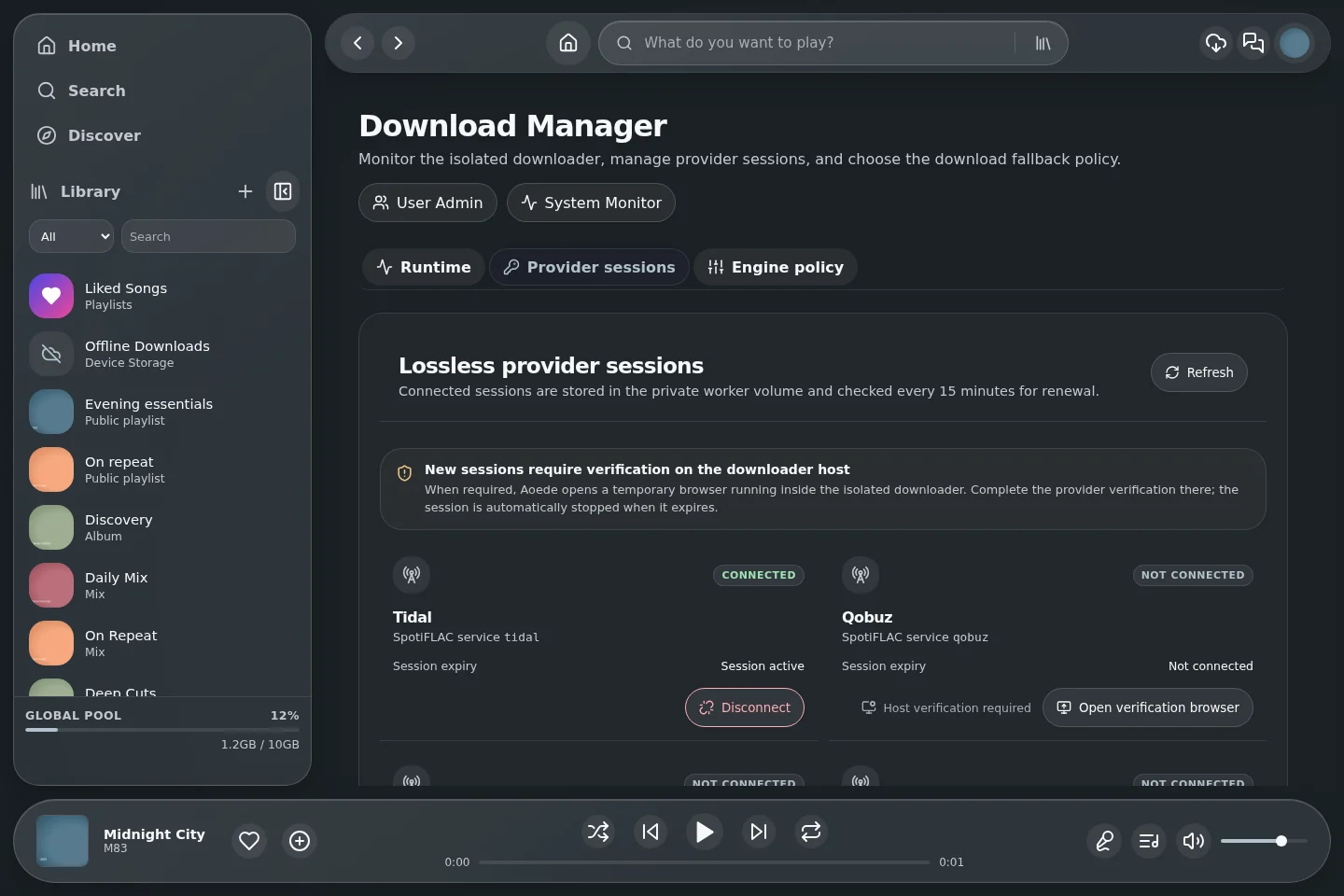
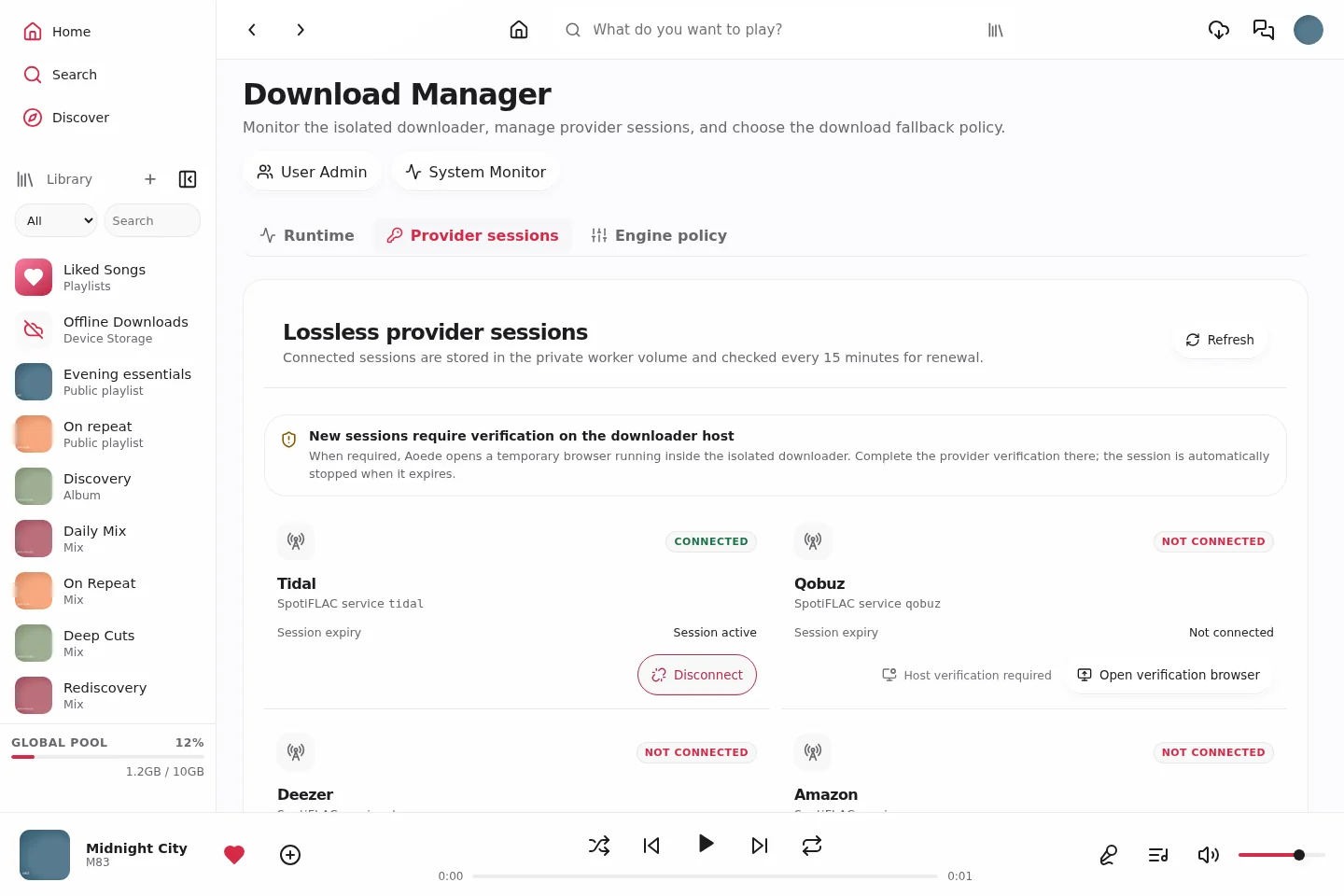
These controls require administrator access. Duplicate review does not delete recordings automatically. Provider-session status and host metrics are synthetic demonstration data. [Administration guide](ADMINISTRATION.md)
| Classic | Glass | Vitrine |
|---|
| User administration |
|---|
 |
 |
 |
| Duplicate review |
|---|
 |
 |
 |
| Federation settings |
|---|
 |
 |
 |
| System Monitor |
|---|
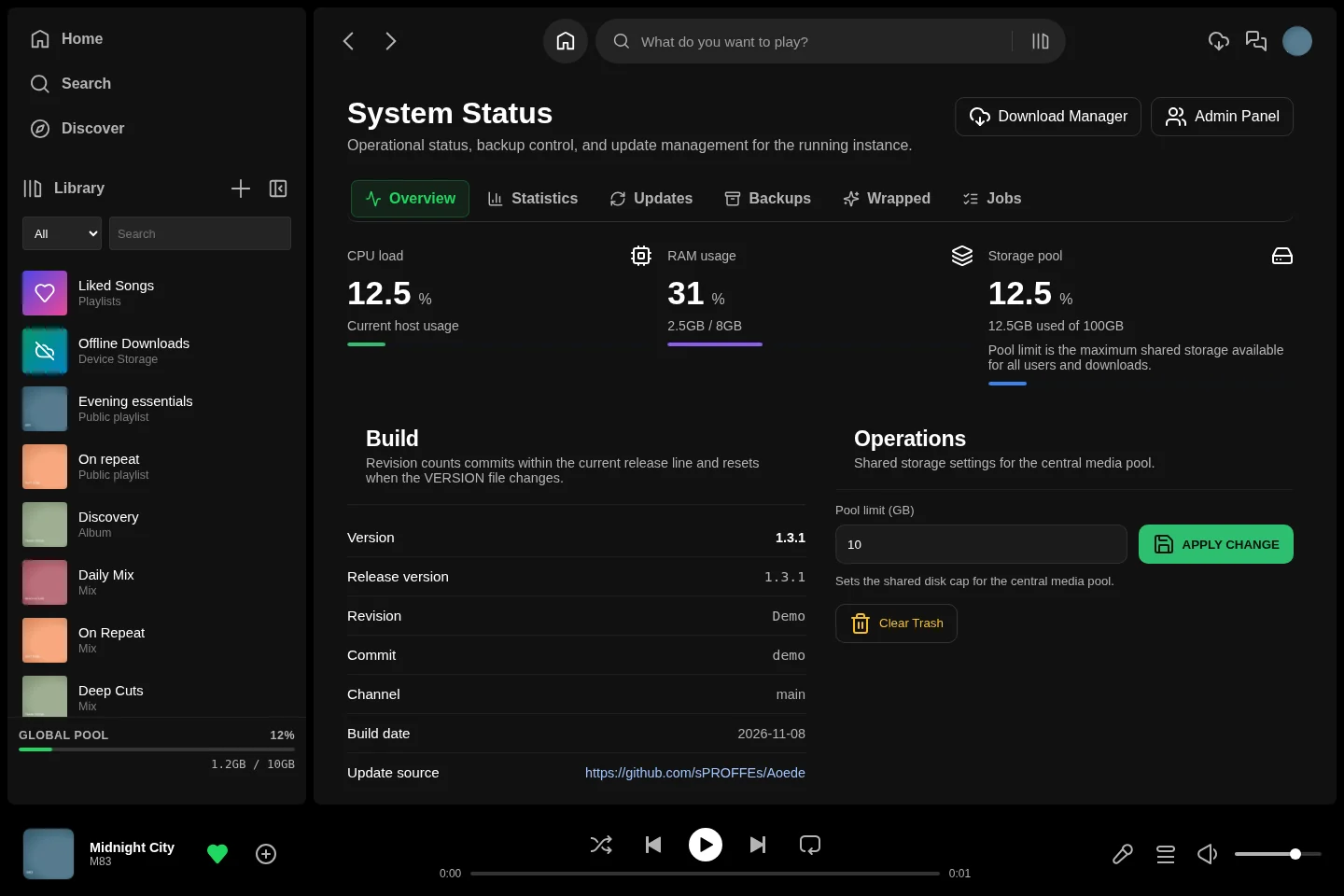 |
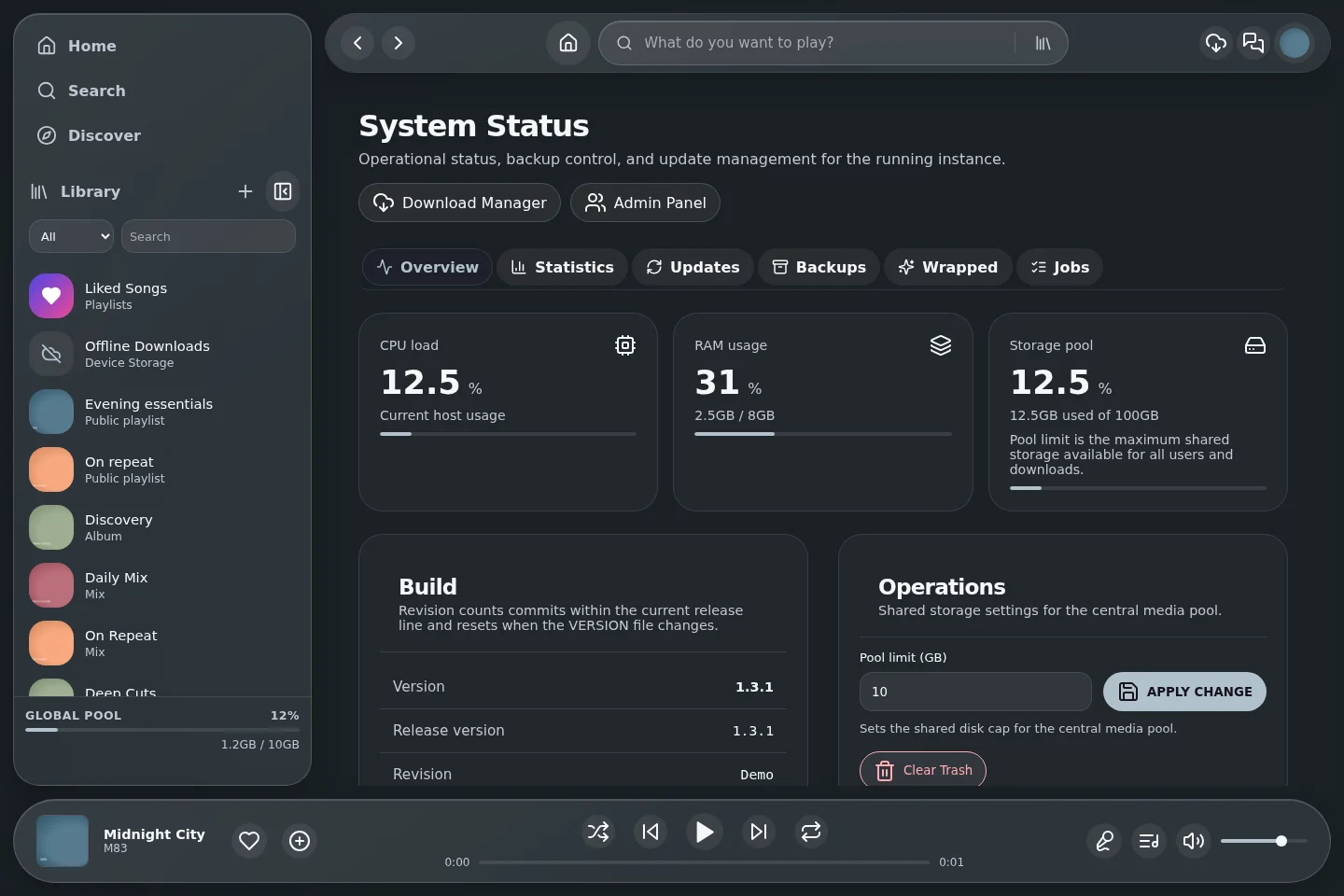 |
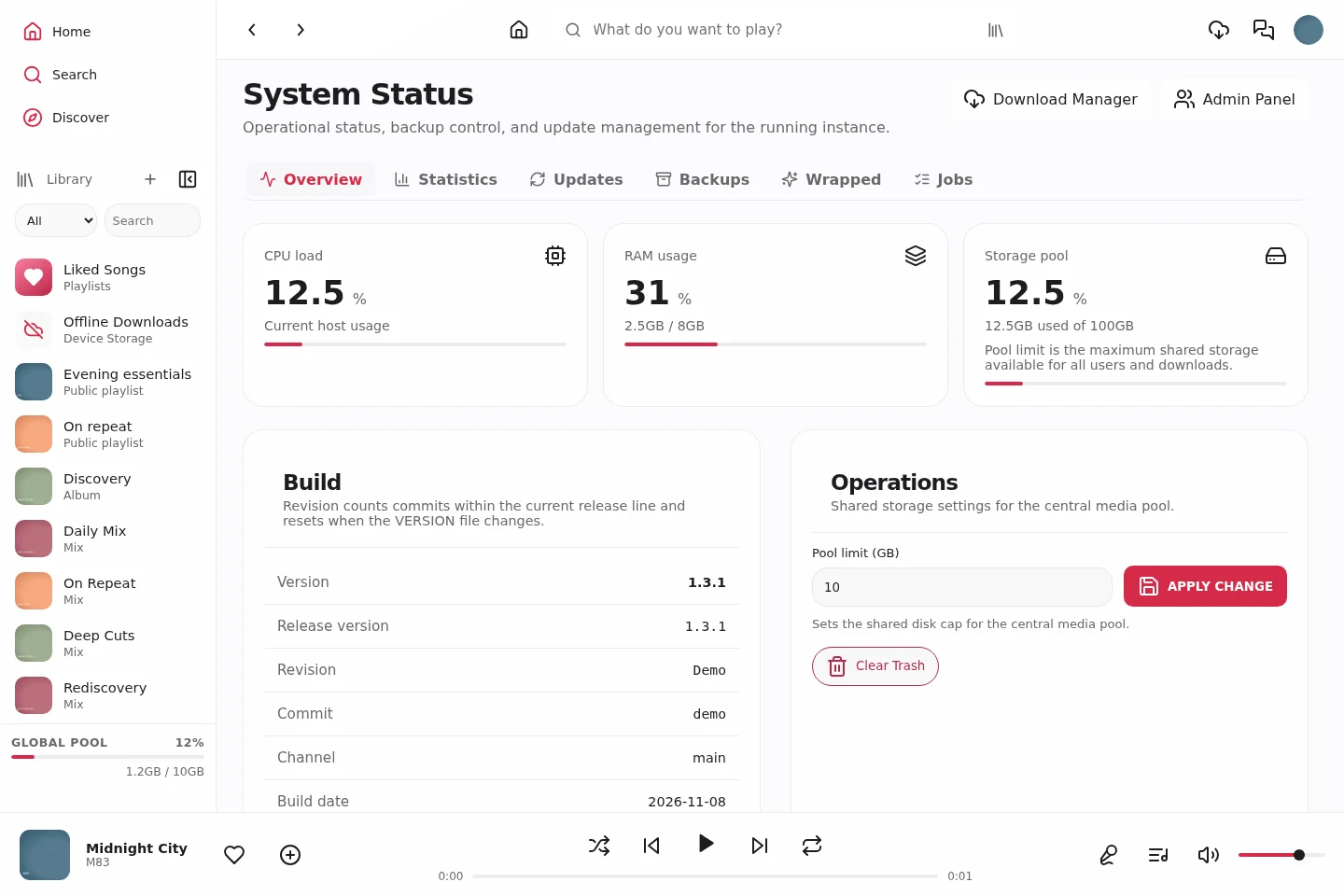 |
| Download Manager · provider sessions |
|---|
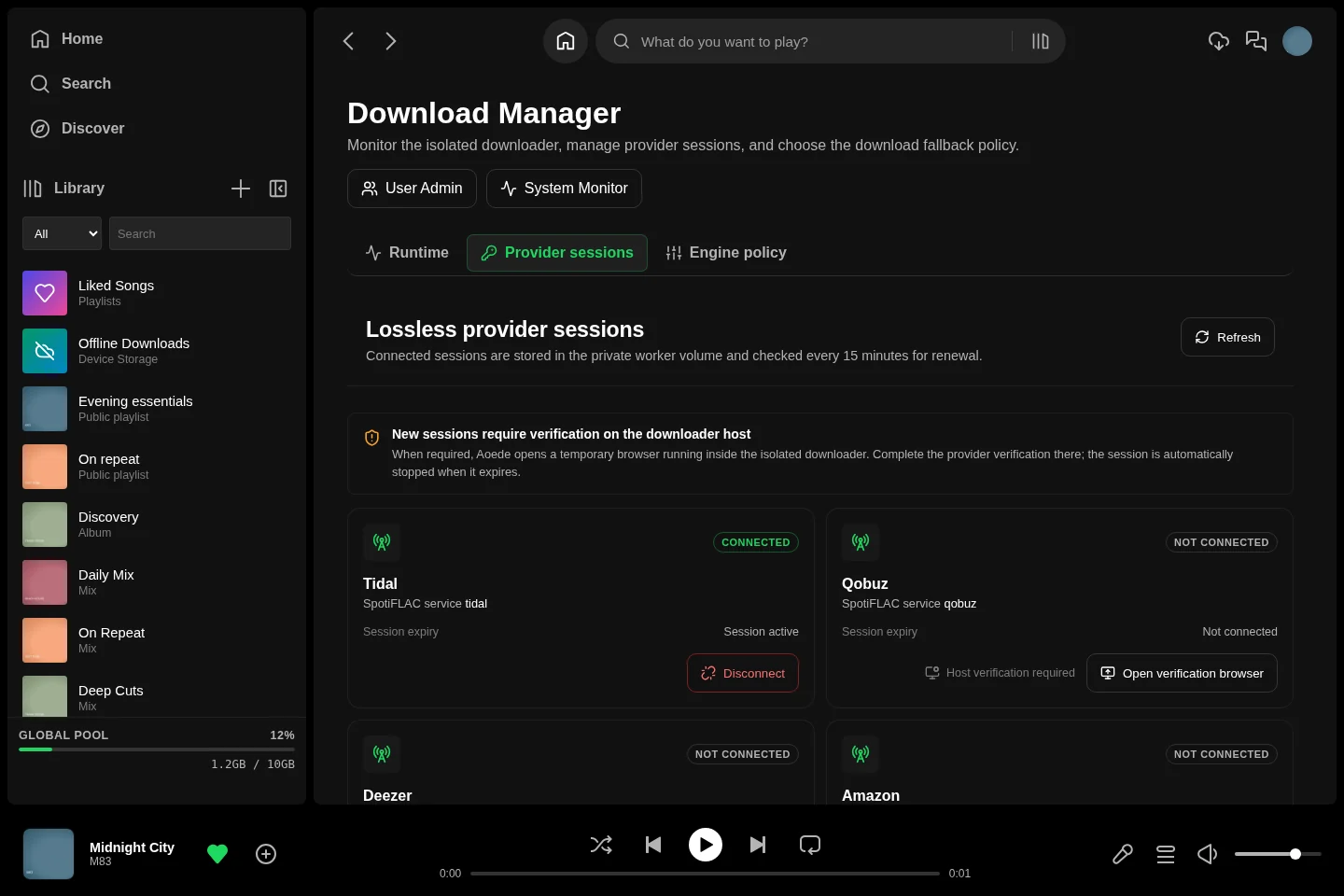 |
 |
 |
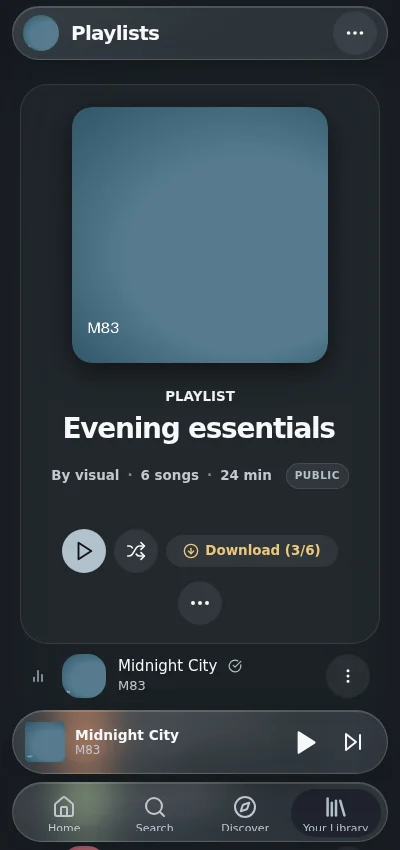
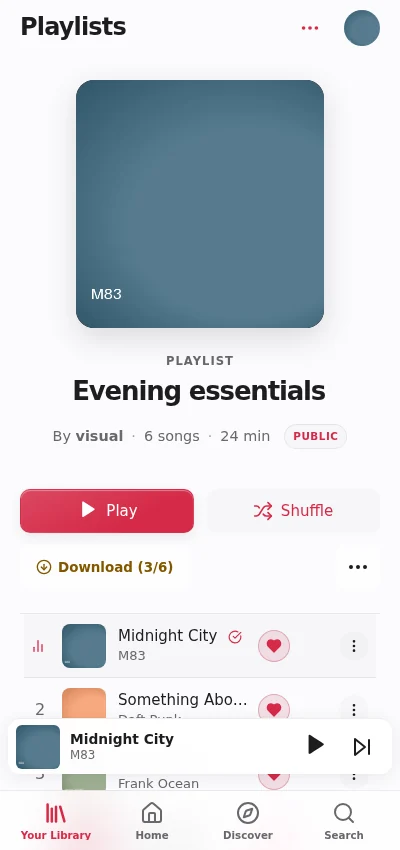
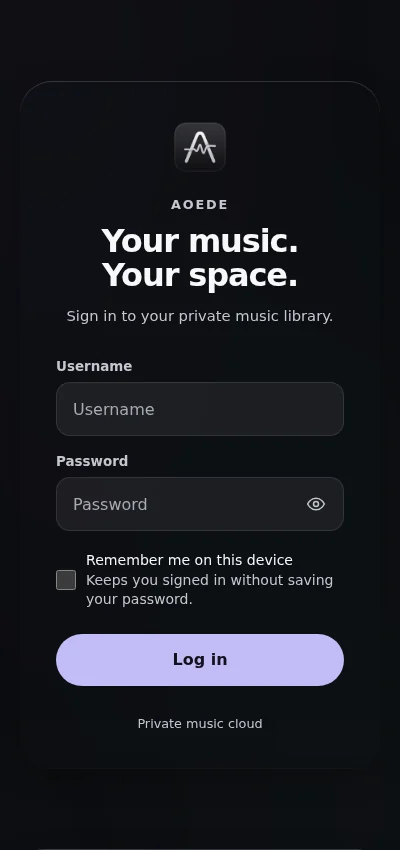
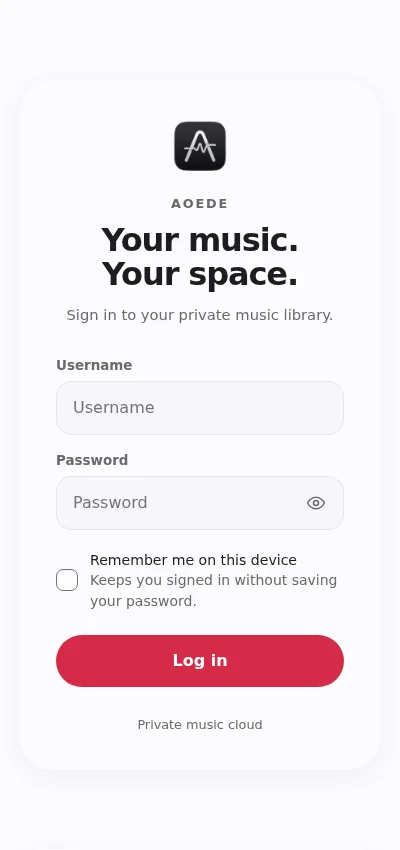
## Mobile web and PWA
These are browser captures of the responsive interface. Browser installation, background playback and offline storage depend on the browser and operating system. They are not native Android screenshots.
Browse and collect on a phone
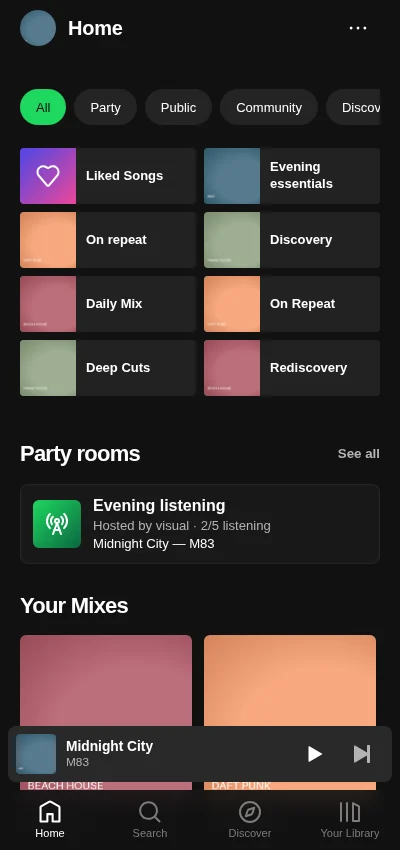
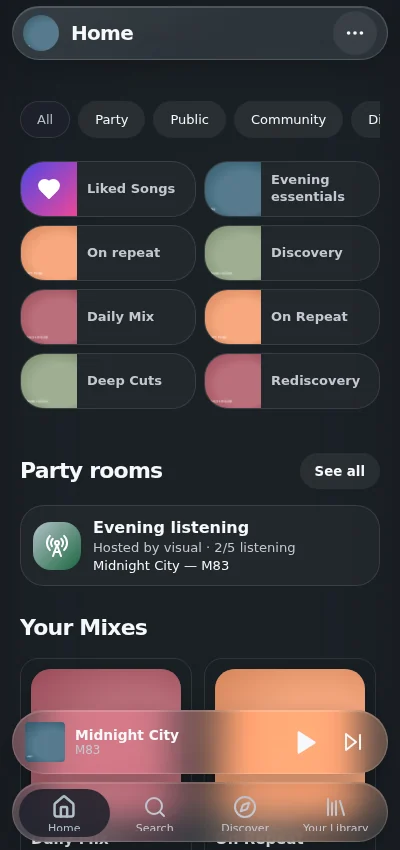
The mobile header, touch controls and bottom navigation are captured as rendered.
| Classic | Glass | Vitrine |
|---|
| Mobile Home |
|---|
 |
 |
 |
| Mobile Library |
|---|
 |
 |
 |
| Mobile Discovery |
|---|
 |
 |
 |
| Mobile playlist |
|---|
 |
 |
 |
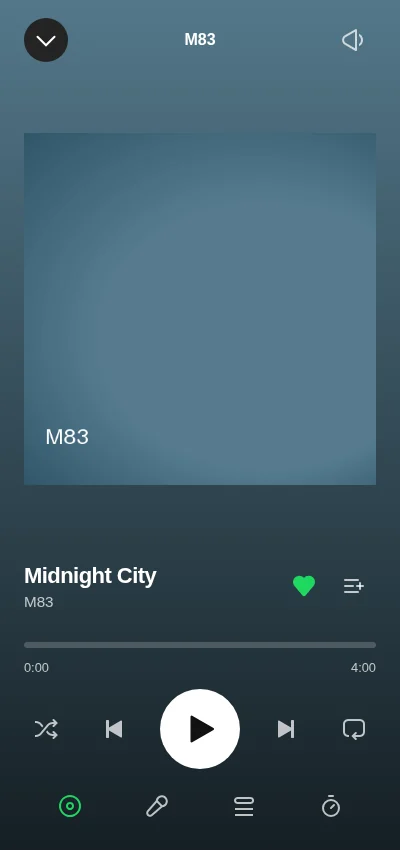
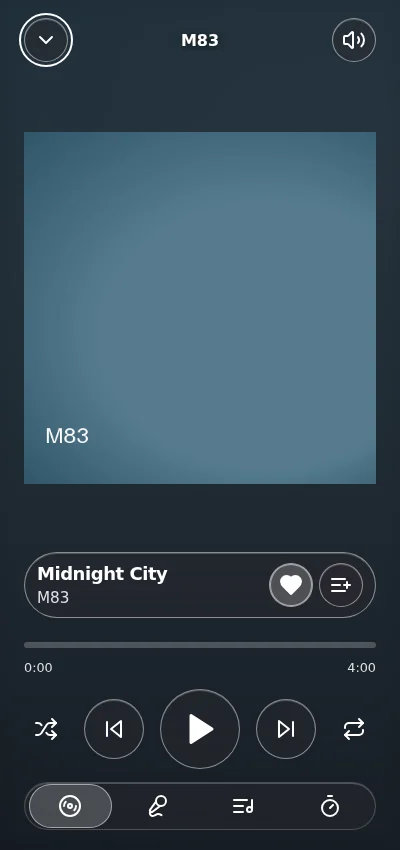
Mobile playback, offline and sign-in
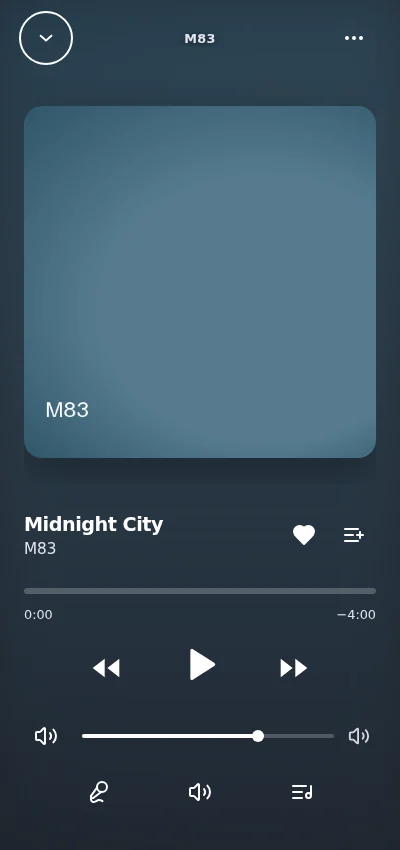
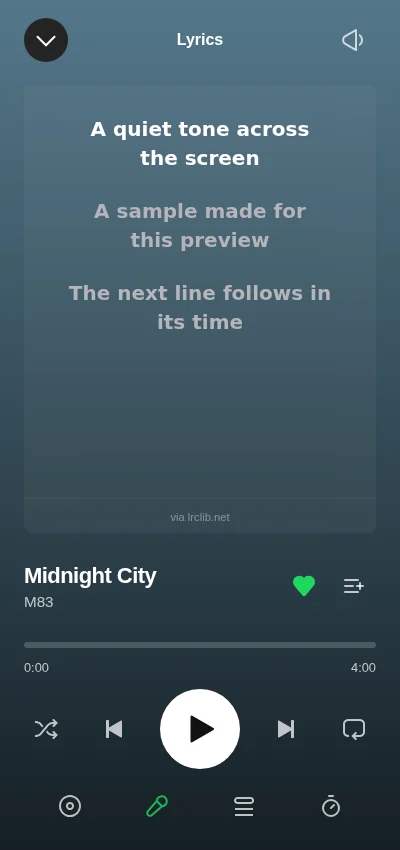
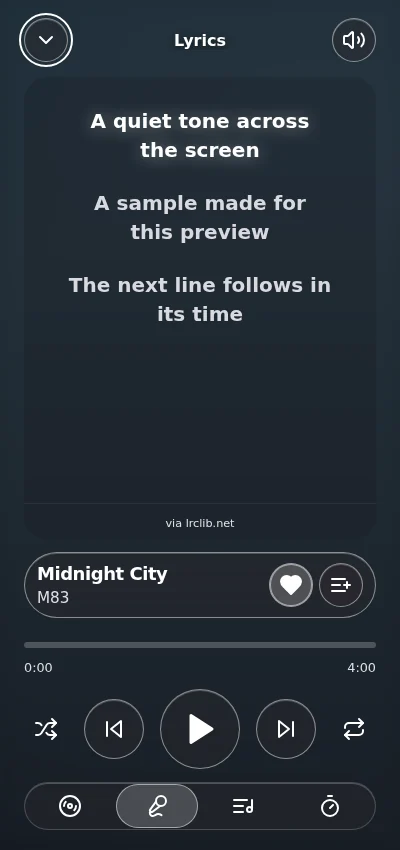
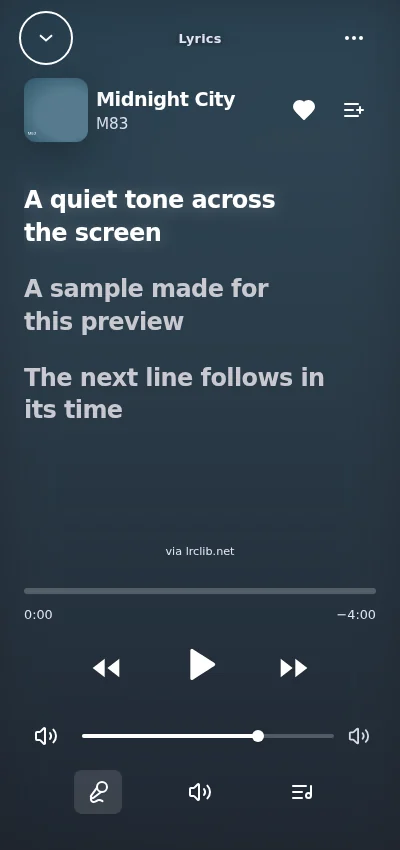
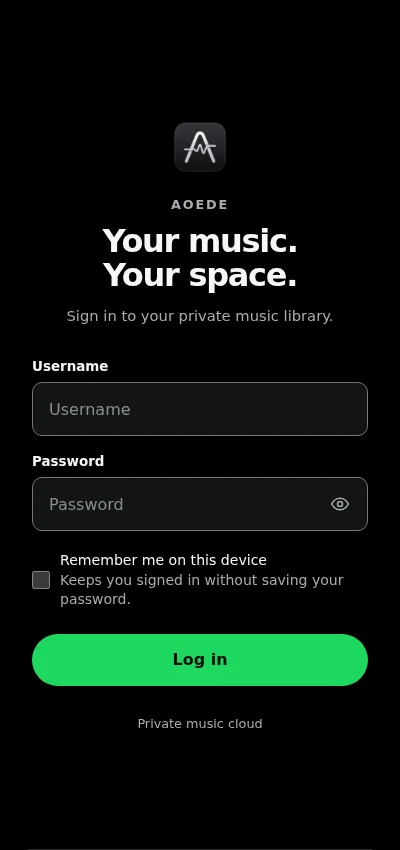
The compact and fullscreen players, downloaded collections and login adapt to the same phone viewport.
| Classic | Glass | Vitrine |
|---|
| Mobile fullscreen player |
|---|
 |
 |
 |
| Mobile lyrics |
|---|
 |
 |
 |
| Mobile device downloads |
|---|
 |
 |
 |
| Mobile sign-in |
|---|
 |
 |
 |
## Native Android APK
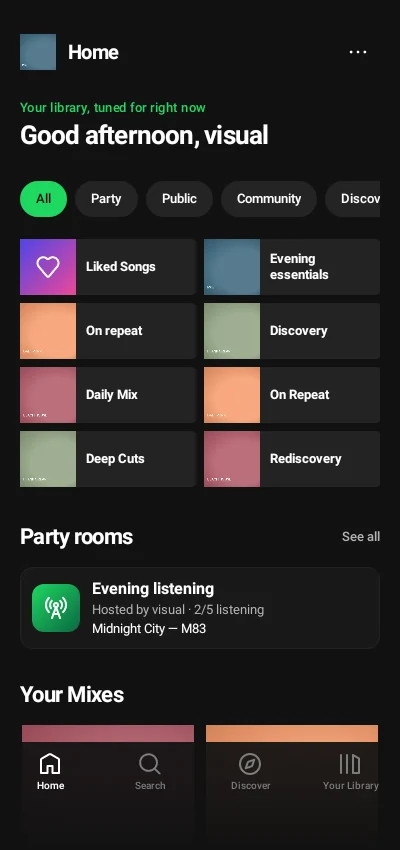
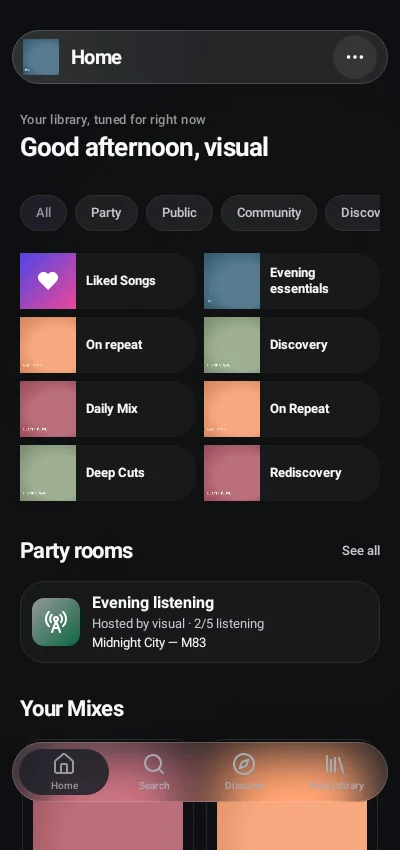
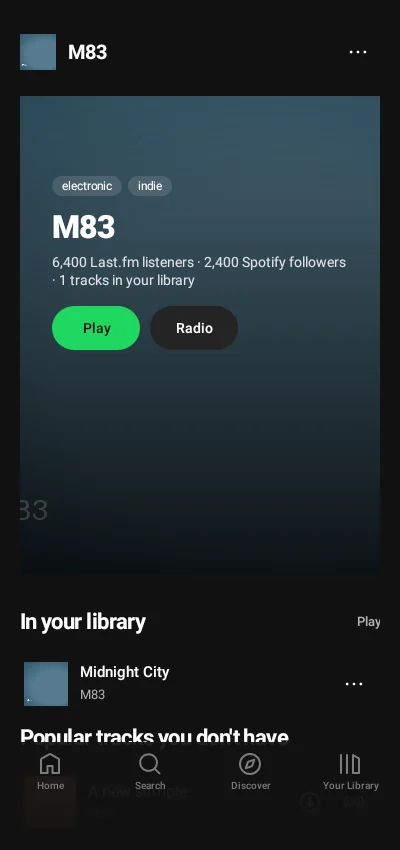
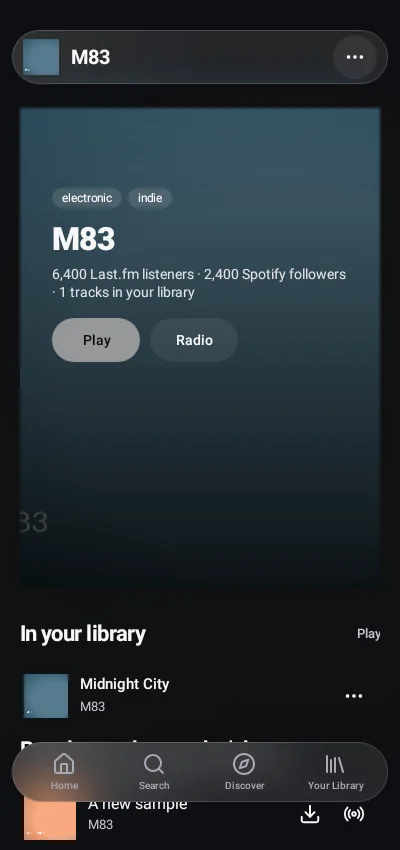
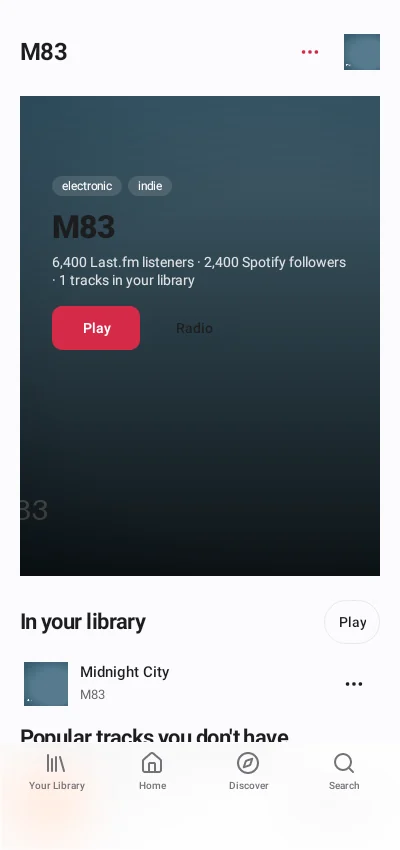
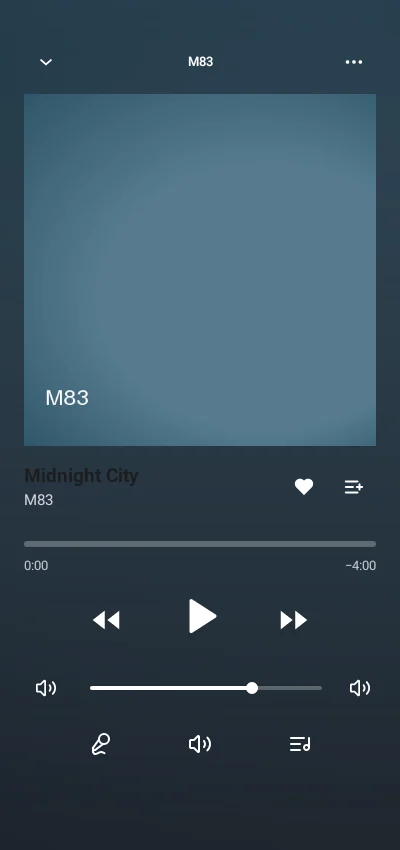
These images render the APK's actual native Android views, not HTML inside WebView. Normal native browsing and playback use the configured Aoede backend; explicit compatibility mode uses the installed web client instead. The local Android rendering runtime is used for these captures, so no phone frame, OS status icons or launcher are added. [Android installation and usage](ANDROID.md)
Native browsing and discovery
Browse your server and open artist pages directly from the native interface.
| Classic | Glass | Vitrine |
|---|
| Native Home |
|---|
 |
 |
 |
| Native Library |
|---|
 |
 |
 |
| Native Discovery |
|---|
 |
 |
 |
| Native artist page |
|---|
 |
 |
 |
Native collections and collaboration
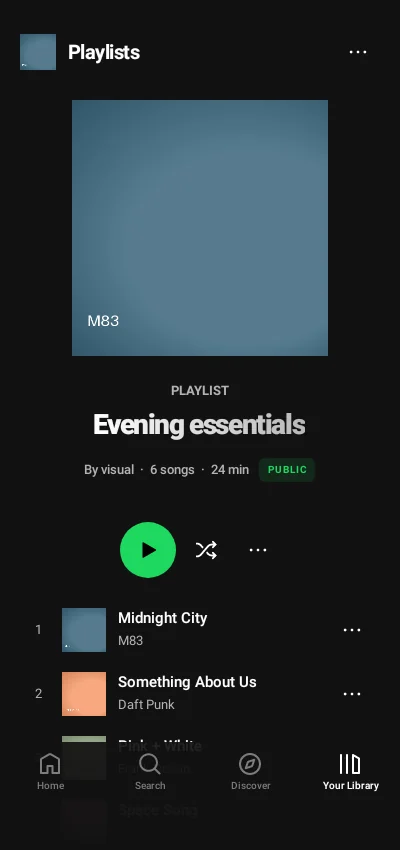
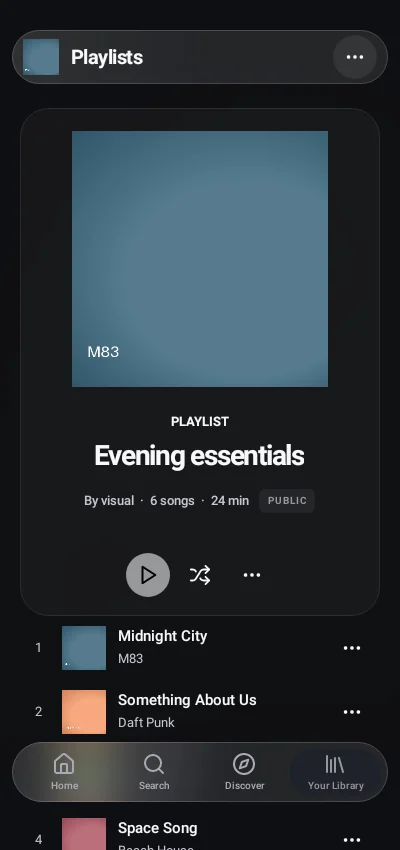
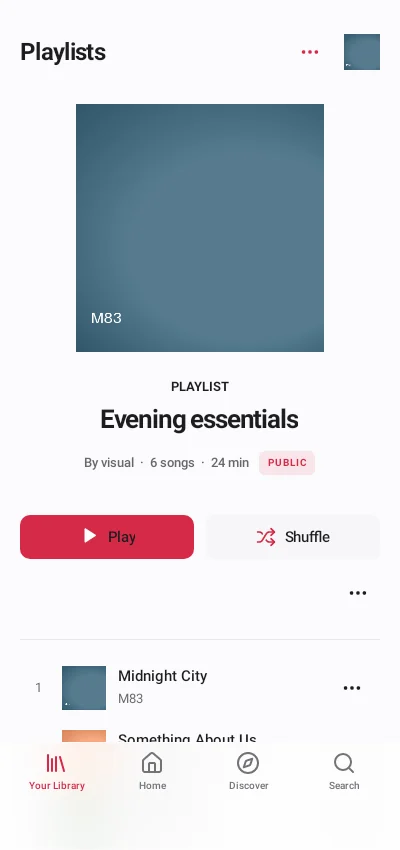
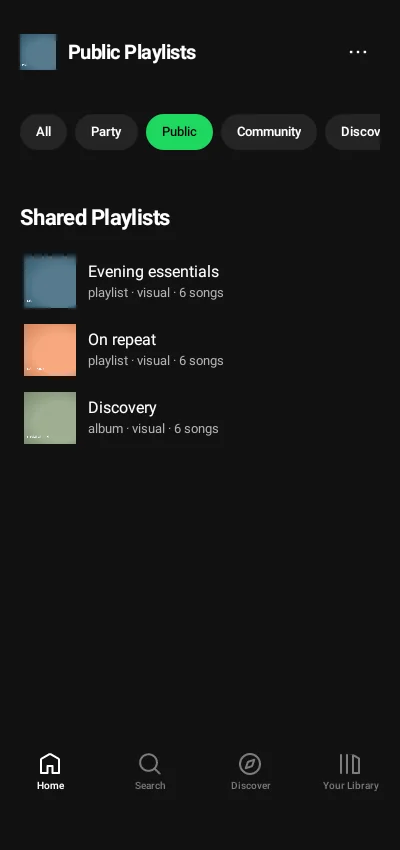
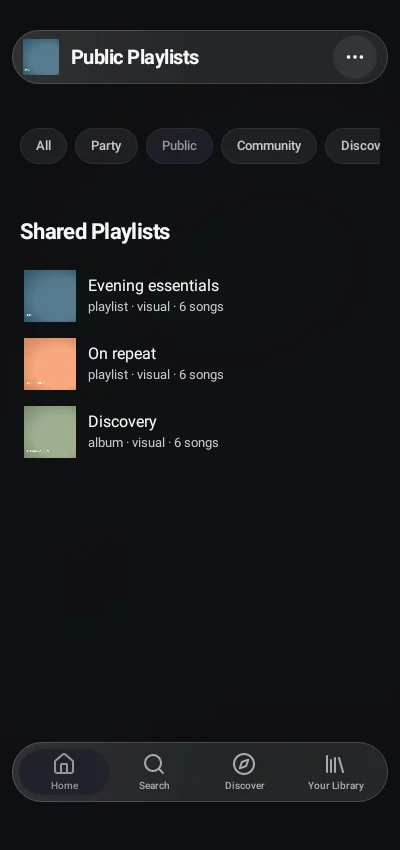
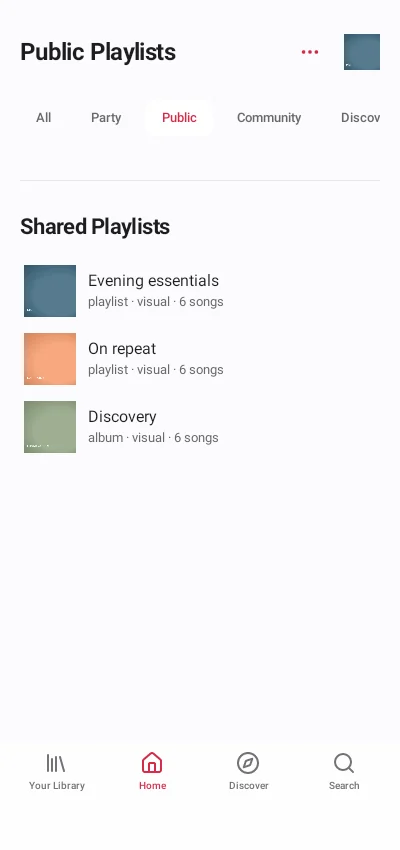
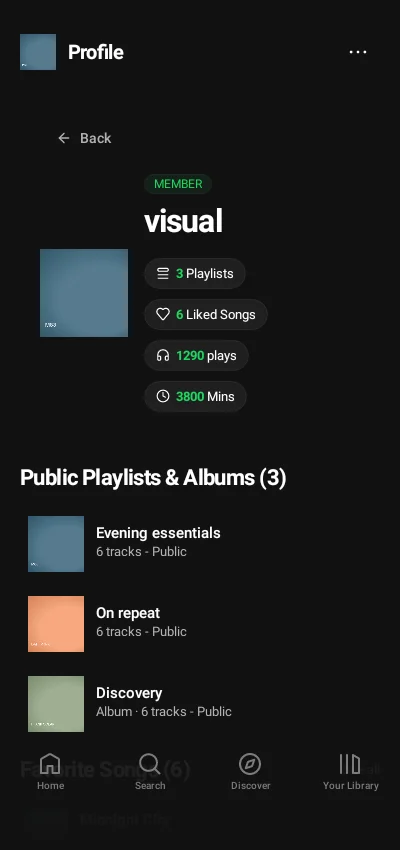
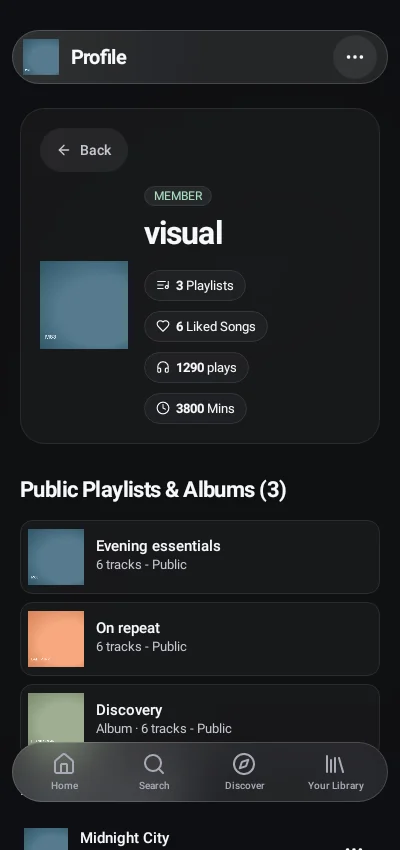
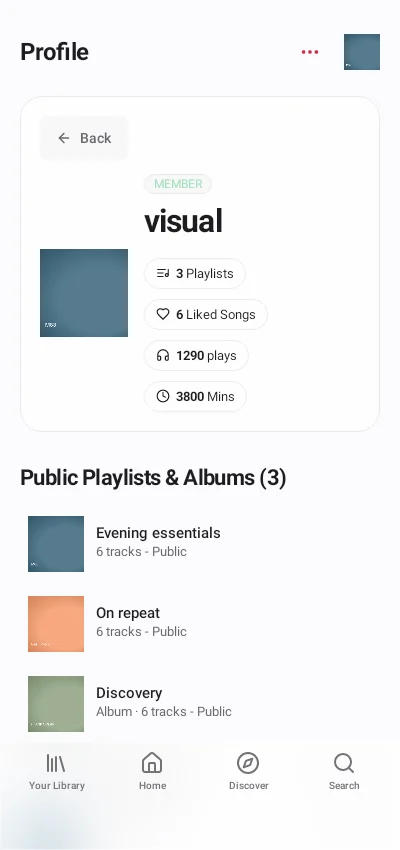
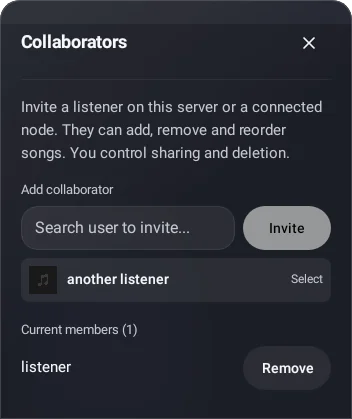
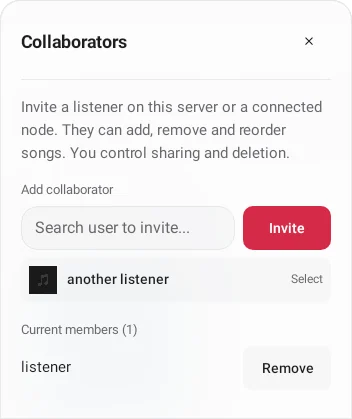
Public profiles use compact collection covers. Owners manage collaborators separately from public visibility.
| Classic | Glass | Vitrine |
|---|
| Native playlist |
|---|
 |
 |
 |
| Native public collections |
|---|
 |
 |
 |
| Native public profile |
|---|
 |
 |
 |
| Native collaborators |
|---|
 |
 |
 |
Native listening and shared queues
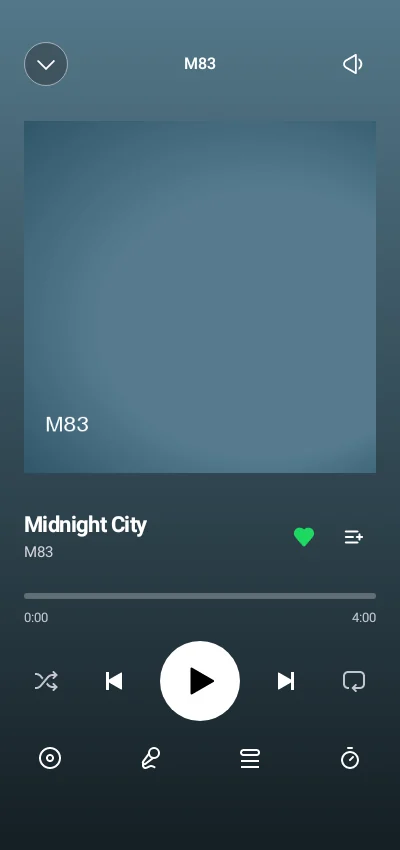
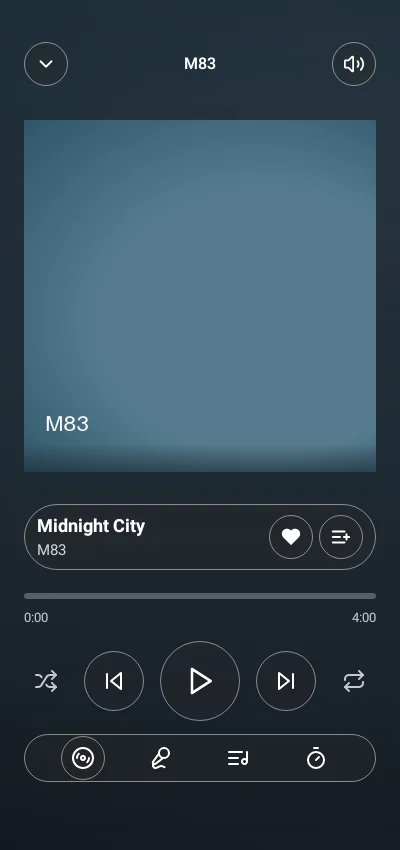
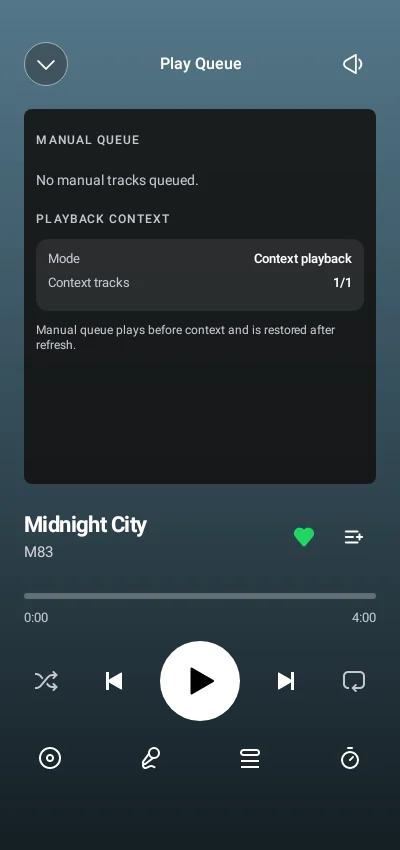
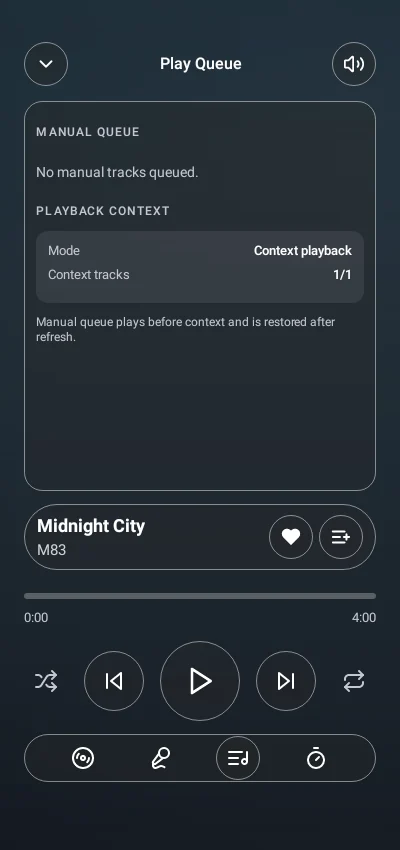
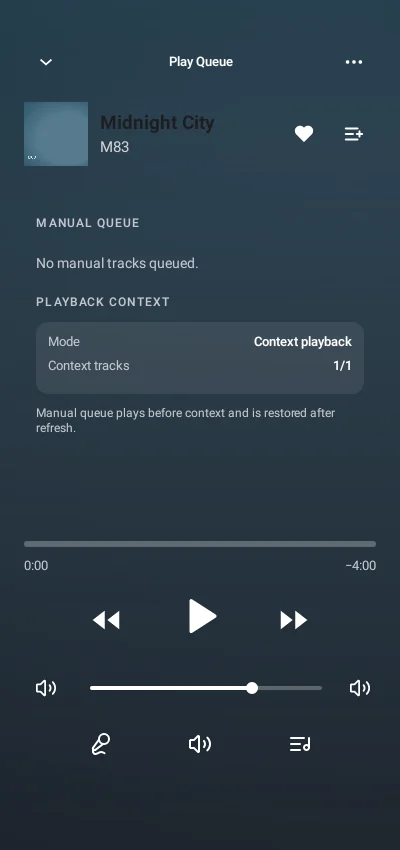
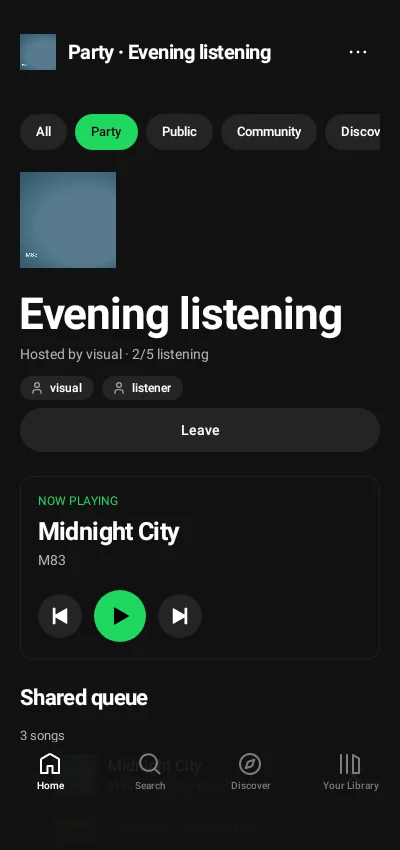
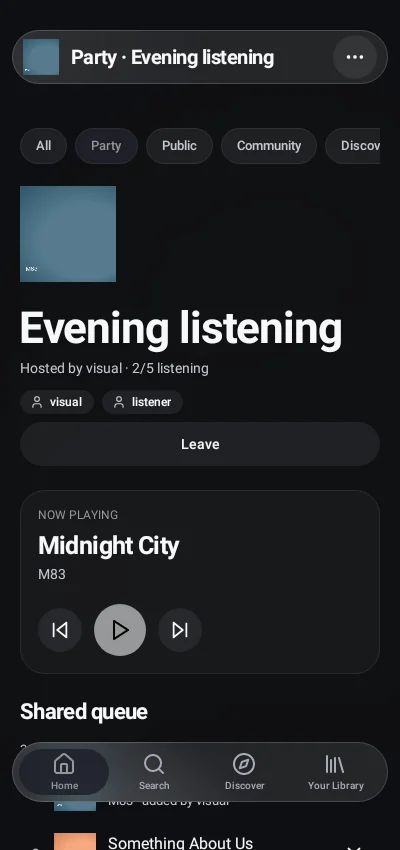
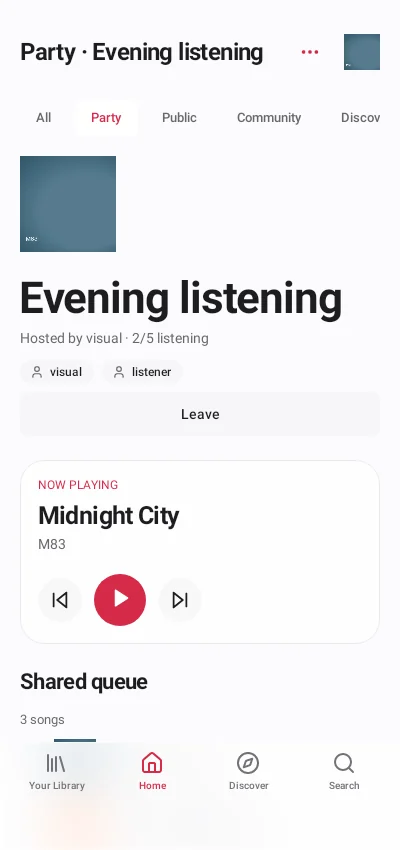
The player, lyrics and queue use the native playback session; Party Rooms retain their own shared listening controls.
| Classic | Glass | Vitrine |
|---|
| Native fullscreen player |
|---|
 |
 |
 |
| Native lyrics |
|---|
 |
 |
 |
| Native queue |
|---|
 |
 |
 |
| Native Party Room |
|---|
 |
 |
 |
Native imports, downloads and radio
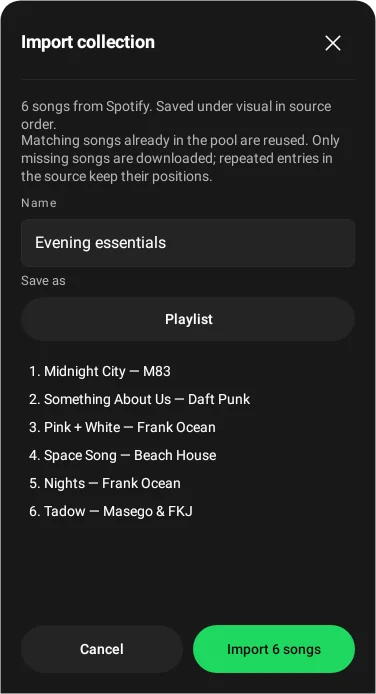
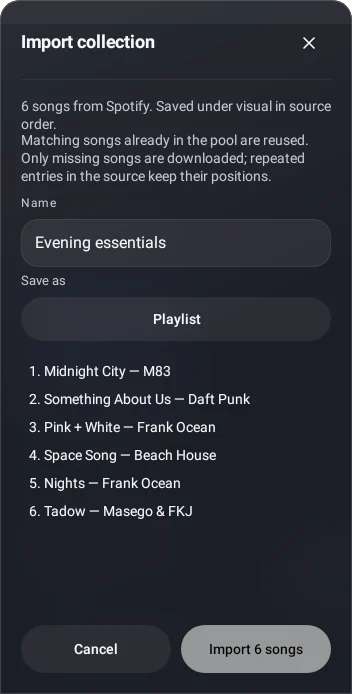
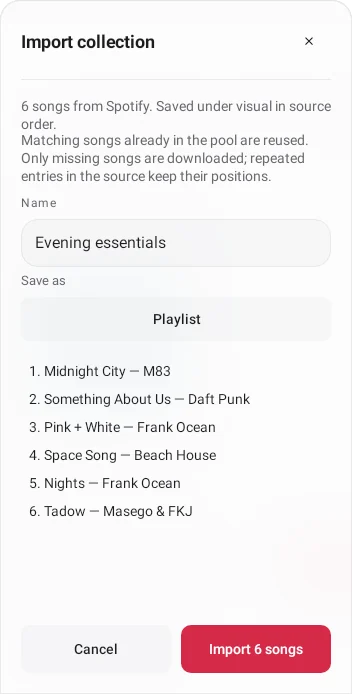
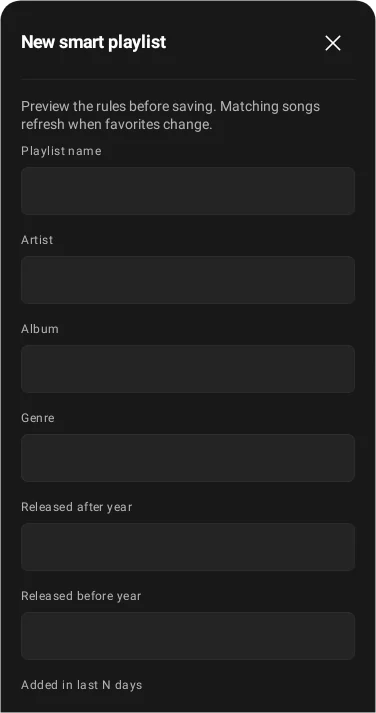
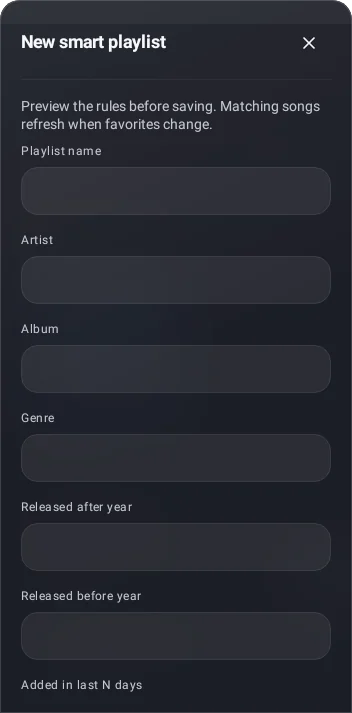
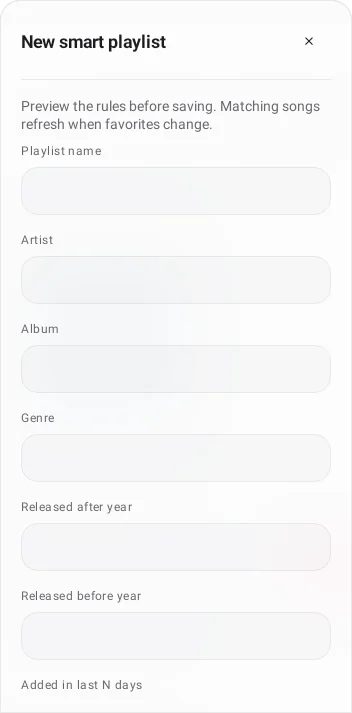
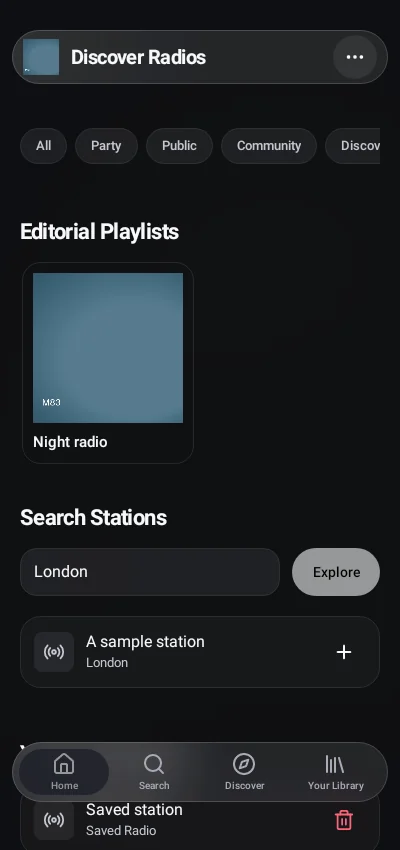
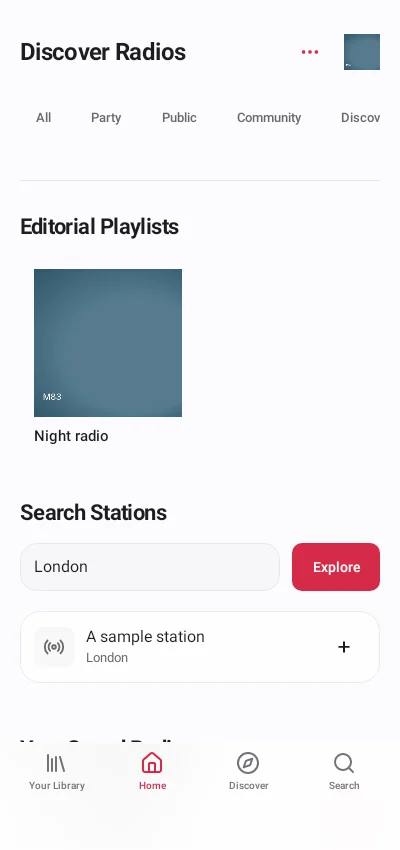
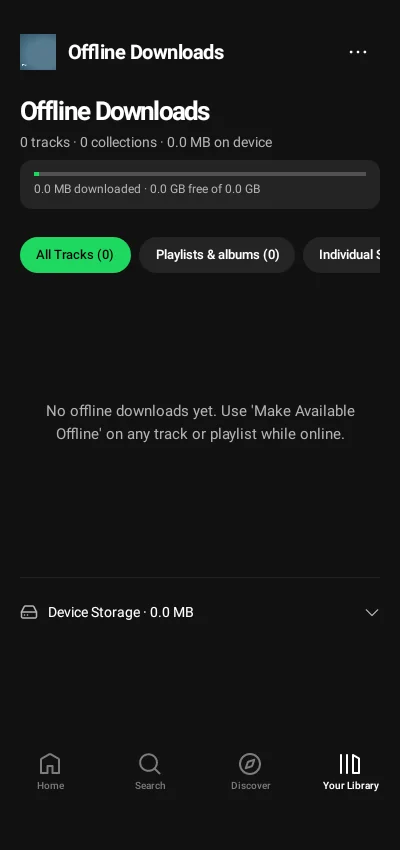
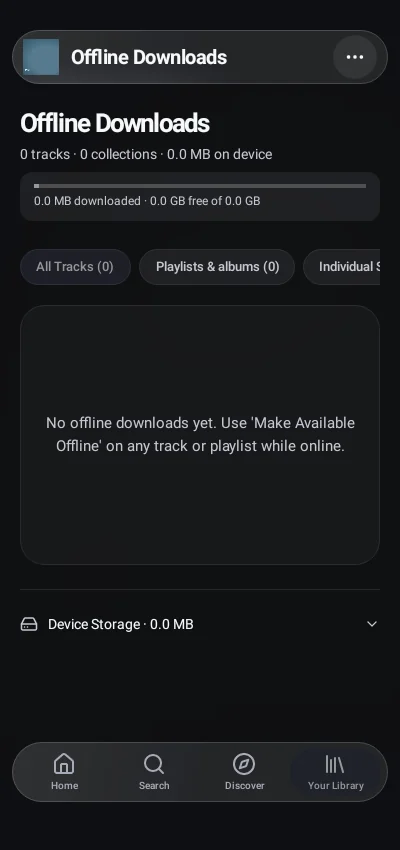
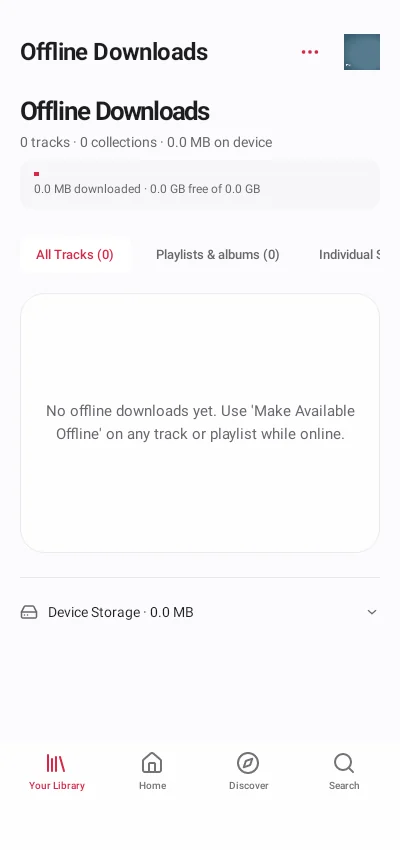
Import previews and rules are editable before submission. The native offline screenshot shows the real empty device state; download supported local recordings from a collection to populate it.
| Classic | Glass | Vitrine |
|---|
| Native collection import |
|---|
 |
 |
 |
| Native smart-playlist rules |
|---|
 |
 |
 |
| Native download jobs |
|---|
 |
 |
 |
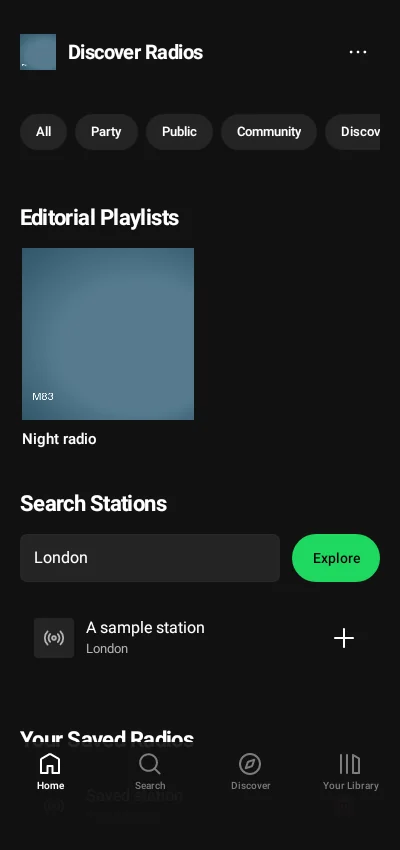
| Native radio search |
|---|
 |
 |
 |
Native preferences and offline entry
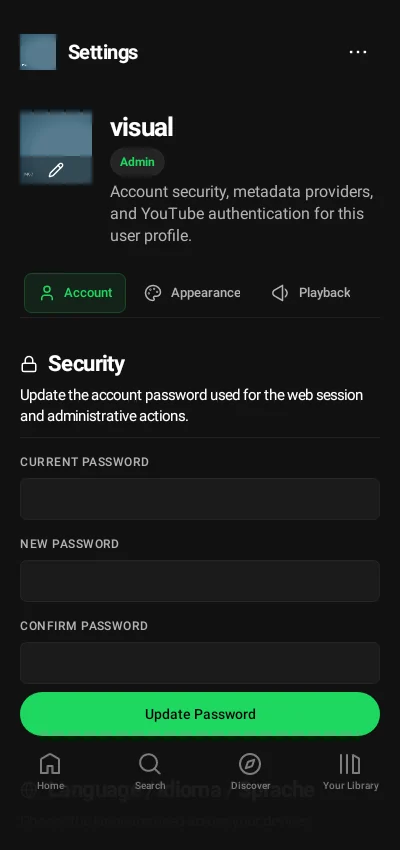
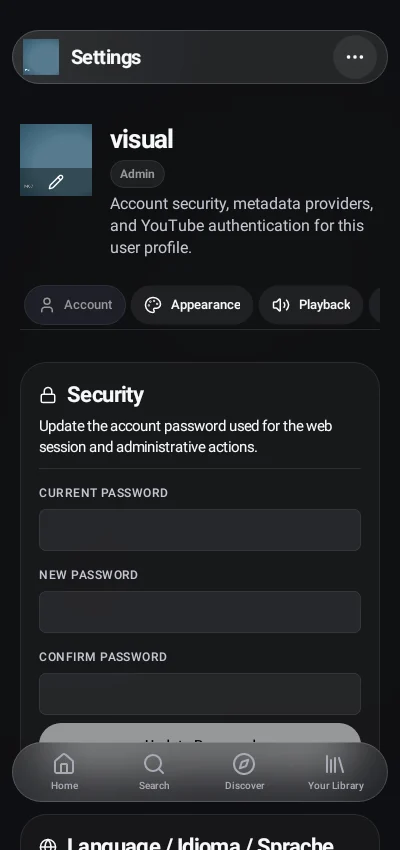
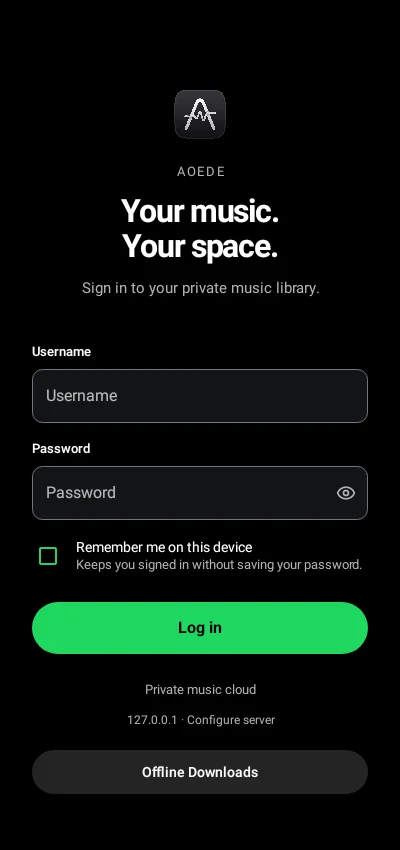
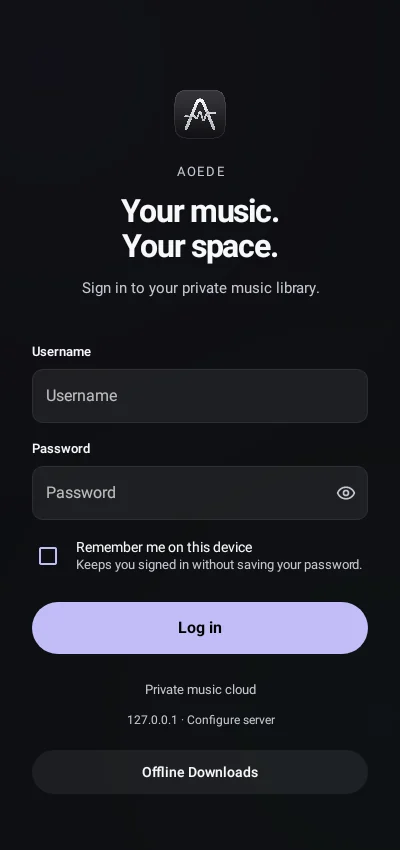
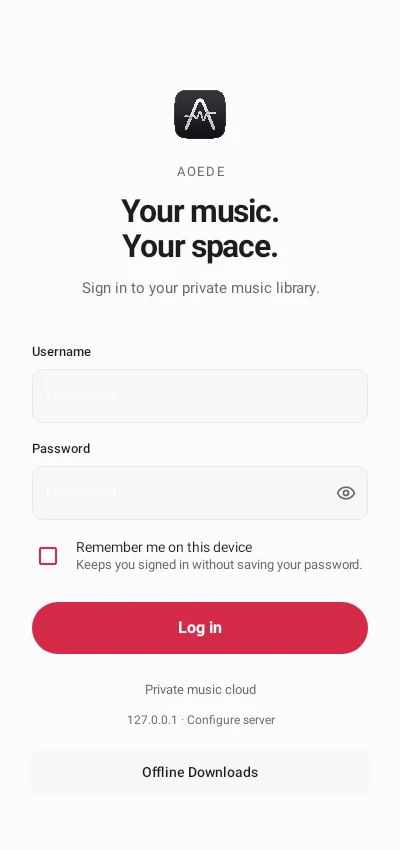
Appearance, sign-in and account-bound storage use native controls. Device downloads remain separate from the server library.
| Classic | Glass | Vitrine |
|---|
| Native account settings |
|---|
 |
 |
 |
| Native appearance settings |
|---|
 |
 |
 |
| Native device downloads · empty state |
|---|
 |
 |
 |
| Native sign-in |
|---|
 |
 |
 |
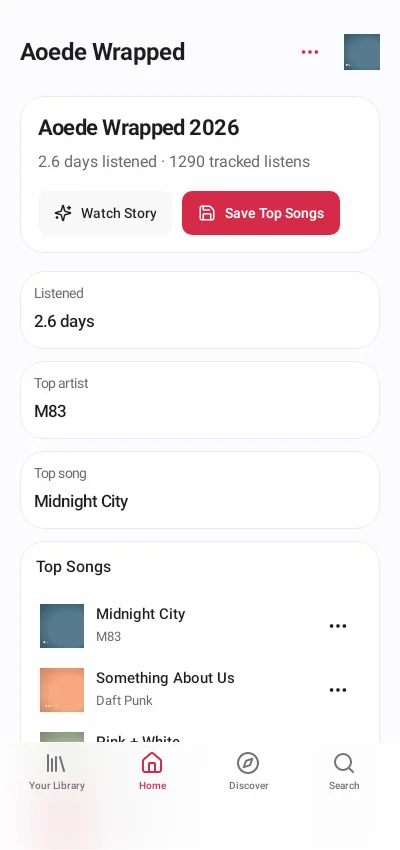
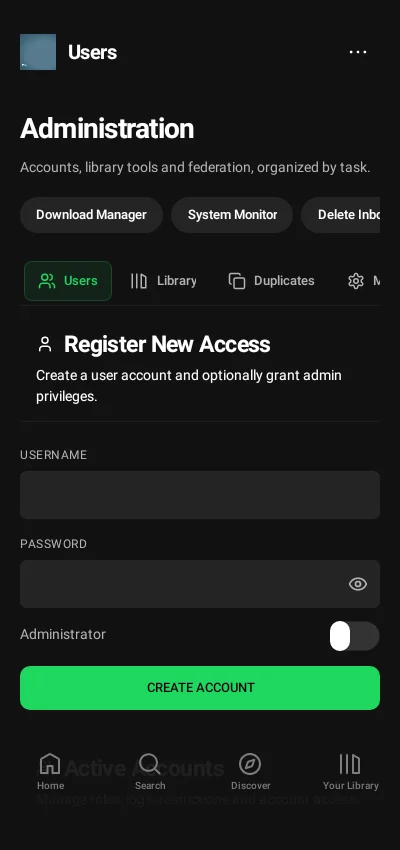
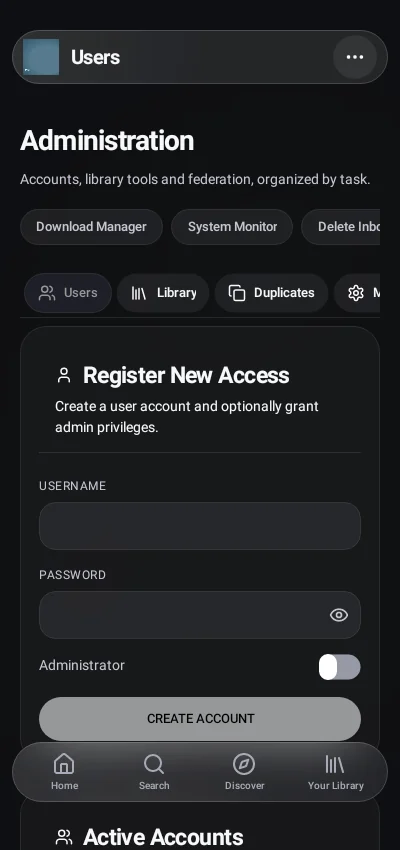
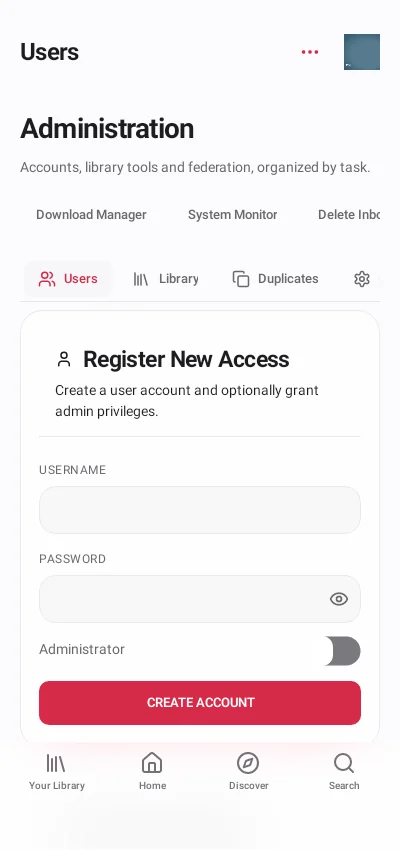
Native Wrapped and administration
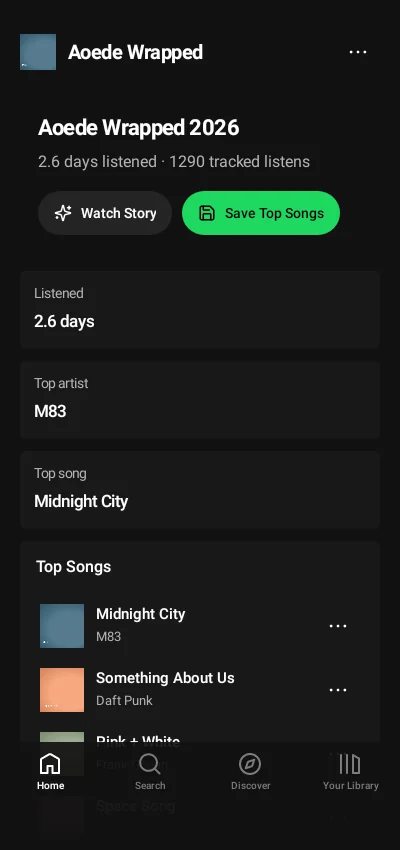
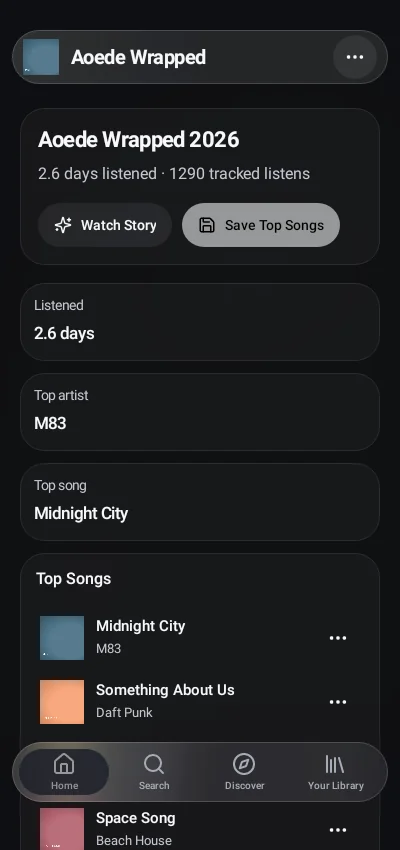
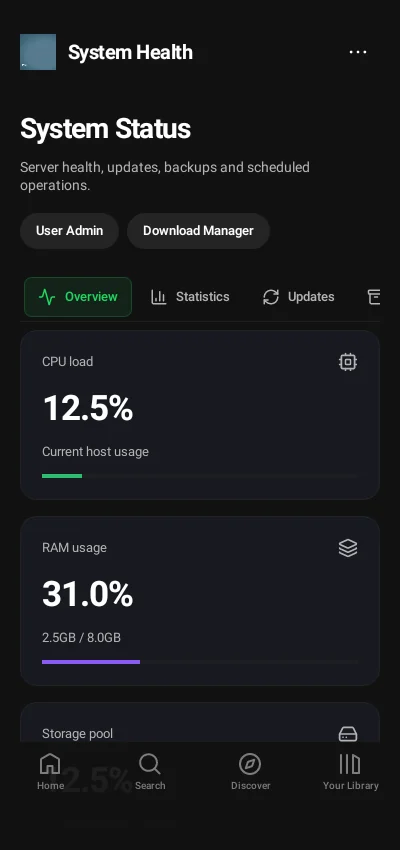
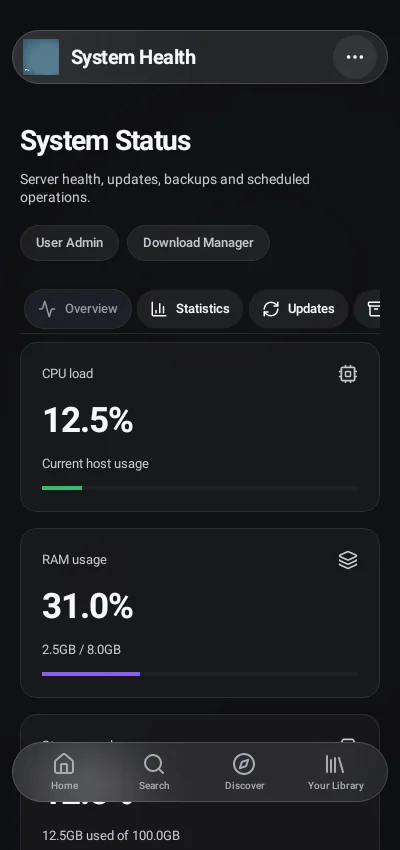
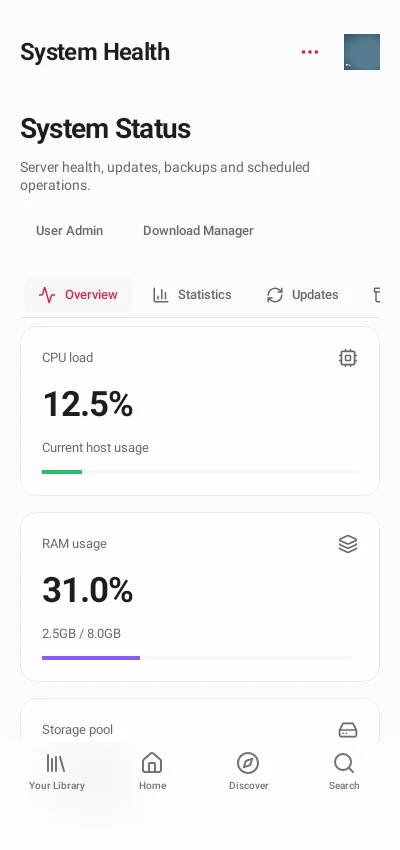
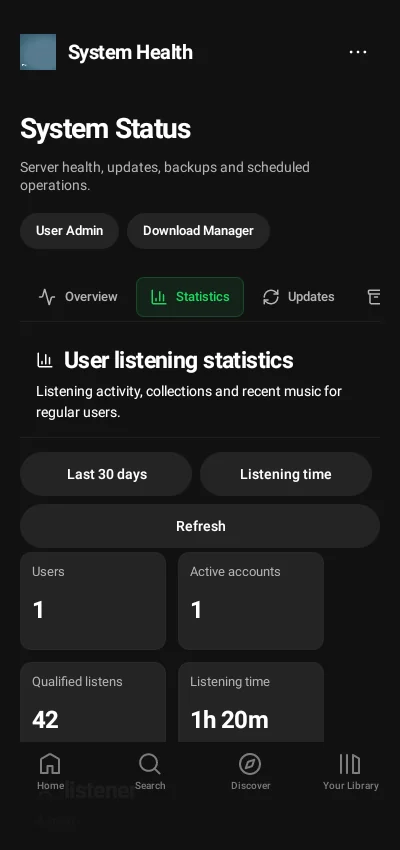
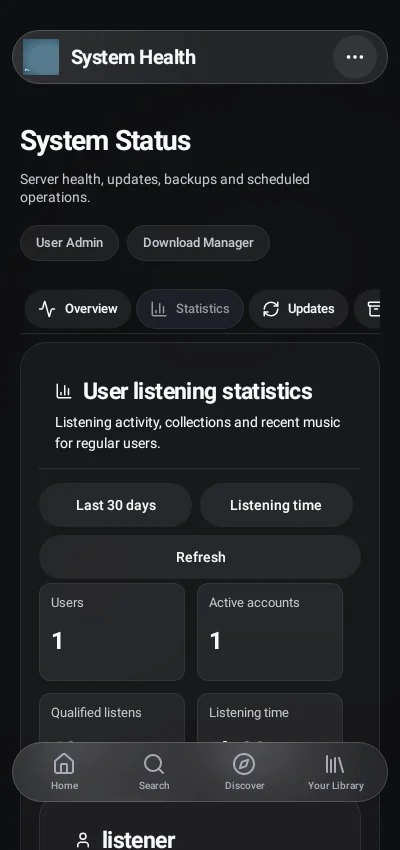
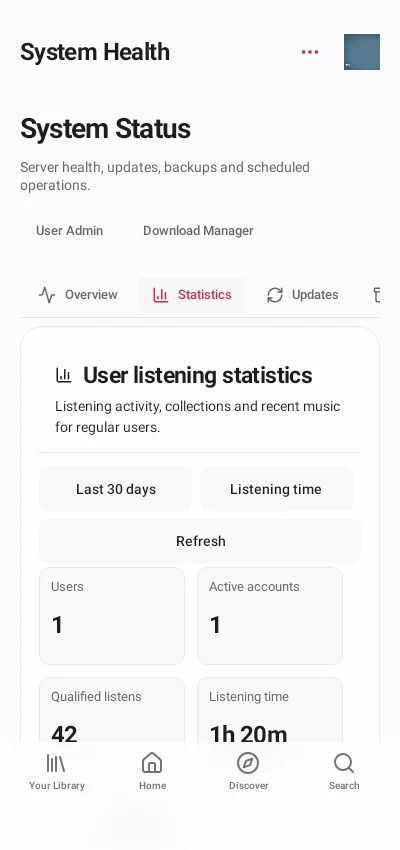
The same account permissions apply to native administration. Demonstration statistics and host metrics do not describe a live server.
| Classic | Glass | Vitrine |
|---|
| Native Wrapped summary |
|---|
 |
 |
 |
| Native user administration |
|---|
 |
 |
 |
| Native System Monitor |
|---|
 |
 |
 |
| Native listening statistics |
|---|
 |
 |
 |
Vitrine in dark appearance
Vitrine also follows a dark device appearance. These are additional native captures of the same Home and player views.
## Android widgets and music island
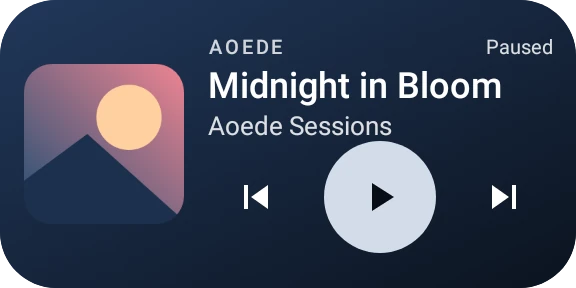
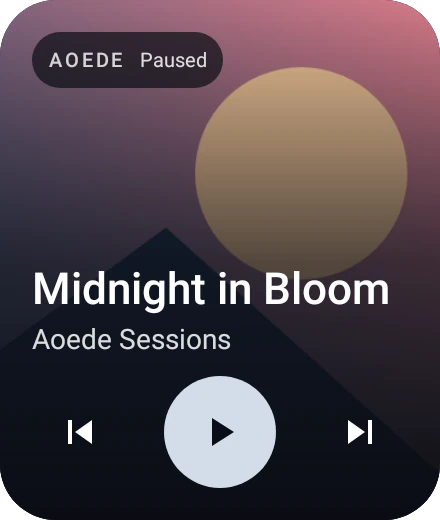
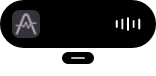
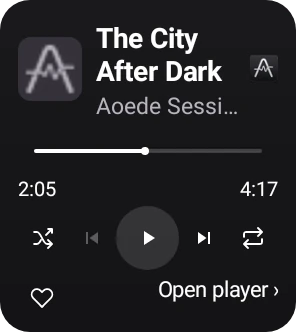
These are actual native component renders with demonstration artwork and metadata. The widgets adapt to their allocated size. The music island is optional and exclusive to the installed Android client; its visibility and permissions are configured in the app. The expanded island below uses a large font setting to show its accessible layout. No launcher, notification shade or phone lock screen is simulated. [Widget and island controls](ANDROID.md#dynamic-island-and-widgets)
| Home-screen widget | Expanded widget |
|---|
 |
 |
| Compact island | Expanded island |
|---|
 |
 |
[Back to the project overview](../README.md) · [Browse the user guide](USER-GUIDE.md) · [Download the current clients](https://github.com/sPROFFEs/Aoede/releases/latest)