# Doodleworks MCP
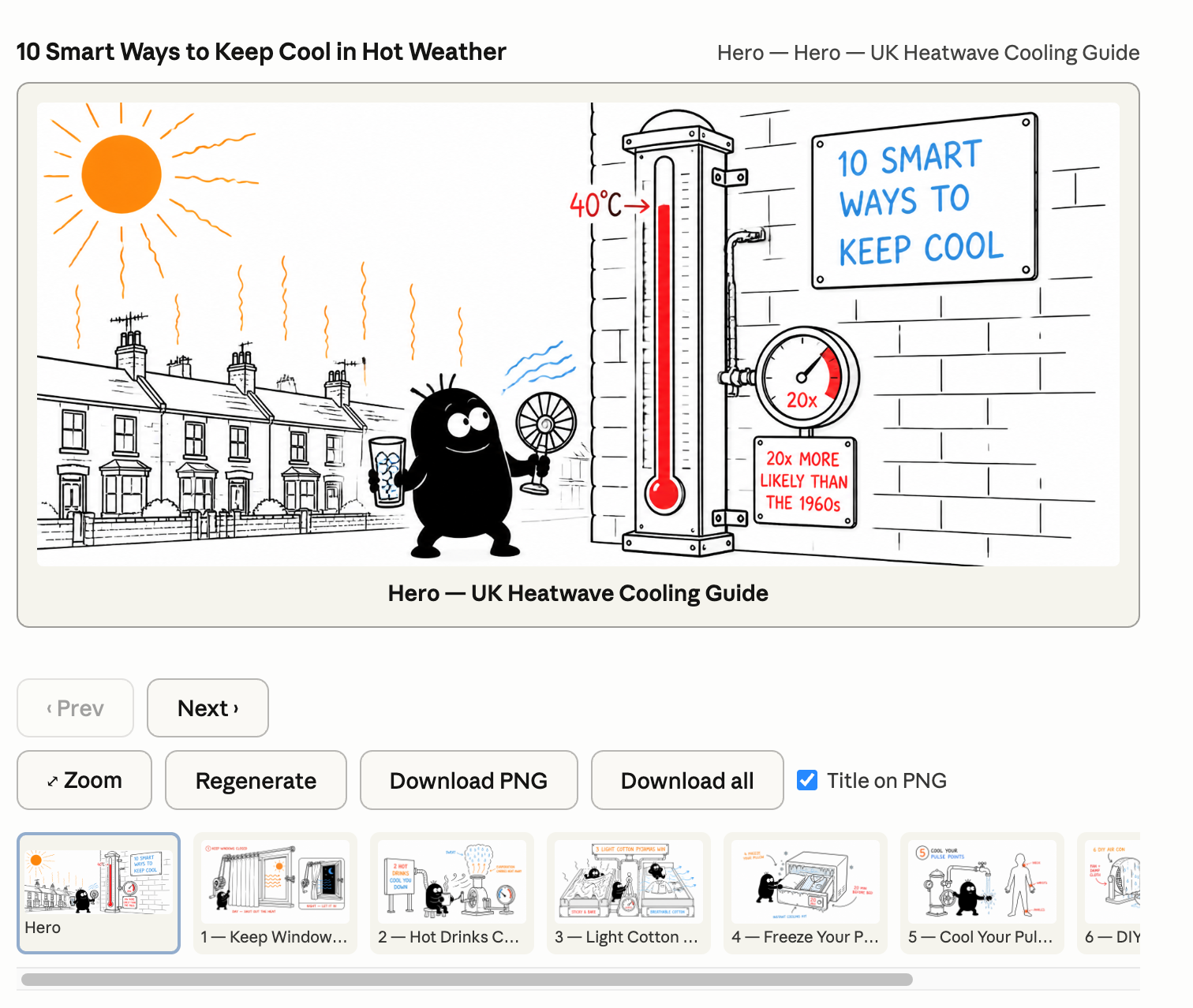
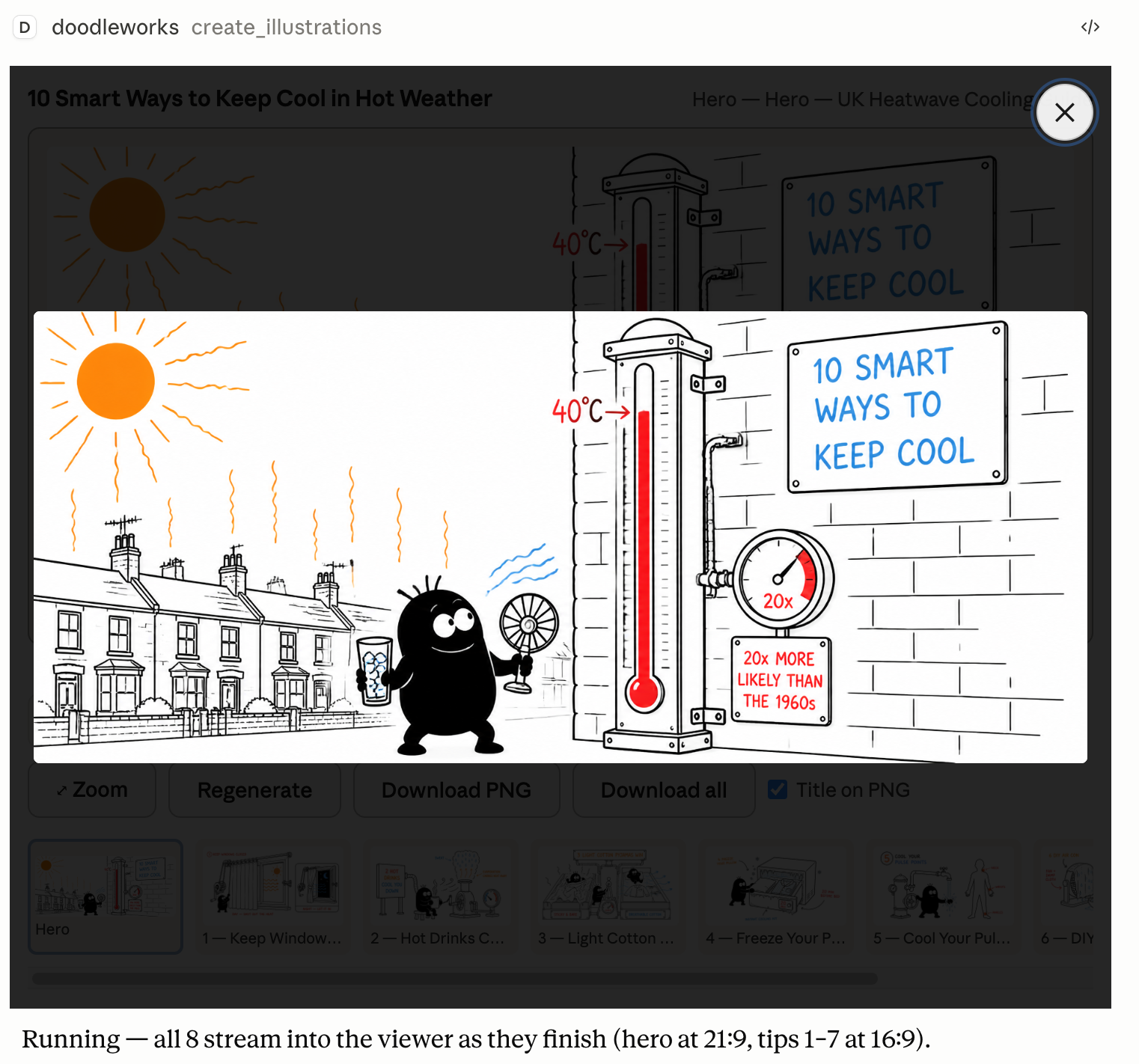
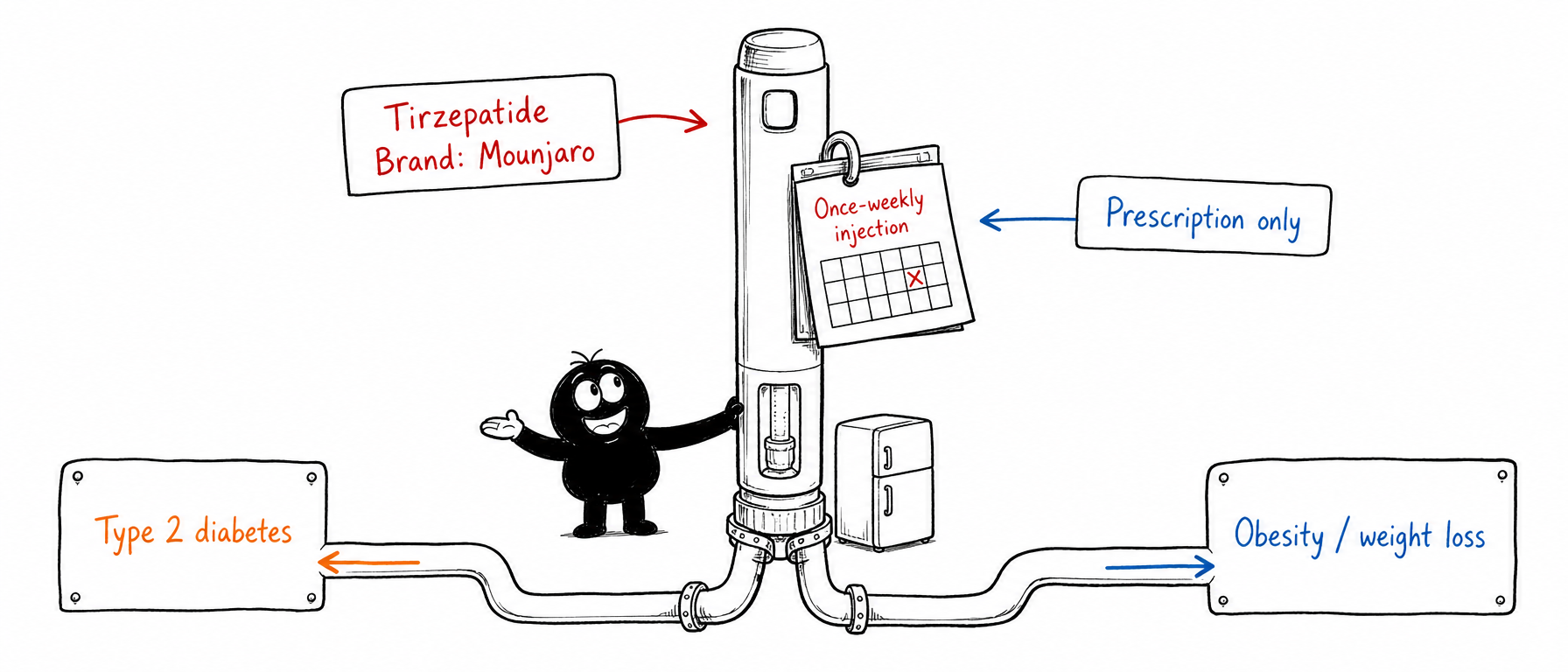
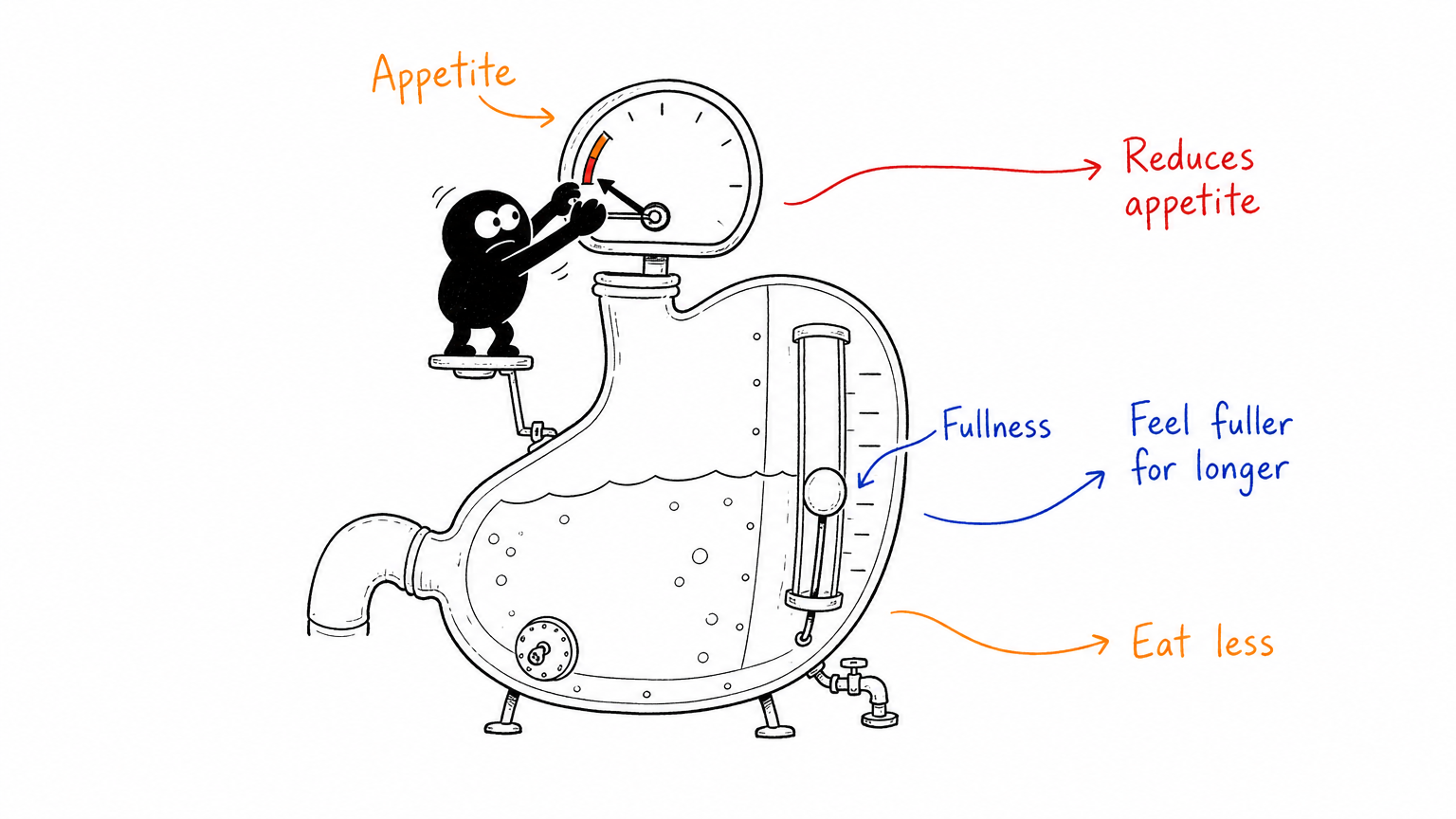
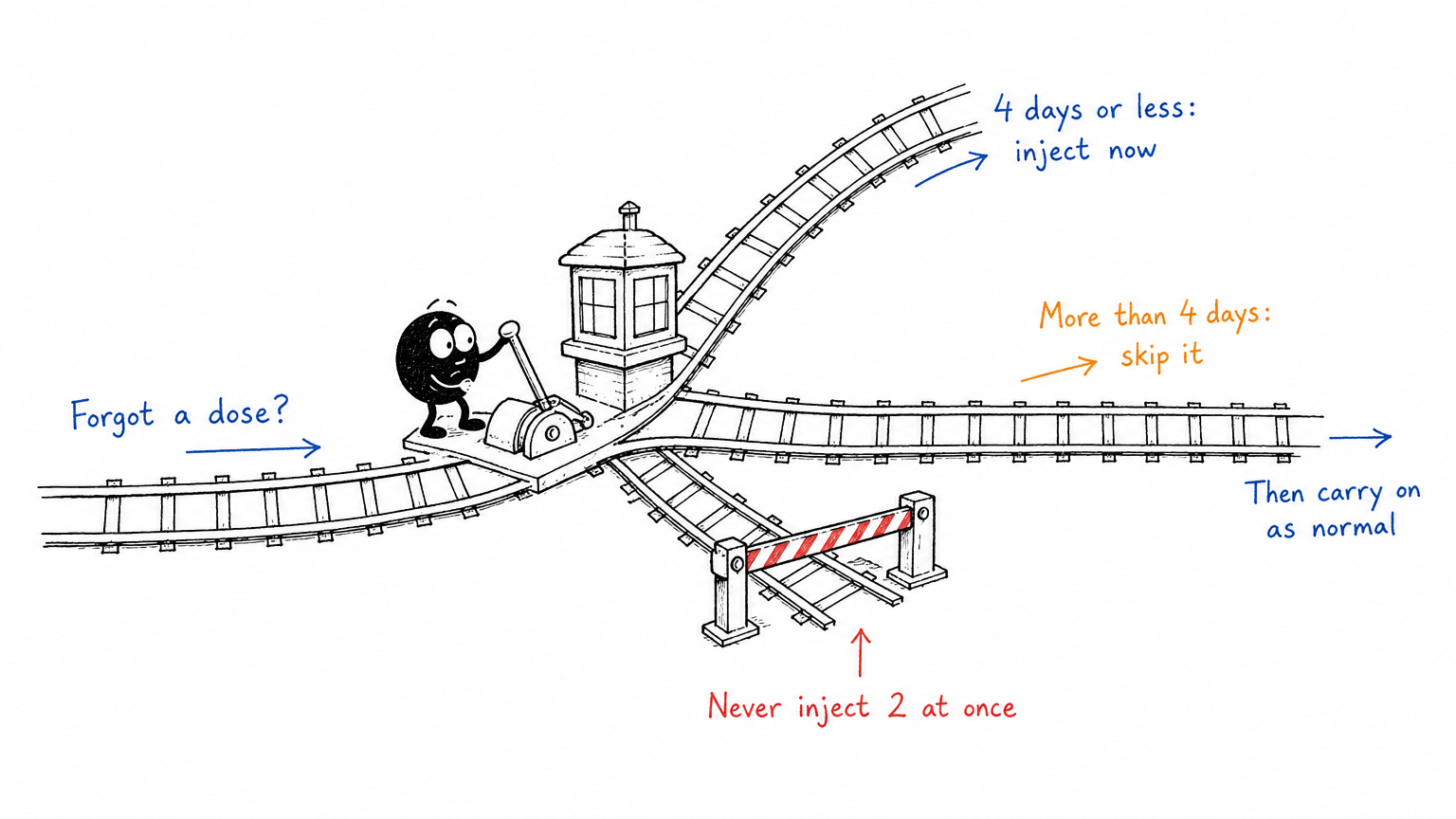
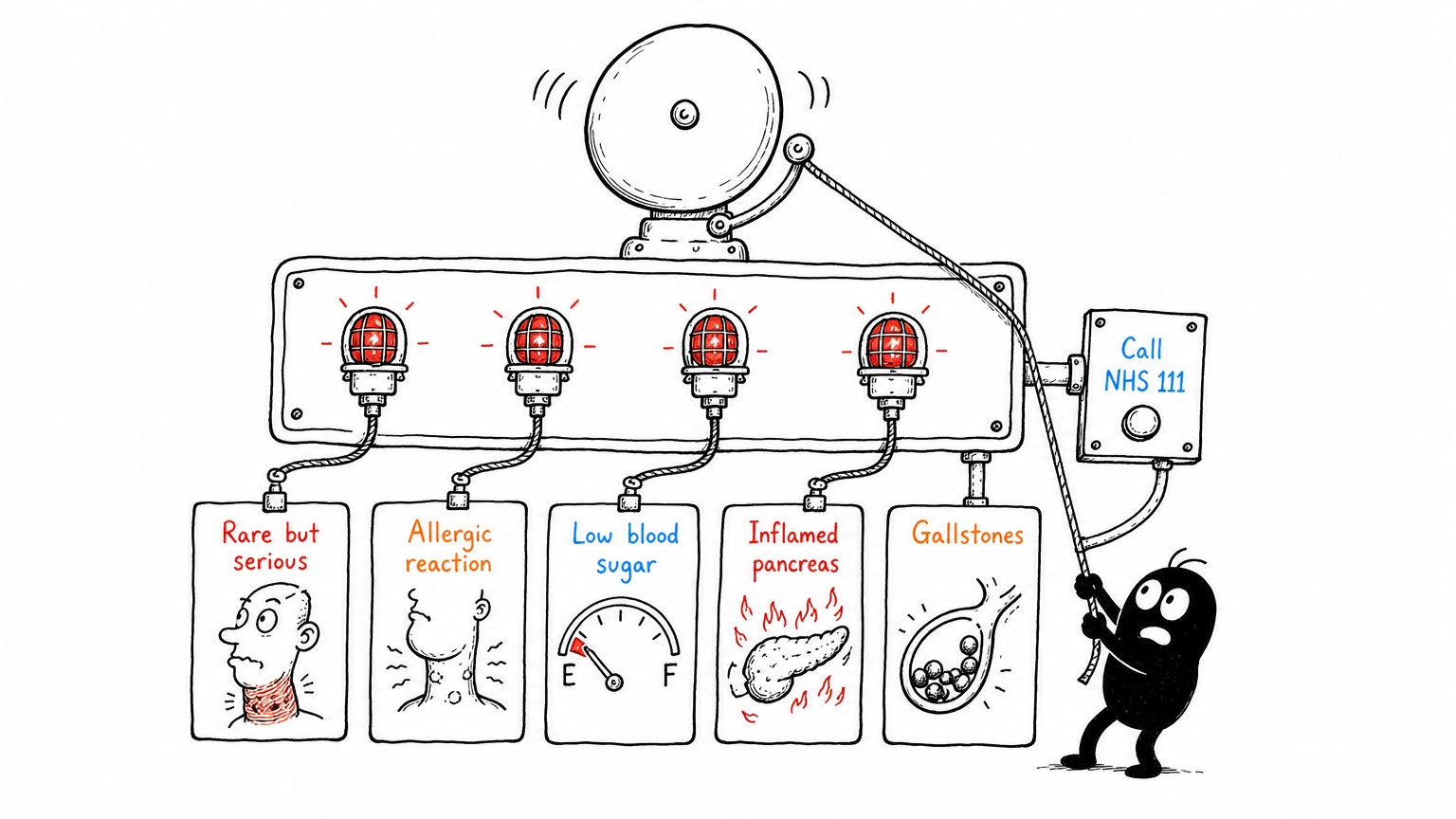
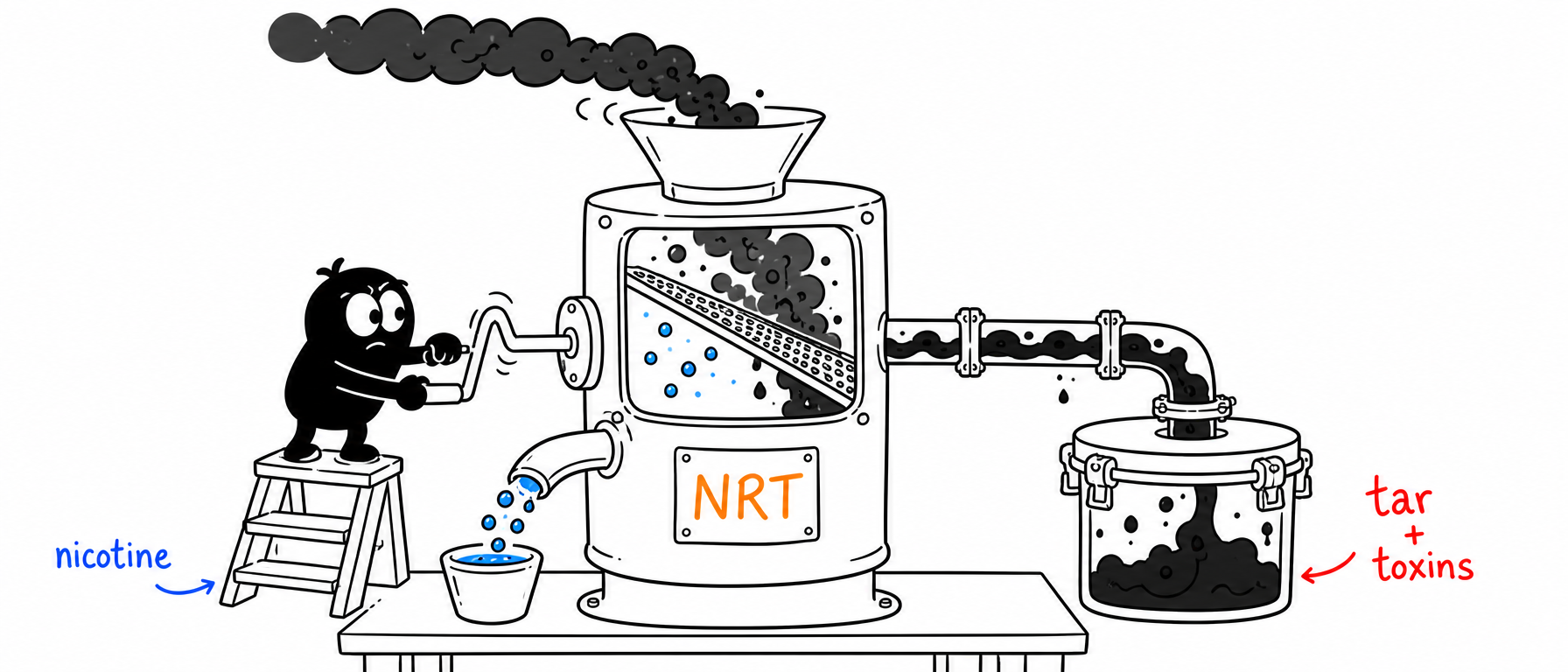
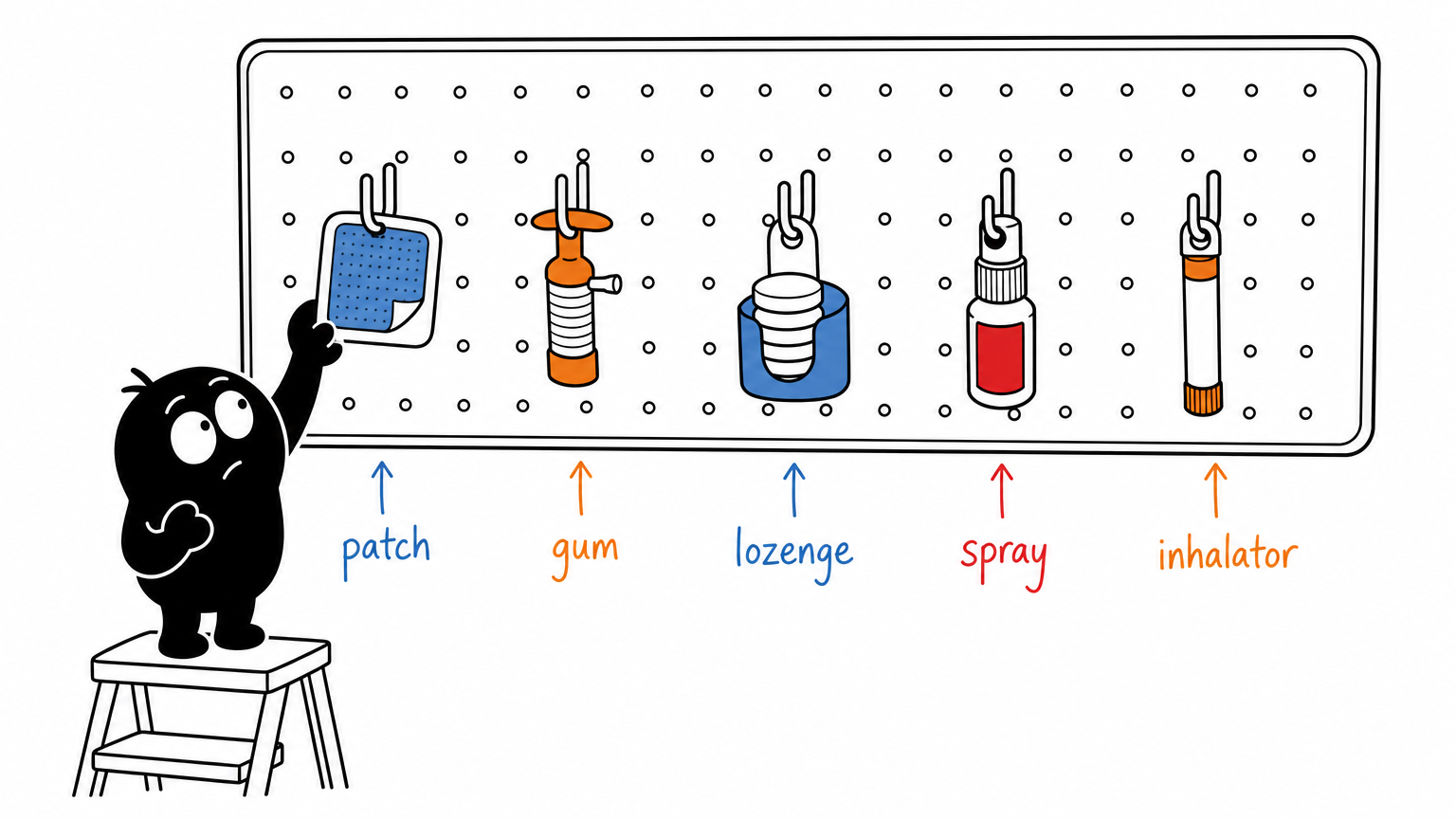
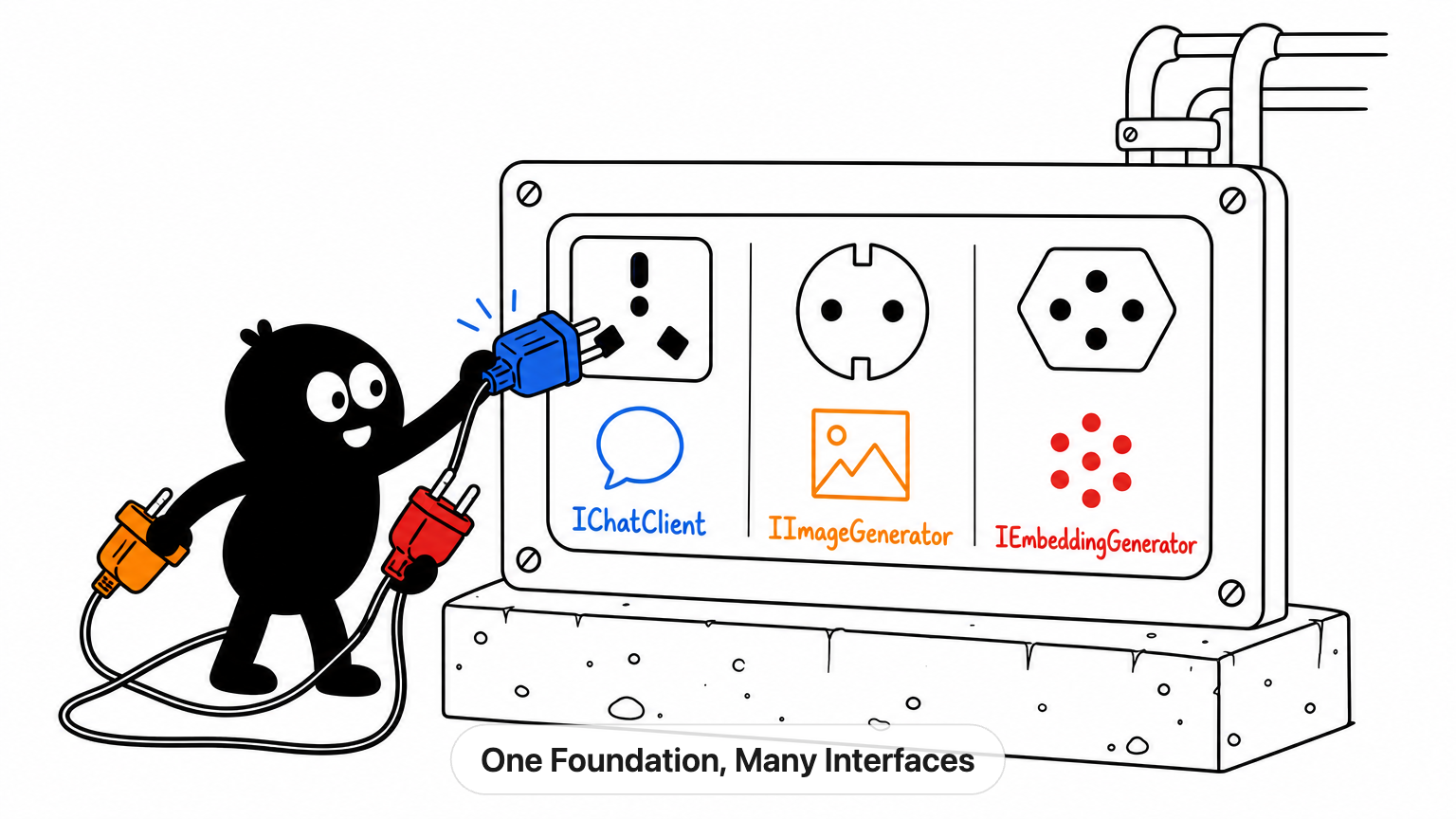
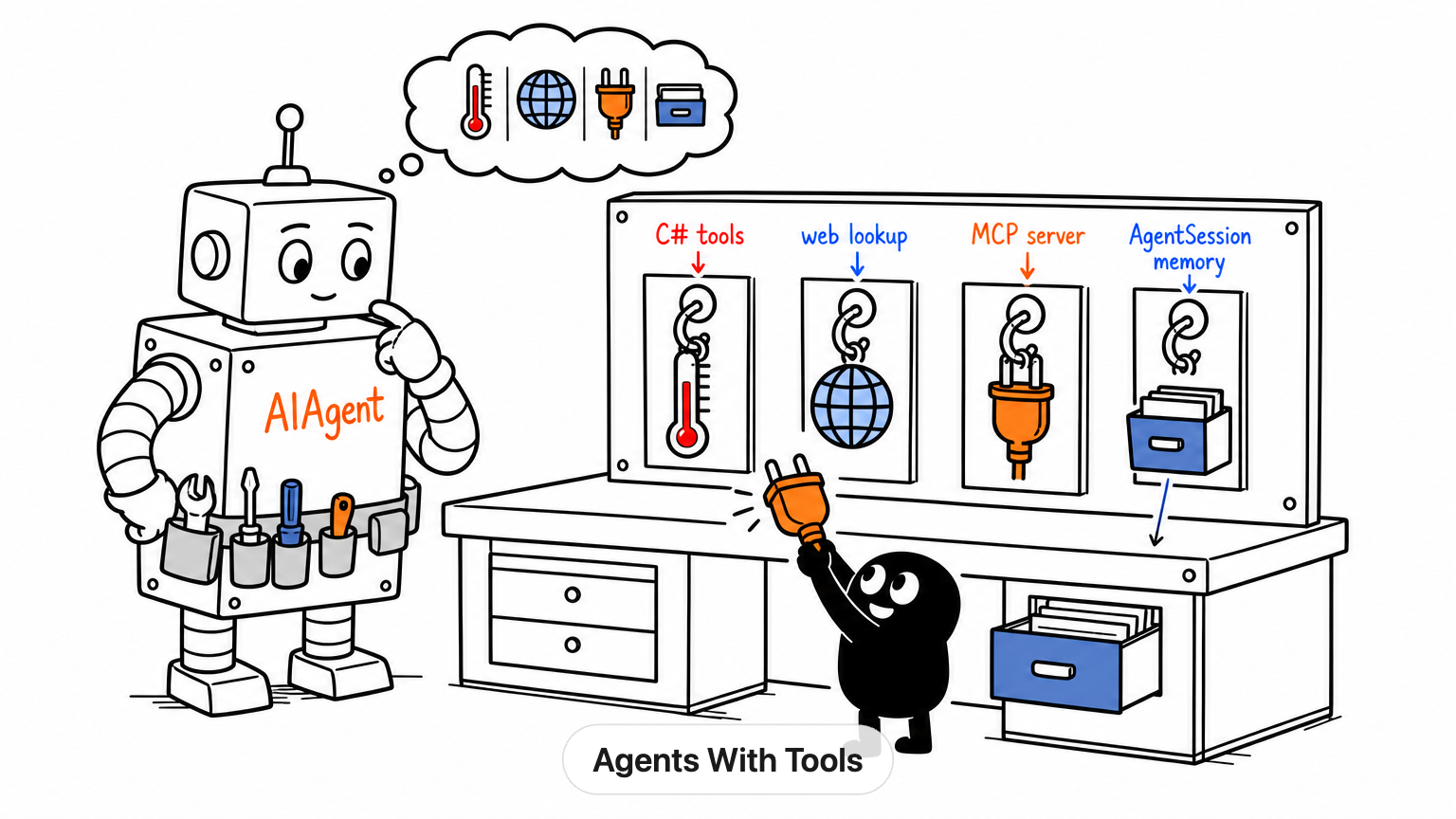
**Turn any idea (a blog post, an article, an X post) into hand-drawn "Tinku" illustrations that explain the key concepts, right inside your AI host.**
[](https://modelcontextprotocol.io)
[](https://modelcontextprotocol.io/extensions/apps/overview)
[](https://www.typescriptlang.org/)

[](https://pnpm.io/)
[](https://www.npmjs.com/package/doodleworks-mcp)
[](https://www.npmjs.com/package/doodleworks-mcp)
[](https://packagephobia.com/result?p=doodleworks-mcp)
[](https://github.com/SalZaki/doodleworks-mcp/actions/workflows/ci.yml)
[](https://github.com/SalZaki/doodleworks-mcp/actions/workflows/codeql.yml)
[](https://scorecard.dev/viewer/?uri=github.com/SalZaki/doodleworks-mcp)
[](https://socket.dev/npm/package/doodleworks-mcp)
[](https://github.com/SalZaki/doodleworks-mcp/actions/workflows/release.yml)
[](LICENSE)
[](CODE_OF_CONDUCT.md)
[](CONTRIBUTING.md)
[](https://www.conventionalcommits.org)
[](https://github.com/SalZaki/doodleworks-mcp/stargazers)
[](https://github.com/SalZaki/doodleworks-mcp/commits/main)
[](https://buymeacoffee.com/salzaki)

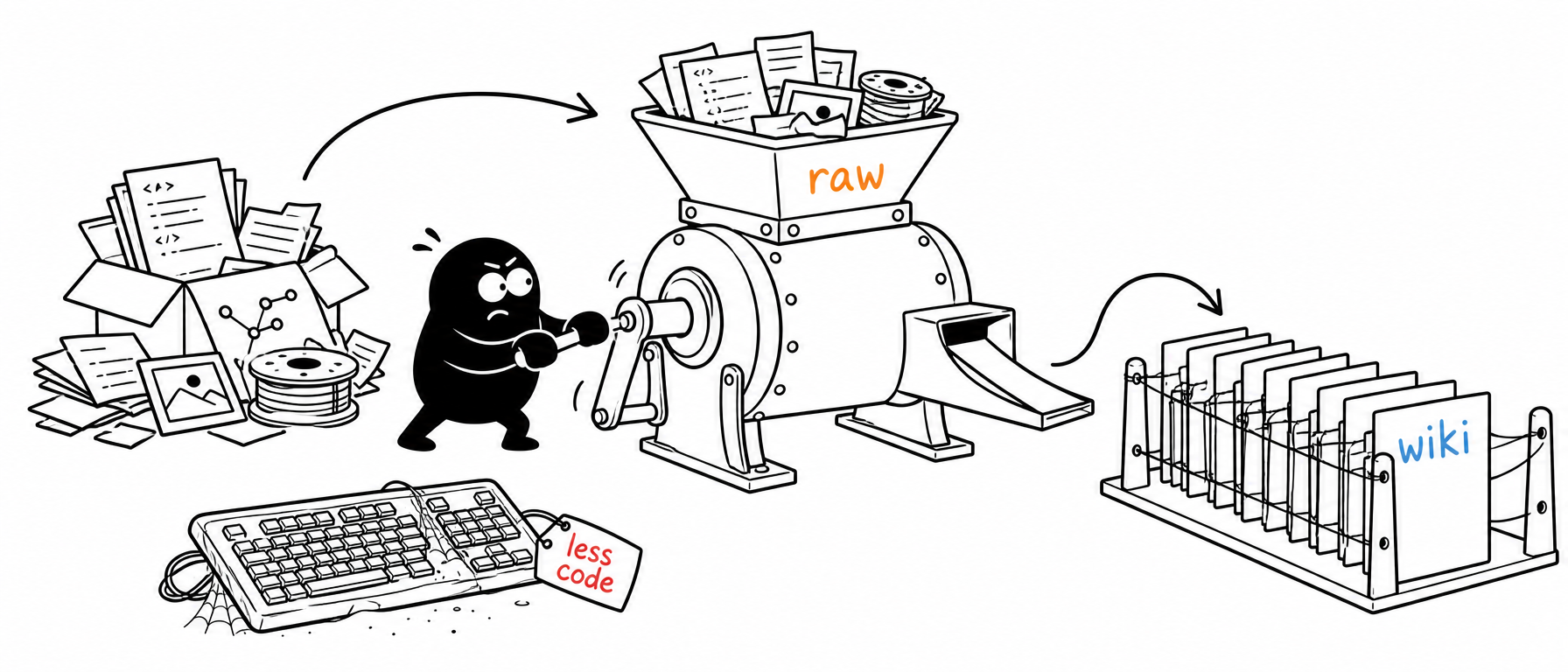 Bring your own image-API key (OpenAI or Gemini) · local stdio server · flip through, regenerate, and download, all in your host's chat.
[**Quick start**](#-quick-start) · [Add to your host](#-add-it-to-your-ai-host) · [Using it](#-using-doodleworks) · [Parameters](#-parameters) · [The viewer](#-the-viewer) · [Examples](#-examples) · [Configuration](#-configuration) · [Build from source](#-build-from-source) · [How it works](#-how-it-works)