---
title: Creating a favicon from SVG
date: 2026-01-01T02:03:52Z
categories:
- coding
---
I use a _tiny_ SVG `favicon.svg`.
```svg
```
It's small enough that I usually inline it in HTML:
```html
```
But sometimes I need a `/favicon.ico` because I don't want to change the HTML (e.g. generated content, others' code, too many files to change) and [`/favicon.ico` is the default](https://html.spec.whatwg.org/multipage/links.html#rel-icon) browsers look for.
Most online favicon SVG to ICO generators produce **bloated** favicons with uncompressed BMP entries that are over 100KB. But [ICO files support PNG compression](https://devblogs.microsoft.com/oldnewthing/20101022-00/?p=12473)
ICO files support multiple files sizes, e.g. [4 layers of size 16, 32, 48, 256](https://learn.microsoft.com/en-us/windows/win32/uxguide/vis-icons). But you don't need all. A 32x32 for tabs and 256x256 for desktop is common.
Here's how I created a small (4.6K) `favicon.ico` from my SVG:
```bash
# Convert SVG to PNGs of various sizes. You can pick any set of sizes you want
for s in 32 128; do
magick -background none -density 512 favicon.svg -resize ${s}x${s} -strip PNG32:icon-${s}.png
done
# oxipng is great for lossess PNG compression.
# I use mise but you can use oxipng any other way.
mise x oxipng -- oxipng -o6 --strip all icon-*.png
# Build favicon.ico with PNG-compressed entries
# Install icoutils if required, e.g. sudo apt-get install icoutils
icotool -c -o favicon.ico --raw=icon-128.png --raw=icon-32.png
```
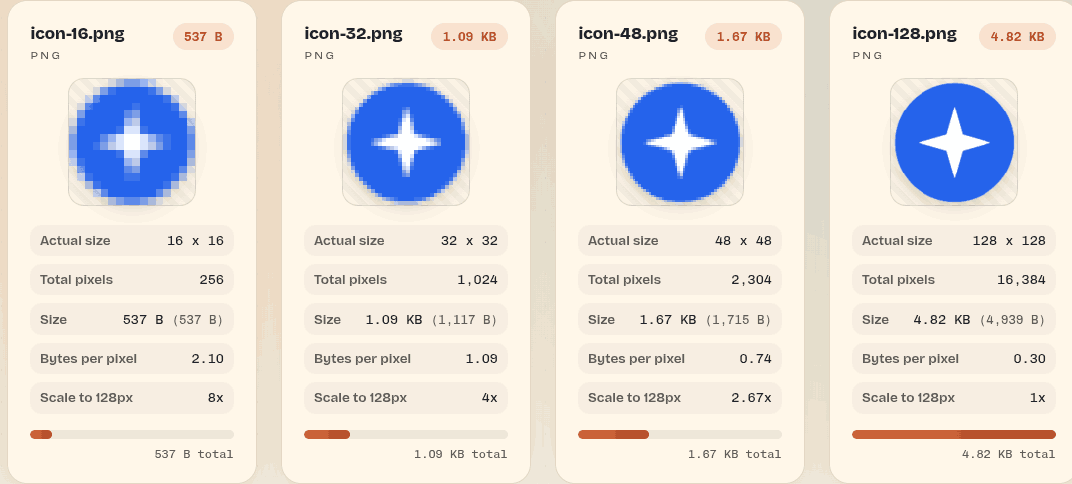
PS: I discovered another technique - throwaway web pages to create featured images. This featured image was generated via initially on Claude Code, then on Codex:
> Create a simple page that displays all the .png files in this page along with the file size and image dimensions. These are part of a favicon. I want the user to, at a glance, understand the impact of resolution and file size trade-offs. Therefore, render all the images at the same visual size, e.g. icon-*.png could be rendered all at 128x128 for comparability of sizes.