# vue-cli-plugin-chrome-extension-cli
English | [简体中文](./README-zh_CN.md) | [繁體中文](./README-zh_TW.md)
Start a chrome extension project with Vue-CLI with ease!


support vue2 vue3 TypeScript and JavaScript!
## Requirements
[vue-cli](https://cli.vuejs.org/) 5.0.1 or higher
## Installation
This plugin is meant for using new project for chrome extensions. Tested on default project of Vue, Vue with TypeScript
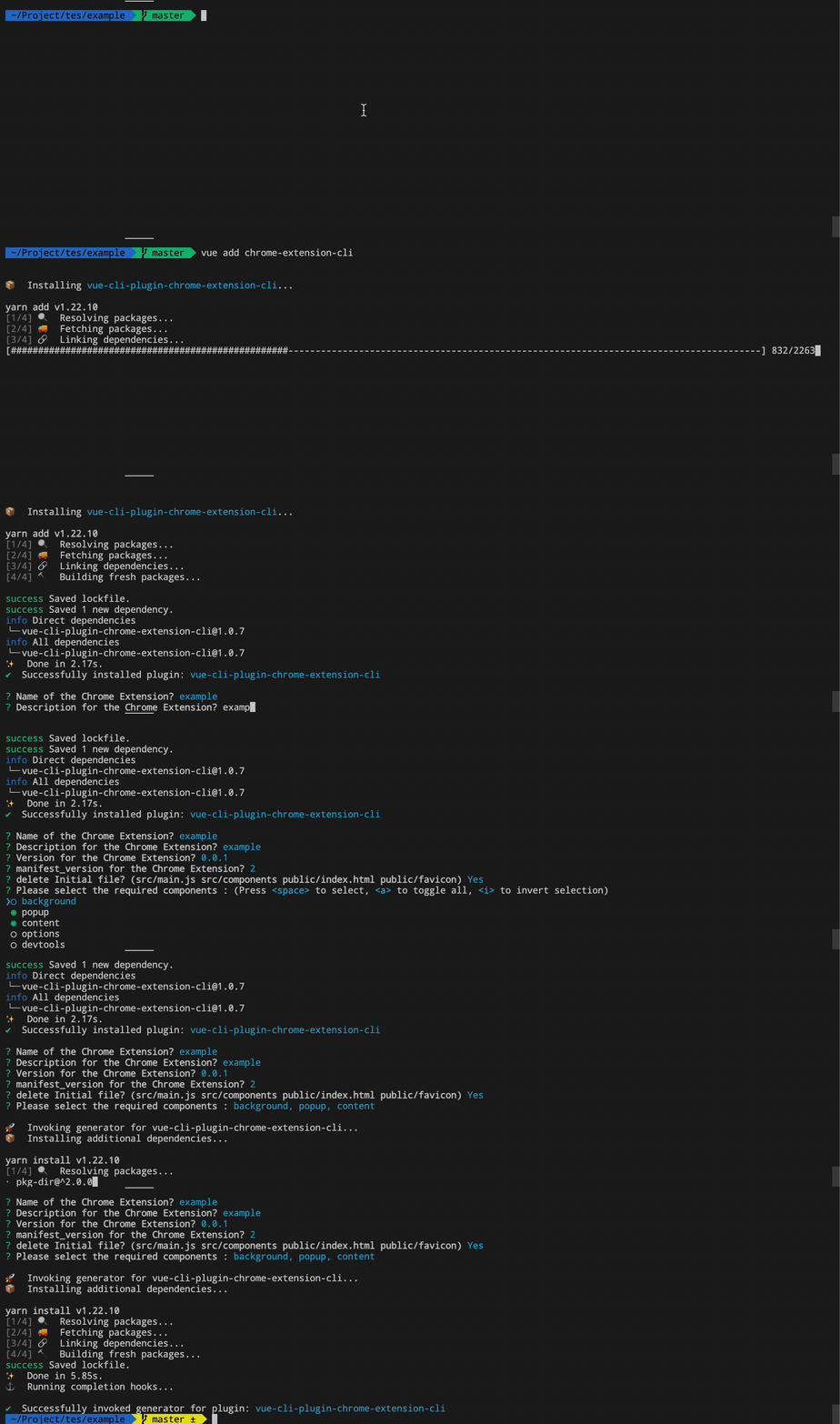
## Usage?
```
vue create
# Answer some questions
cd
vue add chrome-extension-cli
# Answer some questions
# 🎉
```
## File folder
```
.
├── public
│ ├── can set image.
├── src/
│ ├── assets
│ │ └── Static assets
│ ├── entry
│ │ ├── options.js
│ │ ├── popup.js
| | ├── devtools.js
│ │ ├── content.js
│ │ └── background.js
│ └── view
│ │ ├── popup.vue
│ │ ├── options.vue
| | └── devtools.vue
│ ├── manifest.development.json
│ └── manifest.production.json
└── vue.config.js
```
### Run Development mode and Production
- Run development mode with `npm run build-watch` and a `dist` file will be generated. Install [Extension Reloader](https://chrome.google.com/webstore/detail/extensions-reloader/fimgfedafeadlieiabdeeaodndnlbhid) to reload chrome extensions easily everytime you reload. (take note that when u change manifest.json file, it will not automatically load, you need to click update extension )
- Build for production `npm run build` and zip it and deploy onto chrome store.
### prompts.js
Vue CLI prompt is based on [inquirer.js](https://github.com/SBoudrias/Inquirer.js) api.
## Credit
- https://github.com/zwenza/vue-cli-plugin-build-watch
- https://github.com/RequireSun/vue-cli-plugin-chrome-extension
- https://github.com/superoo7/vue-cli-plugin-chrome-ext
## License
[MIT](https://opensource.org/licenses/MIT)