 # relation-graph
[English ](README.md) | [简体中文](README-zh.md)
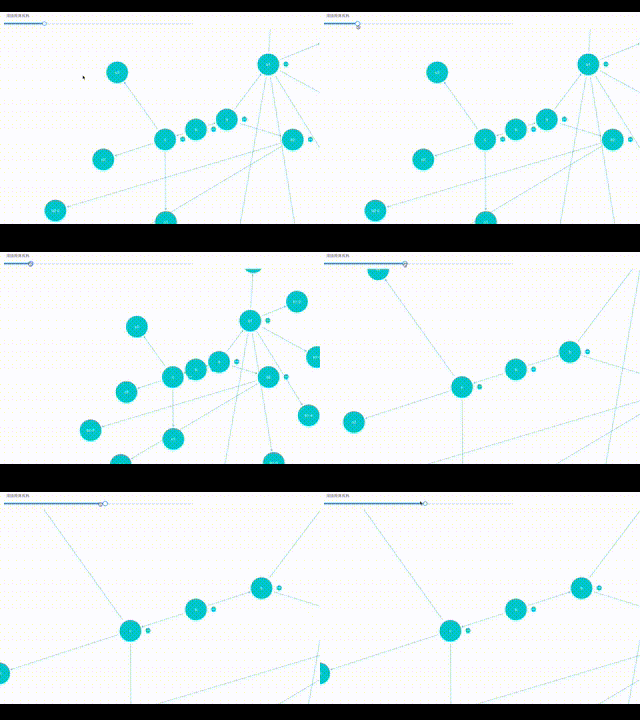
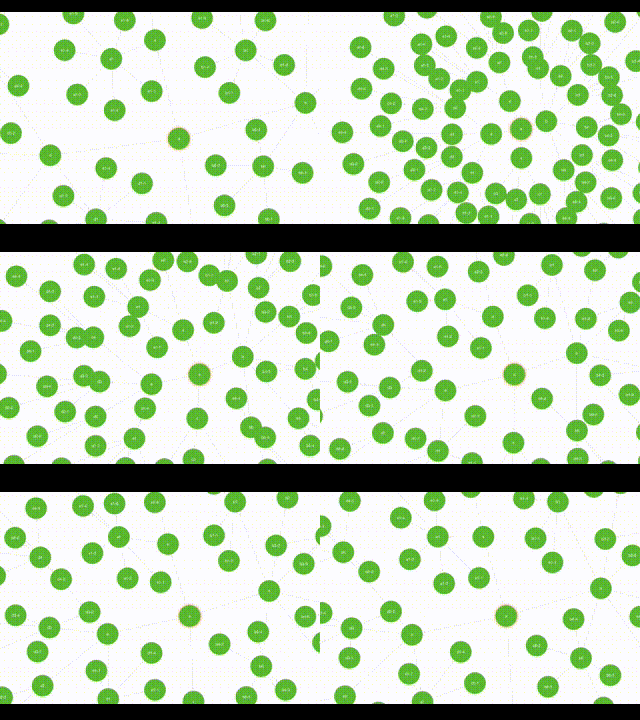
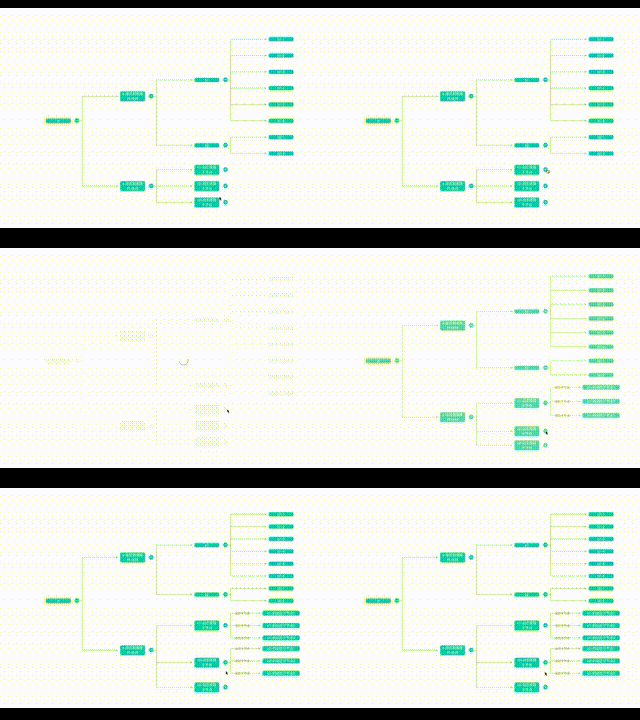
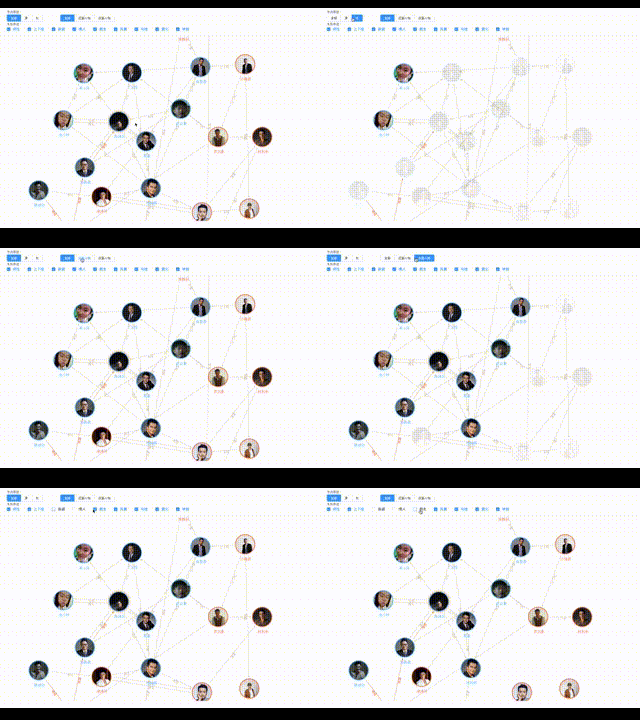
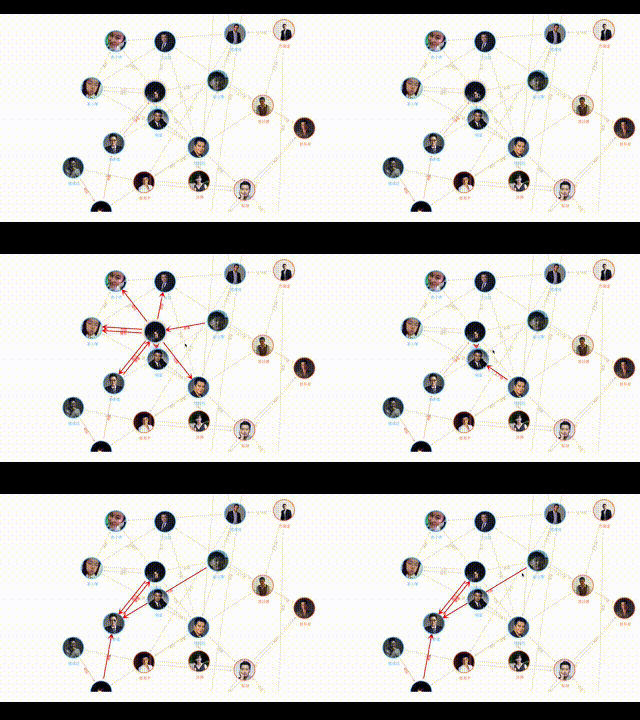
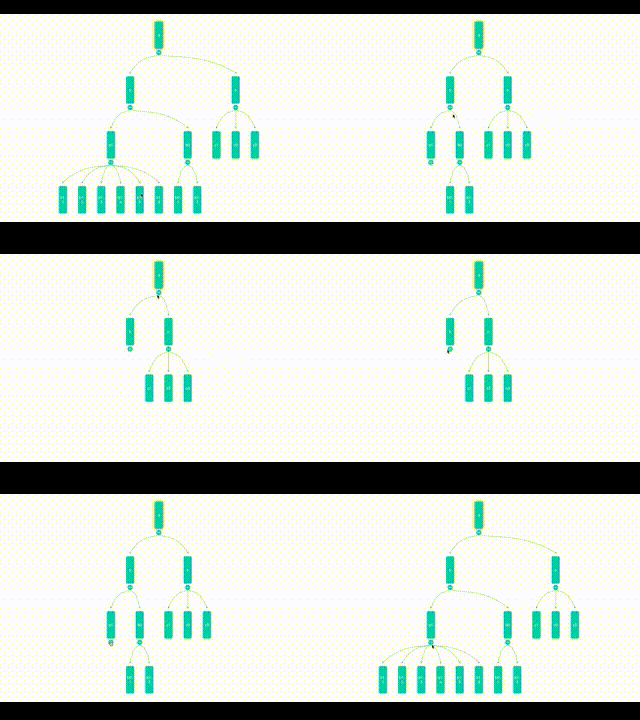
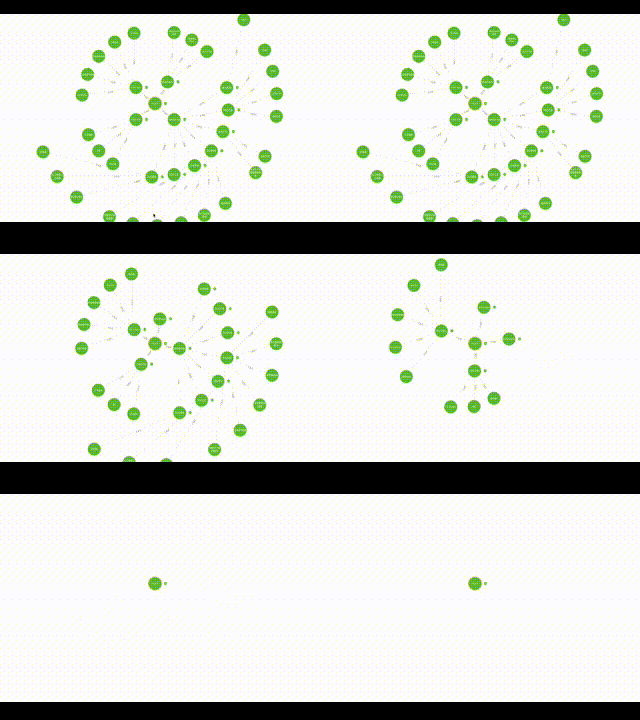
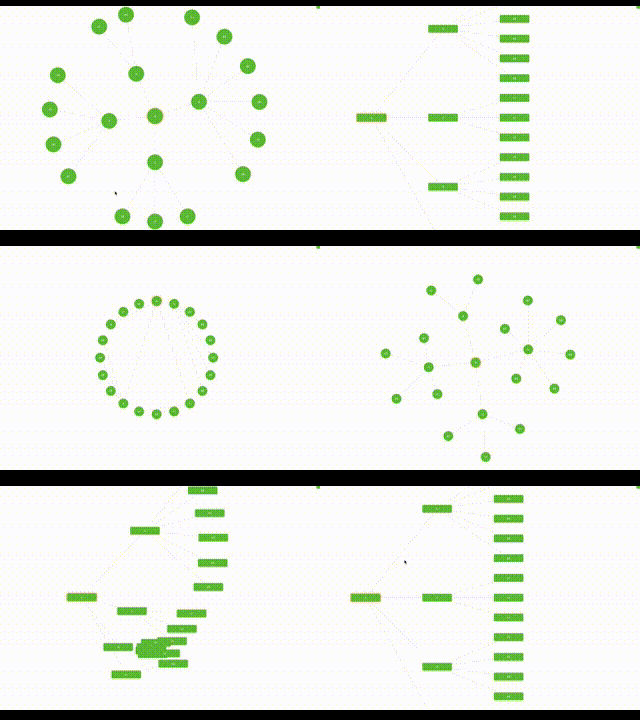
- **relation-graph** 是一个关系数据展示组件,支持 React、Vue 2、Vue 3、Svelte 和 WebComponent。它允许用户通过插槽,使用“通用 HTML 元素、Vue 组件、React 组件”等方式对图形元素进行完全自定义,并提供实用的 API 接口,方便开发交互式图形应用。
# relation-graph
[English ](README.md) | [简体中文](README-zh.md)
- **relation-graph** 是一个关系数据展示组件,支持 React、Vue 2、Vue 3、Svelte 和 WebComponent。它允许用户通过插槽,使用“通用 HTML 元素、Vue 组件、React 组件”等方式对图形元素进行完全自定义,并提供实用的 API 接口,方便开发交互式图形应用。
- 除了典型的关系数据展示能力之外,relation-graph 还支持作为绘图板使用。你可以在绘图板上放置任意内容,只需给想要连接的元素设置 id,并定义“element lines(元素连线)”。这样就可以轻松构建支持任意连接、缩放、拖拽,以及通过 API 进行动态交互的绘图板。
### 文档与示例
- [https://relation-graph.com](https://relation-graph.com)
上述网站包含文档、在线演示以及面向软件开发者的可视化配置工具。
### 快速开始
```shell script
# React
npm install --save @relation-graph/react
# Vue3
npm install --save @relation-graph/vue
# Vue2
npm install --save @relation-graph/vue2
# Svelte
npm install --save @relation-graph/svelte
# Web Components
import { ... } from "https://esm.sh/@relation-graph/web-components";
```
```typescript
// React:
import RelationGraph from '@relation-graph/react'
// Vue3:
import RelationGraph from '@relation-graph/vue'
// Vue2:
import RelationGraph from '@relation-graph/vue2'
// Svelte:
import RelationGraph from '@relation-graph/svelte'
// Web Components:
// 使用自定义元素 ;
```
在 react 中使用 relation-graph
#### `index.tsx`
```typescript jsx
import { RGProvider } from '@relation-graph/react';
import React from 'react';
import MyGraph from "./MyGraph";
const MyExample: React.FC = () => {
return (
);
};
export default MyExample;
```
#### `MyGraph.tsx`
```typescript jsx
import React, { useEffect } from 'react';
import {RelationGraph, RGHooks, RGMiniView, RGSlotOnNode, RGNodeShape, RGSlotOnView} from '@relation-graph/react';
import type {
RGLine,
RGLink,
RGNode,
RGNodeSlotProps,
RGOptions,
RGUserEvent,
JsonNode,
JsonLine,
RGJsonData
} from '@relation-graph/react';
import CustomNode from "./CustomNode";
const staticJsonData: RGJsonData = {
rootId: '2',
nodes: [
{ id: '2', text: 'Initrode', width: 100, height: 100, data: { myicon: 'delivery_truck' } },
{ id: '1', text: 'Paper Street Soap Co.', data: { myicon: 'fries' } },
{ id: '3', text: 'Cyberdyne Systems', data: { myicon: 'football' } },
{ id: '4', text: 'Tyrell Corporation', data: { myicon: 'desktop' } },
{ id: '6', text: 'Weyland-Yutani', data: { myicon: 'fries' } },
{ id: '7', text: 'Hooli', data: { myicon: 'desktop' } },
{ id: '8', text: 'Vehement Capital', data: { myicon: 'football' } },
{ id: '9', text: 'Omni Consumer Products', data: { myicon: 'football' } },
{ id: '71', text: 'Stark Industries', data: { myicon: 'delivery_truck' } },
{ id: '72', text: 'Buy n Large', data: { myicon: 'fries' } },
{ id: '73', text: 'Binford Tools', data: { myicon: 'delivery_truck' } },
{ id: '81', text: 'Initech', data: { myicon: 'fries' } },
{ id: '82', text: 'Aperture Science', data: { myicon: 'desktop' } },
{ id: '83', text: 'Prestige Worldwide', data: { myicon: 'delivery_truck' } },
{ id: '84', text: 'Massive Dynamic', data: { myicon: 'football' } },
{ id: '85', text: 'Virtucon', data: { myicon: 'delivery_truck' } },
{ id: '91', text: 'Acme Corp', data: { myicon: 'football' } },
{ id: '92', text: 'Nakatomi Trading', data: { myicon: 'football' } },
{ id: '5', text: 'Los Pollos Hermanos', data: { myicon: 'burger' } }
] as JsonNode[],
lines: [
{ from: '7', to: '71', text: 'Invest' },
{ from: '7', to: '72', text: 'Invest' },
{ from: '7', to: '73', text: 'Invest' },
{ from: '8', to: '81', text: 'Invest' },
{ from: '8', to: '82', text: 'Invest' },
{ from: '8', to: '83', text: 'Invest' },
{ from: '8', to: '84', text: 'Invest' },
{ from: '8', to: '85', text: 'Invest' },
{ from: '9', to: '91', text: 'Invest' },
{ from: '9', to: '92', text: 'Invest' },
{ from: '1', to: '2', text: 'Invest' },
{ from: '3', to: '1', text: 'Executive' },
{ from: '4', to: '2', text: 'Executive' },
{ from: '6', to: '2', text: 'Executive' },
{ from: '7', to: '2', text: 'Executive' },
{ from: '8', to: '2', text: 'Executive' },
{ from: '9', to: '2', text: 'Executive' },
{ from: '1', to: '5', text: 'Invest' }
] as JsonLine[]
};
const MyGraph: React.FC = () => {
const graphInstance = RGHooks.useGraphInstance();
const graphOptions: RGOptions = {
debug: true,
defaultLineShape: RGLineShape.StandardStraight,
defaultNodeShape: RGNodeShape.circle,
defaultNodeWidth: 60,
defaultNodeHeight: 60,
defaultLineTextOnPath: true,
layout: {
layoutName: 'center'
},
defaultExpandHolderPosition: 'right',
reLayoutWhenExpandedOrCollapsed: true
};
const initializeGraph = async () => {
await graphInstance.setJsonData(staticJsonData);
graphInstance.moveToCenter();
graphInstance.zoomToFit();
};
useEffect(() => {
initializeGraph();
}, []);
const onNodeClick = (node: RGNode, e: RGUserEvent) => {
console.log('onNodeClick:', node.text);
return true;
};
const onLineClick = (line: RGLine, link: RGLink, e: RGUserEvent) => {
console.log('onLineClick:', line.text, line.from, line.to);
return true;
};
return (
{/* 5. 节点内容插槽 */}
{({ node, checked, dragging }: RGNodeSlotProps) => (
)}
);
};
export default MyGraph;
```
#### `CustomNode.tsx`
```typescript jsx
import React from 'react';
import type { RGNodeSlotProps } from '@relation-graph/react';
import {HelpCircle, Monitor, Sandwich, Trophy, Truck, Utensils} from "lucide-react";
const IconSwitcher = ({ iconName, size = 24, color = 'currentColor' }) => {
const props = { size, color };
switch (iconName) {
case 'desktop':
return ;
case 'burger':
return ;
case 'delivery_truck':
return ;
case 'fries':
return ;
case 'football':
return ;
default:
return ;
}
};
const CustomNode: React.FC = ({ node }) => {
if (node.id === '2') { // 根节点
return (
// 这里的 `h-full` 和 `w-full` 生效的前提是:节点数据中已设置 `width` 和 `height` 属性,或者全局已配置 `defaultNodeWidth` 和 `defaultNodeHeight`。
);
}
return ( // 普通节点
// 这里的 `h-full` 和 `w-full` 生效的前提是:节点数据中已设置 `width` 和 `height` 属性,或者全局已配置 `defaultNodeWidth` 和 `defaultNodeHeight`。
);
};
export default CustomNode;
```
#### 示例代码效果

---
### 示例项目
- 完整 Vue2 示例项目:
- https://github.com/relation-graph/relation-graph-startup-for-vue2
- [在线运行完整 Vue2 示例项目](https://codesandbox.io/p/github/relation-graph/relation-graph-startup-for-vue2/main)
- 完整 Vue3 示例项目:
- https://github.com/relation-graph/relation-graph-startup-for-vue3
- [在线运行完整 Vue3 示例项目](https://codesandbox.io/p/github/relation-graph/relation-graph-startup-for-vue3/main)
- 完整 React 示例项目:
- https://github.com/relation-graph/relation-graph-startup-for-react
- [在线运行完整 React 示例项目](https://codesandbox.io/p/github/relation-graph/relation-graph-startup-for-react/main)
- 完整 Svelte 示例项目:
- https://github.com/relation-graph/relation-graph-startup-for-svelte
- [在线运行完整 Svelte 示例项目](https://codesandbox.io/p/github/relation-graph/relation-graph-startup-for-svelte/main)
- 完整 Web Components 示例项目:
- https://github.com/relation-graph/relation-graph-startup-for-web-component
- [在线运行完整 Web Components 示例项目](https://codesandbox.io/p/github/relation-graph/relation-graph-startup-for-web-component/main)
### 更多示例
- [https://relation-graph.com/examples](https://relation-graph.com/examples)

### 完整示例项目
- 完整 Vue2 示例项目:
- https://github.com/relation-graph/relation-graph-startup-for-vue2
- [在线运行完整 Vue2 示例项目](https://codesandbox.io/p/github/relation-graph/relation-graph-startup-for-vue2/main)
- 完整 Vue3 示例项目:
- https://github.com/relation-graph/relation-graph-startup-for-vue3
- [在线运行完整 Vue3 示例项目](https://codesandbox.io/p/github/relation-graph/relation-graph-startup-for-vue3/main)
- 完整 React 示例项目:
- https://github.com/relation-graph/relation-graph-startup-for-react
- [在线运行完整 React 示例项目](https://codesandbox.io/p/github/relation-graph/relation-graph-startup-for-react/main)
- 完整 Svelte 示例项目:
- https://github.com/relation-graph/relation-graph-startup-for-svelte
- [在线运行完整 Svelte 示例项目](https://codesandbox.io/p/github/relation-graph/relation-graph-startup-for-svelte/main)
- 完整 Web Components 示例项目:
- https://github.com/relation-graph/relation-graph-startup-for-web-component
- [在线运行完整 Web Components 示例项目](https://codesandbox.io/p/github/relation-graph/relation-graph-startup-for-web-component/main)
### 更多信息
- [https://relation-graph.com](https://relation-graph.com)
### 联系我
- 我的 WhatsApp:
 - QQ:3235808353