# Windows - Matchering 2.0 Docker Image
### [NEW! Try Matchering 2.0 WITHOUT Installation!](https://www.youtube.com/watch?v=Aw0nH6QqAck)
**[Docker Desktop for Windows]** requires **Microsoft Windows 10 64-bit: Pro, Enterprise, Education, or Home**.
1. Download and install **[Docker Desktop for Windows 10]**
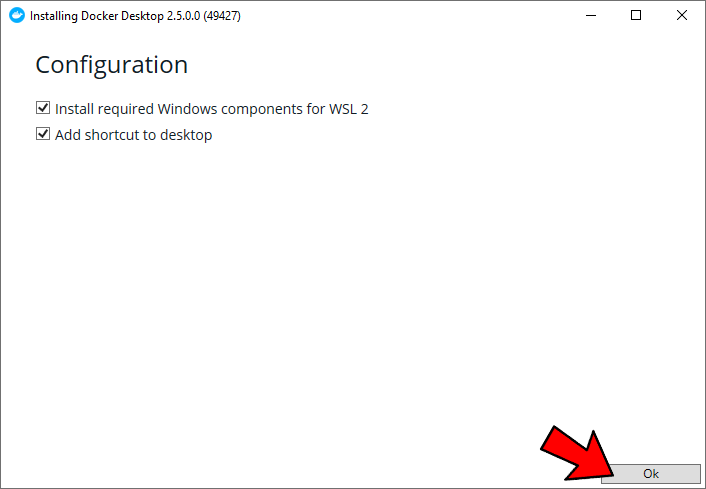
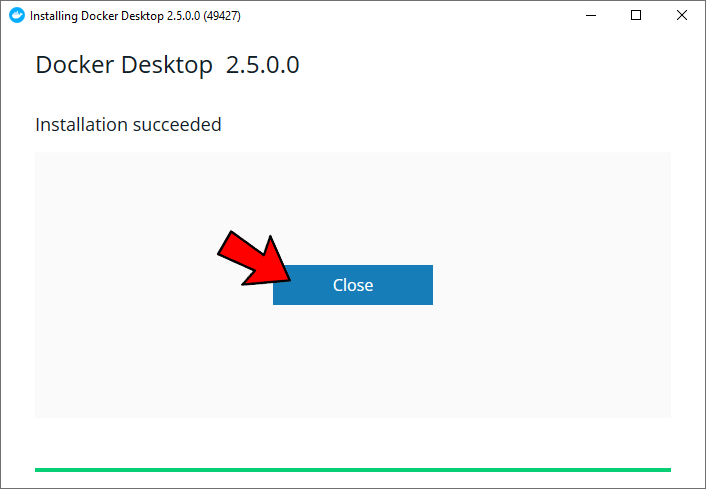
*Your system may be restarted after the installation*
2. Use the **Docker Desktop** shortcut if it didn't start automatically

3. If you get this error, you should enable **[hardware virtualization]**
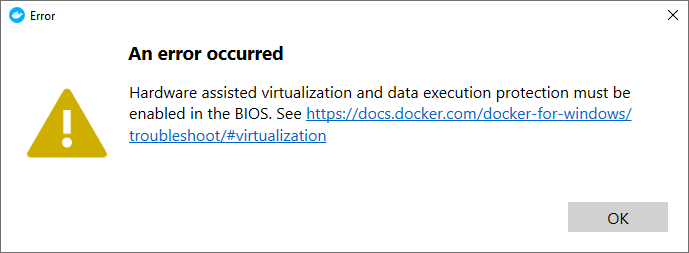
4. If you get this message, you should install **[WSL 2]**. Click **Restart** next
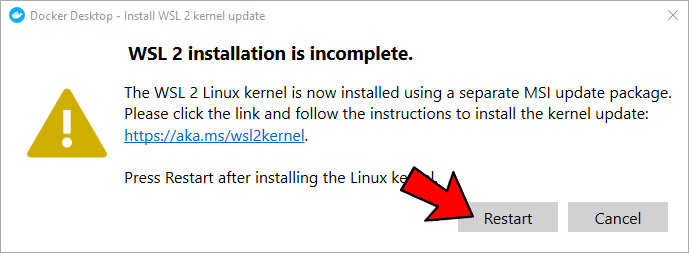
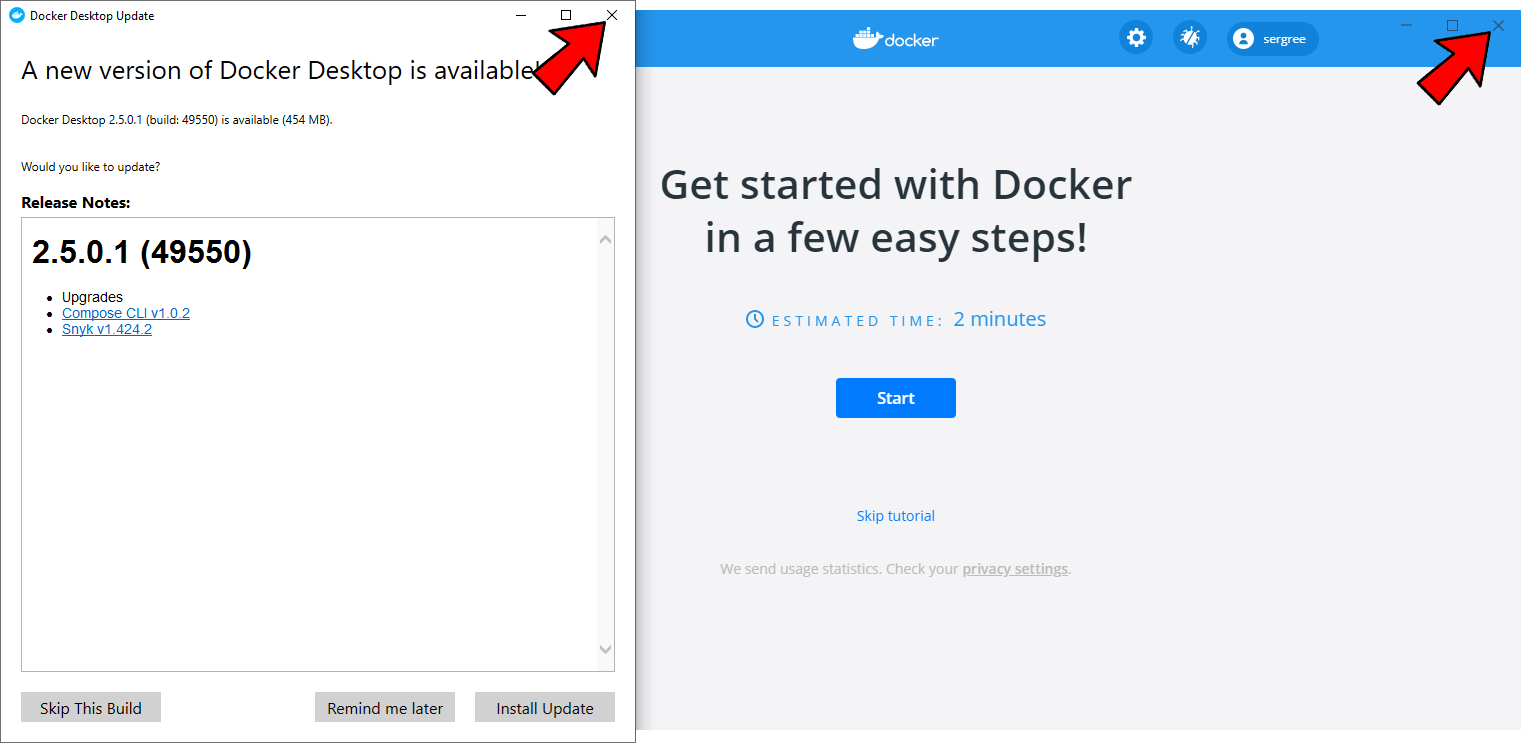
5. Just close these 2 windows as they appear
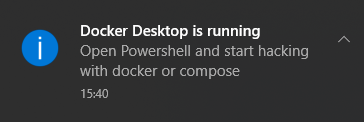
6. Wait for **Docker** to load: its taskbar icon will stop flashing. You should get this notification
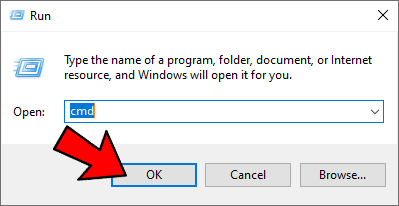
7. Press ❖ Windows + R to open the **Run** dialog box. Type `cmd` and then hit ↵ Enter
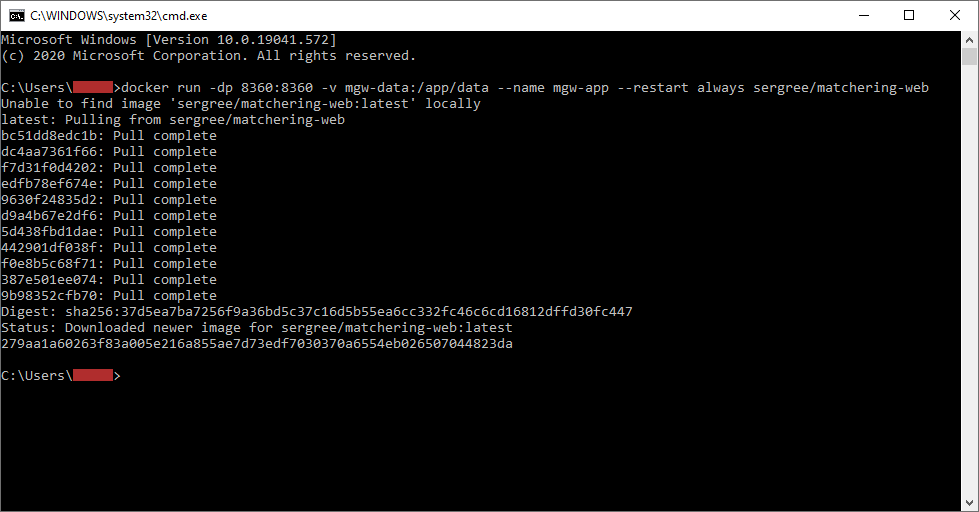
8. Copy and paste this command into the **Command Prompt**, then press ↵ Enter:
```
docker run -dp 8360:8360 -v mgw-data:/app/data --name mgw-app --restart always sergree/matchering-web
```
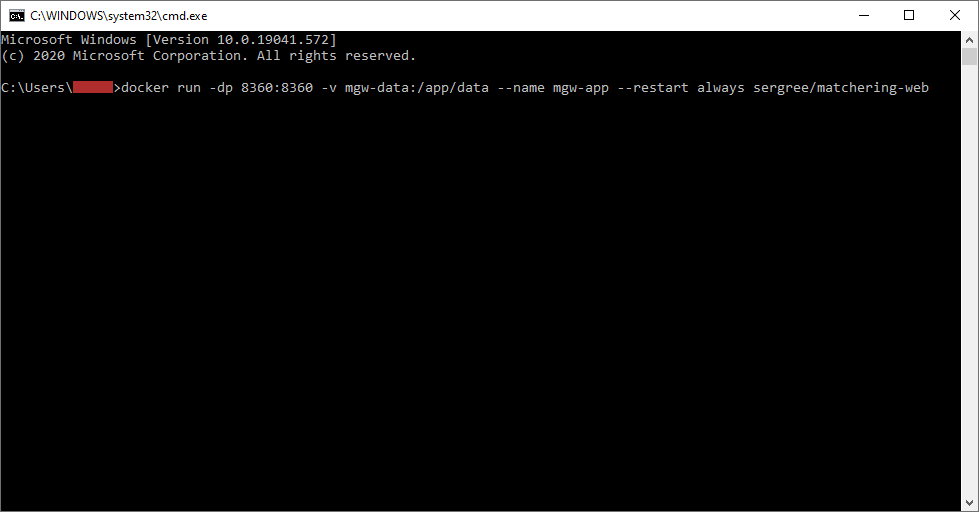
9. Wait for **Matchering 2.0** to load. It will print `Status: Downloaded newer image...`
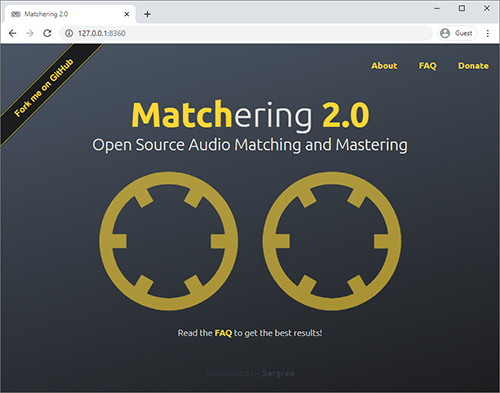
10. Enjoy your **Matchering 2.0** at 🎉 **http://127.0.0.1:8360** 🎉 It will also run automatically at startup
### IMPORTANT: Read the [Keep the Privacy] page if you would like to host our web application publicly!
## 💓 WhatBPM
Looking for the perfect BPM or key for a new EDM track?
**[Check out WhatBPM!](https://sergree.github.io/whatbpm)**
A completely free open-source web service from the author of Matchering.
[Docker Desktop for Windows]: https://hub.docker.com/editions/community/docker-ce-desktop-windows
[Docker Desktop for Windows 10]: https://desktop.docker.com/win/stable/amd64/Docker%20Desktop%20Installer.exe
[Docker Toolbox]: https://docs.docker.com/toolbox/overview/
[Keep the Privacy]: https://github.com/sergree/matchering/wiki/Keep-the-Privacy
[hardware virtualization]: https://support.bluestacks.com/hc/en-us/articles/115003174386-How-can-I-enable-virtualization-VT-on-my-PC-for-BlueStacks-4-
[WSL 2]: https://wslstorestorage.blob.core.windows.net/wslblob/wsl_update_x64.msi