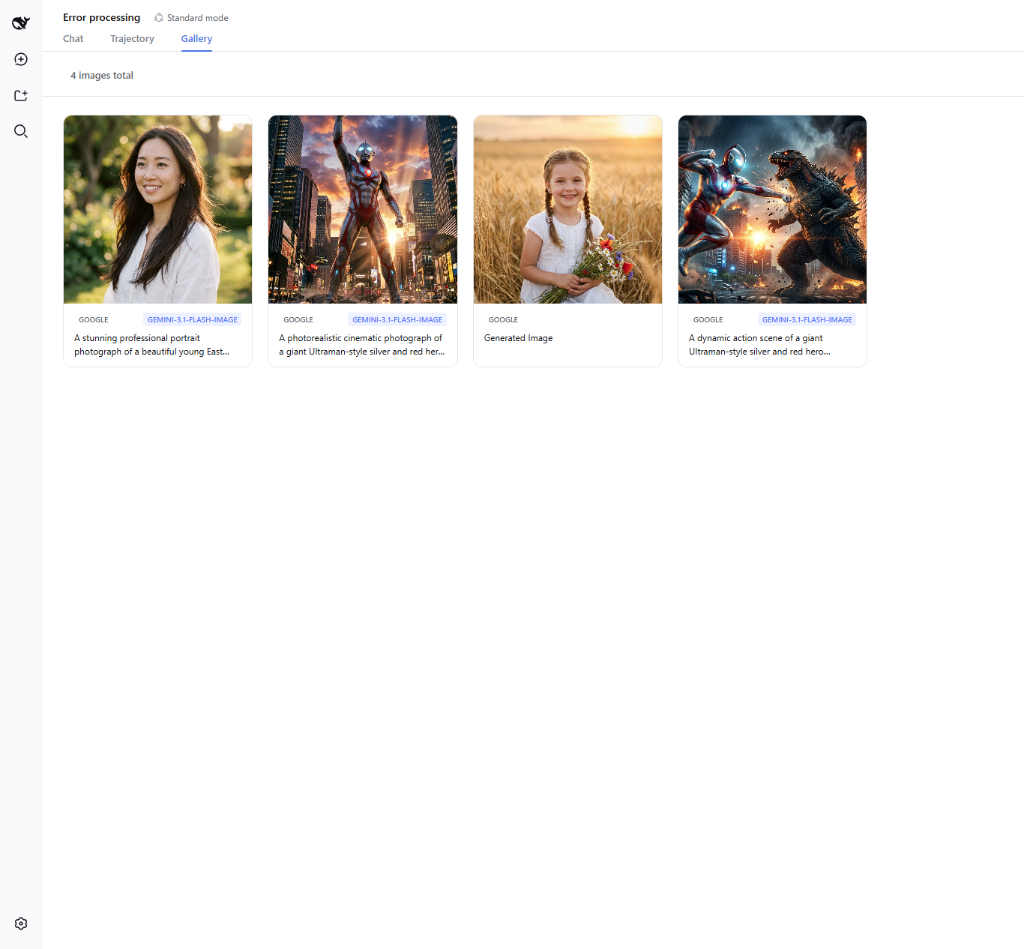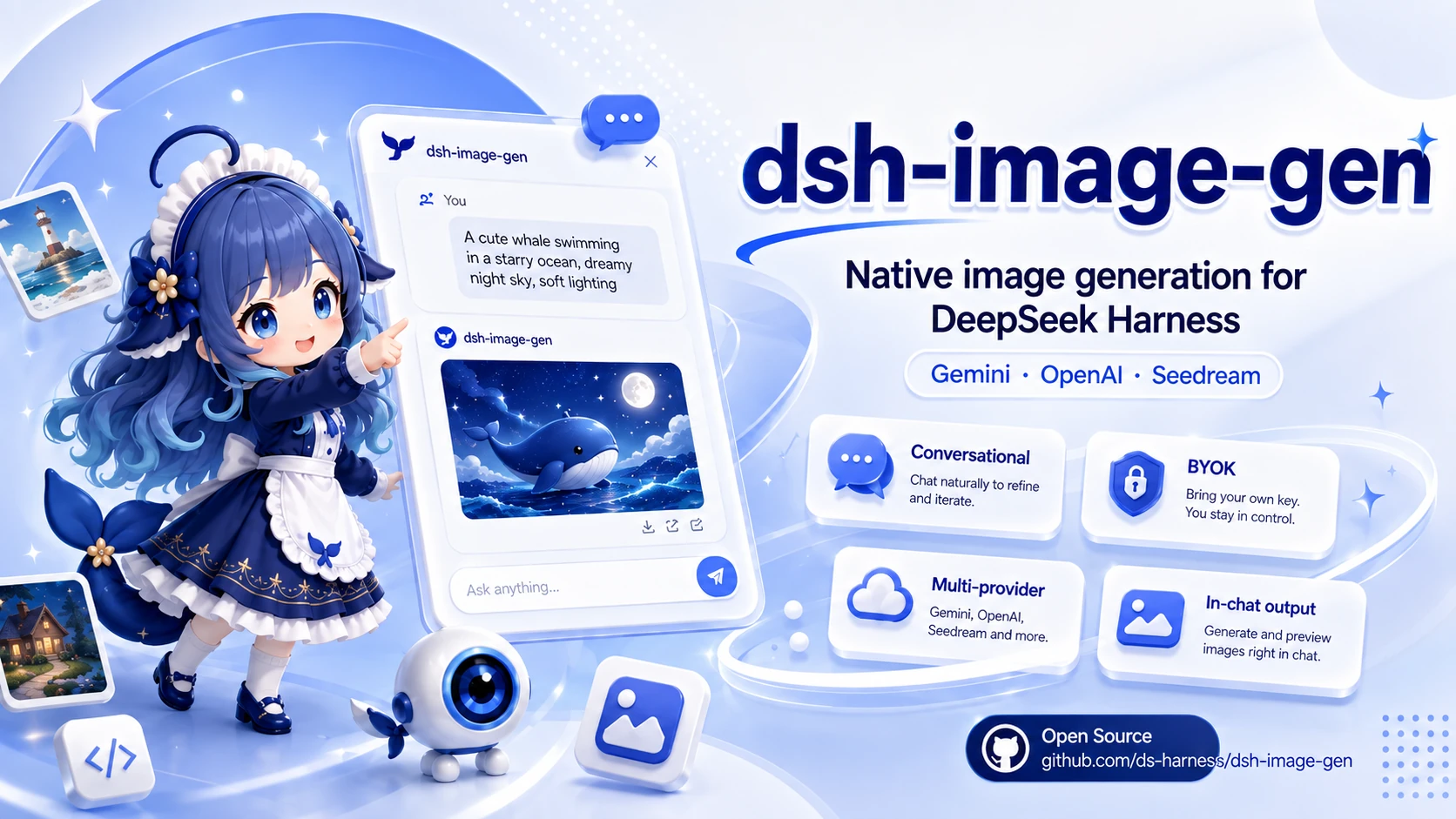
# 🎨 dsh-image-gen **Complete conversational image capabilities for DeepSeek Harness: text-to-image, image-to-image, multi-image references, continuous editing, local ComfyUI, and gallery management.** [](https://www.npmjs.com/package/dsh-image-gen) [](https://github.com/deepseek-ai) [](https://www.npmjs.com/package/dsh-image-gen) [](LICENSE) **English** | [简体中文](README.md)
💬 Prompt your DeepSeek Harness Agent to install:
```text Install the image generation plugin by running: pnpm dsh plugin --profile web add dsh-image-gen@latest ```(Or run manually in terminal: pnpm dsh plugin --profile web add dsh-image-gen@latest)
After installation, enter your API key or configure local ComfyUI in DSH Settings, then tell the Agent:
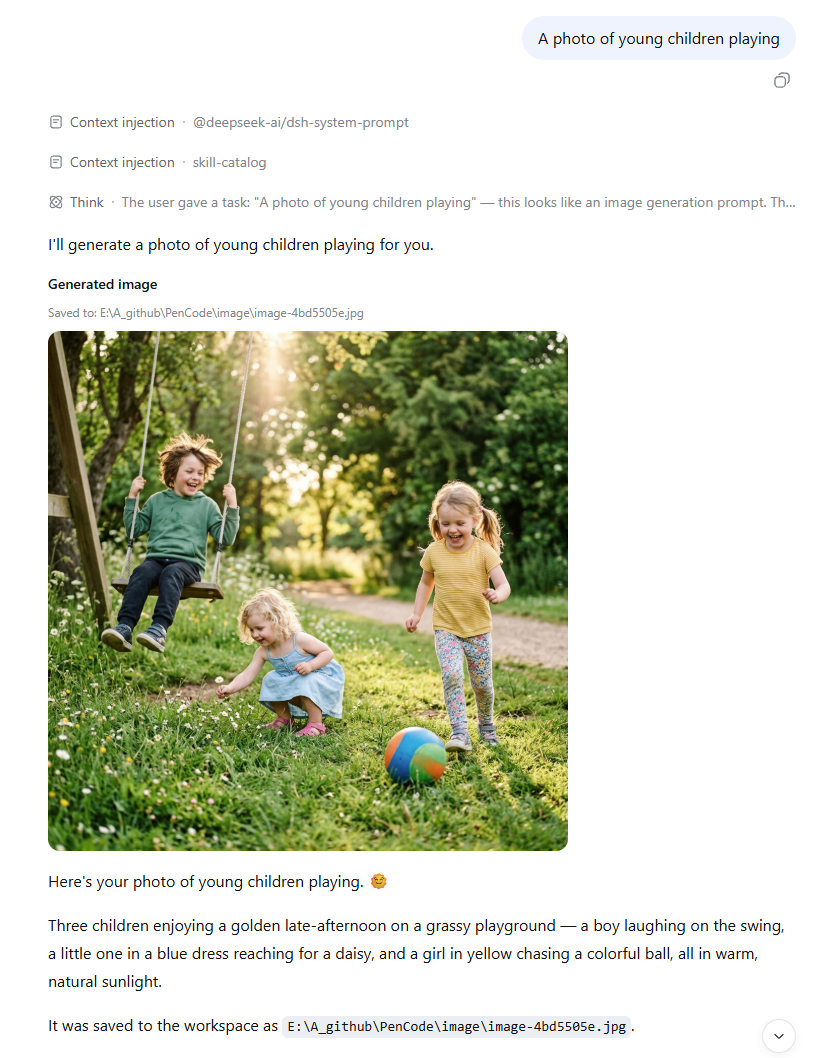
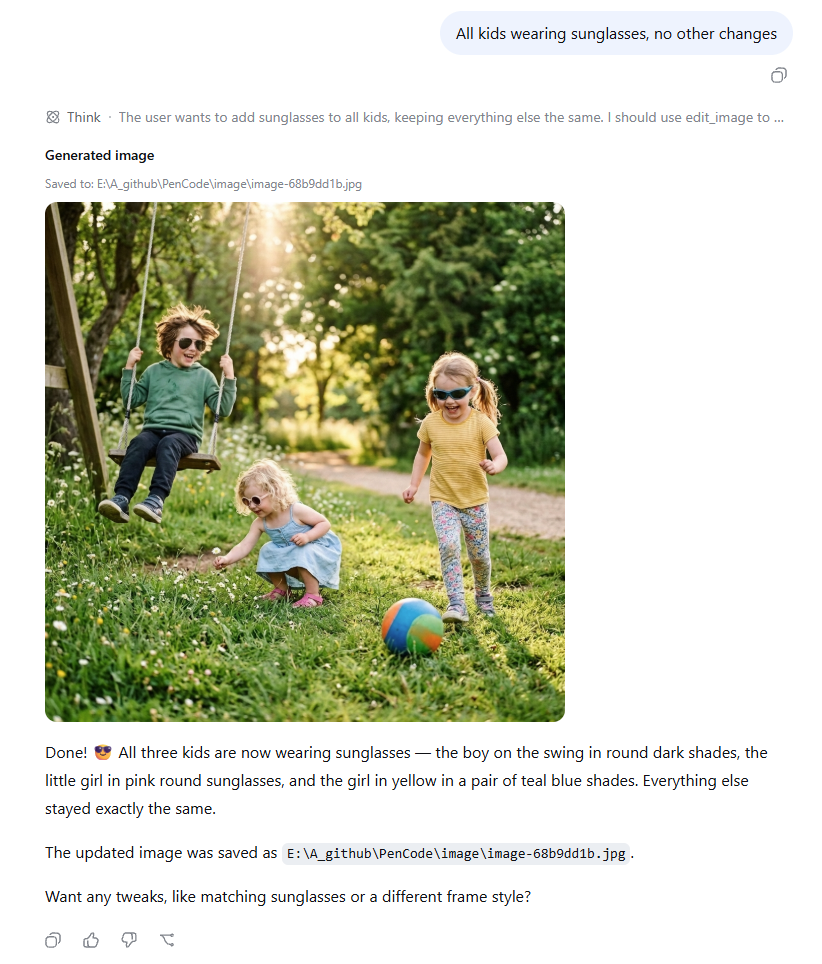
```text Draw a cyberpunk cat on a neon street in a rainy night. ```The Agent will automatically generate images and can also continue editing the previous image directly.