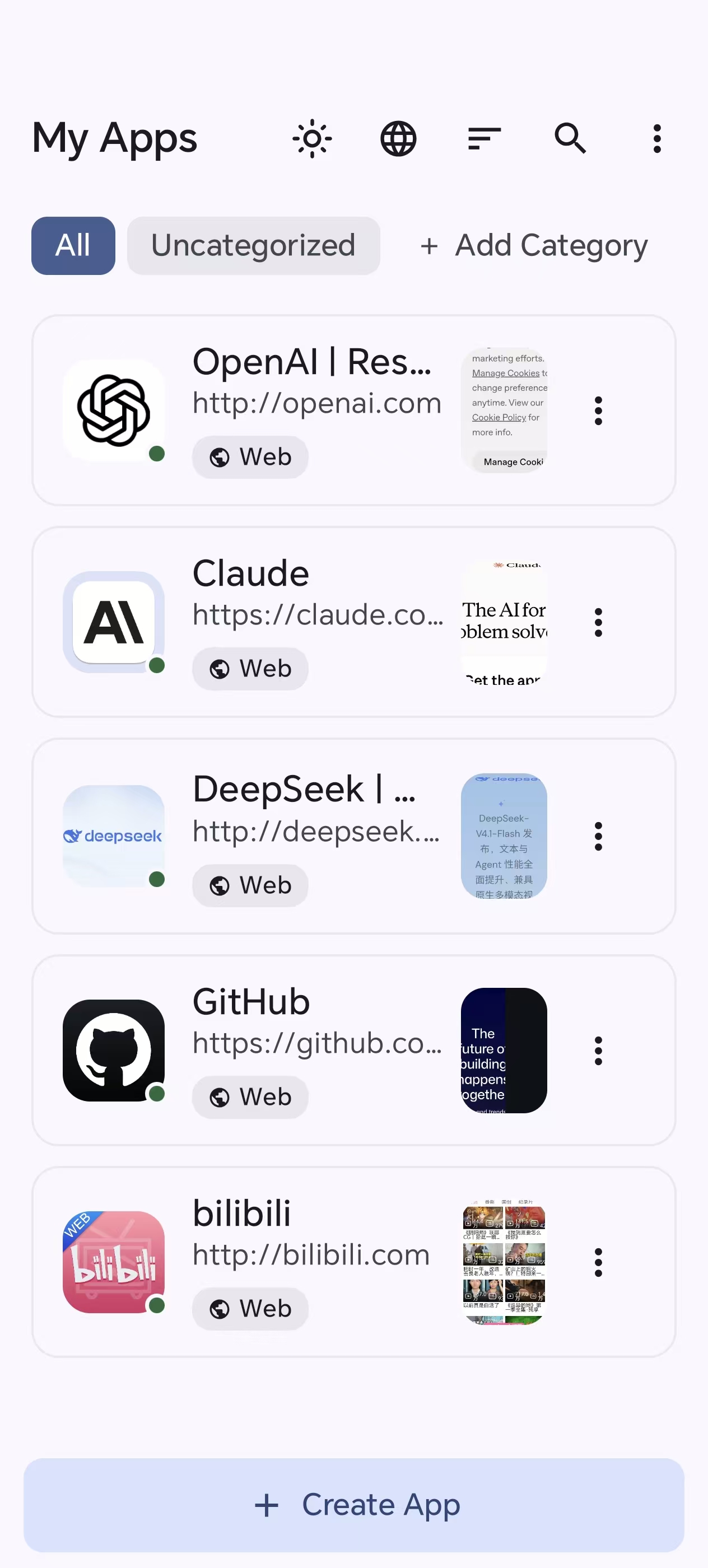
My Apps — your projects at a glance |
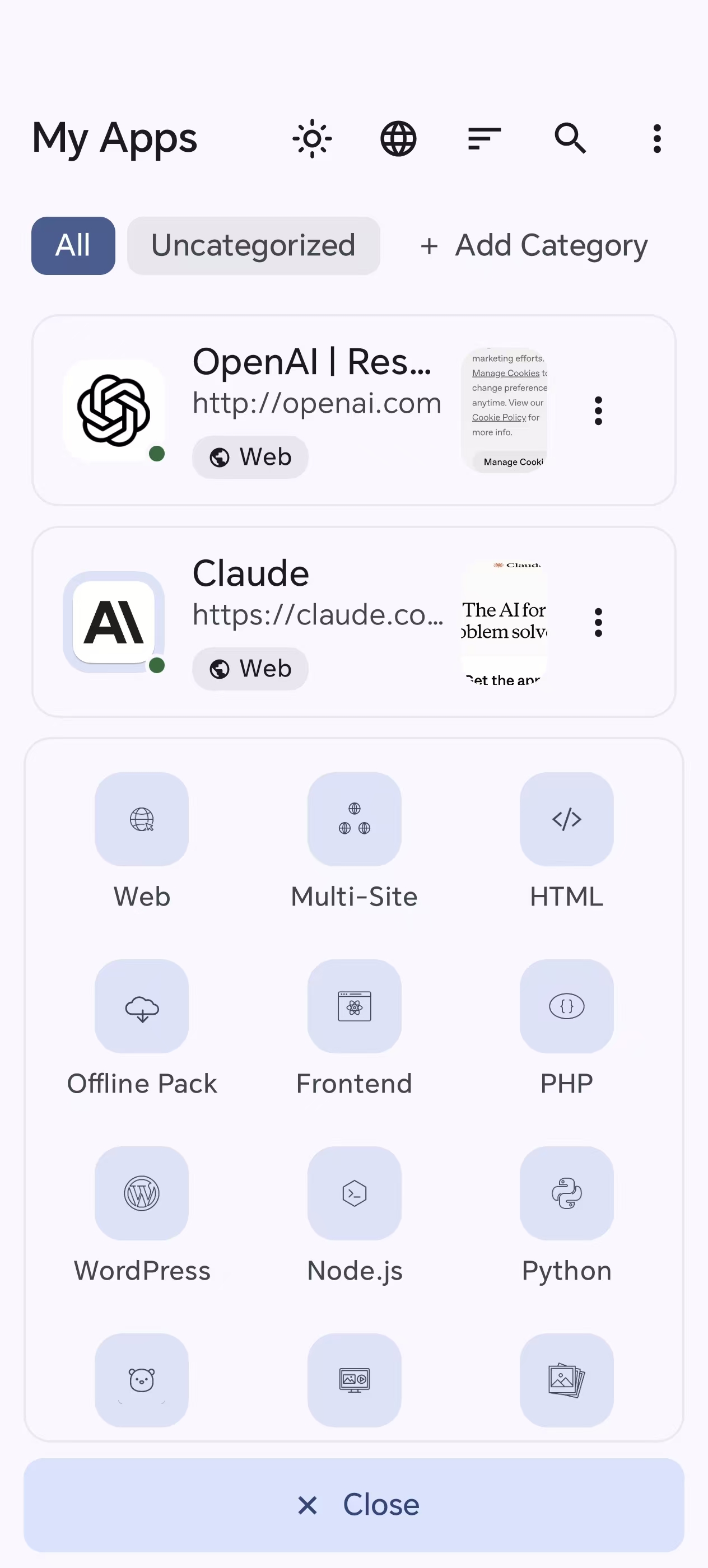
Create — pick from 12 app types |
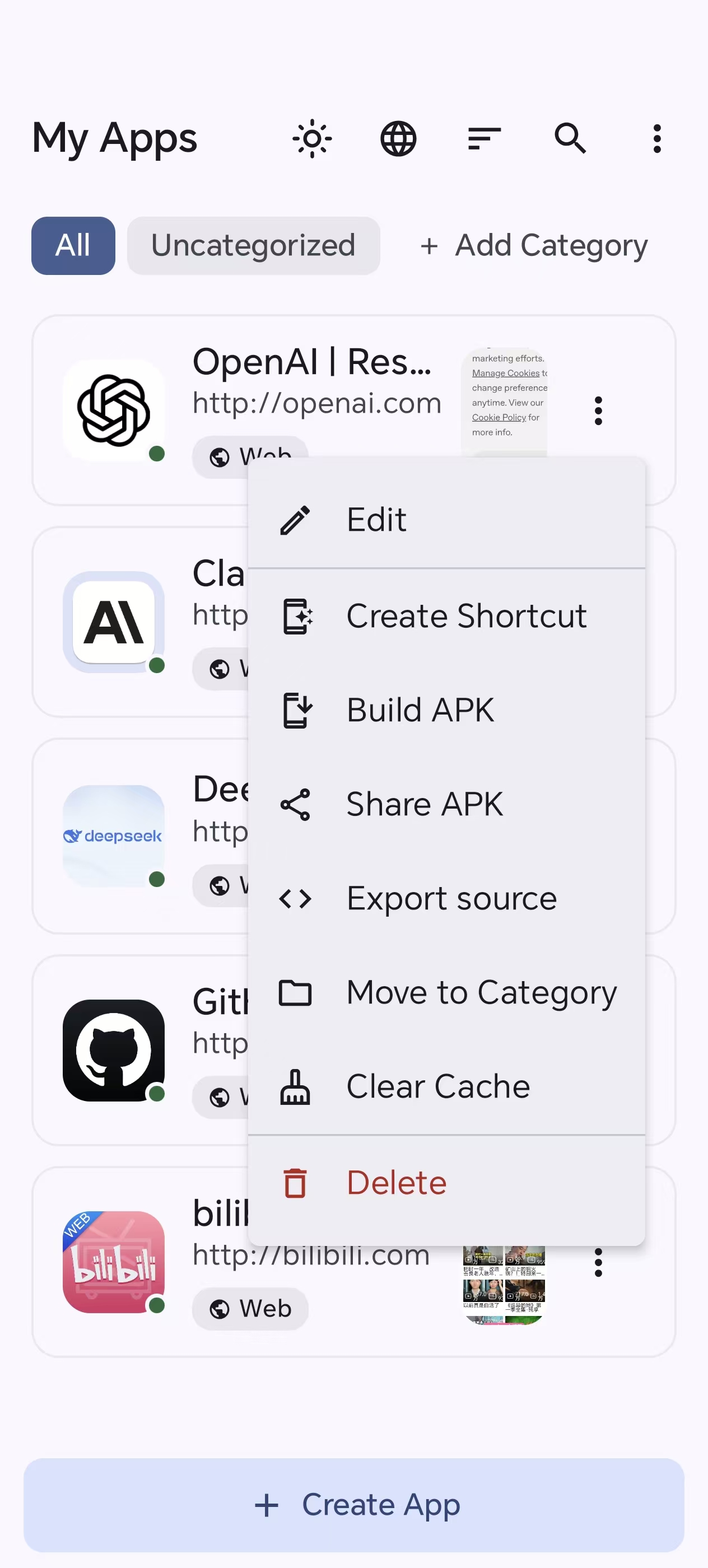
Actions — build, share, export & more |
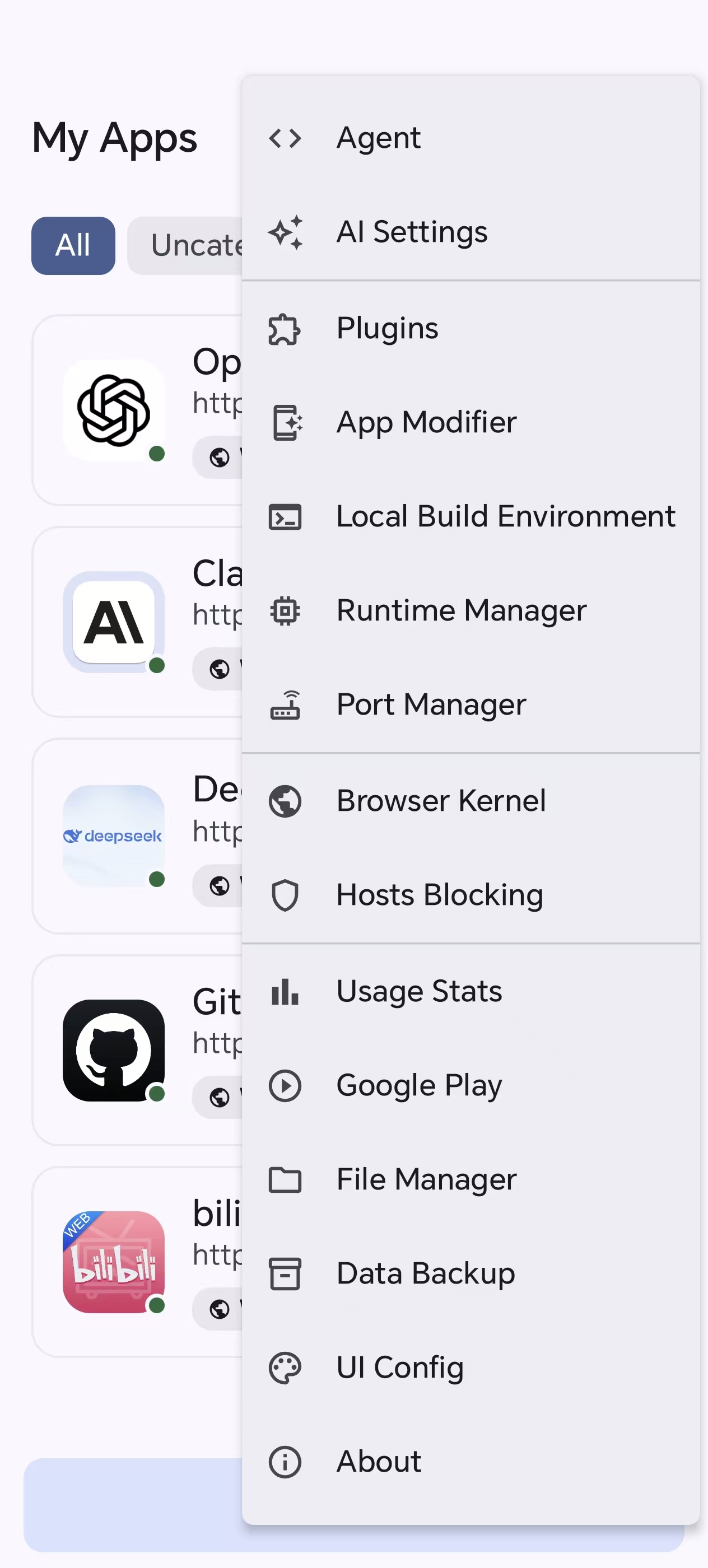
Toolbox — Agent, modules, ports, engines |
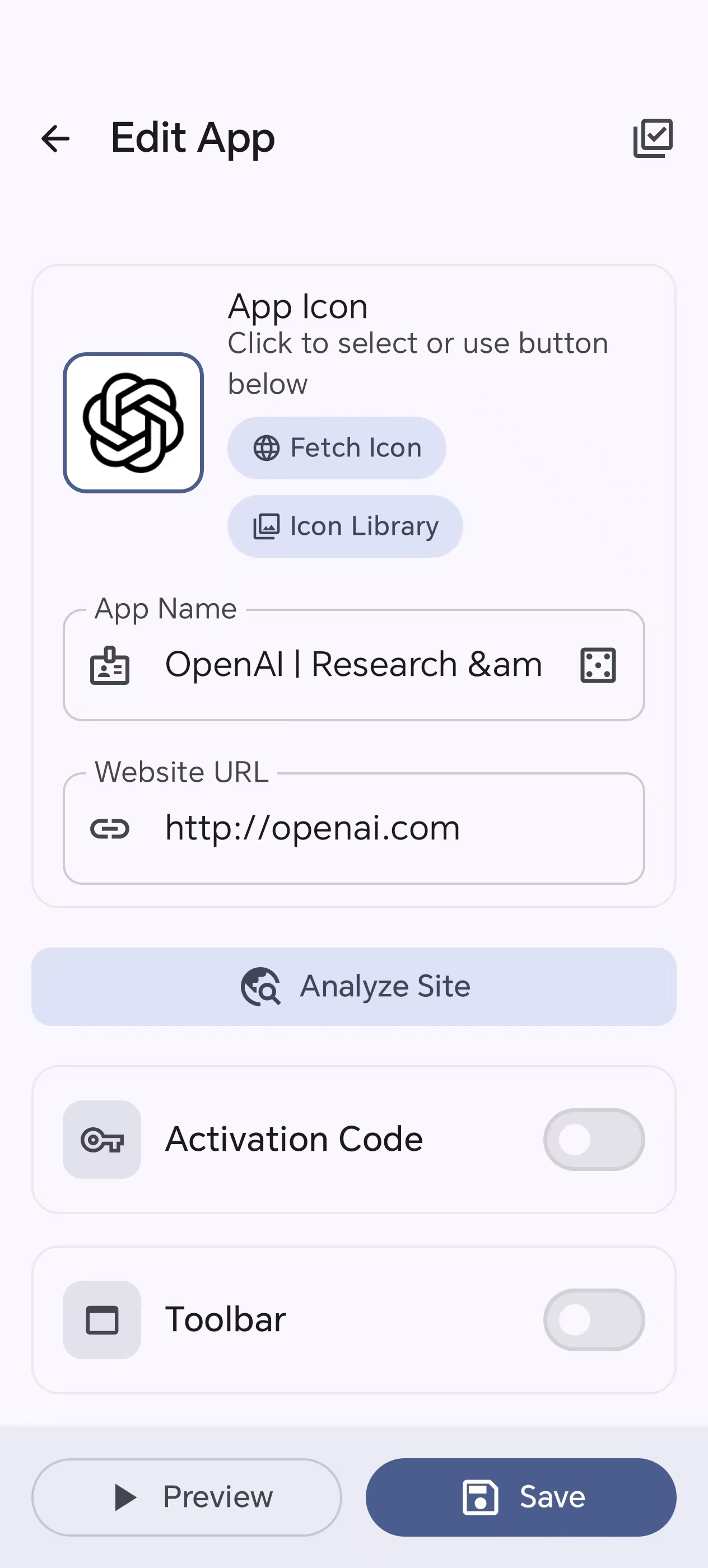
Editor — icon, name, URL & analyze site |
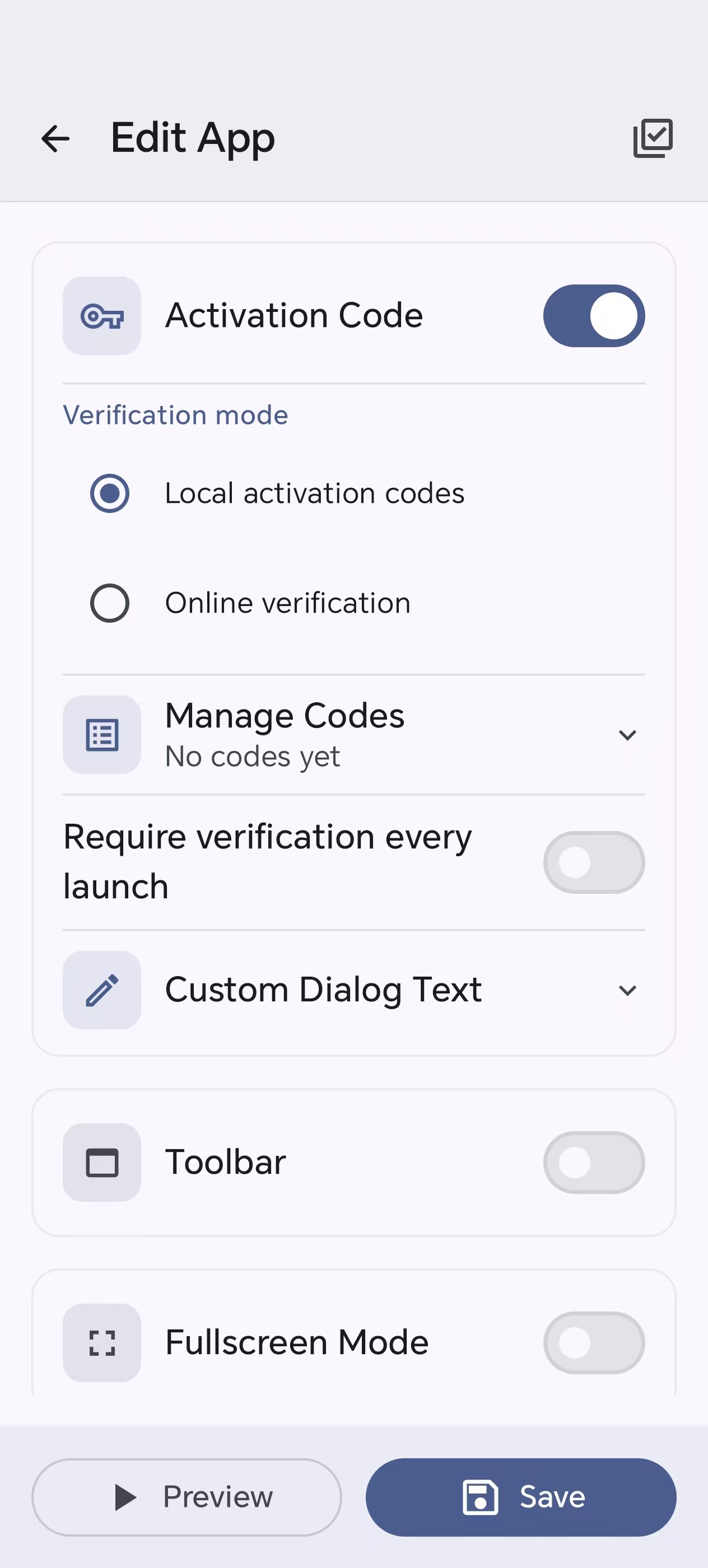
Editor — activation codes |
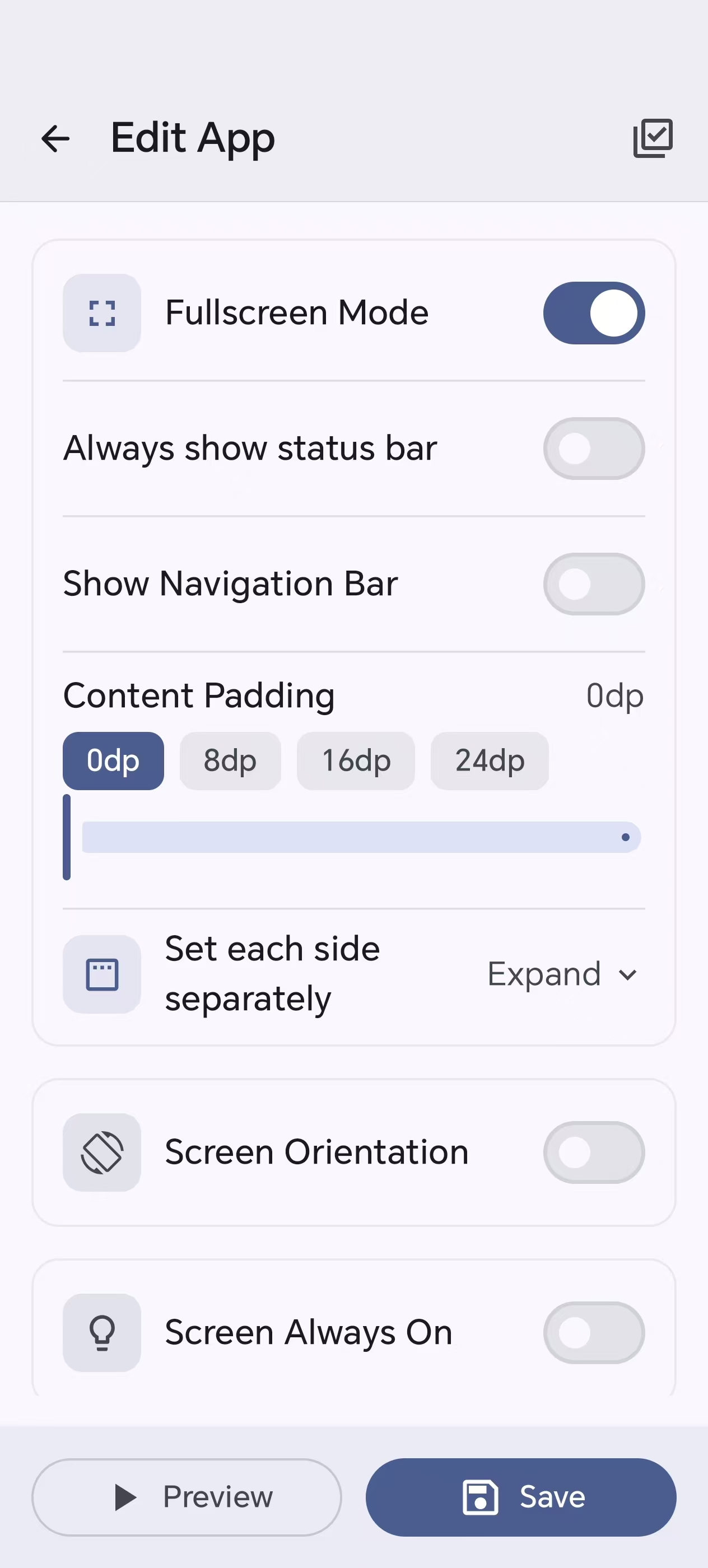
Editor — fullscreen & orientation |
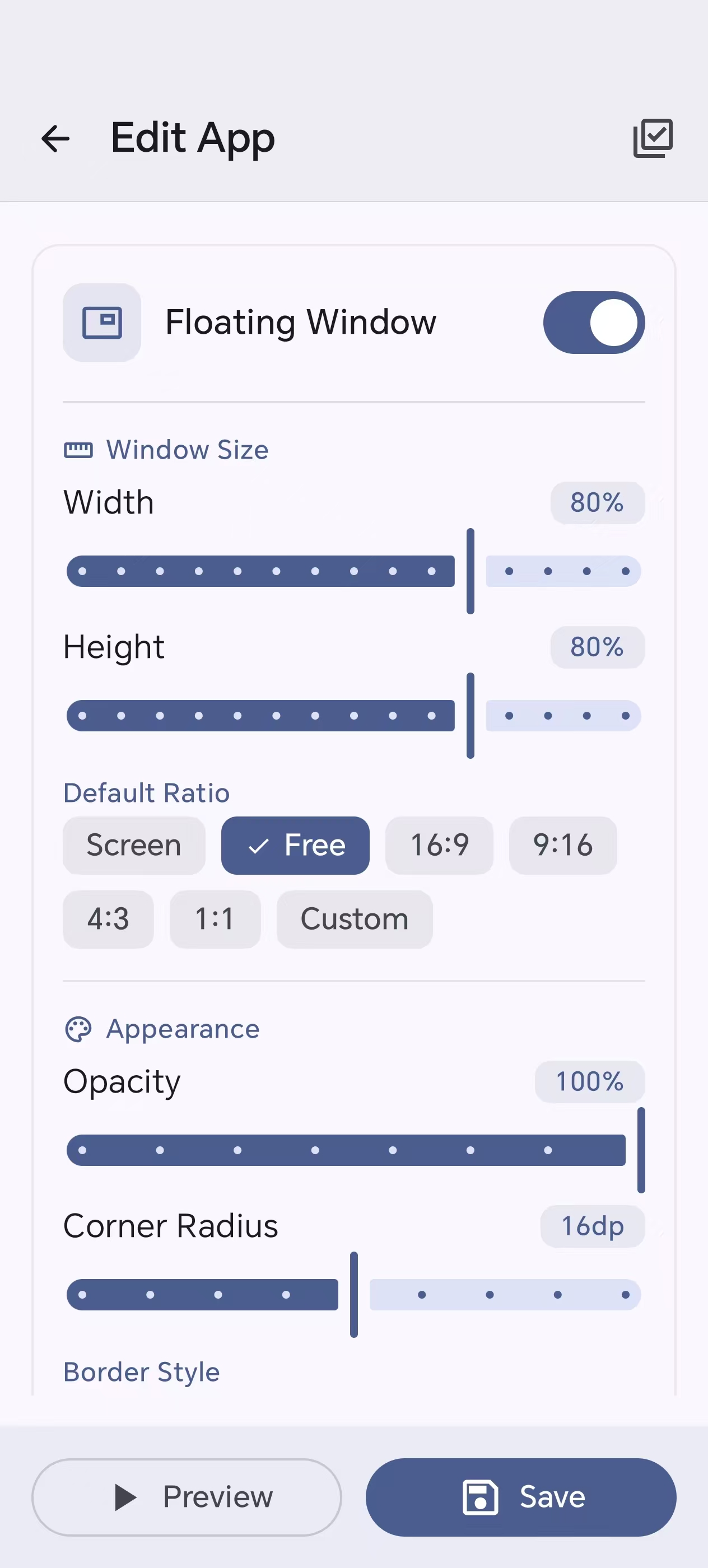
Editor — floating window |
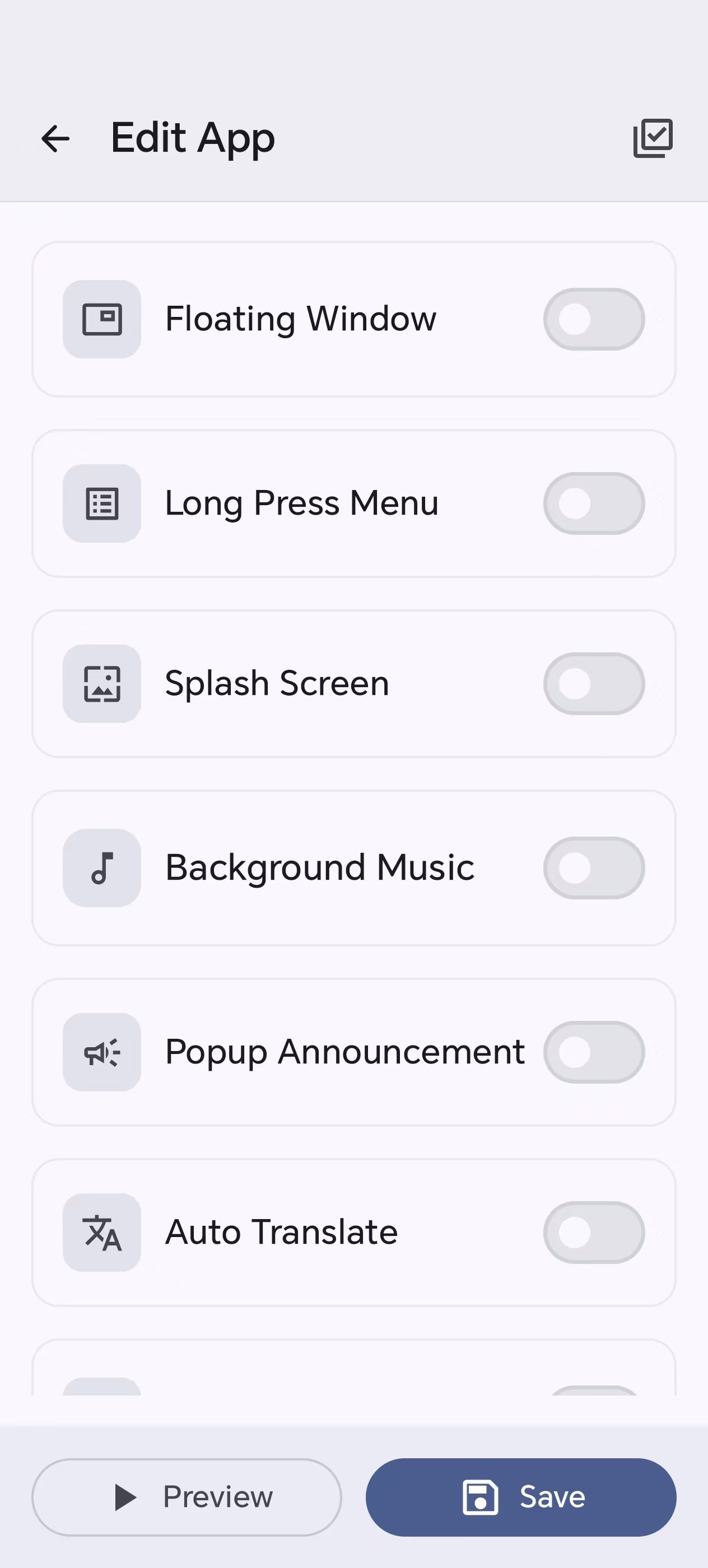
Editor — splash, BGM, translate & more |
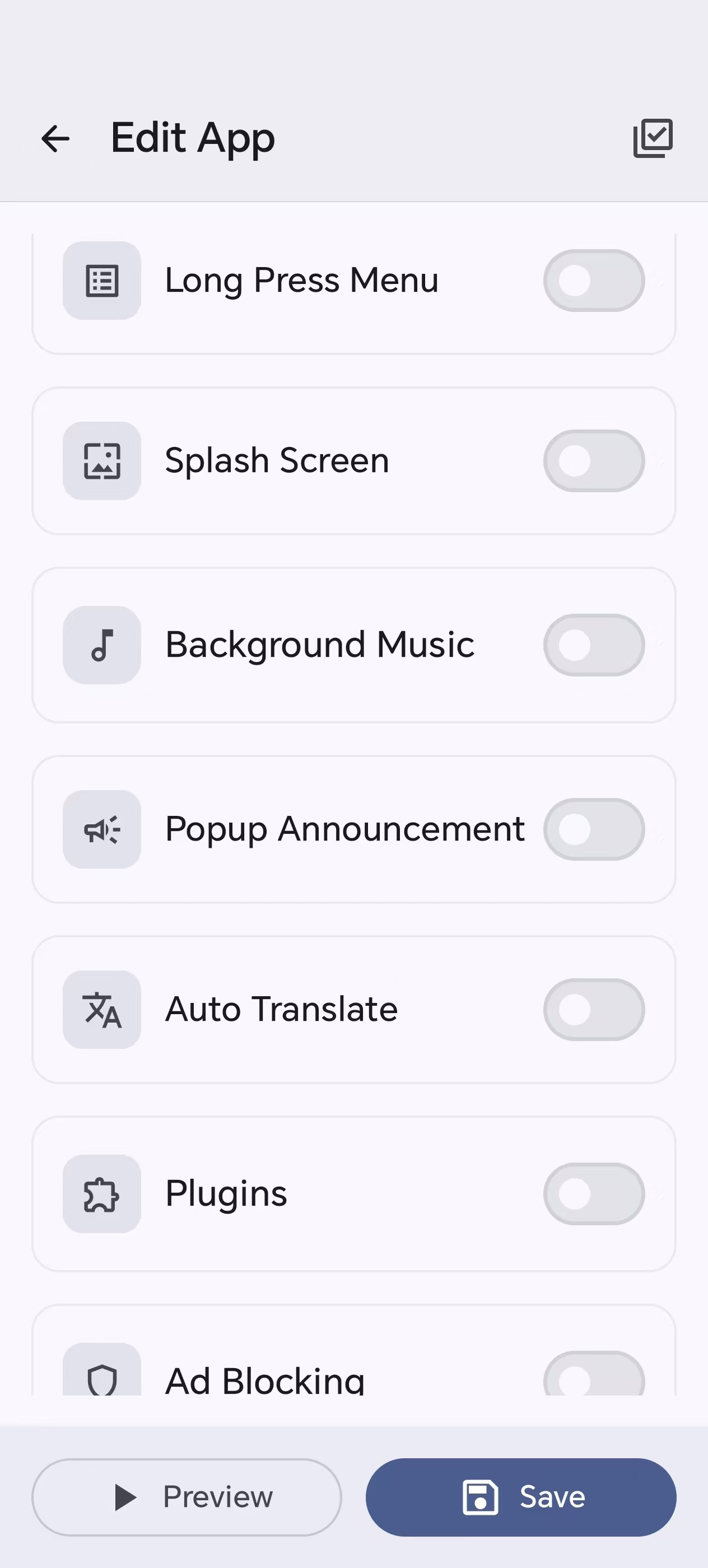
Editor — plugins, ads & more toggles |
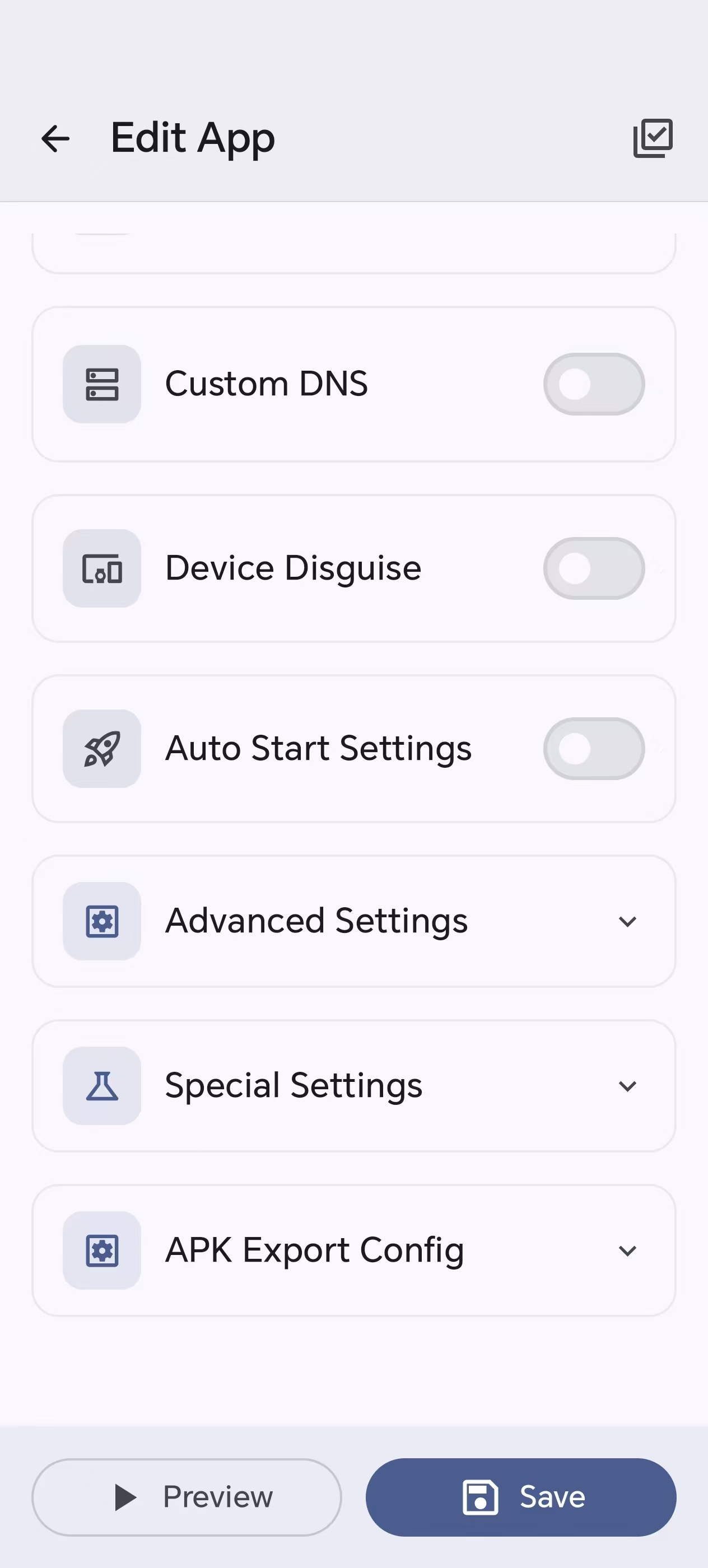
Editor — advanced & export settings |
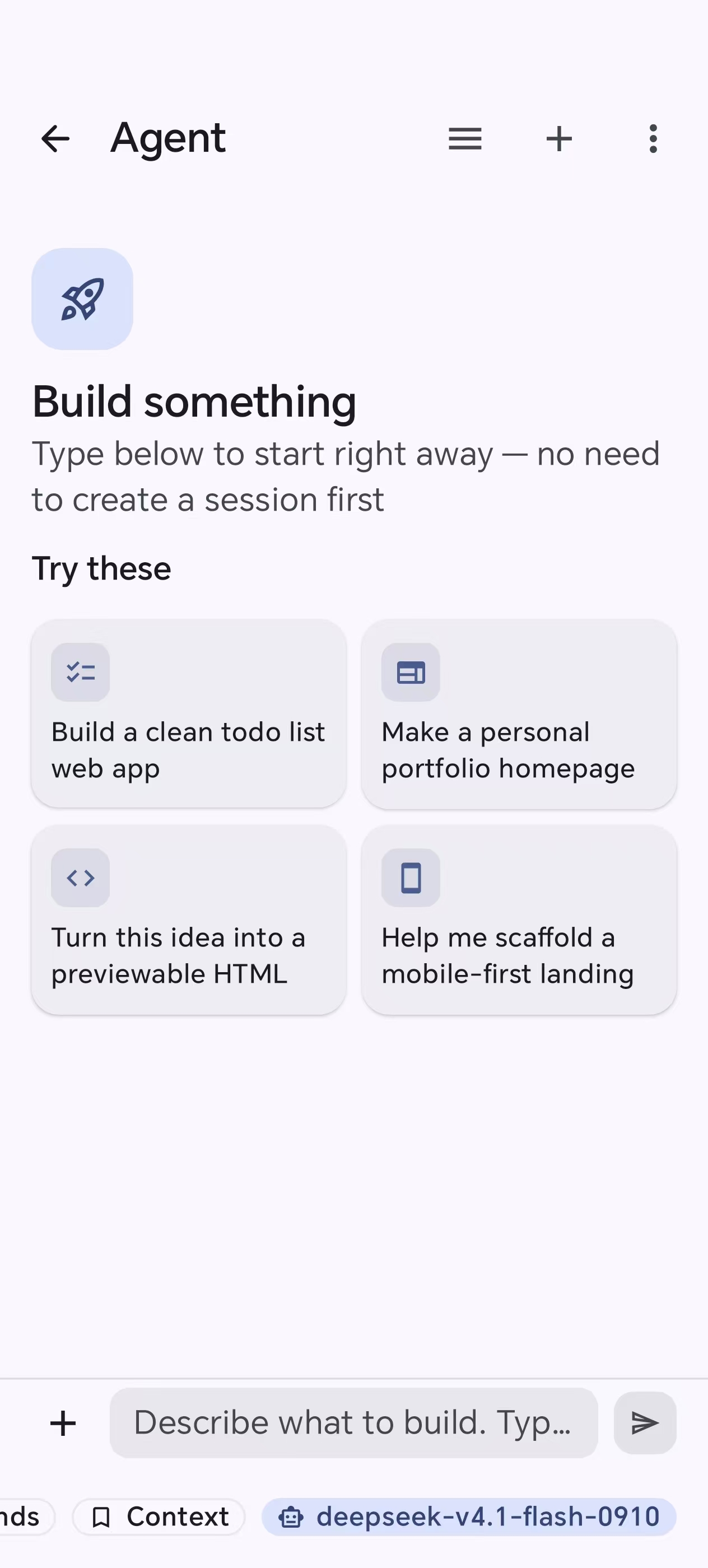
Agent — describe it, AI builds it |
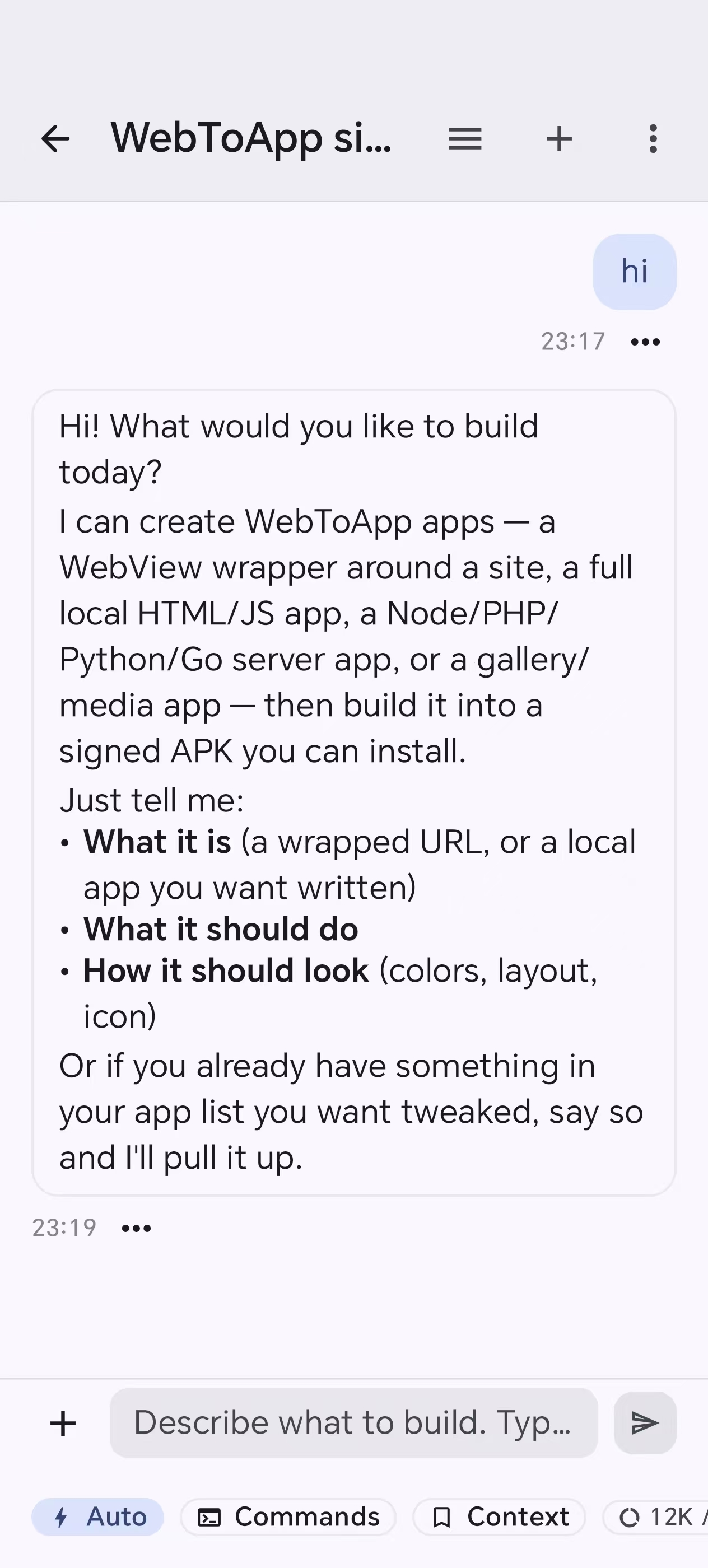
Agent — a live build session |
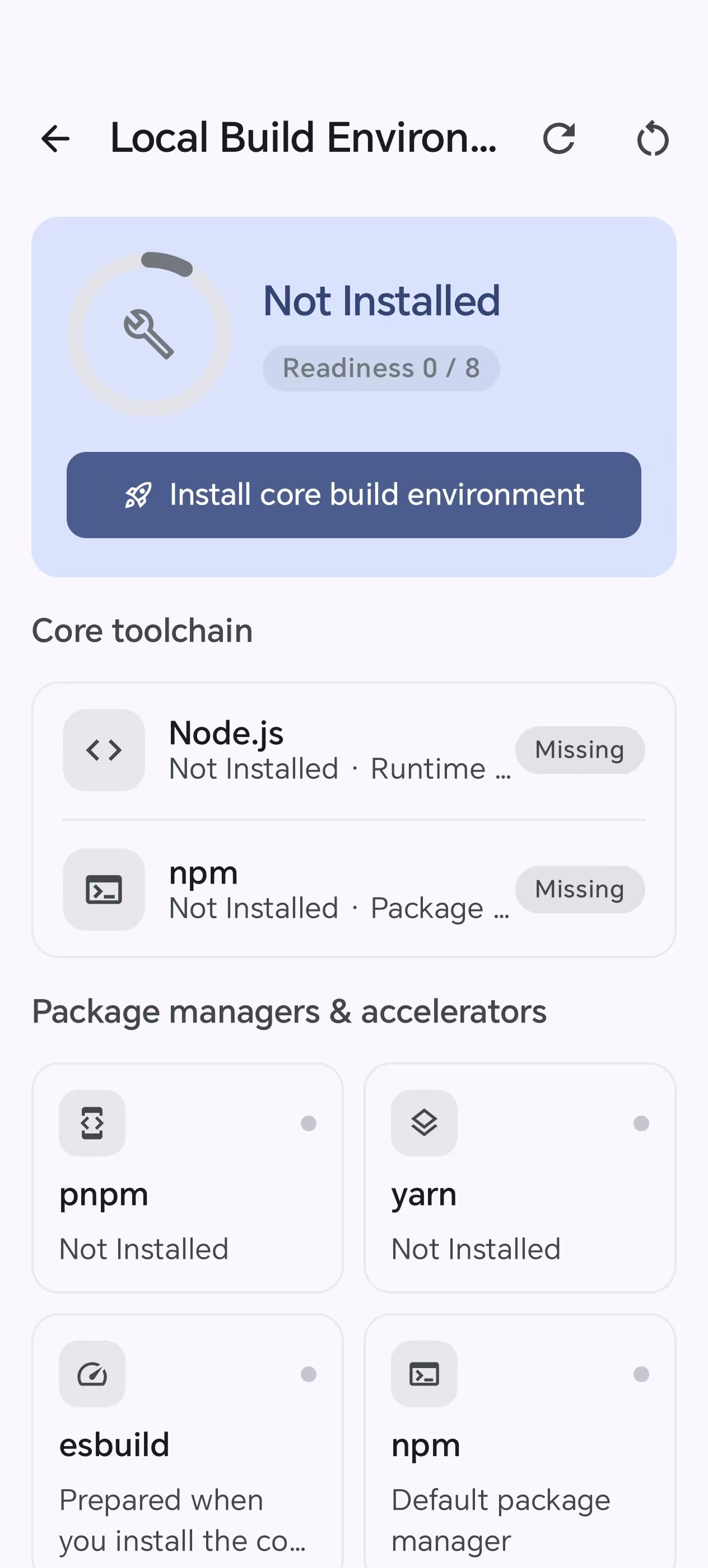
Build env — Node, npm, and the local toolchain |
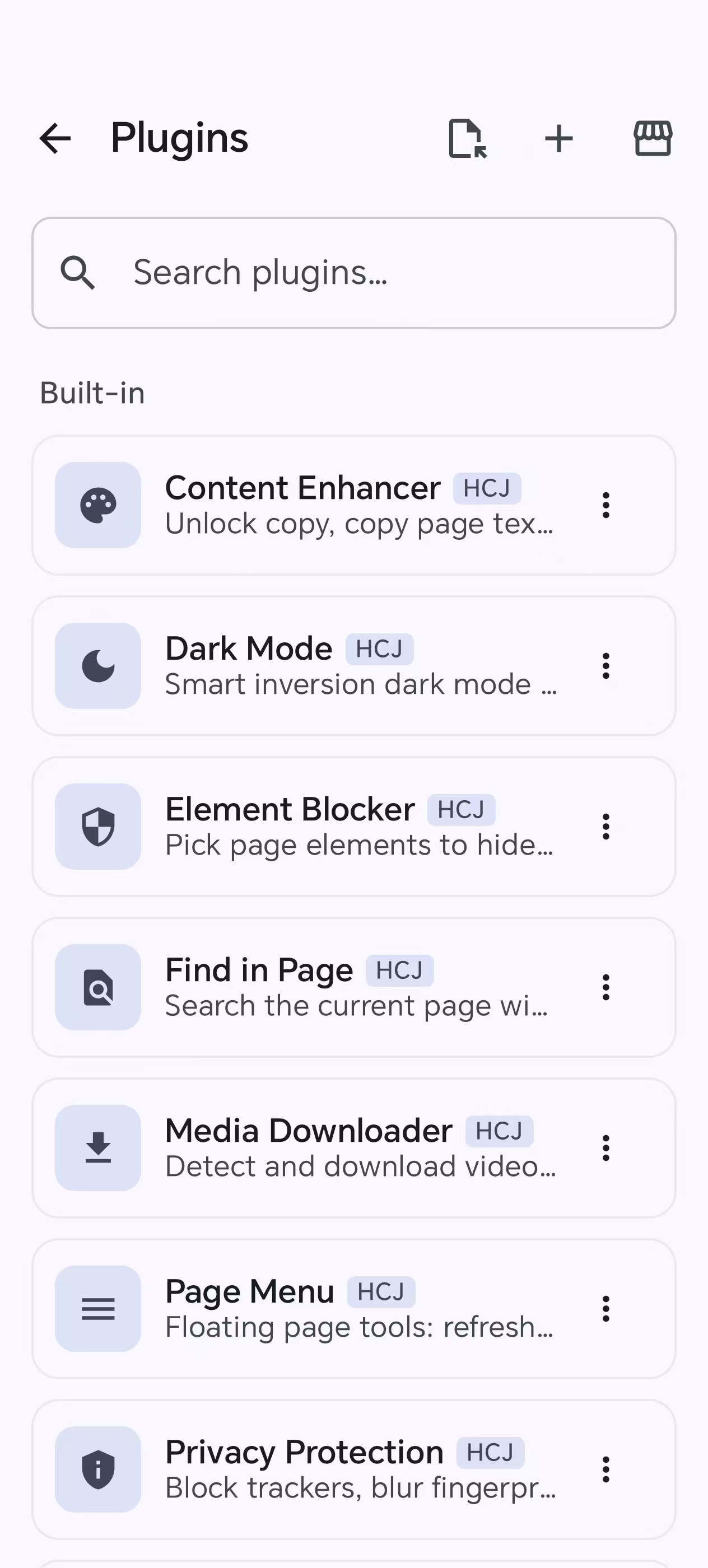
Plugins — built-in modules and the market |
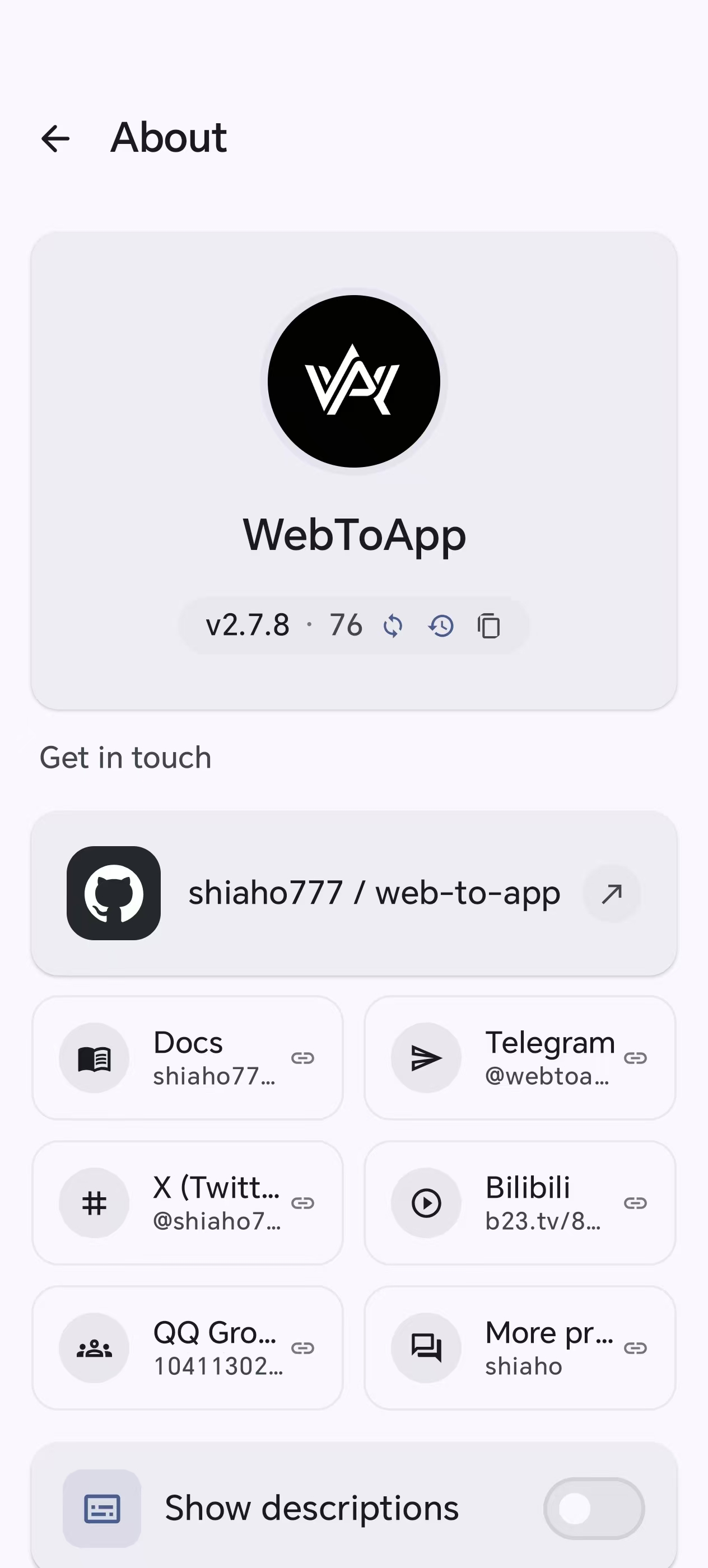
About — version & community links |
---
## What makes WebToApp different
Most "website to app" tools stop at wrapping a URL in a WebView. WebToApp is closer to a pocket-sized APK workshop, and the hard parts are exactly where it diverges:
- **It runs real server runtimes on-device.** Node.js, PHP, Python, Go, and WordPress are fork+exec'd as native binaries straight from app storage — like Termux, packaged into an installable APK. URL-wrapper tools cannot do this at all.
- **It ships a hardened, anti-censorship network stack.** DNS-over-HTTPS, TLS fingerprint spoofing (Chrome / Firefox / Safari JA3 templates) with a local MITM bridge, Encrypted Client Hello (ECH) on both engines to encrypt the SNI, per-app proxies, and CORS bypass for locked-down SPAs.
- **The whole build is self-contained.** Binary AXML/ARSC patching, permission pruning, V1/V2/V3 signing, and Google Play-ready AAB export all happen inside the app via `apksig` — no remote build queue, no PC.
- **It stays extensible after shipping.** Add JS/CSS modules, Tampermonkey-style userscripts, or MV3 Chrome extensions (live-searched and installed from the Chrome Web Store) without rebuilding the host.
- **The host UI speaks 10 languages out of the box.** Chinese, English, Arabic (RTL), Portuguese, Spanish, French, German, Russian, Japanese, and Korean — switch anytime in Settings; new in-app copy is maintained for all ten.
---
## Capability overview
A quick scan of what's in the box. Each links to the detailed feature map below.
| Area | Highlights |
| --- | --- |
| **Build targets** | Web · HTML · Frontend · WordPress · Node.js · PHP · Python · Go · Image · Video · Gallery · Multi-Web |
| **Browser engines** | System WebView by default; optional GeckoView (Firefox) runtime |
| **Network & anti-censorship** | DoH (7 providers), TLS fingerprint spoofing + MITM bridge, ECH, static/PAC/SOCKS5 proxies, CORS bypass |
| **Privacy & hardening** | 50+ vector browser fingerprint disguise, resource encryption (AES-256-GCM), anti-debug, activation gating |
| **Local runtimes** | Native Node.js 18.20, PHP 8.4 + Composer 2.10, Python 3.14, official Go 1.26.10, WordPress 7.x over SQLite |
| **Extensions** | Built-in modules, userscripts with `GM_*`, MV3 Chrome extensions, live Chrome Web Store search |
| **APK/AAB output** | On-device V1/V2/V3 signing, Google Play AAB export with targetSdk rewrite, keystore management |
| **Agent** | Full-app automation via up to 60 tools: generate, build, export, manage ports/engines/runtimes, clone apps, ad-block rules, config templates, and more; auto-retry on 429/5xx, and rotate to another saved key when a provider rate-limits the session |
| **Host languages** | **10 UI languages** — 中文 · English · العربية · Português · Español · Français · Deutsch · Русский · 日本語 · 한국어 (Arabic RTL) |
---
## What you can build
| Input | Output | Good for |
| --- | --- | --- |
| Website URL | WebView-based APK | Landing pages, tools, dashboards, docs, internal systems |
| HTML / static front-end | Local file or localhost APK | React, Vue, Vite, static builds. A plain page can omit the internet permission |
| Node.js / PHP / Python / Go | APK with an on-device local server | Small server apps, admin tools, demos, prototypes |
| WordPress | APK running WordPress over local PHP + SQLite | Portable sites, theme/plugin demos, content packages |
| Images / video / galleries | Media-focused APK | Albums, course materials, portfolios, offline viewers |
| Multiple sites | Tab/card/feed/drawer multi-web APK | Link hubs, portals, app collections |
| Installed APK | Rebranded clone or shortcut disguise | Icon/name/package experiments, repackaging research |
Node.js, PHP, Python, Go, WordPress, image, and video stay in the app. Turn them on from **About → Advanced features** (off by default). Gallery does not need that switch.
---
## Quick start
From a fresh install to your first signed APK in about a minute:
1. **Install the builder** — get the APK from [GitHub Releases](https://github.com/shiaho777/web-to-app/releases) onto a device running Android 7.0 (API 24) or newer.
2. **Create an app** — on **My Apps**, tap **Create**. The default grid is Web, Multi-Site, HTML, Offline Pack, Frontend, and Gallery. PHP, WordPress, Node.js, Python, Go, and Media appear after **About → Advanced features** is on.
3. **Fill in the basics** — app name, target URL (or your project files), and an optional icon, then **Save**. Every other editor card is optional configuration.
4. **Preview** — tap the app's card to run it in the same runtime code the export will use.
5. **Build** — tap **⋮ → Build APK**, pick the engine and options, and get a signed APK ready to install or share. Shipping to Google Play? Use **⋮ → Google Play** instead — it builds the APK, converts it to a Play-ready signed AAB with `targetSdk` rewritten, and generates the Play metadata — all on-device.
The full walkthrough — with the per-type notes and what happens under the hood — lives in the [Getting Started guide](https://shiaho777.github.io/web-to-app/guide/getting-started).
---
## Full feature map
WebToApp has a large number of switches. The sections below group them by use case, kept collapsible so the top of the page stays scannable.
 # WebToApp
### Build Android APKs from web projects, directly on your phone.
**An on-device APK workshop that goes far beyond URL wrapping — it can fork and exec full server runtimes, ship a hardened anti-censorship network stack, sign bundles for Google Play, and run MV3 browser extensions, all without a PC or a remote build server.**
**English** · [简体中文](.github/docs/README_CN.md)
# WebToApp
### Build Android APKs from web projects, directly on your phone.
**An on-device APK workshop that goes far beyond URL wrapping — it can fork and exec full server runtimes, ship a hardened anti-censorship network stack, sign bundles for Google Play, and run MV3 browser extensions, all without a PC or a remote build server.**
**English** · [简体中文](.github/docs/README_CN.md)