# PB for Desktop [](http://travis-ci.org/sidneys/pb-for-desktop) [](https://ci.appveyor.com/project/sidneys/pb-for-desktop) [](https://npmjs.com/package/pb-for-desktop)
PB for Desktop is a lightweight open-source Desktop app for PushBullet.
Receive native push notifications on macOS, Windows and Linux.

Not affiliated with PushBullet, Inc.
------
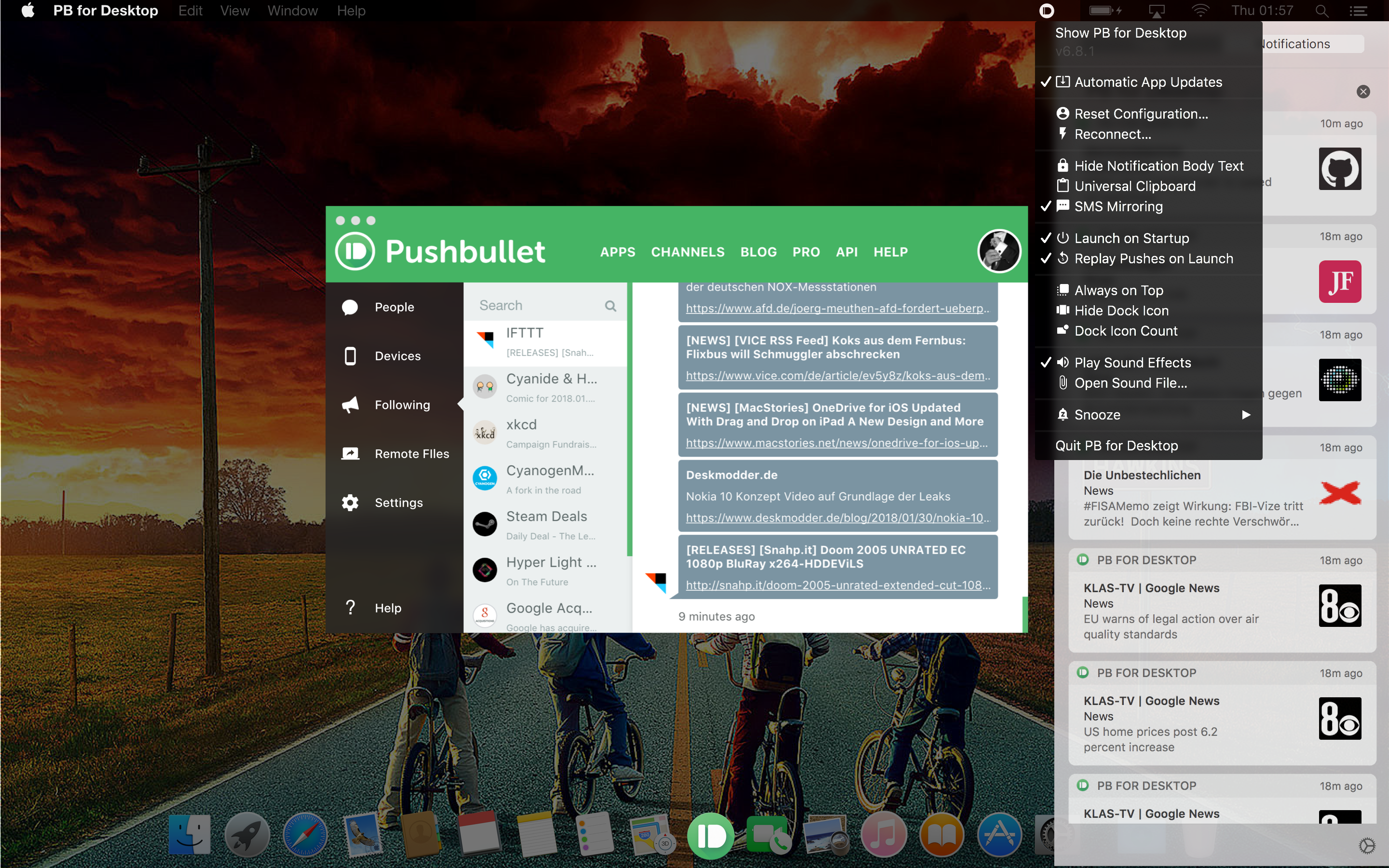
macOS
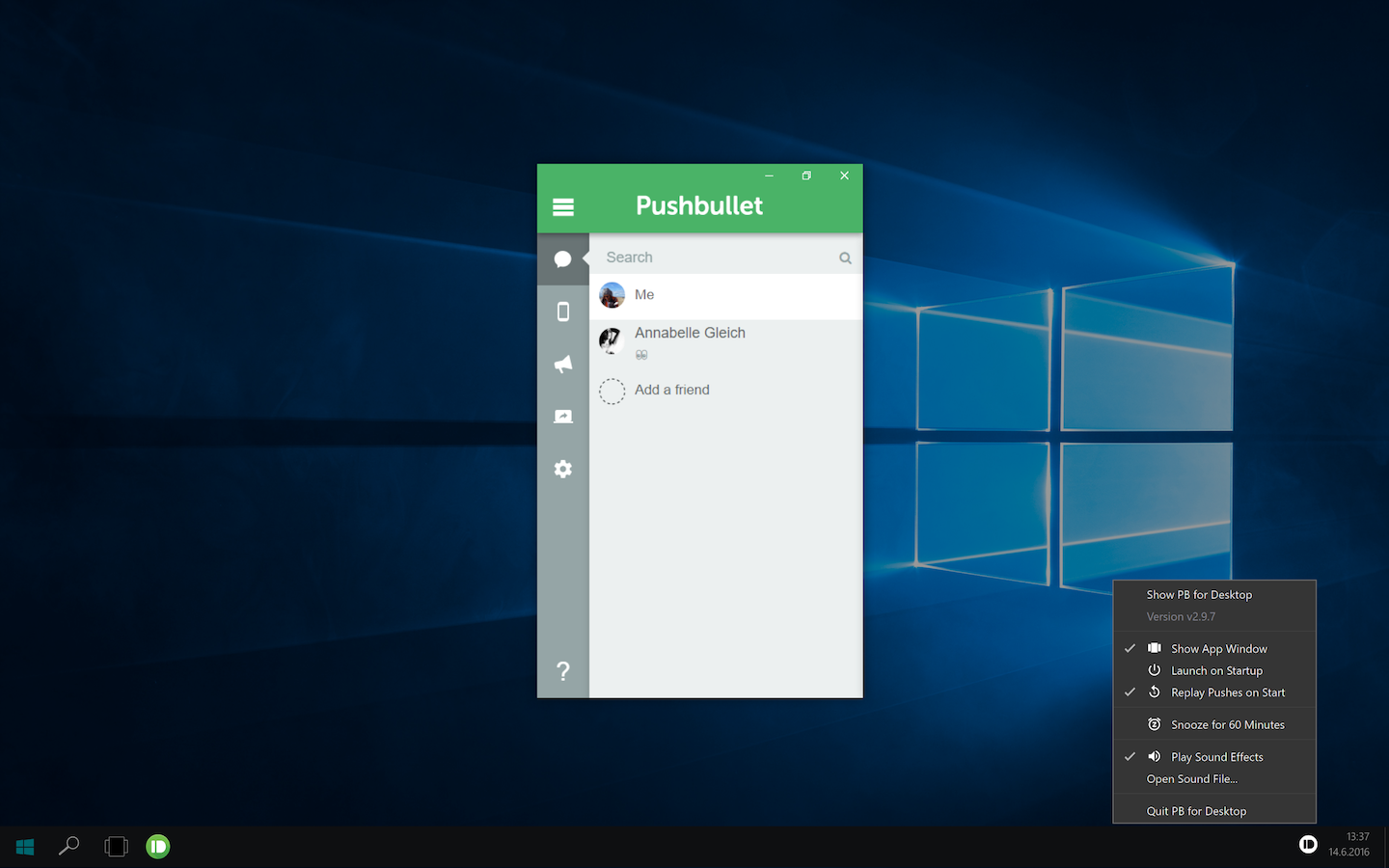
Windows
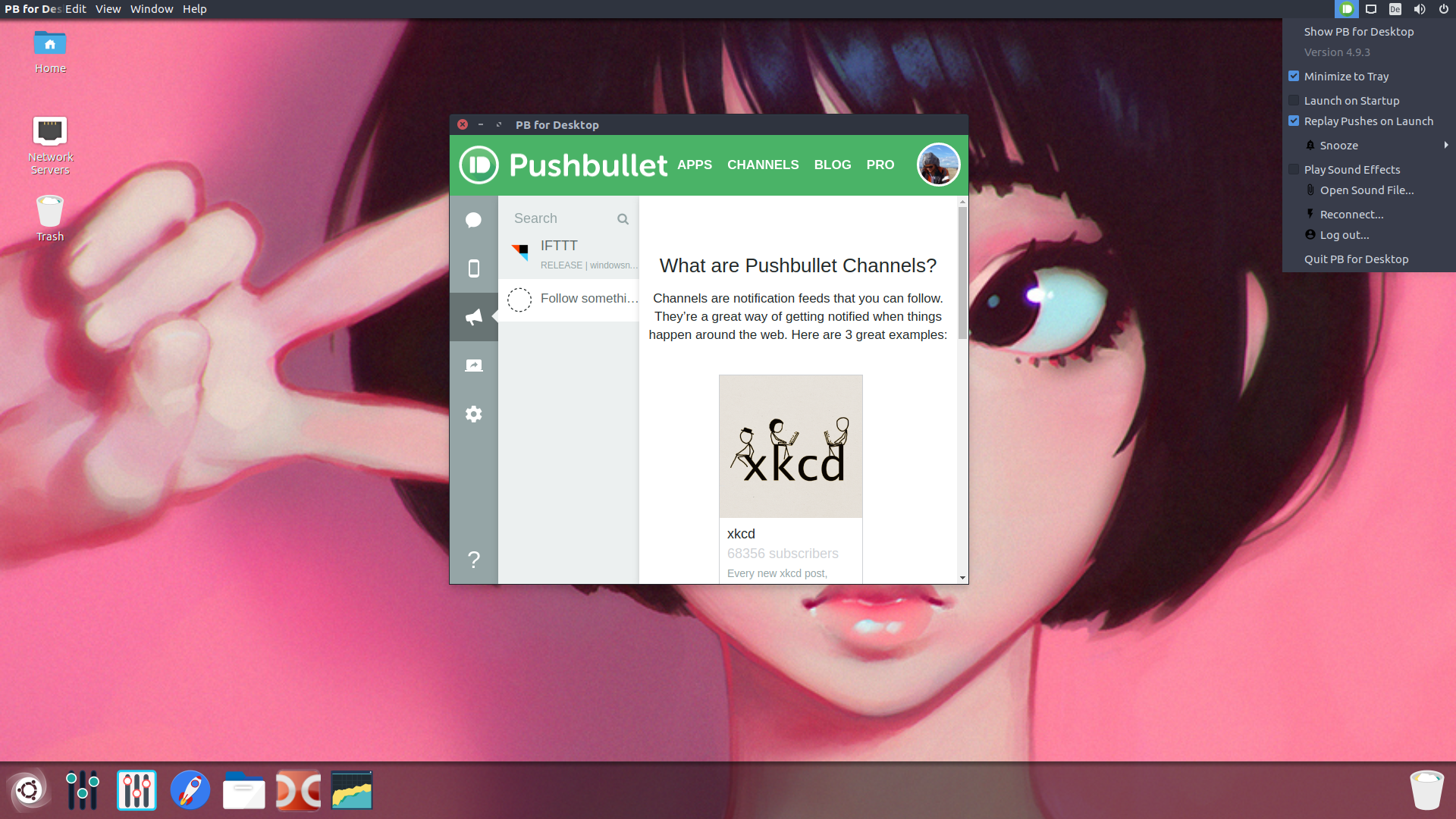
Linux
------
> **Cross Platform**
Tested on:
- **macOS Mojave** 10.14.6 (18G1012)
- **Windows 10** 1607, 1703, 1709, 1803
- **Linux** Ubuntu 19, elementaryOS 0.4
> **Unobtrusive**
Runs as a Menubar (macOS) or a SysTray (Windows) app. Small resource footprint.
> **Native Notifications**
Uses macOS' [Notification Center](https://en.wikipedia.org/wiki/Notification_Center), the Windows 10 [Action Center](https://en.wikipedia.org/wiki/Action_Center) and [libnotify](https://launchpad.net/ubuntu/+source/libnotify) for Linux.
> **Notification Thumbnails**
For text-based pushes, notification thumbnails are generated on-the-fly based on a the originating Websites' favicon.
For pushes containing image content, a thumbnail-sized image is shown within the notification.
> **Custom Sound Effects**
Use the default PushBullet sound or one of your choice.
Ships multiple sound effect sets: Android, iOS, Tesla Motors, Slack, Nintendo, Windows, macOS
Or use your own custom sound (supported formats: `.m4a`, `.mp3`, `.mp4`, `.ogg` and `.wav`)
> **Notification Filter**
A portable, file-based filter allows you to skip notifications you don't need.
Supports regular expressions.
> **Simple Setup**
No wrestling with API-Keys or other technical knowledge required.
Login to Pushbullet using Google or Facebook.
> **SMS** []()
Send & receive SMS to Android devices.
> **Inline SMS Message Reply** []()
Reply to SMS messages directly within native Desktop notifications (macOS).
> **Channel Images for IFTTT and Zapier**
Channel-specific (e.g. [IFTTT](https://ifttt.com/), [Zapier](https://zapier.com/), [Chat](http://lifehacker.com/huge-pushbullet-update-adds-instant-messaging-chat-hea-1714870644)) icon images for most notifications.
> **Notification Mirroring**
Mirror Android notifications (Android).
> **Direct Pushes to Desktop**
Adds a `PB for Desktop` PushBullet device for sending pushes to your desktop.
> **Developer Friendly**
Ships multiple NodeJS-driven command scripts for Developers, as [code contributions are welcome](#contribute).
## Contents
1. [Installation](#installation)
1. [Development](#development)
1. [Building](#building)
1. [Roadmap](#roadmap)
1. [Contribute](#contribute)
1. [Author](#author)
## Installation
### Standard Installation
Grab the latest version here: [Download Pushbullet for Desktop](https://sidneys.github.io/pb-for-desktop/#download)
### Installation as global nodejs module
```bash
npm install --global pb-for-desktop
```
## Development
### Getting the Sourcecode
To clone the Git repository and install the required dependencies, run these Shell commands:
```bash
git clone https://github.com/sidneys/pb-for-desktop.git
cd pb-for-desktop
npm install
```
### Developer Commands
The following `npm` scripts are available for development purposes:
#### *start*
Runs the app in development mode.
```bash
npm run start
```
Parameters:
- `--debug` Start with development tools
#### *localsetup*
Installs the app in the System app folder and starts it.
```bash
npm run localsetup
```
Parameters:
- `--build` Rebuilds app before installation
- `--preview` Build "Preview" app
- `--debug` Start with enabled development tools
#### *build*
Builds the application and creates platform-specific installation packages (see [requirements](#build-requirements)).
If no parameter is supplied, the current platform is built.
Supports building a Beta application version, which is running side-by-side with the regular version.
```bash
npm run build
```
Parameters:
- `--macos` Build & Package for macOS
- `--windows` Build & Package for Windows
- `--linux` Build & Package for Linux
- `--preview` Build "Preview" app
## Building
### Build the App for the current Platform
See the [`build`](#build) Developer command.
### Multi-Platform Builds
- Only macOS can build all other platforms and requires [Homebrew](https://brew.sh) to install the prerequisite software.
- Building Windows (on macOS, Linux) requires [`wine`](https://winehq.org), [`mono`](https://nsis.sourceforge.net/Docs/Chapter3.htm)
- Building Linux (on macOS, Windows) requires [`fakeroot`](https://wiki.debian.org/FakeRoot), [`dpkg `](https://wiki.ubuntuusers.de/dpkg/)
#### Build-for-Windows Preparation on macOS
```bash
brew install wine mono
```
#### Build-for-Linux Preparation on macOS
```bash
brew install fakeroot dpkg
```
#### Build-for-Windows Preparation on Linux
```bash
apt-get install wine mono gcc-multilib g++-multilib
```
## Roadmap
- [ ] Binaries signed for Distribution (macOS, Windows)
- [ ] End-To-End Tests (see [Spectron](https://github.com/electron/spectron))
## Contribute 
Read the [contribution documentation](https://github.com/sidneys/pb-for-desktop/blob/master/CONTRIBUTING.md) first.
- [Issues](http;//github.com/sidneys/pb-for-desktop/issues) File bugs and document issues.
- [Developer Chat](http://gitter.im/sidneys/pb-for-desktop): Talk about features and suggestions.
## License
MIT
## Author
[sidneys](http://sidneys.github.io) 2019