# dark-mode
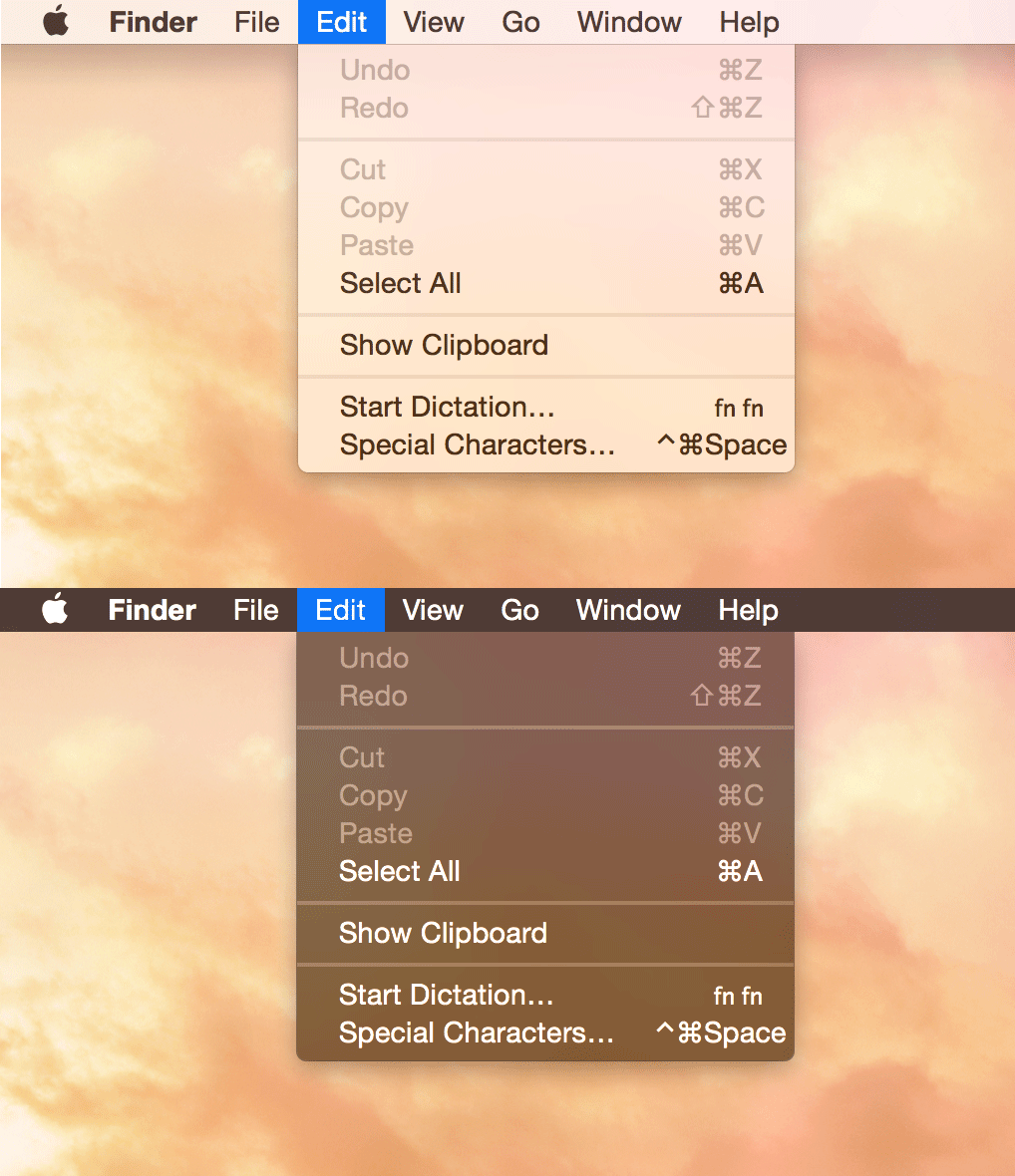
> Control the macOS dark mode from the command-line
Requires macOS 10.10 or later. macOS 10.13 or earlier needs to download the [Swift runtime support libraries](https://support.apple.com/kb/DL1998).
 ## Install
###### [Homebrew](http://brew.sh)
```
$ brew install dark-mode
```
###### [npm](https://github.com/sindresorhus/dark-mode-cli)
```
$ npm install --global dark-mode-cli
```
###### Manually
[Download](https://github.com/sindresorhus/dark-mode/releases/latest) the binary and put it in `/usr/local/bin`.
## Usage
```
$ dark-mode --help
Usage
$ dark-mode [command]
Commands
Toggle dark mode
on Enable dark mode
off Disable dark mode
status Dark mode status
```
## Build
Run `./build`. The binary can be found at `./bin/dark-mode`.
Building in Xcode works, but it does not export a binary.
## Related
- [node-dark-mode](https://github.com/sindresorhus/node-dark-mode) - Node.js port
- [alfred-dark-mode](https://github.com/sindresorhus/alfred-dark-mode) - Alfred workflow
## Install
###### [Homebrew](http://brew.sh)
```
$ brew install dark-mode
```
###### [npm](https://github.com/sindresorhus/dark-mode-cli)
```
$ npm install --global dark-mode-cli
```
###### Manually
[Download](https://github.com/sindresorhus/dark-mode/releases/latest) the binary and put it in `/usr/local/bin`.
## Usage
```
$ dark-mode --help
Usage
$ dark-mode [command]
Commands
Toggle dark mode
on Enable dark mode
off Disable dark mode
status Dark mode status
```
## Build
Run `./build`. The binary can be found at `./bin/dark-mode`.
Building in Xcode works, but it does not export a binary.
## Related
- [node-dark-mode](https://github.com/sindresorhus/node-dark-mode) - Node.js port
- [alfred-dark-mode](https://github.com/sindresorhus/alfred-dark-mode) - Alfred workflow