


---
# Turn Any Device Into a Collaborative Jukebox
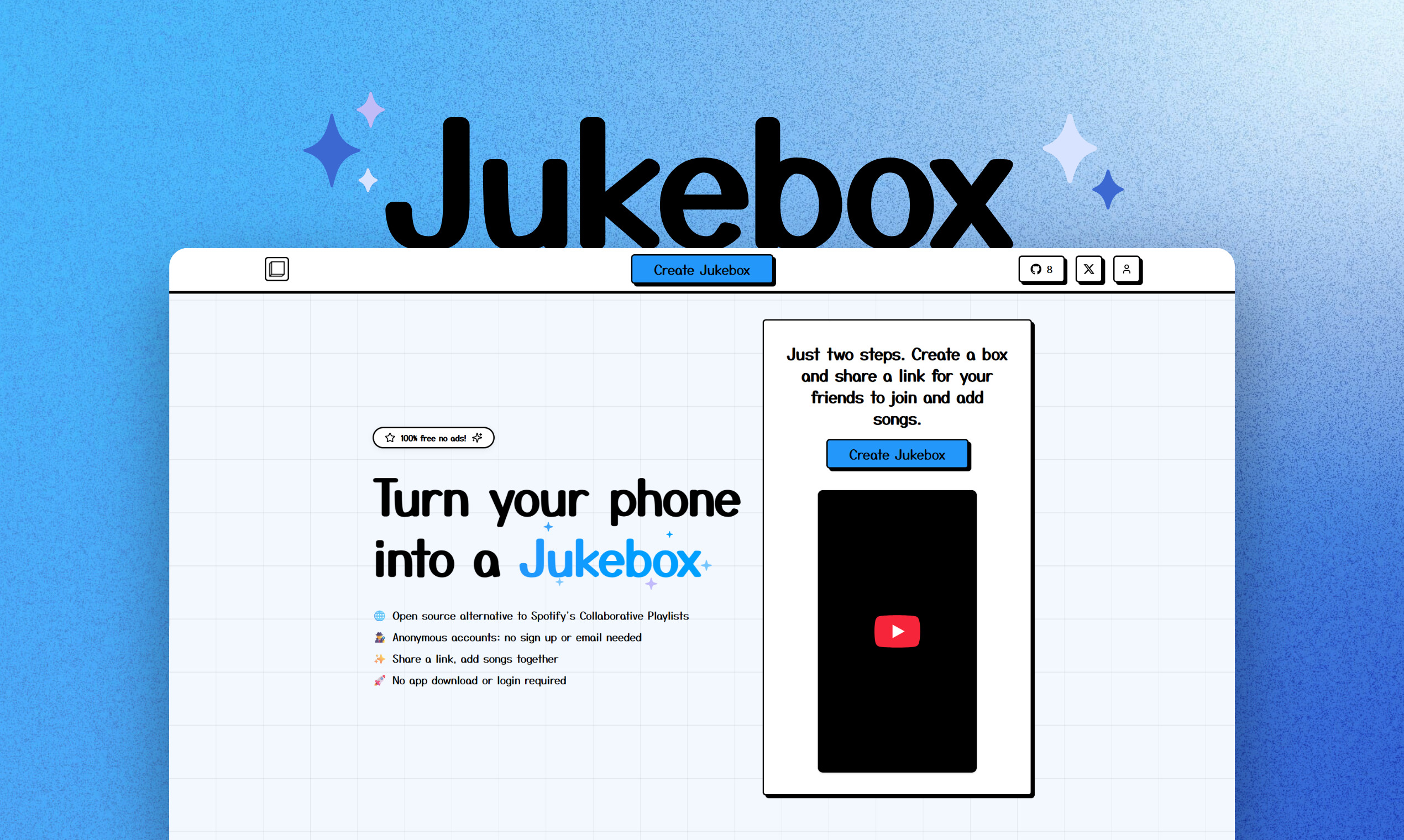
**Jukebox** lets you instantly create a shared music playlist with friends—no app, no login, no ads. Just create a box, share a link, and start adding songs together. Perfect for parties, road trips, or any group hangout!
- 🌐 **Open Source Alternative to Spotify Collaborative Playlists**
- 🕵️ **No Account Needed**: Use anonymously—no sign up or email required
- ✨ **Share a Link, Add Songs Together**: Everyone can contribute in real time
- 🚀 **No App Download Required**: Works on any device, right in your browser
- 🎵 **YouTube Integration**: Search and play almost any song instantly
- 📱 **Mobile Friendly**: Designed for phones, tablets, and desktops
- ⚖️ **Fair Queueing**: Songs are auto-sorted so everyone gets a turn
- 🆓 **100% Free, No Ads**
---
## Try It Now
1. **Create a Jukebox**: Visit the homepage and create a new box
2. **Share the Link**: Send the invite link to your friends
3. **Add Songs**: Search YouTube or add songs manually
4. **Play Music**: Use the built-in player to stream together
---
## Features
- Collaborative playlists: Add, queue, and play songs together
- Anonymous usage: No login or account required
- YouTube search & playback: Access a huge music library
- Mobile-first, responsive UI
- Open source (MIT License)
- Easy deployment with Docker
### Docker Compose Deployments
Spin up all services:
```bash
docker-compose up -d
```
Redeploy services with zero downtime after updating images:
```bash
bash ./redeploy.sh
```
---
## Getting Started
### Prerequisites
- Node.js 16+
- npm or yarn
- YouTube Data API v3 key (free from Google)
### YouTube API Setup
1. Go to the [Google Cloud Console](https://console.cloud.google.com/)
2. Create a new project or select an existing one
3. Enable the **YouTube Data API v3**
4. Create credentials (API Key)
5. Copy your API key
### Installation
```bash
# Clone the repository
git clone
cd jukebox
# Install server dependencies
cd server
yarn install
# Install frontend dependencies
cd ../frontend
yarn install
# Configure environment variables
cd ../server
cp .env.example .env
# Edit .env and add your YouTube API key
# Run database migrations
yarn migrate
# Start the development servers
# Backend:
cd server
yarn dev
# Worker:
cd server
yarn dev:worker
# Frontend (in a new terminal):
cd frontend
yarn dev
```
---
## License
MIT
---
## Contributing & Feedback
- Open an issue or pull request on [GitHub](https://github.com/skeptrunedev/jukebox)
- Feature requests? DM [@skeptrune on X (Twitter)](https://twitter.com/skeptrune)
---
## Changelog
See the [Changelog](https://jukebox.skeptrune.com#changelog) for the latest updates and features.