




简体中文 | English
--- ## What is Yunkai? > **Yunkai is an AI assistant that lives on your phone: it reads your screen, operates apps on your behalf, and remembers your preferences over time — while all data stays on the device.** Unlike web-based AI chat, Yunkai is not a chat window. It is an assistant that can **see** and **act**: - **See** — it reads what is currently on your screen and understands which page you are on; - **Act** — it performs taps, swipes and typing for you, **with every step requiring your confirmation first**; - **Remember** — it stores your preferences and important facts as local memory, getting more personal over time; - **Local** — your API key, conversations and memory live entirely on the device. No middleman servers involved. Available for **Android 11+** and **HarmonyOS NEXT**, with consistent UI and capabilities on both. ## Demo 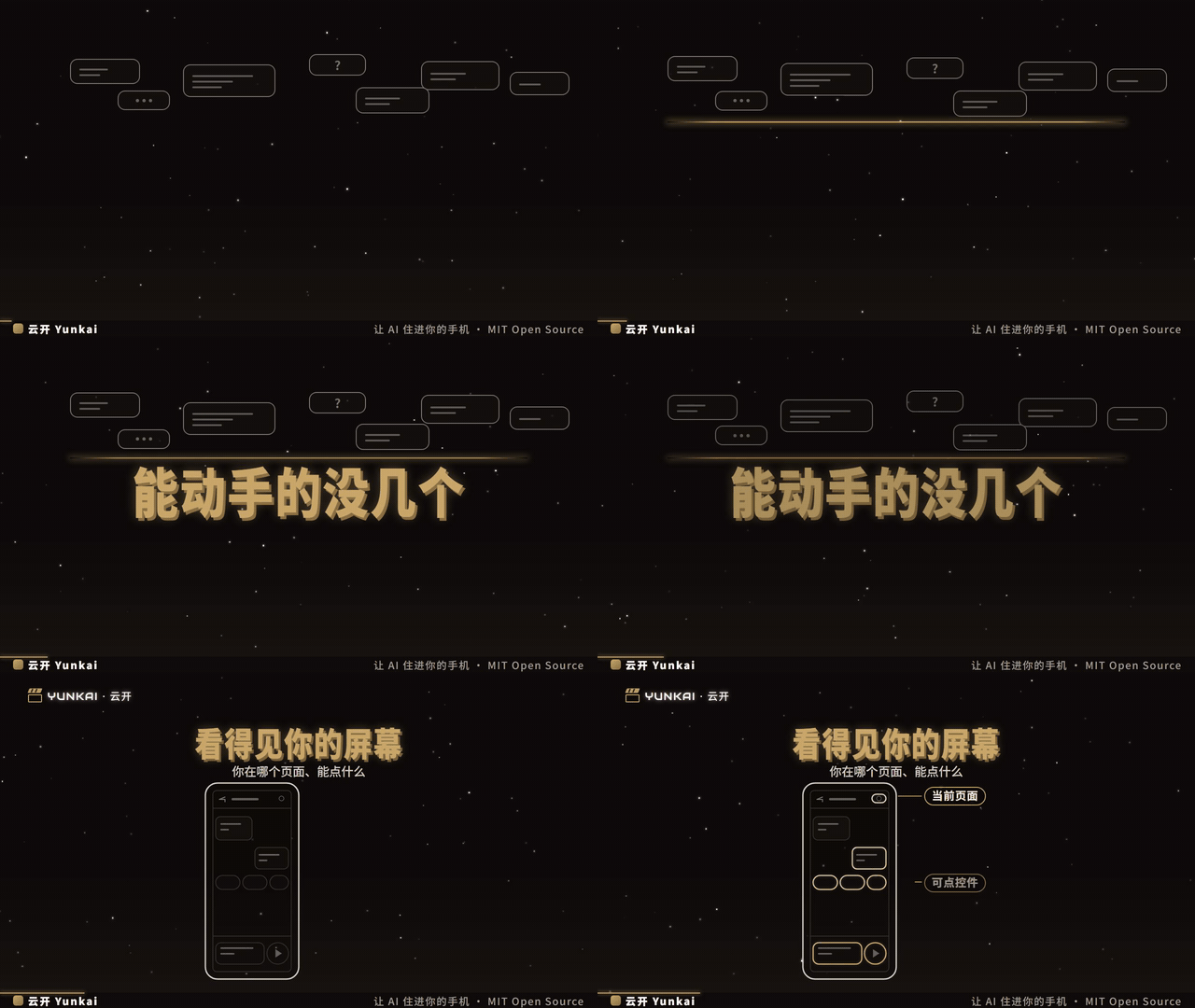 ## Screenshots | Main chat | Write-action approval card | |---|---| | 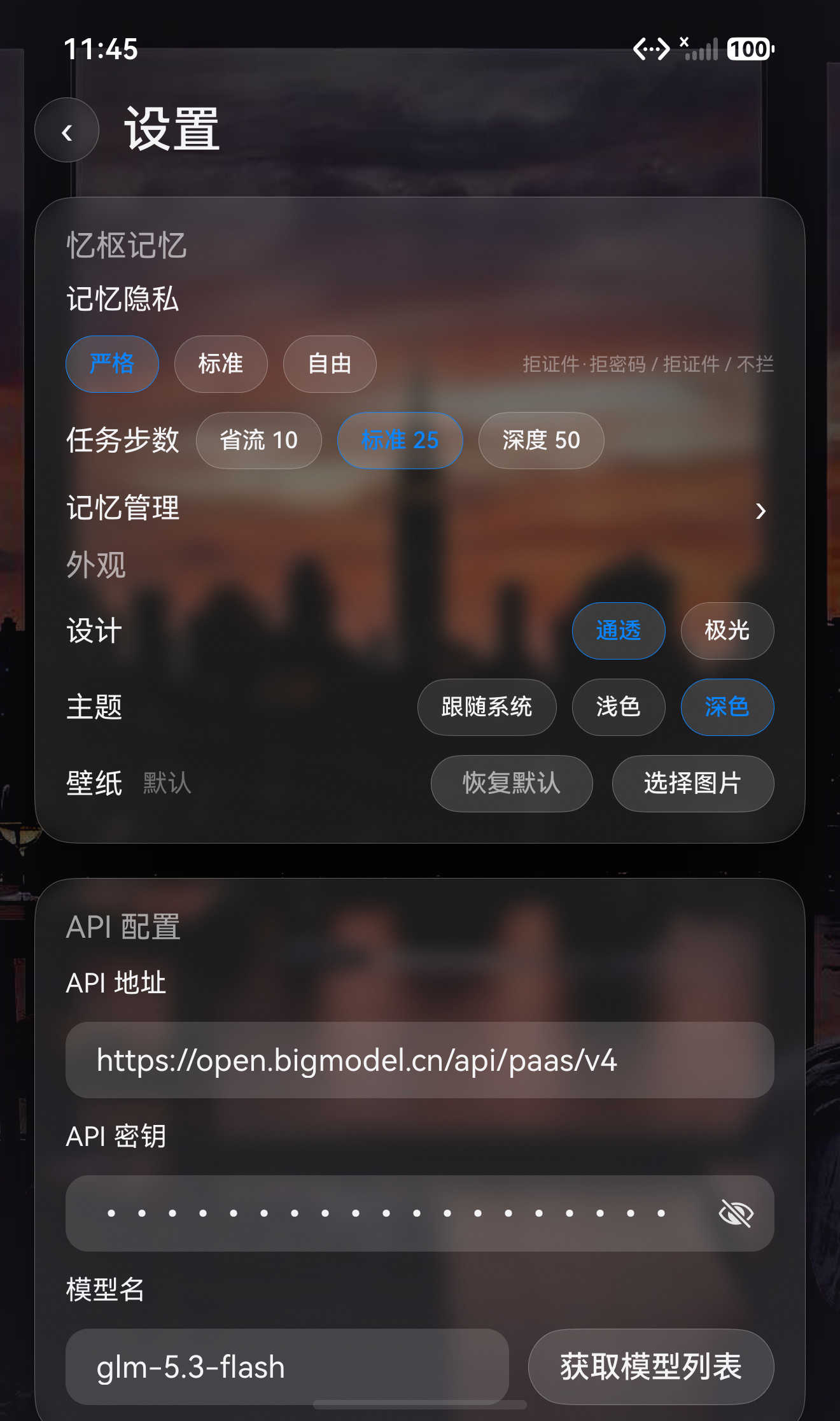 | 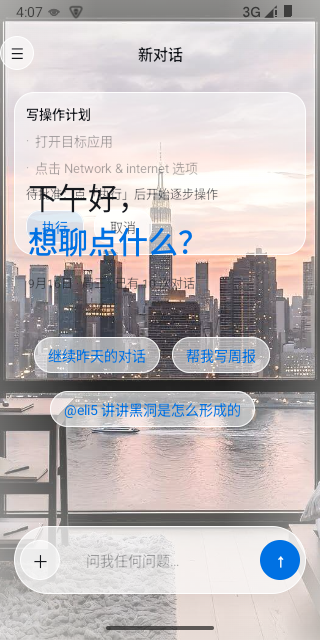 | | Floating-ball chat panel | Blocked-apps manager | |---|---| | 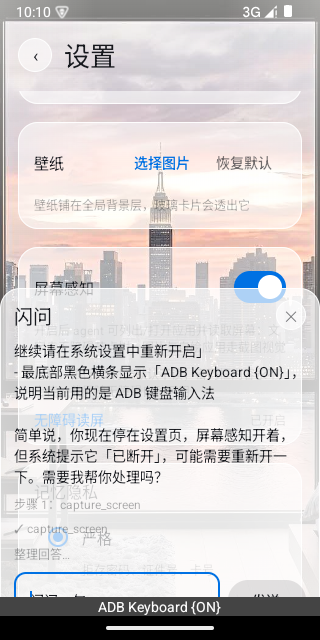 | 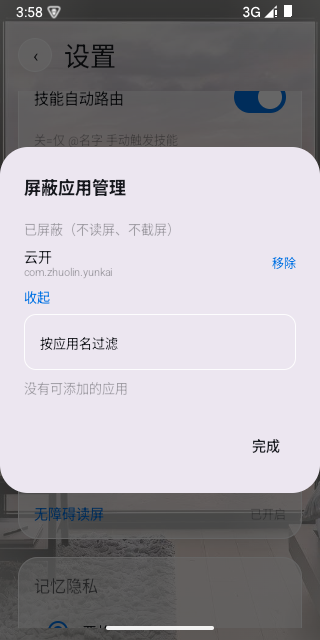 | ## What can it do for you? | Scenario | What Yunkai does | |----------|------------------| | Ask something while inside any app | Tap the floating ball and chat in a half-screen panel without leaving the app | | "Send this message to Zhang" | Yunkai lists the exact steps it plans to perform; each step runs only after you approve it | | Stop repeating yourself | It remembers your preferences and key facts, and brings them into new conversations automatically | | Drowning in documents | Hand it docx / PDF / xlsx / txt / images and just ask about the content | | Make AI an expert in your field | Import your own "skill" playbooks, or use the built-in explainer and advisor skills | ## Features | Capability | Android | HarmonyOS NEXT | |------|:---:|:---:| | Agent loop (multi-step tool calling / cancel / streaming) | ✅ | ✅ | | Screen perception: accessibility tree → structured UI list | ✅ | ✅ | | Write actions: plan card preview → per-step approval → gesture execution | ✅ | ✅ | | Three-layer safety: sensitive-page guard / per-step echo / outbound confirmation | ✅ | ✅ | | Privacy blacklist (banking / payment apps denied from screen reading by default) | ✅ | ✅ | | Floating ball + half/full-screen chat panel (3 opacity levels) | ✅ | ✅ | | Quick-settings tile entry | ✅ | ✅ | | Yishu memory engine (summarization / retrieval / privacy levels) | ✅ | ✅ | | Skill system (@skill / auto routing / explainer canvas, two built-ins) | ✅ | ✅ | | Document Q&A (images / txt / docx / xlsx / PDF) | ✅ | ✅ | | Three theme levels + two skins | ✅ | ✅ | ## Engineering Highlights - **Dual native implementations** — the same agent capabilities are implemented natively twice: Kotlin 2.0 / Compose on Android and ArkTS on HarmonyOS NEXT. Consistent capabilities and interactions, no cross-platform shell. - **Screen-perception safety model** — the model can never "directly operate the phone": it can only propose an action plan (tap / swipe / input / back), which the user approves step by step in a plan card, with live feedback during execution. - **Yishu memory engine** — on-device BM25 retrieval + conversation summarization + three privacy levels; at the strictest level, sensitive values you speak are never stored into searchable records. - **Prompt-injection defense** — all external content returned by tools (web pages / search results / documents) is uniformly marked as untrusted data; instruction-like text inside it is never executed, breaking "hidden instructions in web pages manipulate the assistant" attack chains. - **Dependency-free document parsing** — docx / xlsx extracted via a self-built zip + XML parser, PDF read locally; document content never leaves the device. - **Testable end to end** — 200+ Android JVM unit tests, 81 HarmonyOS test cases, plus AI-driven end-to-end acceptance paths on emulators. ## Architecture ```mermaid flowchart LR UI["UI Layer\nMain chat / floating panel / plan card / settings"] --> VM["ChatViewModel\nShared brain"] VM --> Loop["AgentLoop\nMulti-step tool calling / cancel / events"] Loop --> Tools subgraph Tools [Tool Layer] Builtin["Built-in tools\nSearch / web / document extraction"] Screen["Screen perception\nUI tree / screenshot / app list"] Write["Write-action state machine\nplan card → approval → execution"] Memory["Yishu memory\nsummarize / retrieve / archive"] Skill["Skill system\n@skill / routing / canvas"] end Loop --> LLM["LlmClient\nOpenAI-compatible / streaming"] Tools --> Store[("Local storage\nRoom (Android)\nRDB + Preferences (HarmonyOS)")] Memory --> Store ``` - **Android**: Kotlin 2.0 / Compose / Room / DataStore / AccessibilityService (`takeScreenshot` requires API 30+, hence minSdk 30) - **HarmonyOS**: ArkTS / API 26 / RDB / Preferences / accessibility extension (separate process) ## Safety & Privacy Yunkai's design principle: "**look but don't touch, unless approved step by step**". Seven lines of defense: 1. **Plan cards**: write actions can only be submitted as a "plan", shown step by step in an in-chat card; execution starts only after you tap Run; 2. **Sensitive guard**: when on-screen text hits sensitive keywords (payments / transfers / verification codes), the agent pauses and write actions stop; 3. **Outbound confirmation**: actions involving typed text go through a separate double confirmation; 4. **Blacklist by default**: banking / payment apps are denied from screen reading out of the box; users can add more; 5. **Privacy levels**: screen and conversation content are redacted according to the chosen level; at the strictest level transcripts are not stored; 6. **Injection defense**: external content is always treated as data, never as instructions (see Engineering Highlights); 7. **Document guard**: parsing enforces size limits and content truncation to prevent resource exhaustion. ## Build & Run Model access on both platforms is via the **OpenAI-compatible protocol**: bring your own base URL and API key, stored on-device only. ### Android ```bash cd yunkai-android # Open in Android Studio, or from the command line: ./gradlew assembleDebug # output at app/build/outputs/apk/ ./gradlew testDebugUnitTest # JVM unit tests ``` minSdk 30 (accessibility screenshots require API 30+). Verified on real MIUI devices. ### HarmonyOS NEXT ```bash cd yunkai-harmony # Open in DevEco Studio (API 26), or from the command line: hvigorw --mode module -p product=default assembleHap ``` First run: enter endpoint and API key in Settings → enable Screen Perception → grant the accessibility service in system settings. ## Testing | Layer | Content | |---|---| | Code review | checklist-based walkthrough before merging | | Unit tests | Android JVM **200+** cases / HarmonyOS **81** cases | | End-to-end | AI-driven full-path acceptance on emulators, executed via ADB / HDC + UI automation with screenshot evidence | Both platforms share the same Yishu test vectors (retrieval / migration / privacy gate), byte-for-byte identical. ## License [MIT](LICENSE)