**A comprehensive, high-performance real estate listing and team management portal powered by Django and Python.**
[](https://www.djangoproject.com/)
[](https://www.python.org/)
[](https://www.sqlite.org/)
[](https://www.postgresql.org/)
[](https://getbootstrap.com/)
[](LICENSE)
*Designed to manage agents, properties, team units, and clients with a custom-themed admin center and lightweight responsive frontend.*
[Features](#-features) • [Installation](#-installation) • [Configuration](#-configuration) • [Database Setup](#%EF%B8%8F-database-migrations) • [Architecture](#%EF%B8%8F-architecture-diagram) • [Visual Showcase](#%EF%B8%8F-adding-images)
---
## 📑 Table of Contents
- [🎯 Project Overview](#-project-overview)
- [✨ Features](#-features)
- [🚀 Installation](#-installation)
- [⚙️ Configuration](#-configuration)
- [🗄️ Database Migrations](#%EF%B8%8F-database-migrations)
- [▶️ Running the Project](#%EF%B8%8F-running-the-project)
- [📦 Static & Media Files](#-static--media-files)
- [👨💼 Admin Panel](#-admin-panel)
- [🧪 Testing](#-testing)
- [🖼️ Visual Showcase](#%EF%B8%8F-adding-images)
- [🏗️ System Architecture](#%EF%B8%8F-architecture-diagram)
- [🤝 Contributing](#-contributing)
- [📄 License](#-license)
---
## 🎯 Project Overview
**hometri.com** is a scalable, Django-based real estate hub designed for modern agencies, housing networks, and property managers. By dividing core features into dedicated modular sub-apps (agents, team, users, and hometri core), it maintains a highly decoupled code structure. It offers rich CRUD capabilities for listing properties, maintaining team directories, hosting interactive search bars, and serving customized dashboard controls for internal admins.
> **Built for**: Real estate agencies, property management companies, and housing platforms
>
> **Tech Stack**: Django, Python, SQLite/PostgreSQL, Bootstrap
---
## ✨ Features
- 🧱 **Decoupled Architecture**: Features clean app modularity divided into `agents`, `team`, `users`, and `hometri`.
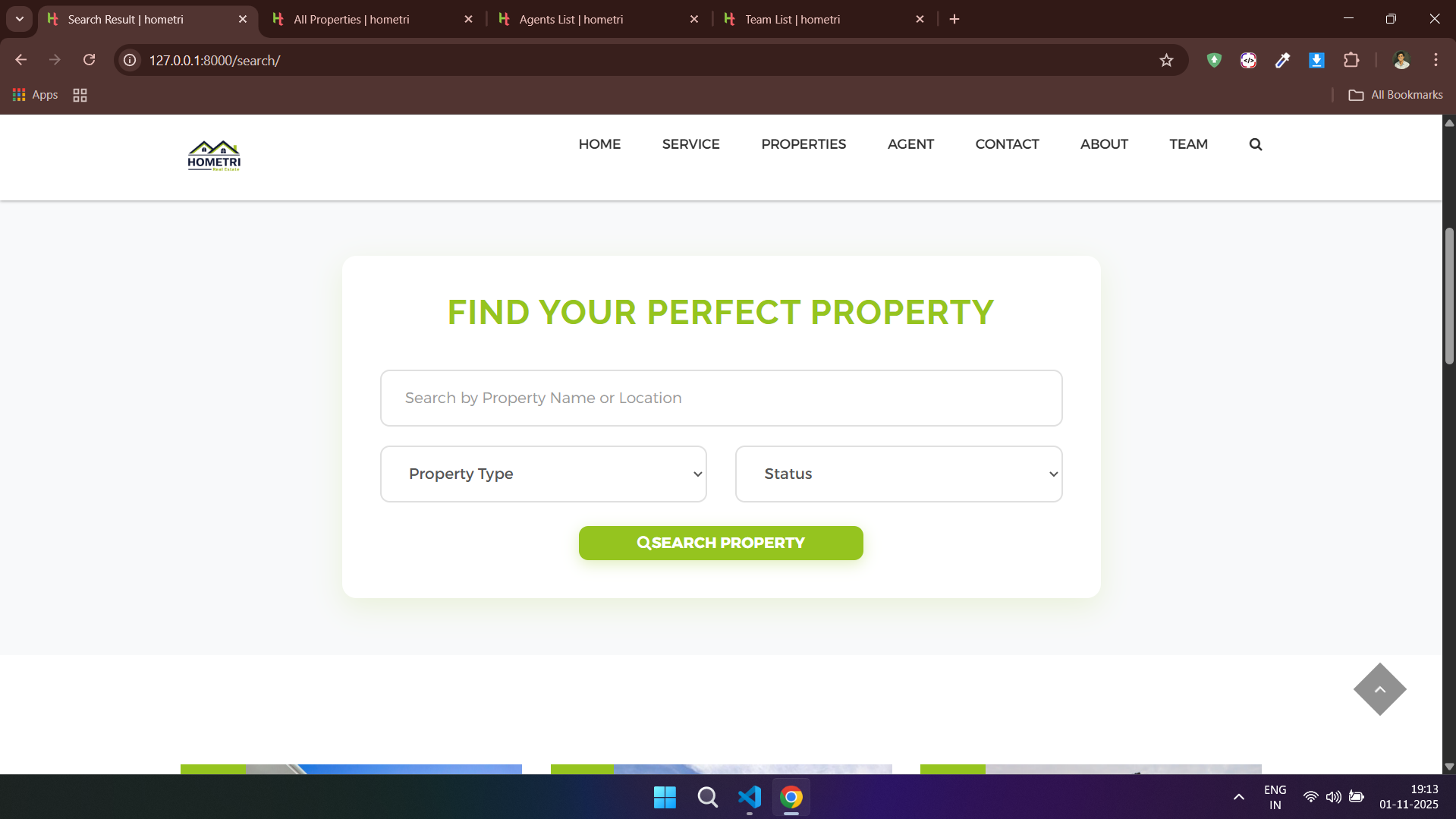
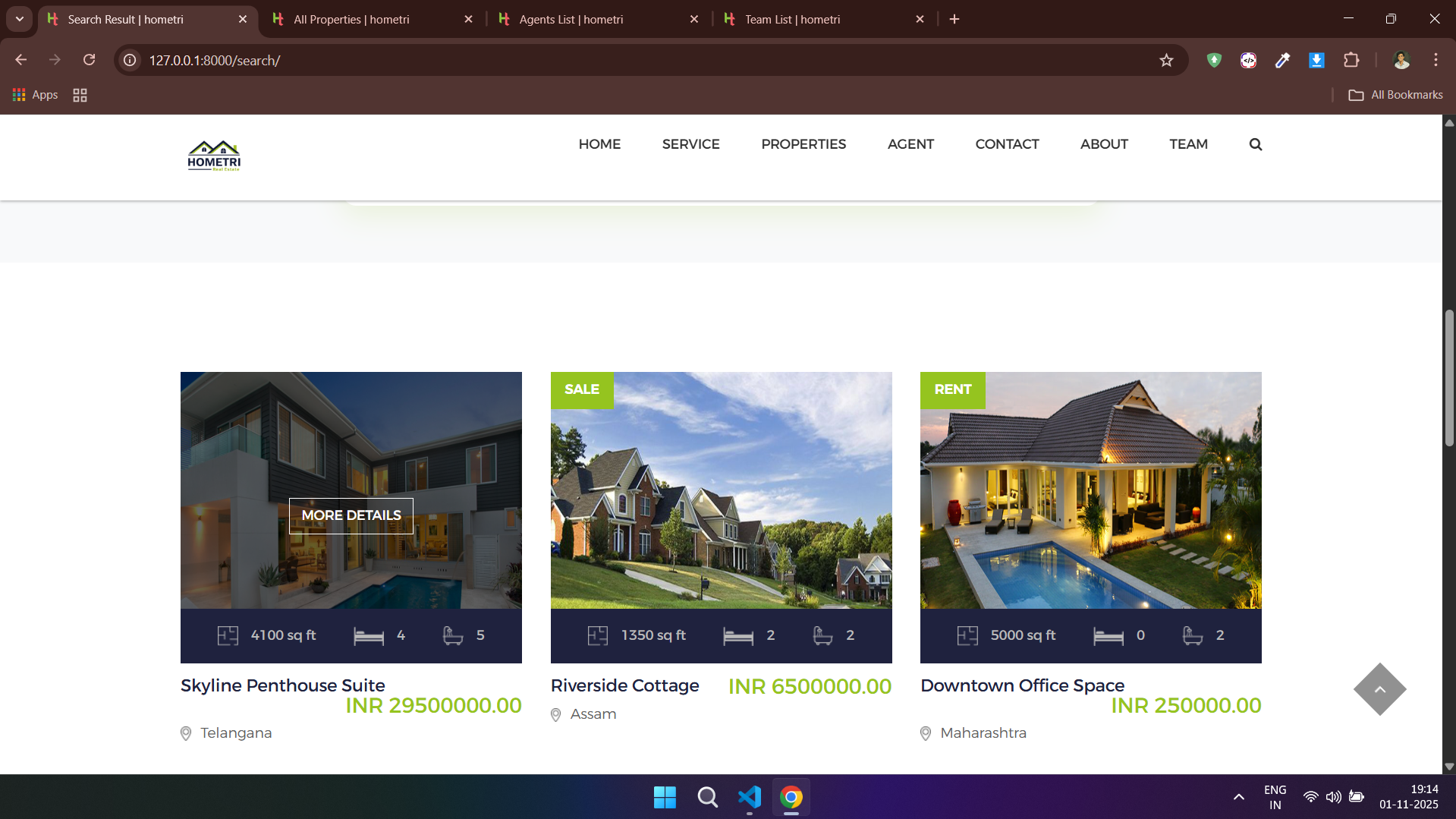
- 🔍 **Advanced Property Search**: Dynamic filtering for listings matching user preferences.
- 🎛️ **Bespoke Admin Workspace**: High-efficiency overrides and stylesheets located inside `hometri/templates/admin/`.
- 📁 **Production-Ready File Handlers**: Auto-organized local static pipeline and media uploads for high-resolution property imagery.
- 🎨 **Mobile-First Client UI**: Modern, sleek frontend interfaces powered by responsive Bootstrap layouts.
- 🗄️ **Multi-DBMS Compatibility**: Support for SQLite out of the box with drop-in configs for PostgreSQL production setups.
---
## 🚀 Installation
### Prerequisites
- Python 3.8 or higher
- pip (Python package manager)
- Virtual environment (recommended)
- PostgreSQL (optional, for production)
### Step-by-Step Setup
**1️⃣ Clone the repository:**
```bash
git clone https://github.com/spyberpolymath/hometri.com.git
cd hometri.com
```
**2️⃣ Create and activate a virtual environment:**
```bash
# Windows
python -m venv venv
venv\Scripts\activate
# Linux/Mac
python -m venv venv
source venv/bin/activate
```
**3️⃣ Install dependencies:**
```bash
pip install -r requirements.txt
```
> [!TIP]
> Always verify that your virtual environment is actively running in your shell before initiating `pip install` to prevent system-wide package pollution.
---
## ⚙️ Configuration
### Settings Configuration
Main settings are located in `server/settings.py`. Key configurations to update:
#### SQLite Configuration (Default - Development)
```python
# Database Configuration
DATABASES = {
'default': {
'ENGINE': 'django.db.backends.sqlite3',
'NAME': BASE_DIR / 'db.sqlite3',
}
}
```
#### PostgreSQL Configuration (Recommended - Production)
```python
# Database Configuration
DATABASES = {
'default': {
'ENGINE': 'django.db.backends.postgresql',
'NAME': 'hometri_db',
'USER': 'your_db_user',
'PASSWORD': 'your_db_password',
'HOST': 'localhost',
'PORT': '5432',
}
}
```
#### Other Key Settings
```python
# Allowed Hosts
ALLOWED_HOSTS = ['localhost', '127.0.0.1']
# Static Files
STATIC_ROOT = BASE_DIR / 'staticfiles'
STATIC_URL = '/static/'
# Media Files
MEDIA_ROOT = BASE_DIR / 'media'
MEDIA_URL = '/media/'
```
### Environment Variables
For production setups, secure credentials by keeping them in a `.env` file:
```bash
# Create a .env file
SECRET_KEY=your-secret-key-here
DEBUG=False
DATABASE_URL=postgresql://user:password@localhost:5432/hometri_db
ALLOWED_HOSTS=yourdomain.com,www.yourdomain.com
```
> [!CAUTION]
> Never commit your environment configuration (`.env`) or any live secret keys into public source control repositories.
### PostgreSQL Setup
**Install PostgreSQL:**
```bash
# Ubuntu/Debian
sudo apt-get install postgresql postgresql-contrib
# macOS (using Homebrew)
brew install postgresql
# Windows
# Download installer from postgresql.org
```
**Create Database:**
```bash
# Access PostgreSQL
sudo -u postgres psql
# Create database and user
CREATE DATABASE hometri_db;
CREATE USER your_db_user WITH PASSWORD 'your_db_password';
GRANT ALL PRIVILEGES ON DATABASE hometri_db TO your_db_user;
\q
```
**Install psycopg2:**
```bash
pip install psycopg2-binary
```
---
## 🗄️ Database Migrations
Generate schemas and push model modifications using standard migration commands:
```bash
# Create migration files
python manage.py makemigrations
# Apply migrations to database
python manage.py migrate
```
### Migration Tips
- Run migrations after every model change
- Check migration status: `python manage.py showmigrations`
- Rollback if needed: `python manage.py migrate `
---
## ▶️ Running the Project
Start the local web server:
```bash
python manage.py runserver
```
**🌐 Access your application:**
- Main site: [http://127.0.0.1:8000/](http://127.0.0.1:8000/)
- Admin panel: [http://127.0.0.1:8000/admin/](http://127.0.0.1:8000/admin/)
### Custom Port
```bash
python manage.py runserver 8080
```
---
## 📦 Static & Media Files
### Static Files Management
**Development:**
- Place static assets in `hometri/static/` or app-specific static folders.
- Django automatically serves them in DEBUG mode.
**Production:**
```bash
# Collect all static files
python manage.py collectstatic
```
Configuration in `settings.py`:
```python
STATIC_URL = '/static/'
STATIC_ROOT = BASE_DIR / 'staticfiles'
STATICFILES_DIRS = [BASE_DIR / 'static']
```
### Bootstrap Integration
Bootstrap is loaded inside the base page layout template:
```html
```
---
## 👨💼 Admin Panel
### Accessing the Admin Panel
**URL:** `/admin/`
### Create Superuser
```bash
python manage.py createsuperuser
```
---
## 🧪 Testing
### Run All Tests
```bash
python manage.py test
```
### Run Specific App Tests
```bash
python manage.py test agents
python manage.py test team
python manage.py test users
```
---
## 🖼️ Adding Images
### 📸 Project Demo Overview

*Project demo overview*
---
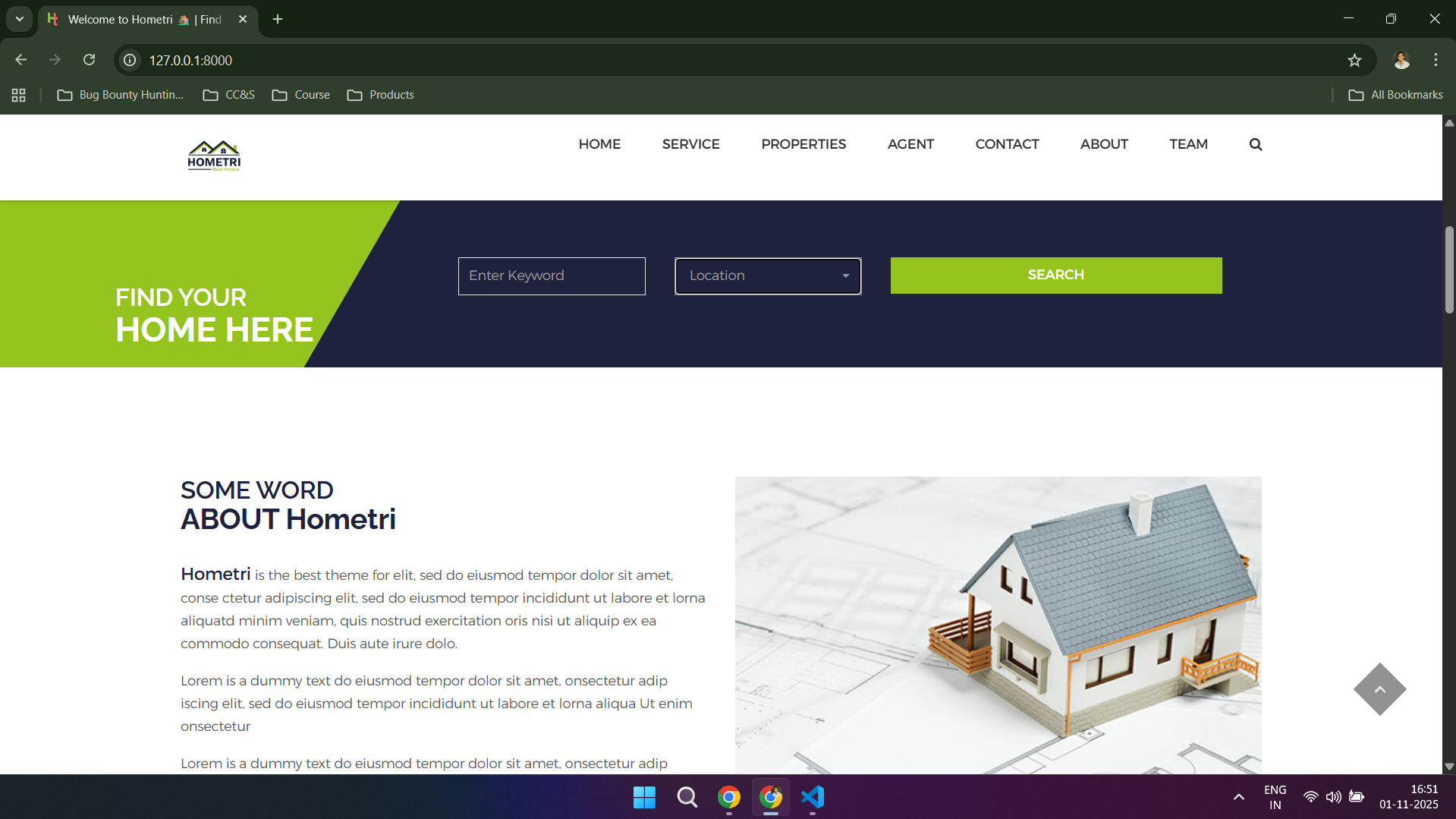
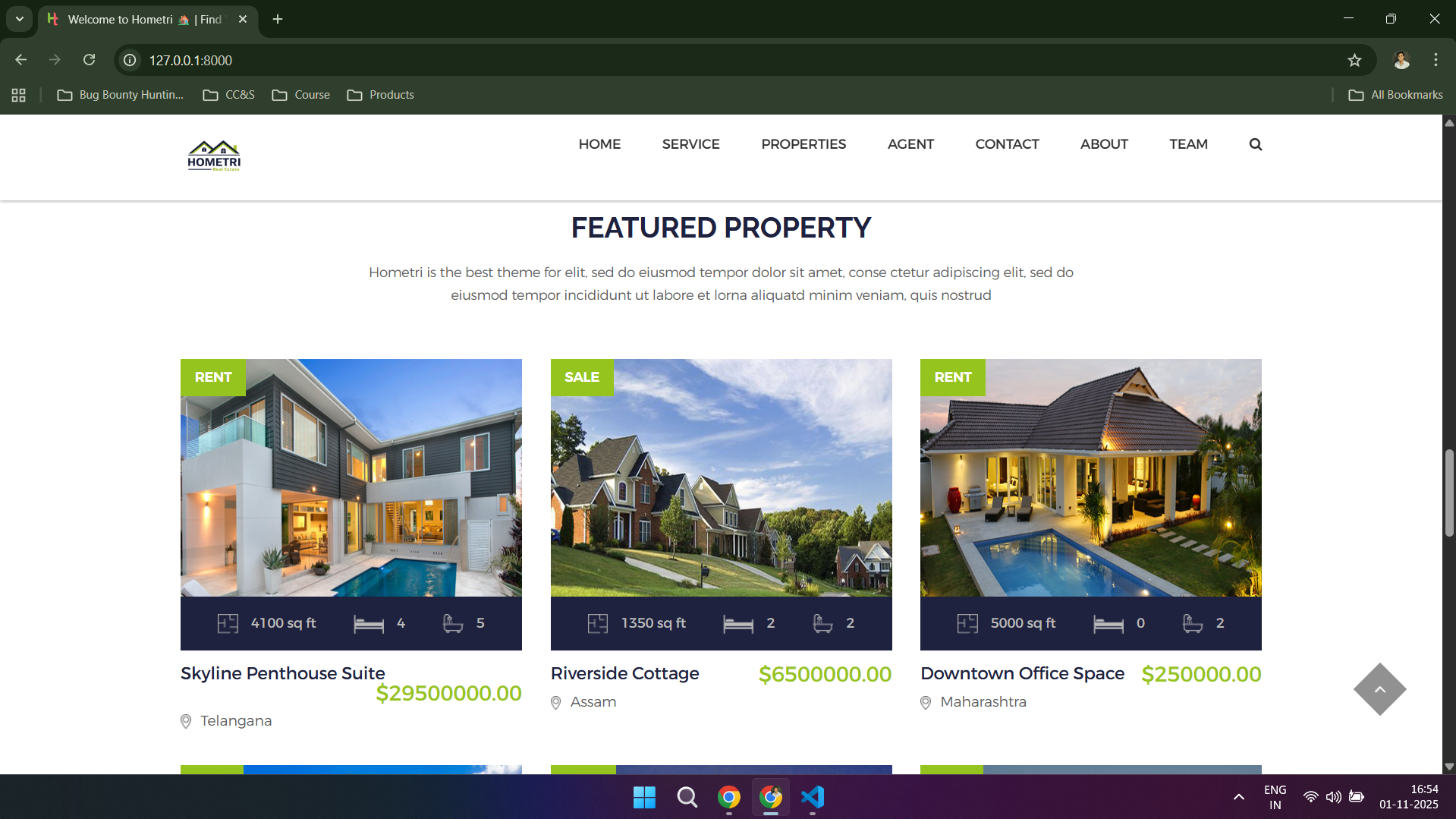
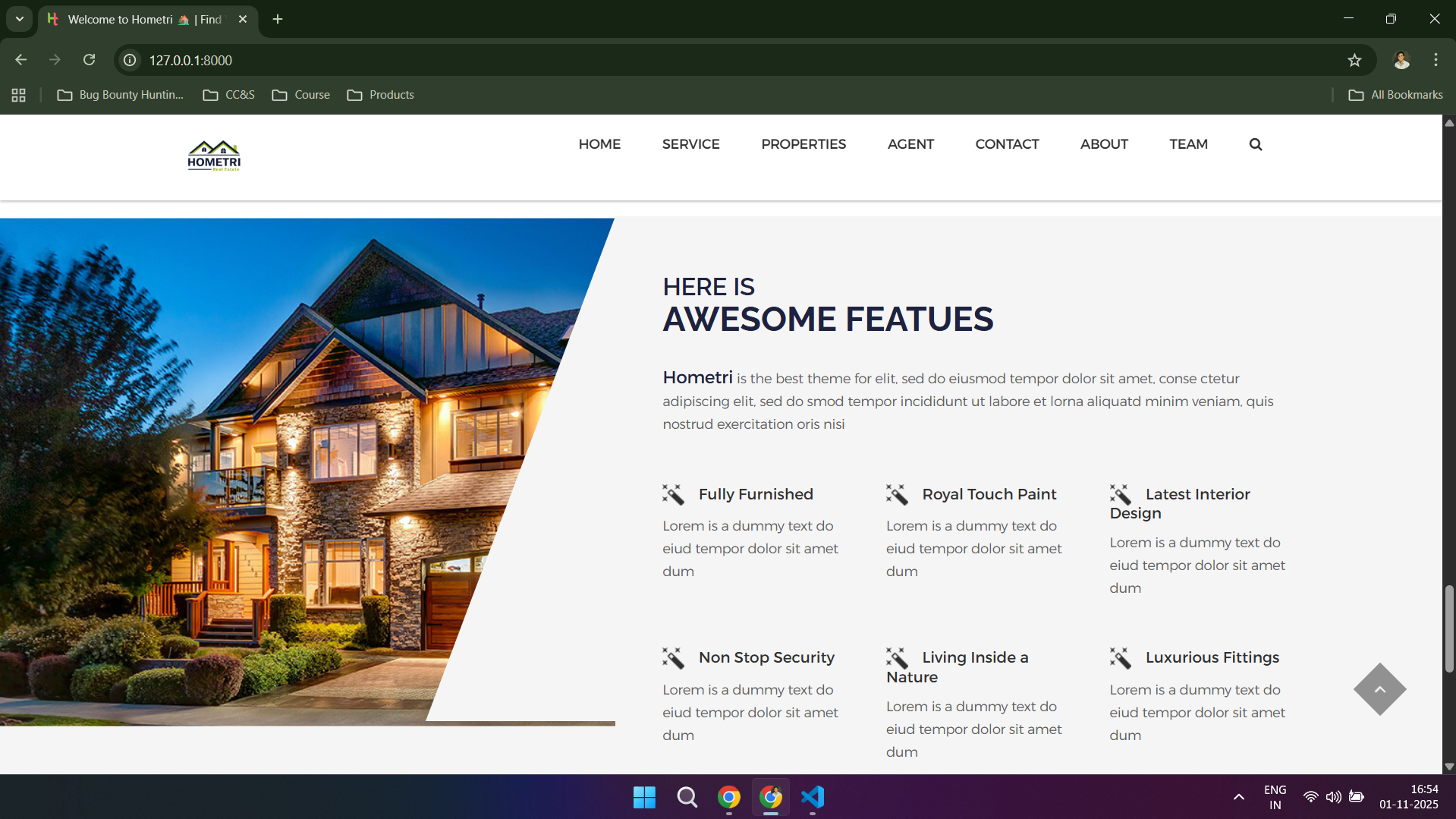
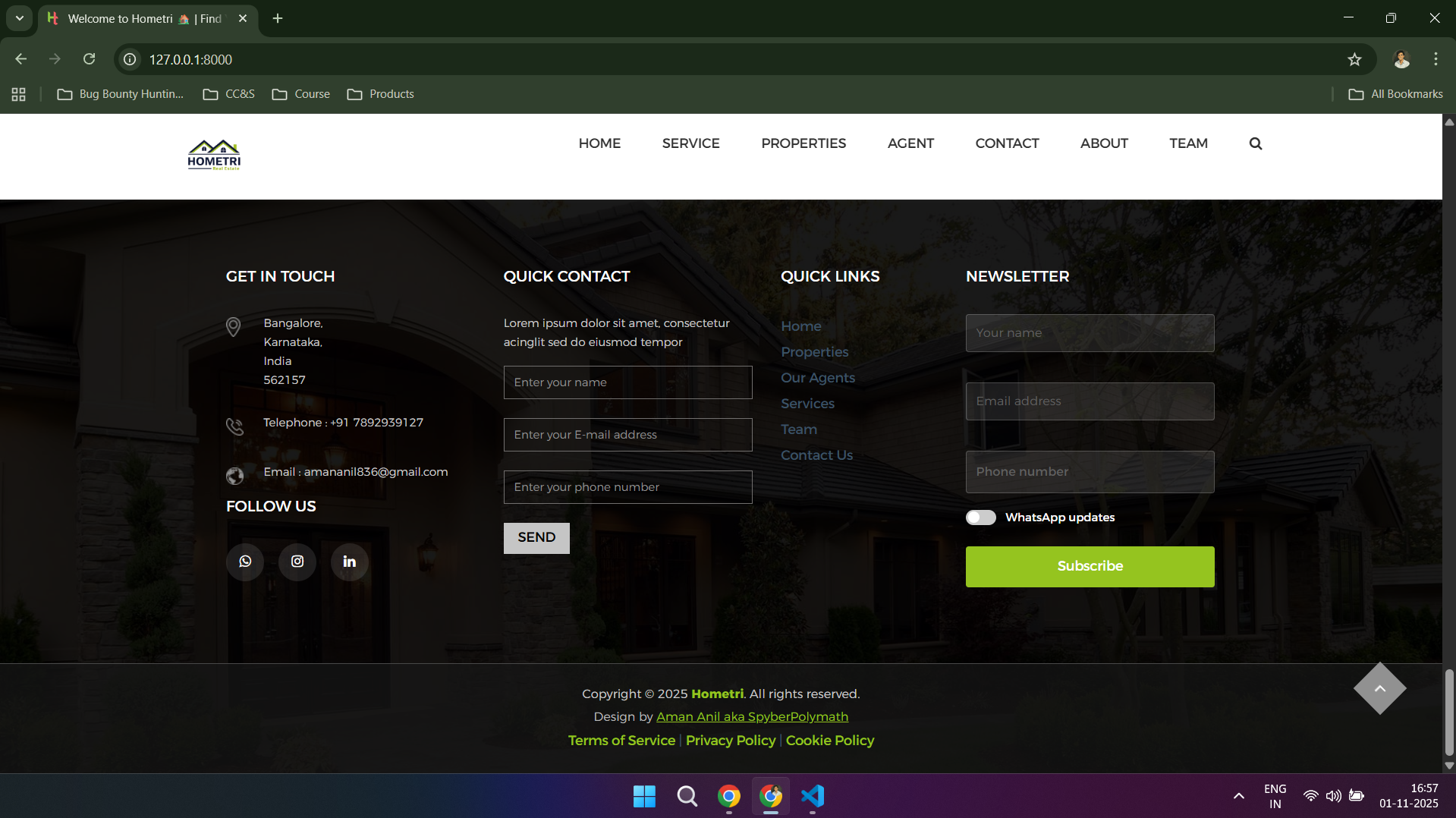
### 🏠 Home Page



---
### 📖 About Page



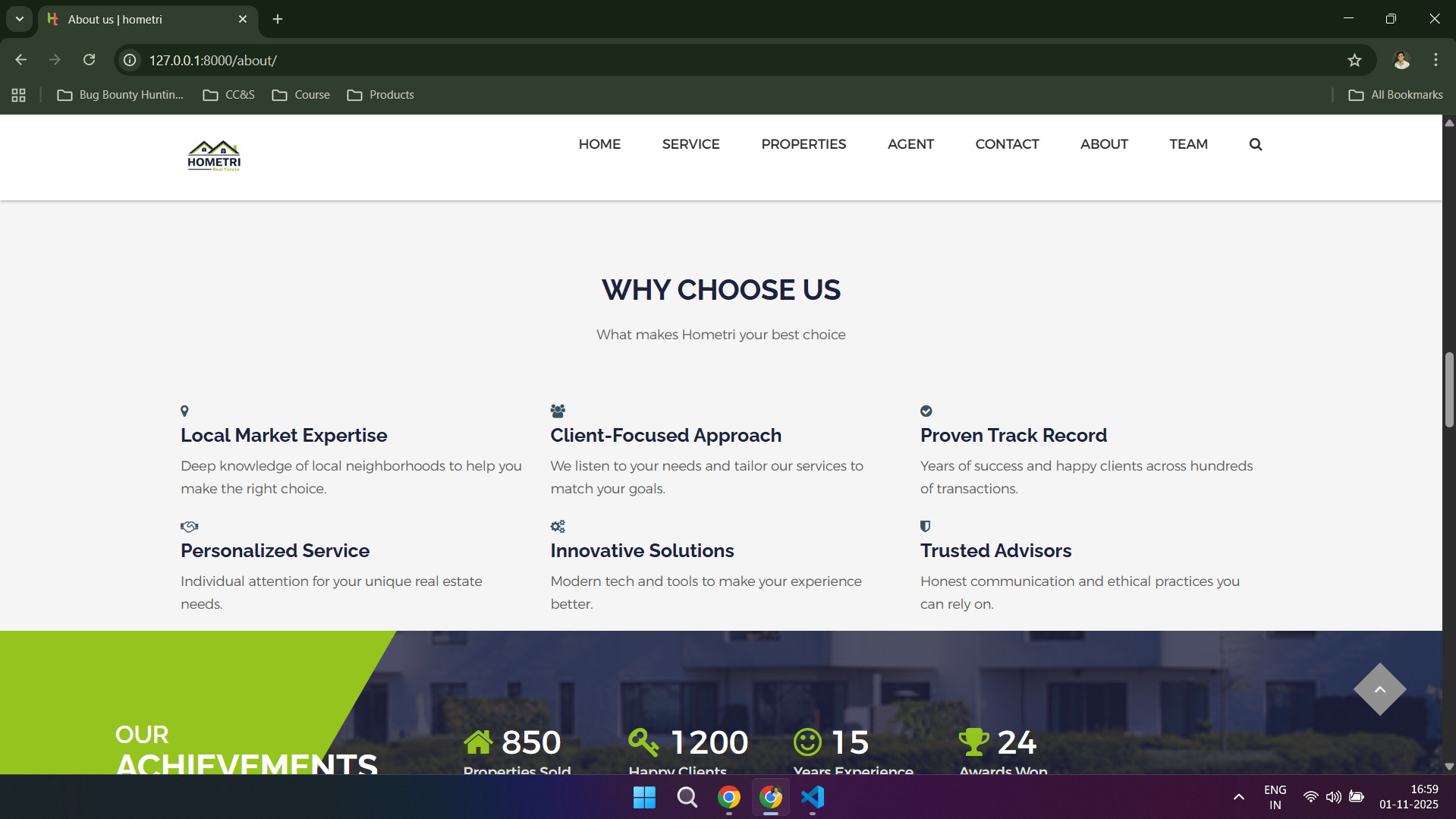


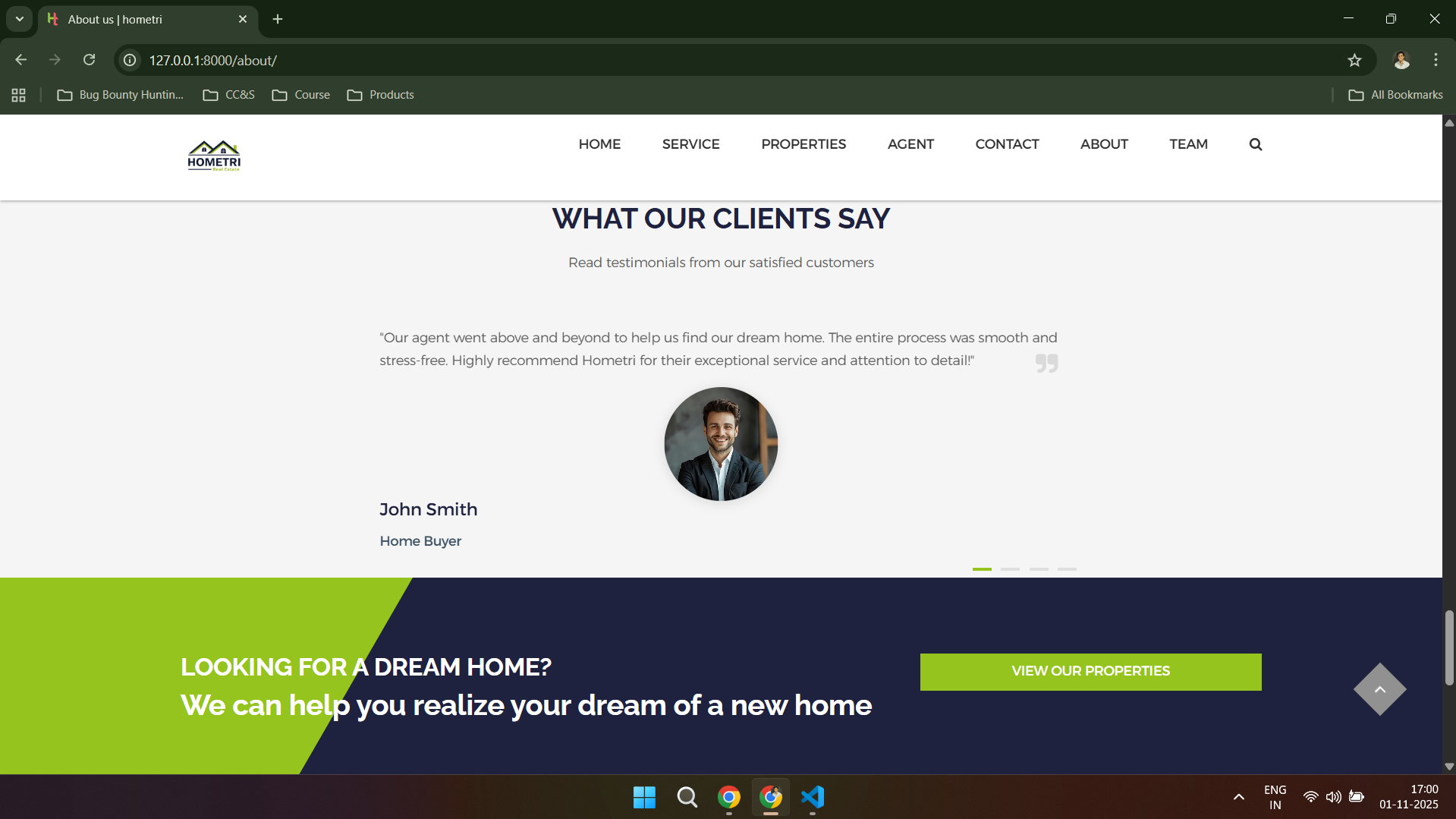
---
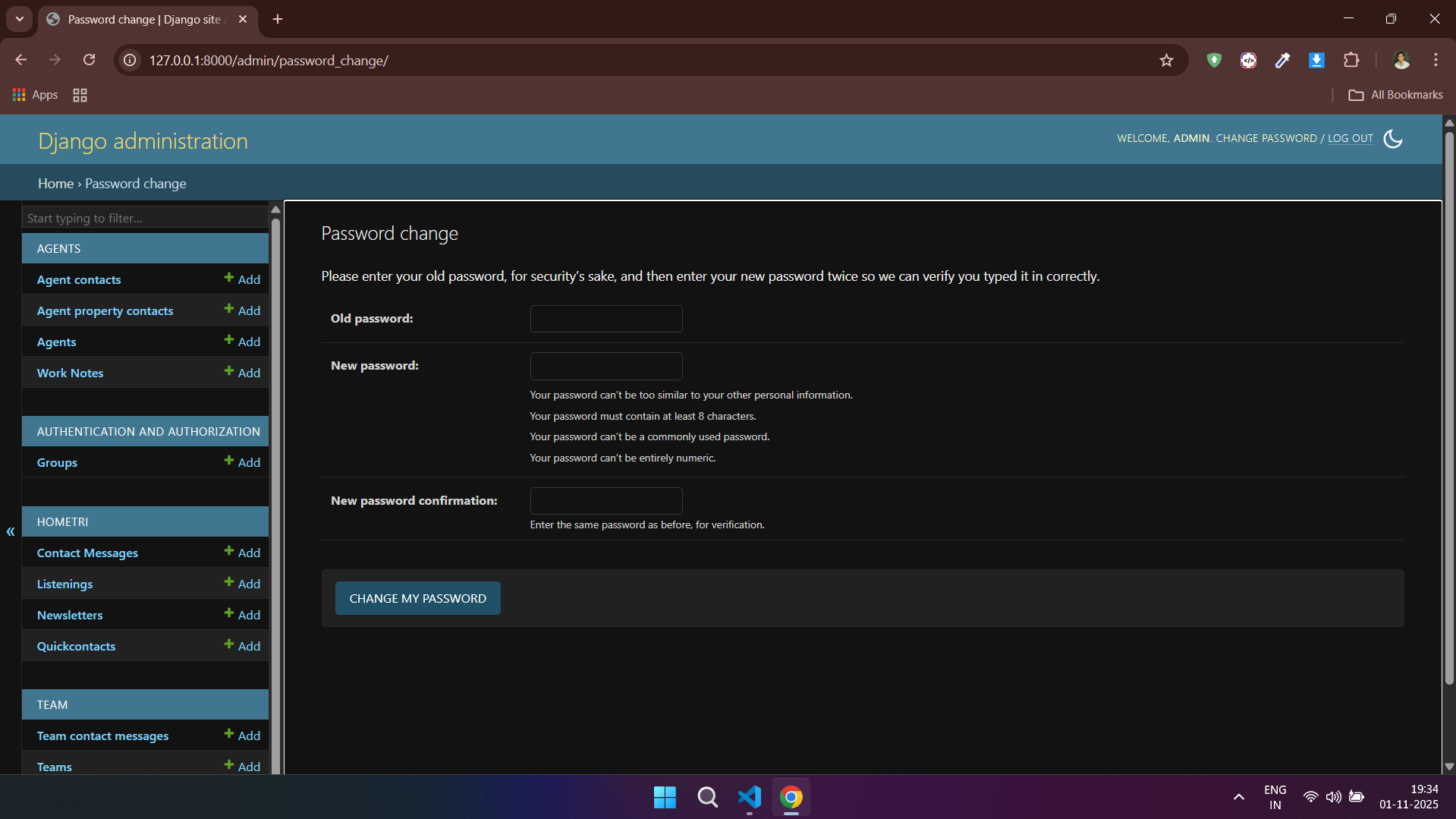
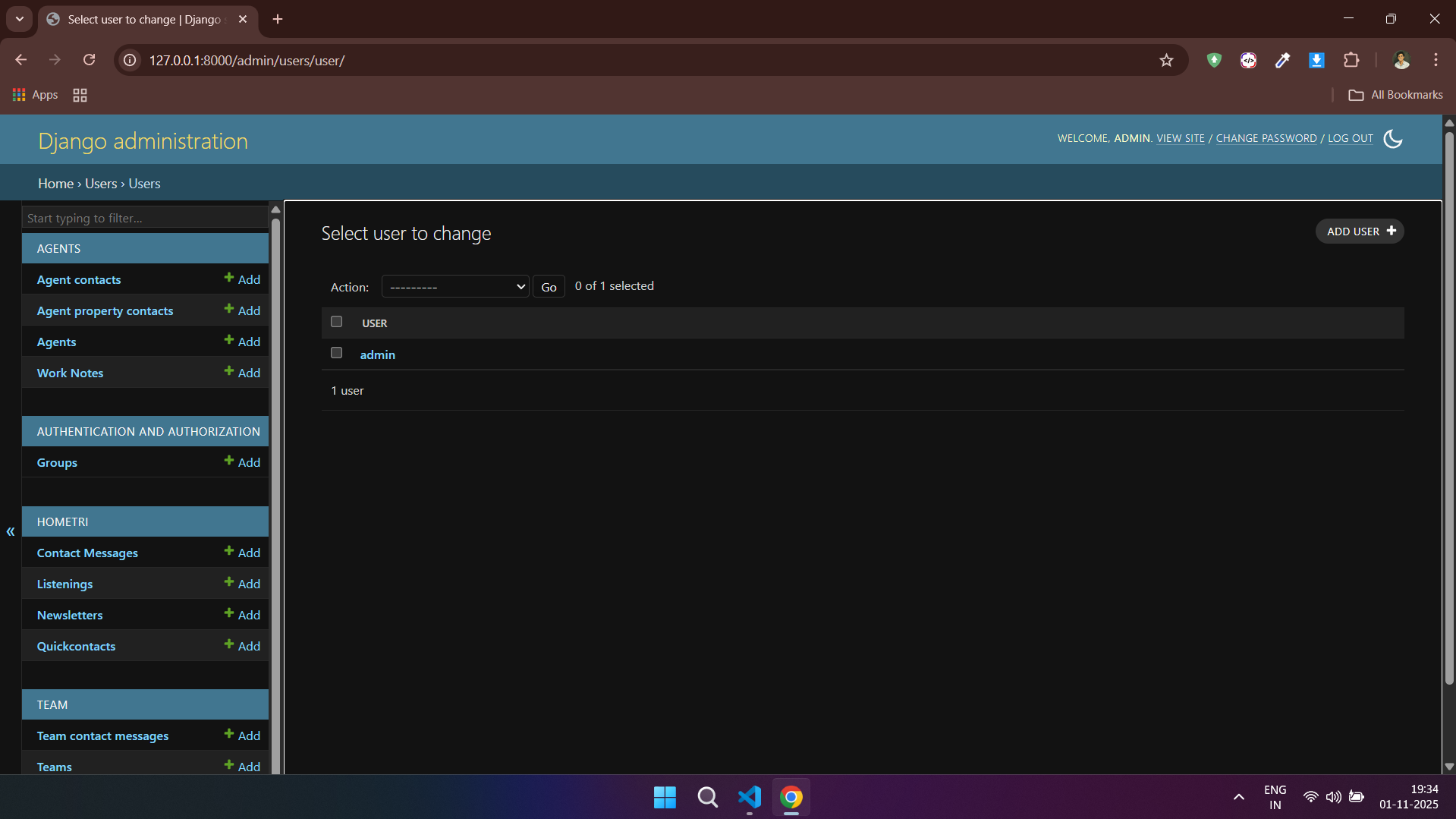
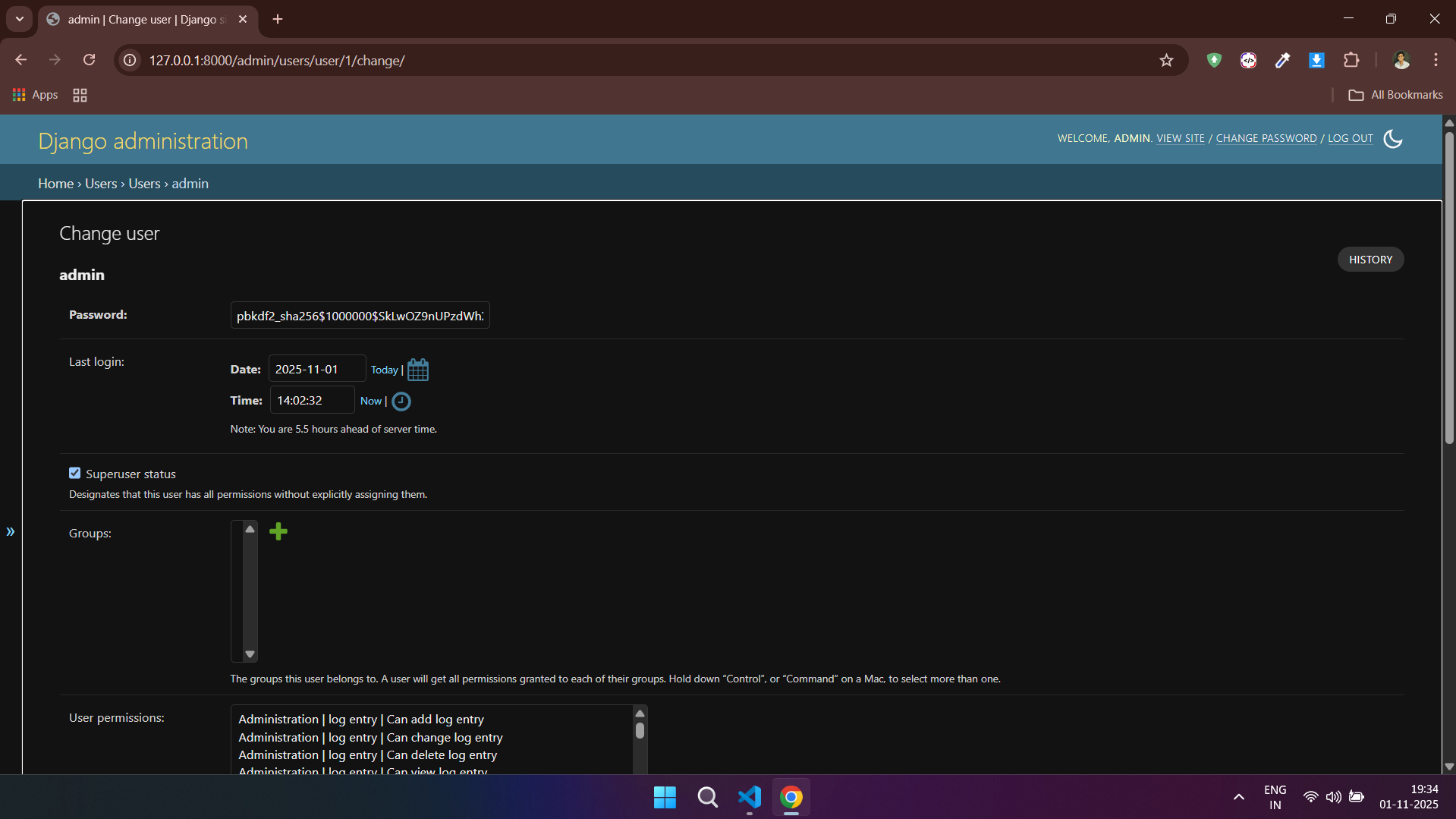
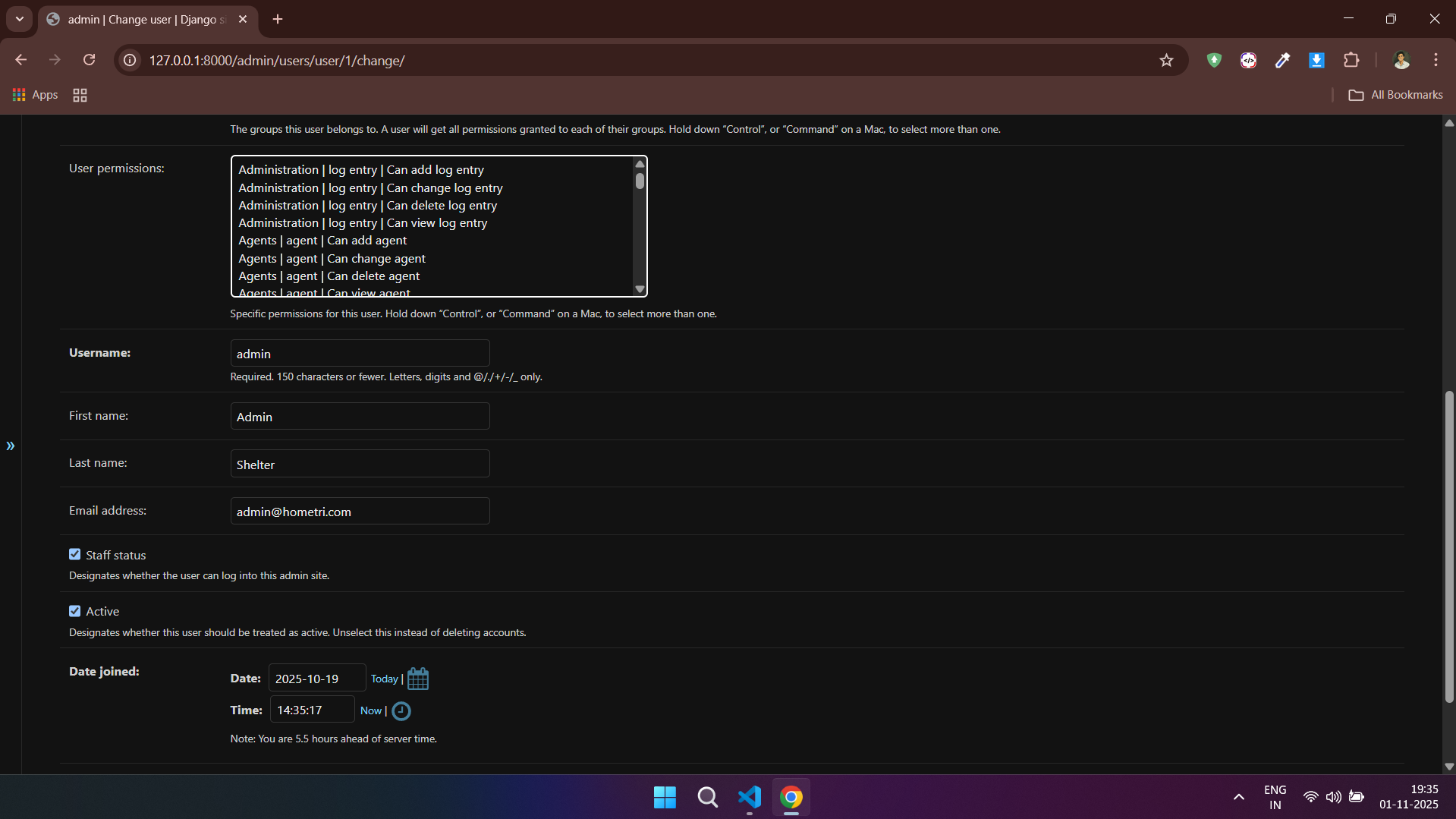
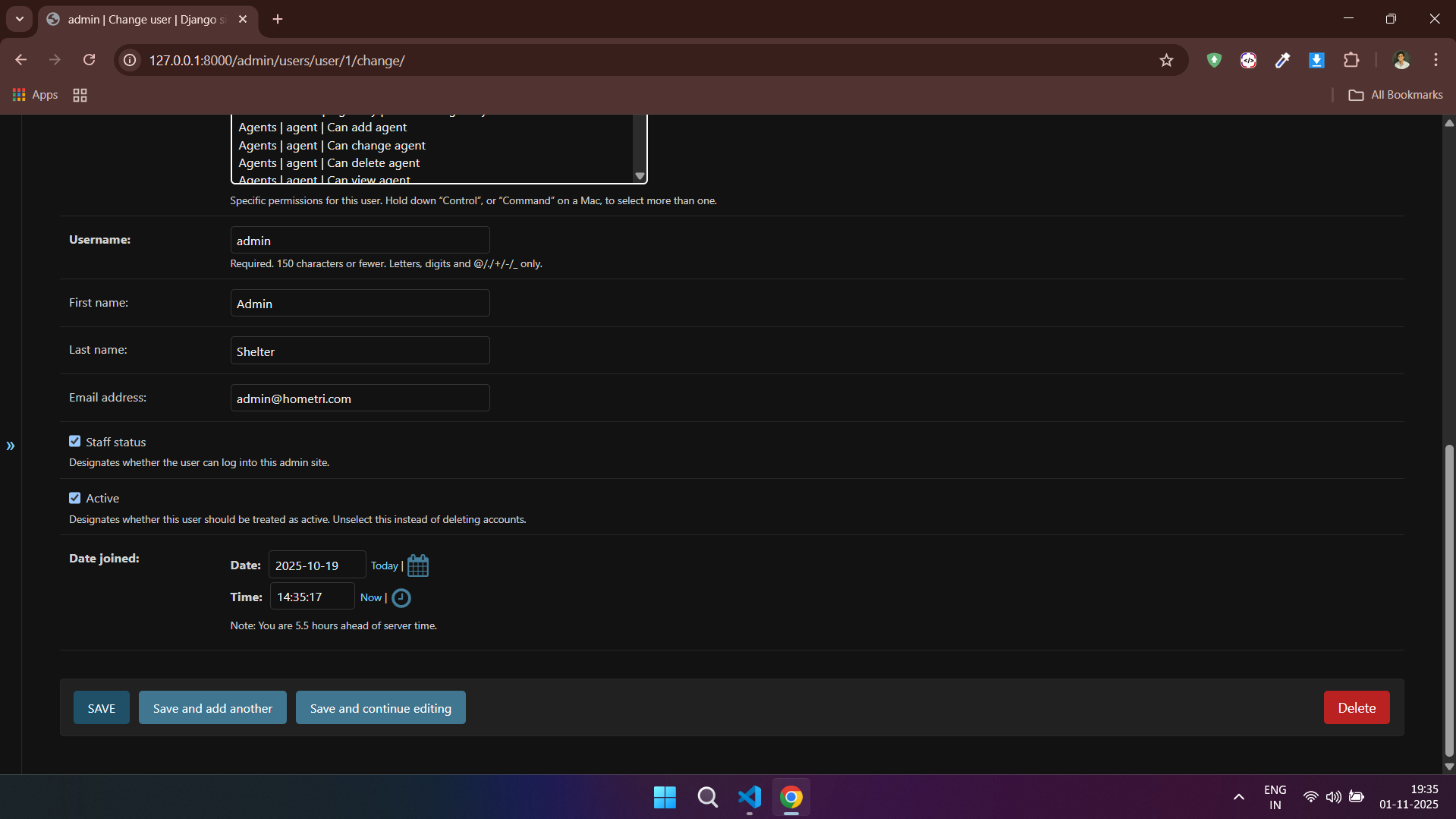
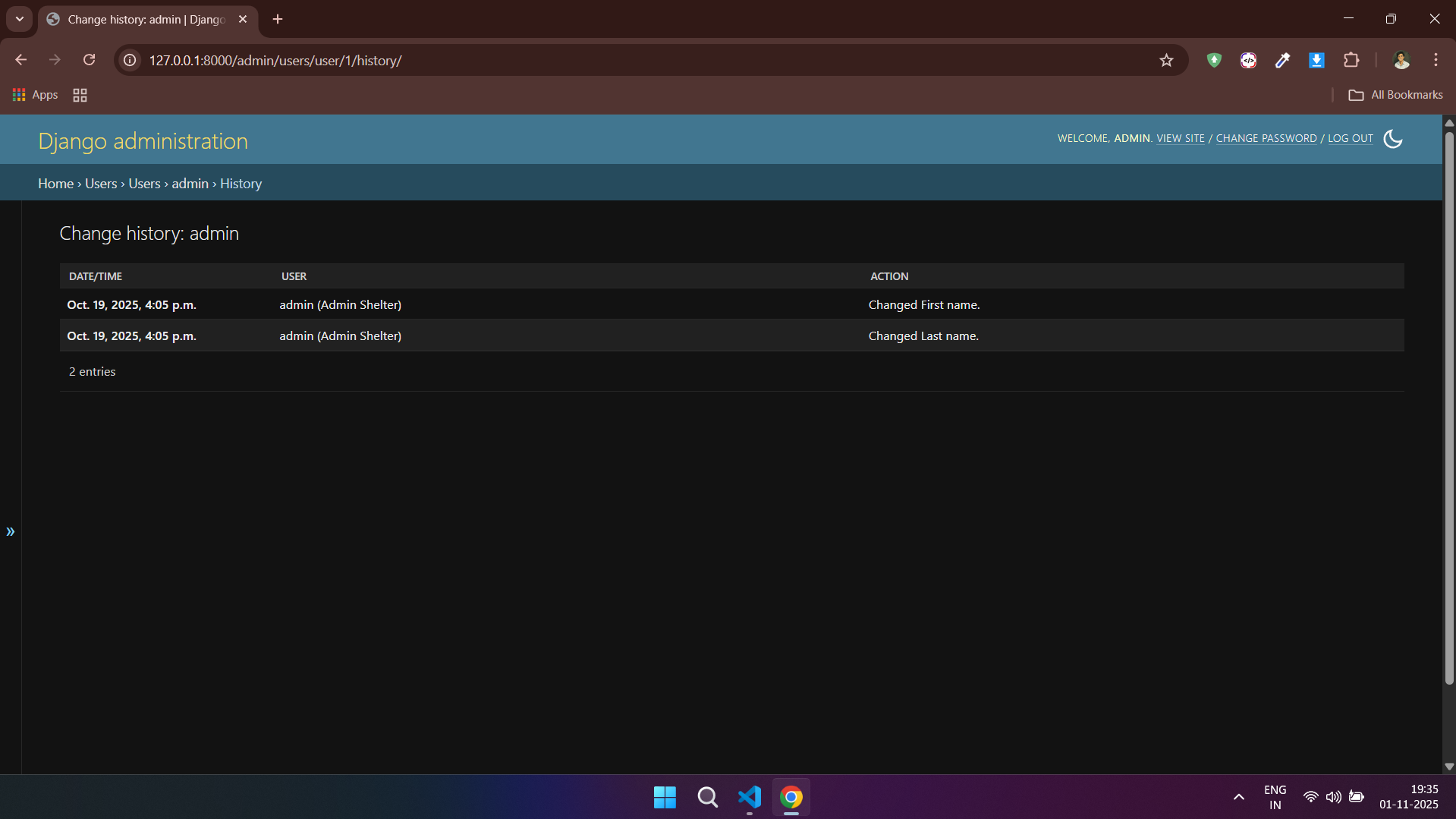
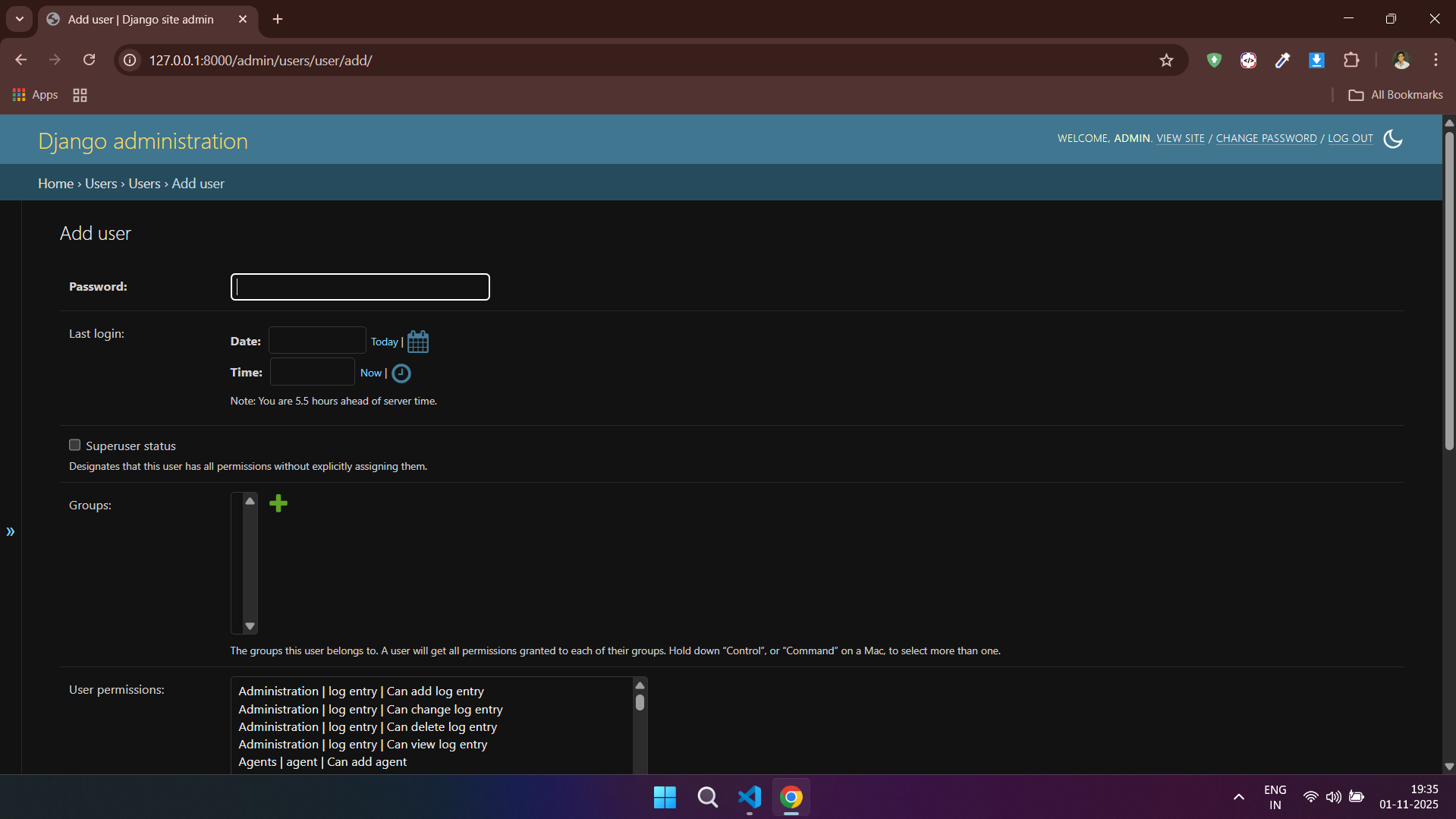
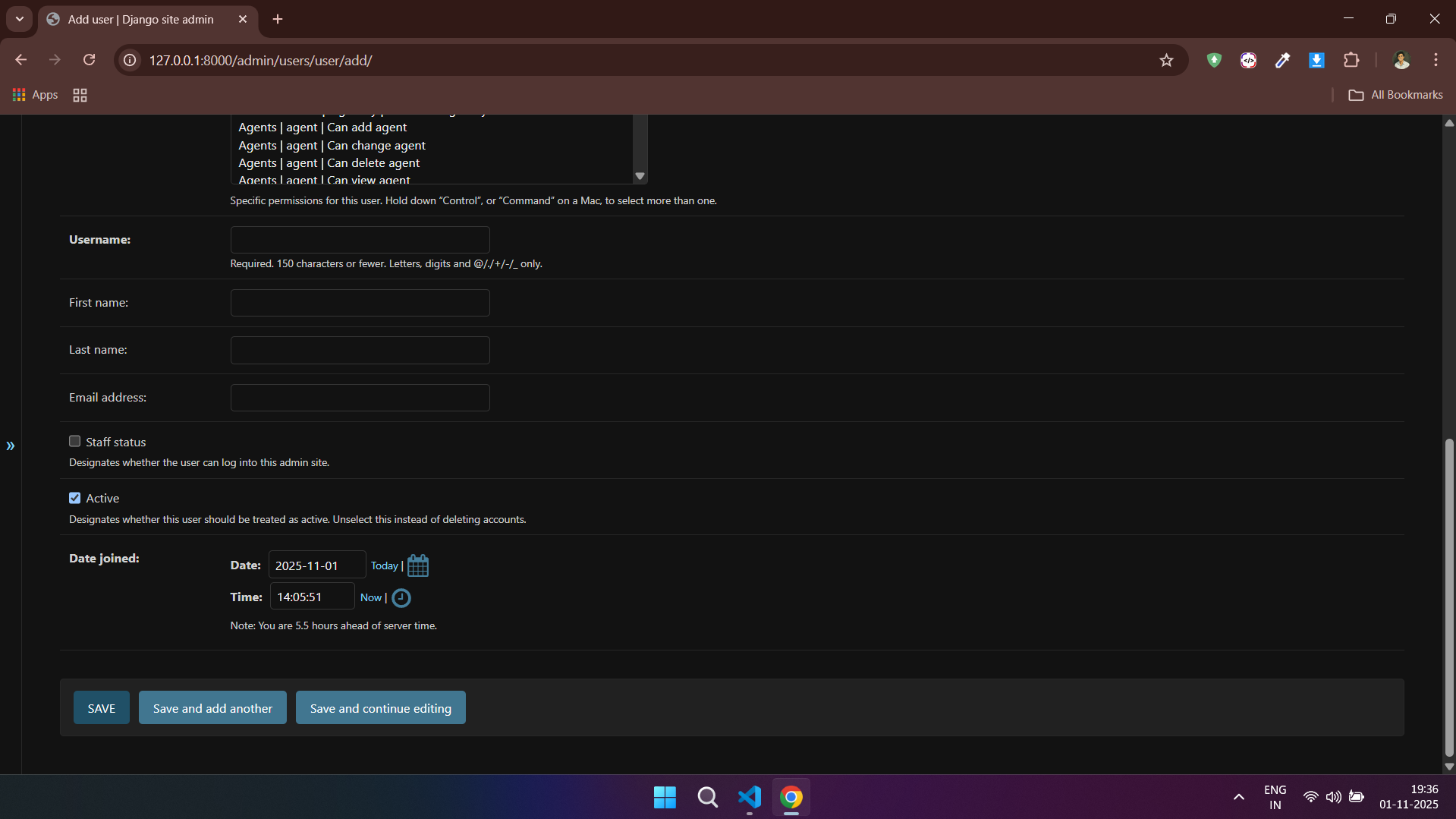
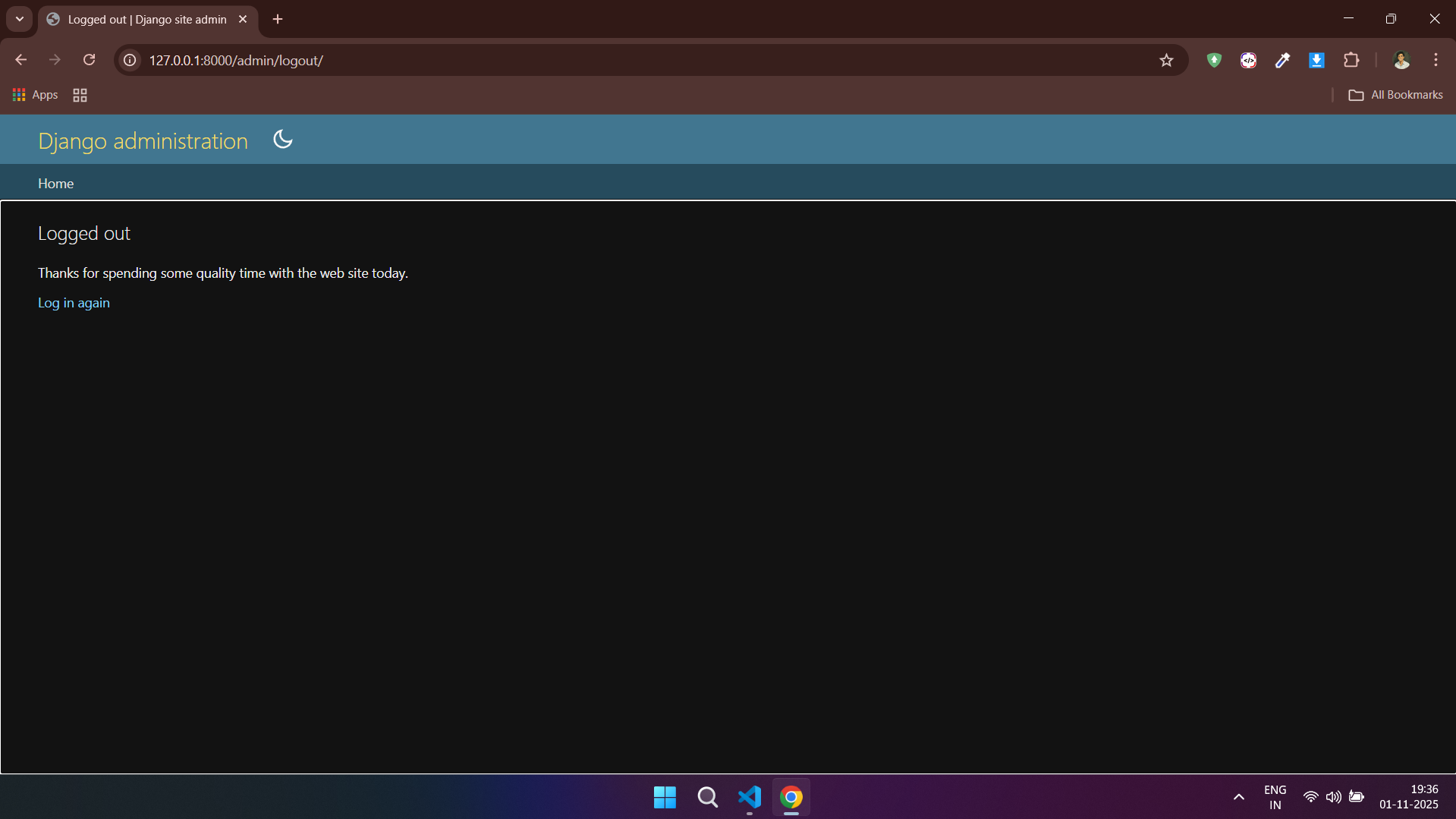
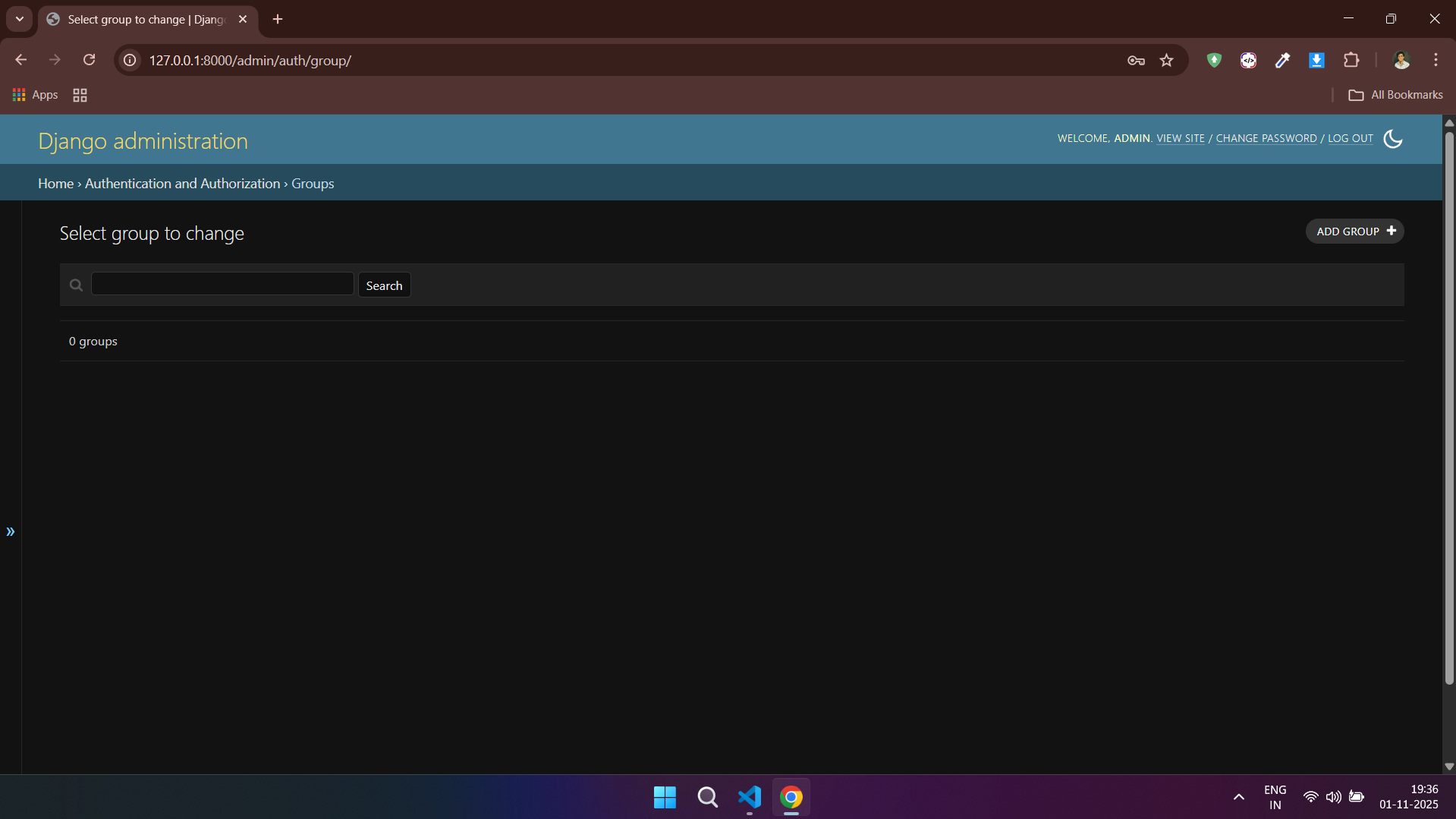
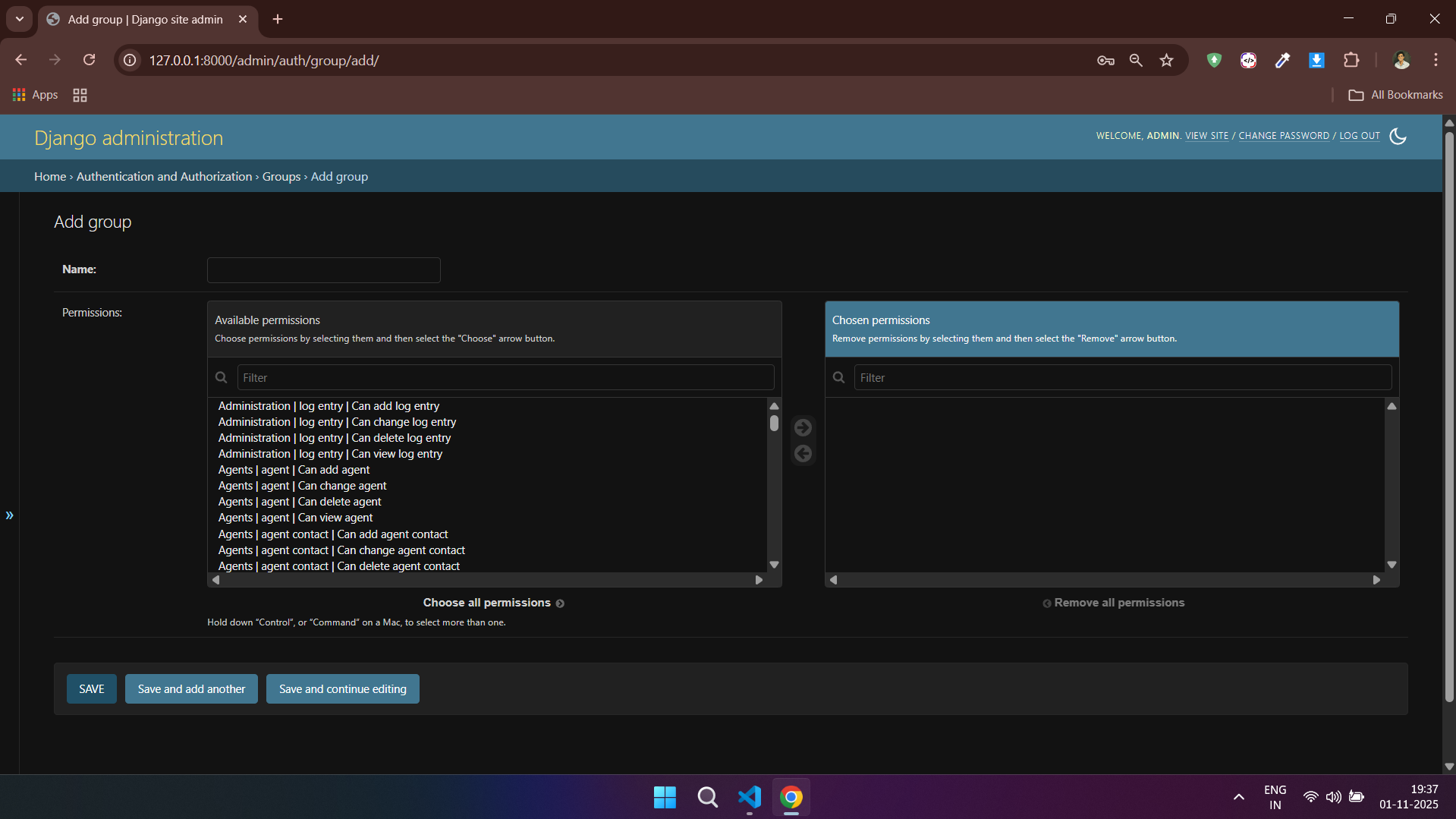
### 🔧 Admin Panel
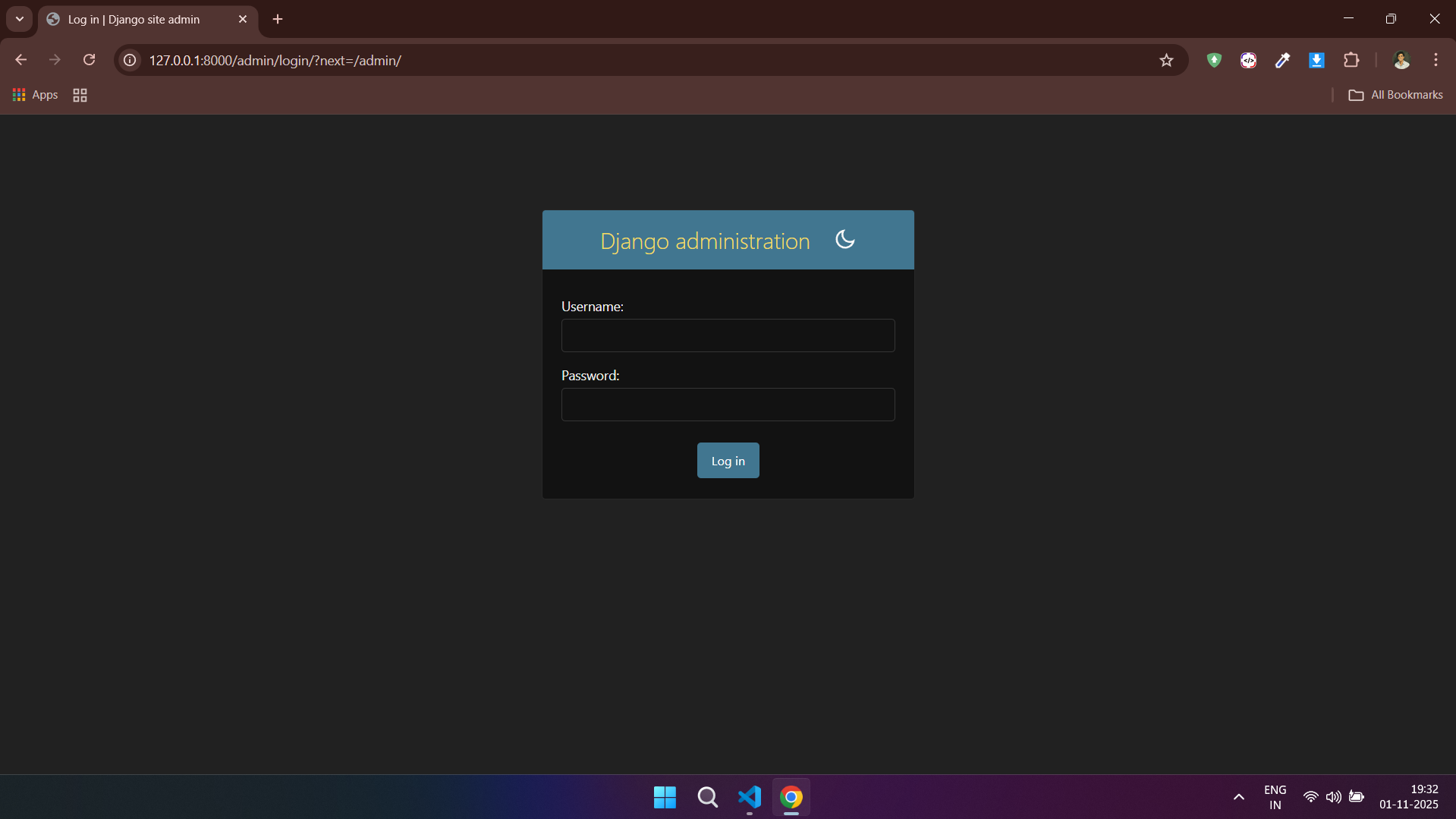
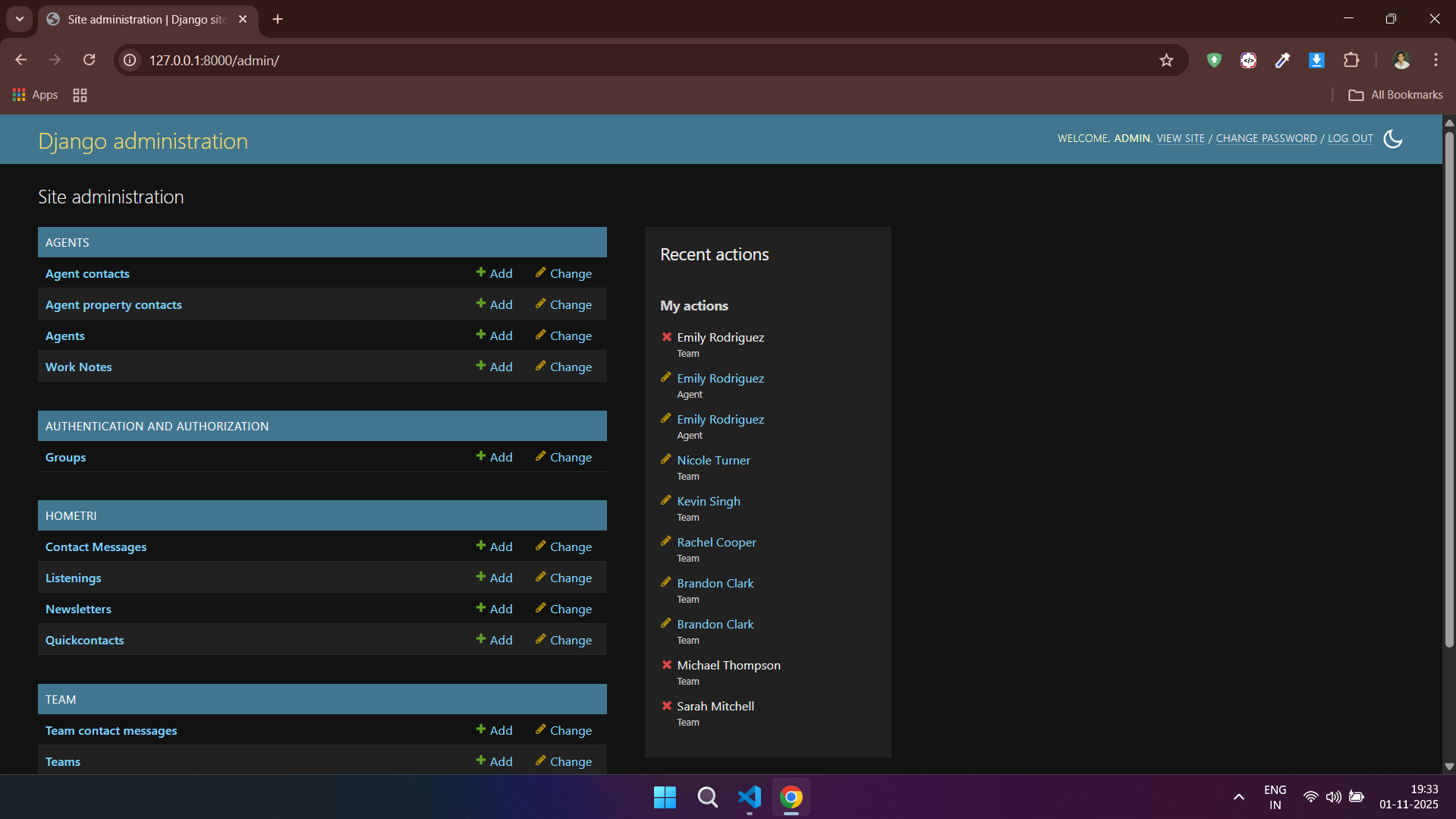
---
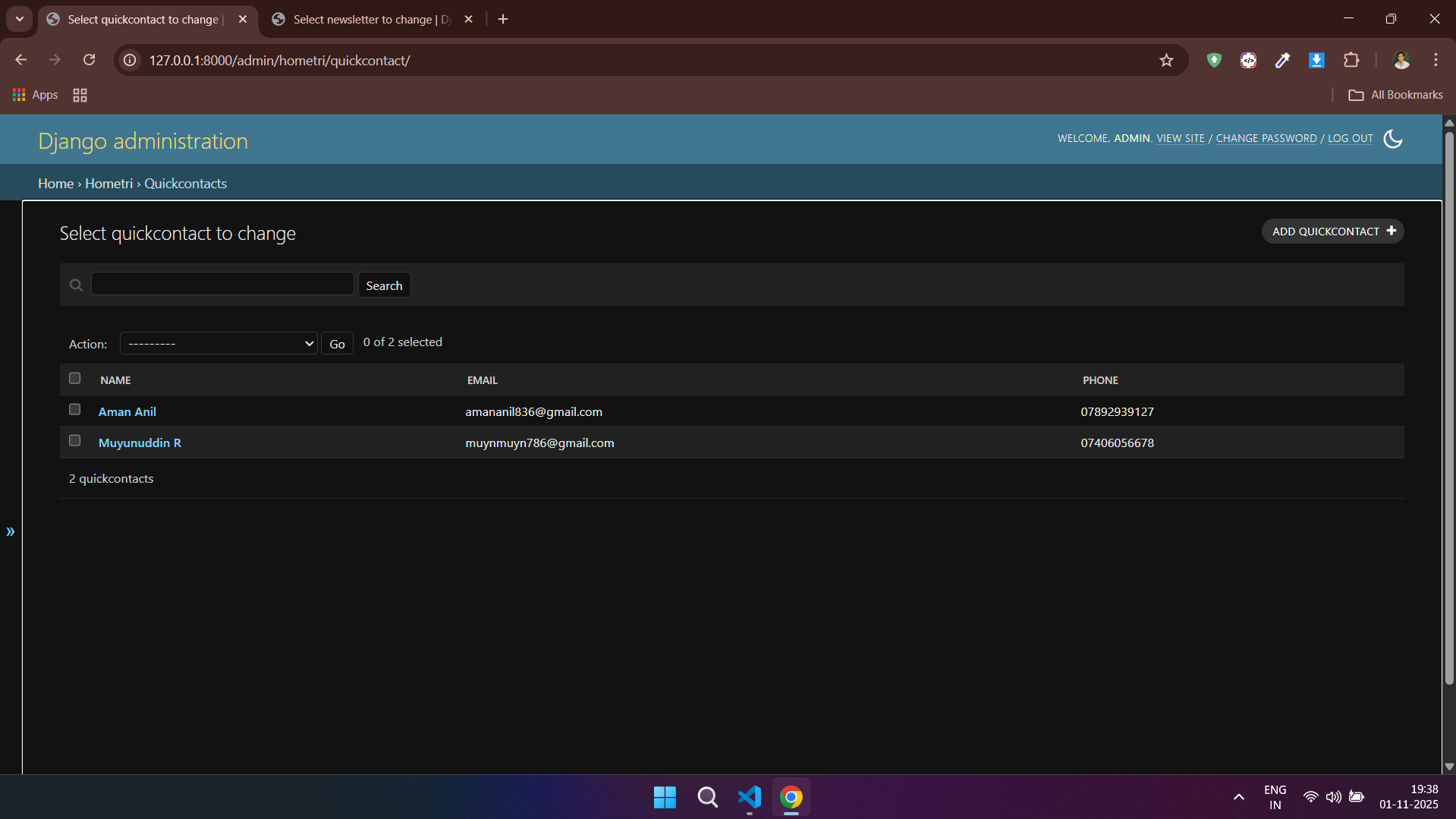
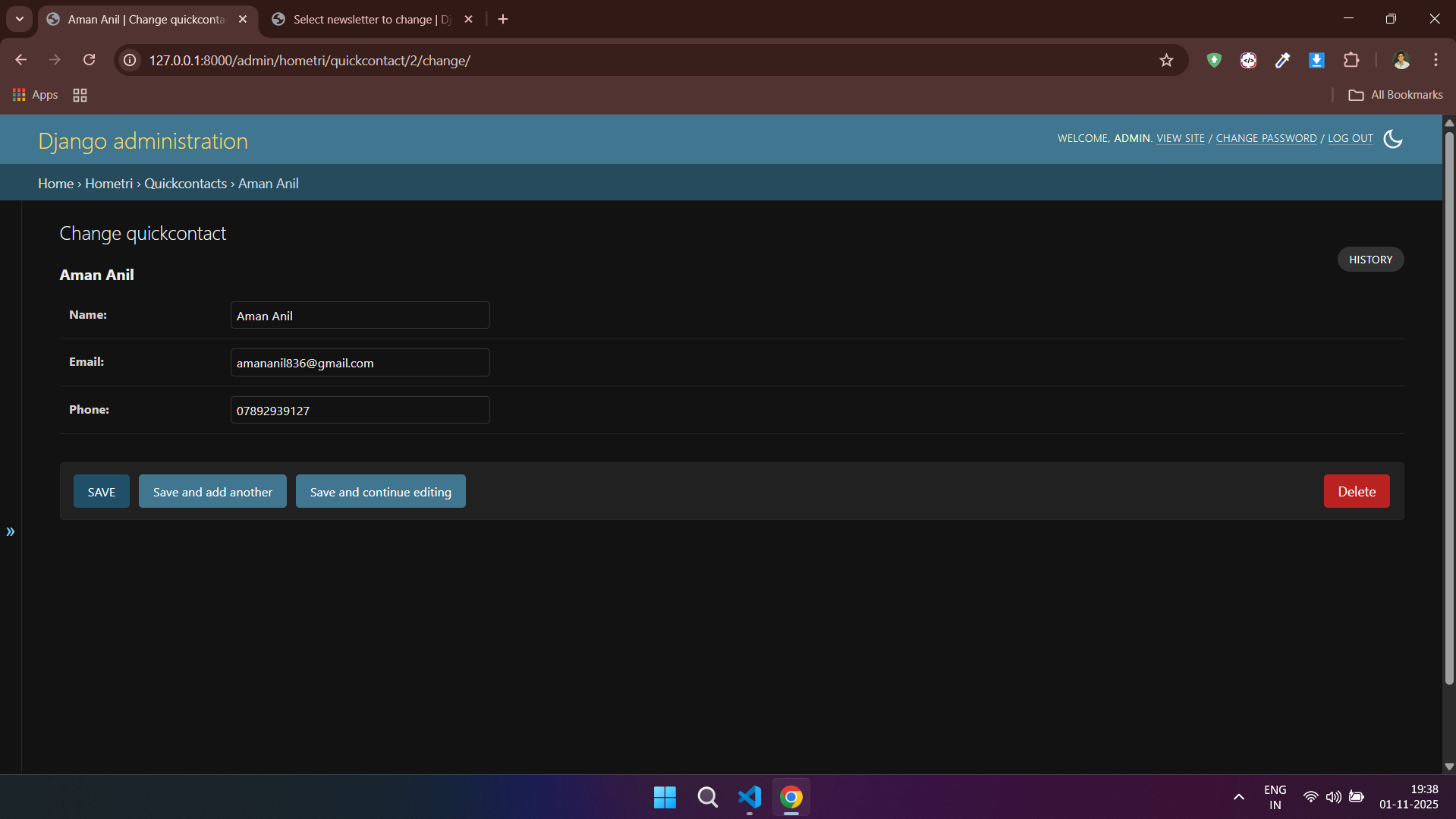
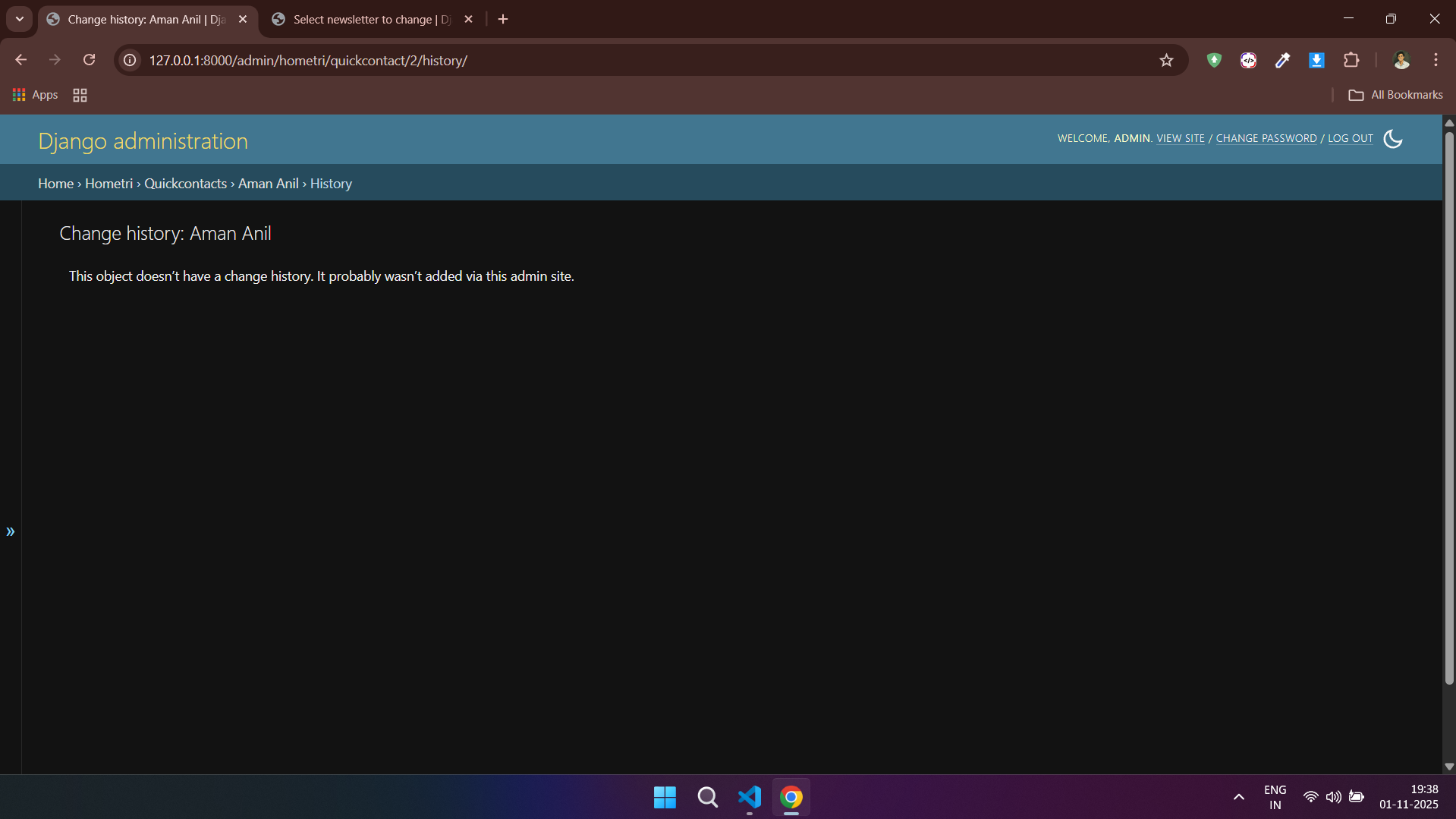
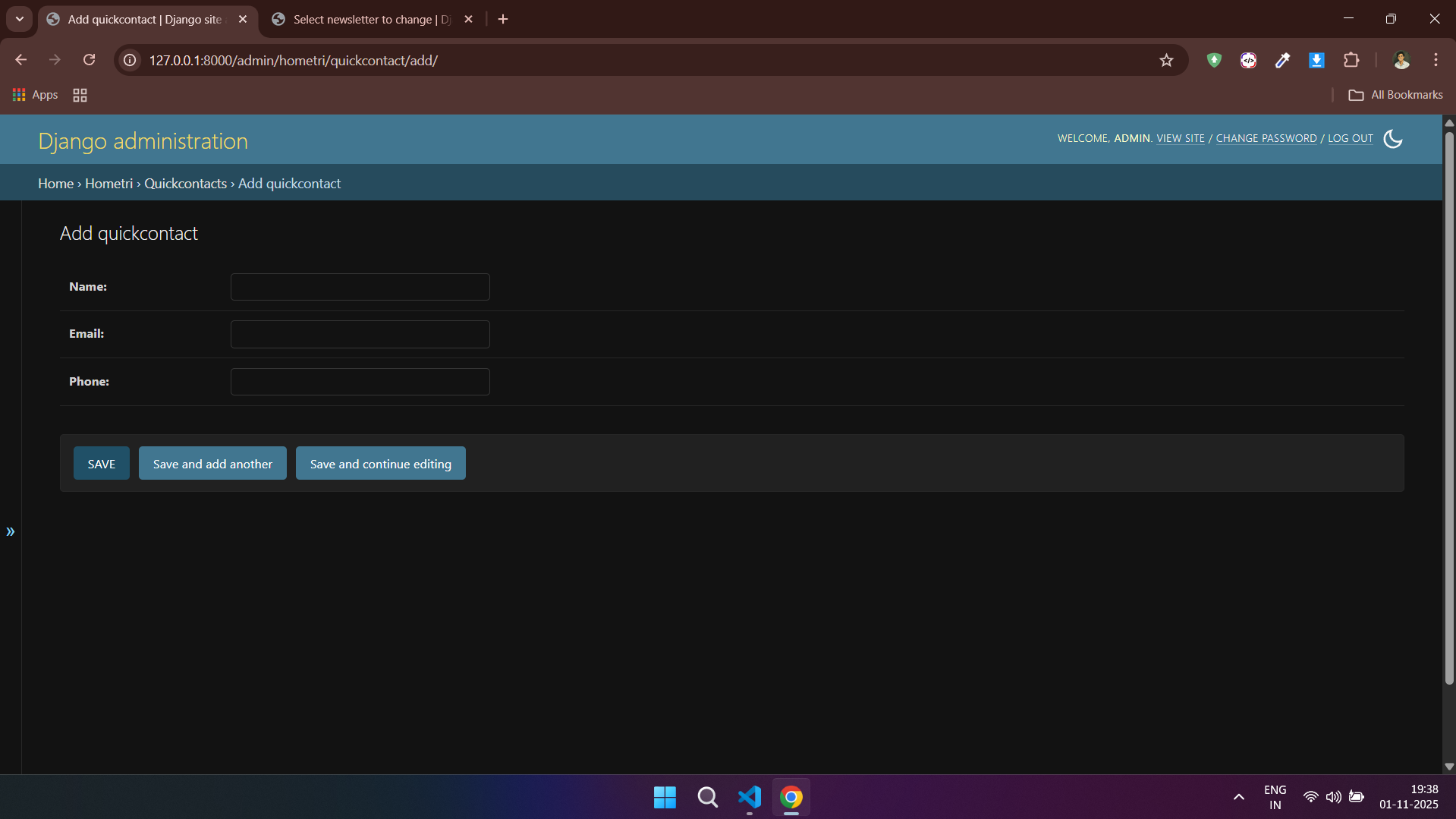
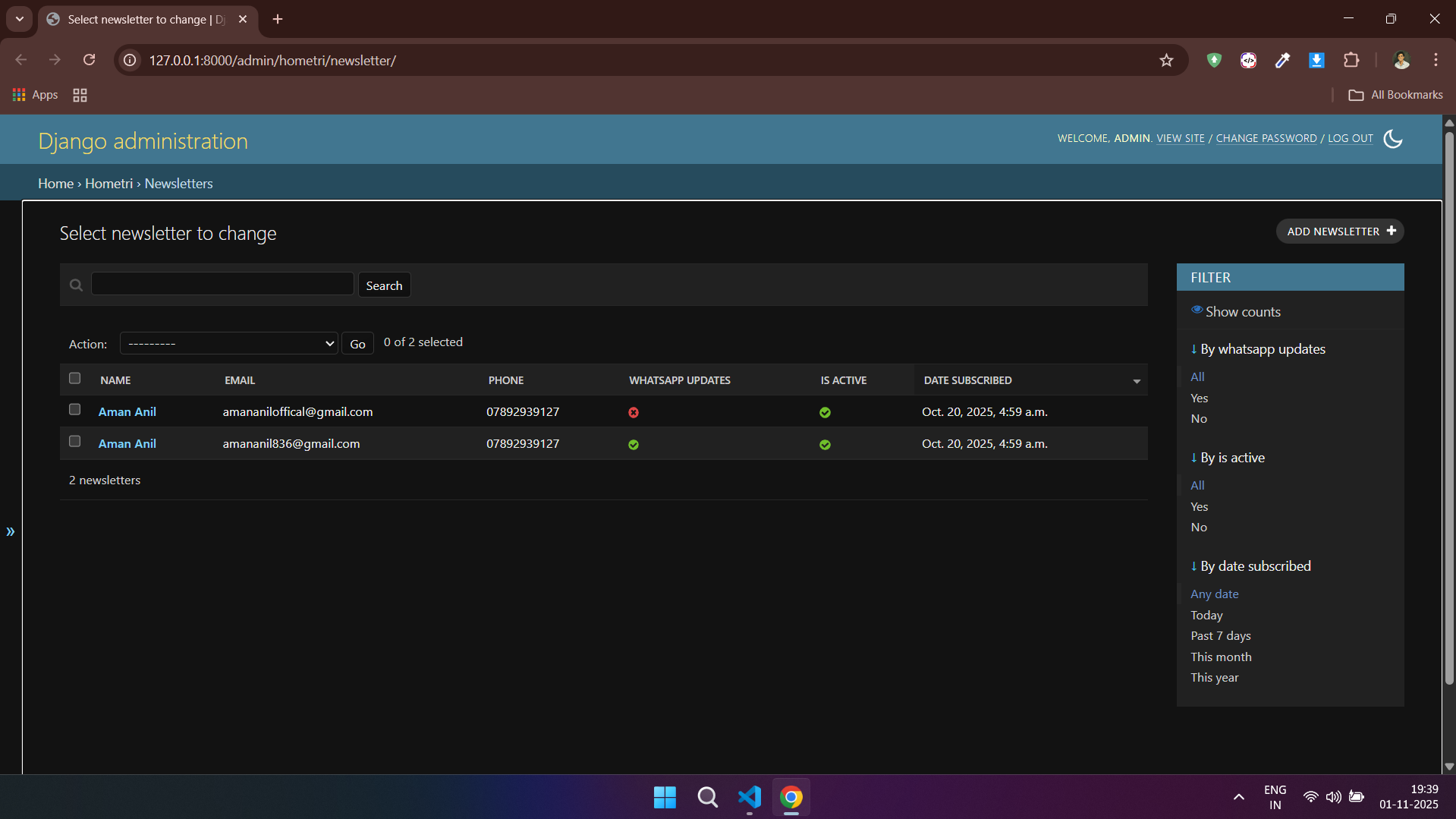
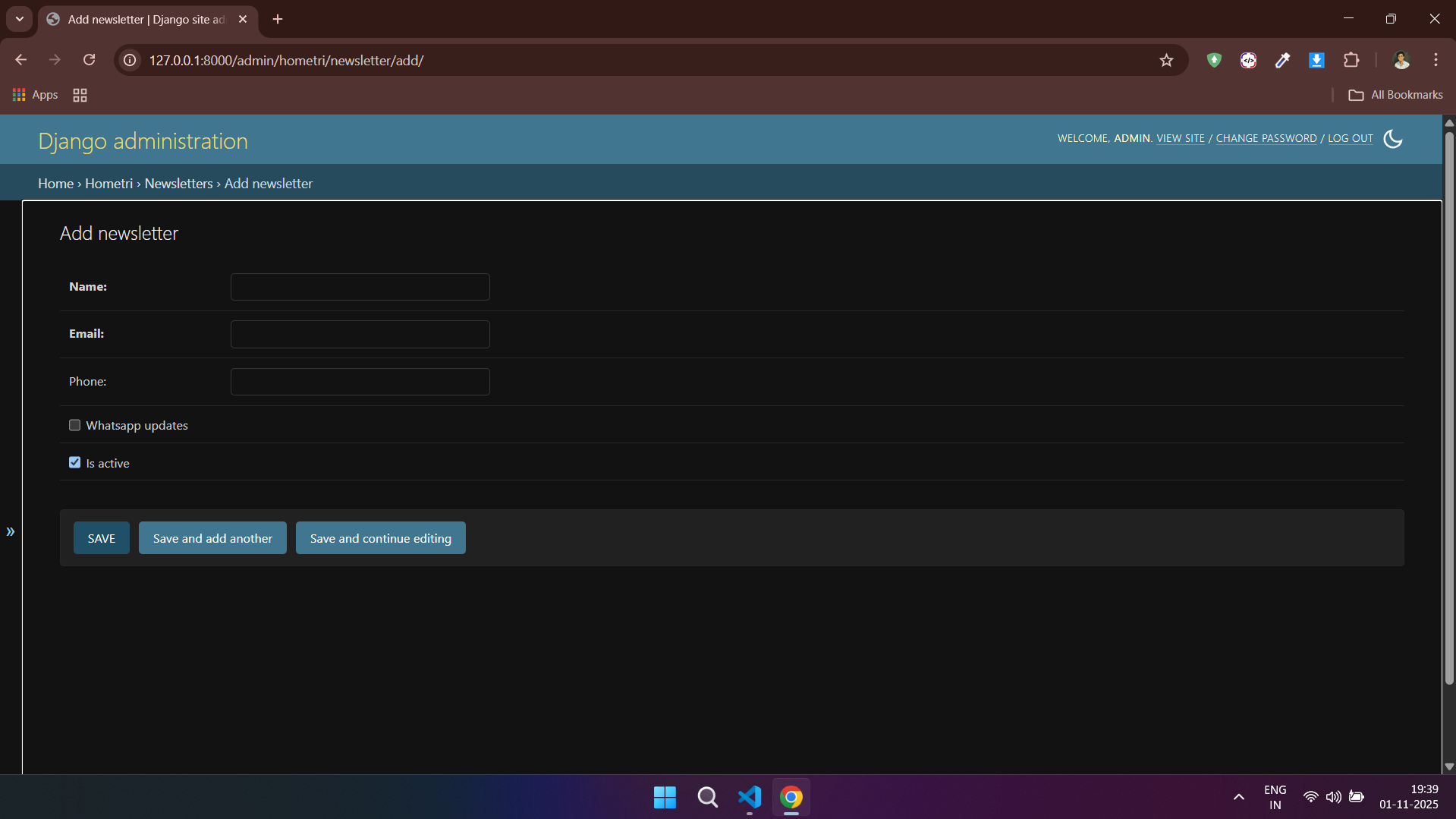
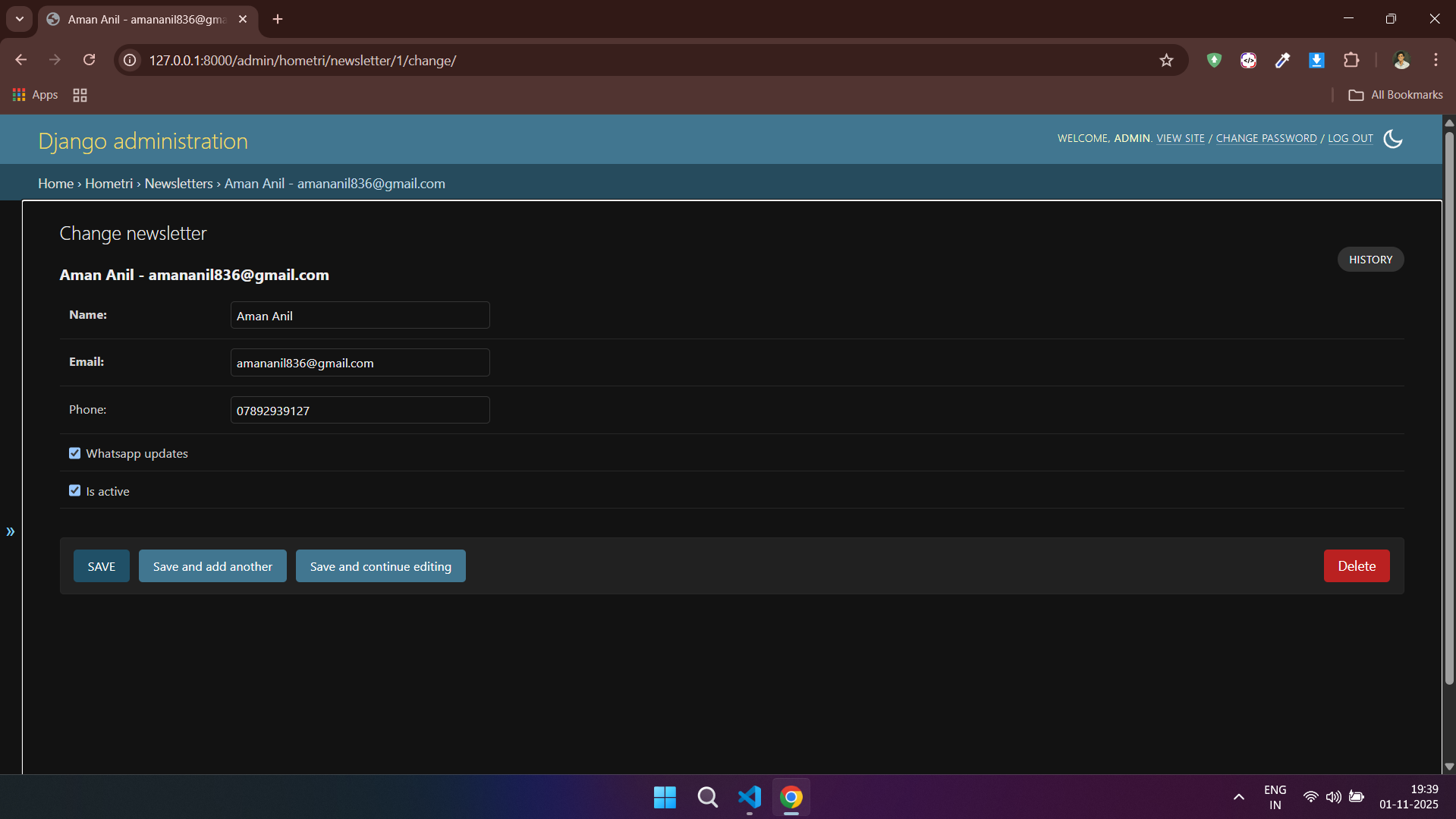
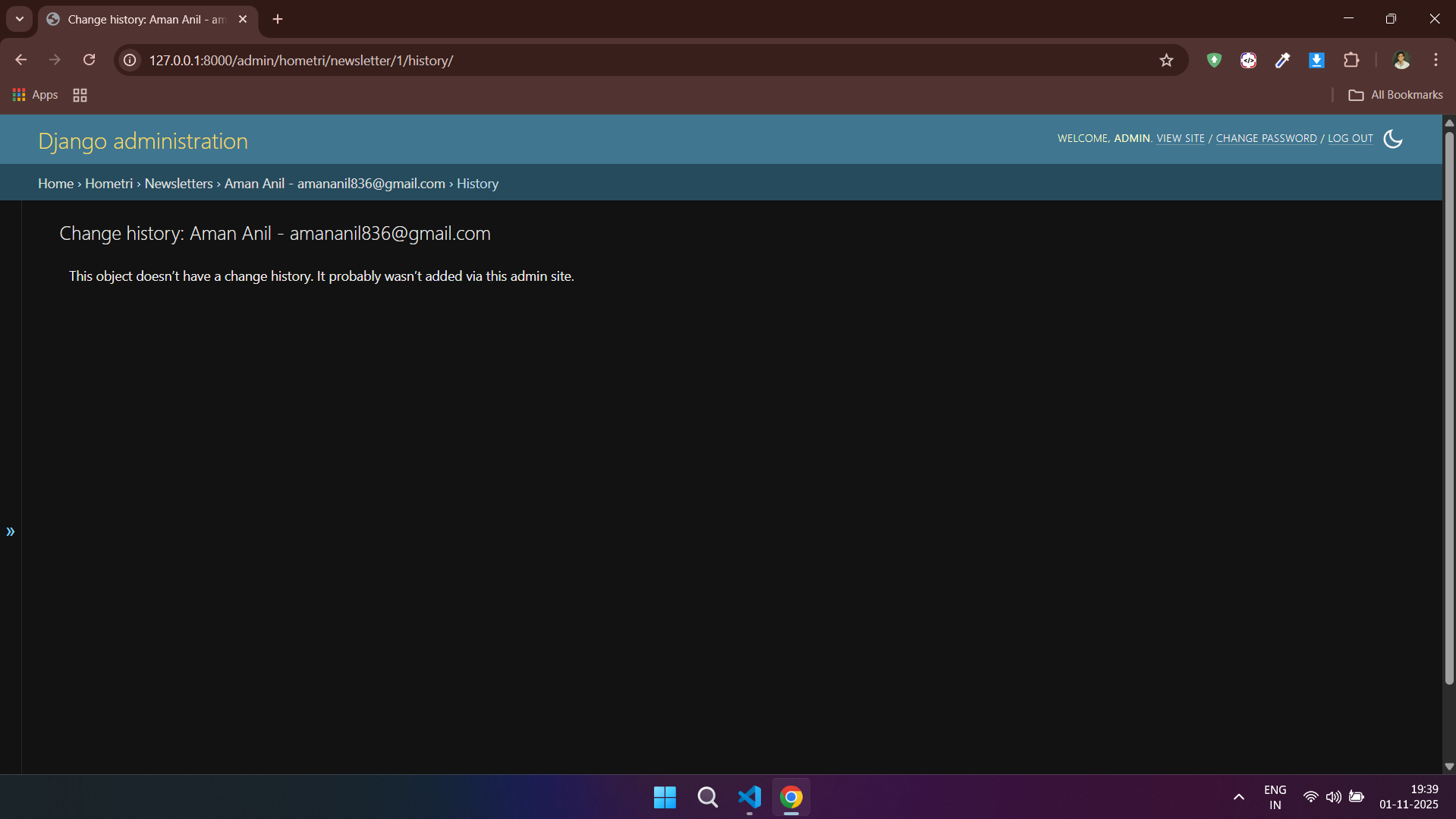
### 🏢 Hometri Admin
---
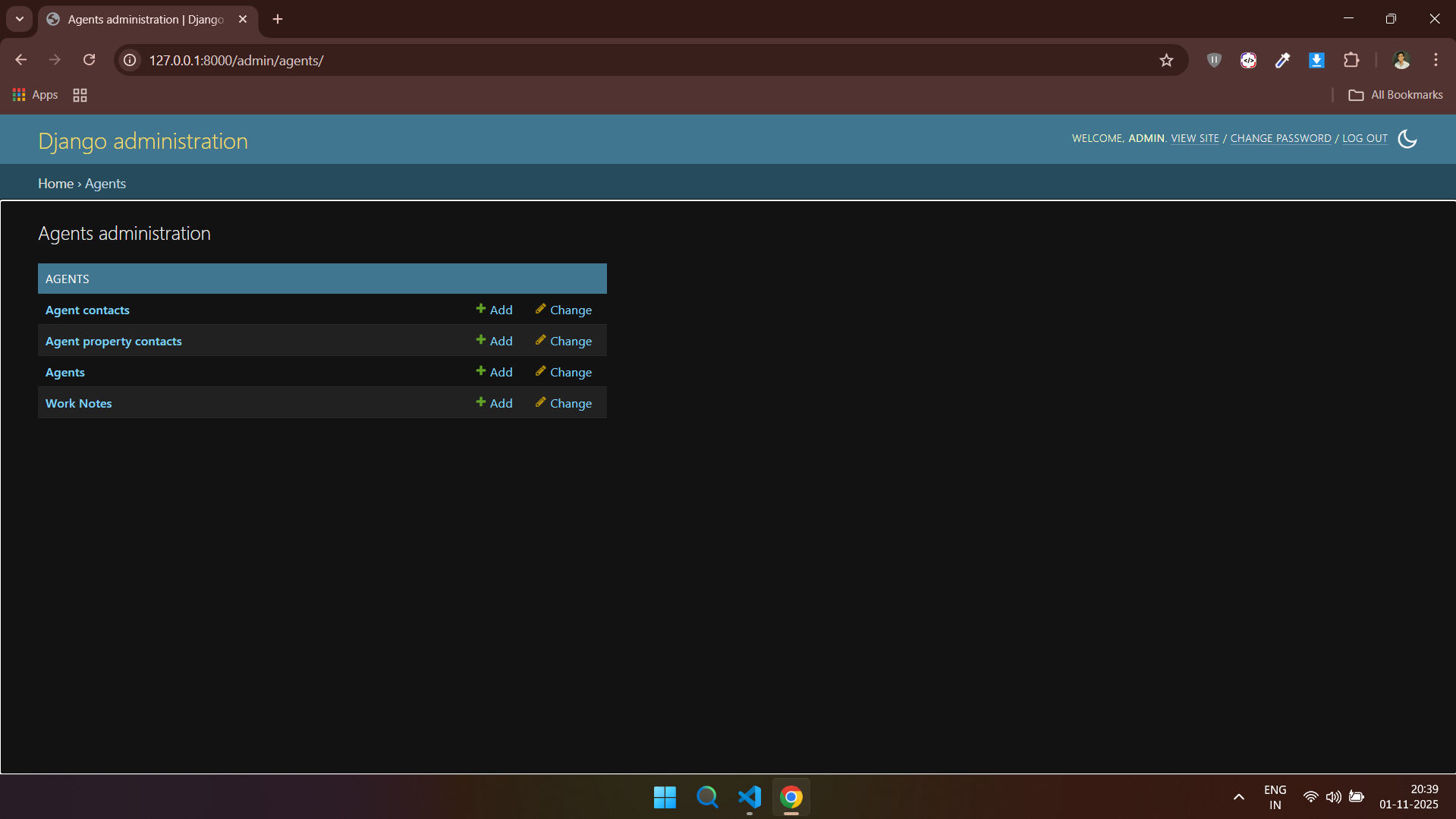
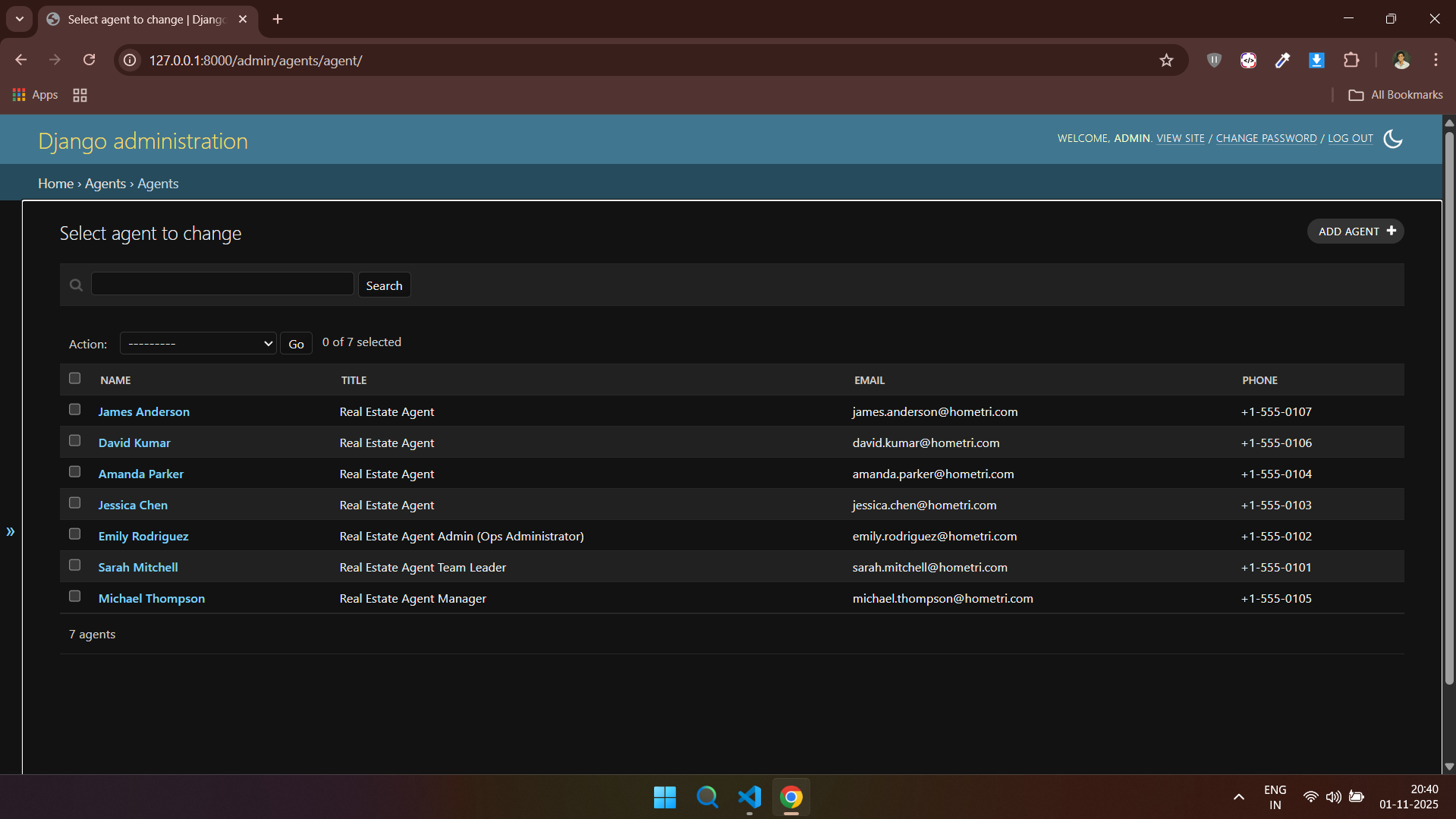
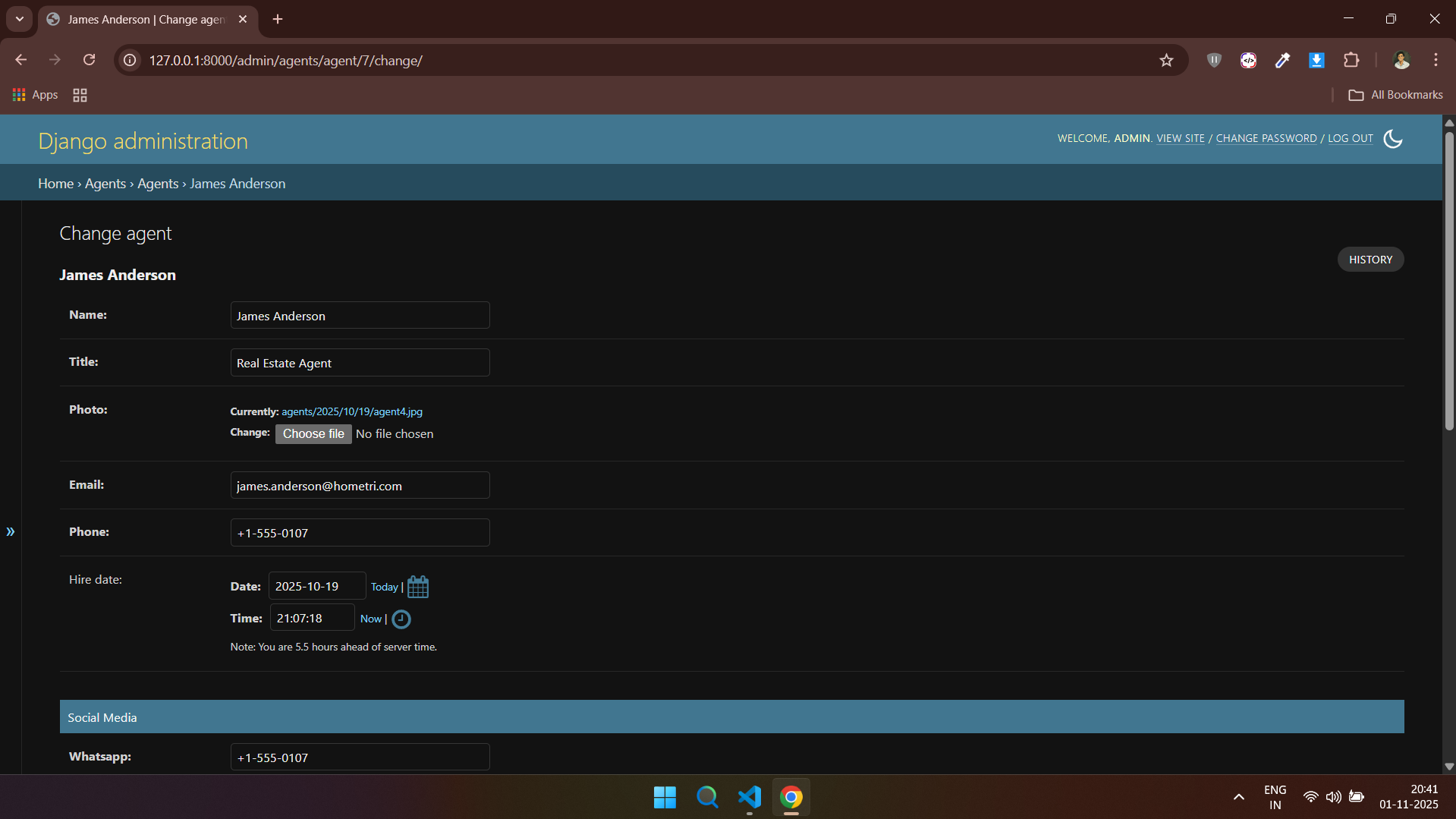
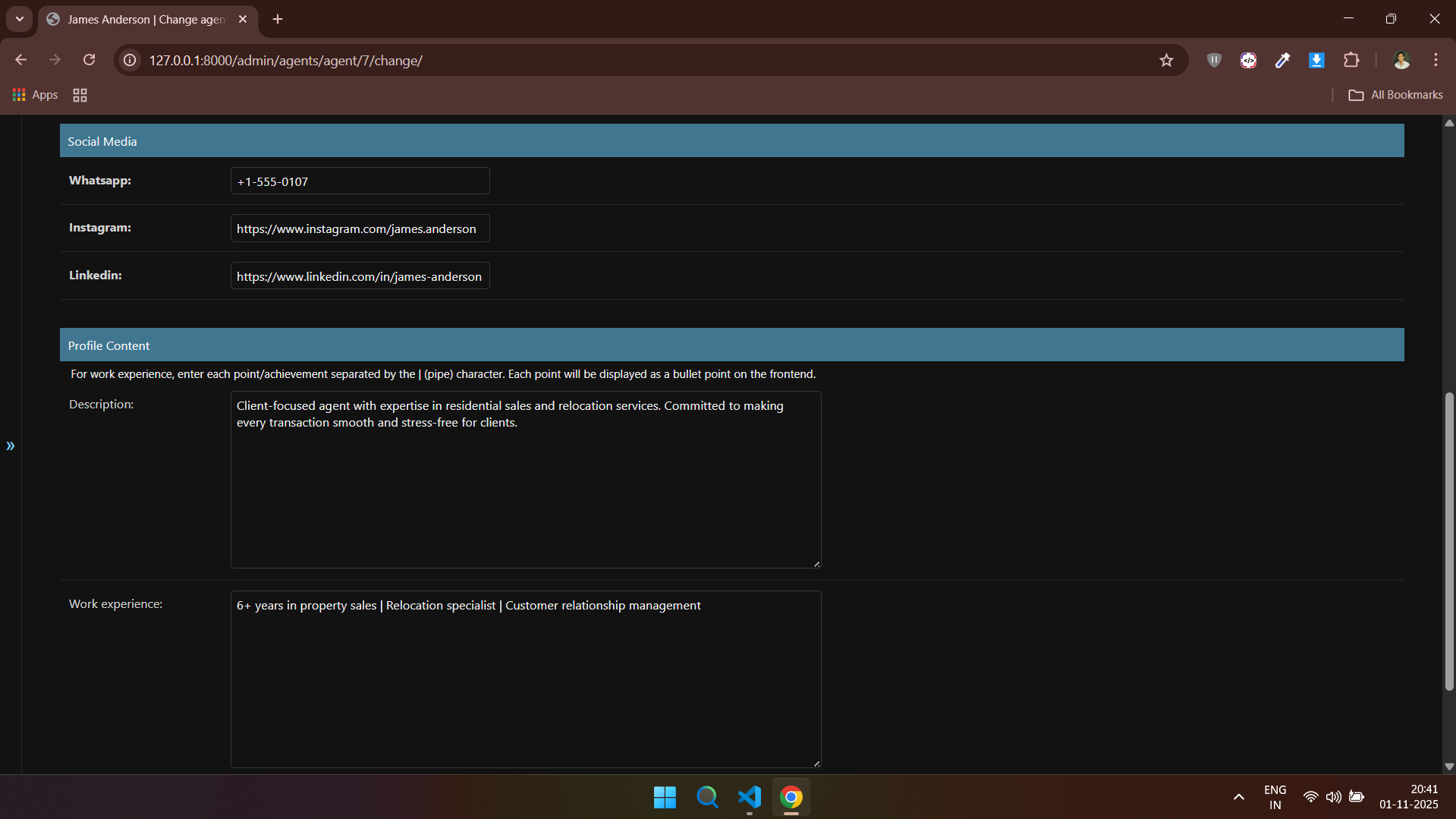
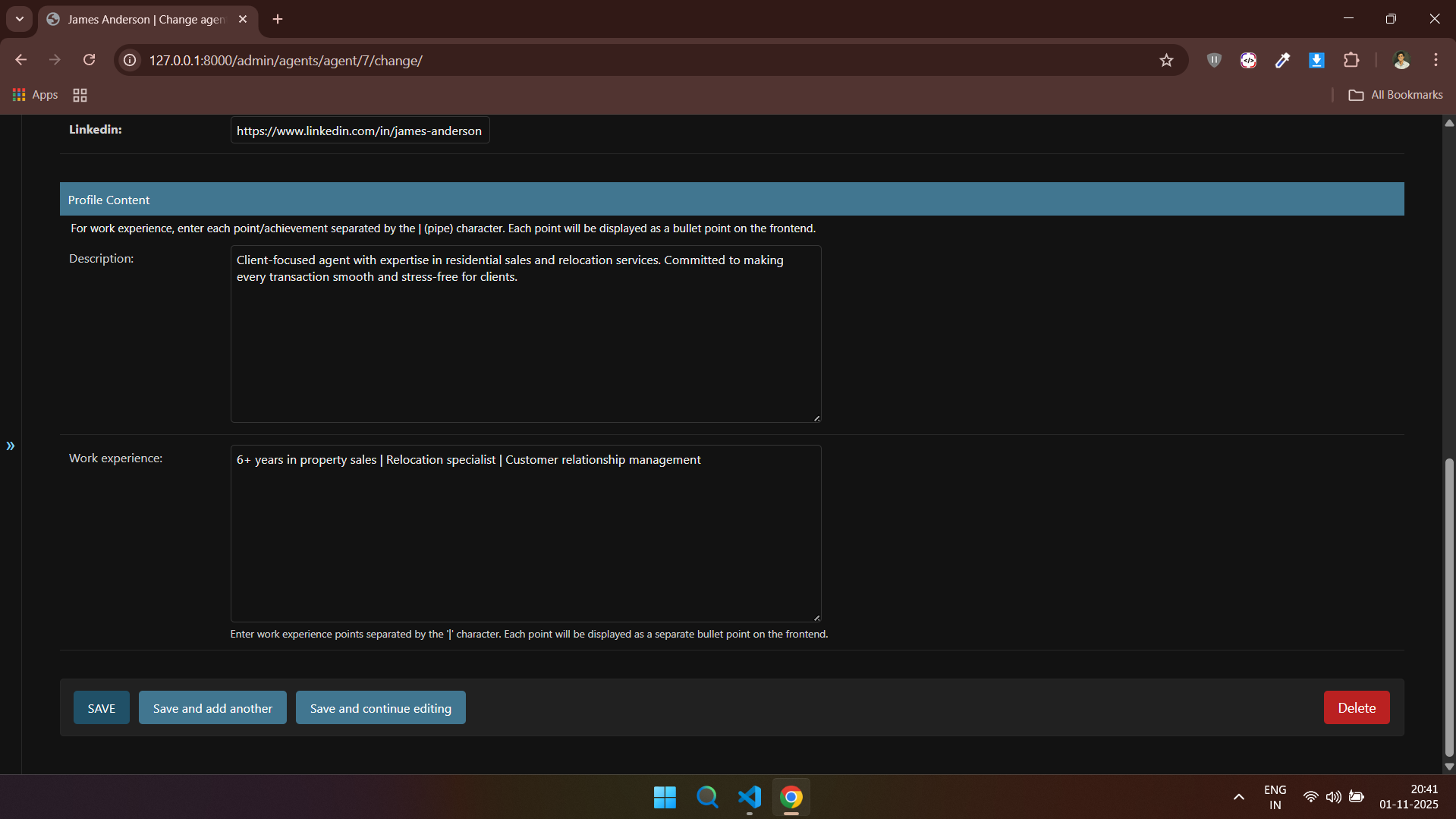
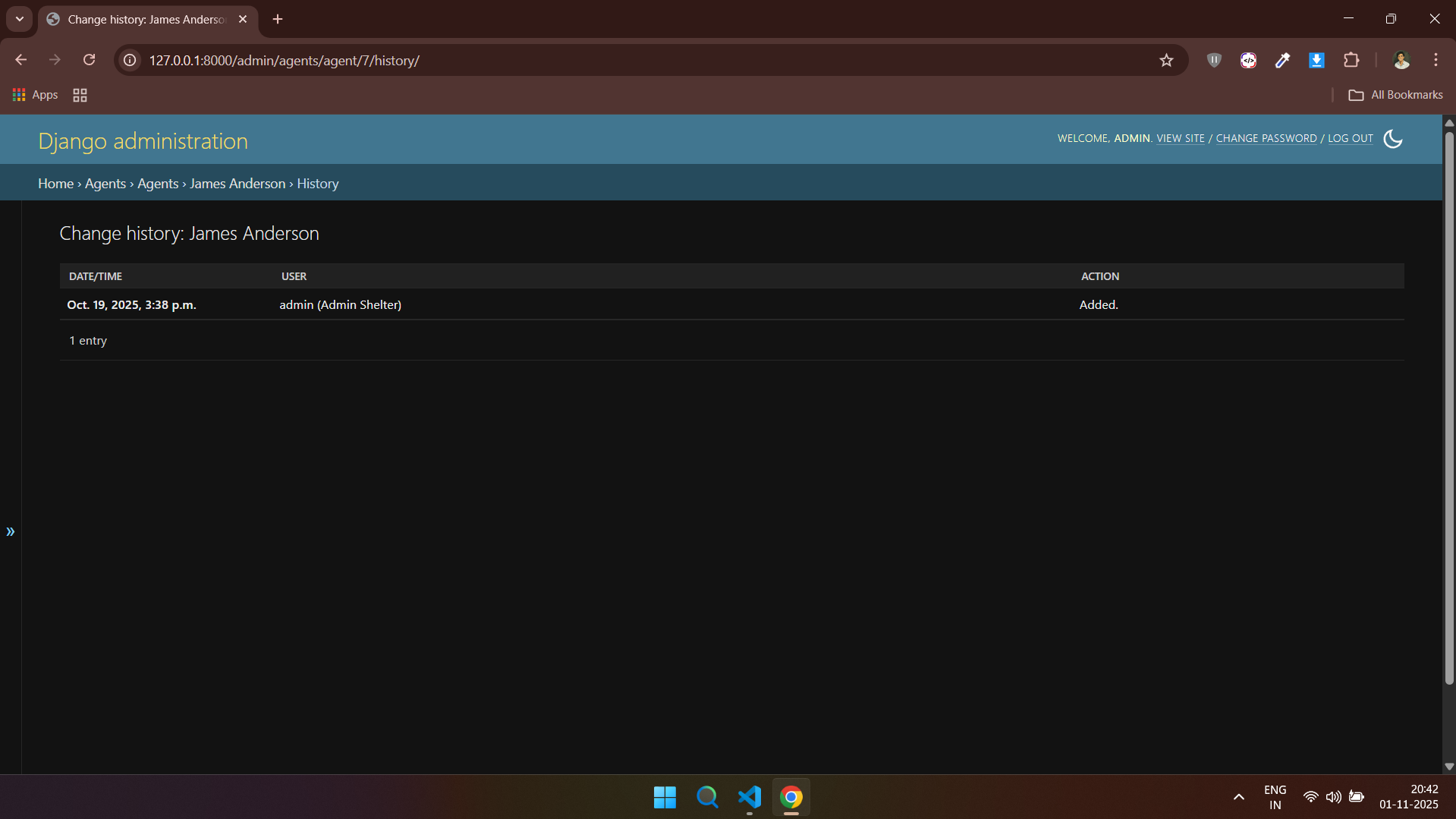
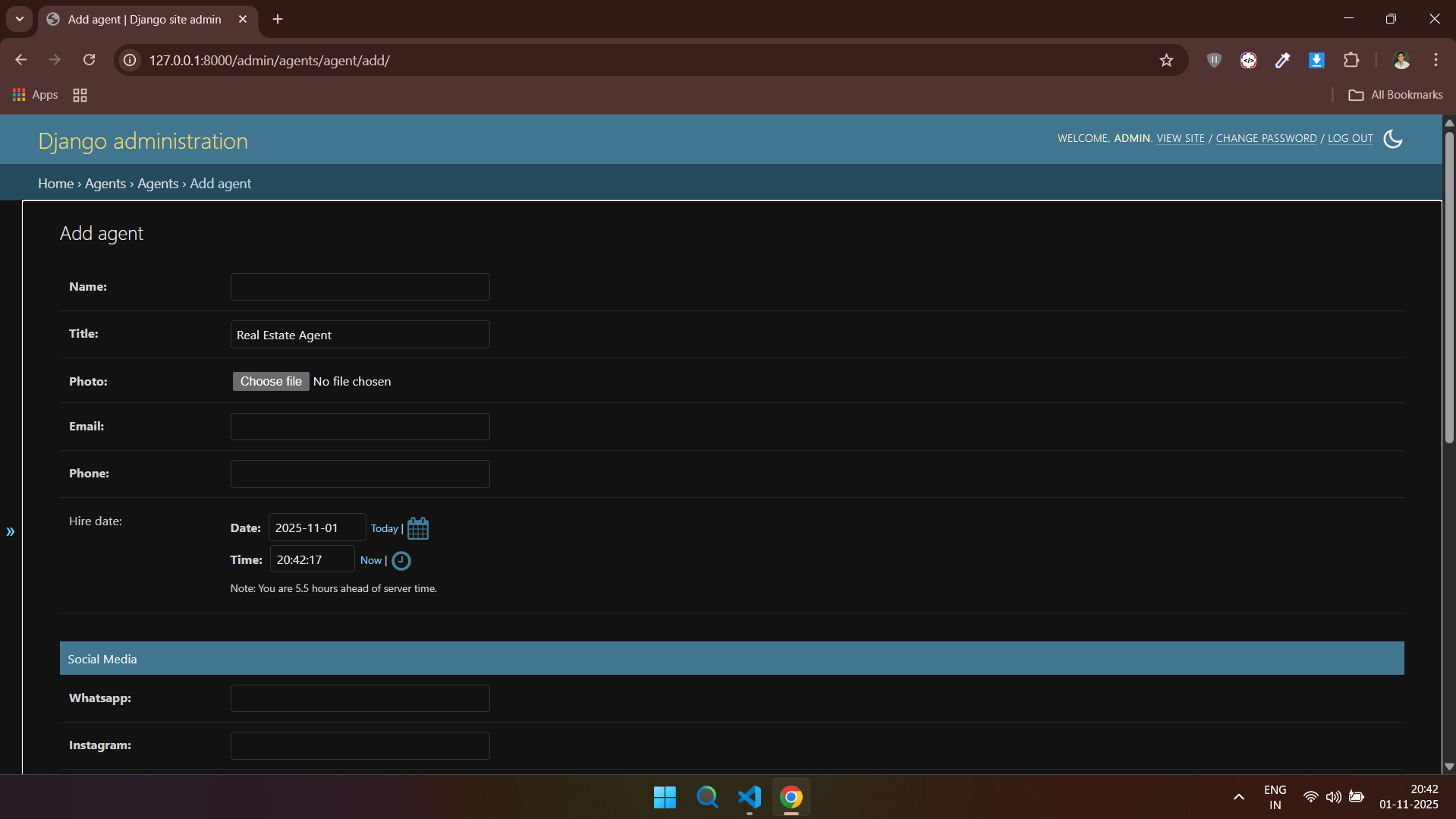
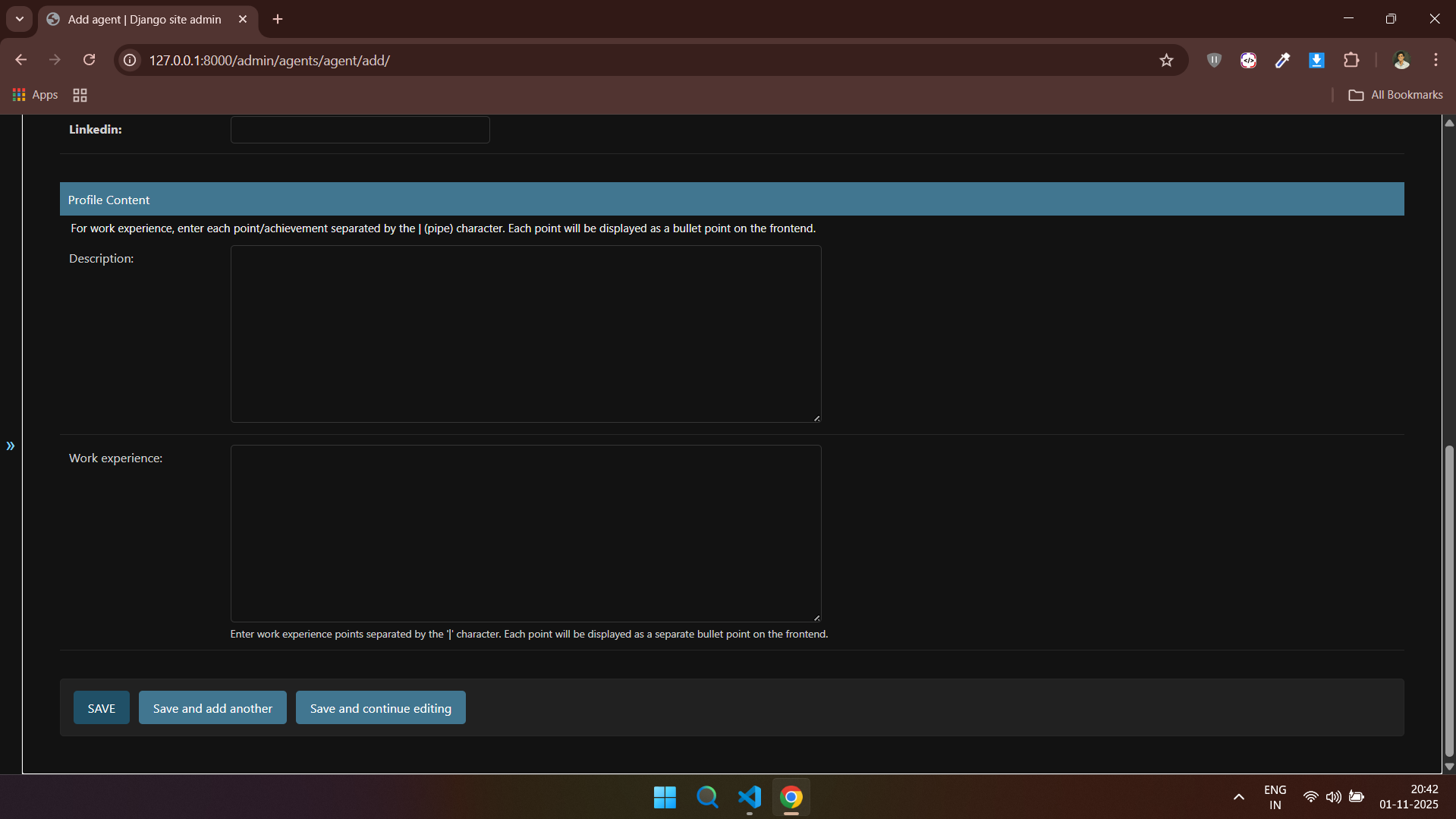
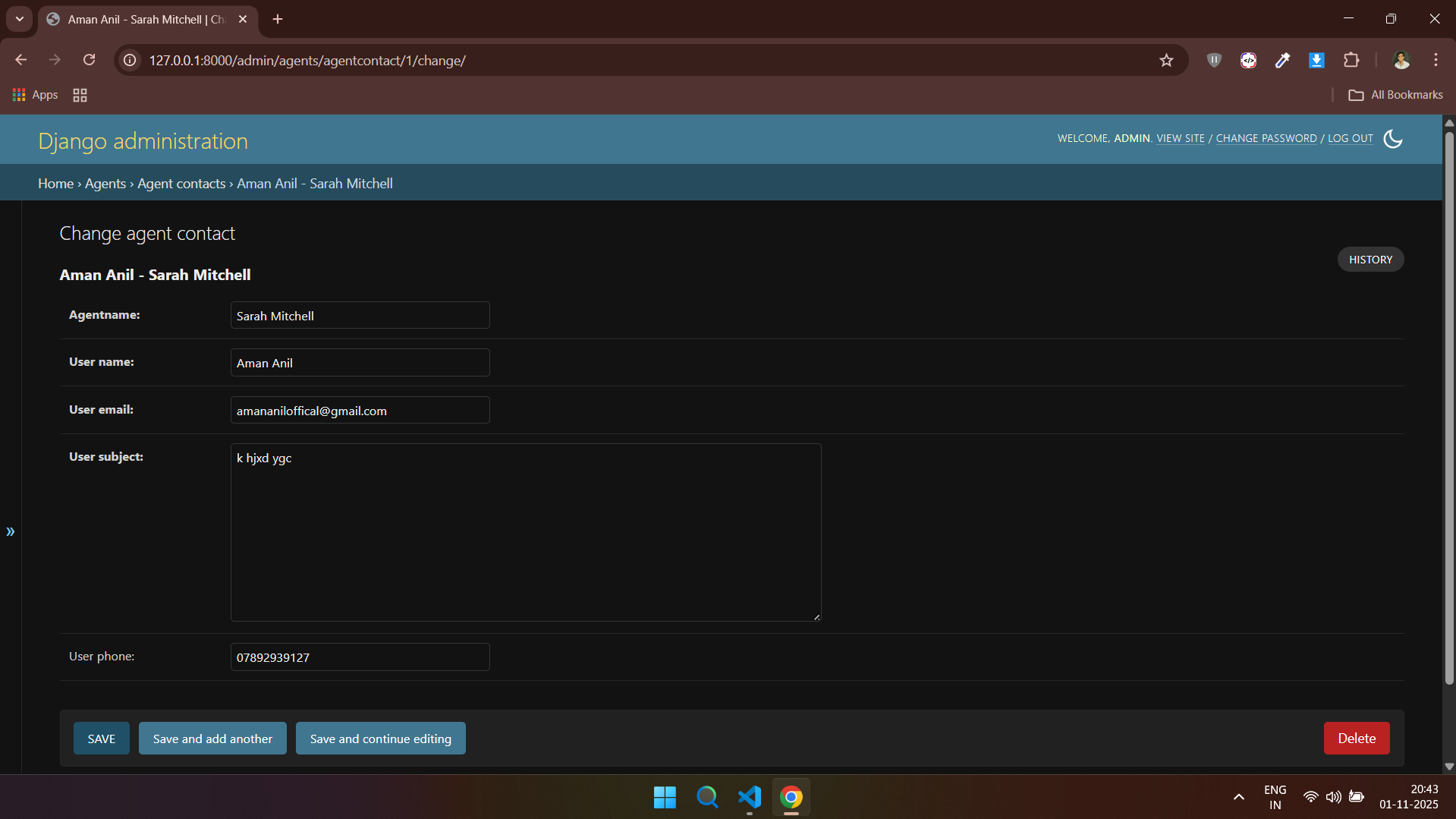
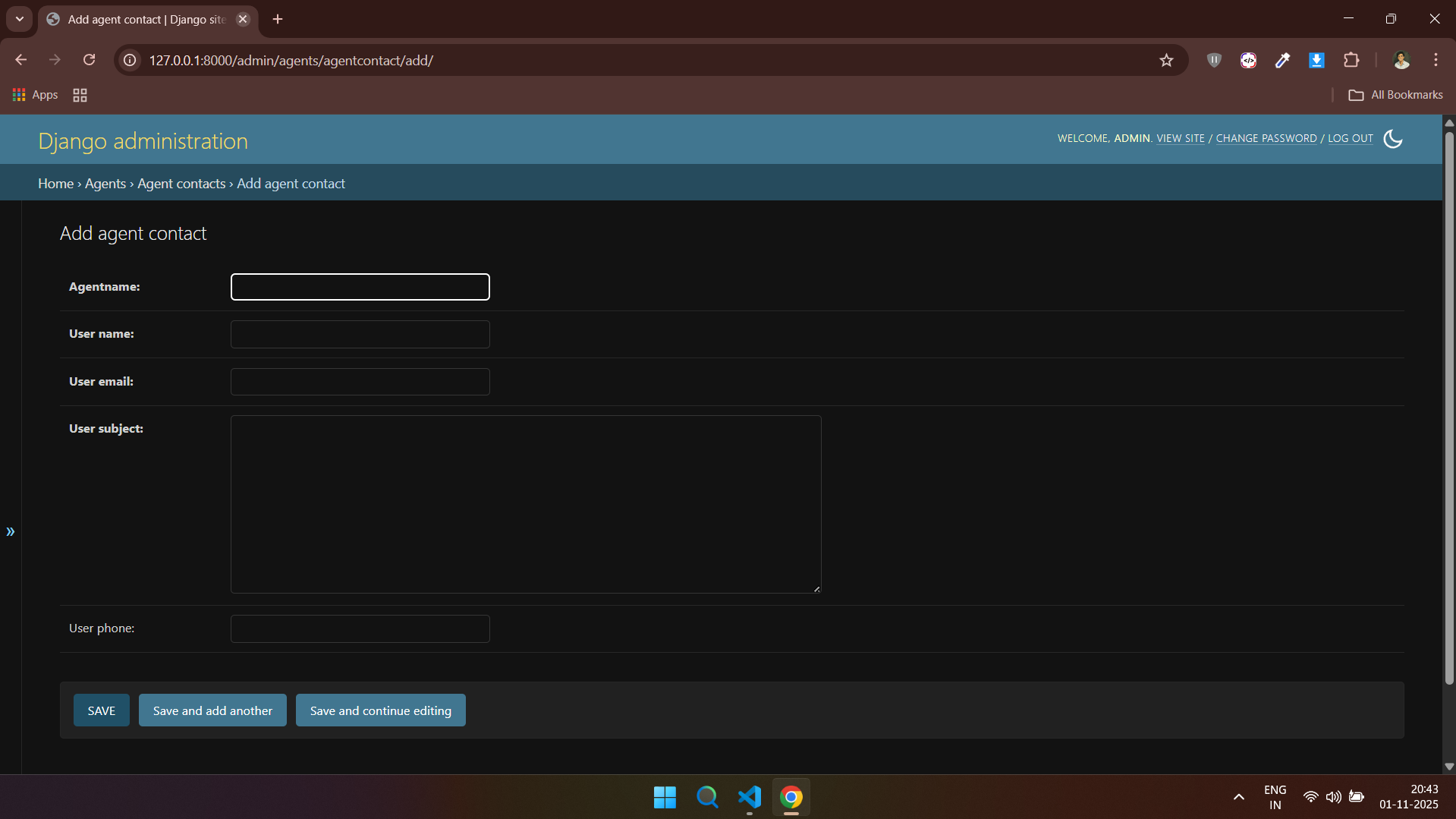
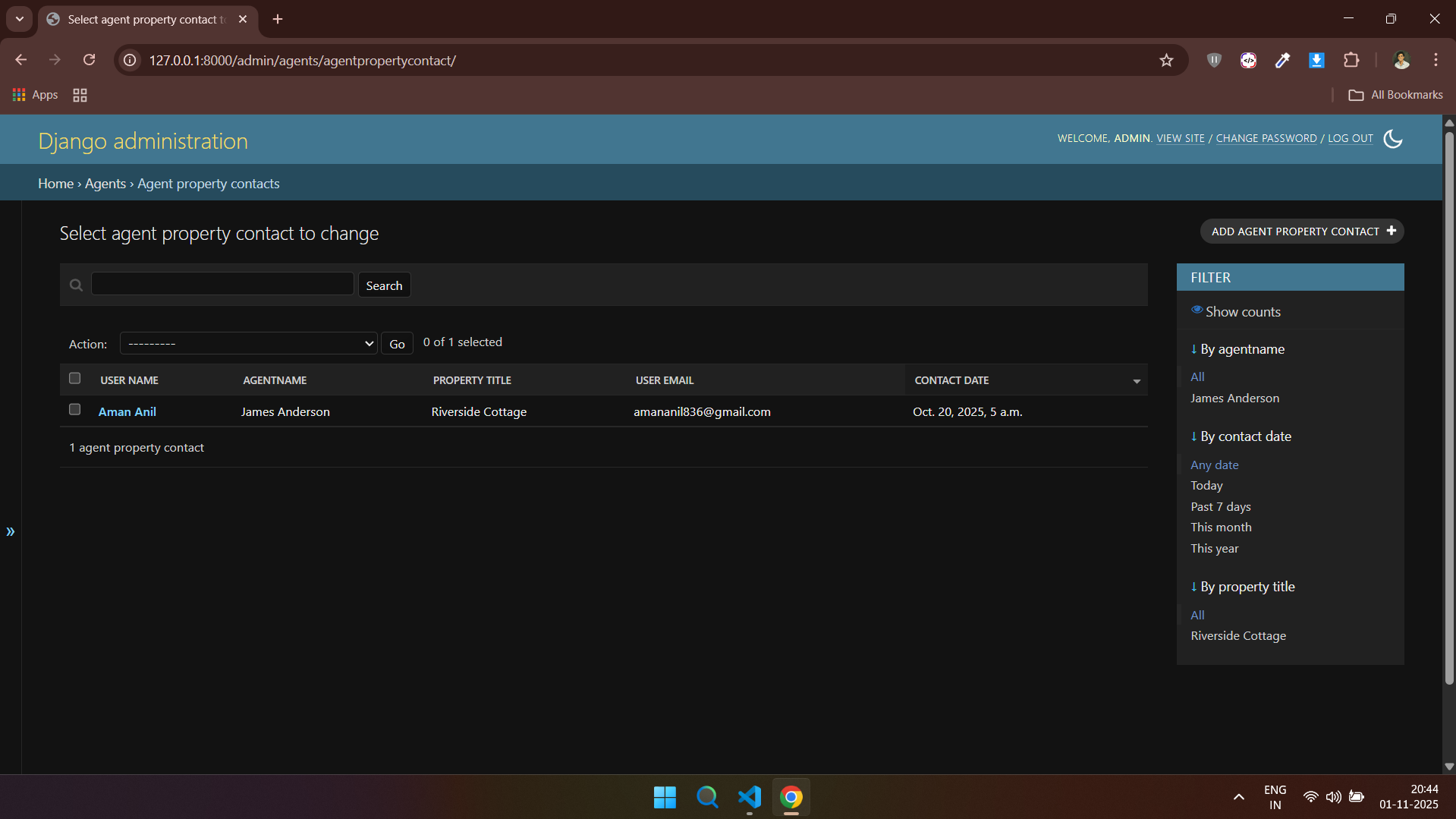
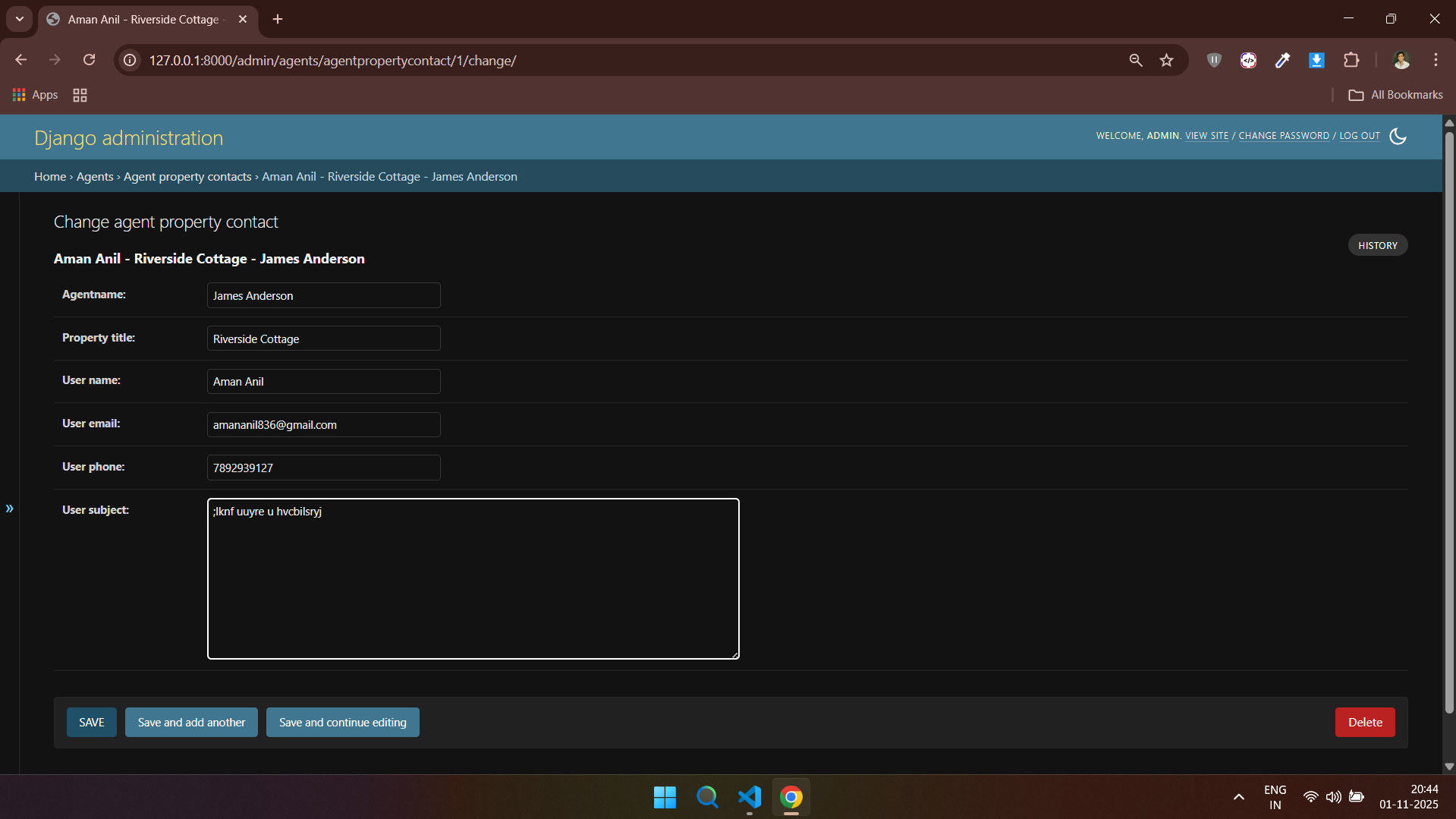
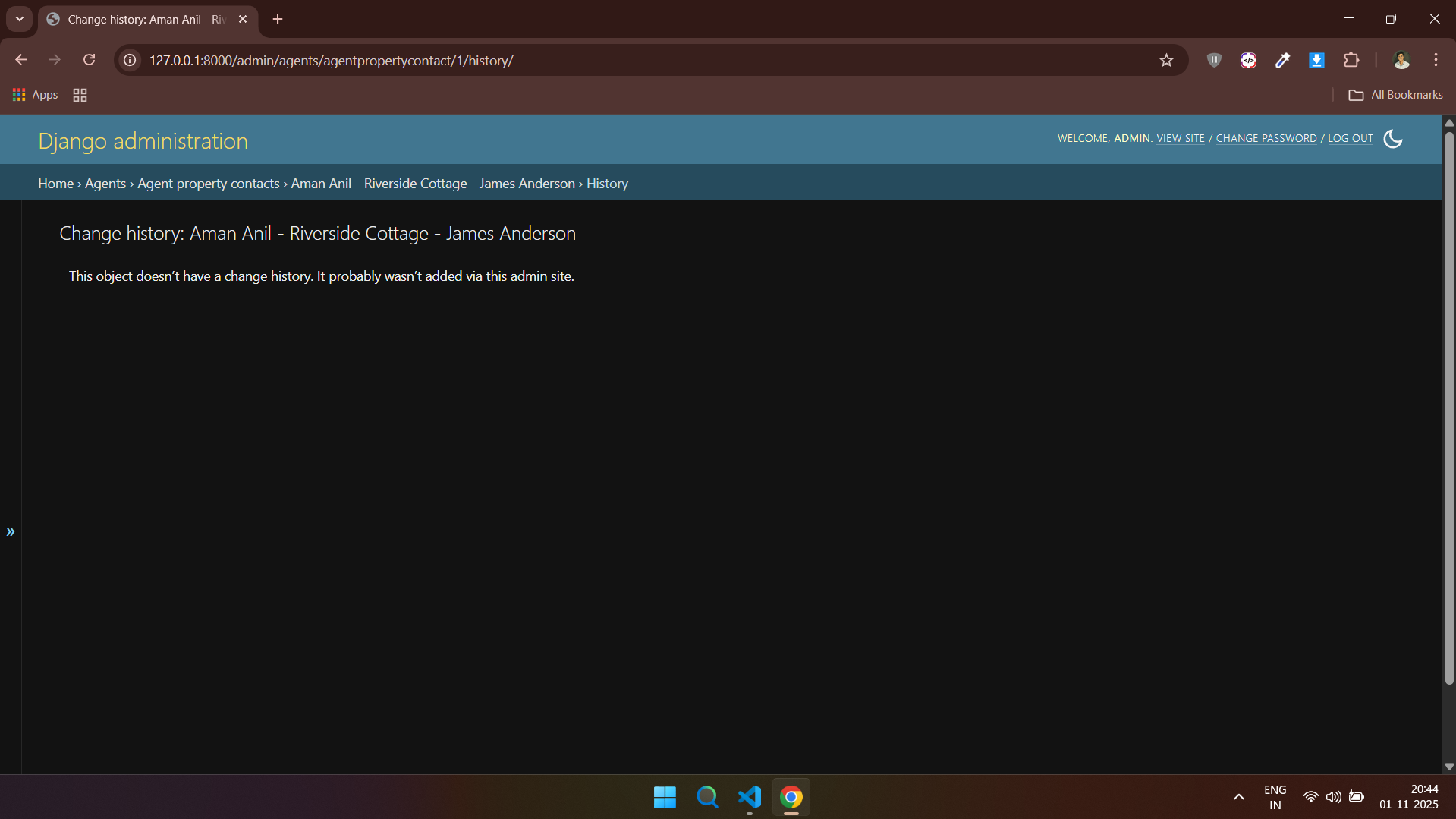
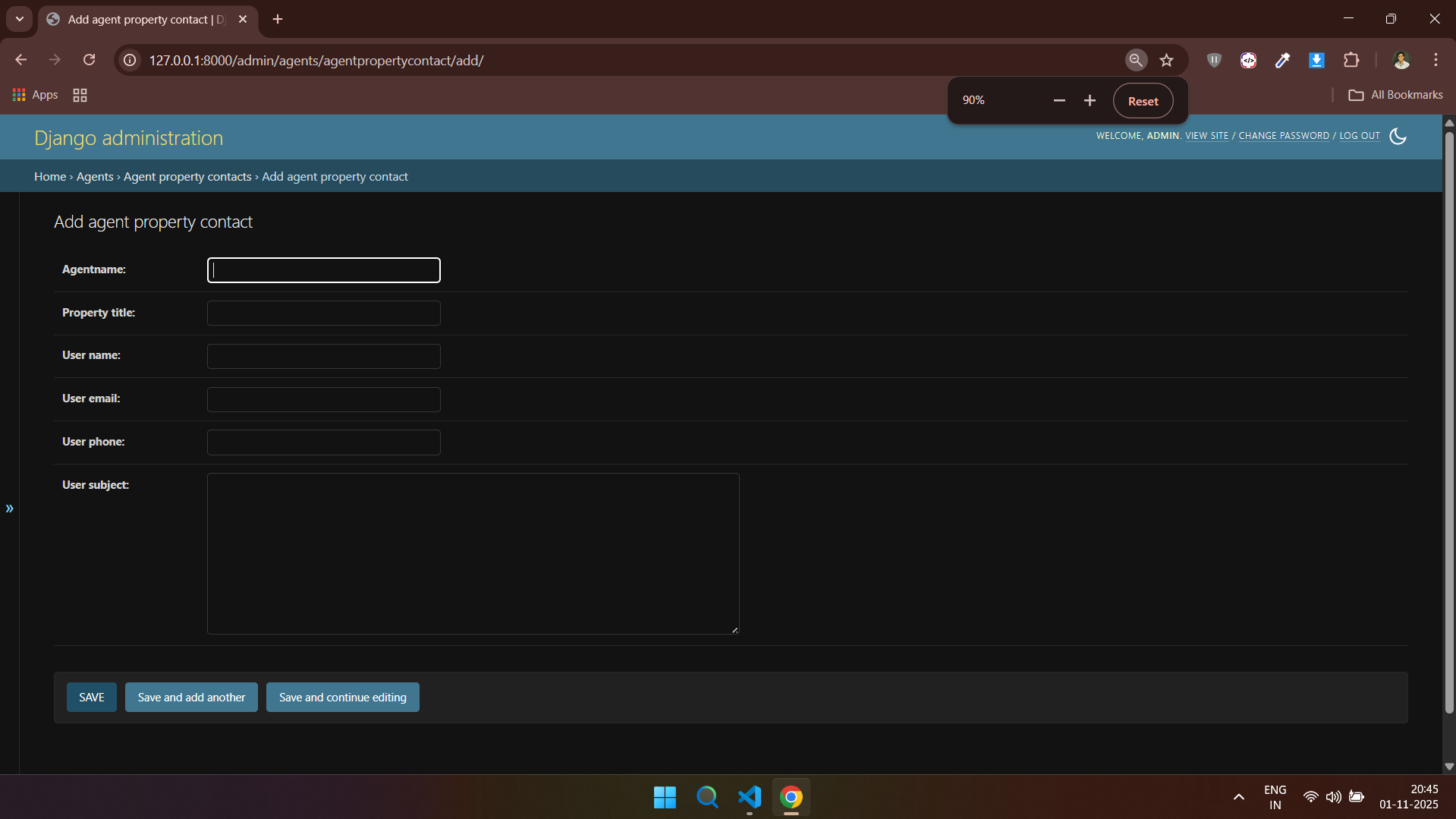
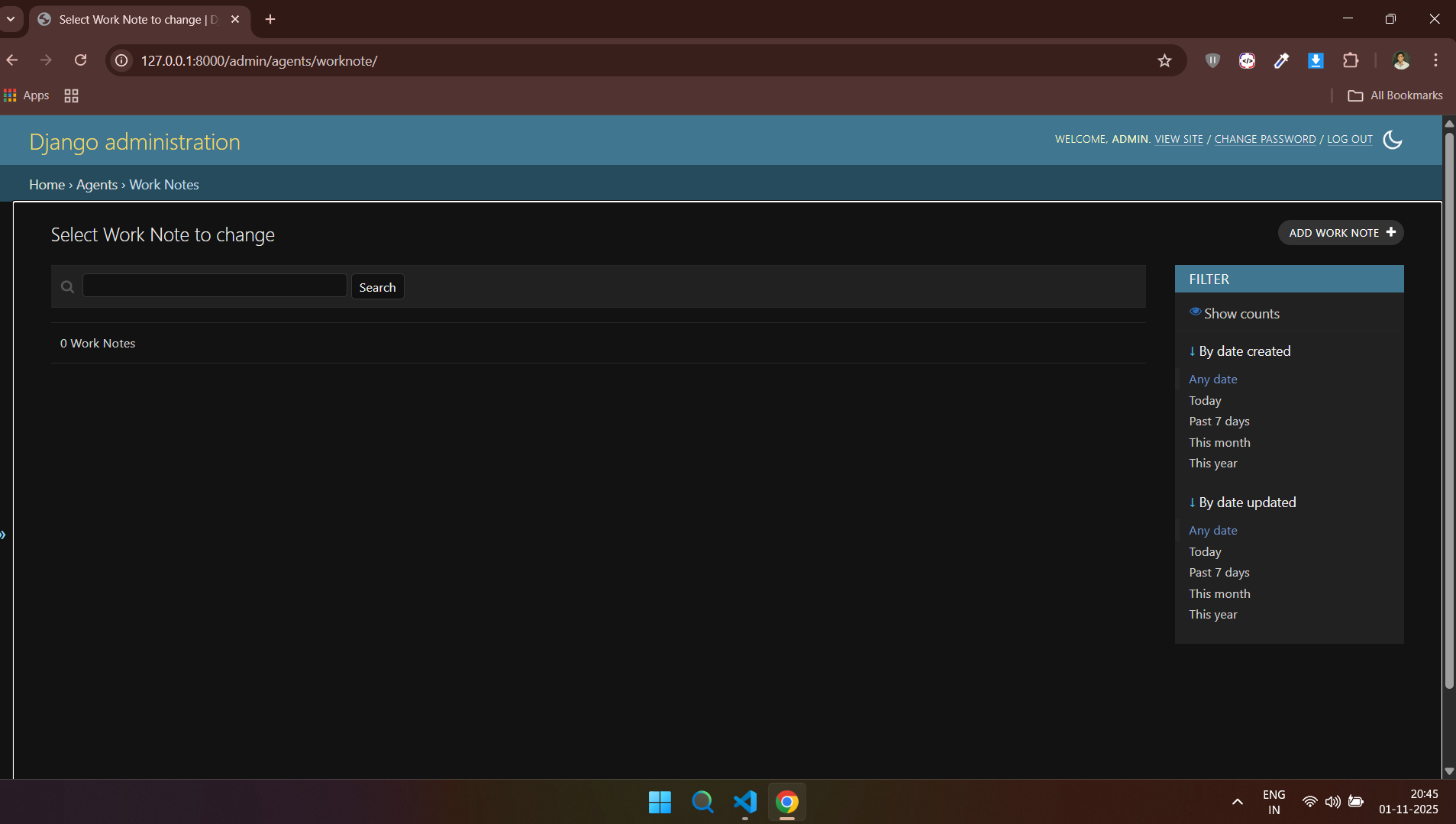
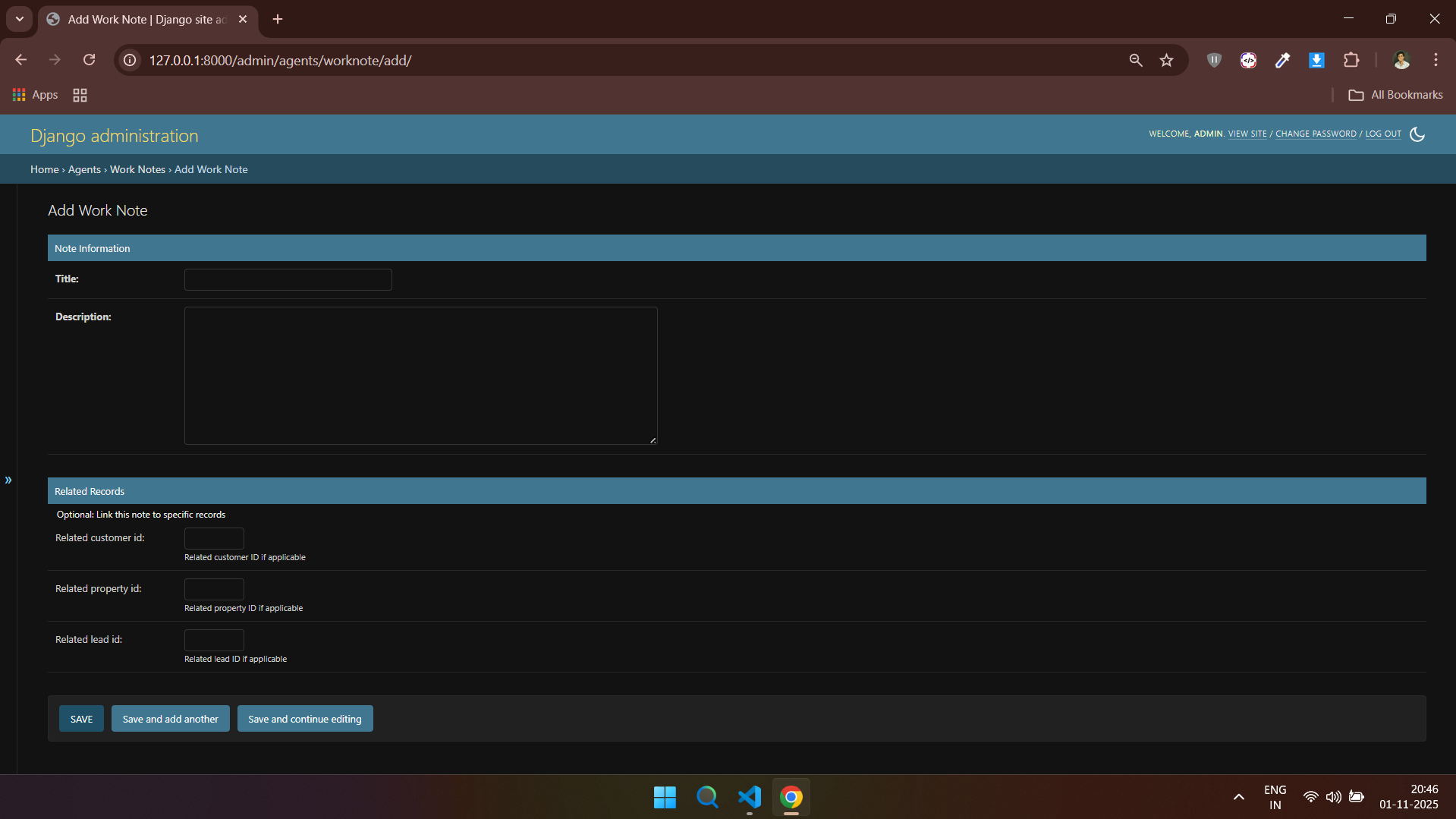
### 👥 Agents - Admin Side
---
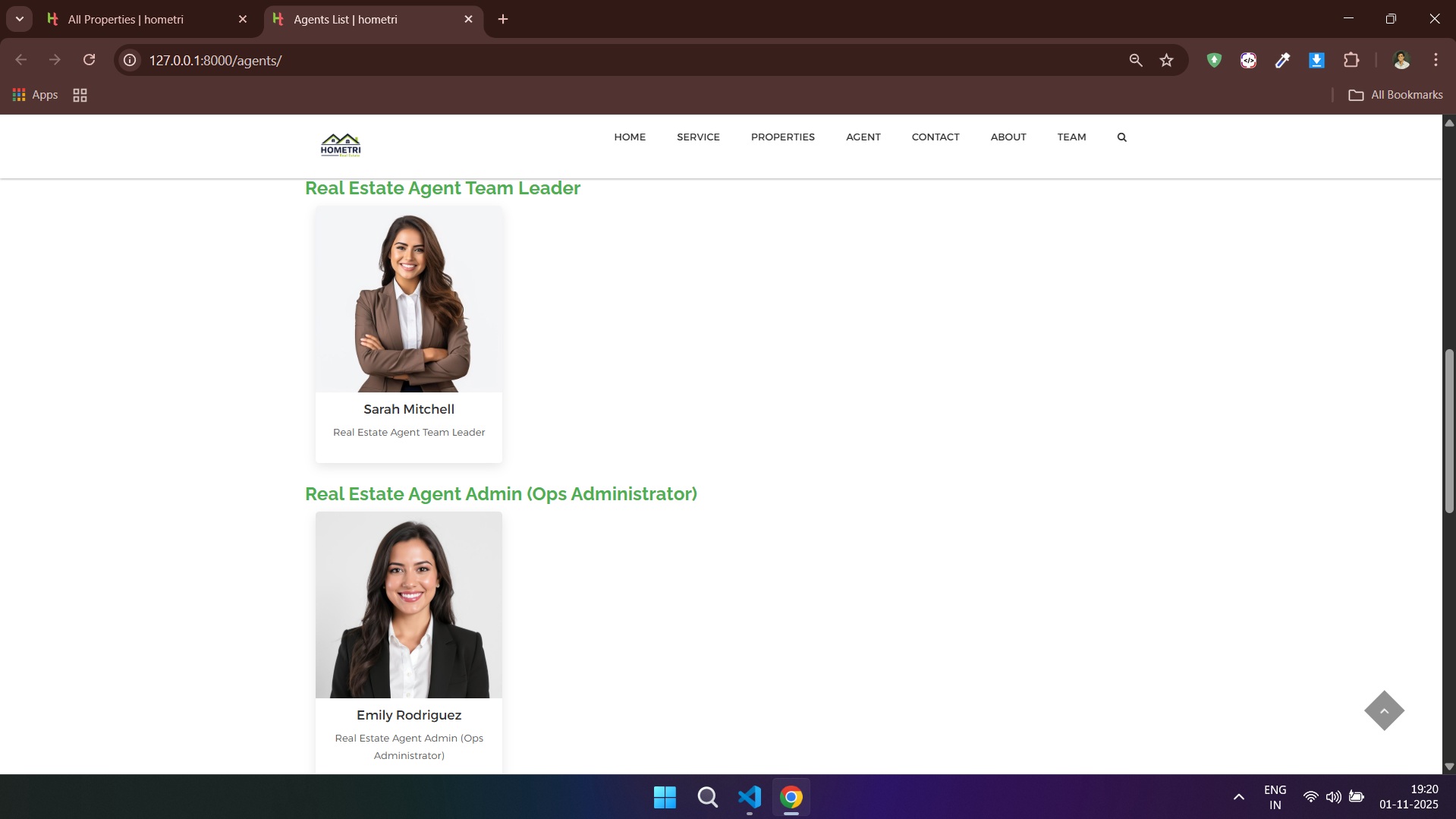
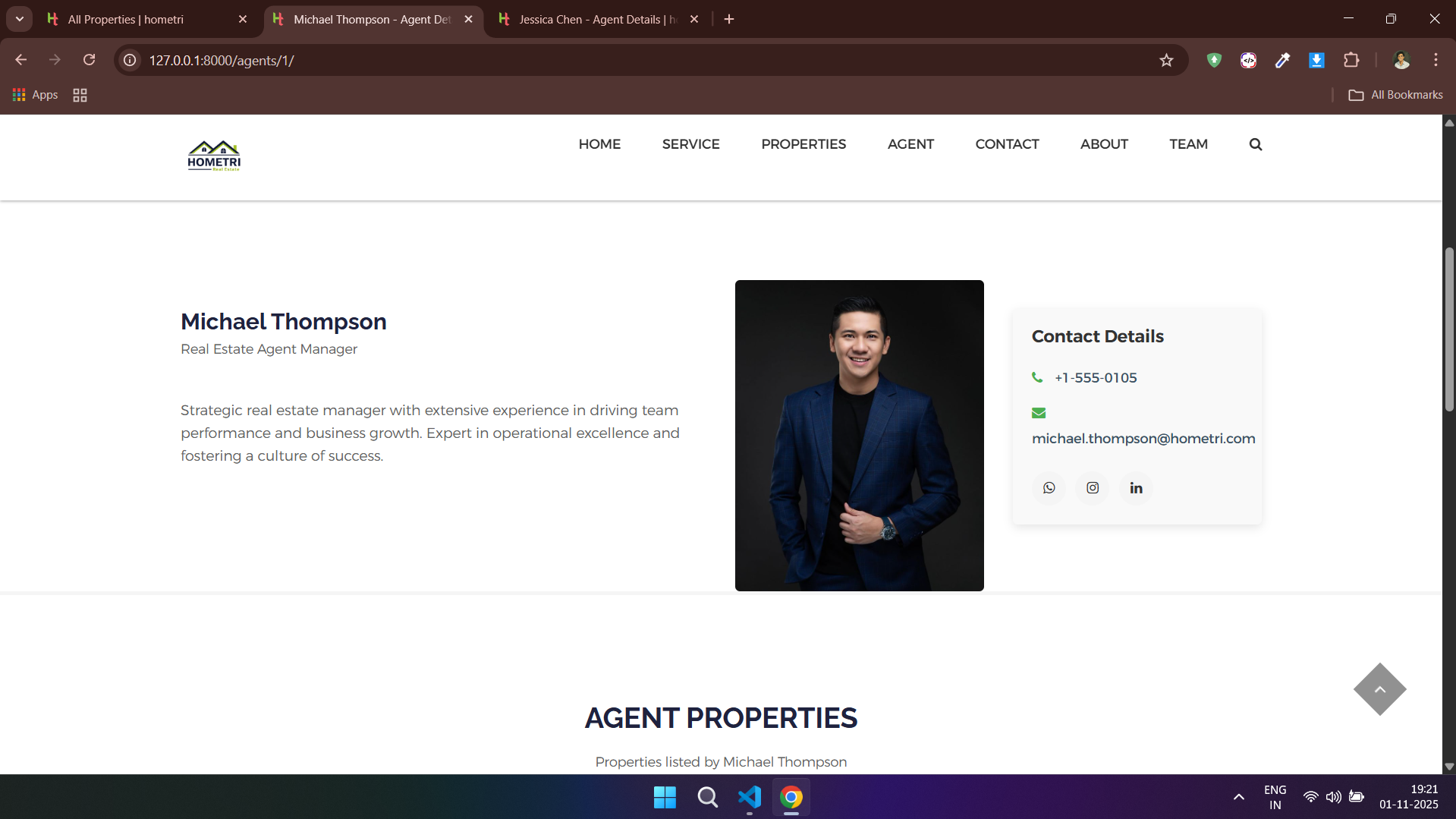
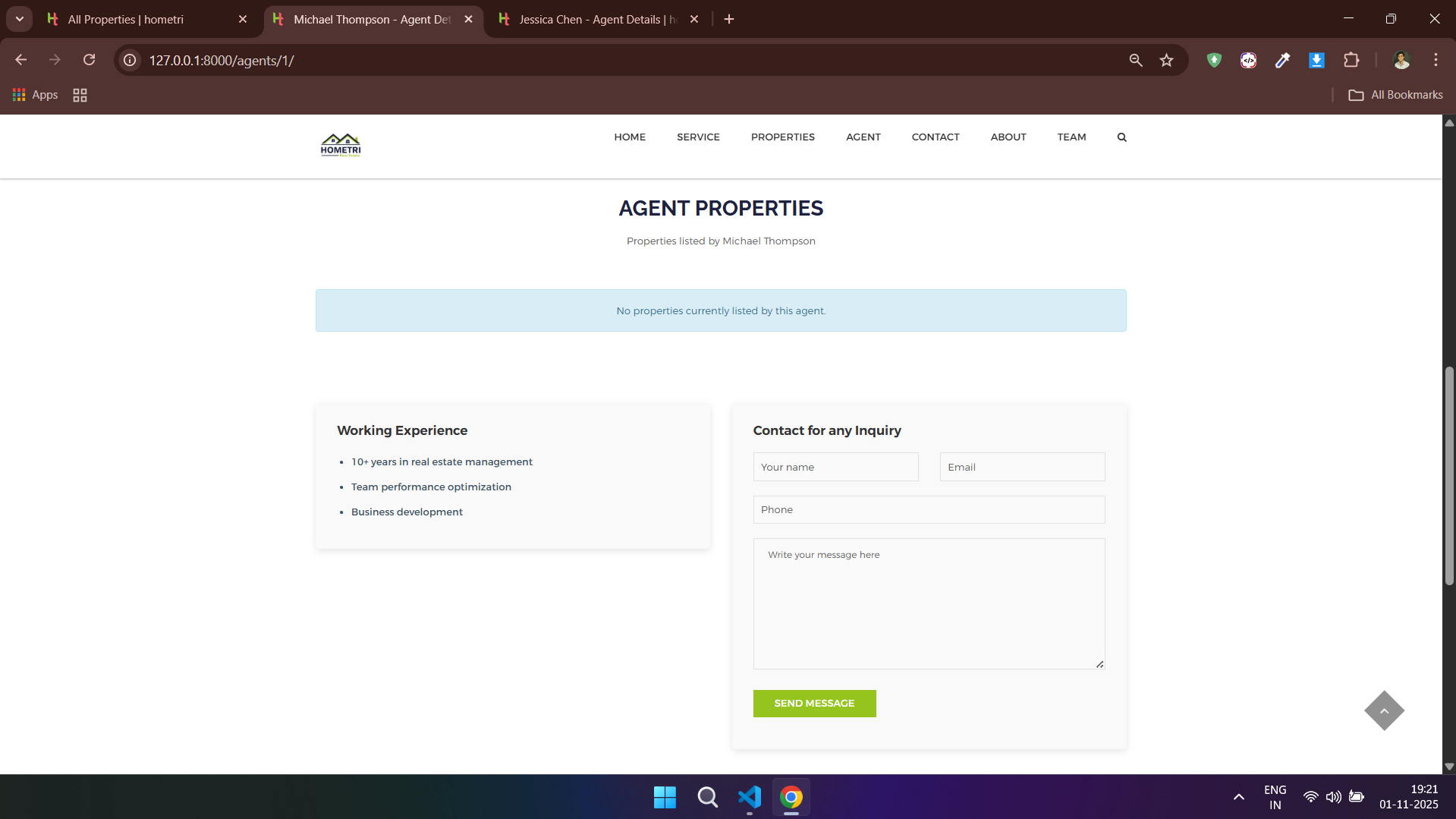
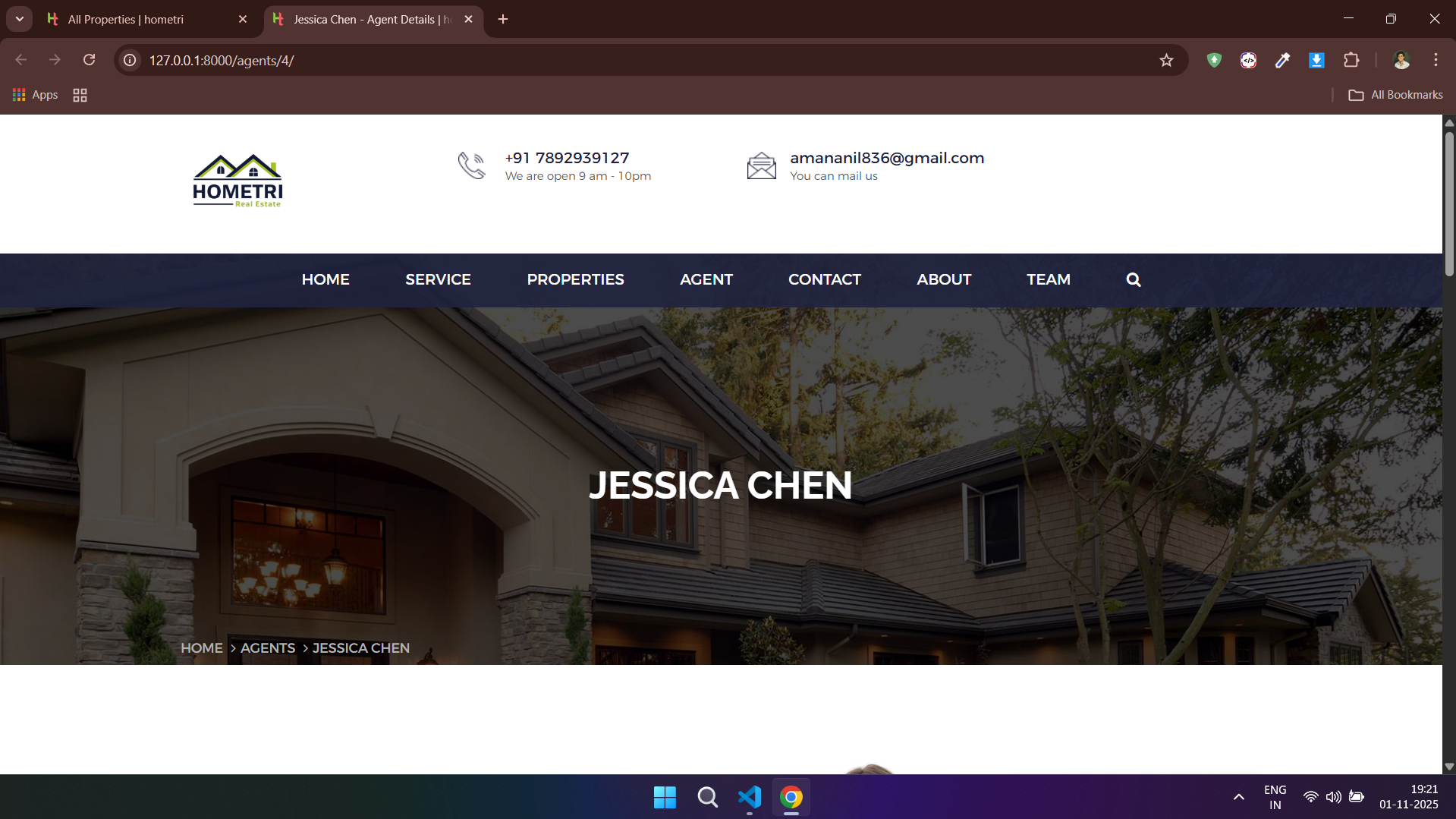
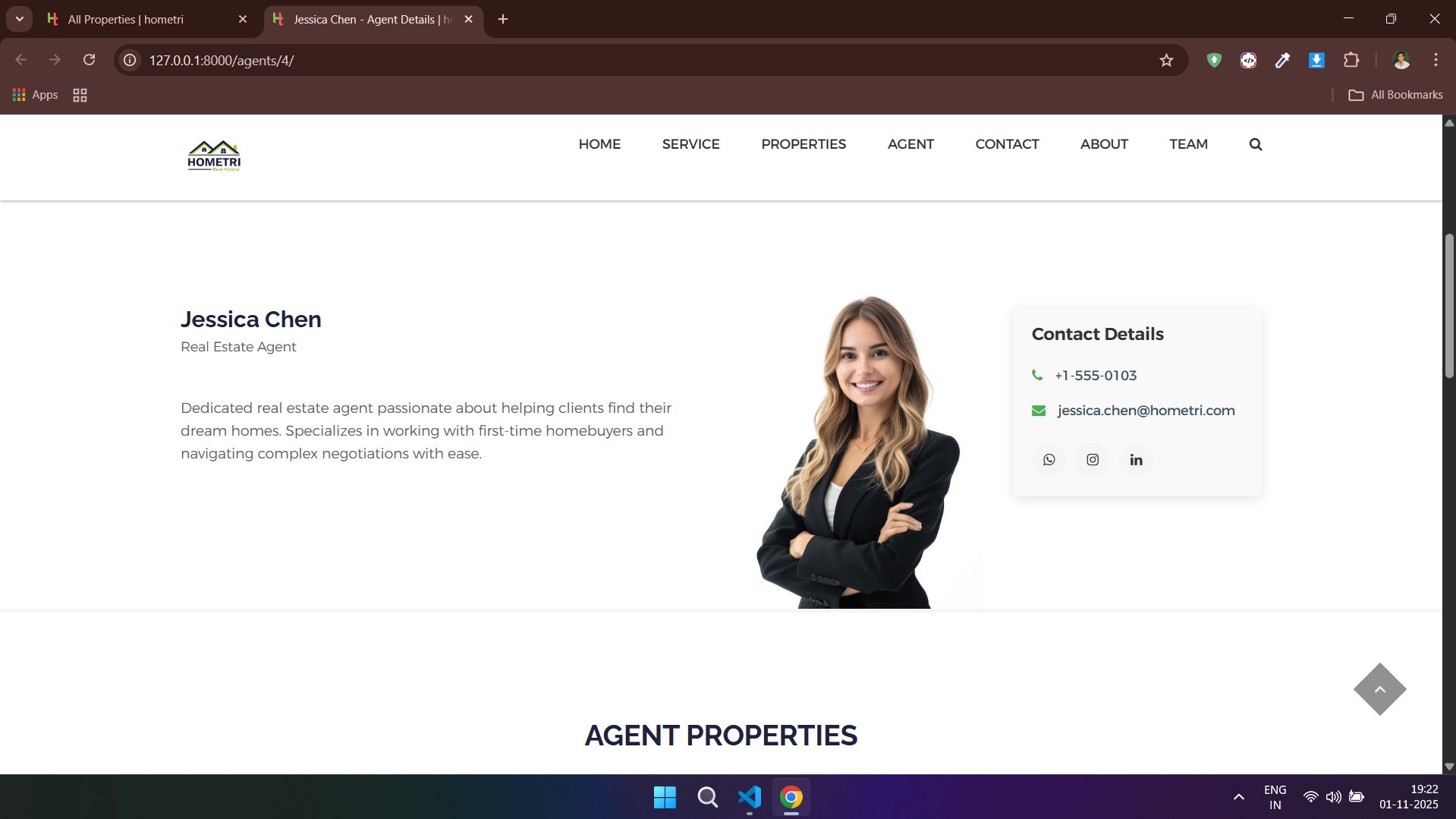
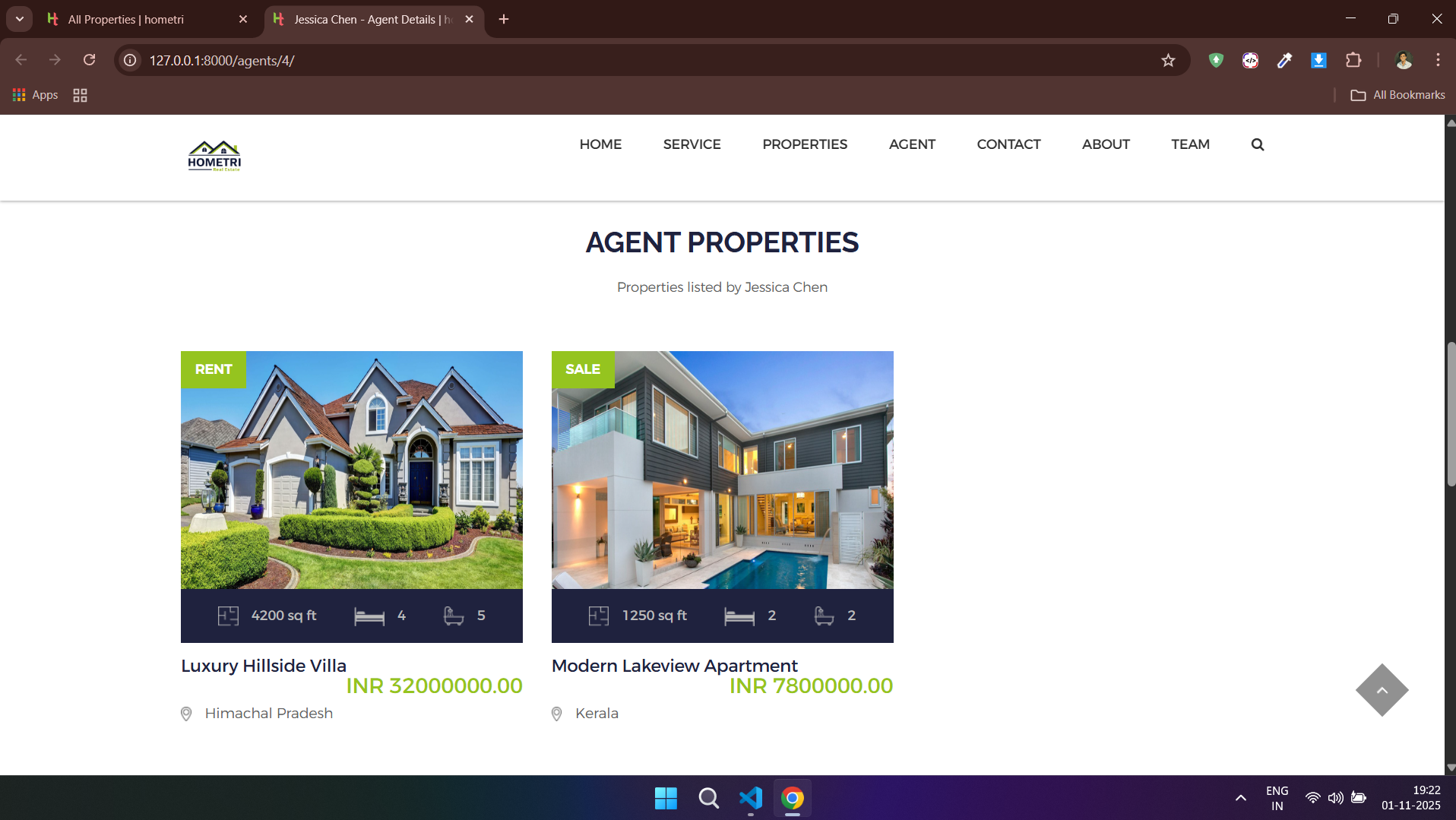
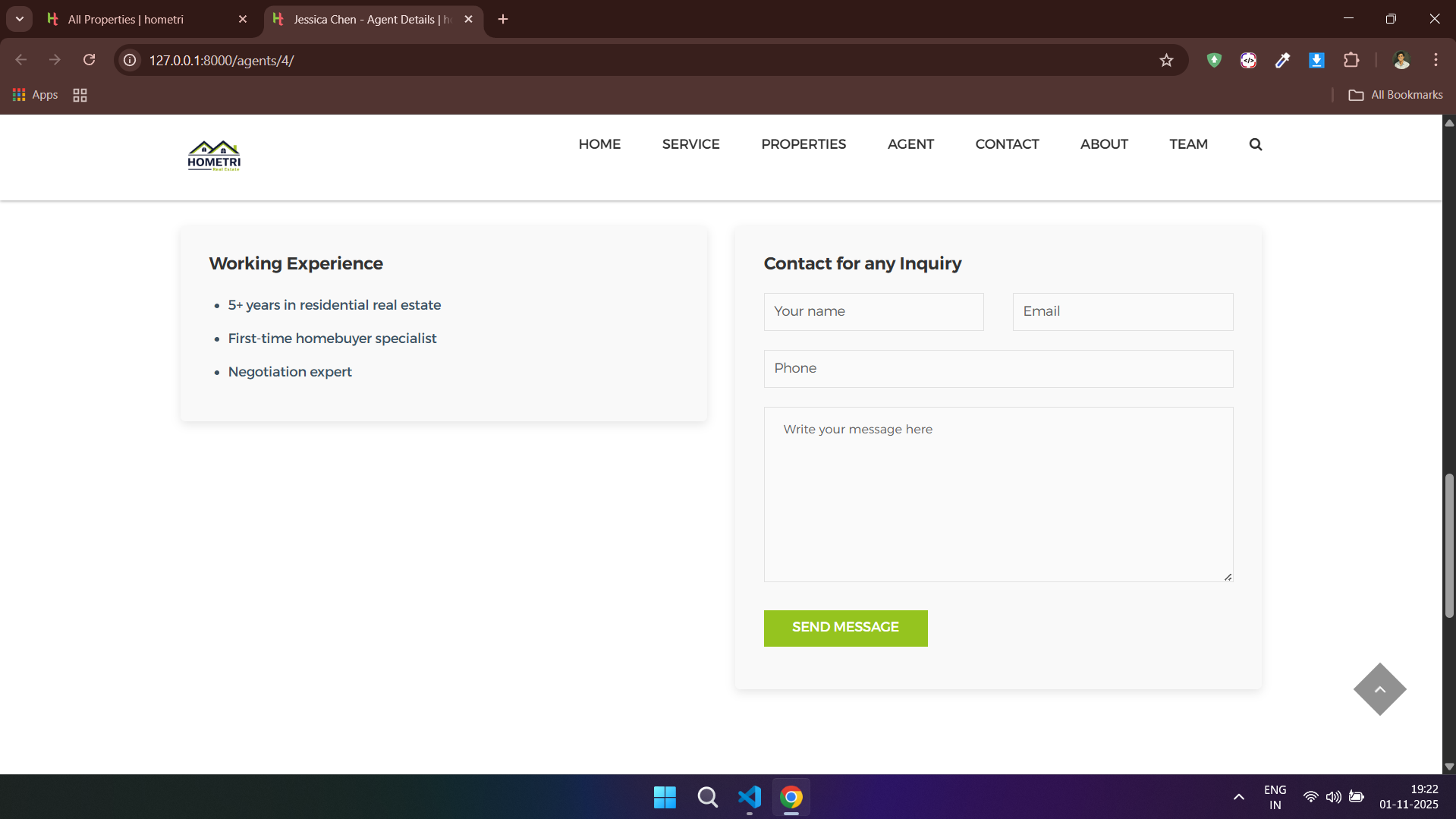
### 👥 Agents - Client Side




---
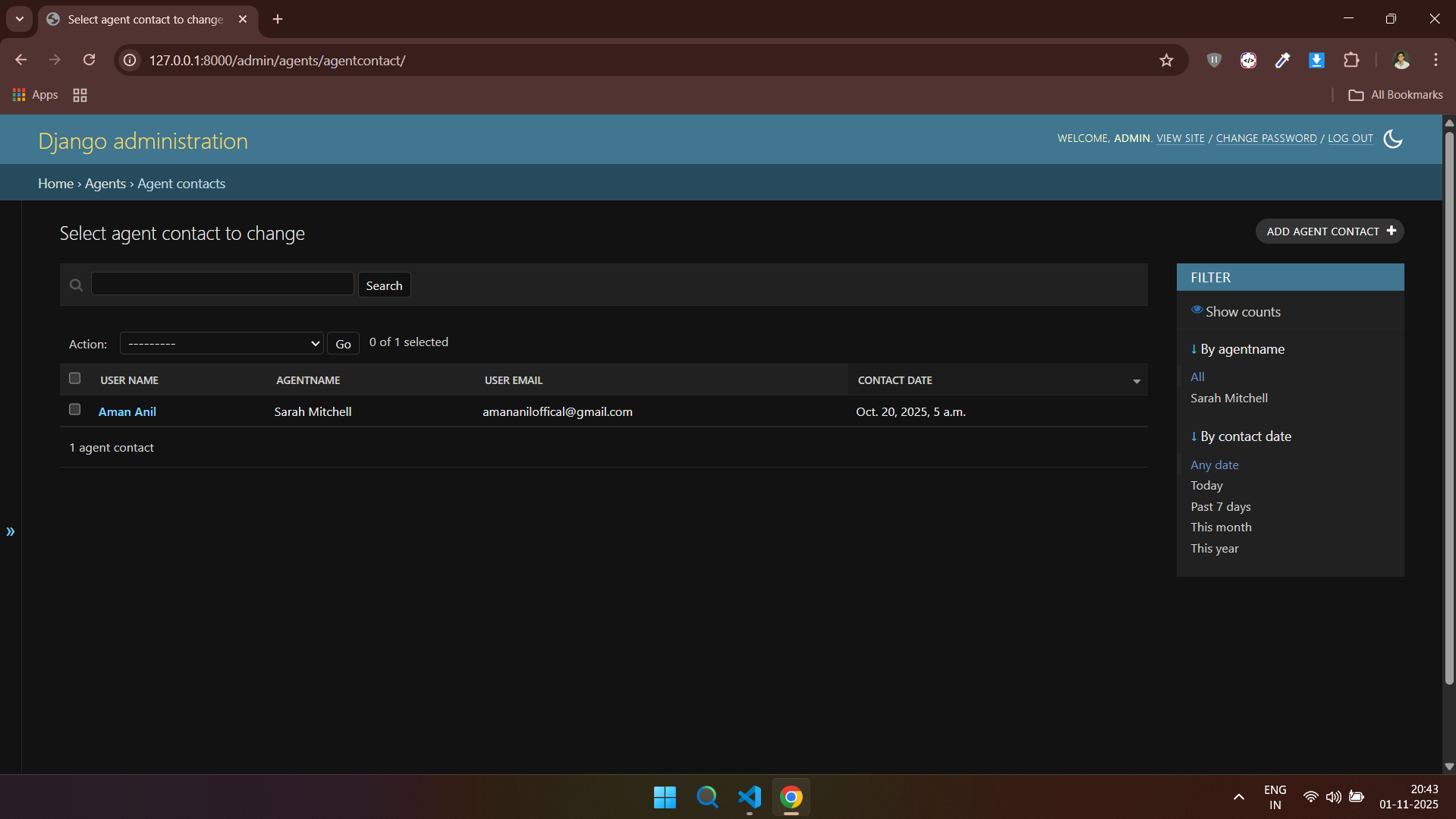
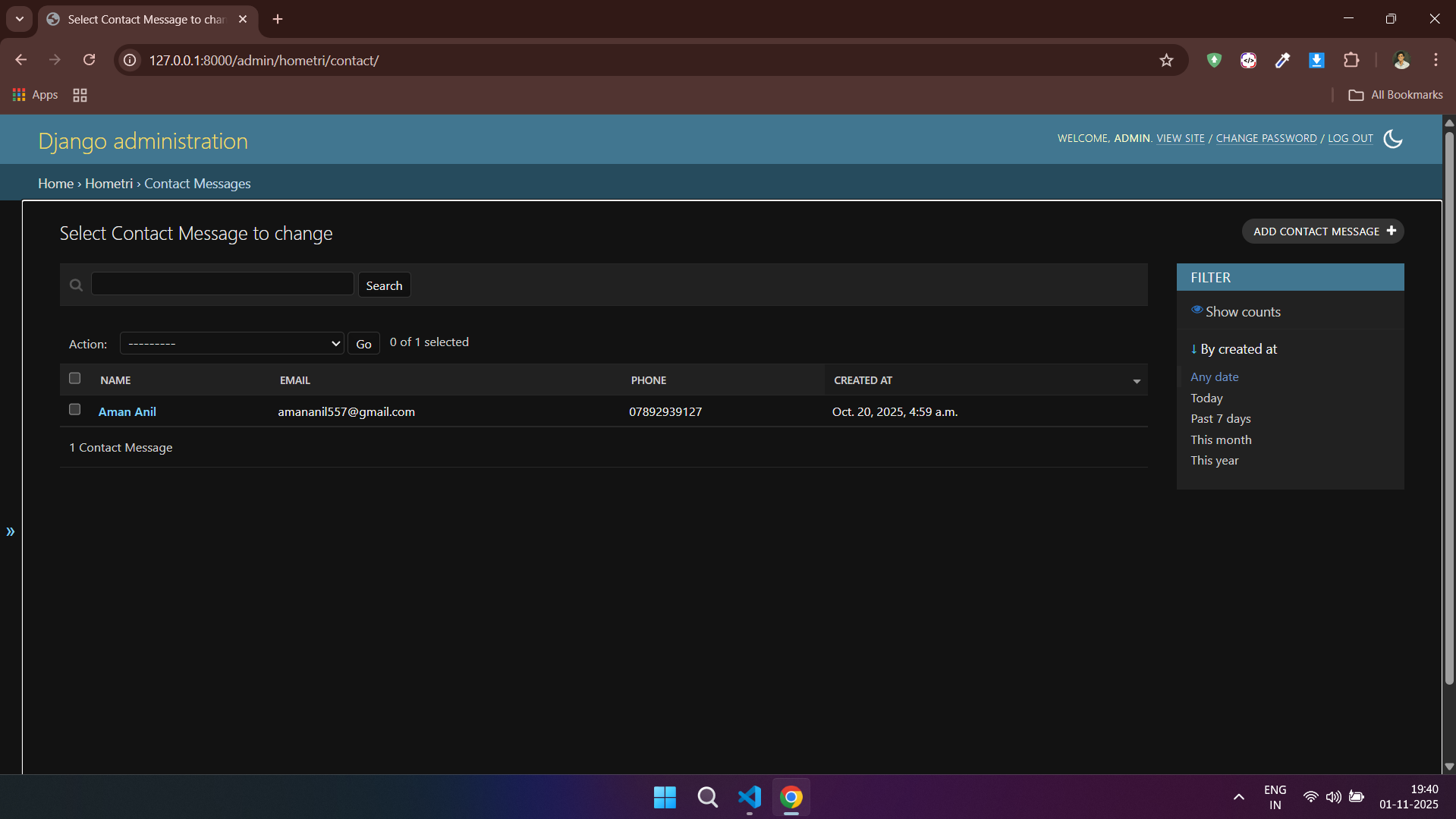
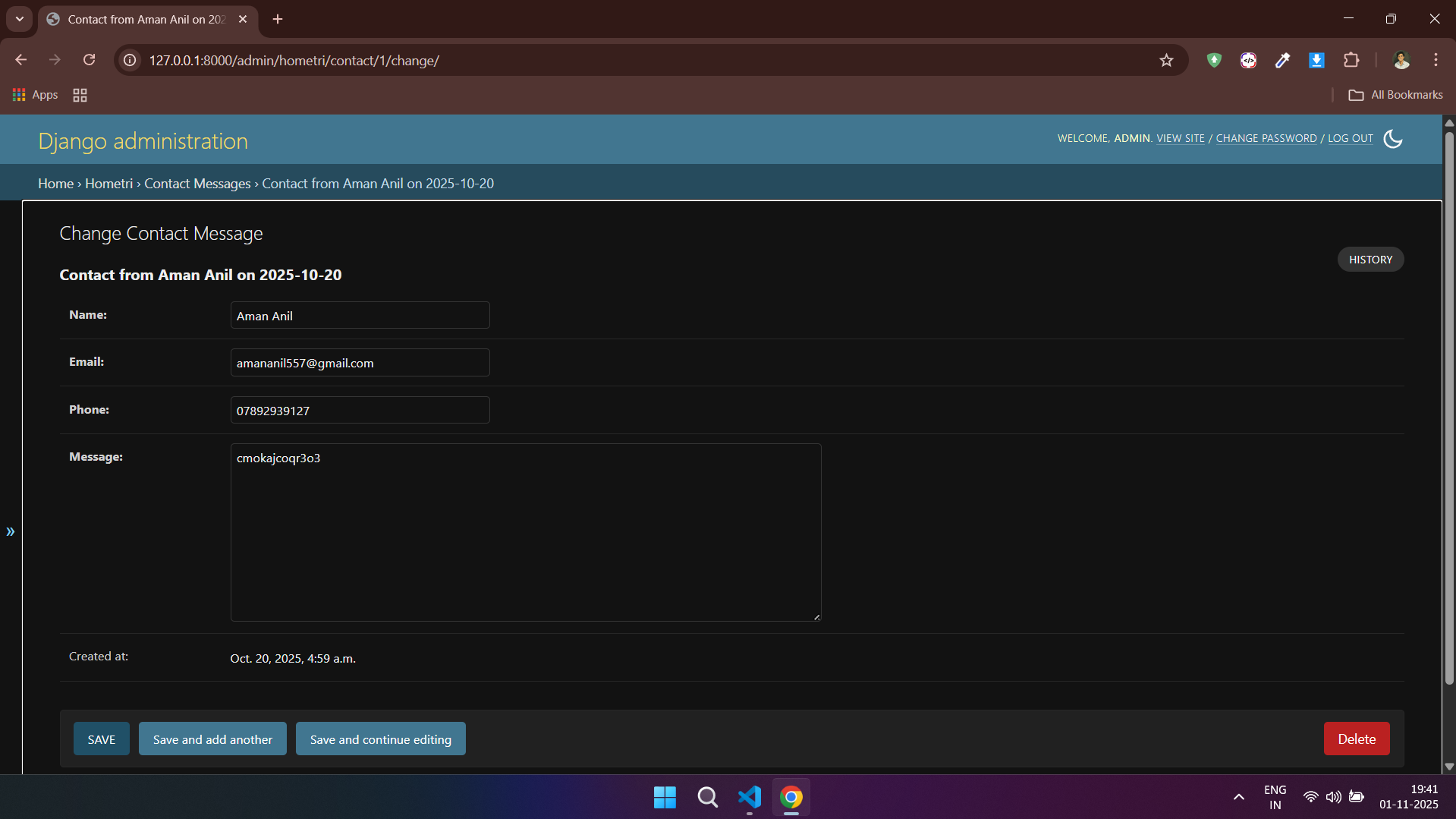
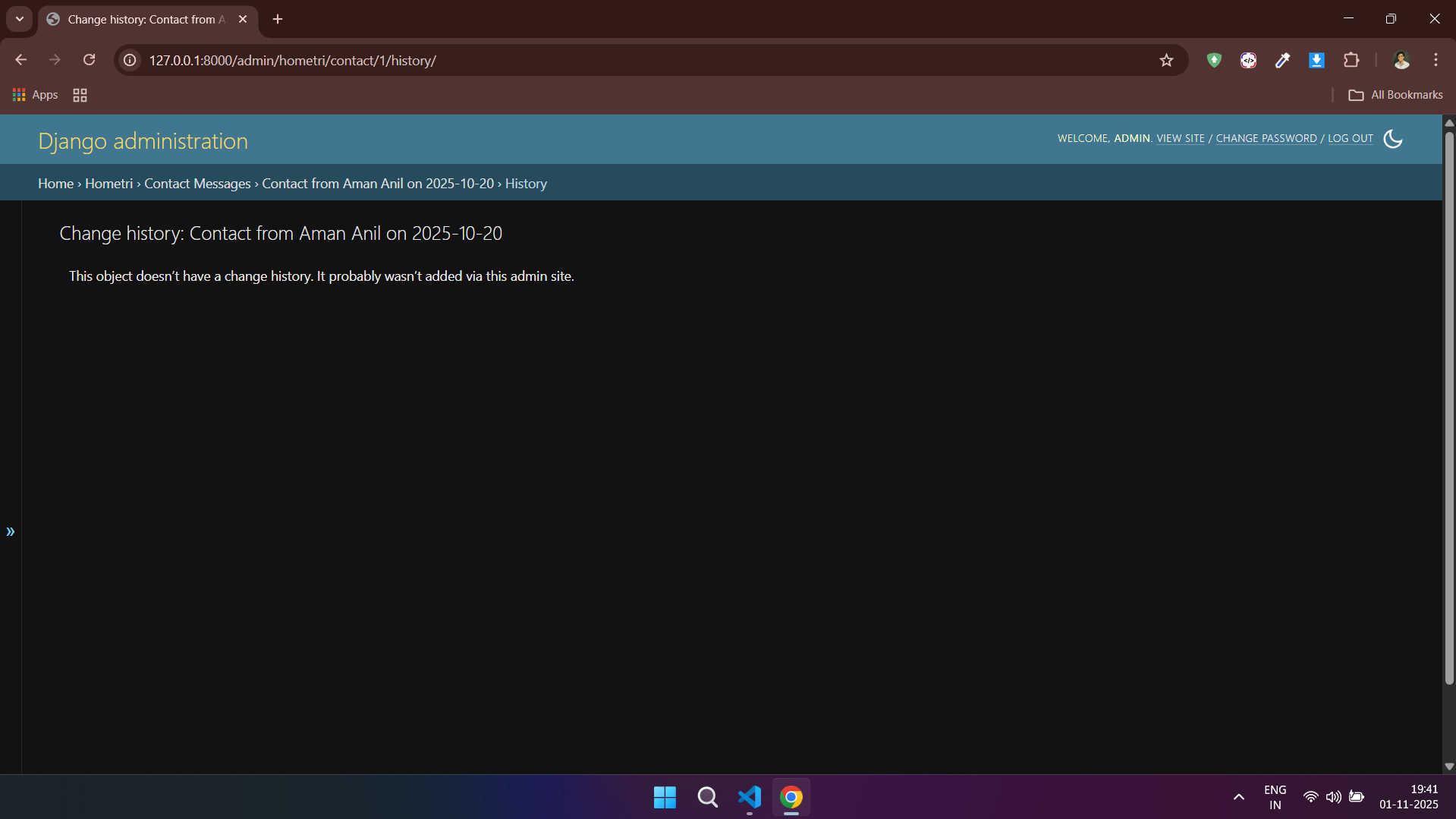
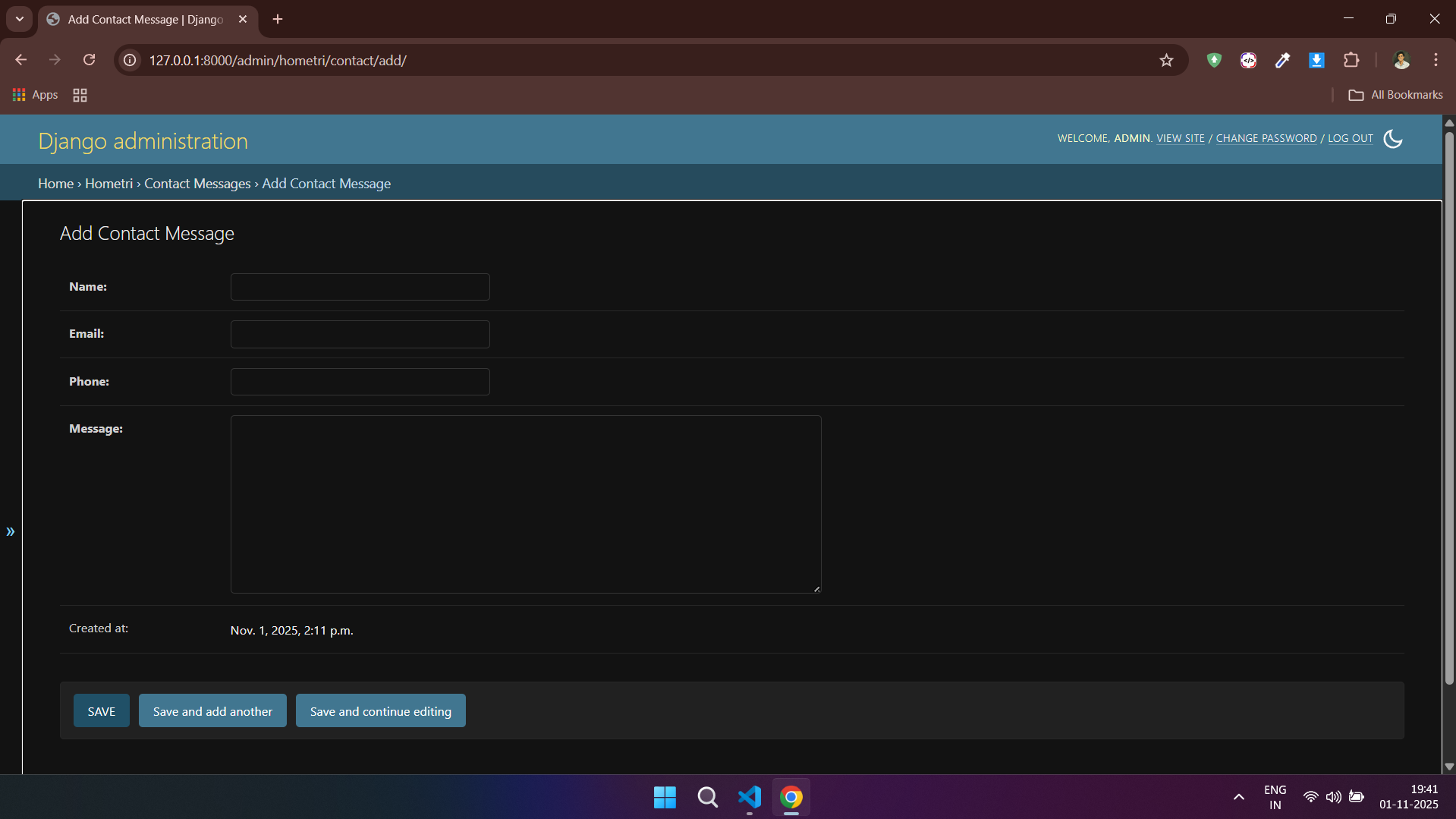
### 📞 Contact - Admin Side
---
### 📞 Contact - Client Side

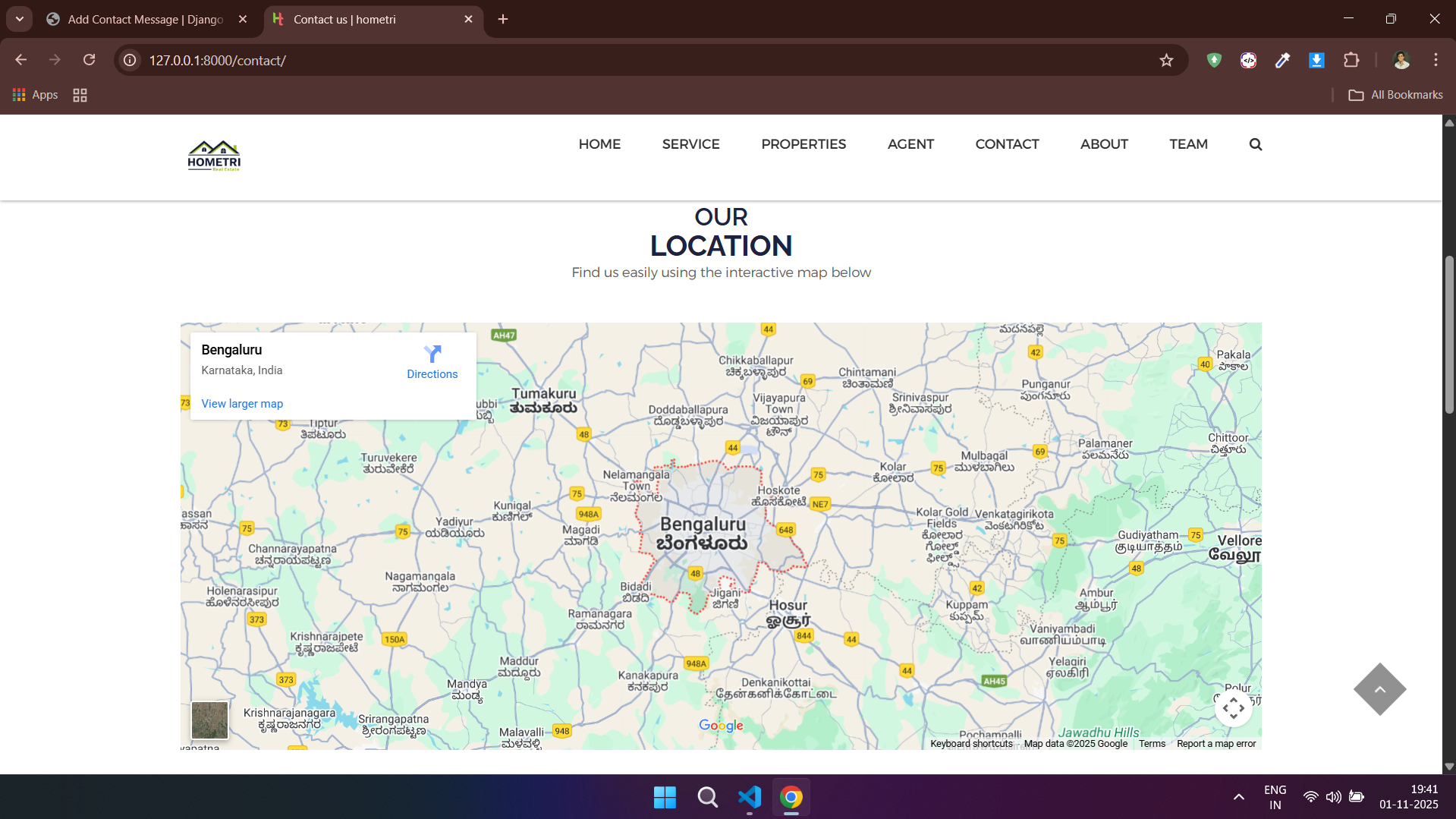
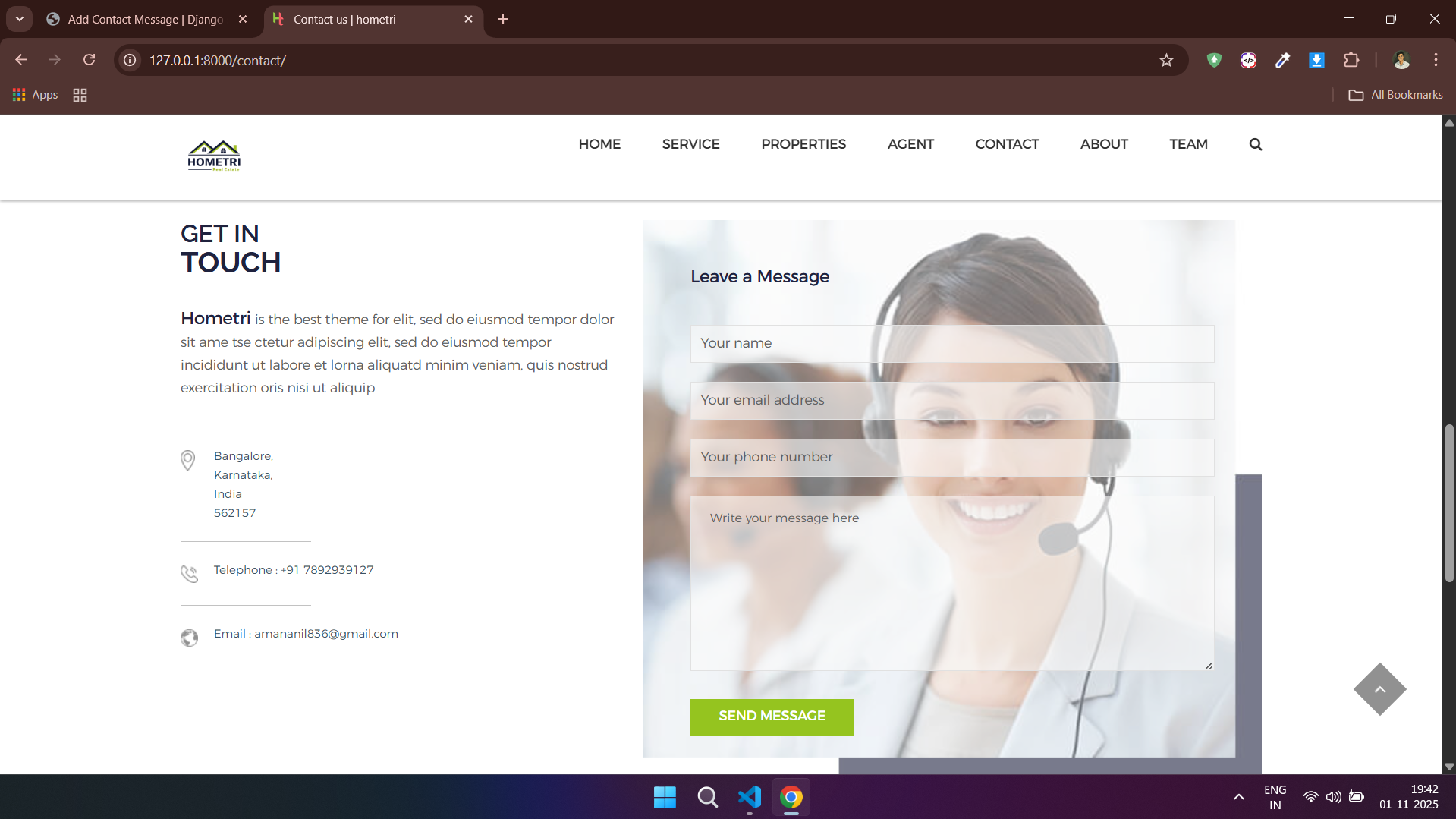
---
### 🏘️ Property - Admin Side
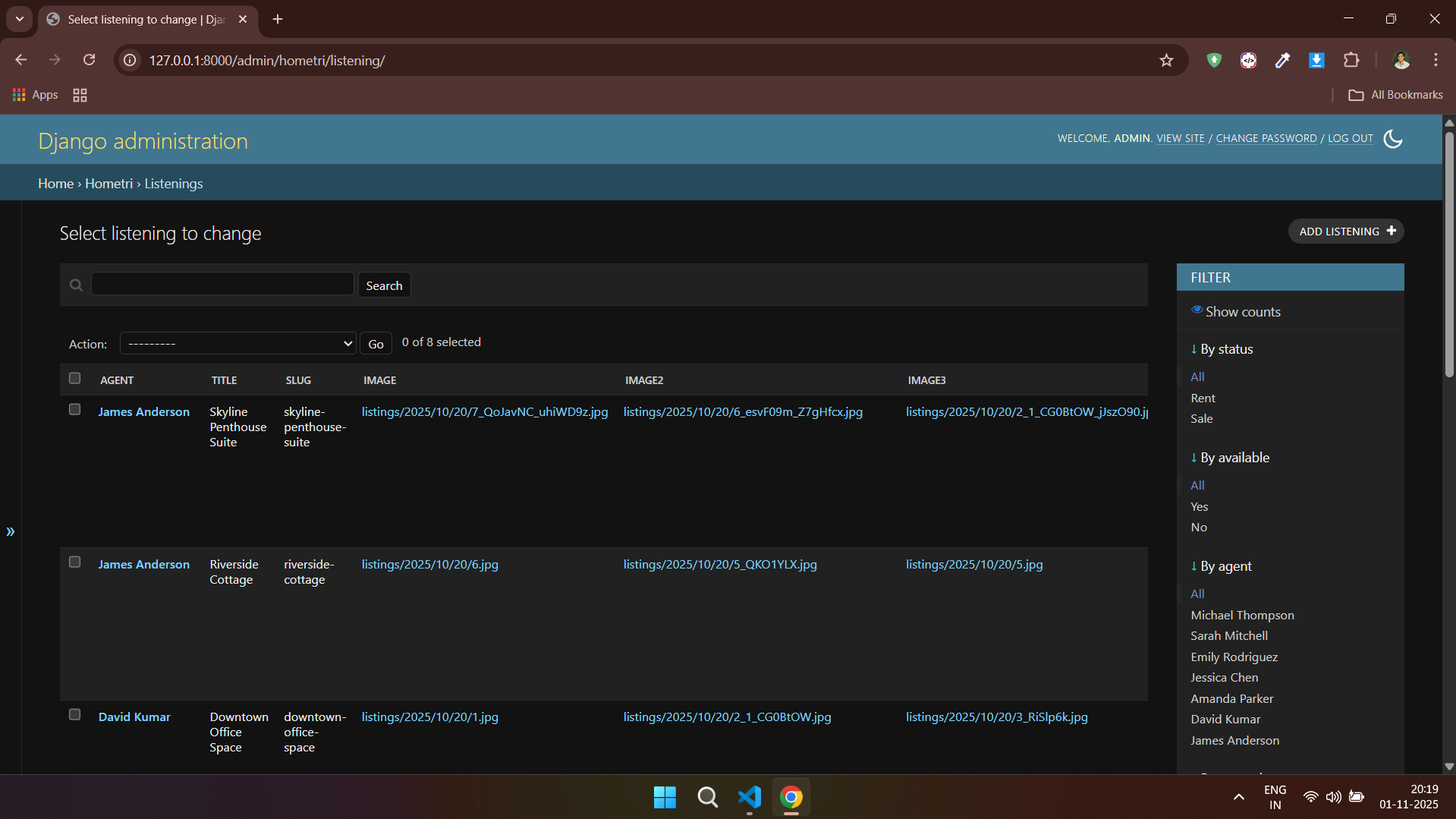
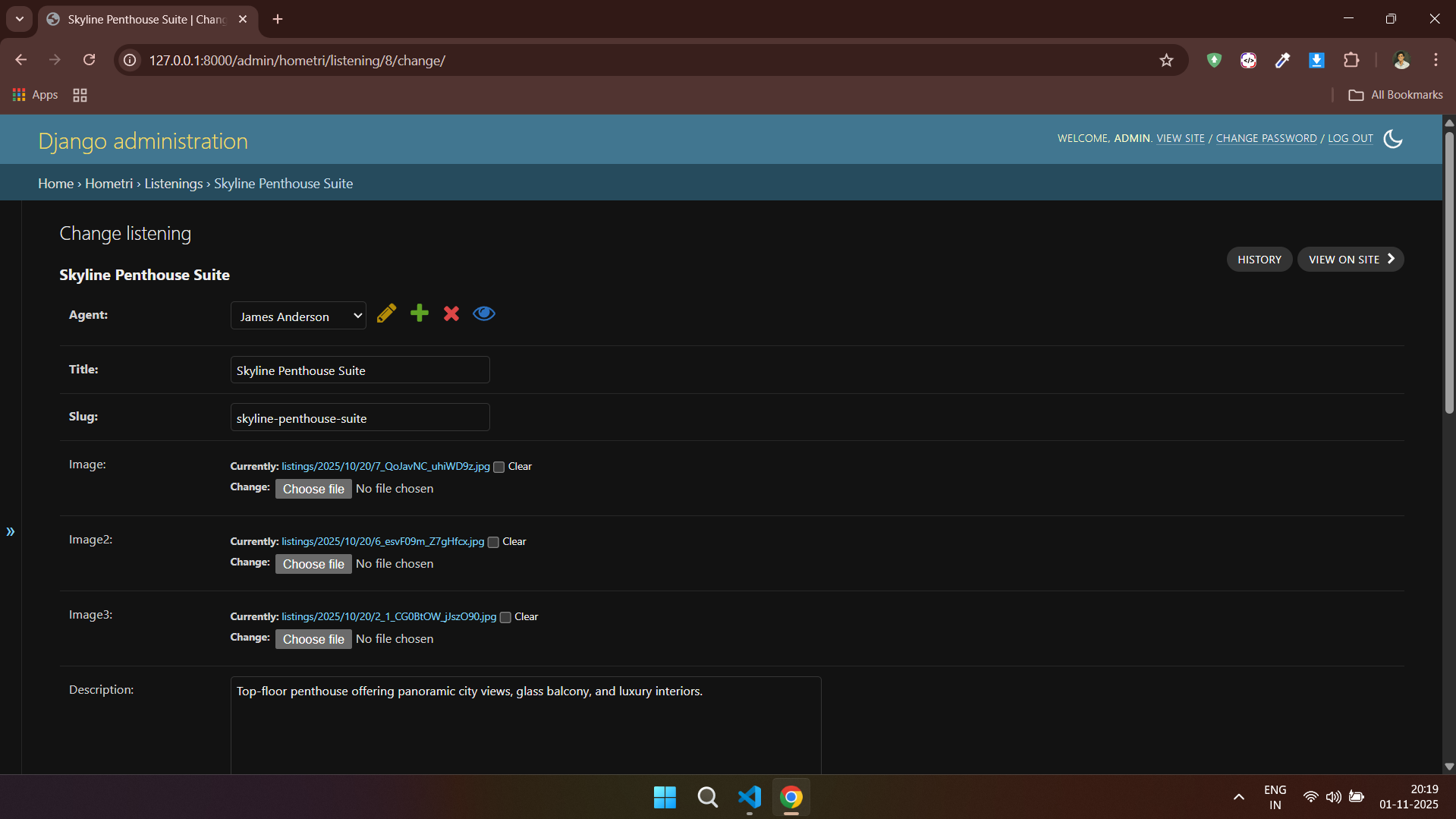
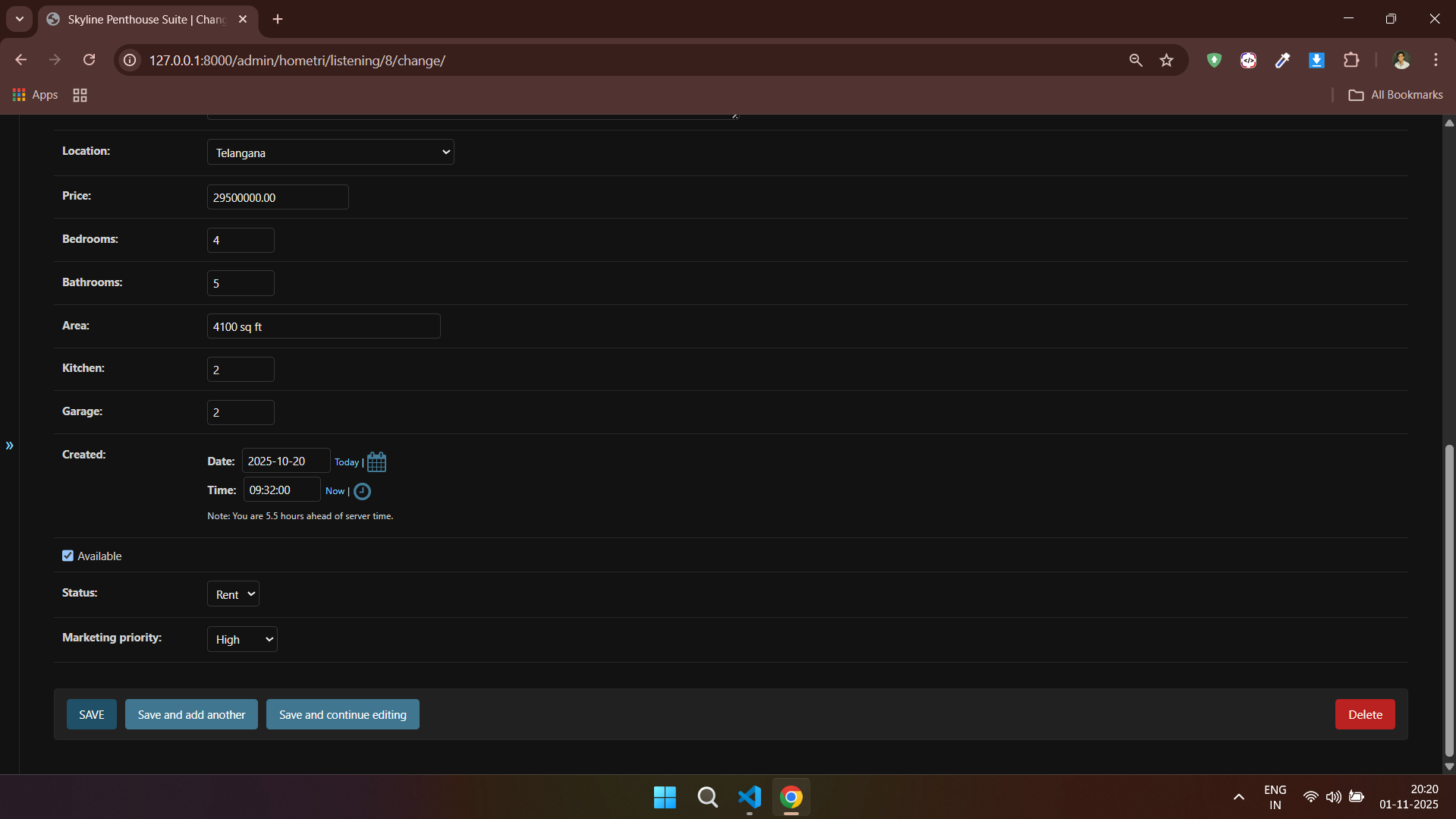
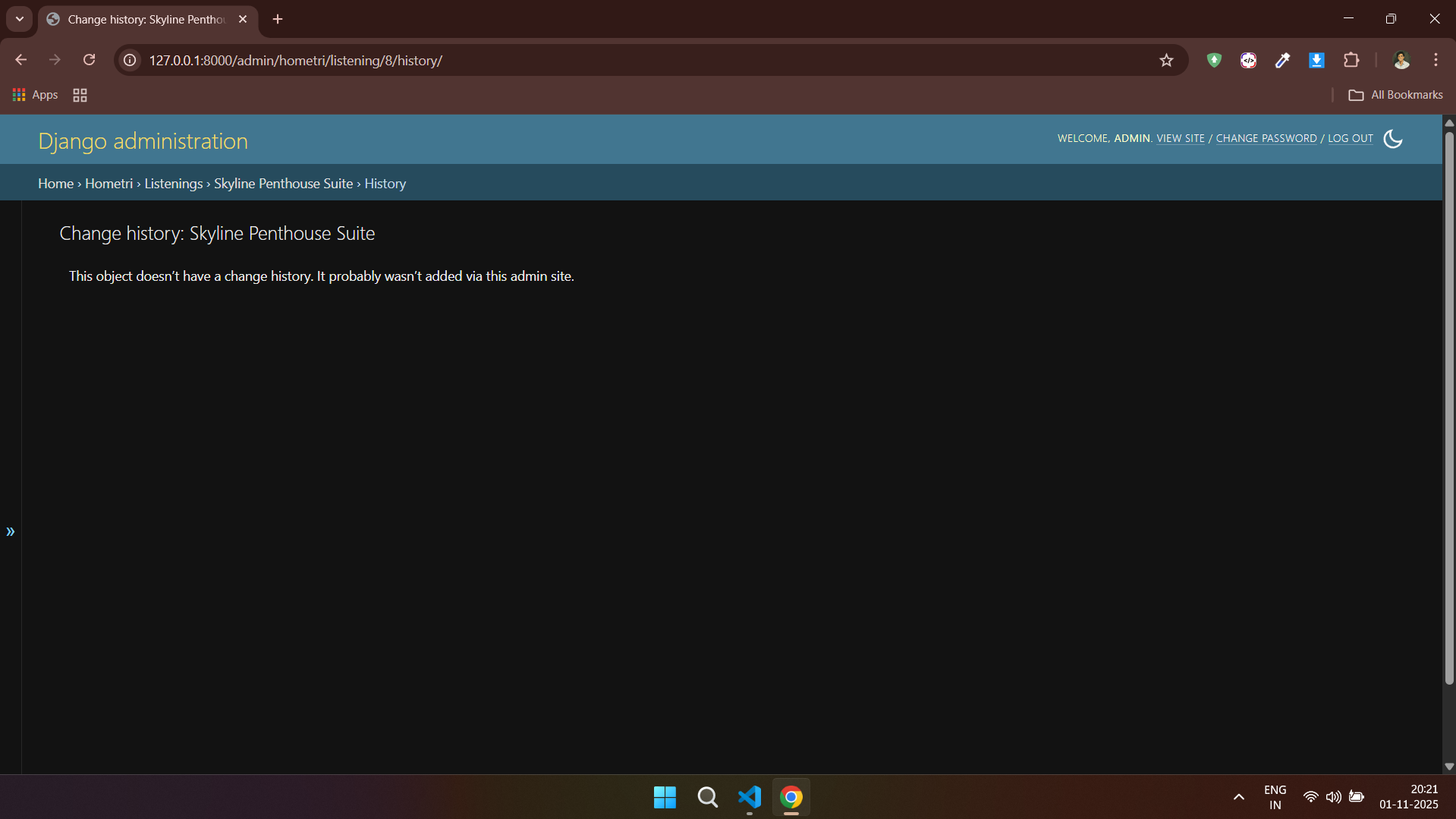
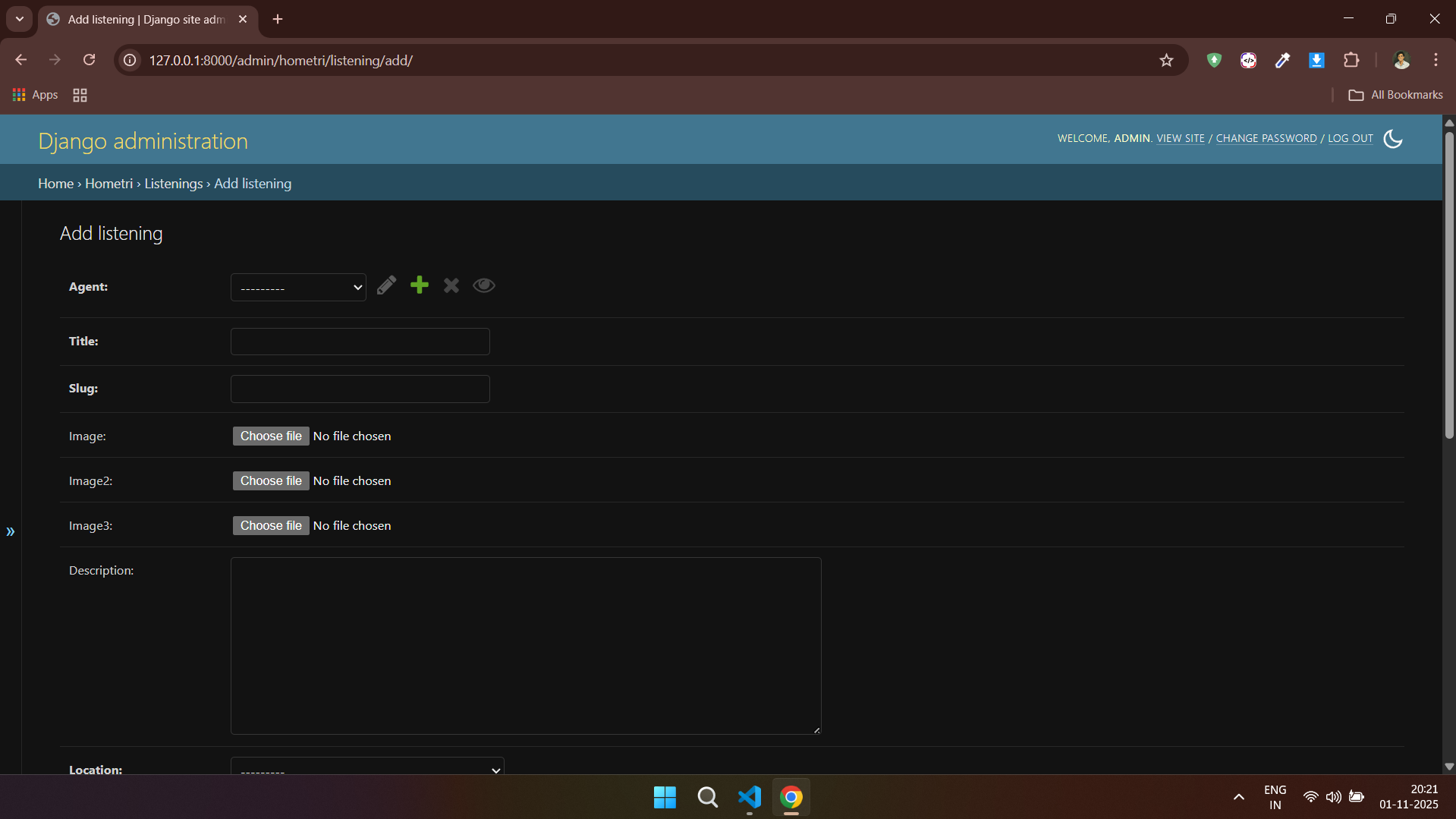
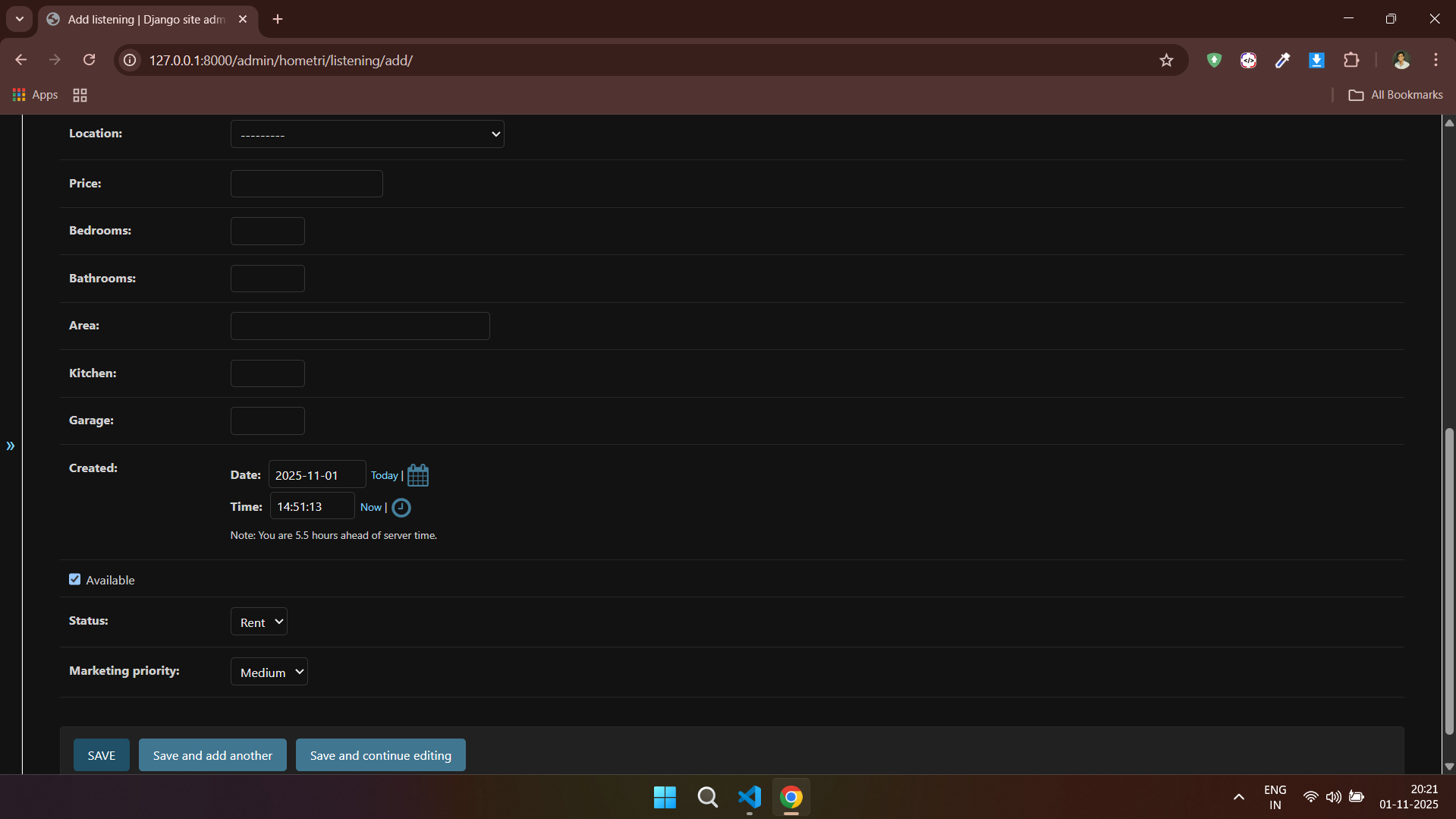
---
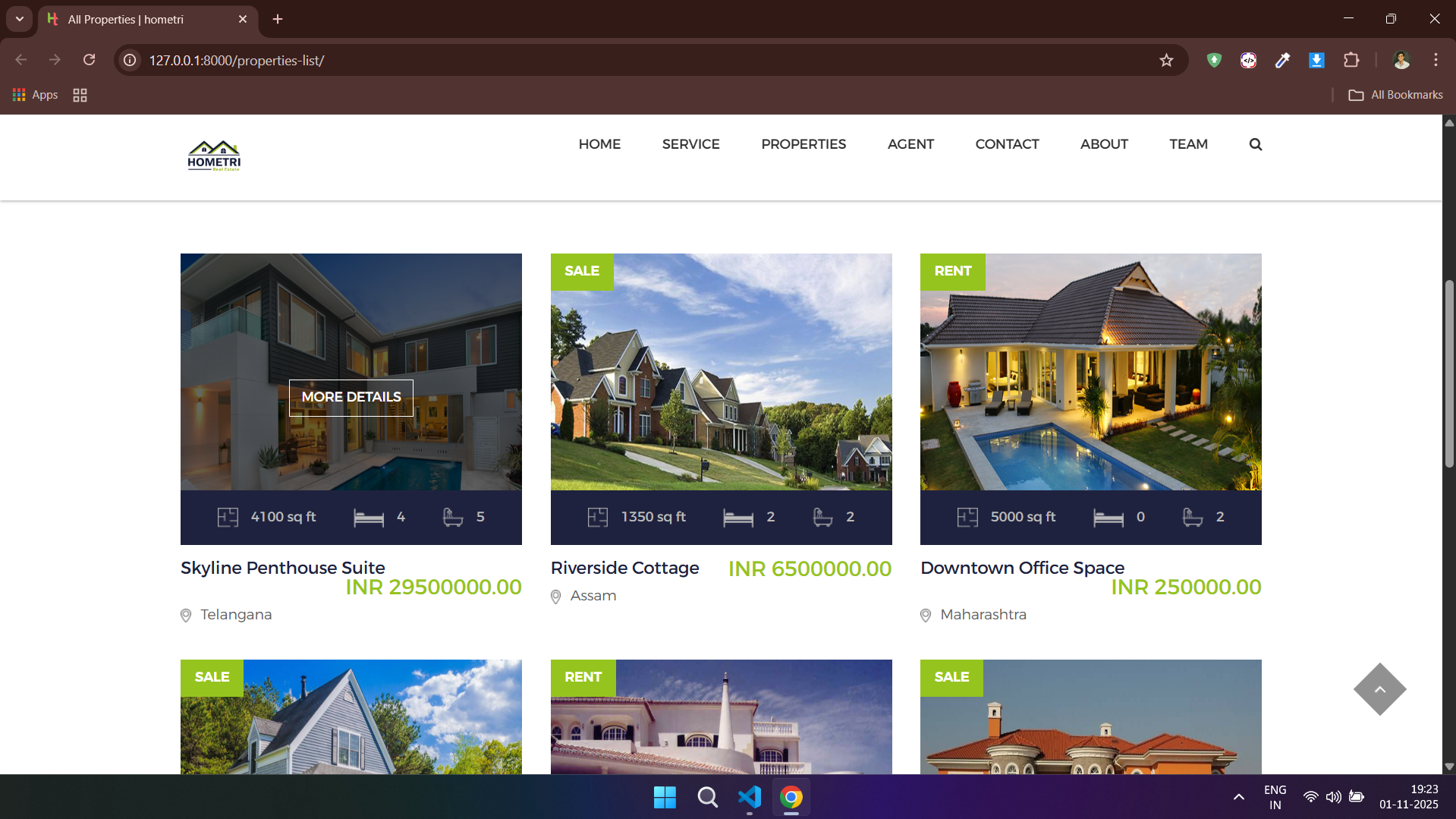
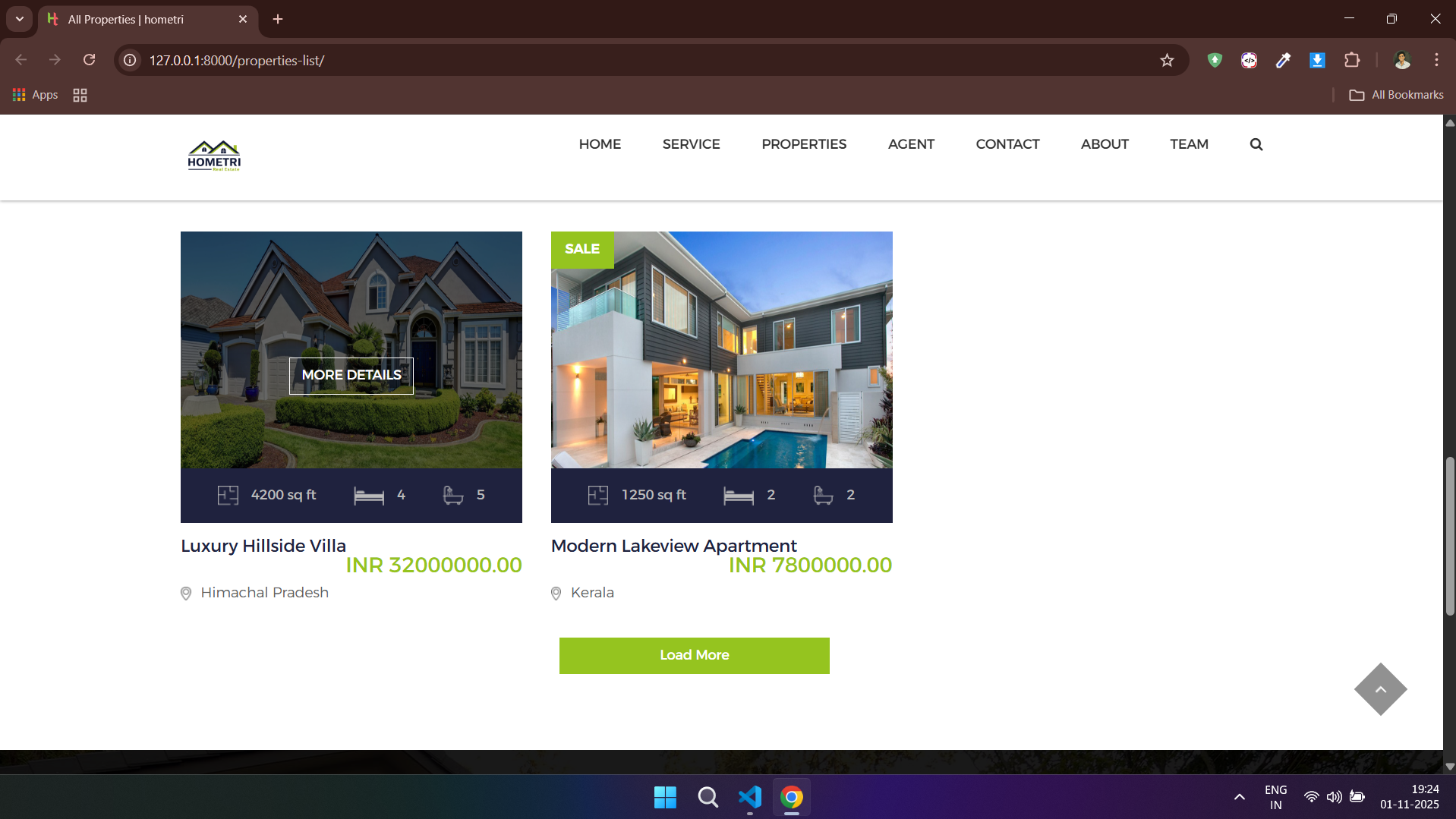
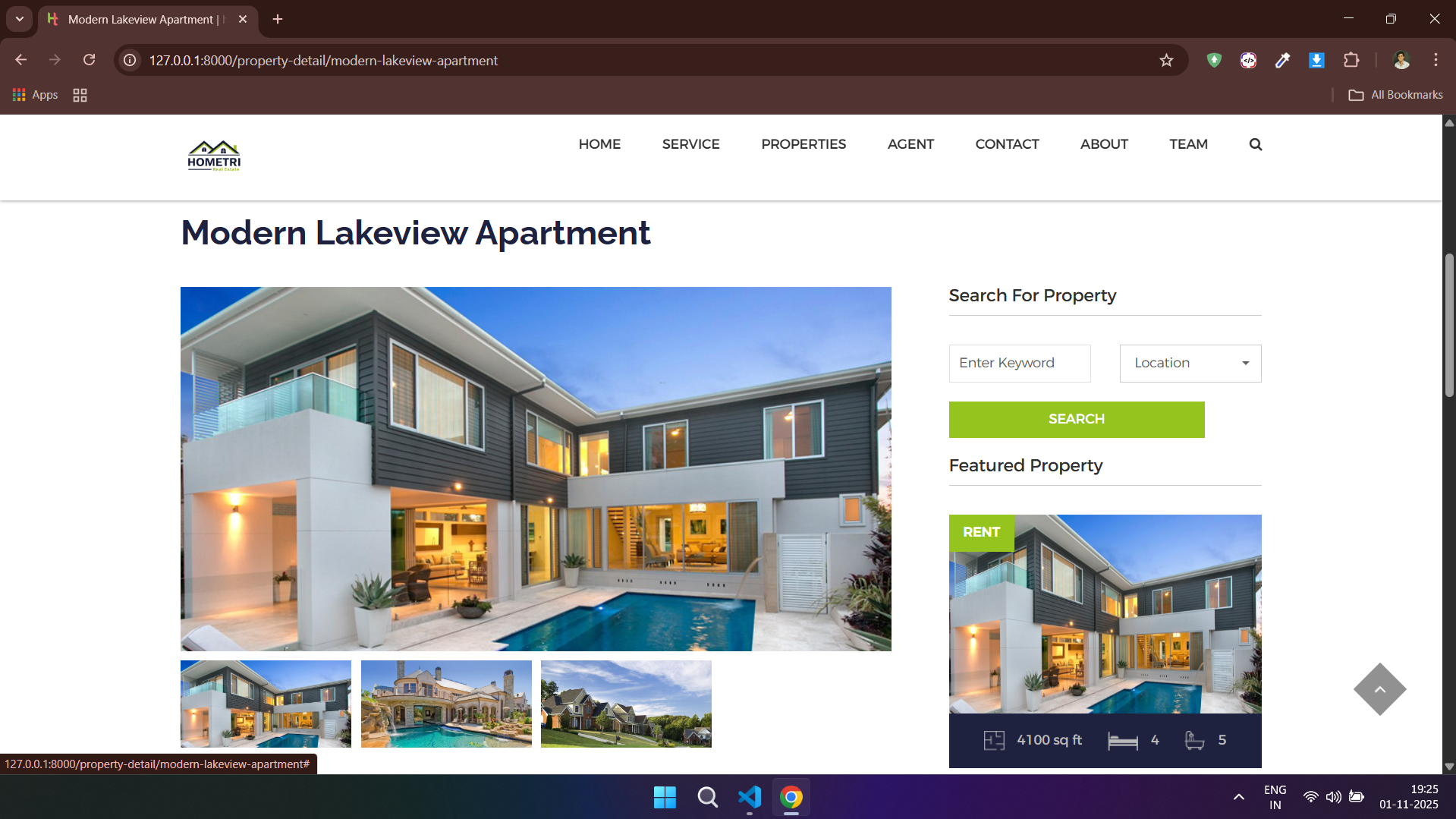
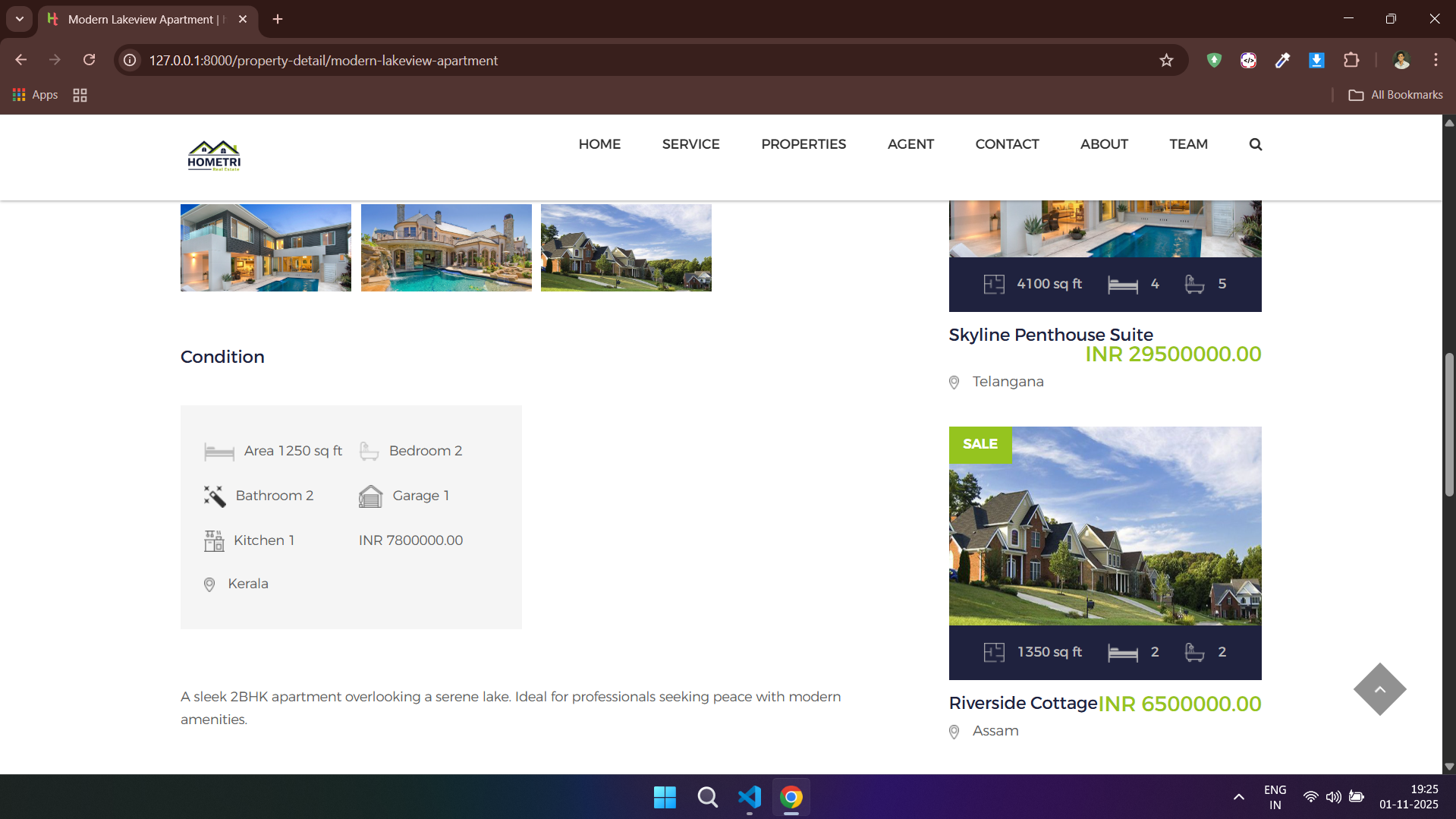
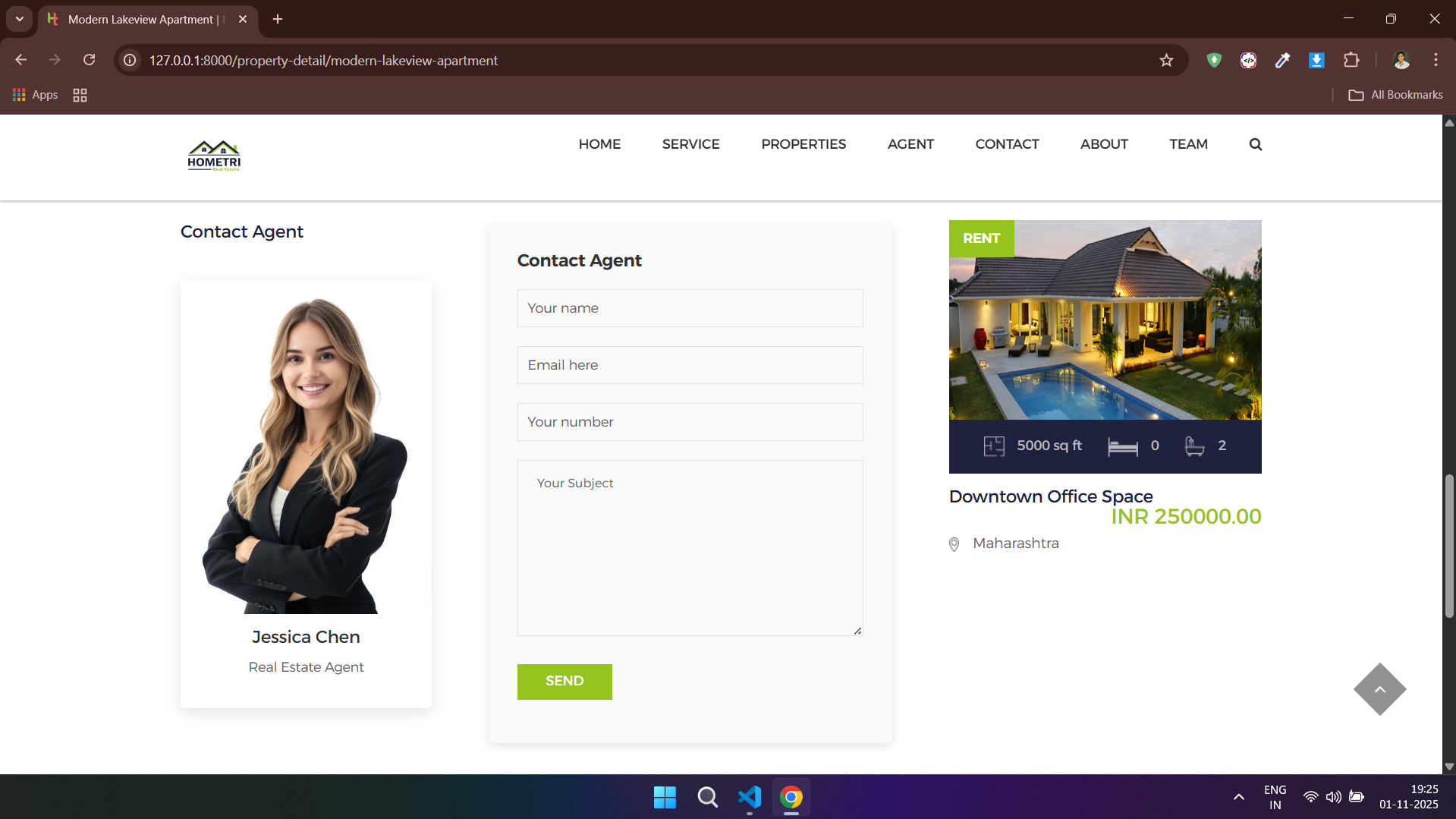
### 🏘️ Property - Client Side


---
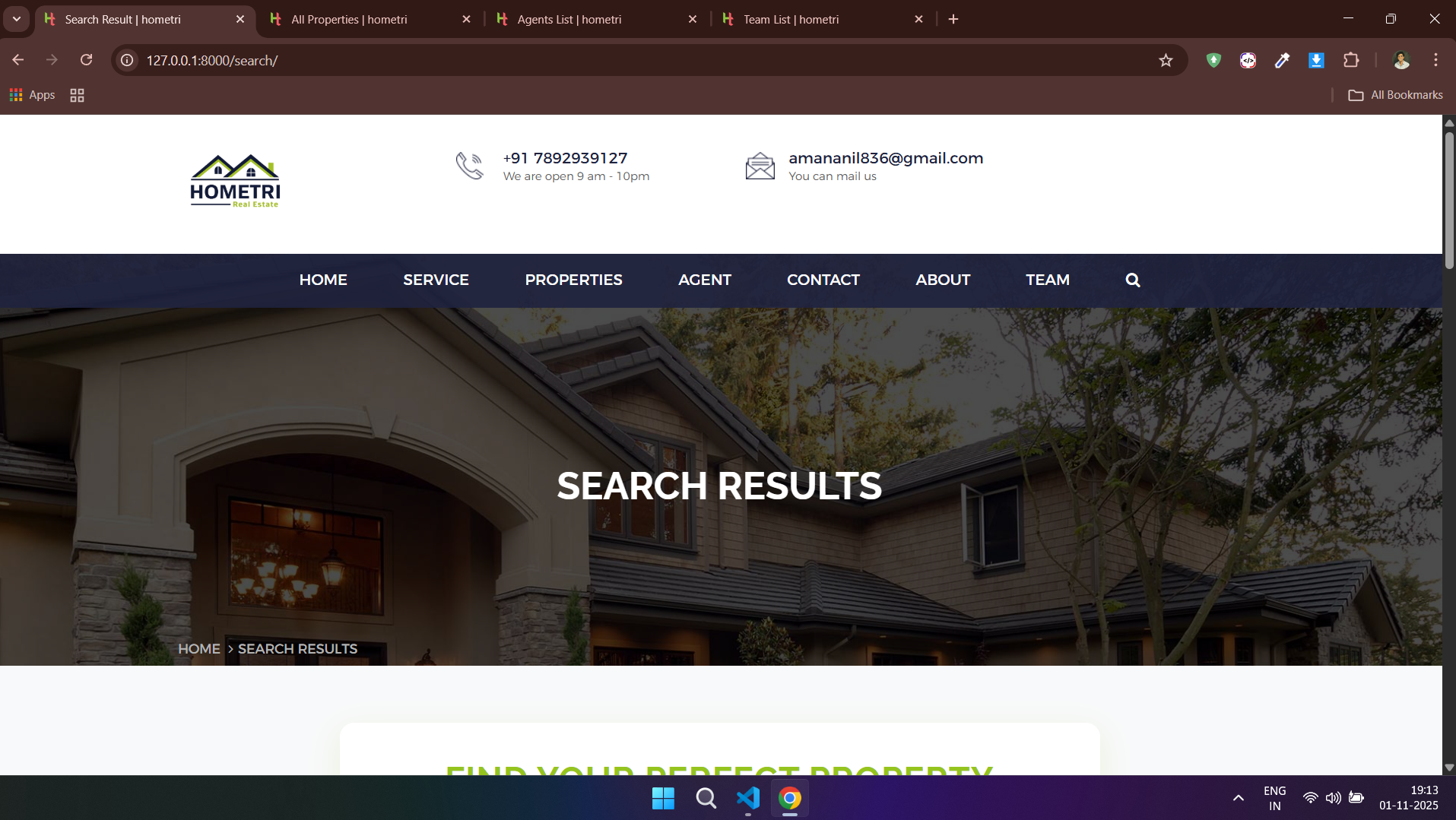
### 🔍 Search Functionality
---
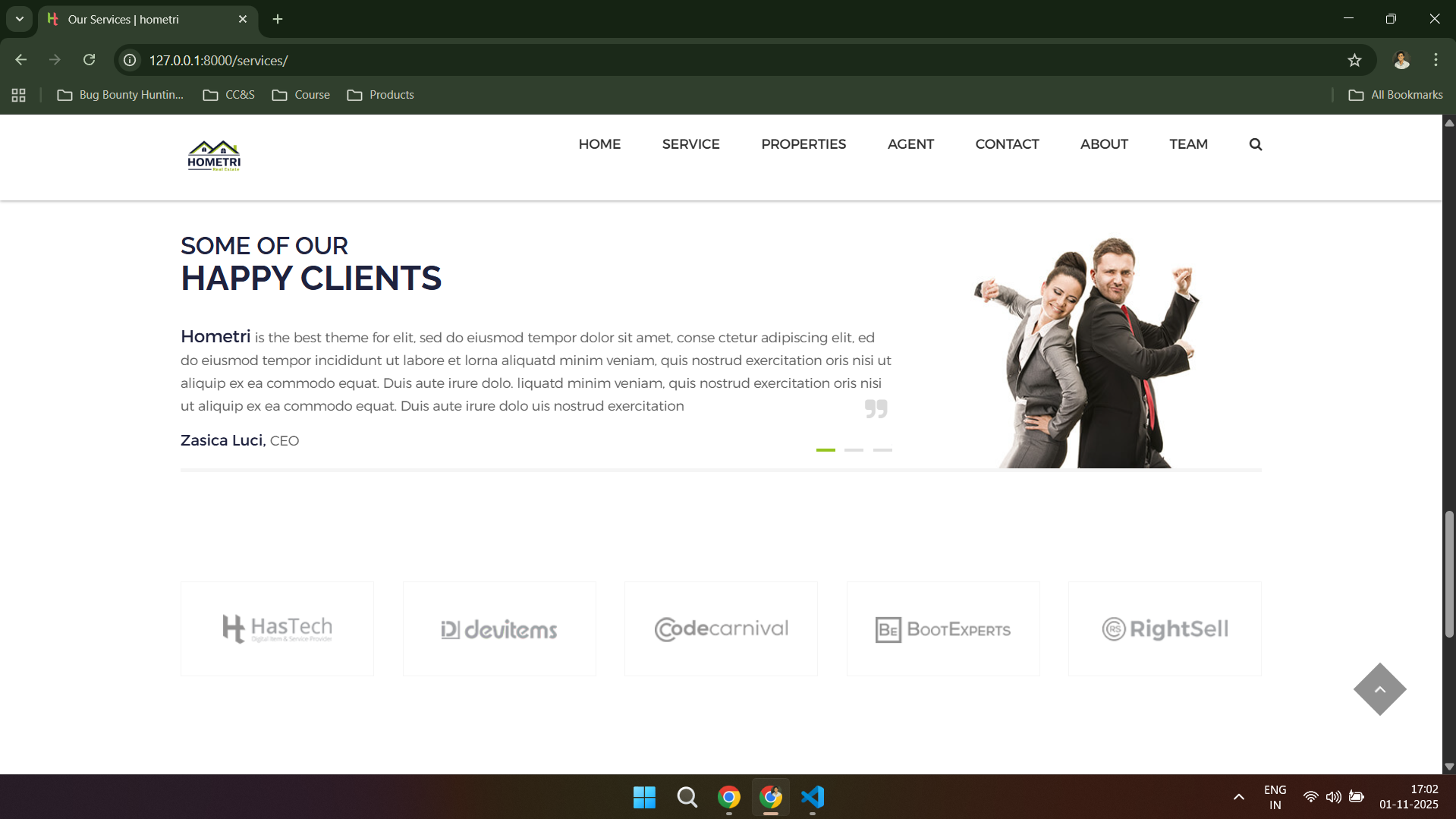
### 🛠️ Services




---
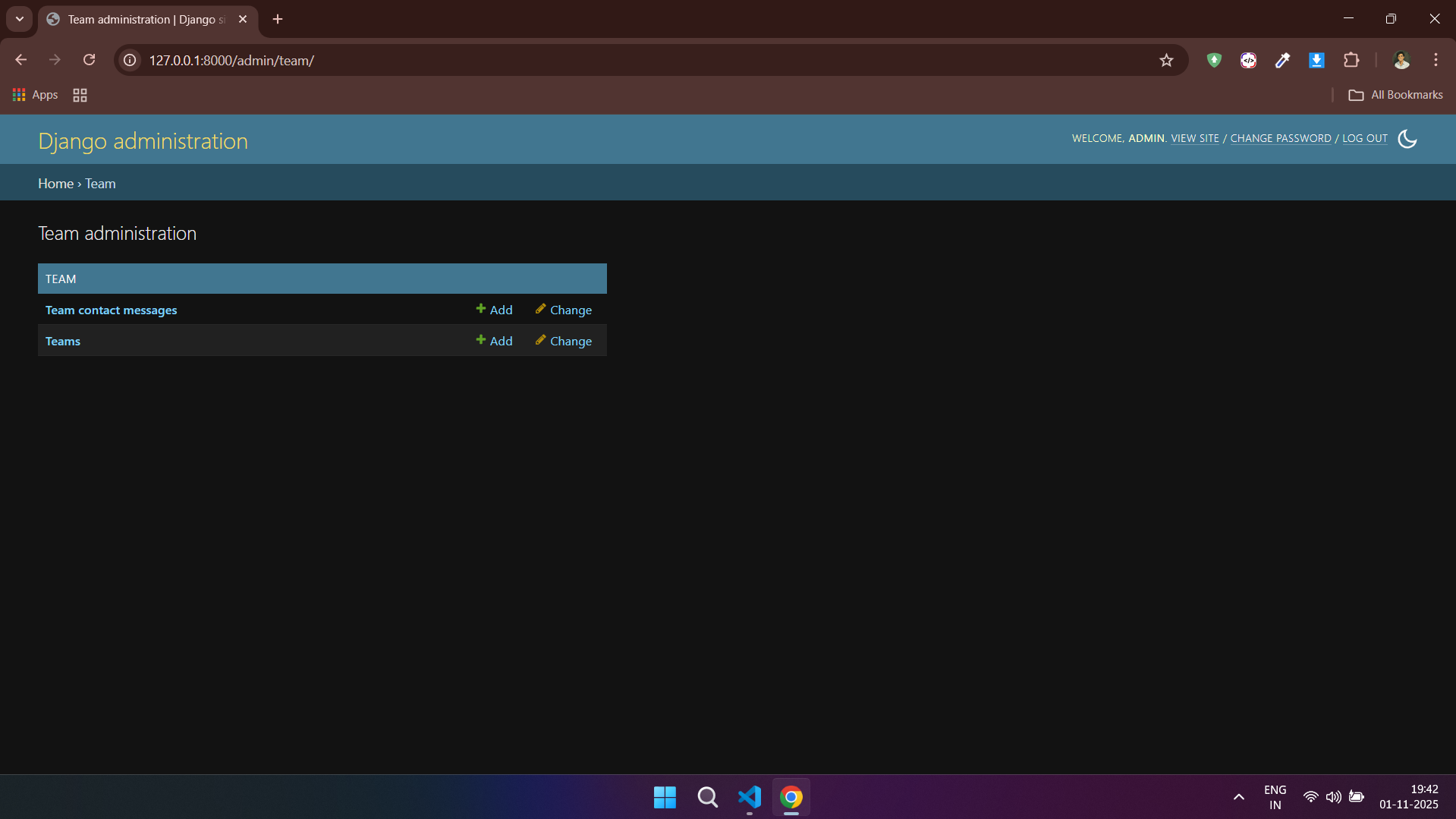
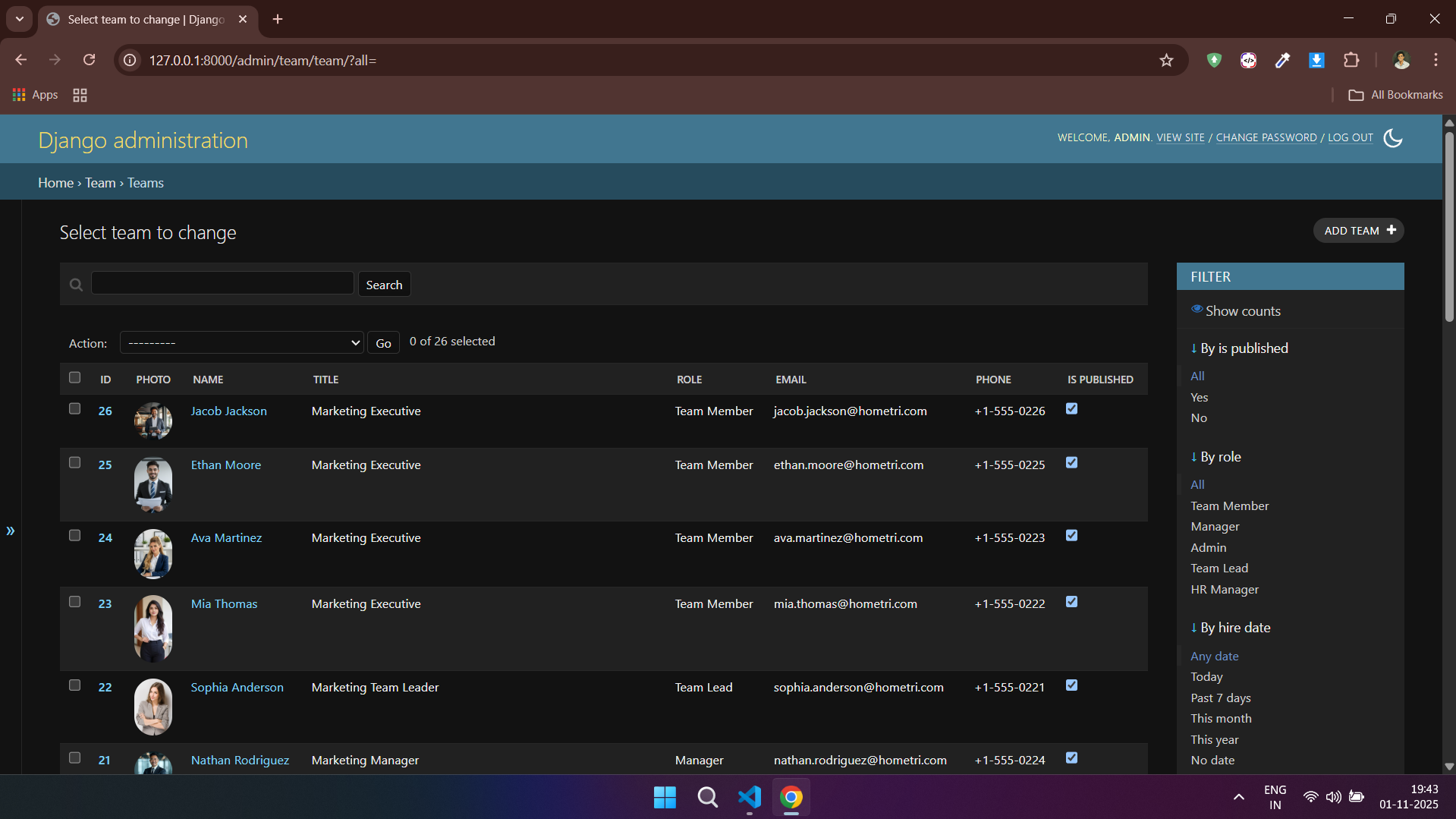
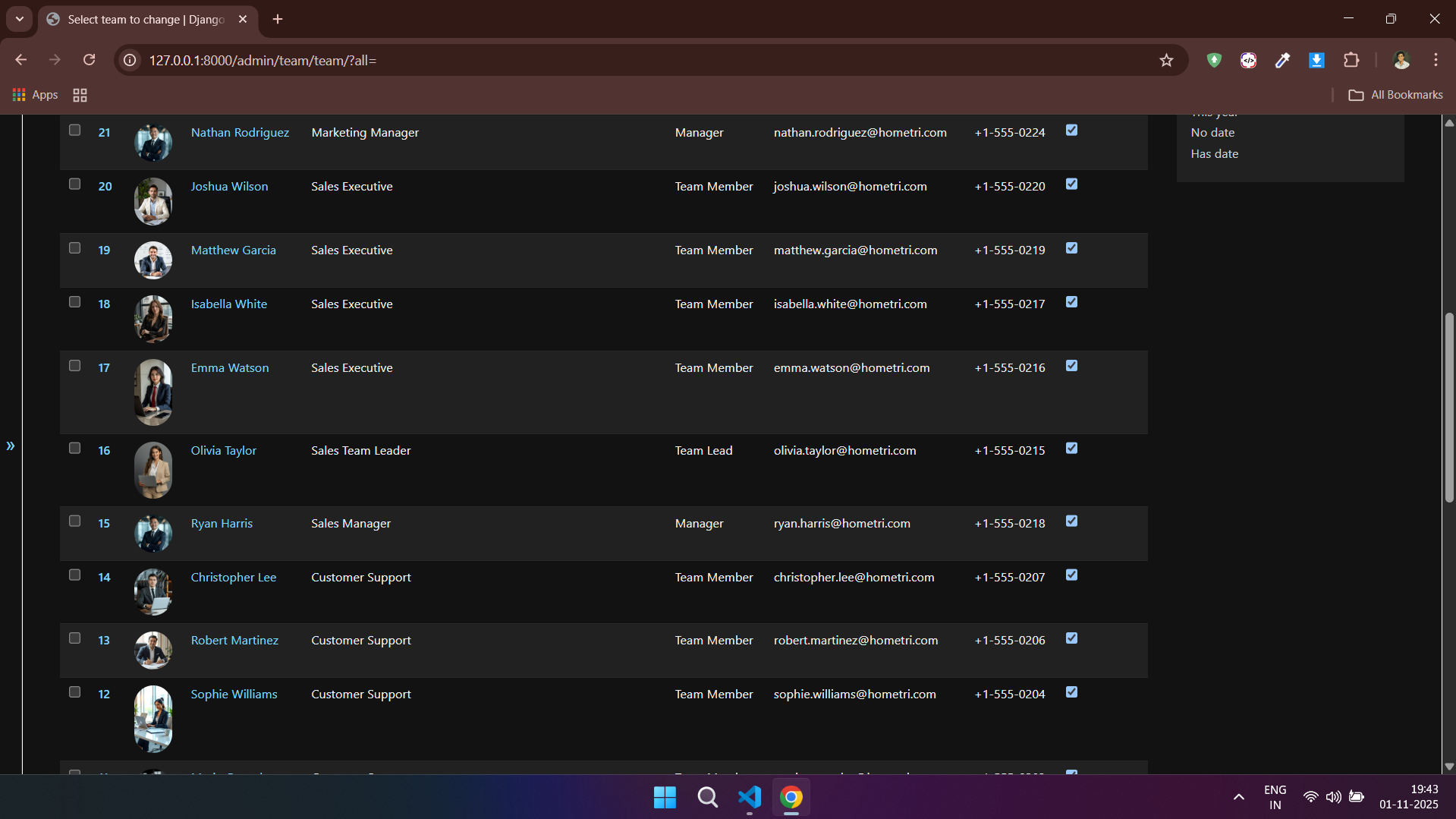
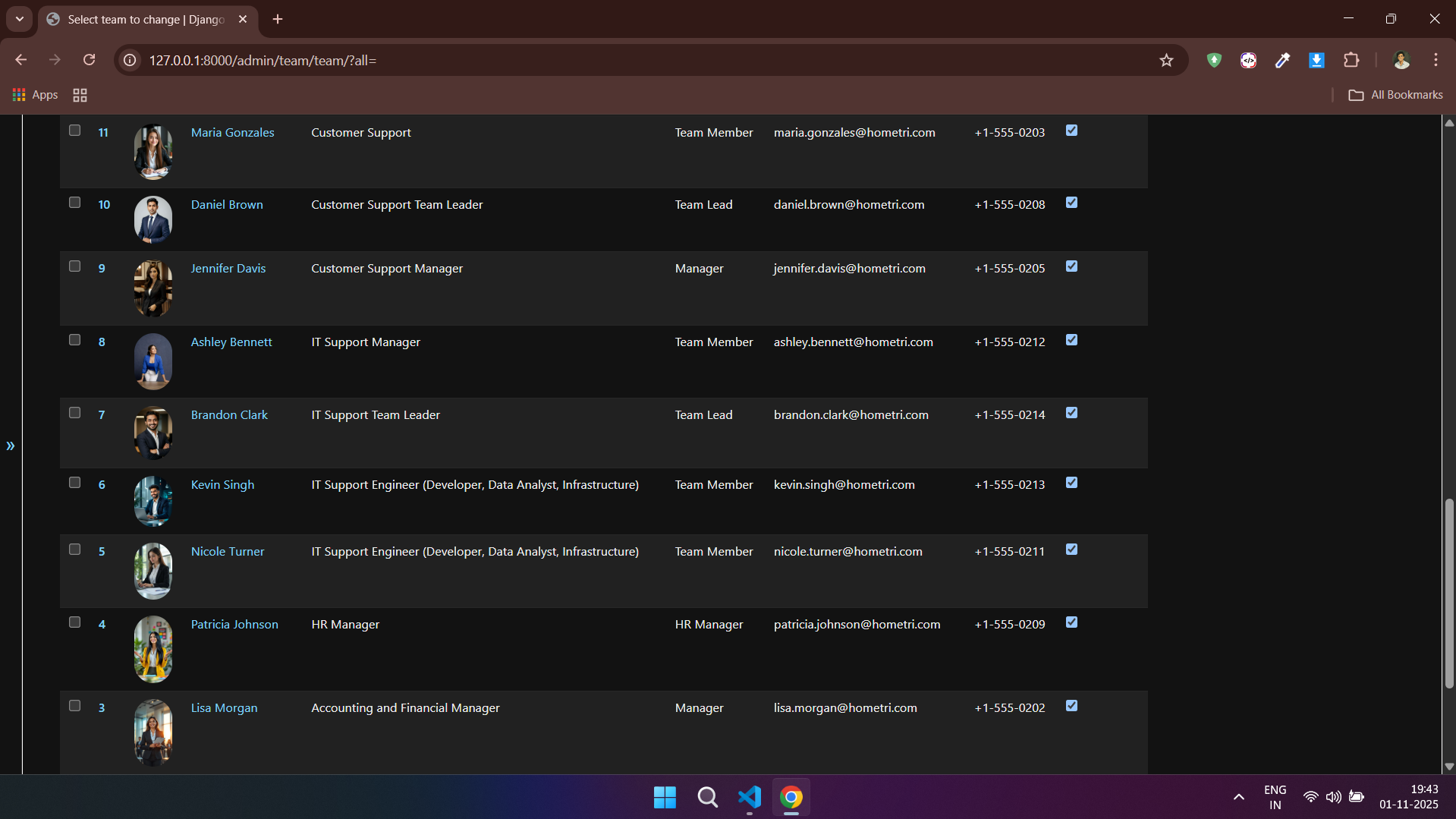
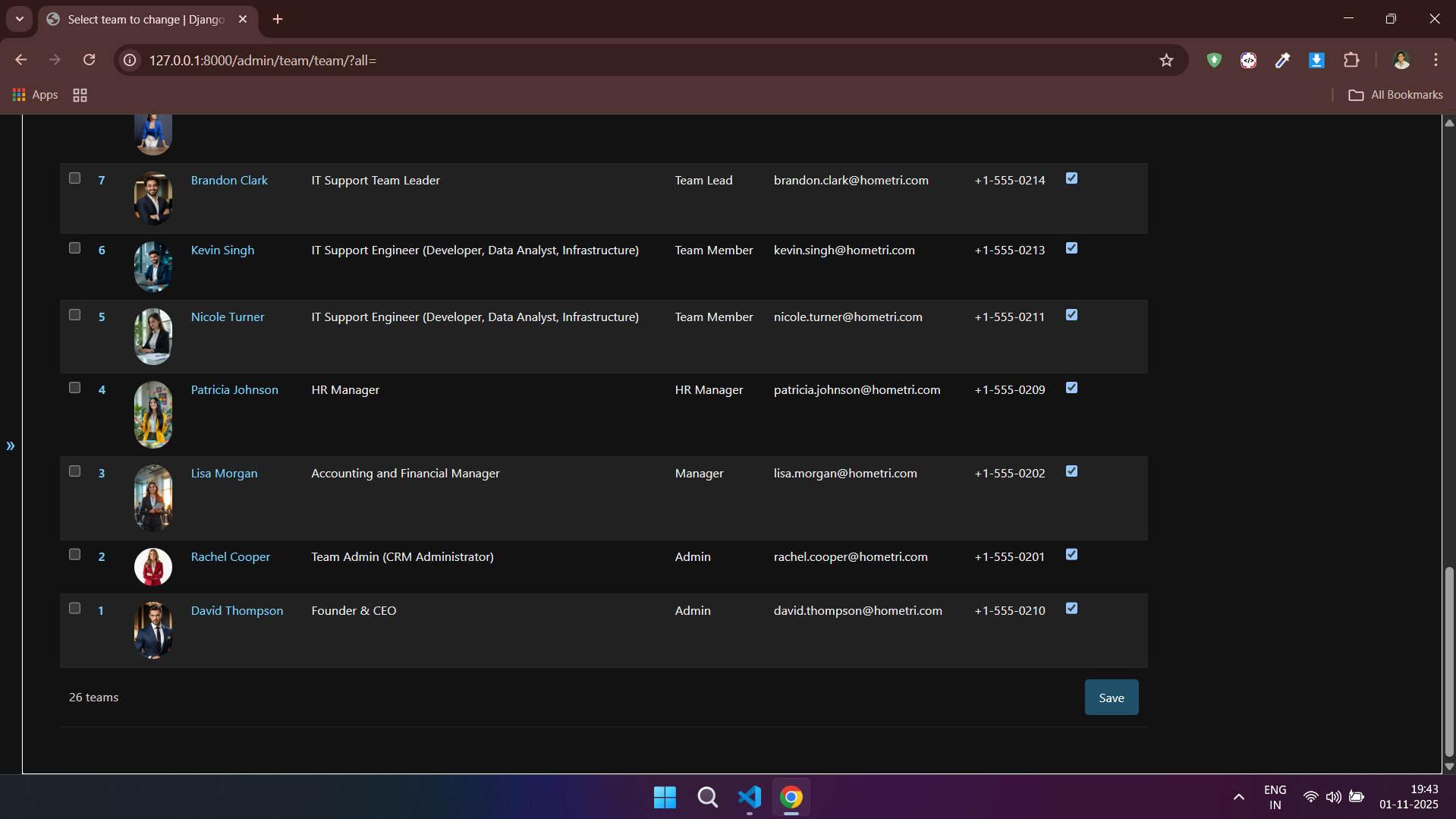
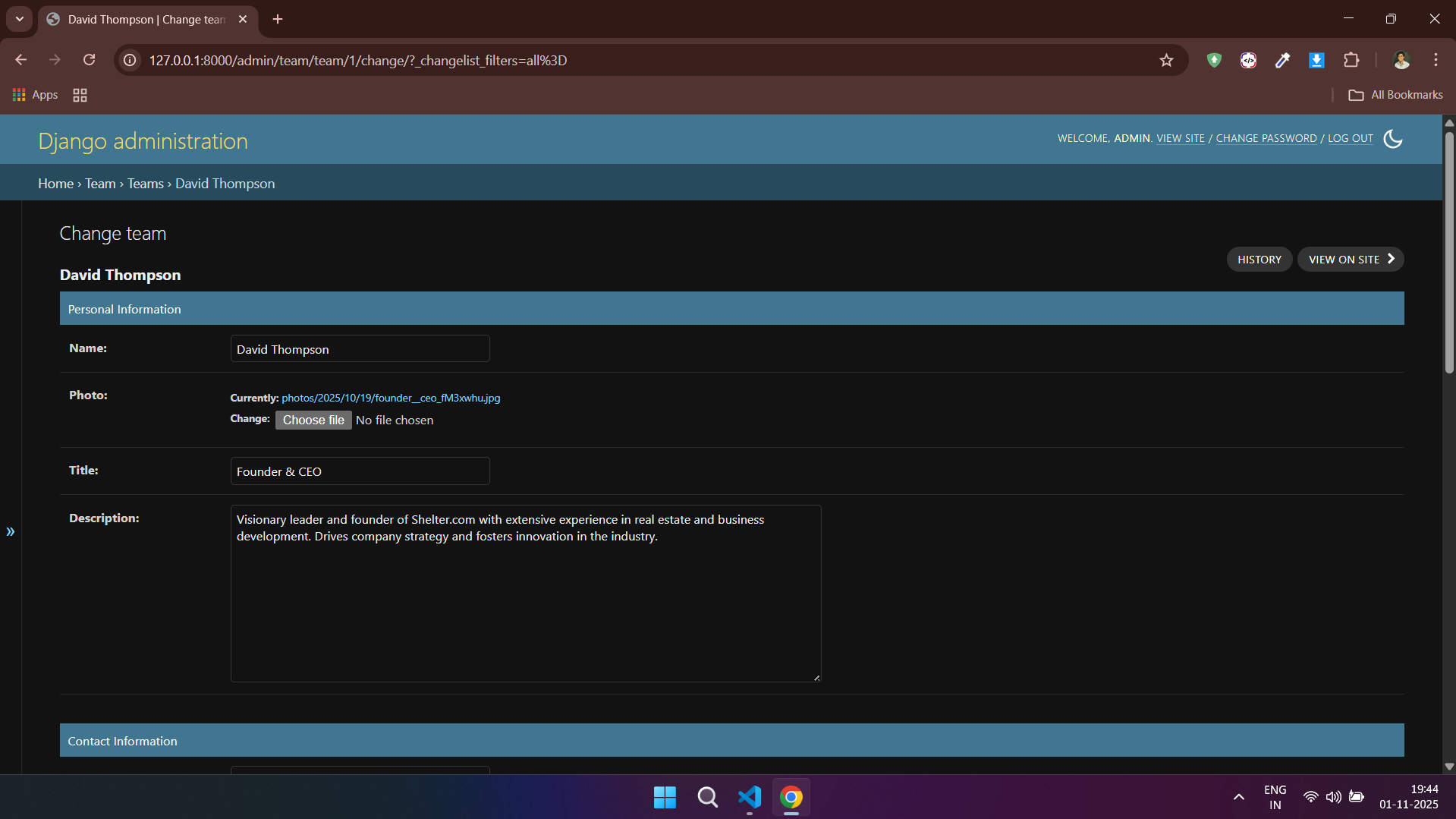
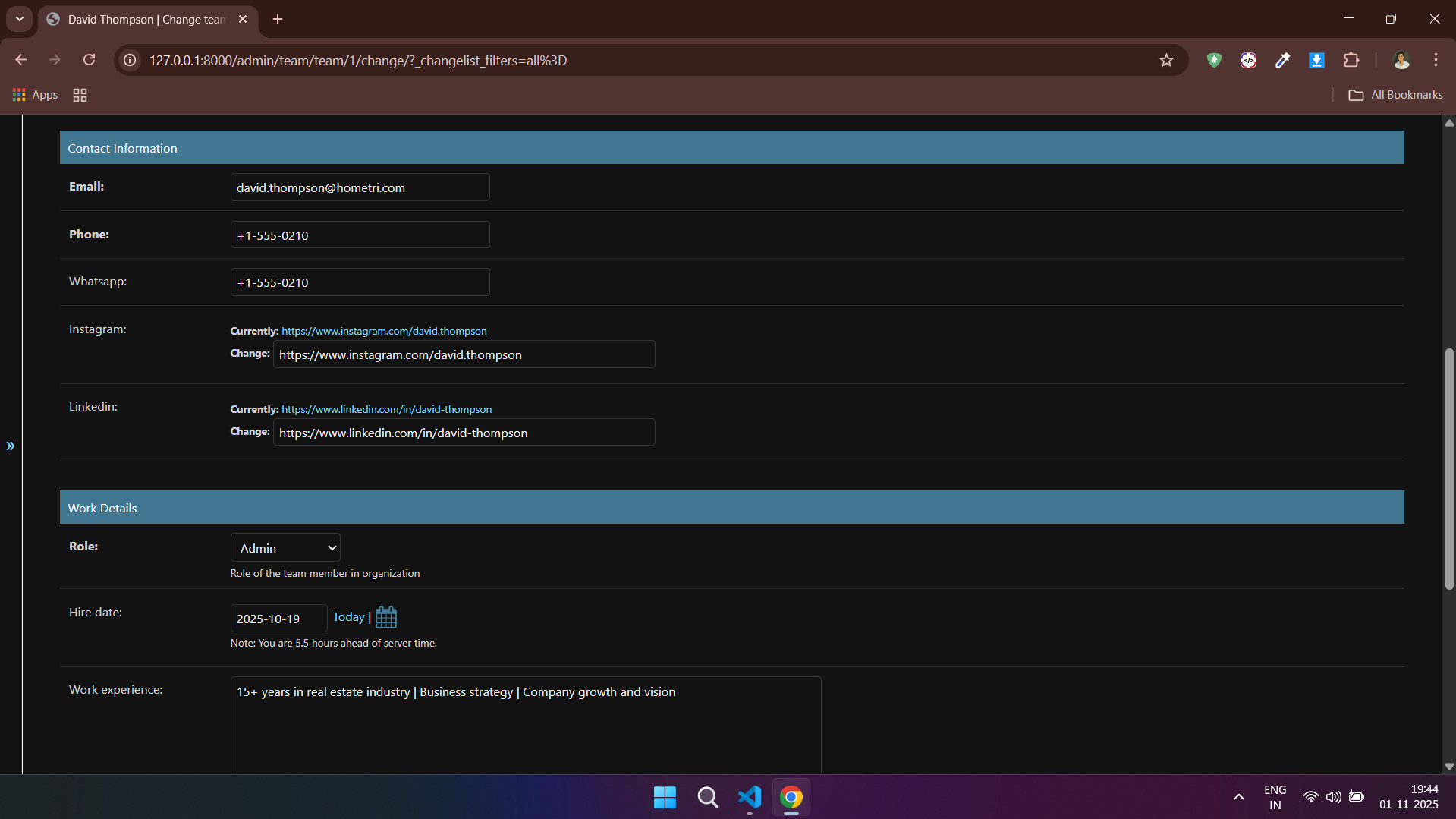
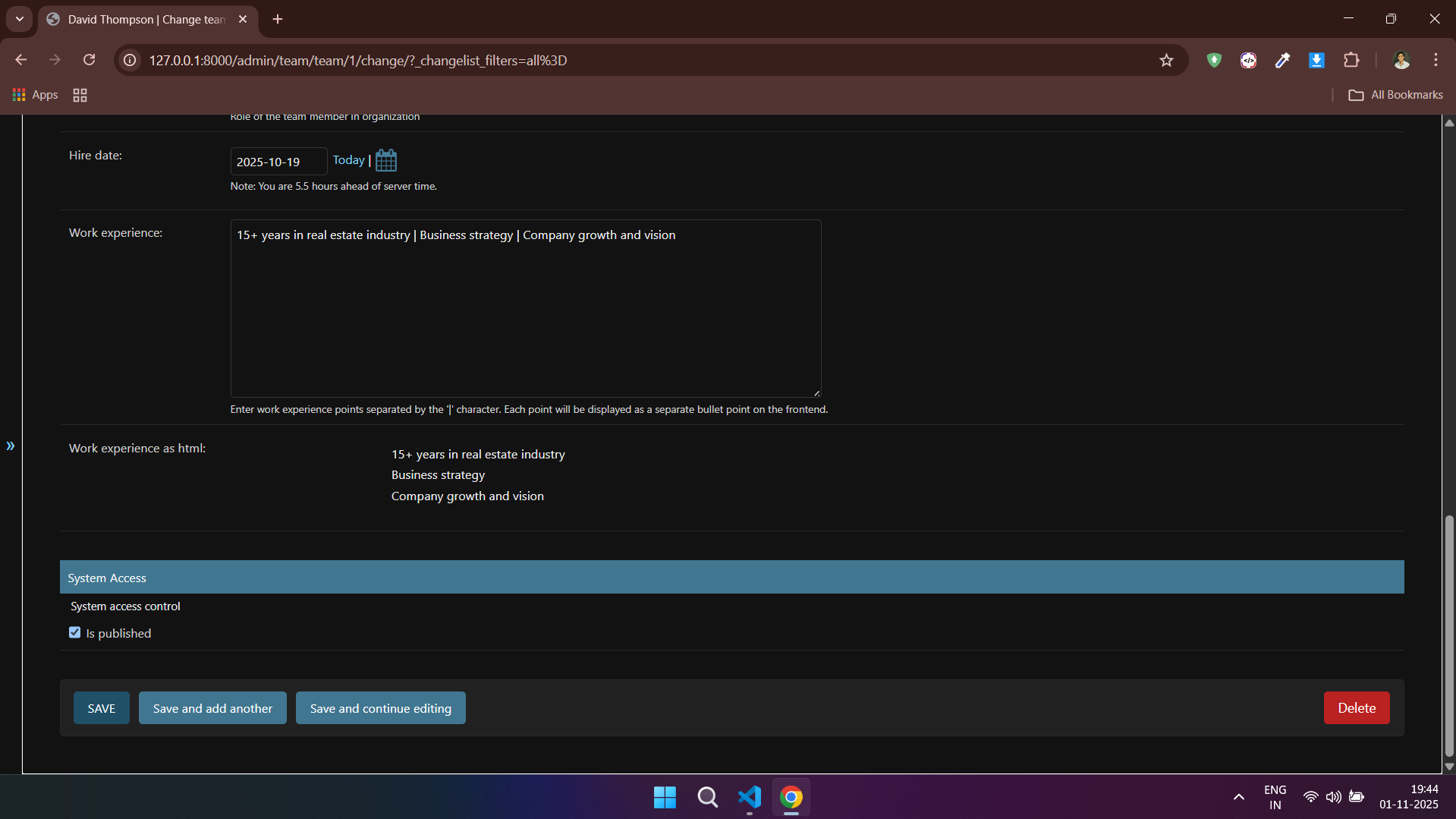
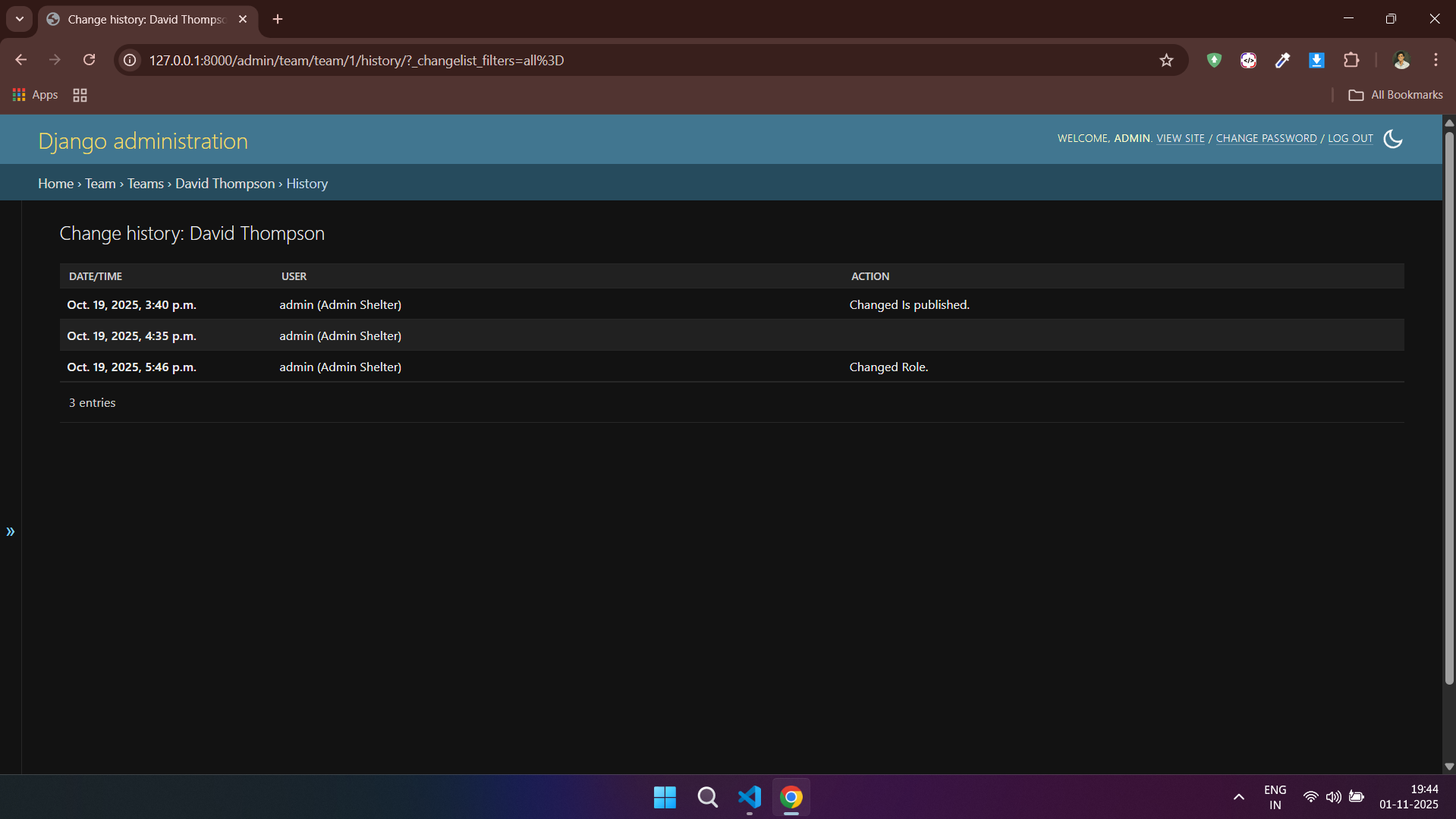
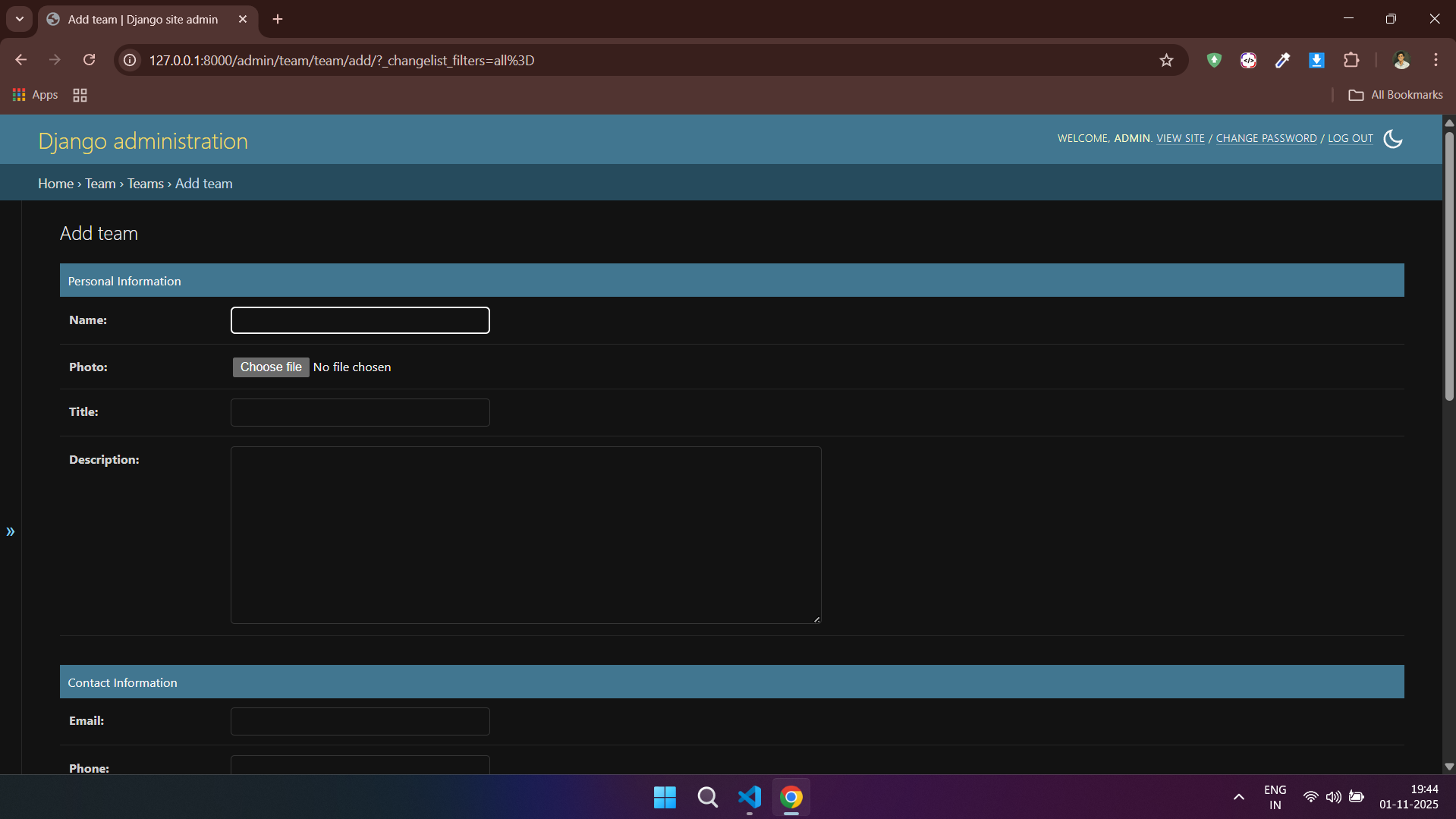
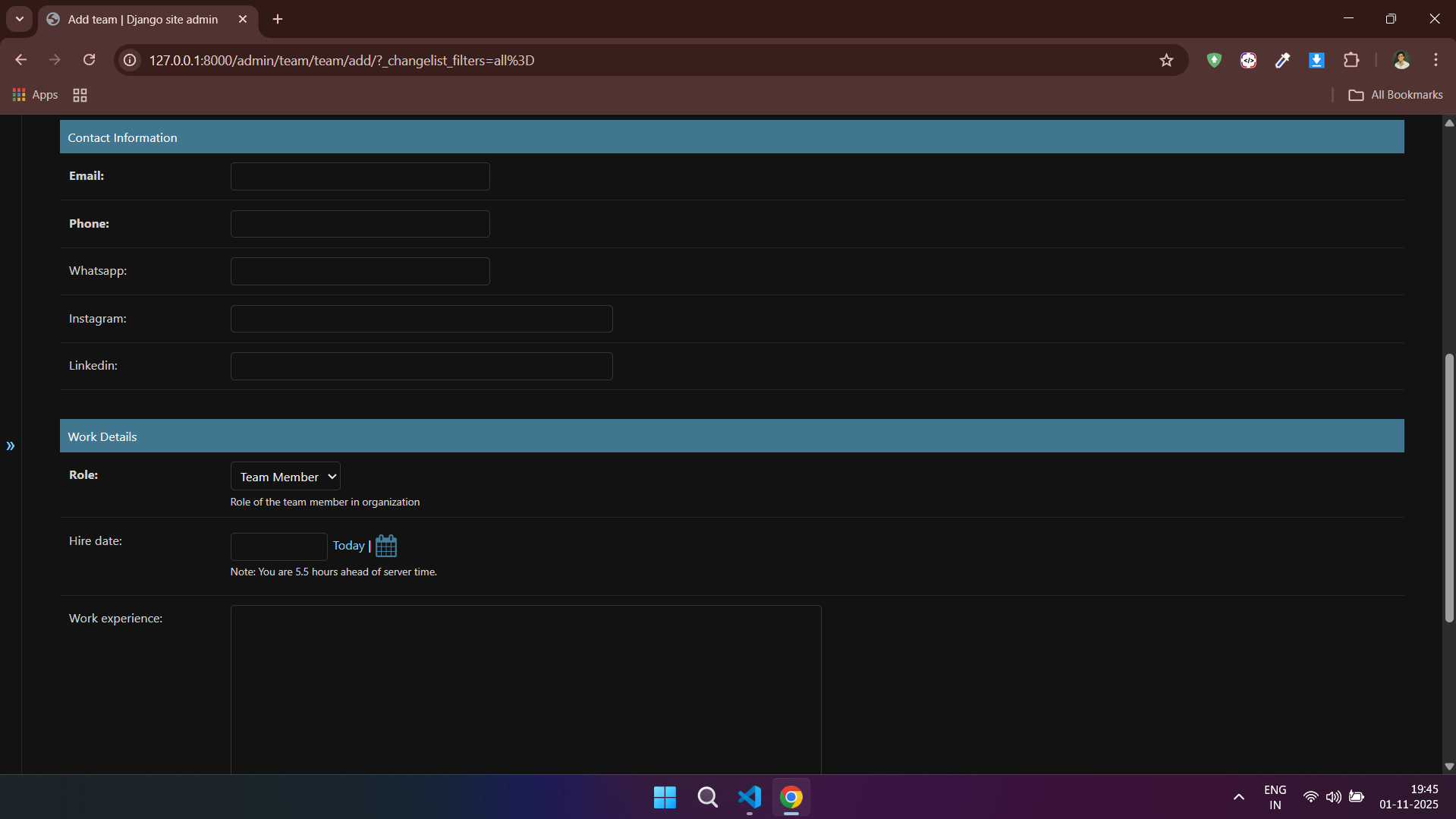
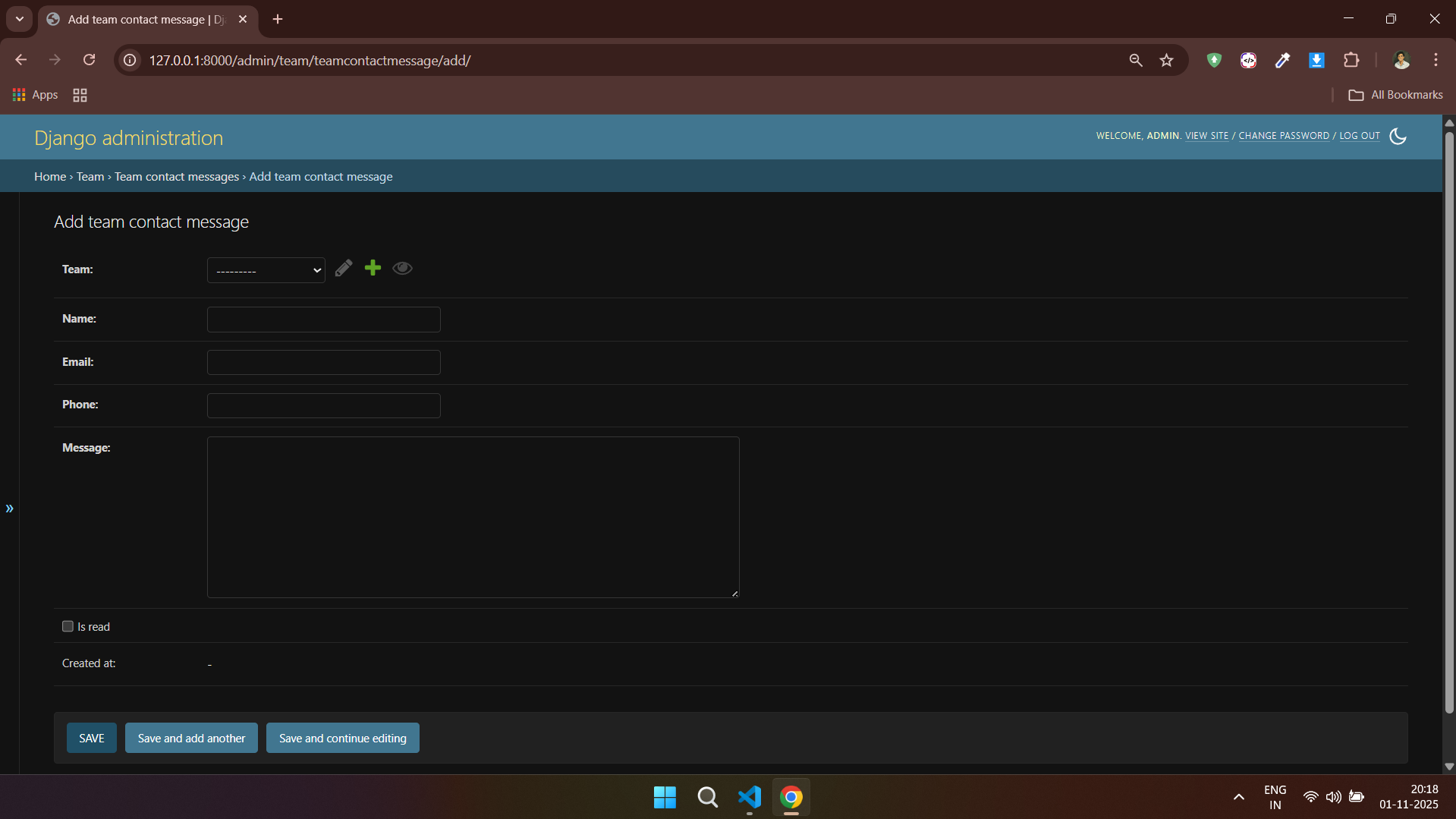
### 👨👩👧👦 Team - Admin Side
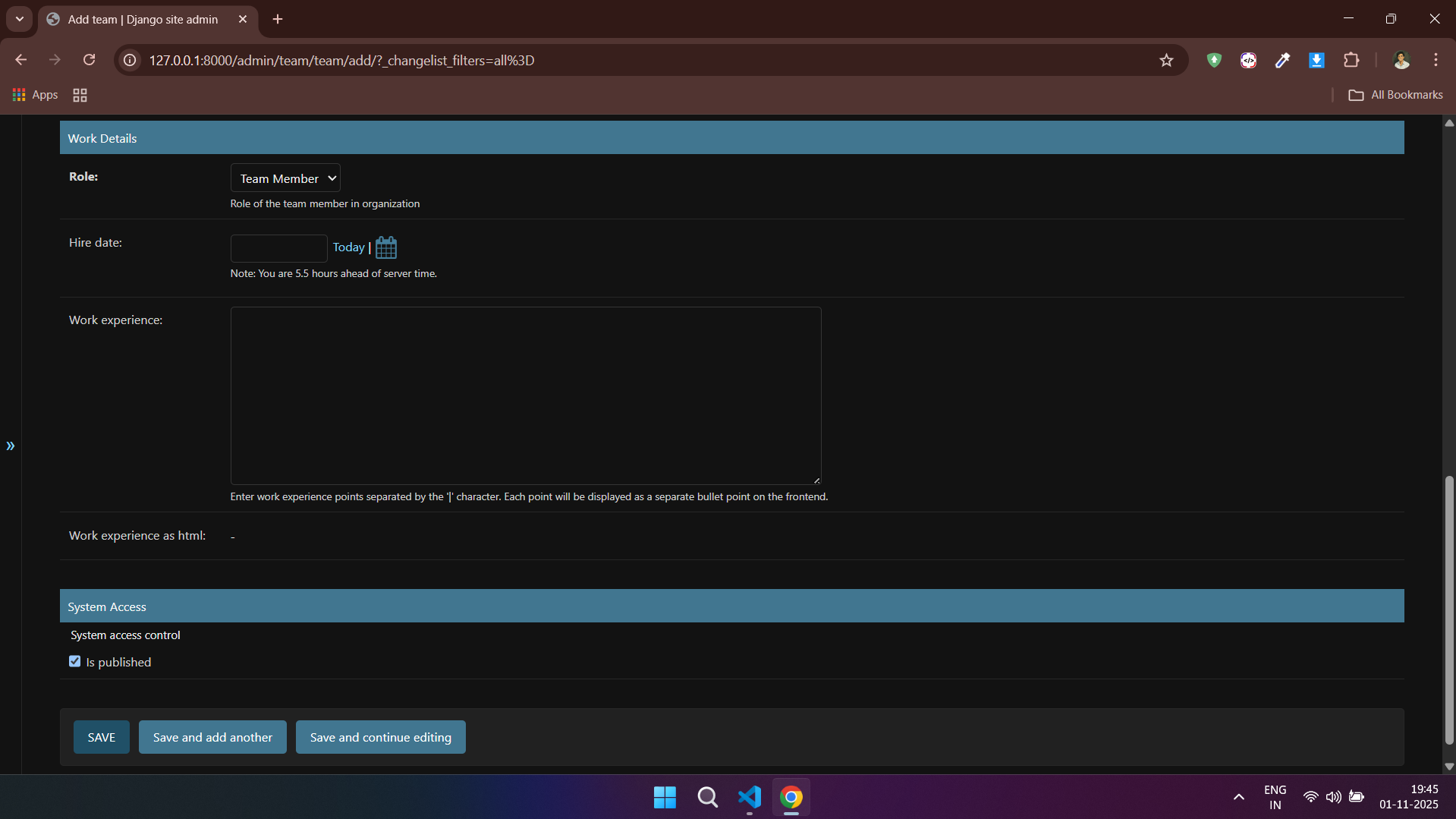
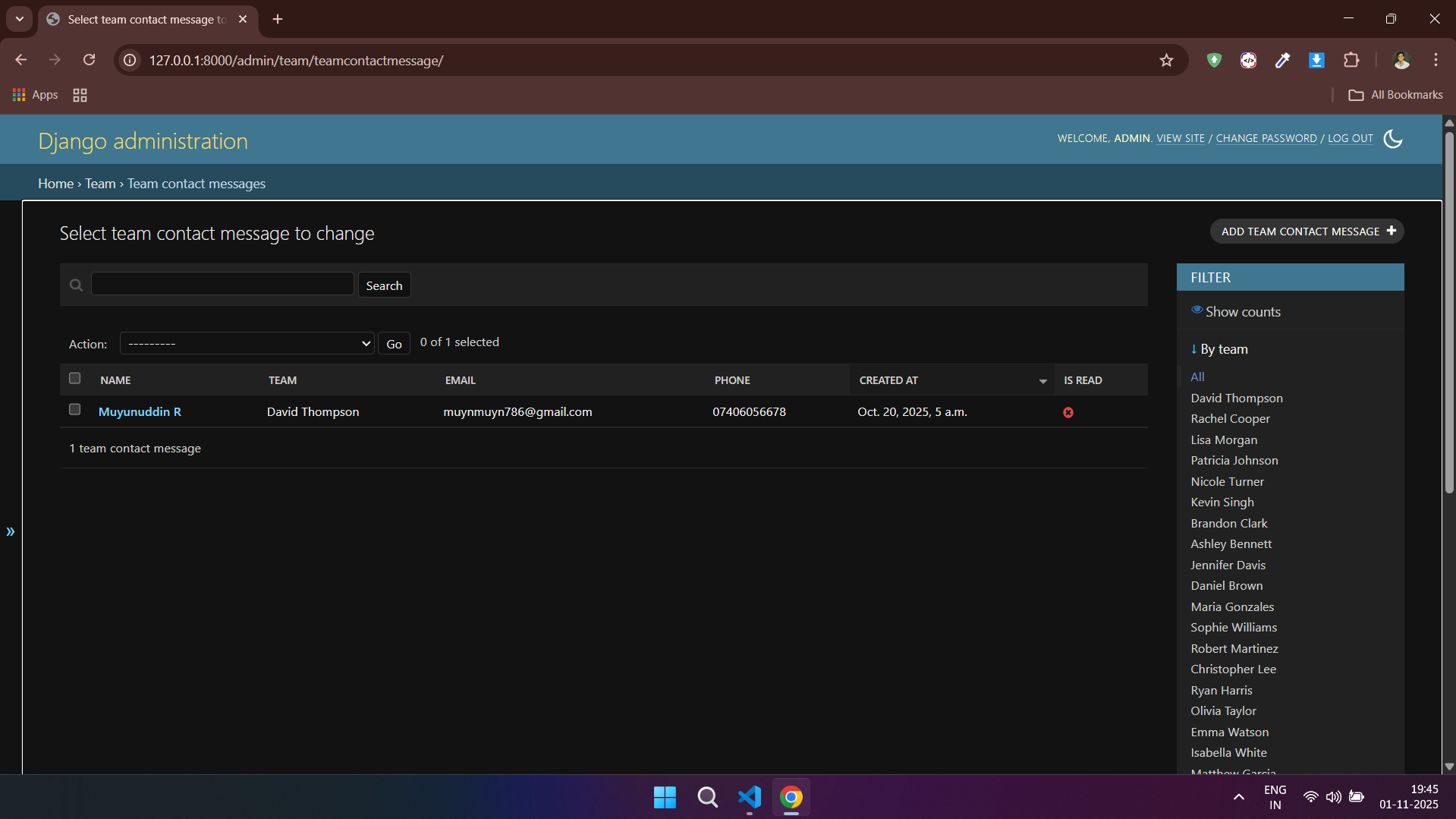
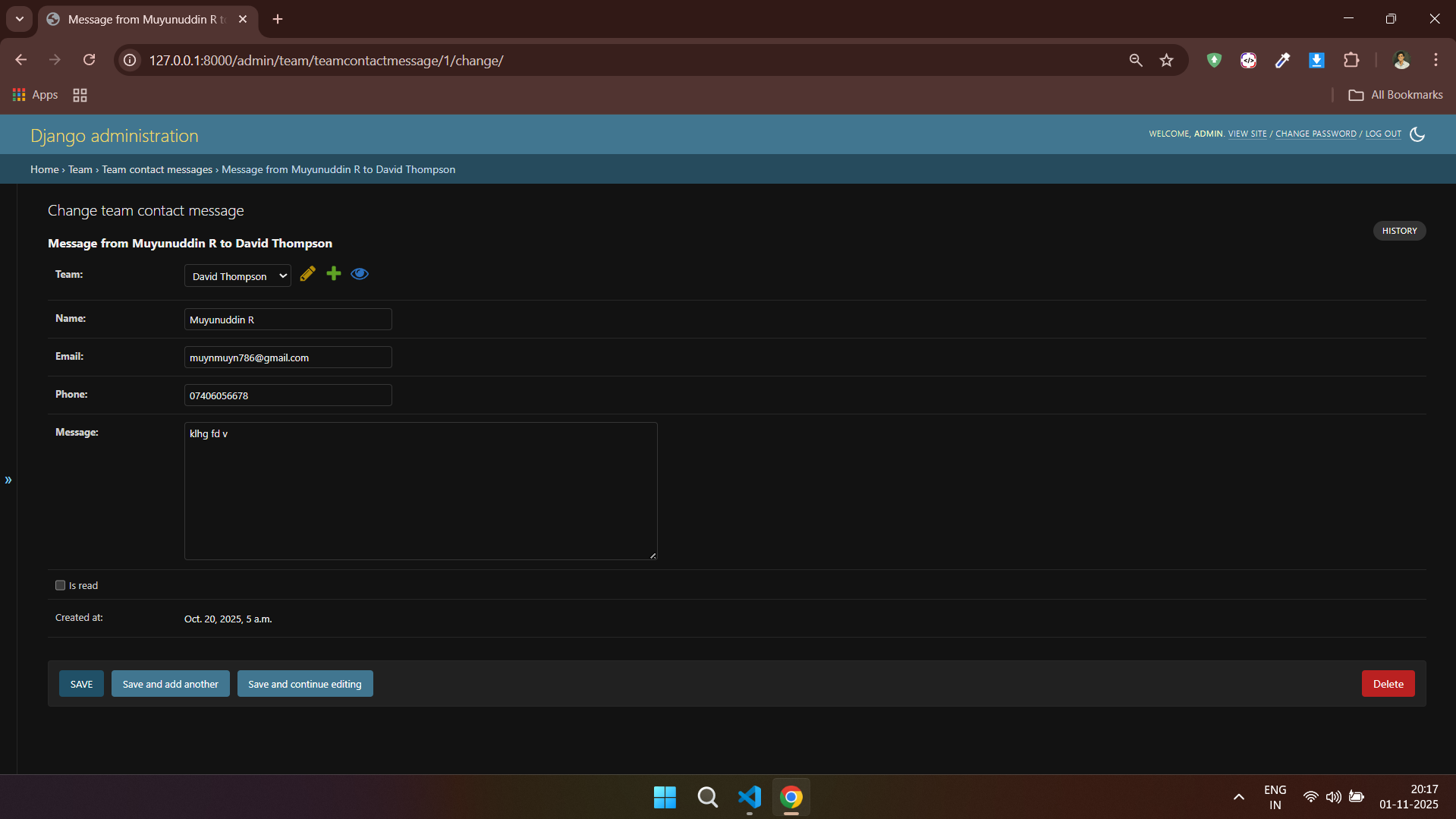
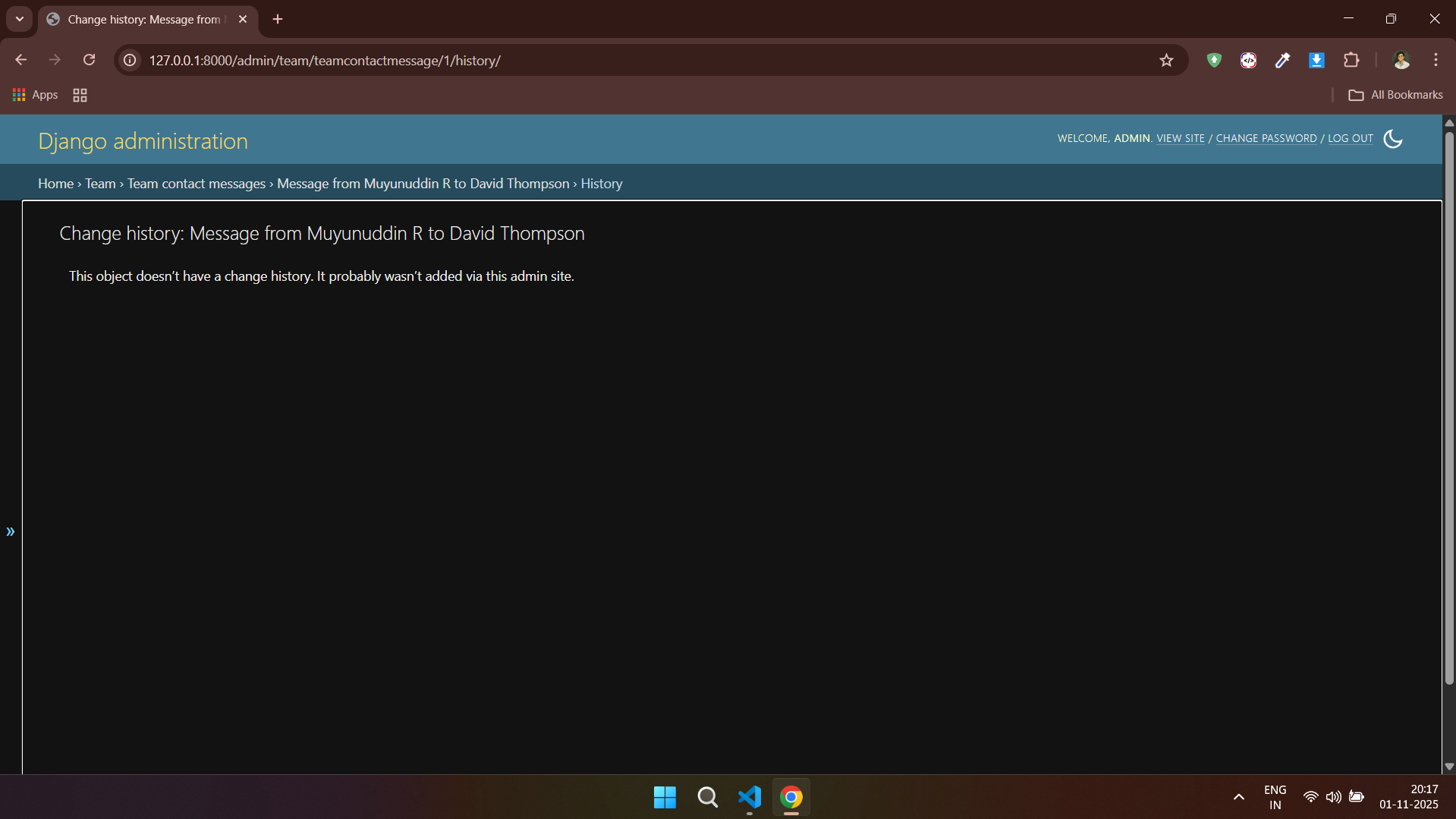
---
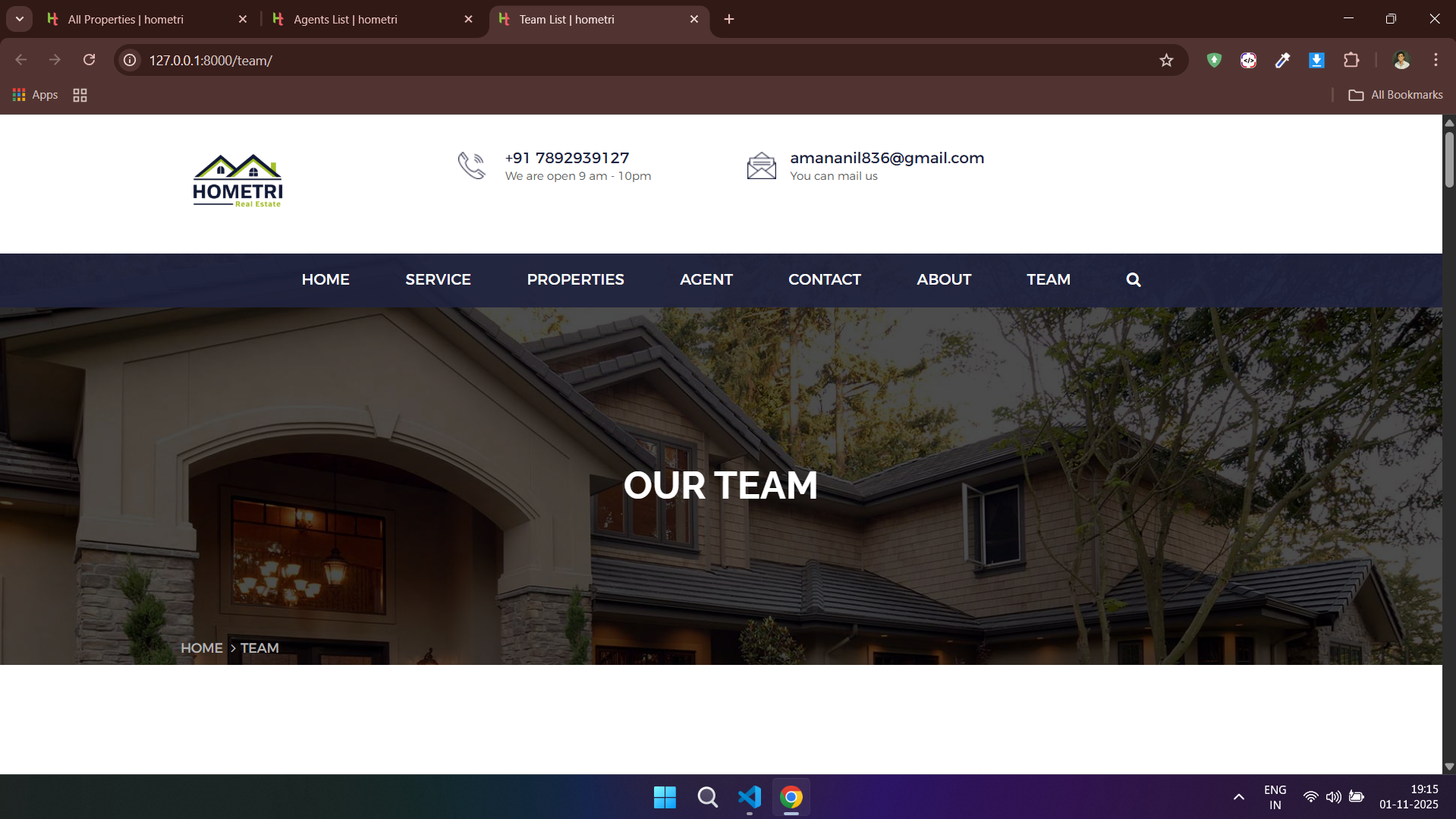
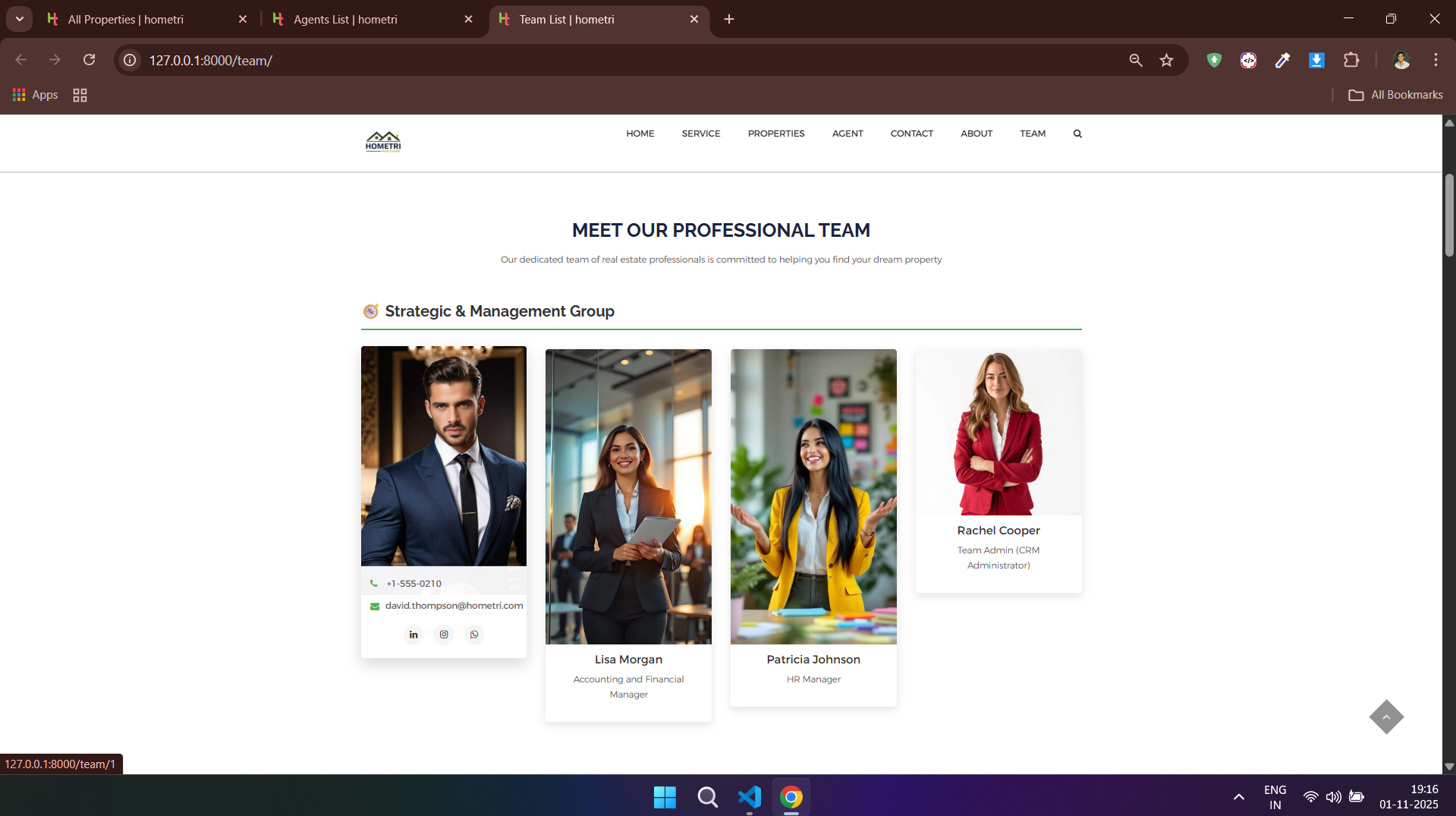
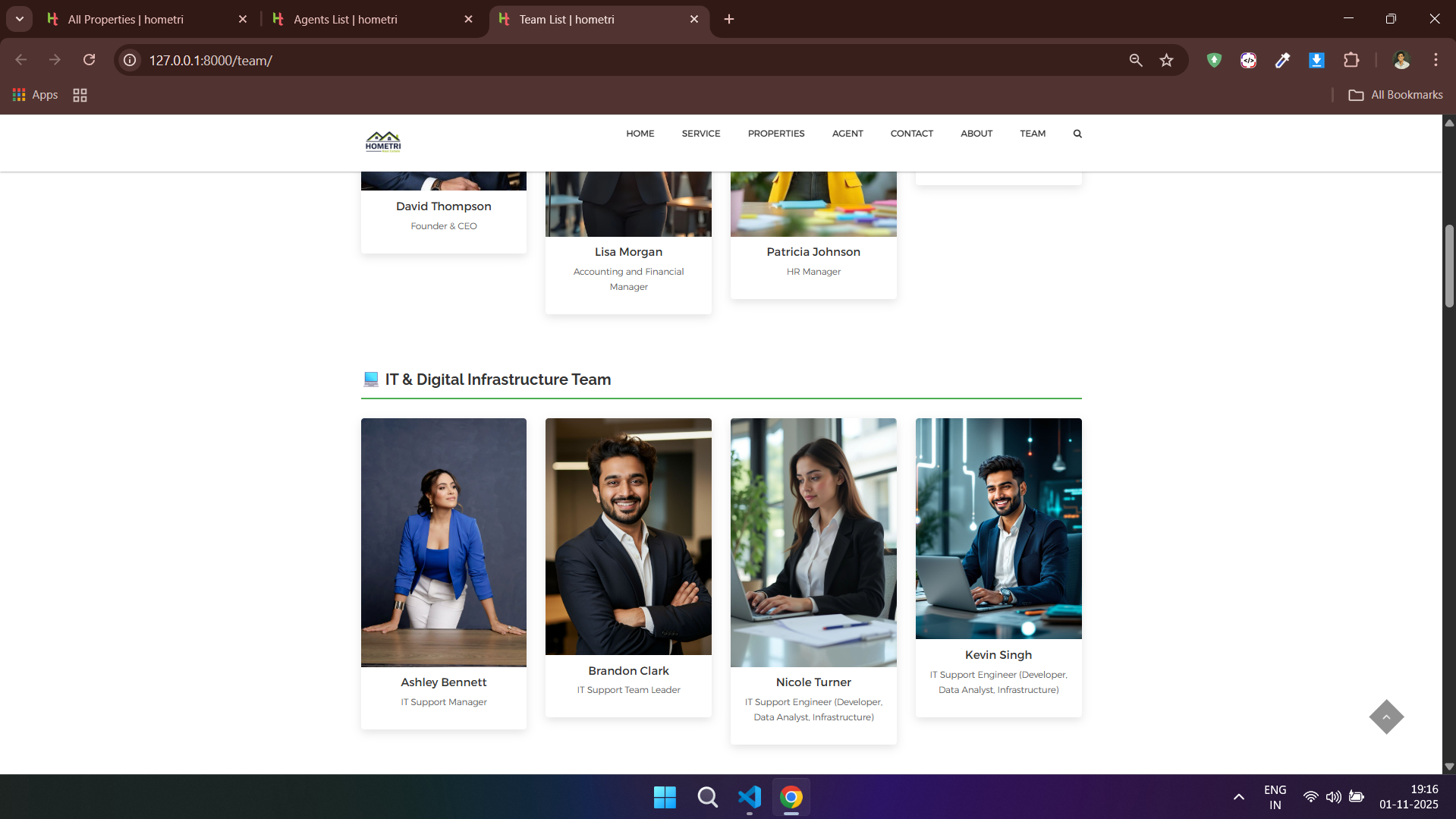
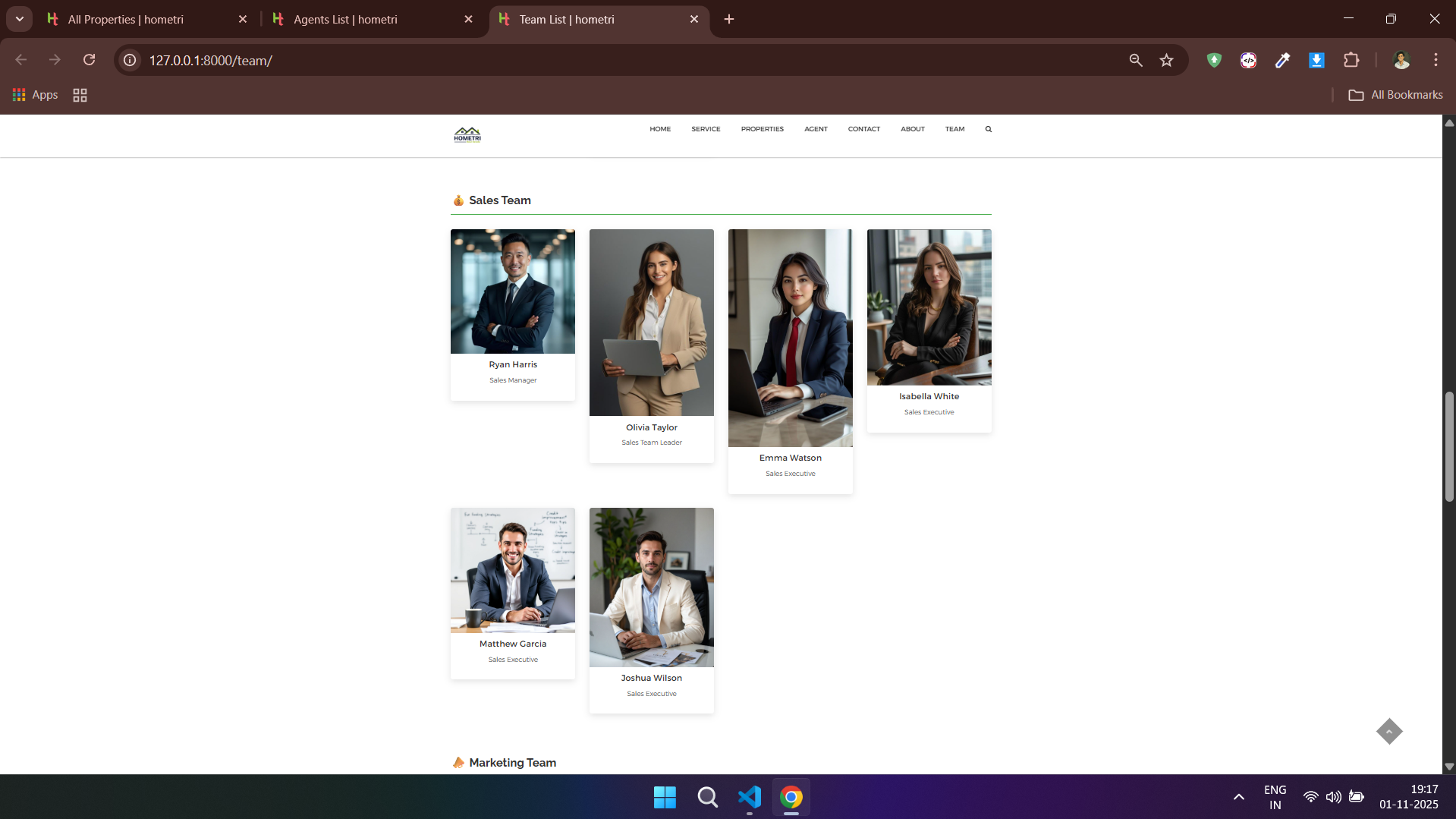
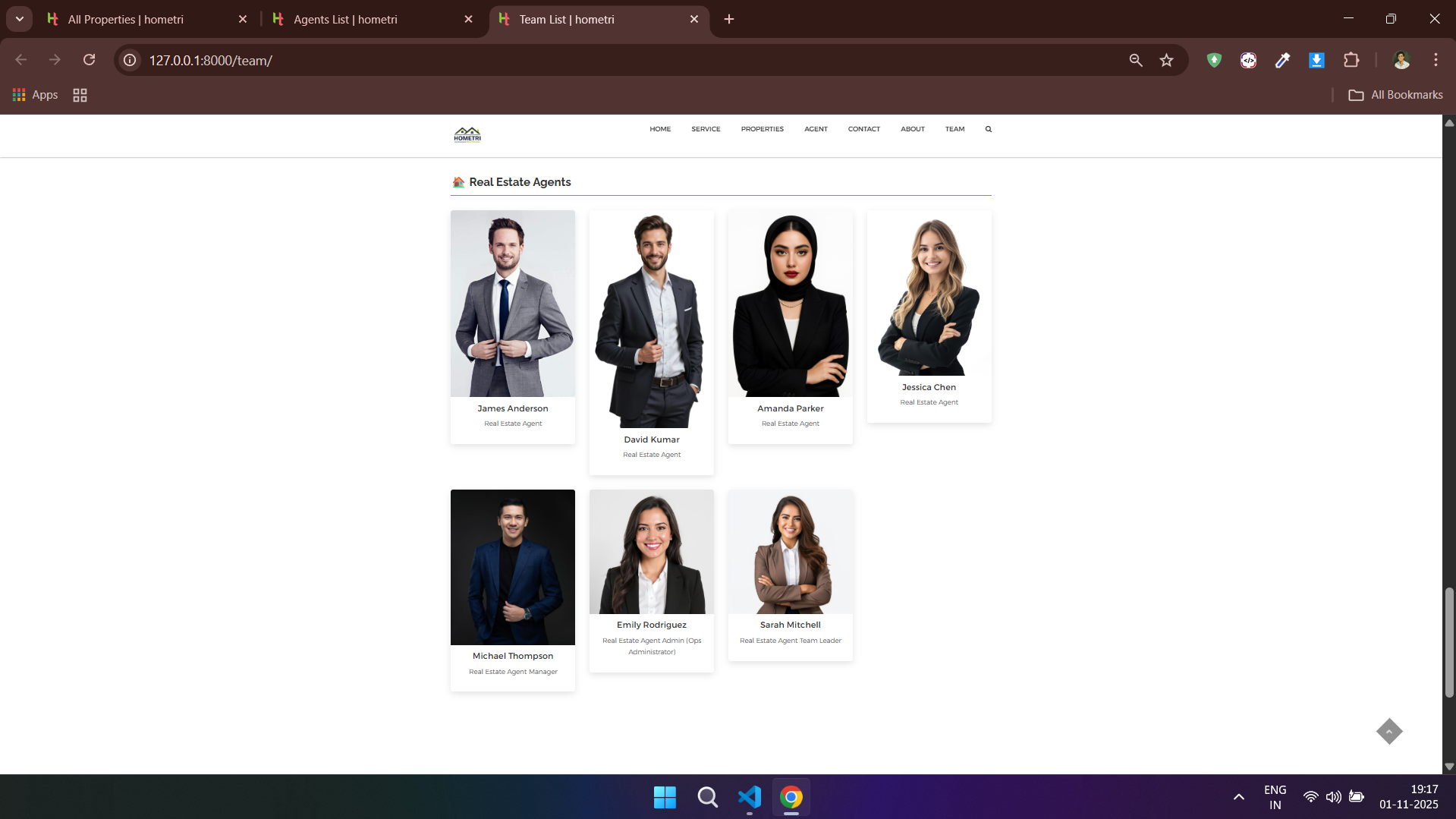
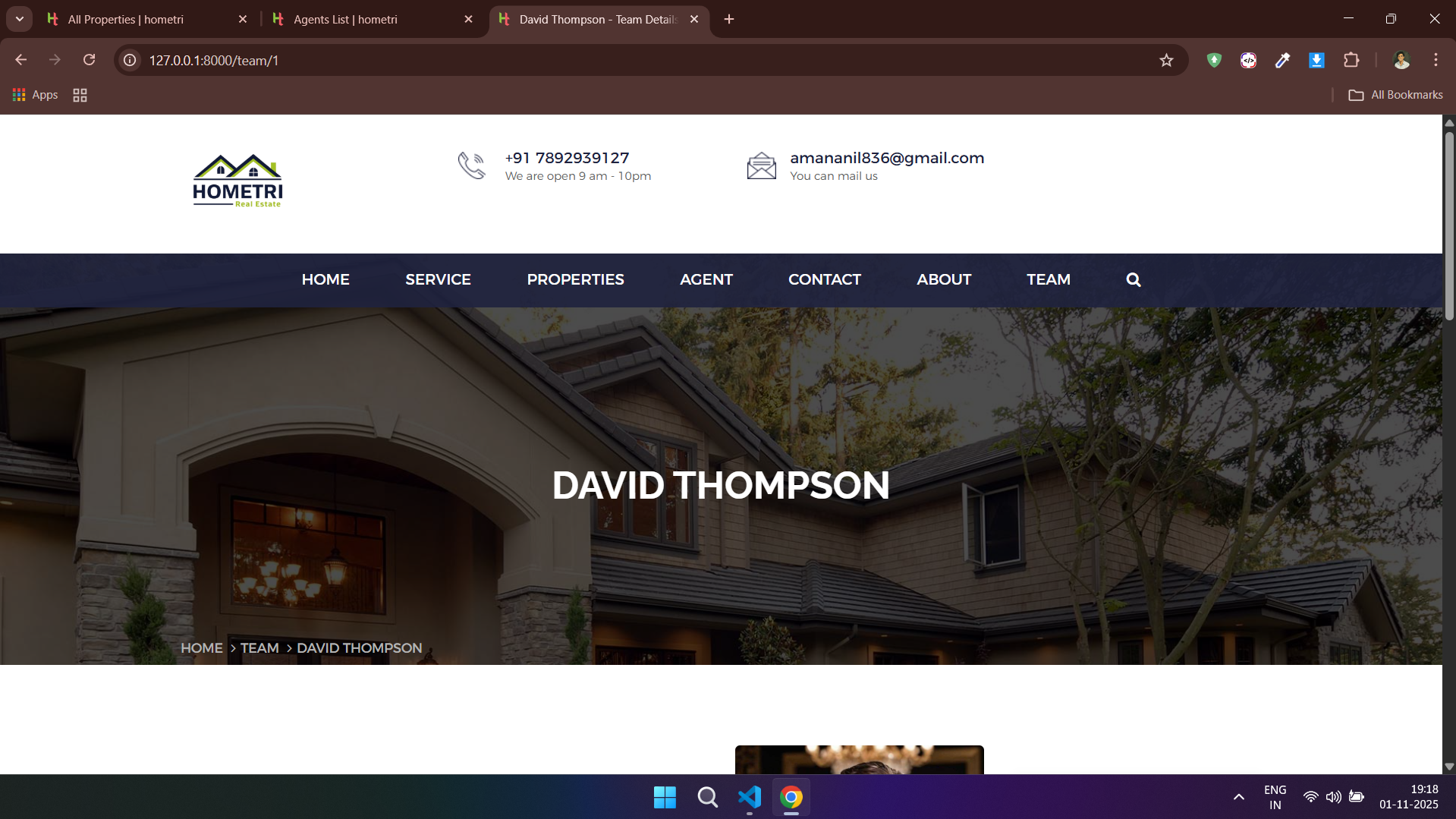
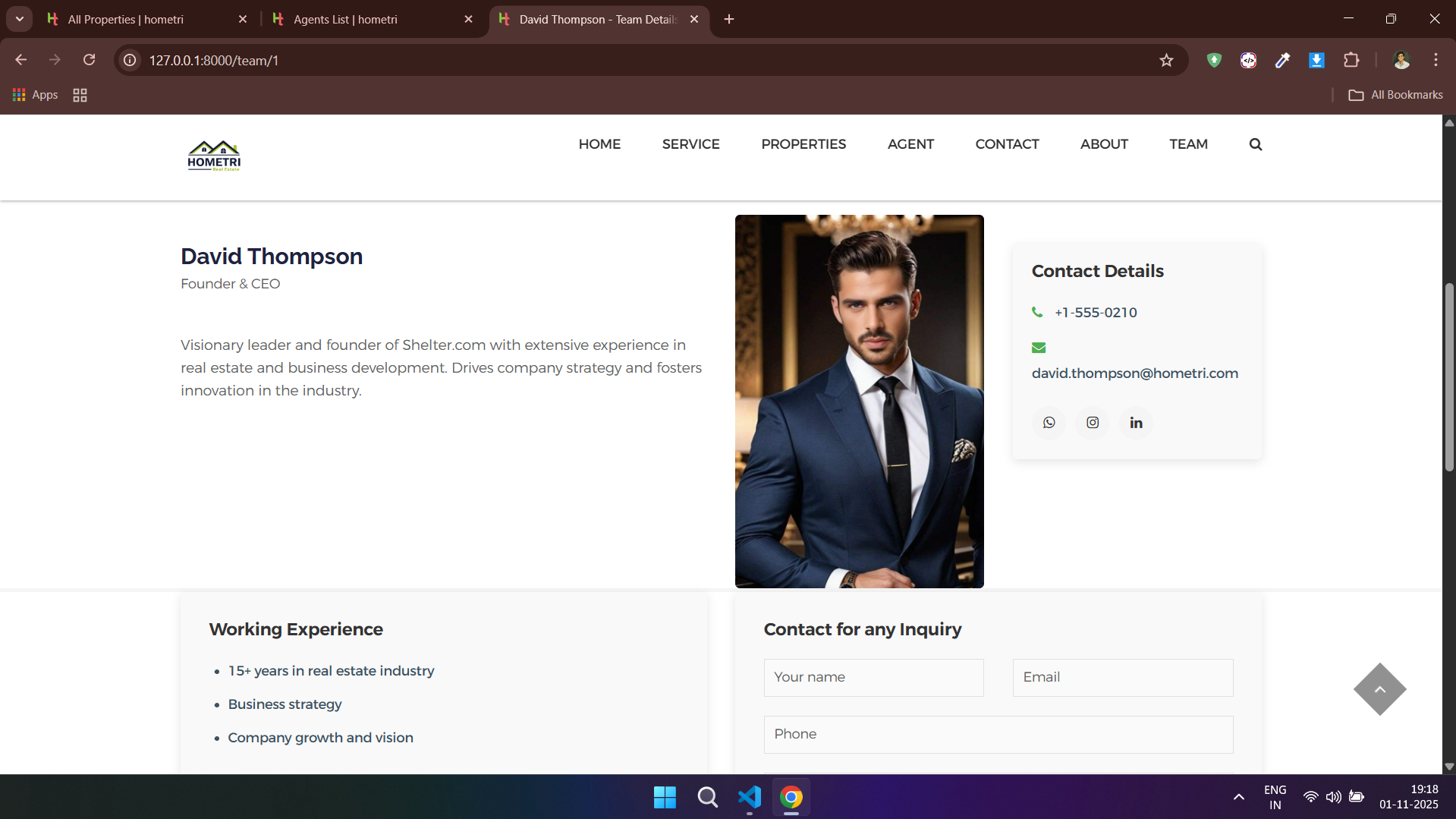
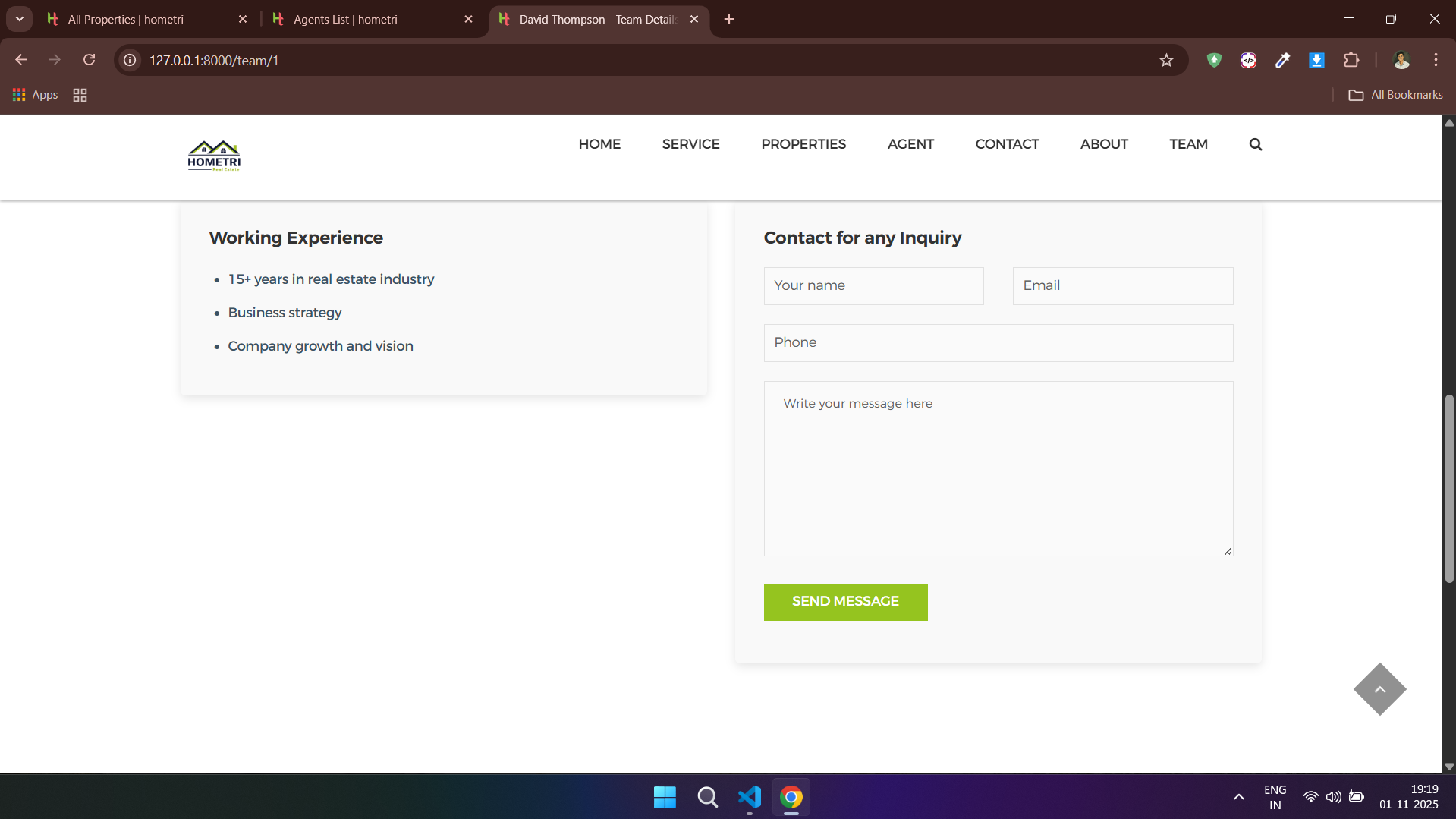
### 👨👩👧👦 Team - Client Side


---
## 🏗️ Architecture Diagram
```mermaid
%%{ init: { "theme": "neutral" } }%%
graph TD
A[👤 User Request] --> B[🌐 server/urls.py]
B --> C1[📁 agents/urls.py]
B --> C2[📁 hometri/urls.py]
B --> C3[📁 team/urls.py]
B --> C4[📁 users/urls.py]
C1 --> D1[🧠 agents/views.py]
C2 --> D2[🧠 hometri/views.py]
C3 --> D3[🧠 team/views.py]
C4 --> D4[🧠 users/views.py]
D1 --> E1[🗃️ agents/models.py]
D2 --> E2[🗃️ hometri/models.py]
D3 --> E3[🗃️ team/models.py]
D4 --> E4[🗃️ users/models.py]
E1 --> G1[(💾 db.sqlite3)]
E2 --> G1
E3 --> G1
D4 --> G1
E1 --> G2[(🐘 PostgreSQL)]
E2 --> G2
E3 --> G2
D4 --> G2
E1 --> F1[🖼️ agents/templates/]
E2 --> F2[🖼️ hometri/templates/]
E3 --> F3[🖼️ team/templates/]
D4 --> F4[🖼️ users/templates/]
B --> H1[📦 static/]
B --> H2[🖇️ media/]
classDef urls fill:#E3F2FD,stroke:#2196F3,stroke-width:1px;
classDef views fill:#FFF3E0,stroke:#FF9800,stroke-width:1px;
classDef models fill:#E8F5E9,stroke:#4CAF50,stroke-width:1px;
classDef templates fill:#F3E5F5,stroke:#9C27B0,stroke-width:1px;
classDef database fill:#E0F7FA,stroke:#0288D1,stroke-width:2px;
classDef static fill:#ECEFF1,stroke:#607D8B;
classDef request fill:#FFEBEE,stroke:#D32F2F;
class A request;
class B,C1,C2,C3,C4 urls;
class D1,D2,D3,D4 views;
class E1,E2,E3,E4 models;
class F1,F2,F3,F4 templates;
class G1,G2 database;
class H1,H2 static;
```
---
## 🤝 Contributing
We welcome contributions! Here's how you can help:
### Contribution Workflow
1. **Fork the repository** on GitHub.
2. **Create a new feature branch** (`git checkout -b feature/your-feature-name`).
3. **Commit your changes** ensuring PEP 8 compliance.
4. **Push to your branch** (`git push origin feature/your-feature-name`).
5. **Open a Pull Request** describing your work.
---
## 📄 License
This project is licensed under the terms of the [LICENSE](LICENSE) file.
---
## 👨💻 Author
**👨💻 Aman Anil** (aka **SpyberPolymath**)
*Crafting digital experiences with passion and precision*
[](https://github.com/spyberpolymath)
[](https://kaggle.com/spyberpolymath)
[](https://linkedin.com/in/spyberpolymath)
[](https://t.me/spyberpolymath)
**📧 [aman@spyberpolymath.com](mailto:aman@spyberpolymath.com)** | **🌐 [spyberpolymath.com](https://spyberpolymath.com)**
---
*Made with ❤️ by Aman Anil aka (SpyberPolymath)* ✨