Your AirPods are a mouse.
Head tracking and motion sensors from AirPods 3 and AirPods Pro, on Linux, without an Apple device.
Including the first public documentation of Apple's RemoteHID protocol, the way AirPods 3 expose their sensors.
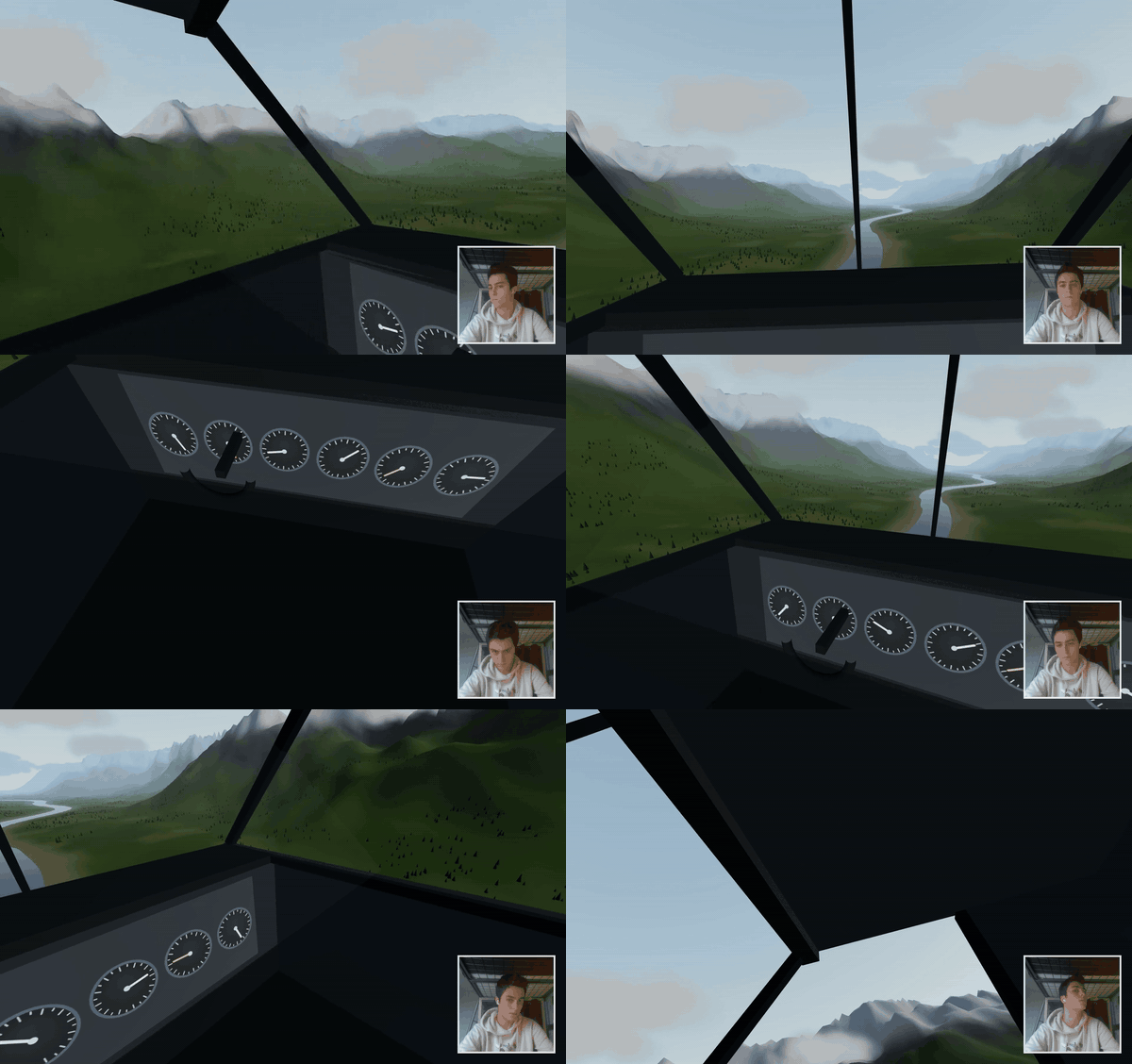
The built-in cockpit demo: the view follows the AirPods (smooth 60 fps video).
---
## Quick start
```bash
flatpak install --user https://starman-tech.github.io/mousepods/MousePods.flatpakref
```
Pair your AirPods with the PC, open **MousePods**, and follow the first-run wizard. Updates come
through `flatpak update` or your software center. Want the newest changes first? Use the test
channel: `flatpak install --user https://starman-tech.github.io/mousepods/MousePods-test.flatpakref`. Running from source is under [Install](#install).
### Games, desktop app and Flatpak
Contributed by [@henningnorden](https://github.com/henningnorden) for sim racing on Linux gaming systems
(Bazzite, tested with AirPods Pro 2 in Assetto Corsa and ETS2):
- **Games page:** tick a Steam game running through Proton and its camera follows your head,
without opentrack and without launch options. MousePods places a small TrackIR/FreeTrack DLL
(`native/`) in the game's Proton prefix; the game reads the head pose from a file MousePods
writes. Unticking puts back whatever tracker was set up before.
- **Per-game profiles:** damping, range and response curve per axis, axes on/off, and a neck
model (computed from the head rotation, AirPods cannot measure leaning). **Calibrate** shows
one point at a time full screen on the monitors you play that game on; hold still at each and
MousePods measures how far you turn your head, so a small monitor and three monitors both work.
- **Desktop app:** own window, tray icon, autostart at login, first-run wizard; packaged as a
Flatpak (`packaging/flatpak/`, built by GitHub Actions). Bluetooth works without
`bluetoothctl` through BlueZ over D-Bus.
- **Languages:** English and German besides French (`ui/i18n/`).
Install: see [Quick start](#quick-start). Steam installed as a Flatpak works too (tested with ETS2
under Proton Experimental); a game installed in both Steams lets you pick which one on its card.
### Browser extension
Look around 360° videos on YouTube (and other 360° sites, experimental) by turning your head, right in Chrome: see [browser-extension/](browser-extension/README.md).
## What's new here
Before this project, **no public tool could get head-tracking data out of AirPods 3**. LibrePods, librepods-rs, pods-head-tracker,
airpods-head-track and aap-head-tracker all list them as untested or unsupported. The reason turned out to be three
things nobody had written down:
| Finding | |
|---|---|
| AirPods 3 **ignore** the SensorDataWX protocol that AirPods Pro 2/3/4 and AirPods 4 use | [§2](docs/DISCOVERIES.md#2-airpods-3-do-not-speak-sensordatawx) |
| They expose their sensors as **virtual HID devices through Apple RemoteHID** (RTBuddy channel `0x800`). The wire format is now fully documented | [protocol](docs/REMOTEHID-PROTOCOL.md) |
| At the Linux default L2CAP MTU (672), the motion sensors are **not announced at all**. They appear at 2582, the value iOS uses | [§6](docs/DISCOVERIES.md#6-the-mtu-hides-the-sensors) |
Along the way: the complete AirPods 3 sensor catalog (`devmotion6`, `accel`, `gyro`, `cma`, `kadabra`…), sample rates up to
**~210 Hz** instead of 25 Hz, the scales of the motion block, and how the buds power their sensors on and off.
**→ All findings, with evidence and an honest "not isolated yet" list: [docs/DISCOVERIES.md](docs/DISCOVERIES.md).**
## How it works
```
AirPods 3 ──── L2CAP 0x1001 (AACP, MTU 2582) ────▶ AAPClient ──▶ MotionEngine ──▶ Controller ──▶ /dev/uinput ──▶ cursor
│ HostConnect ◀─────────────────────────────────┤ gyro + gravity souris / pointeur (Wayland, X11)
│ DeviceConnect ×8 (HID descriptors) ──────────▶│ → yaw · pitch · roll / glisse
│ SetReport feature 1 = 10 000 µs ◀─────────────┤ │
│ InputReport @ 100 Hz (58-byte block) ────────▶│ http://127.0.0.1:8737 (app)
AirPods Pro 2 ── same, through SensorDataWX (protobuf, 0x100000) ──┘
```
1. **Connect** without root: L2CAP PSM `0x1001`, encrypted link, receive MTU 2582.
2. **Start the sensor**: RemoteHID for AirPods 3, SensorDataWX for AirPods Pro / 4. Detected automatically.
3. **Compute motion that doesn't depend on how the bud is held**: yaw is the rotation around the *vertical* (taken from the gravity vector), pitch the rotation around a lateral axis learned during calibration. Gyro bias is re-estimated whenever the device is still.
4. **Move the cursor** through a virtual `uinput` device (works on Wayland), rendered at 120 Hz with One-Euro smoothing.
## Modes
| Mode | Move | Feels like |
|---|---|---|
| **Souris** (mouse) | turn / tilt your head, or a bud in your hand | an air mouse, with acceleration |
| **Pointeur** (pointer) | aim at the screen | a laser pointer. Calibrated by aiming at two corners: aim at a corner and the cursor lands there |
| **Glisse** (glide) | slide a bud flat on the table | an inertial mouse. Experimental: see the limits below |
Clicks: stem press, quick head tilt (optional), or dwell. Shortcuts: `Ctrl+Alt+C` recenter · `Ctrl+Alt+P` pause · `Ctrl+Alt+M` mode · `Ctrl+Alt+S` scroll.
## The app
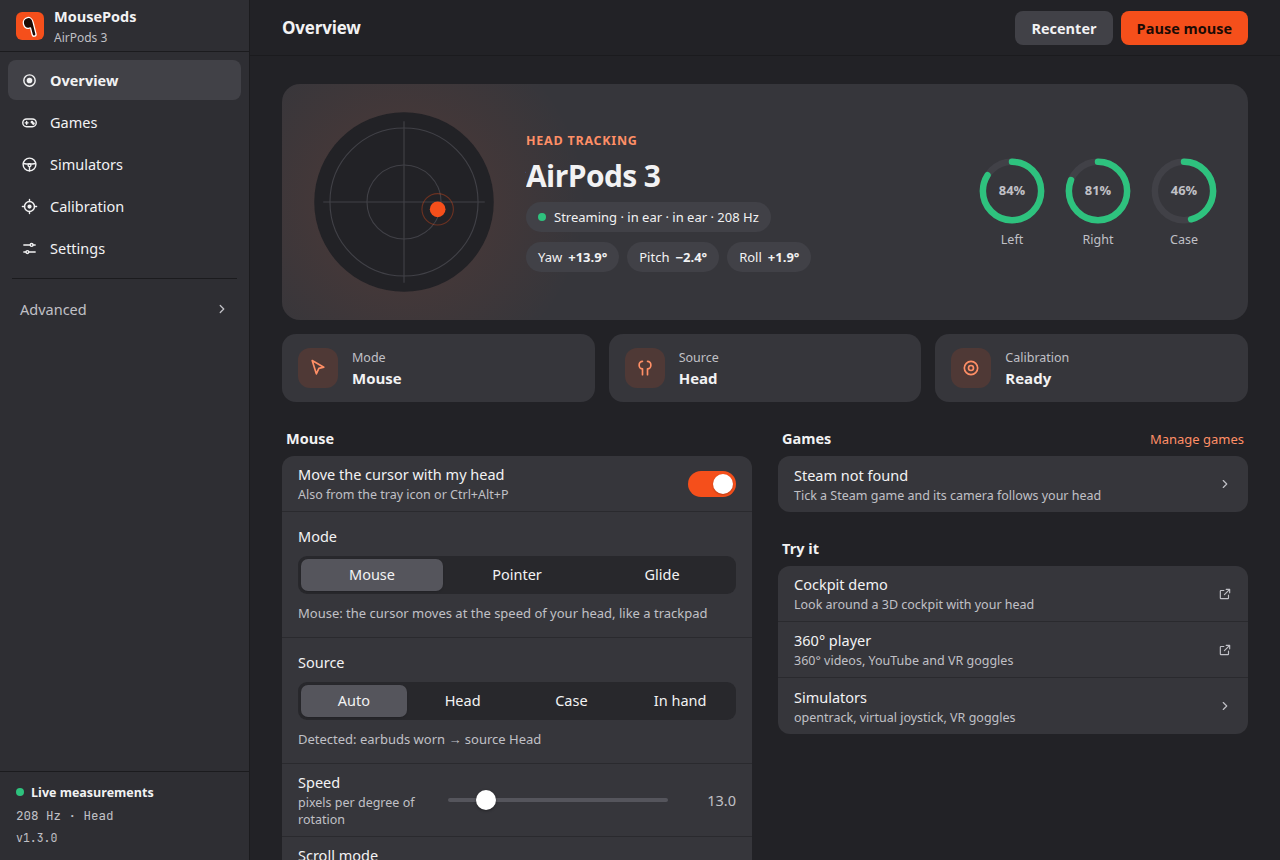
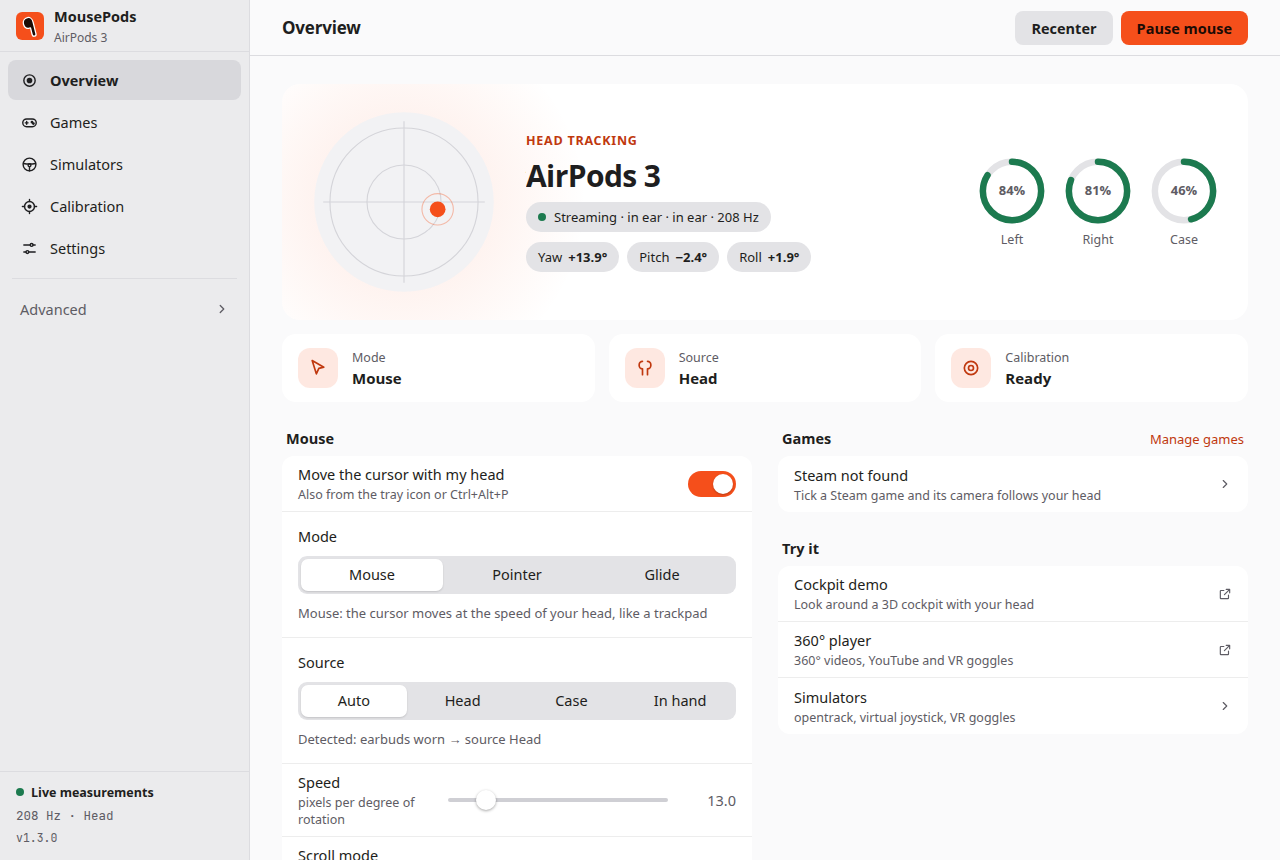
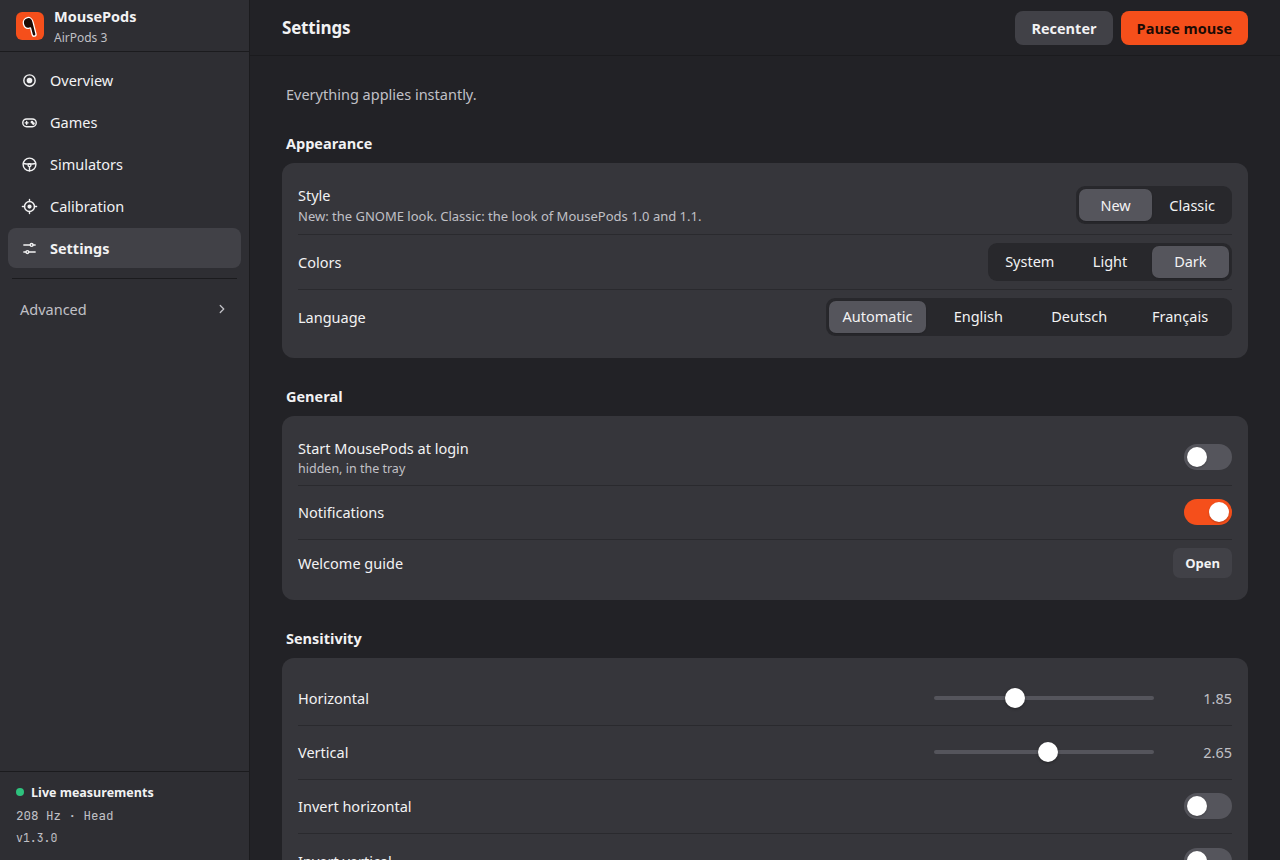
A local app in the GNOME style with MousePods orange, light and dark (the 1.1 look is one click away in Settings): live head
position, battery rings, live 3D orientation, rate charts, every setting applied live, guided calibration, a **sensor explorer** to start and query each RemoteHID device, the AirPods' internal settings and a raw packet log.