NoticeBar
===
😍A simple NoticeBar written by Swift 3, similar with QQ notice view.😀
[](https://travis-ci.org/qiuncheng/NoticeBar)
[](https://github.com/qiuncheng/NoticeBar)
[](https://github.com/qiuncheng/NoticeBar)
[](https://cocoapods.org/pods/NoticeBar)
[](https://github.com/Carthage/Carthage)
[](https://github.com/qiuncheng/NoticeBar)
[](https://raw.githubusercontent.com/qiuncheng/NoticeBar/master/LICENSE)
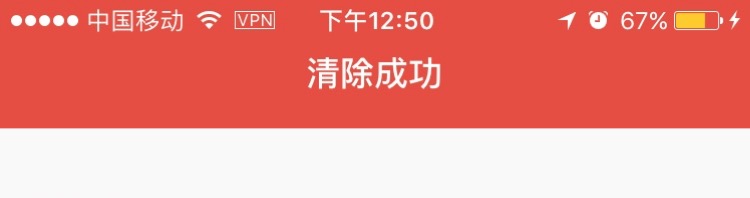
#### ScreenShots
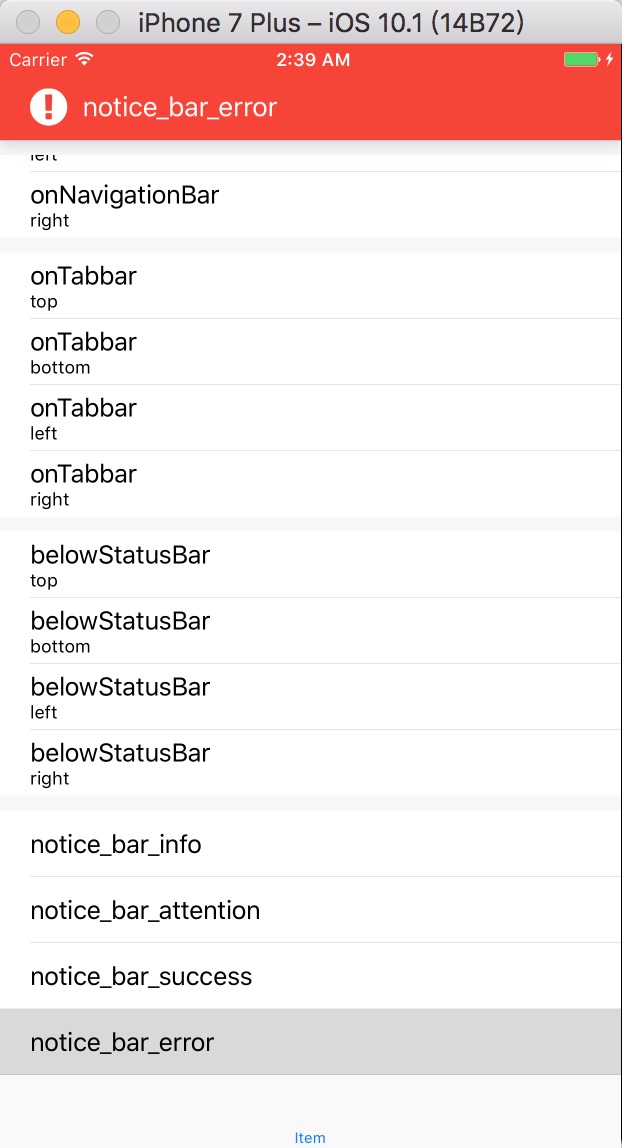


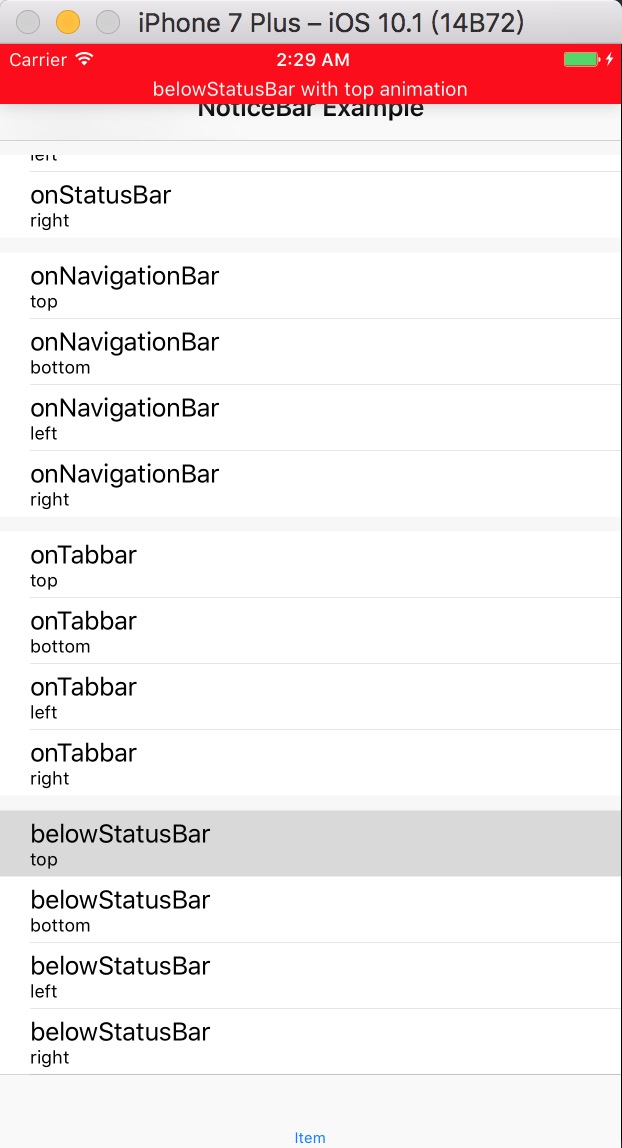
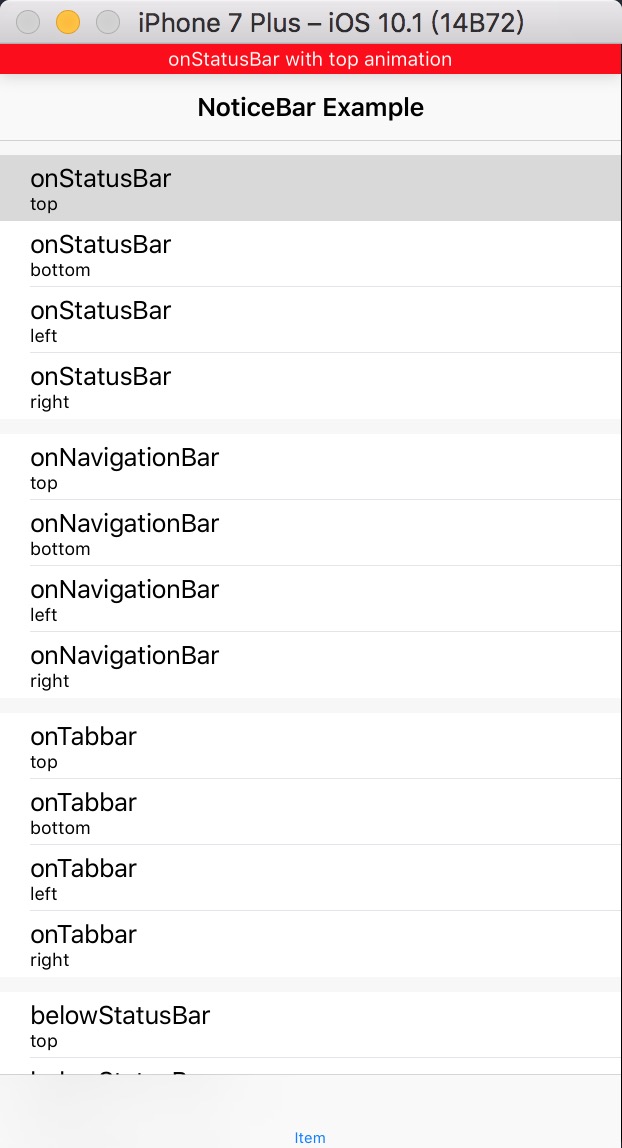

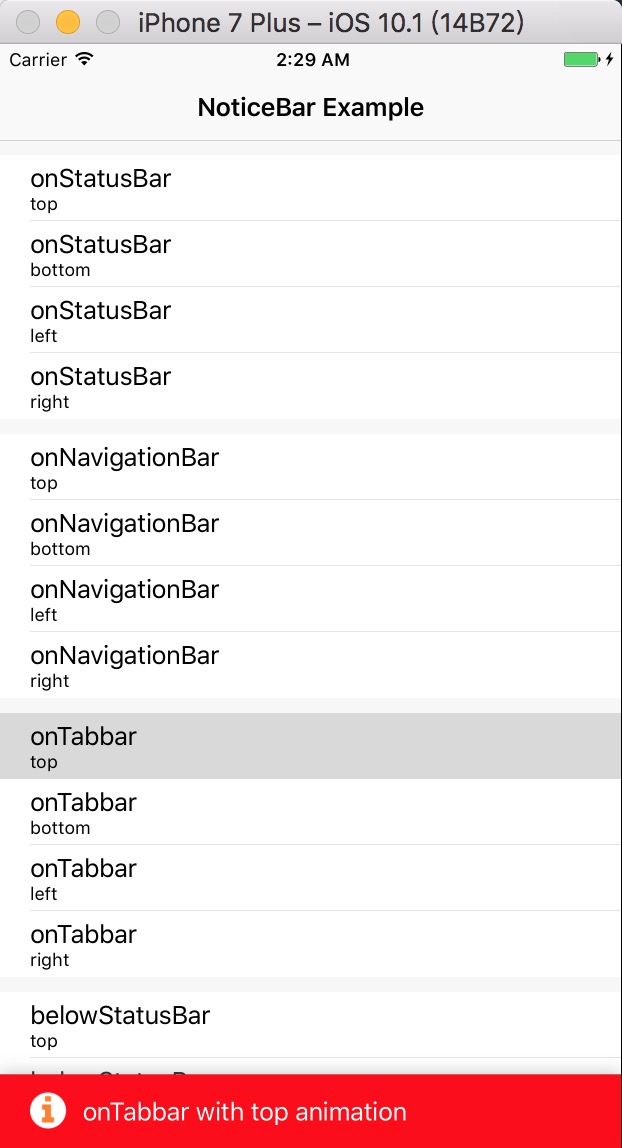
**Remember: If you want the status bar style change, you must set the `View controller-based status bar appearance` to `NO` in the `info.plist`.**
Support
===
Swift 3.0 & iOS 8+
Installation
===
#### CocoaPods
1. add `pod 'NoticeBar'` to your Podfile.
2. Run `pod install` OR `pod update`.
3. `import Noticebar`
#### Carthage
1. Add Noticebar to your Cartfile. e.g., `github "qiuncheng/Noticebar" ~> 0.1.5`
2. Run `carthage update`
3. Follow the rest of the [standard Carthage installation](https://github.com/Carthage/Carthage#adding-frameworks-to-an-application) instructions to add Noticebar to your project.
4. `import NoticeBar`
#### Manually
1. [Download](https://github.com/qiuncheng/NoticeBar/archive/master.zip) the full file.
2. Drag the NoticeBar folder to your project.
Example
===
#### Four Default Types:
+ NoticeBarAnimationType.info
+ NoticeBarAnimationType.attention
+ NoticeBarAnimationType.success
+ NoticeBarAnimationType.error
How to use? For example: -> `NoticeBarAnimationType.info`:
```Swift
/// title : The message you want to show
/// defaultType : Above four types with different style above.
let noticeBar = NoticeBar(title: "#message", defaultType:.info)
/// duration : How long the noticeBar will stay. And it will dismiss automatically.
/// completed :optional. When the noticeBar dismissed, what you want to do, nothing type nil.
noticeBar.show(duration: #TimeInterval, completed: { (#Bool) in
})
```
#### Custom `NoticeBarConfig`
The NoticeBarConfig will manage the NoticeBar's `title` default is `nil`, `image` if needed, `textColor` default is `UIColor.black`, `backgroundColor` default is `UIColor.white`, `animationType` default is from `NoticeBarAnimationType.top`, `barStyle` default is `NoticeBarStyle.onNavigationBar`, `margin` default is `10.0` which will determine the space between `image` and `title`, the space between `NoticeBar left` and `image`.
How to use? For example:
```
/// NoticeBarConfig : There are some other NoticeBarConfig init, it's up to you which to use.
let config = NoticeBarConfig(title: "#message you want to show.", image: #image, textColor: UIColor.white, backgroundColor: UIColor.red, barStyle: NoticeBarStyle.onNavigationBar, animationType: NoticeBarAnimationType.top )
let noticeBar = NoticeBar(config: config)
/// do something before noticeBar show.
/// such as : UIApplication.shared.statusBarStyle = .lightContent
noticeBar.show(duration: 2.0, completed: {
(finished) in
if finished {
/// do something here.
/// such as : UIApplication.shared.statusBarStyle = .default
}
})
```
TODO
===
- [ ] Add background image
- [ ] Add custom view
- [x] Add custom super view, now is keyWindows.
- [ ] Add dismiss action manually, now dimiss is automatically.
Thanks
===
1. [QQ's Notice View](https://itunes.apple.com/cn/app/qq/id444934666?mt=8) which the idea come from.
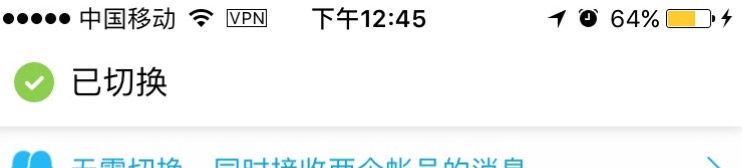
 2. [Pin's Notice View](https://itunes.apple.com/us/app/pin-jian-tie-ban-kuo-zhan/id1039643846?mt=8) which I take example by.
 LICENCE
===
Under [MIT License](https://github.com/qiuncheng/NoticeBar/blob/master/LICENSE)
Copyright (c) 2016 QiunCheng. All rights reserved.
About me
===
A student in Xidian University. [MY RESUME](https://qiuncheng.github.io/resume.html).
If you have a new idea about this project, [Please let me know.](mailto:qiuncheng@gmail.com) OR pull request.
LICENCE
===
Under [MIT License](https://github.com/qiuncheng/NoticeBar/blob/master/LICENSE)
Copyright (c) 2016 QiunCheng. All rights reserved.
About me
===
A student in Xidian University. [MY RESUME](https://qiuncheng.github.io/resume.html).
If you have a new idea about this project, [Please let me know.](mailto:qiuncheng@gmail.com) OR pull request.