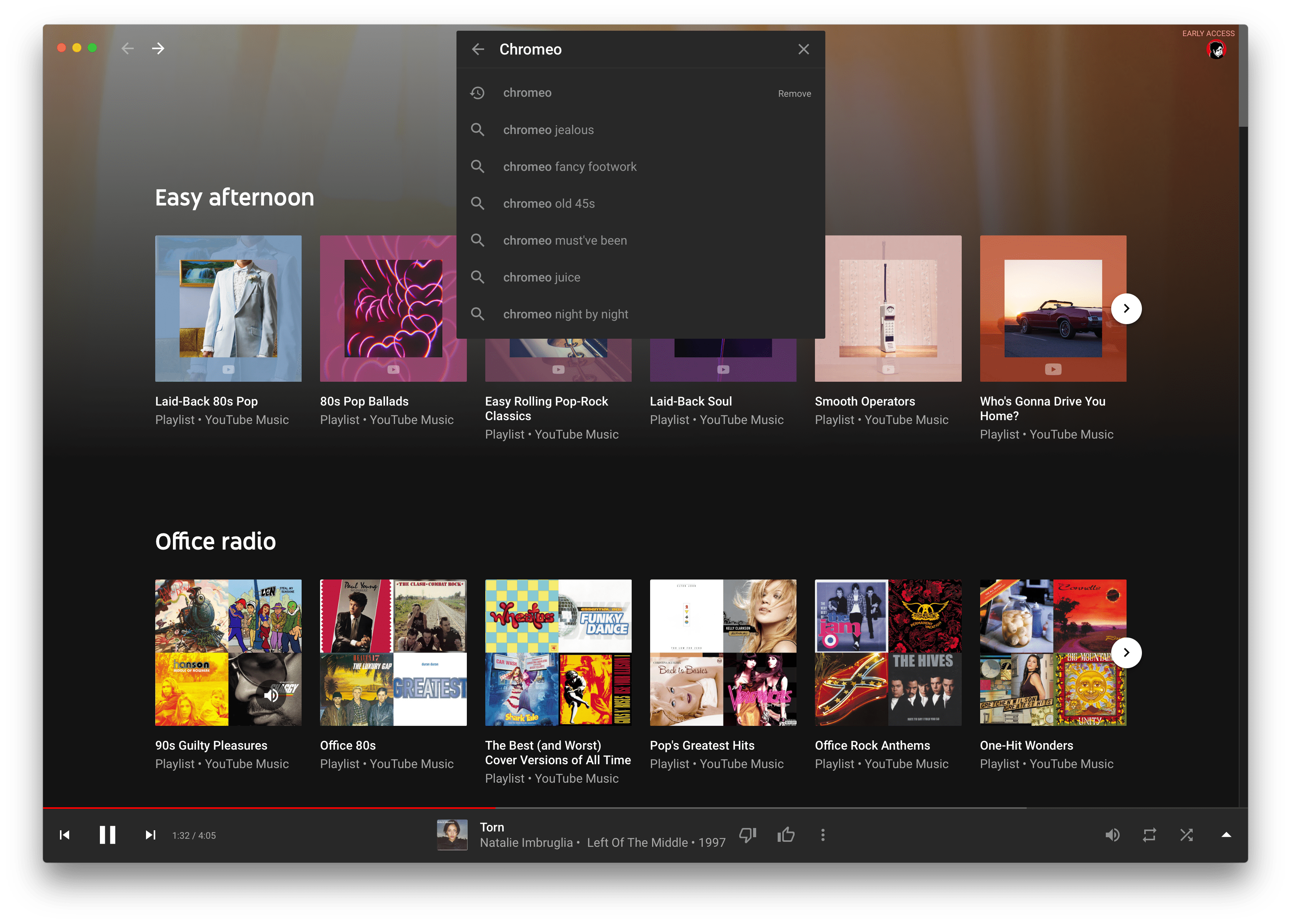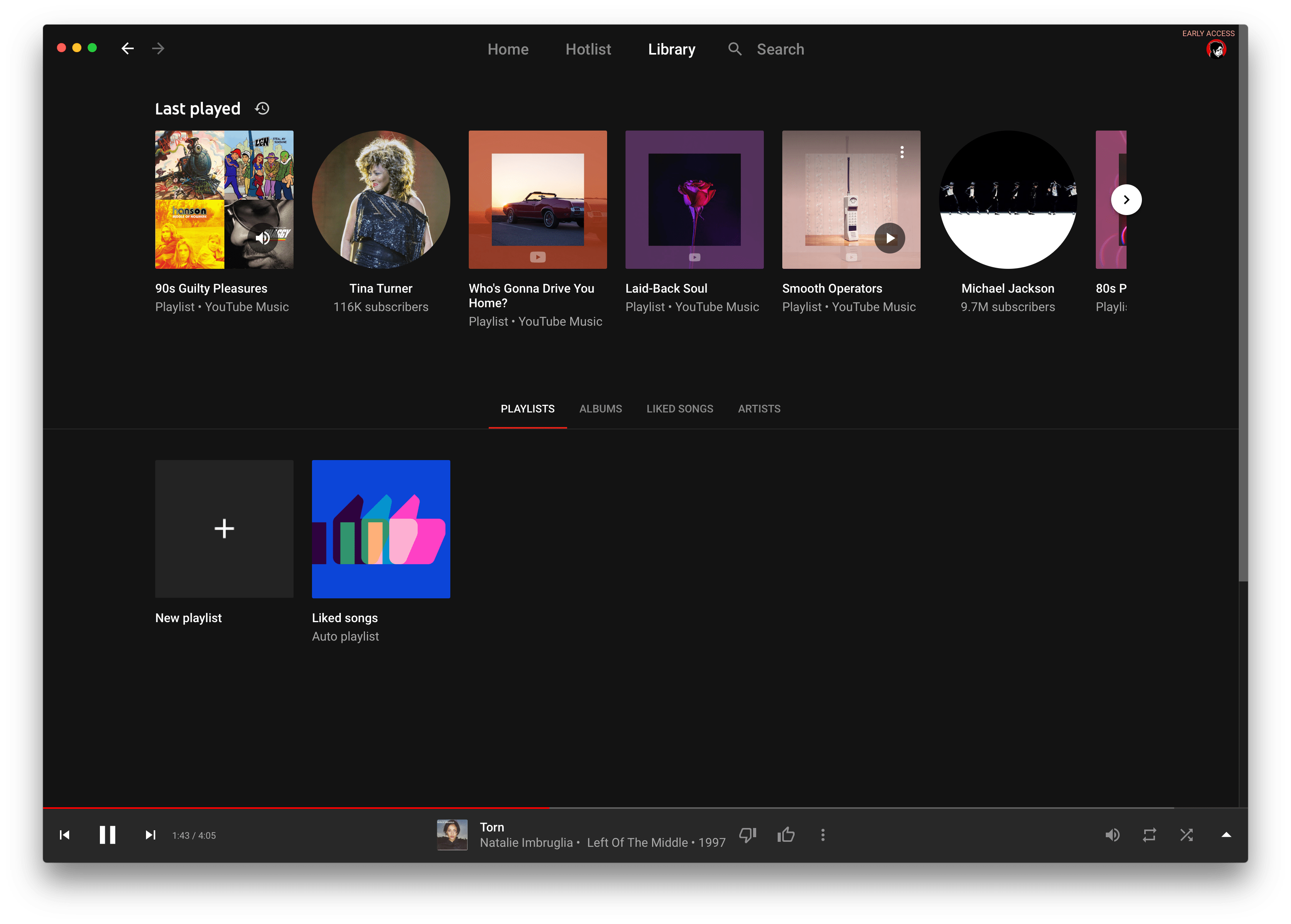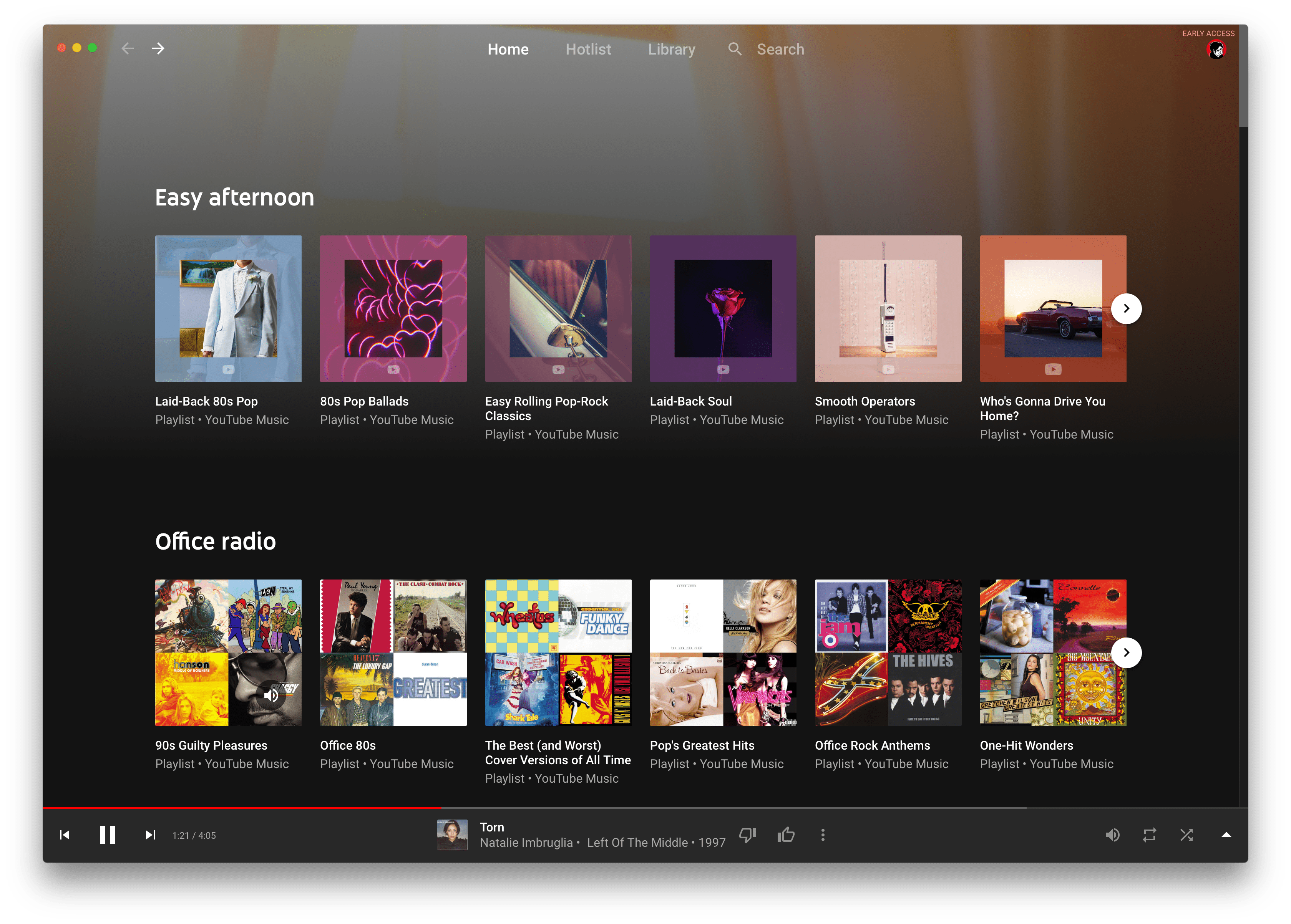
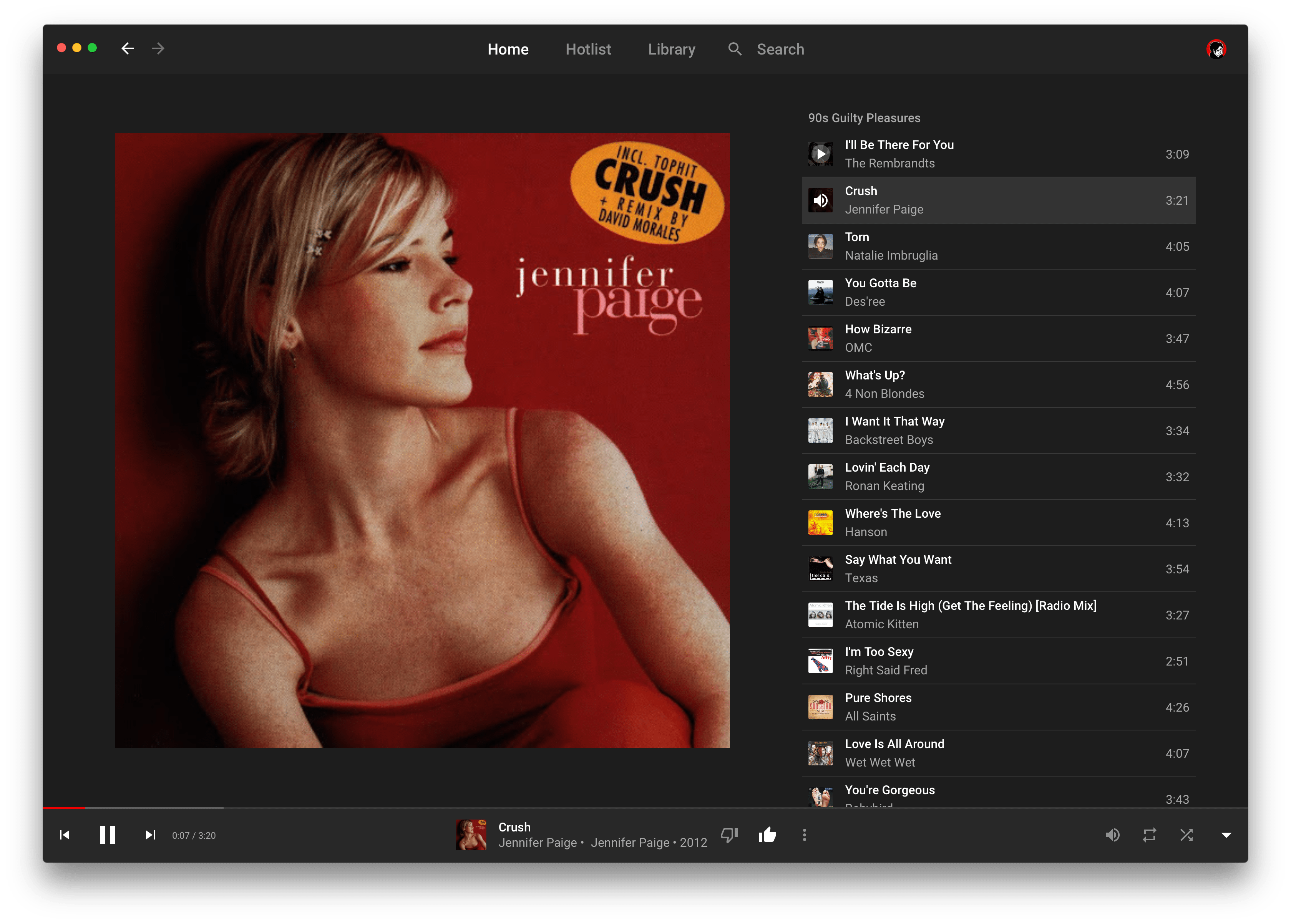
![Screenshot 1](screenshots/screenshot-1.png) [![CI](https://github.com/steve228uk/YouTube-Music/actions/workflows/CI.yml/badge.svg)](https://github.com/steve228uk/YouTube-Music/actions/workflows/CI.yml) [![Latest Release](https://img.shields.io/github/v/release/steve228uk/YouTube-Music?color=yellow)](https://github.com/steve228uk/YouTube-Music/releases) [![macOS 10.11](https://img.shields.io/badge/platform-macOS%2010.11-blueviolet)](https://github.com/steve228uk/YouTube-Music/releases) [![GitHub license](https://img.shields.io/badge/license-MIT-blue.svg)](https://raw.githubusercontent.com/steve228uk/YouTube-Music/master/LICENSE) A simple Mac app wrapper using `WKWebView` for [YouTube Music](https://music.youtube.com) that allows YouTube Music to run as a standalone process. ## Features - Media Keys - Keyboard shortcuts - "Now Playing" Notification Center widget - Touch Bar media controls and scrubber - System notifications when a new track plays ## Installation You can download the latest version at the following link: [Download Latest Version](https://github.com/steve228uk/YouTube-Music/releases/latest) The latest binary can also be found on the releases page or clone and compile in Xcode. ### Homebrew If [homebrew](https://brew.sh) is installed, you can also use `brew install --cask yt-music` ## Screenshots

View More Screenshots
![Screenshot 2](screenshots/screenshot-2.png) ![Screenshot 3](screenshots/screenshot-3.png) ![Screenshot 4](screenshots/screenshot-4.png)

## Contributing More help in improving YouTube Music is always welcome! Please take a look at the [Issues](https://github.com/steve228uk/YouTube-Music/issues) and if there's something you think you can do, please consider filing a [pull request](https://github.com/steve228uk/YouTube-Music/pulls). ### Requirements for Building * [Xcode](http://developer.apple.com/download/more/) - To build the project * [CocoaPods](https://cocoapods.org) - To download all of the dependencies * An [Apple Developer Account](https://developer.apple.com) - To sign debug builds of the app. ### Building YouTube Music 1. Clone a copy of this repo. 2. In Terminal, `cd` to the repo directory and run `pod install`. 3. Open `YT Music.xcworkspace`. 4. Under the 'Code Signing' settings in Xcode, make sure your developer account is set for Debug builds. ## Legal Disclaimer: YT Music is an unofficial application and not affiliated with YouTube or Google Inc. in any way. "YouTube", "YouTube Music" and the "YouTube Logo" are registered trademarks of Google Inc.