# hawkshaw
A focused, fullscreen, **side-by-side** git review tool. `hawkshaw` walks you
through the *unstaged* changes in a working tree, one file at a time, and lets
you render a verdict on every **hunk** before you commit. When it exits, the
index is staged exactly as you decided. You run `git commit` yourself.
The scope stays narrow on purpose. There is no branch management, no log
browsing, no sidebar. You read the change, you decide, you move on, with
vim and `bat` muscle memory.
## Why
I review a lot of AI-generated code. You do the same. The terminal tools that already exist pull in two
directions. Full git clients like lazygit and gitui do everything, so they put
a busy general-purpose interface between you and the code. `git diff` and
`git add -p` do too little: no real scrolling, no fullscreen reading mode. And their keyboard navigation is not great.
hawkshaw takes one job. It puts a large diff in front of you, hunk by hunk, and
keeps the interface out of the way while you work through it.
## Install
### Prebuilt binary
```sh
curl -fsSL https://raw.githubusercontent.com/stojanovic/hawkshaw/main/install.sh | sh
```
The script detects your OS and architecture (Linux and macOS, x86_64 and
arm64), downloads the matching binary from the latest GitHub release, verifies
its SHA-256 against the release checksums before installing anything, and puts
`hawkshaw` in `~/.local/bin` (or `/usr/local/bin` when run as root).
### Docker (recommended)
Running hawkshaw in Docker is the recommended setup. Pin both the script and
the binary to the same tag, so nothing moves underneath you:
```dockerfile
RUN curl -fsSL https://github.com/stojanovic/hawkshaw/releases/download/v0.1.0/install.sh \
| VERSION=0.1.0 PREFIX=/usr/local sh
```
### From source
You need a Rust toolchain. There is no system `libgit2` to install first, since
`git2` builds a bundled copy.
```sh
git clone https://github.com/stojanovic/hawkshaw.git
cd hawkshaw
cargo install --path .
```
That puts the `hawkshaw` binary in `~/.cargo/bin`.
## Usage
Run it inside a git repository:
```sh
hawkshaw
```
It snapshots the working tree at launch, taking modified, untracked, and
deleted files. Anything already staged is out of scope. The first file opens
fullscreen, and your verdicts hit the index as you make them.
The layout follows the terminal width by default: side-by-side at **120
columns** or wider, unified inline below that. Pin it if you would rather
decide yourself. See [Configuration](#configuration).
Ignored files disappear the same way `git status` makes them disappear. That
covers the in-repo `.gitignore` and `.git/info/exclude`, and your **global**
ignore configuration too: `core.excludesfile`, including a `~`-relative path,
plus the conventional `~/.config/git/ignore`, `~/.gitignore_global`, and
`~/.gitignore`.
Once every hunk has a verdict, hawkshaw prints a short summary and closes the
case. No need to press `q`.
```sh
hawkshaw --help # keymap and options
hawkshaw --version
```
## Keys
| Keys | Action |
|------|--------|
| `j` / `k`, `↓` / `↑` | scroll a line |
| `F` / `B` | full page down / up |
| `Ctrl-d` / `Ctrl-u`, `Space` / `b` | half page down / up |
| `g` / `G`, `Home` / `End` | top / bottom |
| `J` / `K` | next / previous hunk |
| `h` / `l`, `←` / `→` | previous / next file |
| `t` | cycle view: auto, split, inline |
| `y` / `n` | stage / skip the current hunk |
| `Y` / `N` | stage / skip every remaining hunk in the file |
| `dd` | discard the current hunk (confirm) |
| `DD` | discard the whole file back to HEAD (confirm) |
| `u` | undo the last verdict |
| `c` | copy the file path and current hunk (as a diff) to the clipboard |
| `r` | refresh (re-read git status) |
| `i` / `I` | add an untracked file, or its directory, to the root `.gitignore`, then refresh |
| `?` | help overlay |
| `q` | quit (warns if hunks are undecided) |
Discards destroy work and always ask first. For an untracked file, a discard
deletes the file.
Binary files, images among them, do not split into hunks. hawkshaw shows a
whole-file placeholder that takes the same verdict keys: `y`/`Y` stages the
complete file, `n`/`N` skips it, `dd`/`DD` discards it after confirmation.
`c` copies the current file path followed by its hunk as a unified diff, ready
to paste into an AI assistant when you want a second opinion on the change. It
writes through the OSC 52 terminal escape, so the system clipboard picks it up
even over SSH, on terminals that support it: iTerm2, kitty, WezTerm, Alacritty,
foot, and tmux with `set-clipboard on`.
## Presentation
▶ Click to watch the demo
- **Two layouts, one keystroke.** The **side-by-side** split puts the old side
on the left, the new side on the right, and aligns changed lines across the
gap. The **unified inline** view stacks `-` over `+` in one full-width column
for narrower terminals, showing each changed block part by part: every
removed line, then every added line, the way `git diff` reads. A reformatted
block stays legible either way. Width picks the layout by default, and `t`
cycles it.
- **Dark focused diff bands.** The focused hunk keeps its syntax highlighting
over dark green and red backgrounds. Everything else recedes to plain
syntax-coloured text with only the gutters tinted, so your eye lands where
the decision is. The `minimal` theme drops the band and leans on the left
border alone.
- **Intra-line highlighting** marks the words that actually changed, in a
lighter green or red patch that still lets the syntax colours read through.
- **Syntax highlighting** through `syntect`, with dual old and new line-number
gutters.
- **Viewport virtualization.** Only the visible window ever renders, so a
10,000-line diff scrolls as fast as a ten-line one.
## Configuration
hawkshaw reads an optional TOML config file, by default from
`~/.hawkshaw/config.toml`. Point it somewhere else with `--config`:
```sh
hawkshaw --config ./review.toml
hawkshaw --config=./review.toml
```
The file takes two optional keys:
| Key | Values | Default | Meaning |
|-----|--------|---------|---------|
| `theme` | `default`, `minimal`, `noir` | `default` | colour scheme |
| `view` | `auto`, `split`, `inline` | `auto` | diff layout |
**`theme`** picks the palette. `default` is a dark, syntax-friendly scheme with
green and red backgrounds on the focused changed lines. `minimal` is
high-contrast *text* with no background fills, marking the focused hunk with
the cursor bar and underlining intra-line changes in bold. `noir` goes
black-and-white, film-noir greyscale, monochrome down to the syntax, where the
added and removed sides read apart by brightness instead of colour.
`high-contrast` still works as an alias of `default`.
**`view`** sets the layout. `auto`, the default, reads the terminal or pane
width and takes the side-by-side **split** at 120 columns or wider, unified
**inline** below that. It re-adapts live as you resize, a tmux split included.
`split` and `inline` pin one layout. The `t` key cycles the preference at
runtime, from `auto` to `split` to `inline`.
Both keys are optional. An omitted key falls back to its default, and a missing
config file is fine, since the defaults apply throughout. An invalid config, an
unknown value or malformed TOML, makes hawkshaw exit with a clear error before
it starts rather than quietly ignoring what you wrote.
```toml
# ~/.hawkshaw/config.toml
theme = "noir"
view = "inline"
```
## How it's built
Rust, synchronous, no async. `ratatui` and `crossterm` drive the TUI, `git2`
(libgit2) reads status and diffs and applies your verdicts, `syntect` handles
highlighting, and `similar` does line pairing and intra-line change detection.
The crate splits into a thin binary and a fully testable library. CI enforces
**100% line and function coverage**.
## The name
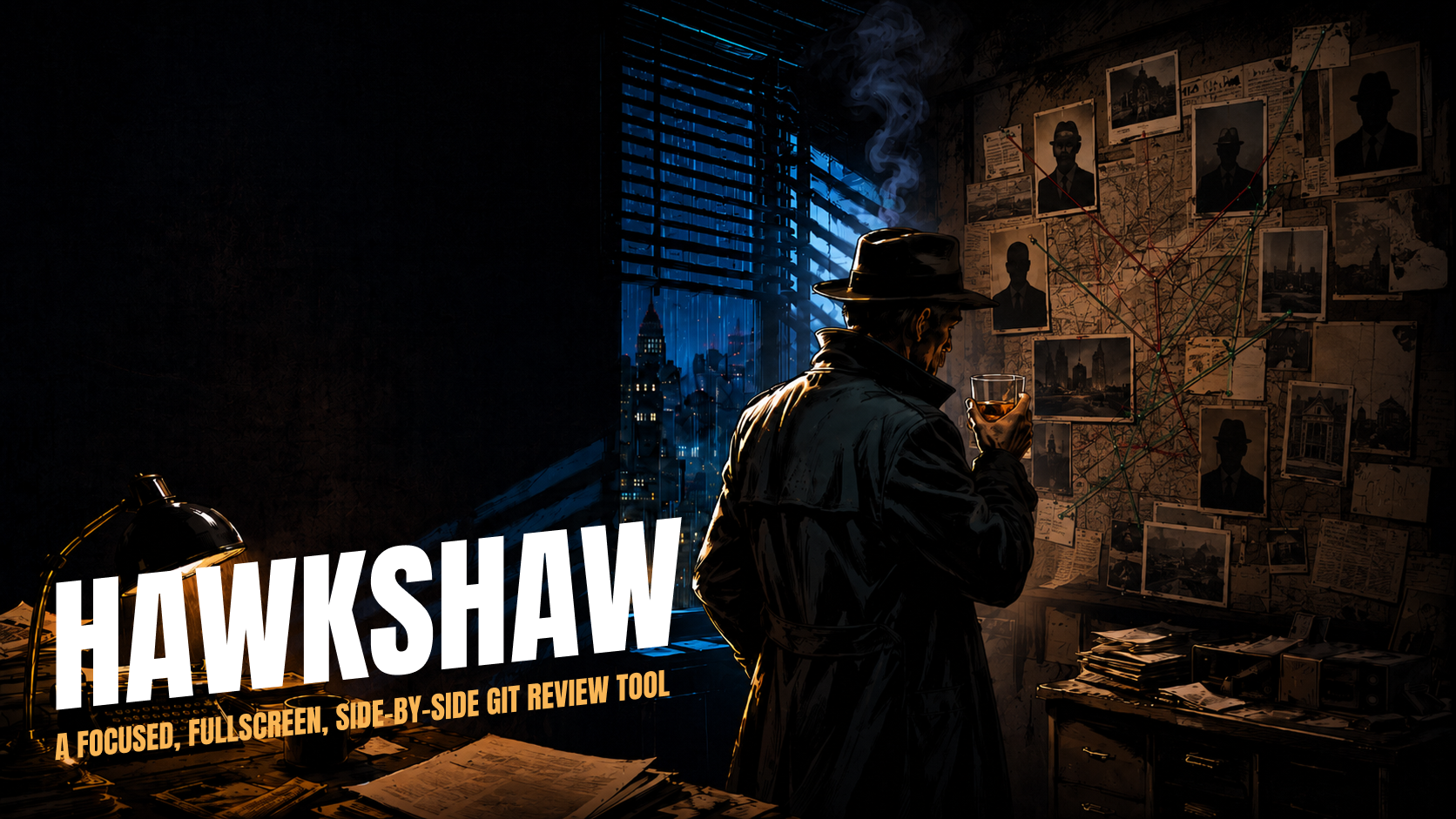
I built hawkshaw (no, Claude Code and Codex built it) while working on
[Competitor Tracker](https://competitortracker.io), an app that tracks your
competitors and sends you a list of the most important changes every Monday.
Competitor Tracker speaks in a film-noir detective voice, so the same noir
detective theme carried over to this tool.
*Hawkshaw* is an old slang word for a detective. It goes back to the detective
character Hawkshaw in Tom Taylor's 1863 play *The Ticket-of-Leave Man*, and it
later titled Gus Mager's early twentieth-century newspaper comic strip
*Hawkshaw the Detective*. Of all the noir-detective names on the shortlist,
this one sounds good, types easily, sticks in memory, and is unique enough.
## Contributing
Bug reports and pull requests are welcome. Read
[CONTRIBUTING.md](CONTRIBUTING.md) first, particularly the part about the
coverage gate, which turns down any code that arrives without a test.
## License
MIT. See [LICENSE](LICENSE).