# Accent




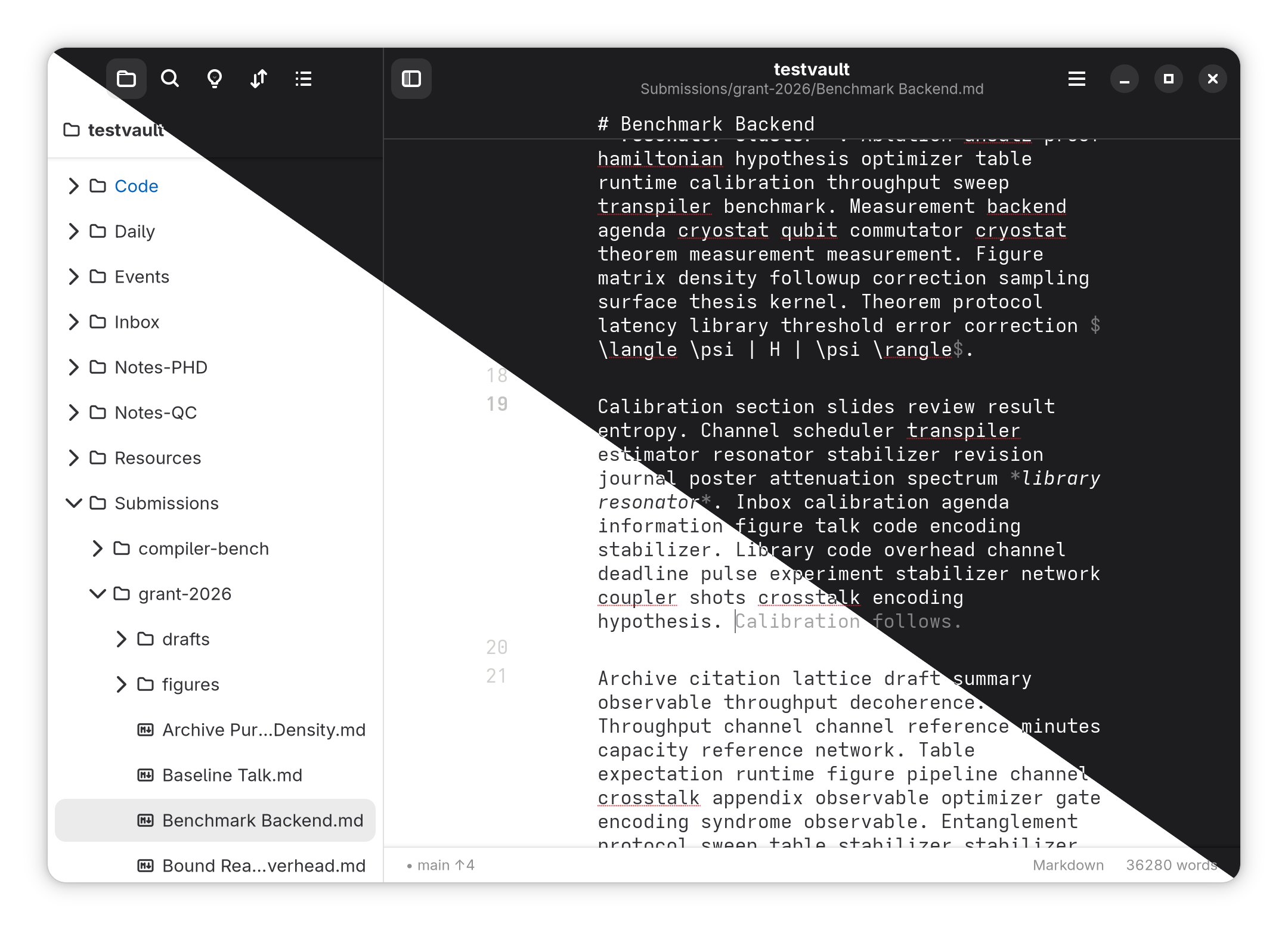
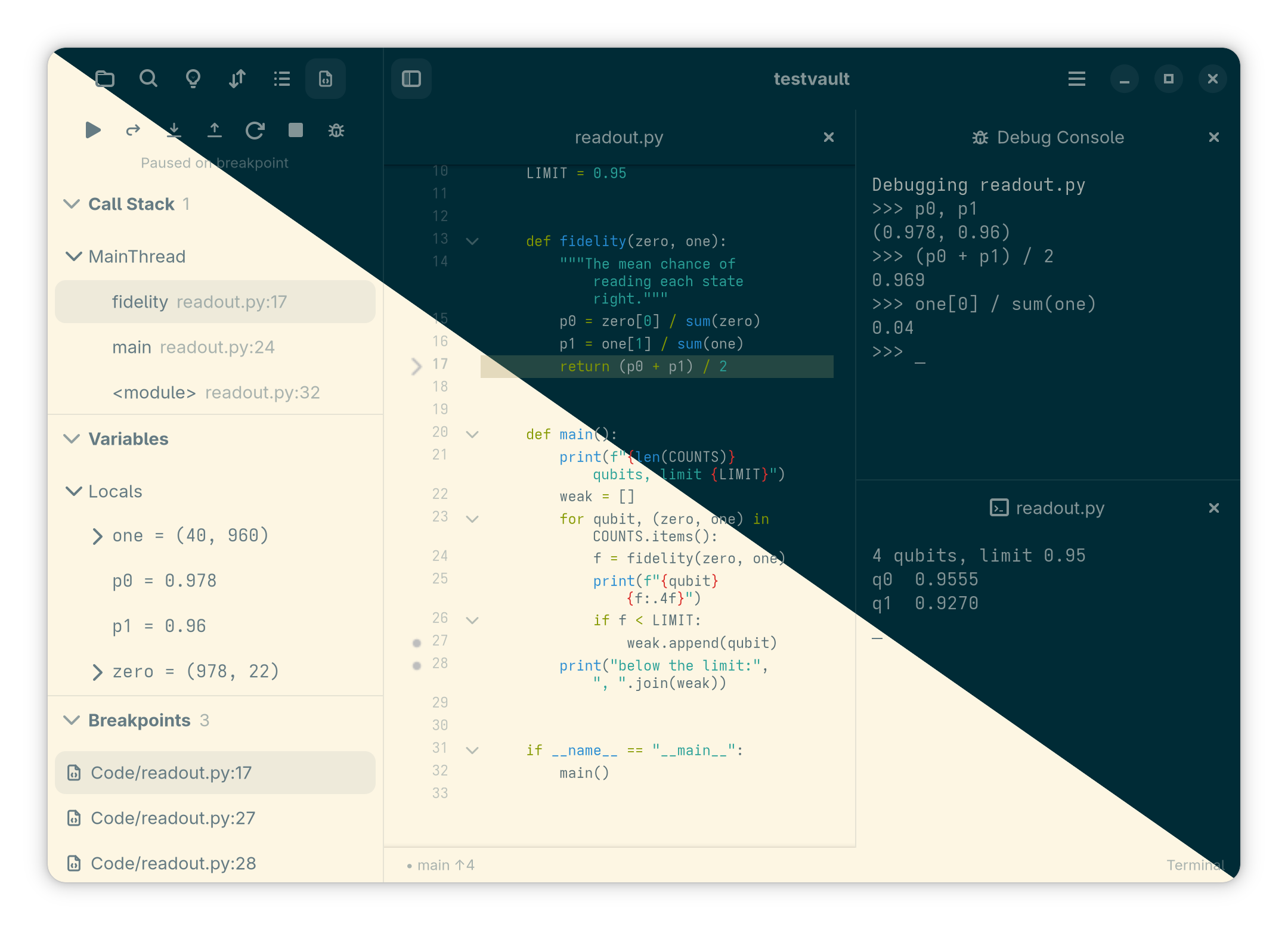
Accent is an opinionated text editor for code, markdown notes, and PDFs with an integrated terminal.
- Edit code with multi-line carets, inline suggestions and syntax highlighting.
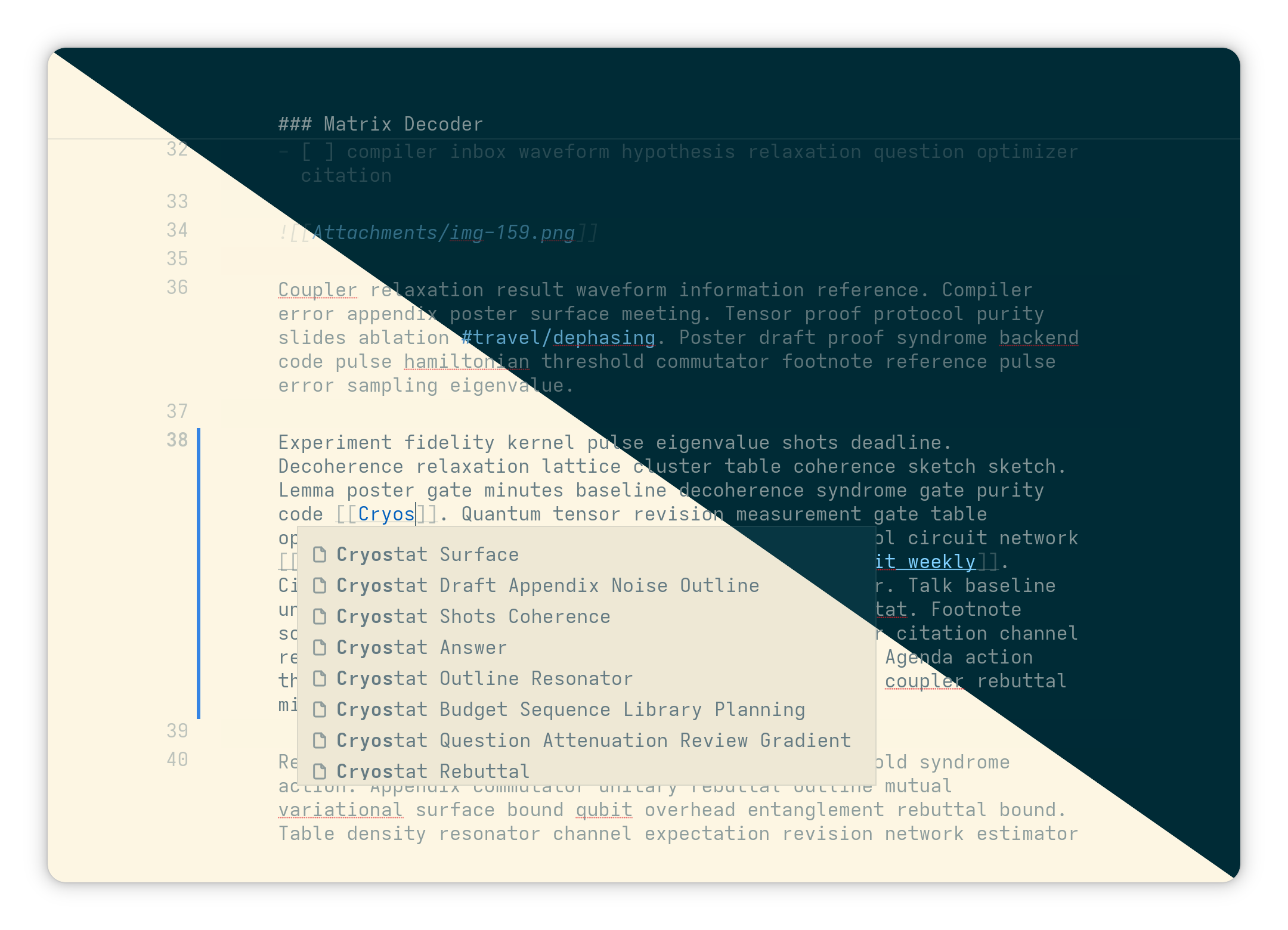
- Write notes, use templates, and browse links and tags.
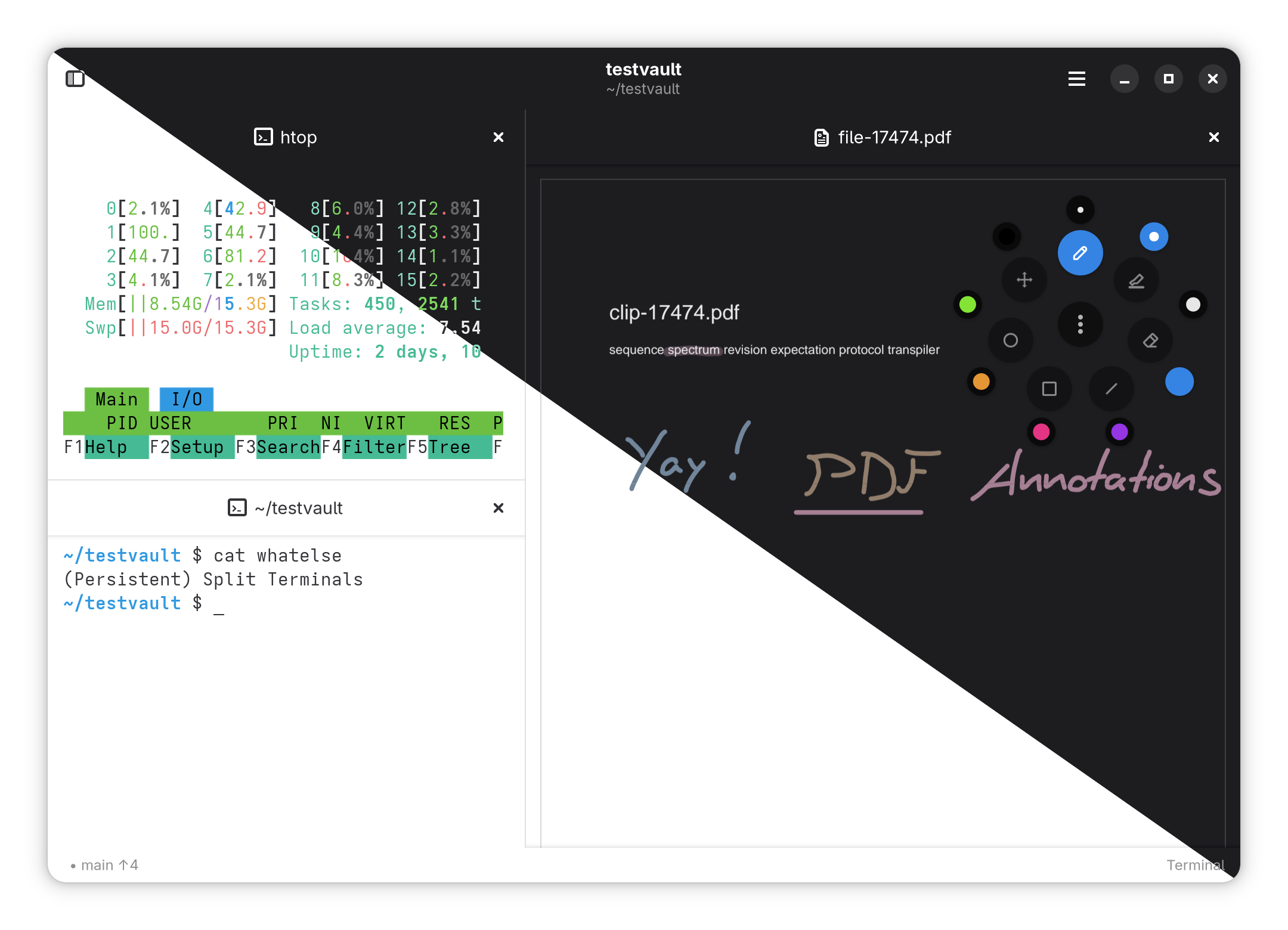
- Read and mark up PDFs; link highlighted passages back to your notes.
- Use split panes, shortcuts, and a command palette to work productively.
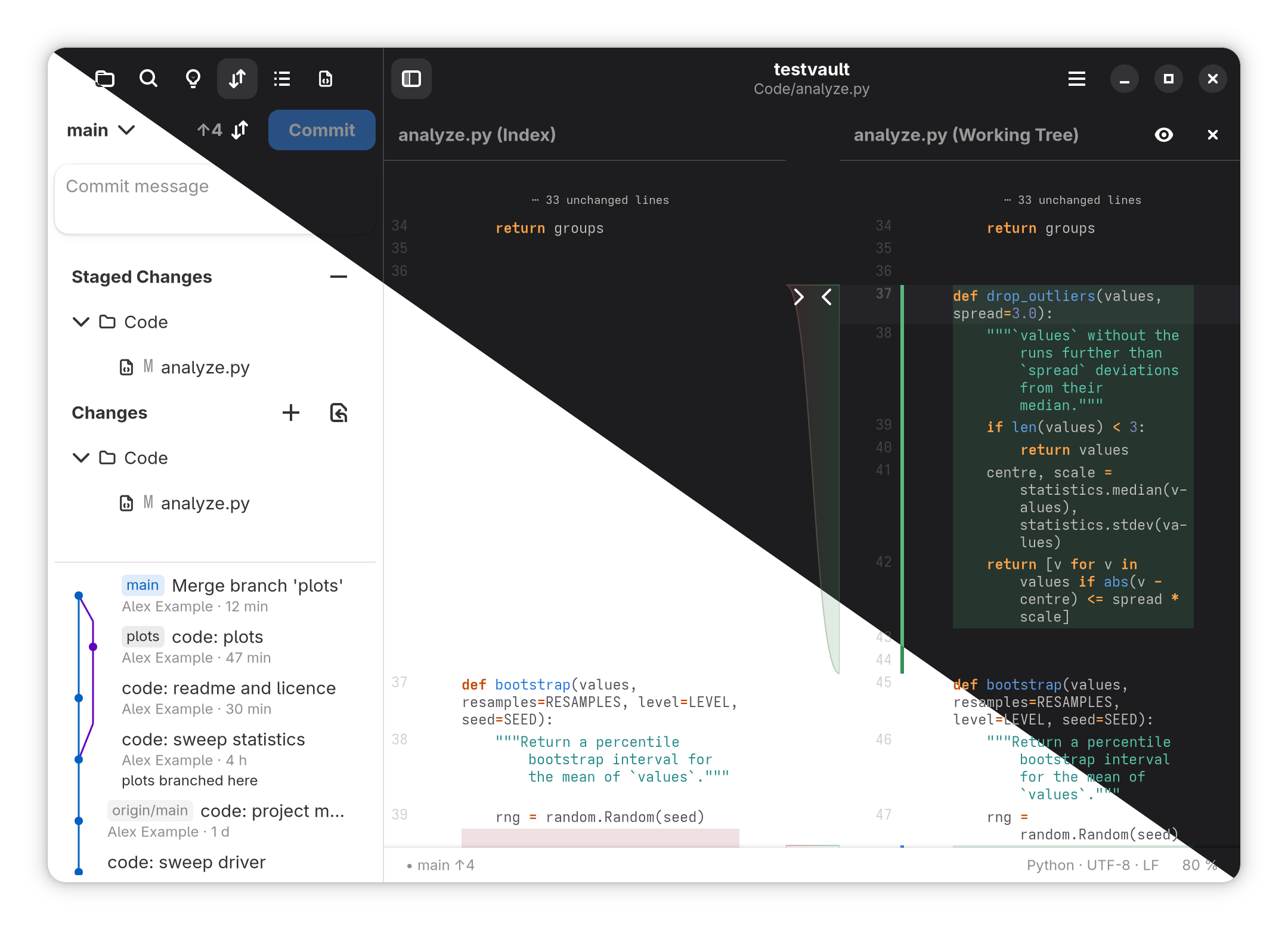
- Work with Git history, diff-views, terminal sessions, and on remote hosts over SSH.
- Available on Linux (Gnome) with an Android companion app
Some other cool features involve (but are not limited to):
- Focus mode, which fades out everything that is not around the caret
- Persistent terminal sessions a la `tmux`; no panic when closing a window with an actively running shell
- Automatic light and dark theme with a solarized option for both
- Presentation mode to show off whatever you're working on
- Early version of a draw.io editor (not just embedded; an actual native rust version!)
- MCP server and [Codegraph](https://github.com/colbymchenry/codegraph)-like `explore` command to make agents more efficient
- LaTeX (SyncTeX) PDF <-> Code sync: navigate from text to pdf and vice-versa
Accent is open source under GPL-3.0-or-later and still evolving.
Read the [user guide](https://stroblme.github.io/accent/) for setup and everyday tasks.
## Screenshots
## Get started
### Desktop
A Flatpak bundle is shipped with each [release](https://github.com/stroblme/accent/releases):
```sh
flatpak install --user accent--x86_64.flatpak
```
For a native install into `~/.local` (GNOME 49 or newer: Fedora 43+, openSUSE Tumbleweed, Debian testing, Ubuntu 26.04+, Arch), go for the following:
```sh
curl -fsSL https://raw.githubusercontent.com/stroblme/accent/main/install.sh | bash
```
To remove it again, add `-s -- --uninstall` after `bash`.
To build from source by hand, run:
```sh
make install-requirements # install the build requirements (openSUSE, Fedora, Debian, Ubuntu, Arch)
make requirements # check local dependencies
make pdfium # optional, for PDFs
make all # build the GTK app and accent-cli
make install # install the app user-wide
```
If you run `accent` from a terminal, you can also provide a path to a file or folder to open it directly.
`accent-cli mcp` serves a vault to an AI agent over the Model Context Protocol. It shares the app's index, works with the window closed, and offers search, code exploration, backlinks, tags, links and PDF highlights. Writing tools check the version the agent read; `--read-only` leaves them out. For Claude Code:
```sh
claude mcp add accent -- /path/to/accent-cli mcp --vault /path/to/notes
```
See [Command line and MCP](https://stroblme.github.io/accent/cli.html) for the other commands and remote vaults.
### Android
For Android, you can use [Obtainium](https://obtainium.imranr.dev/) to retrieve the `.apk` from the releases.
To build it from source, install a JDK, the Android SDK and NDK, then build a debug APK:
```sh
make android-tools
make apk
```
Note that the Android companion app is still in a very early version; please be gentle.
## Credits
Accent is inspired by awesome software projects like [Apostrophe](https://github.com/ApostropheEditor/Apostrophe), [Obsidian](https://obsidian.md/), and [VSCodium](https://vscodium.com/).
Icons come from [Tabler](https://github.com/tabler/tabler-icons).