
### Superset
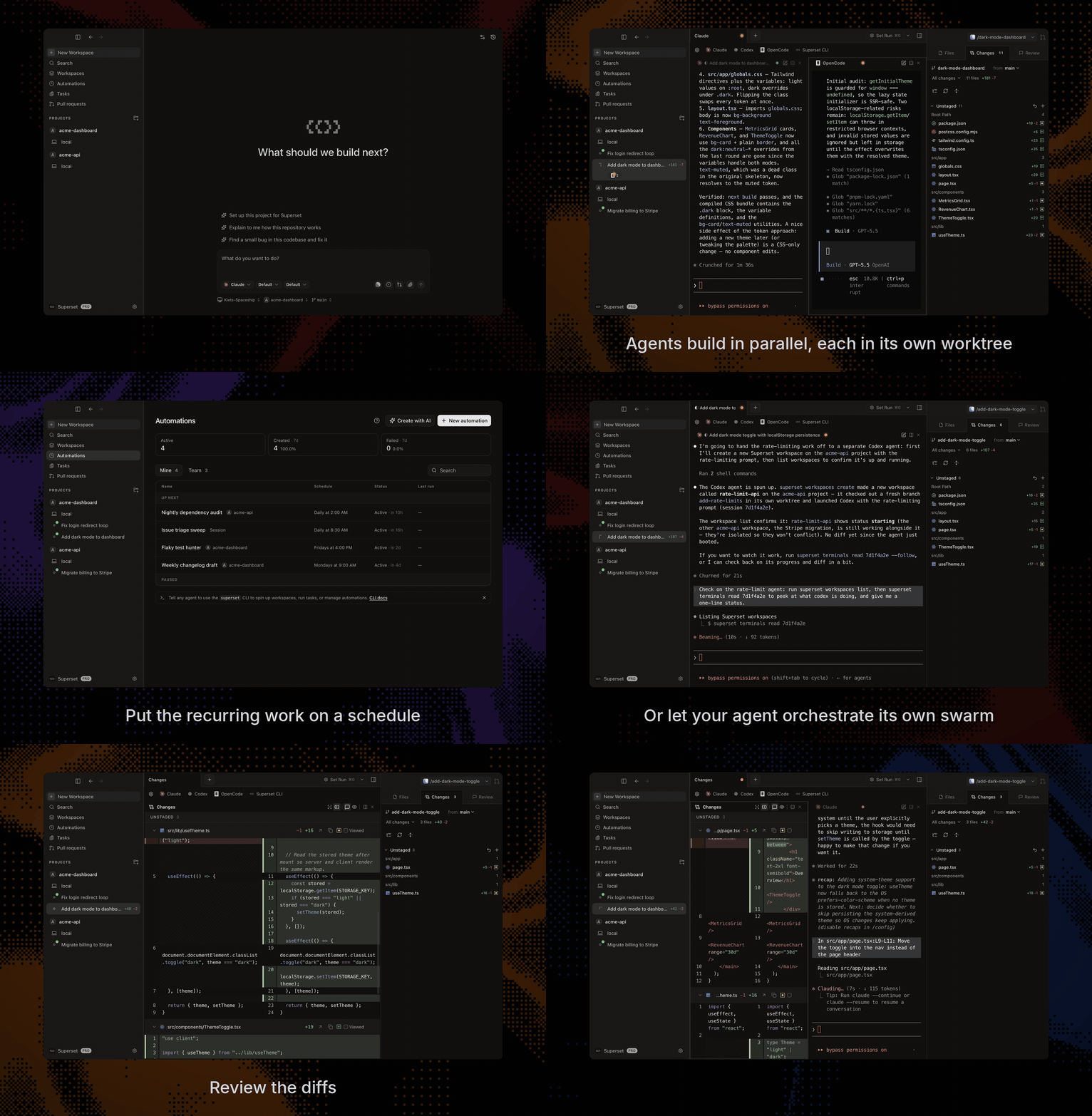
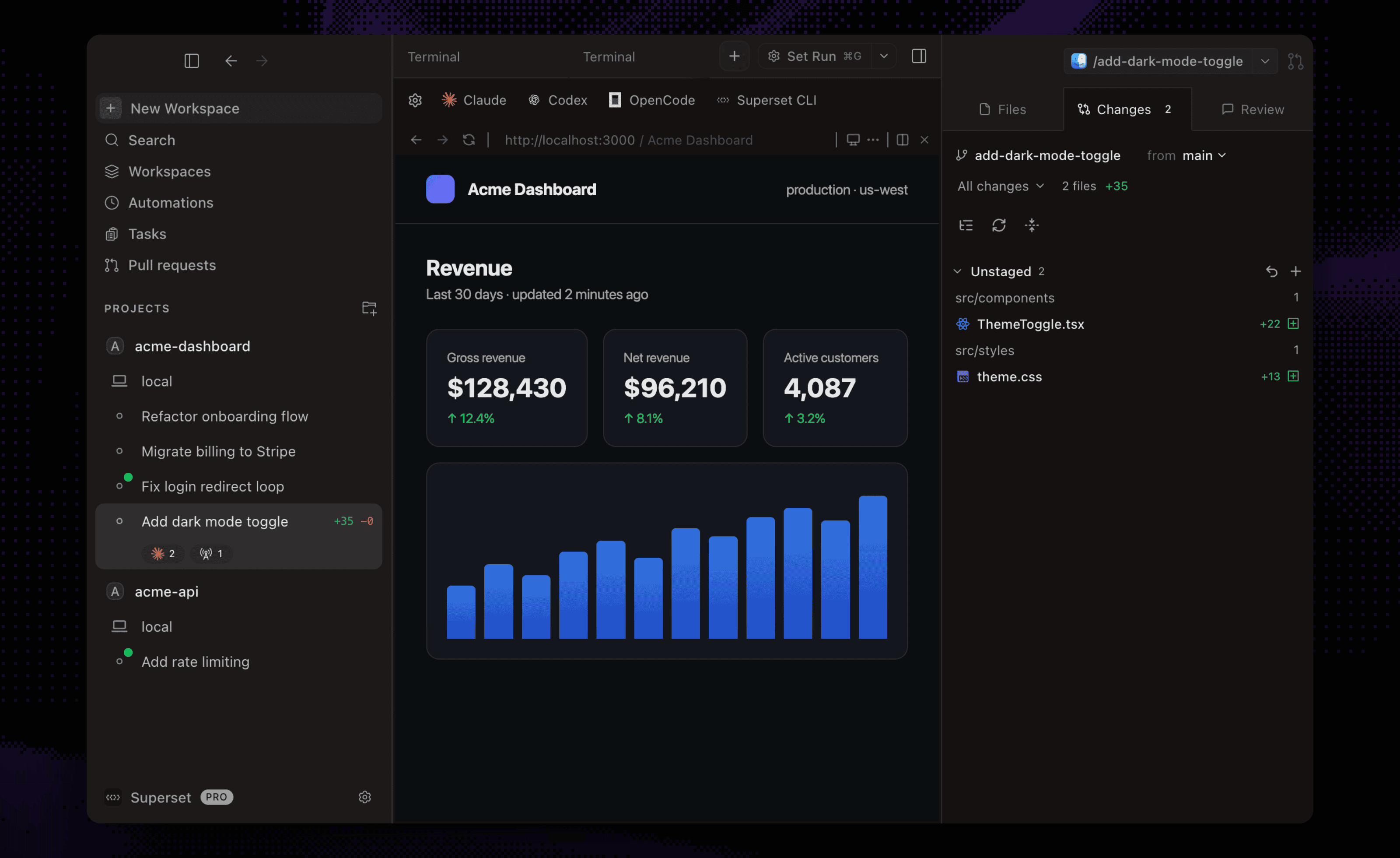
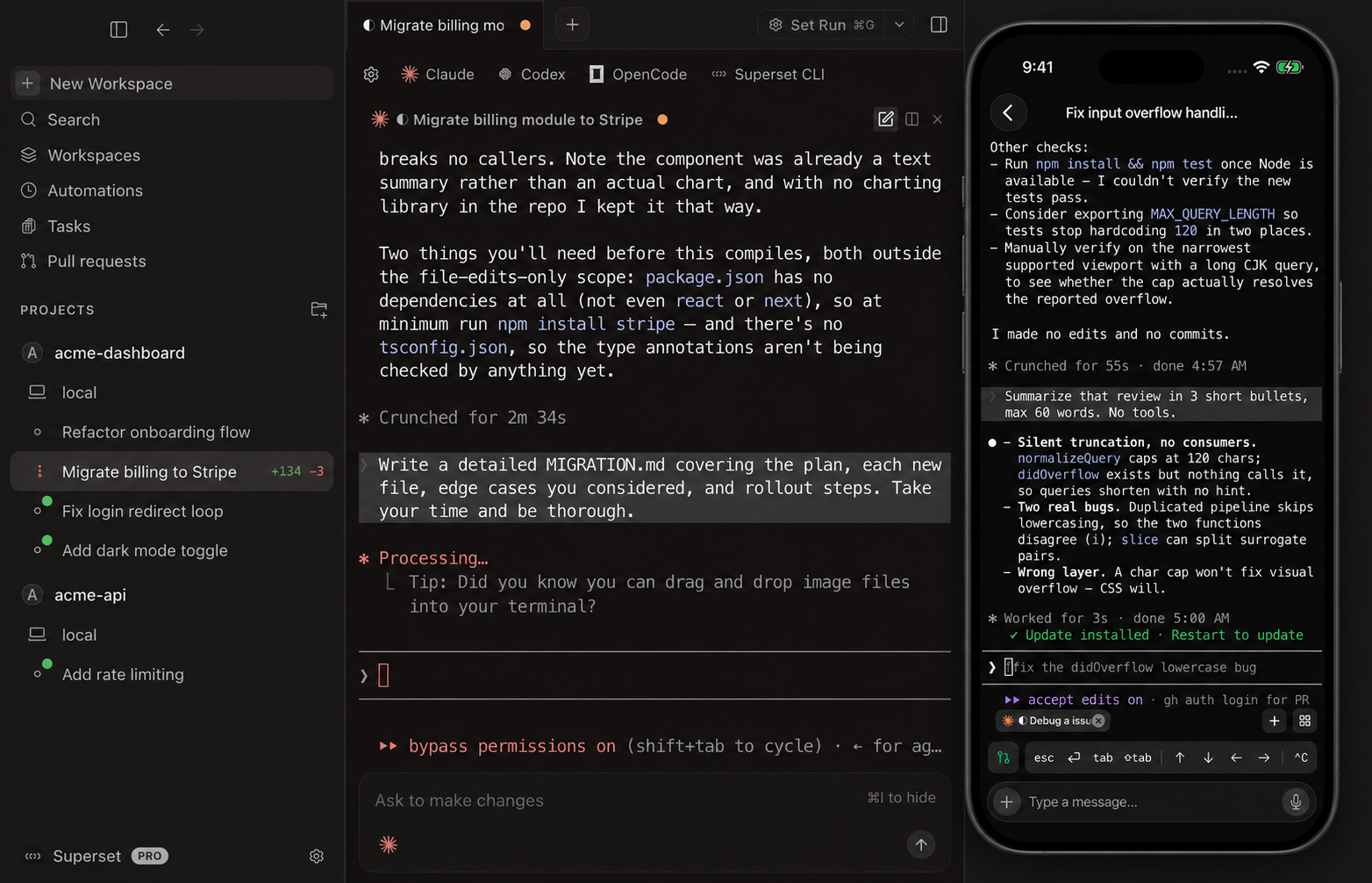
Run Claude Code, Codex, or another CLI agent with terminals, code review, and browser previews in one workspace.
[**Download for macOS**](https://github.com/superset-sh/superset/releases/latest) • [Documentation](https://docs.superset.sh) • [Changelog](https://github.com/superset-sh/superset/releases) • [Discord](https://discord.gg/cZeD9WYcV7)
### Documentation for agents
The docs are available as [a Markdown index](https://docs.superset.sh/llms.txt) linking to individual pages, or [one full-text file](https://docs.superset.sh/llms-full.txt).
## Install
Download the desktop app:
- **macOS**: [Apple Silicon (.dmg)](https://github.com/superset-sh/superset/releases/latest/download/Superset-arm64.dmg) · [Intel (.dmg)](https://github.com/superset-sh/superset/releases/latest/download/Superset-x64.dmg)
- **Linux**: [x64 AppImage](https://github.com/superset-sh/superset/releases/latest/download/Superset-x86_64.AppImage) (experimental; macOS is the primary target)
- **Windows**: not yet available
- [All builds](https://github.com/superset-sh/superset/releases/latest)
All you need installed is [Git](https://git-scm.com/). [gh](https://cli.github.com/) is optional and enables the PR workflows; Superset offers to install it for you.
## Start with one task
1. [Install Superset](#install) and add a repository from your computer or clone one.
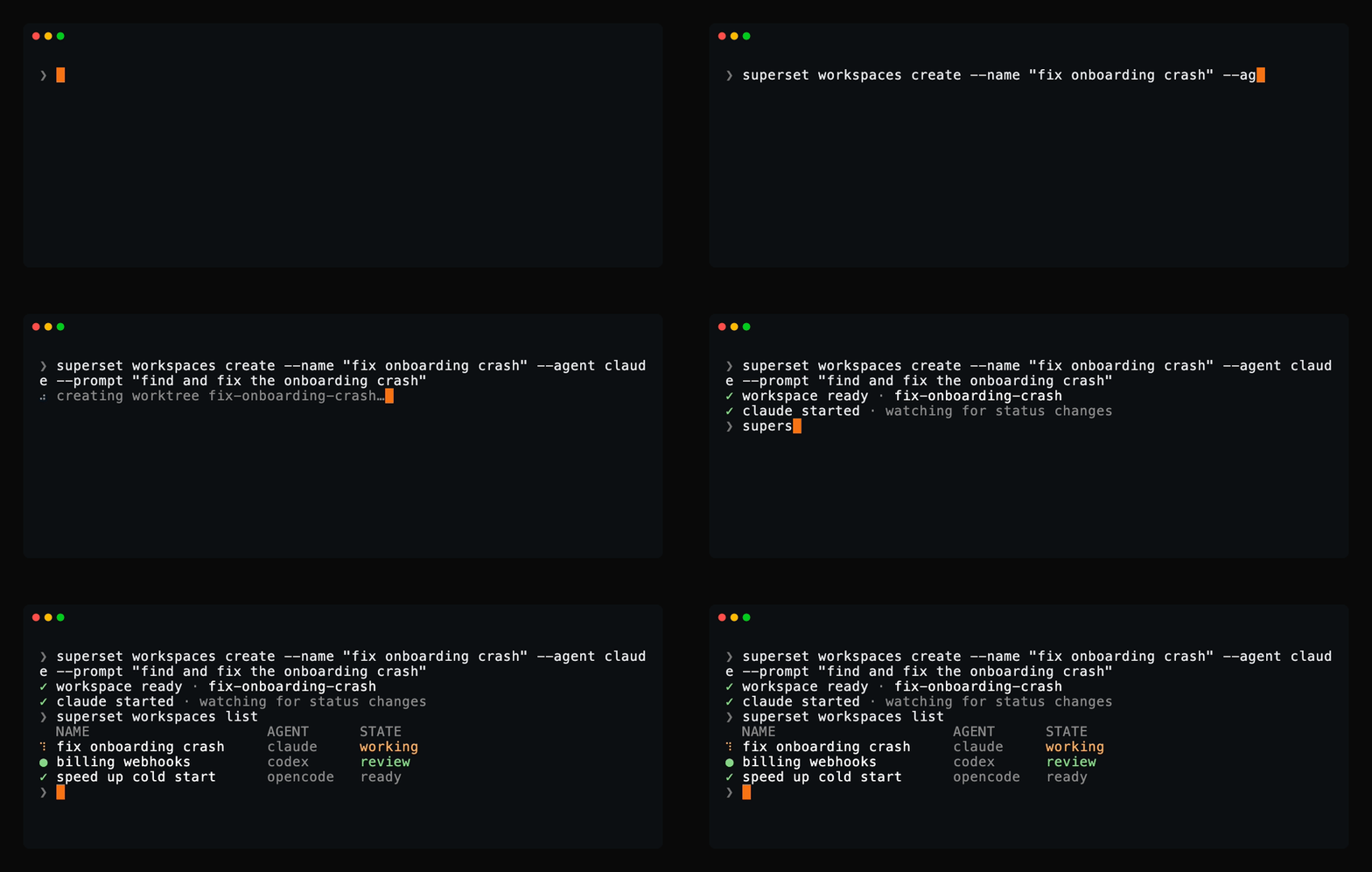
2. Create a workspace, choose your CLI agent, and describe a small change you want to make.
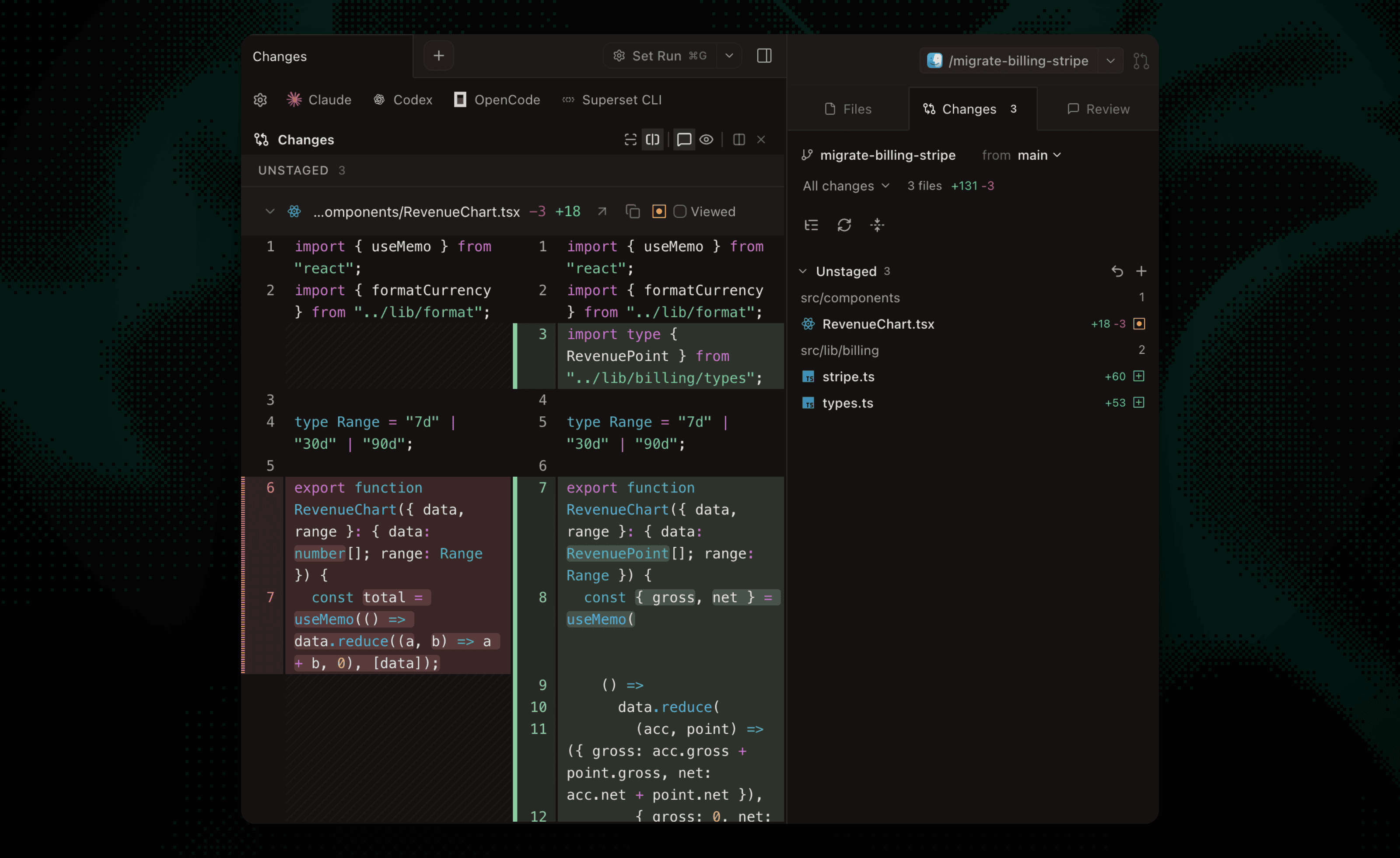
3. Inspect its patch in **Changes**, run the relevant tests, and preview your app in the browser pane before committing.
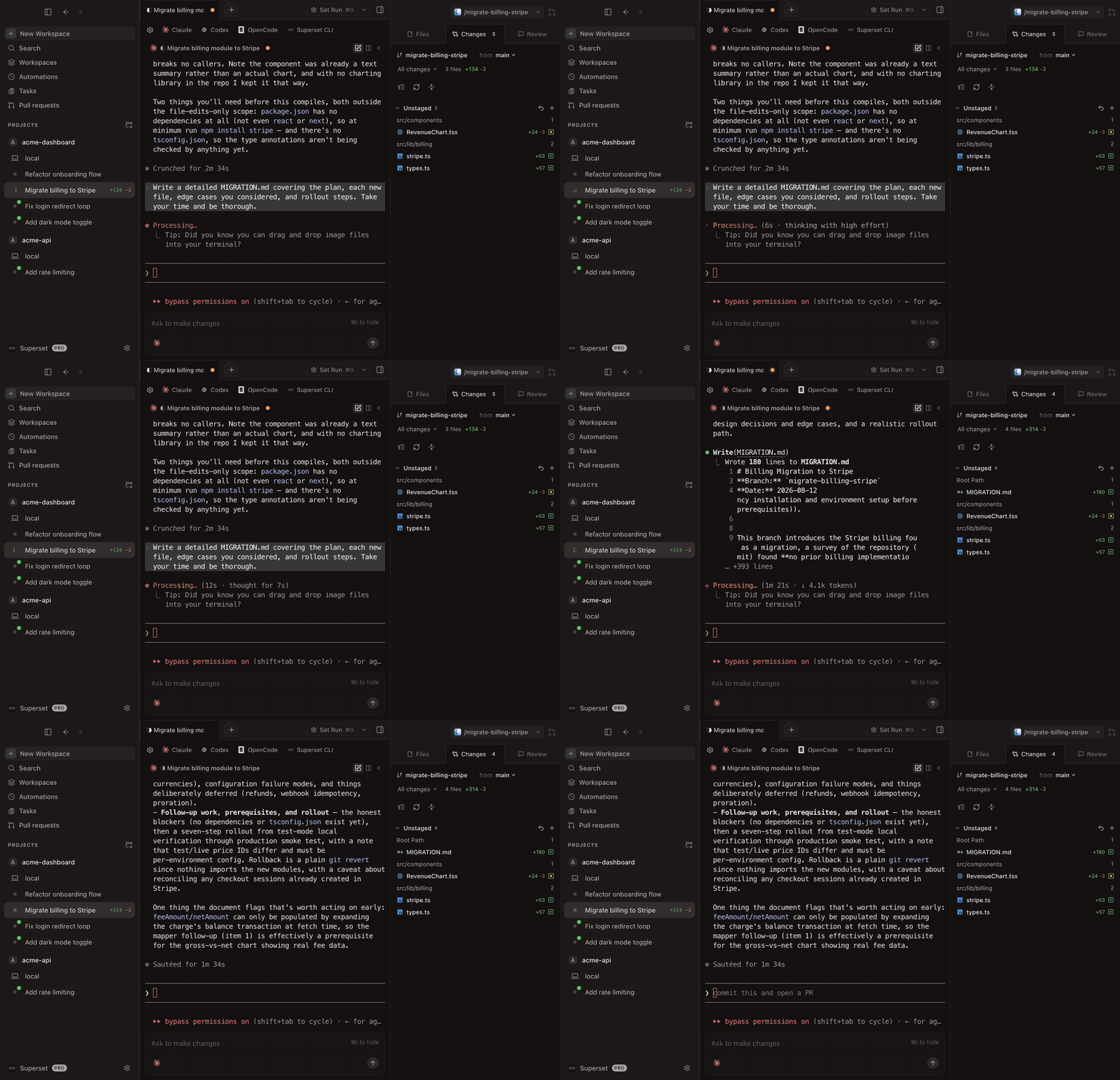
For a walkthrough of workspace creation and review, see [Your First Parallel Session](https://docs.superset.sh/first-workspace).
## Review and revise
- **Change your app's UI.** Use **Design** in the browser pane to select an element and send your requested change to an agent with element context. [Walkthrough](https://superset.sh/blog/change-ui-with-your-coding-agent) · [Design Mode docs](https://docs.superset.sh/browser#design-mode)
- **Ask an agent to fix a PR.** Open **Pull requests → Code**, select diff lines, and send feedback to a running or new agent session. Posting to GitHub is optional. [Walkthrough](https://superset.sh/blog/send-pr-feedback-to-your-agent) · [PR docs](https://docs.superset.sh/pull-requests#comment-straight-to-an-agent)
- **Review a report with your team.** Ask an agent to publish a Page. Teammates pin comments, and a watching agent can revise it at the same link. Keep its host and session running for feedback delivery. [Walkthrough](https://superset.sh/blog/review-agent-work-with-pages) · [Pages docs](https://docs.superset.sh/pages)
 [Amp Code](https://ampcode.com/) | Fully supported |
|
 [Antigravity CLI](https://antigravity.google/) | Fully supported |
|
 [Claude Code](https://github.com/anthropics/claude-code) | Fully supported |
|

 [Cursor Agent](https://docs.cursor.com/agent) | Fully supported |
|


 [Gemini CLI](https://github.com/google-gemini/gemini-cli) | Fully supported |
|


 [Kiro](https://kiro.dev/cli/) | Fully supported |
|

 [Mistral Vibe](https://mistral.ai/) | Fully supported |
|


