PR Cockpit

PR Cockpit

Review a repo's whole PR queue with Claude or Codex — locally.
Your code never leaves your machine, it runs on your own Claude/Codex subscription,
and nothing gets posted to GitHub until you check the box.


Platform: macOS, Windows, Linux Providers: Claude and Codex Nuxt 4 TypeScript 5 Desktop build status License: MIT

**English** · [中文](README.zh.md) · [Français](README.fr.md)
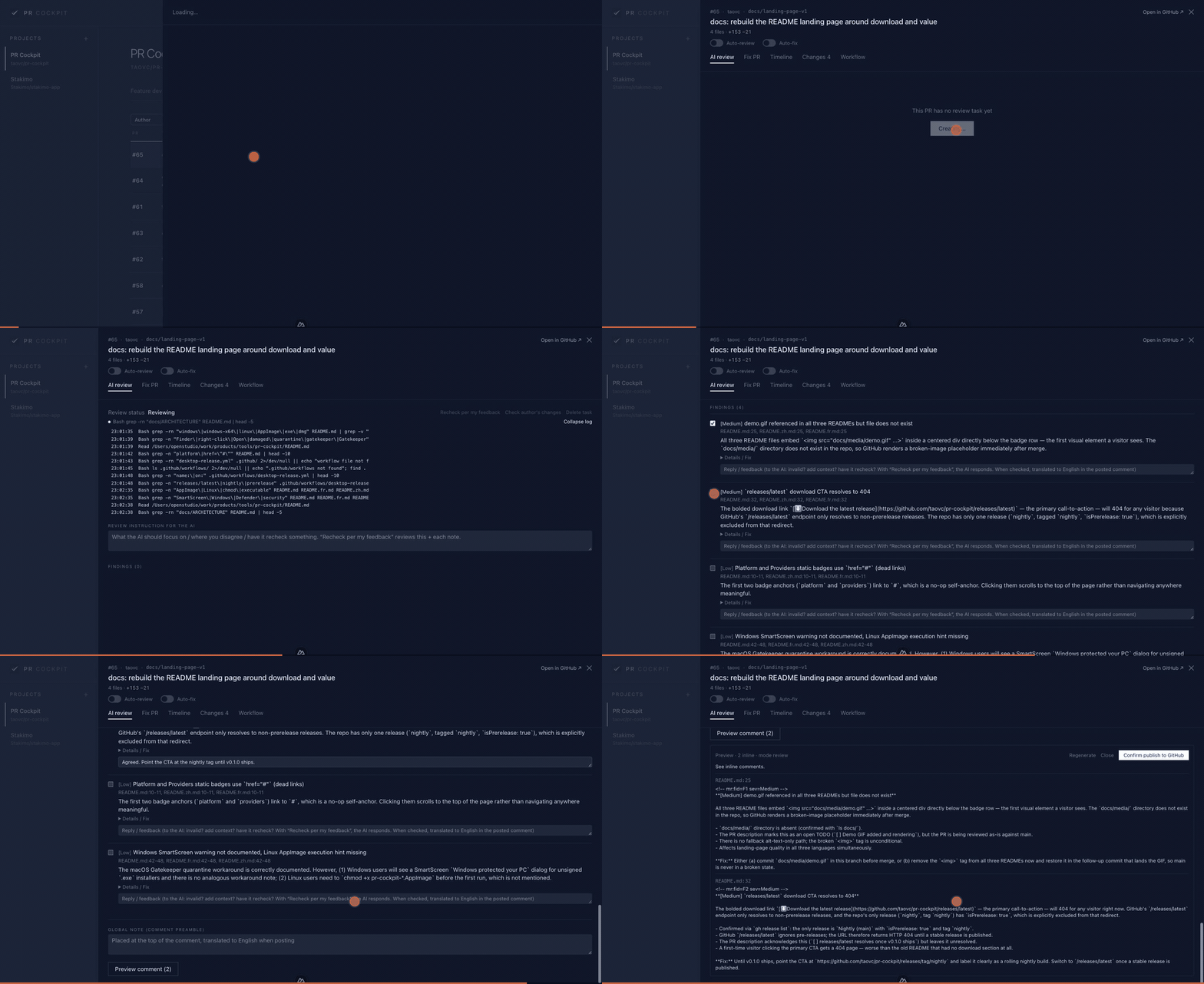
Pull a repo's PR queue, review it with AI in an isolated worktree, gate the findings, post them to GitHub as inline comments
## Download A desktop build is the fastest way to try it — no clone, no toolchain. **[⬇ Download a build](https://github.com/taovc/pr-cockpit/releases)** — builds are currently published as a rolling `nightly` pre-release, rebuilt on every push to `main`. | Platform | File | |---|---| | macOS (Apple Silicon) | `pr-cockpit--arm64.dmg` | | Windows (x64) | `pr-cockpit--x64.exe` | | Linux (x86_64) | `pr-cockpit--x86_64.AppImage` | Intel Macs are not covered by a prebuilt package yet — [build from source](#build-from-source) instead. **None of the packages are code-signed**, so every platform shows a warning on first launch: - **macOS** reports the app as damaged or from an unidentified developer. Clear the quarantine flag once: ```bash xattr -dr com.apple.quarantine "/Applications/PR Cockpit.app" ``` Or right-click the app in Finder → **Open** → **Open** in the dialog. - **Windows** shows a SmartScreen "Windows protected your PC" dialog. Click **More info** → **Run anyway**. - **Linux** needs the AppImage marked executable before it will start: ```bash chmod +x pr-cockpit-*-x86_64.AppImage ``` You still need `gh auth login` and a Claude or Codex login before the app can do anything — see [Prerequisites](#prerequisites). ## How it works No more reviewing PRs one at a time in the terminal, and no more scattering fixes and feature work across separate shells. Pull a repo's PRs into the cockpit → the AI reviews, rechecks, fixes, or develops inside isolated worktrees → you gate findings, conversations, diffs, pushes and PR creation in the web UI → GitHub remains the external system of record. Each project can choose Claude or Codex with its own model, effort and review methodology. ## Features **PR workbench and review** - Pull a repo's PR list through `gh` / GraphQL, then filter by author, PR state, review state, fix state and worktree state; the list auto-refreshes on a poll while the page is visible. - The right-side drawer shows AI review, fix chat, timeline and diff, with descriptions and comments rendered as markdown. - The AI reviews in an isolated read-only git worktree and produces structured findings — severity, `path:line`, problem, detail and fix guidance — plus a plain-language summary of what the PR is trying to do and the shortest manual test path for it. - Feedback-guided re-review keeps your checkboxes/notes; author-change recheck reads the latest commits and judges each finding. **Human gate + publishing** - Per-finding checkbox to "post as a PR comment" + a note (the note is woven into the comment as an edit instruction, not leaked verbatim). - Pre-publish preview (dry-run, cacheable / regenerable); findings in any working language are rewritten as professional English GitHub comments. - Findings whose `path:line` lands on a line the PR actually changed are posted as inline review comments; the rest are collected into a summary section instead of being dropped. - Publishing goes through `gh api .../reviews`, with a posting claim and self-healing cleanup of leftover pending reviews, which prevents duplicate concurrent posts. **Fix PRs** - The fix tab is a persistent chat: the agent edits the PR worktree, but does not commit or push by default. - "Commit and upload" first shows the diff plus an editable conventional commit message; only confirmation runs `git add/commit/push`. - Supports stop/resume, expandable run logs, decision cards, an ultracode toggle that escalates the turn to higher reasoning effort, and an explicit dangerous-command toggle. **Project assistant: directory chat and feature development** - The project assistant (bottom-right button on a project page) starts a session either in the project directory or in an isolated feature worktree on a new branch ("New branch"), and lets the agent develop in a single native chat loop. - Real decision points are rendered as `ask-user` cards. Opening a PR is an explicit action that allows the agent to commit, push and run `gh pr create` for that turn; commit messages and PR title/body are always written in English. - The bottom-right global assistant inherits project provider/cwd when available and supports commands such as `/cd`, `/resume` and `/clear`, for ad-hoc troubleshooting and one-off operations. **Per-project config** - Each project chooses Claude or Codex. Review, fix chat, recheck, skill generation and publish-time rewriting follow that provider without mixing sessions or models. - Claude models come from the local `claude`; Codex uses preset/default models. Effort, Codex Fast/service tier and methodology are configurable per project. - Multiple review skills, one active at a time; AI generation reads the local repo docs and architecture, saves a candidate and lets you diff before activation — activation never overwrites the current skill. **Safety & consistency** - Review agents are read-only: tool-level blocking for git writes, file edits, network access and dangerous commands, plus an operating contract and skill linting. - Write-capable paths run inside isolated worktrees; push, PR creation and dangerous commands require explicit UI action or toggles. - Git operations on the same repo are serialized; findings are transactional; deleted tasks clean worktrees; restarts recover or stop interrupted work. - PR automation is high-risk and disabled by default; when enabled it reuses the existing review/post/fix/push endpoints from a server-side poller. ## Tech stack Nuxt 4 + @nuxt/ui (Tailwind v4) · better-sqlite3 + drizzle · `@anthropic-ai/claude-agent-sdk` · `@openai/codex-sdk` · local `gh` CLI · Electron packaging that runs Nitro under Electron's Node mode. ## Prerequisites Needed whichever way you run it: - `gh auth login` completed — every GitHub read and write goes through the GitHub CLI - Claude provider: local `claude` login or `ANTHROPIC_API_KEY` - Codex provider: local Codex login or `OPENAI_API_KEY` Needed only when building from source: - Node ≥ 22, pnpm 9 ## Build from source Step-by-step guide for a first run from source. If you only want to use the app, [download a desktop build](#download) instead — it needs no toolchain. See "Getting started" below for the condensed version. **1. Check the prerequisites** ```bash node -v # ≥ 22 pnpm -v # 9.x (otherwise: corepack enable && corepack prepare pnpm@9 --activate) gh --version gh auth status # must show "Logged in"; otherwise: gh auth login ``` Also confirm the provider you plan to use is available: Claude needs a local `claude` login or `ANTHROPIC_API_KEY`; Codex needs a local Codex login or `OPENAI_API_KEY`. **2. Get the project** ```bash git clone https://github.com/taovc/pr-cockpit.git cd pr-cockpit ``` **3. Configure the environment** ```bash cp .env.example .env ``` Every variable has a sensible default; in practice you only adjust: | Variable | When to change it | |---|---| | `PORT` | If `3001` is already taken | | `INFERENCE_PROVIDER` | `claude` (default) or `codex` | | `ANTHROPIC_API_KEY` | Optional for the Claude path; use when local `claude` login is unavailable | | `OPENAI_API_KEY` | When local Codex login is unavailable and you want to use an OpenAI API key | The full list of variables is in the [Configuration (.env)](#configuration-env) section. **4. Install dependencies** ```bash pnpm install ``` The `postinstall` step automatically runs `nuxt prepare` (Nuxt type generation). **5. First run** ```bash pnpm dev # http://localhost:3001 ``` On first start, **the SQLite database (`./data/cockpit.db`) is created automatically**. The default worktree location is `.pr-cockpit-worktrees/` inside each project's local clone, so IDEs can discover it like normal repo-local worktrees (VS Code needs `git.repositoryScanMaxDepth` set to `2` or `-1`; the default of 1 only scans one level down). The directory is added to the project's `.git/info/exclude`, keeping the main repo's `git status` clean. Startup recovery moves existing persistent worktrees from the old `./data/worktrees` location when they still exist. No manual migration is required. The Drizzle schema is set up on the fly (`ensureSchema()` / `ensureColumns()` in `core/db/client.ts`). **6. Production build (optional)** ```bash pnpm build pnpm preview ``` Electron preview / packaging: ```bash pnpm electron:preview pnpm electron:dist ``` **Troubleshooting** - **Port already in use** → change `PORT` in `.env`. - **`gh` not authenticated** → `gh auth login` (GitHub reads/writes depend on it). - **Inspect the database** → `pnpm db:studio` (opens Drizzle Studio). ## Getting started ```bash cp .env.example .env # adjust PORT / model / paths as needed pnpm install pnpm dev # defaults to http://localhost:3001 ``` Once inside, click the "+" on the left to create a project (fill in `owner/repo` + the local clone path), configure provider/model/effort and generate a review skill. Then use "All PRs" for review/fix work, or the project assistant (bottom right) for a directory chat or a new feature branch. ## Configuration (.env) See `.env.example`; key entries: | Variable | Example | Description | |---|---|---| | `PORT` | `3001` | Port | | `INFERENCE_PROVIDER` | `claude` | `claude` / `codex` | | `ANTHROPIC_MODEL` | `sonnet` | Default review model (overridable per project) | | `CODEX_MODEL` | | Default model for Codex projects; empty uses the Codex default | | `CODEX_SERVICE_TIER` | | Optional global default Codex/OpenAI speed tier; the project-level Fast toggle overrides it. To disable global fast, leave/delete it and also remove `service_tier` from `~/.codex/config.toml` if set globally | | `CODEX_PROJECT_DOC_FALLBACK_FILENAMES` | `CLAUDE.md,.claude/CLAUDE.md` | Project docs Codex reads when `AGENTS.md` is absent | | `OPENAI_API_KEY` | `sk-...` | Optional when local Codex login is unavailable | | `TRANSLATE_MODEL` | (empty) | Model for rewriting GitHub comments into English and for commit messages / titles; empty = the project's own model at low effort (Claude projects only) | | `ANTHROPIC_API_KEY` | `sk-ant-...` | Optional for the Claude path when local login is unavailable | | `DEFAULT_REPO` | `owner/repo` | Optional, default repo when pasting a bare PR number | | `DB_PATH` | `./data/cockpit.db` | SQLite path | | `WORKTREE_LOCATION` | `repo` | `repo` = IDE-visible `.pr-cockpit-worktrees/` inside each local clone; `central` = use `REPOS_DIR` | | `REPOS_DIR` | `./data/worktrees` | Worktree root for `central` mode; legacy migration source in `repo` mode | | `MAX_CONCURRENCY` | `3` | Maximum number of parallel reviews | ### Codex log hints - `Not inside a trusted directory and --skip-git-repo-check was not specified`: Codex started from a non-git directory. The project-page global assistant prefers the project's local path as its working directory; if you `/cd` to a non-git directory by hand, the runner skips the git repo check automatically. - `CodexWarning failed to parse plugin hooks config .../claude-plugins-official/.../hooks.json`: Codex picked up a Claude plugin's hook config and does not recognize that format. This warning normally just means the hook was ignored — it does not mean the current task failed. ## Directory layout ``` core/ Engine: db / github / git(worktree) / agent(review·fix·feature·global·codex·skillgen) / automation / pipeline / events server/ Nuxt API: projects / reviews / fixes / features / global sessions / skills / SSE / startup recovery plugin app/ UI: project nav; project page (All PRs / Config + the project assistant drawer); PR drawer (AI review / Fix / Timeline / Changes) electron/ Desktop shell: starts Nitro and loads the local HTTP UI docs/ ARCHITECTURE.md — design goals + invariants + safety mechanisms data/ SQLite + migration source for legacy centralized worktrees (git-ignored) ``` Design goals, invariants and safety defenses are detailed in [docs/ARCHITECTURE.en.md](docs/ARCHITECTURE.en.md).