# Table of Contents
1. [Web Demo ←←←←](#orgf888b5c)
2. [Background](#org7493a4f)
3. [Development notes](#org8b5e7c1)
1. [How it works](#org10efb9d)
2. [On the use of sprites](#orgd35d301)
[](https://github.com/godotengine/awesome-godot)



# [Web Demo](https://tavurth.itch.io/godot-gpu-game-of-life) ←←←←
# Background
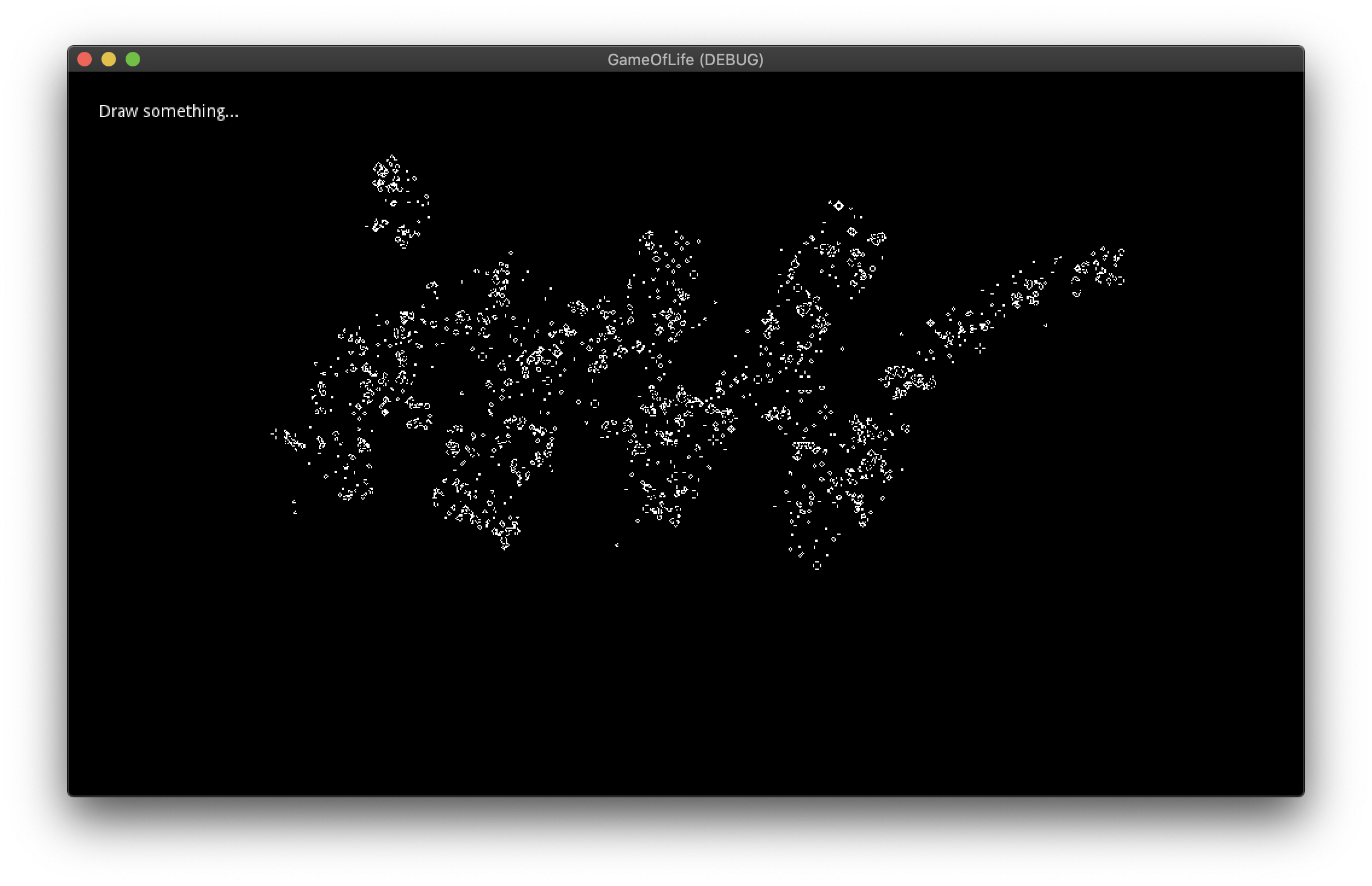
I found it difficult to track down a simple GPU version of the Game of Life in Godot so I built one as part of a step in another project.
This project uses only shaders to calculate the previous & next steps for the cellular automata. GDscript is used here only to input mouse coordinates & button presses for drawing.
# Development notes
It’s important to set the `viewport -> Render Target` to have it’s clear mode set to `Next Frame`, in that way we will keep the contents of the FBO for the next frame, which will use those points to render the next step.
I guess this method could also be used in compute shaders.
If you would like to try out different rules, you can check the [GameOfLife.shader](./GameOfLife.shader) file, (`vec4 getColor`)
## How it works
Viewport
.addchild ->
Sprite
The sprite has it’s texture set to that of Viewport2
Viewport2
.addchild ->
Sprite
The sprite has it’s texture set to that of Viewport
TextureRect
The Texture is set to that of Viewport2
This means we can then render the `Viewport` independently from the `TextureRect`. We can also apply transformations to the `TextureRect` using a [separate shader](./jazzy.shader). If we were to recreate the `Viewport/Renderer` format we could also bypass the clear buffer effect and have some doubly persistent state operations. (one for each viewport)
## On the use of sprites
This was bugging me for a long time as I had many weird rendering errors. My problem? I was using a `TextureRect` instead of a `Sprite`. Stick a sprite as a direct child of the viewport & set the scale to `Vector2(2, 2)`, everything working after that.
