



About • Documentation • Main Features • Supported Operating Systems • Usage • Contributing • Support • License
## 🔎 About UAC **UAC (Unix-like Artifacts Collector)** is a powerful and extensible incident response tool designed for forensic investigators, security analysts, and IT professionals. It automates the collection of artifacts from a wide range of Unix-like systems, including AIX, ESXi, FreeBSD, Linux, macOS, NetBSD, NetScaler, OpenBSD and Solaris. Whether you're handling an intrusion, conducting forensic investigations, or performing compliance checks, UAC simplifies and accelerates data collection while minimizing reliance on external support during critical incidents. ### Key Highlights - 📂 Fully customizable via YAML profiles for tailored data collection. - ⚡ Lightweight, portable, and requires no installation or dependencies. - 🔒 Adheres to the order of volatility to ensure reliable data acquisition. - 🛠 Designed for diverse environments, including IoT devices and NAS systems. 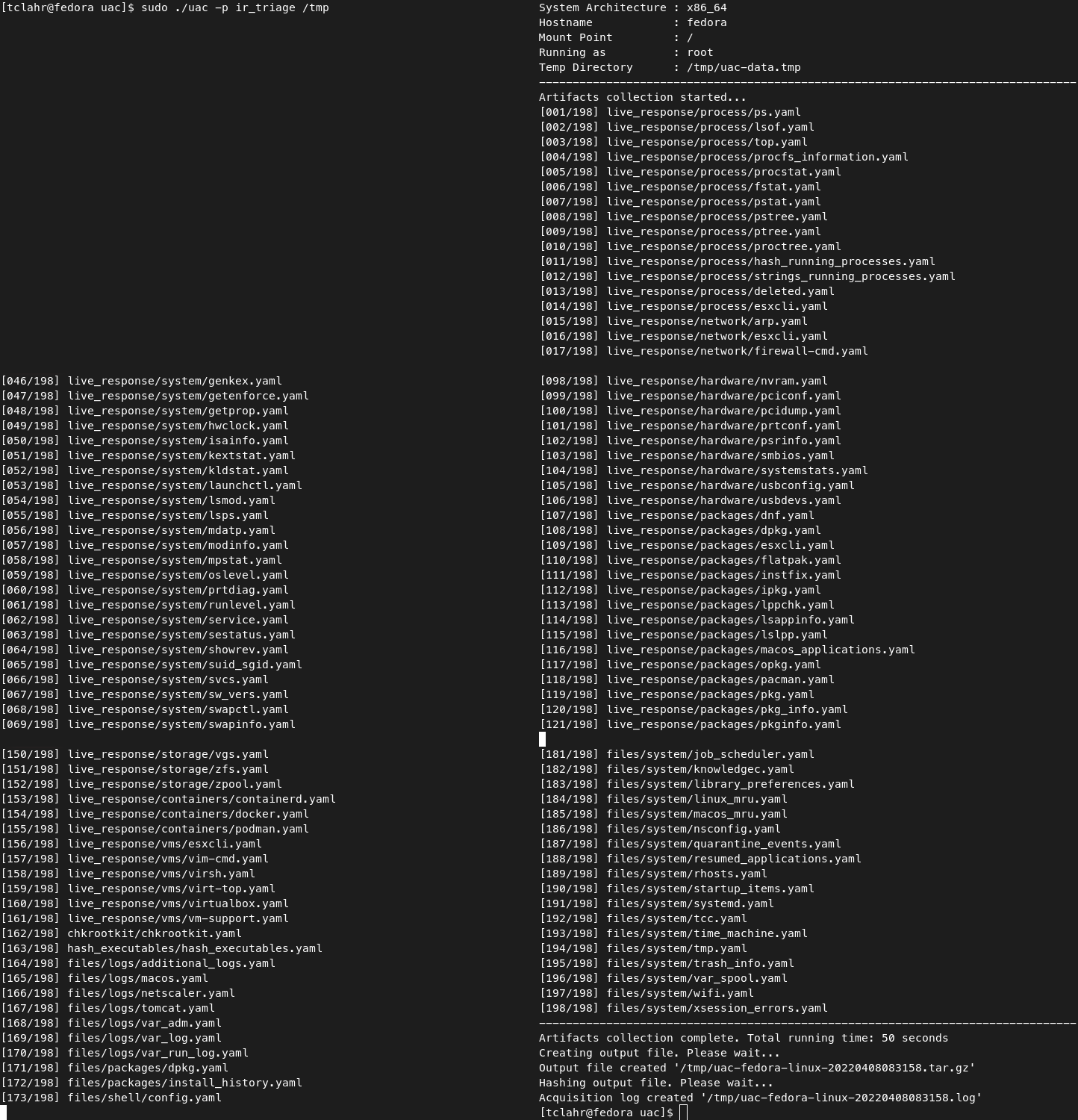 ## 📘 Documentation Full documentation is available at the [project documentation page](https://tclahr.github.io/uac-docs). ## 🌟 Main Features - Run everywhere with no dependencies (no installation required). - Customizable and extensible collections and artifacts. - Respect the order of volatility during artifact collection. - Collect information about current running processes (including processes without a binary on disk). - Hash running processes and executable files. - Extract files and directories status to create a bodyfile. - Collect system and user-specific data, configuration files, and logs. - Acquire volatile memory from Linux systems using different methods and tools. - Support to write output to various cloud platforms. ## 💾 Supported Operating Systems UAC runs on any Unix-like system, regardless of the processor architecture. All UAC needs is shell :) [](#-supported-operating-systems) [](#-supported-operating-systems) [](#-supported-operating-systems) [](#-supported-operating-systems) [](#-supported-operating-systems) [](#-supported-operating-systems) [](#-supported-operating-systems) [](#-supported-operating-systems) [](#-supported-operating-systems) *Note: UAC even runs on systems like Network Attached Storage (NAS) devices, Network devices such as OpenWrt, and IoT devices.* ## 🚀 Usage UAC does not need to be installed on the target system. Simply download the latest version from the [releases page](https://github.com/tclahr/uac/releases), uncompress it, and launch. It's that simple! ### 🛠 Getting Started 1. Download the latest release from the [Releases page](https://github.com/tclahr/uac/releases). 2. Uncompress the archive. 3. Execute the tool directly from the terminal. ### Examples