# Dart Boy
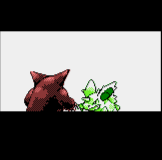
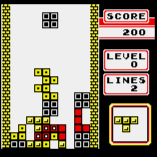
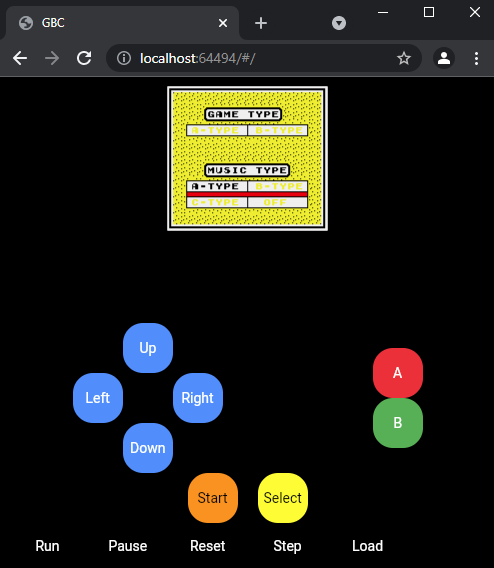
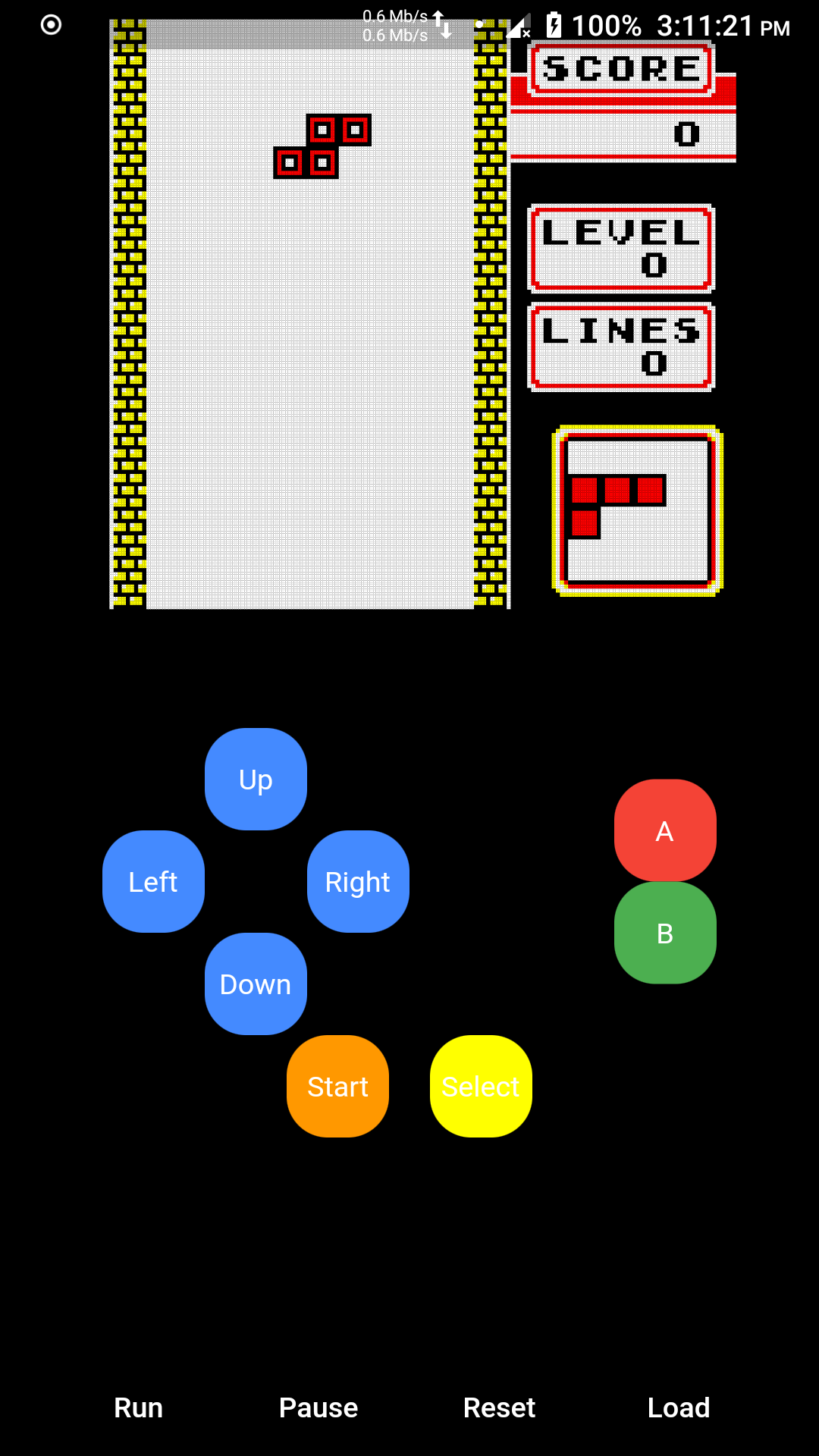
- Dart based GameBoy (and GameBoy Color) emulator that runs on desktop, mobile and web using the [Flutter](https://flutter.dev/) framework.
- Project was developed using Flutter 1.5.5 and Dart 2.3.0 and tested on Windows and Android).
- Supports MBC1, MBC3, MBC5 and basic cartridges, has basic support for [GameBoy Color](https://en.wikipedia.org/wiki/Game_Boy_Color) games. Does not support Super GameBoy specific features.
- Full support for the Sharp [LR35902](https://www.pastraiser.com/cpu/gameboy/gameboy_opcodes.html) CPU instruction set.
- The emulator was built as a learning project and as a challenge, there are still a lot that can be done to improve.
- [ ] Store battery backed game memory in .sav file.
- [ ] MBC2 support
- [ ] Audio Support
- [ ] Fix register signed data results.
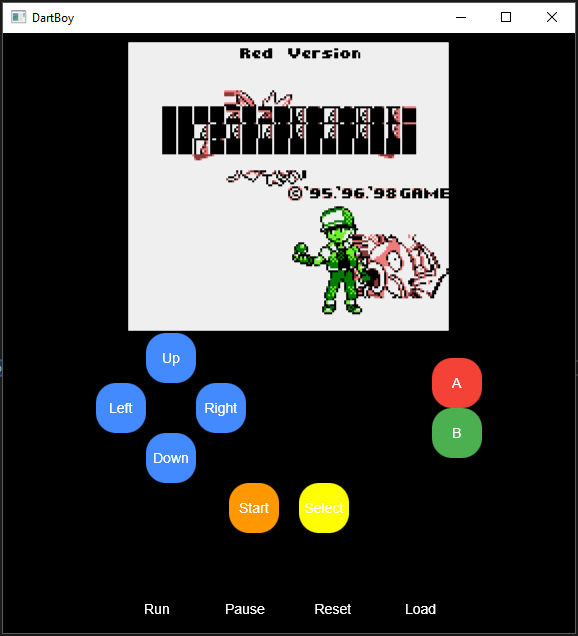 ### Run the Emulator
- Get the [Dart SDK](https://dart.dev/get-dart) and [Flutter SDK](https://flutter.dev/docs/get-started/install) from the internet.
- Load the project using [Android Studio](https://developer.android.com/studio) or [Visual Studio Code](https://code.visualstudio.com/) with the flutter plugin installed, the project can run directly on mobile or desktop without changes.
- For the web version you will need to change the GUI imports for the web specific imports.
- The game can be controlled using the keyboard on desktop (← ↑ ↓ → Z X Enter C), on mobile use the onscreen buttons.
```bash
flutter run --no-sound-null-safety
```
### Web
- To enable the web version of flutter, you need to install the flutter web tools first by running the following code on your terminal.
- You need to ensure that `flutter\.pub-cache\bin` is available from the environment path.
```bash
flutter pub global activate webdev
flutter pub upgrade
```
- After installing the development tools some changes are required in the `package.yaml` file, to allow the web version to run. (Check the [migration guide](https://github.com/flutter/flutter_web/blob/master/docs/migration_guide.md))
- To run the web version locally (by default on localhost:8080) use the following command.
```bash
flutter pub global run webdev serve
```
### Desktop
- In Windows install visual studio with C++ support and make sure that the command `msbuild` works properly and that `vcvars64.bat` is in the path. (If visual studio is installed but `msbuild` is not found, add it to your path).
- Flutter desktop support is still experimental and not enabled by default, its only available on the master channel.
```bash
flutter channel master
flutter precache --windows
flutter upgrade
```
- Set the `ENABLE_FLUTTER_DESKTOP` environment variable true, to enable desktop support.
```bash
set ENABLE_FLUTTER_DESKTOP=true
flutter devices
```
### Resources
- [GameBoy CPU Manual](http://marc.rawer.de/Gameboy/Docs/GBCPUman.pdf)
- [Everything You Always Wanted To Know About GAMEBOY](http://bgb.bircd.org/pandocs.htm)
- [GameBoy CPU (LR35902)](http://www.pastraiser.com/cpu/gameboy/gameboy_opcodes.html)
- [Flutter desktop quick start guide](https://github.com/google/flutter-desktop-embedding/blob/master/Quick-Start.md)
- [Flutter desktop embedding example](https://github.com/google/flutter-desktop-embedding)
- [Flutter desktop plugins (file chooser)](https://github.com/google/flutter-desktop-embedding/tree/master/plugins)
- [Game boy test roms](https://github.com/retrio/gb-test-roms)
- [The Ultimate Game Boy Talk (33c3)](https://www.youtube.com/watch?v=HyzD8pNlpwI)
### License
- This project is distributed under [MIT license](https://opensource.org/licenses/MIT) and can be used for commercial applications.
- License is available on the Github page of the project.