# Terminal Flight Physics Simulator
A flight physics simulator in the terminal.
Pretty bad right now, but I will improve later.
It feels like I spent like a whole year of my life working on this but it was only like 10 hours.
I will continue working on this but I will be taking a break for now.
Feel free to make pull requests and experiment on my code.
# Installation
[https://github.com/tharakeshrajesh/Terminal-Flight-Physics-Simulator/releases/tag/v1](https://github.com/tharakeshrajesh/Terminal-Flight-Physics-Simulator/releases/tag/v1)
I recommend using the Python version for Linux because the Linux binary is not doing the best but it is whatever.
Also download a copy of plane.png, OR draw your own plane to be used in the simulation, just make sure it has a transparent background.
Make sure to install dependencies if using the Python file.
# Dependencies
Run requirements.txt in terminal with pip installed by running ```pip install -r requirements.txt``` or manually install each with the following commands:
1. **rich**
* Command: `pip install rich`
2. **numpy**
* Command: `pip install numpy`
3. **pymunk**
* Command: `pip install pymunk`
4. **opencv-python**
* Command: `pip install opencv-python`
5. **numpyasciiart**
* Command: `pip install numpyasciiart`
6. **keyboard**
* Command: `pip install keyboard`
# Features
* Customizable variables
* All in the terminal
* Cross platform
* One file portable
* More features
* idk anymore
# Snapshots
### Windows
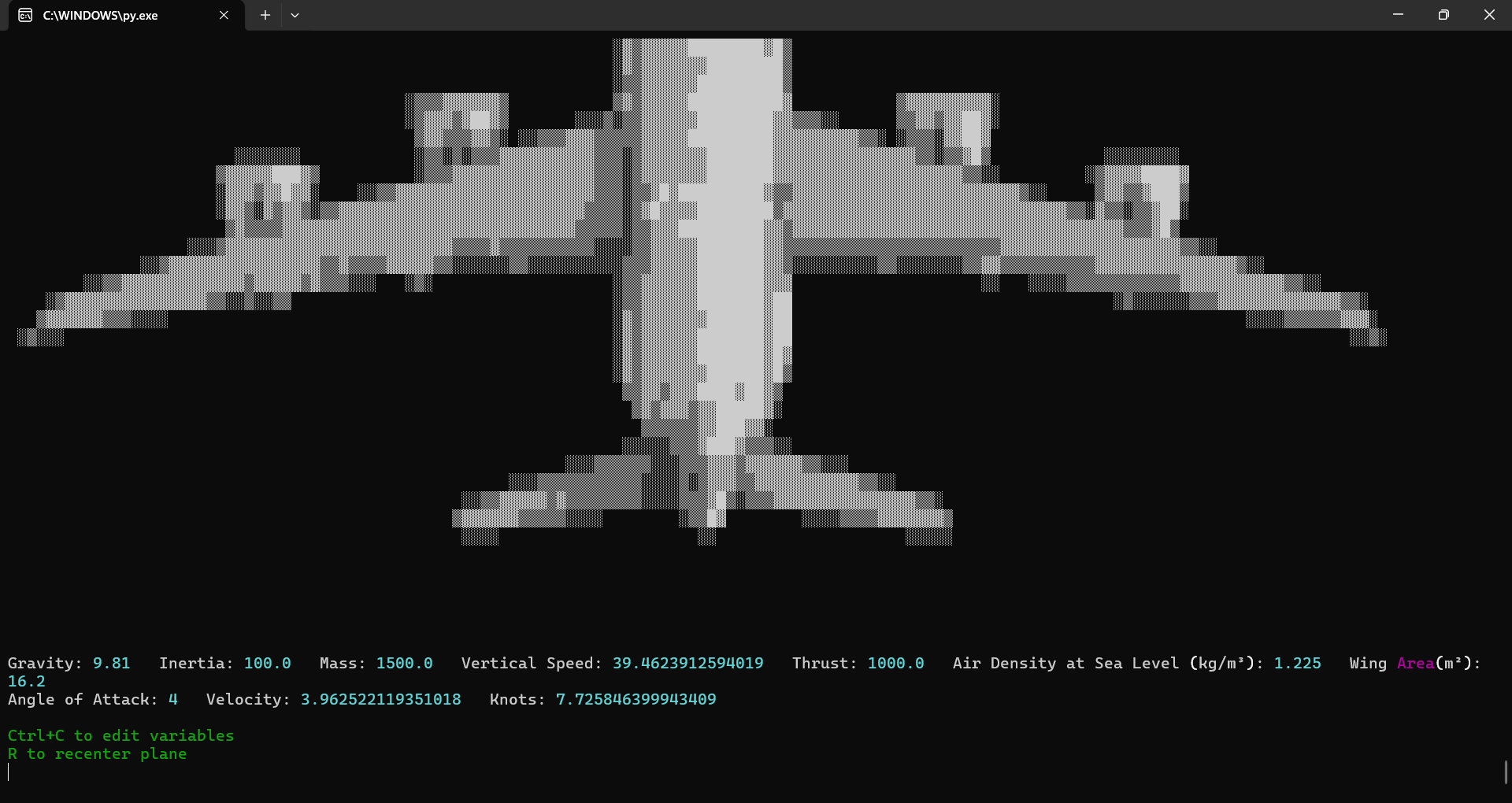
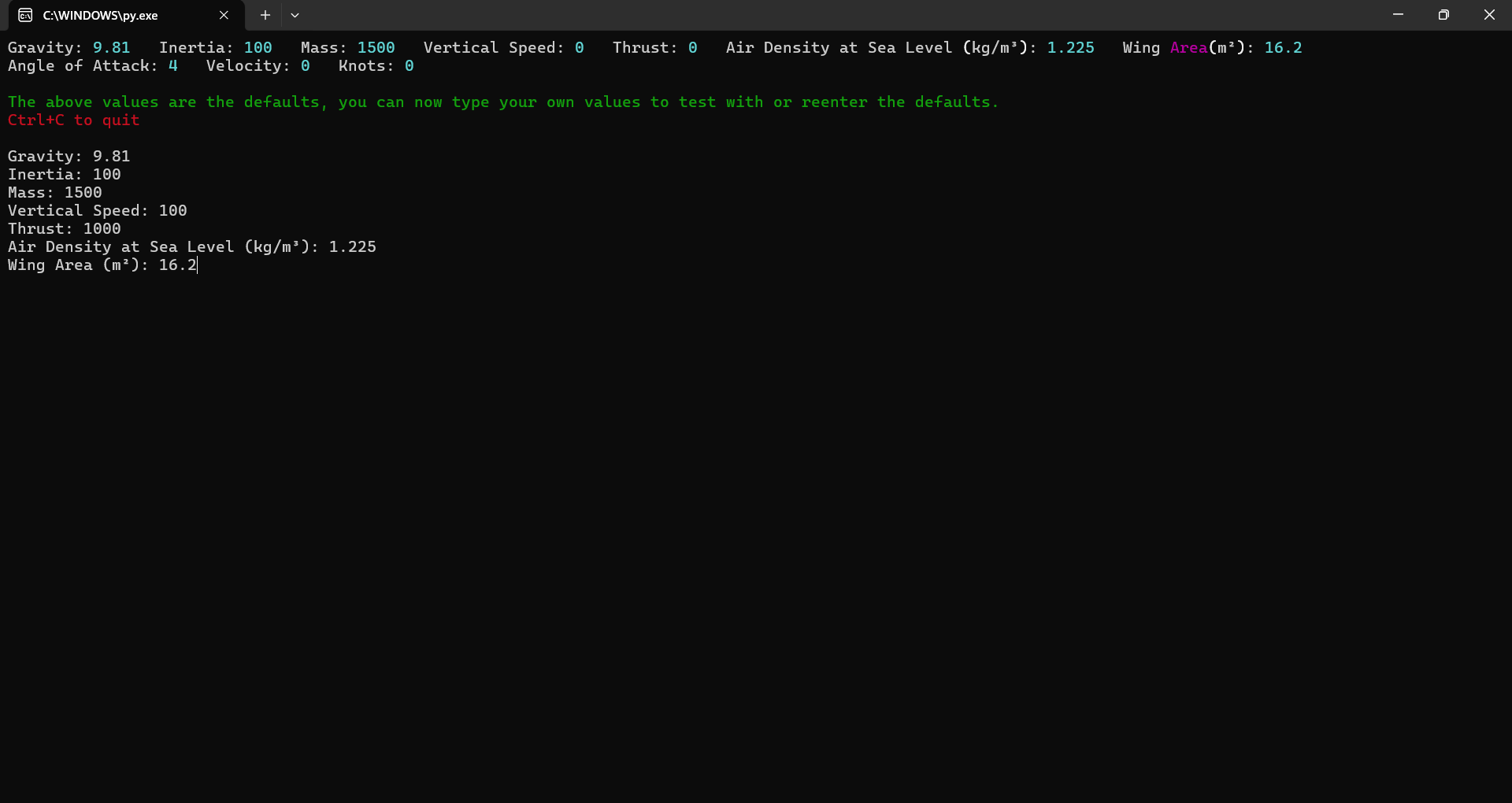
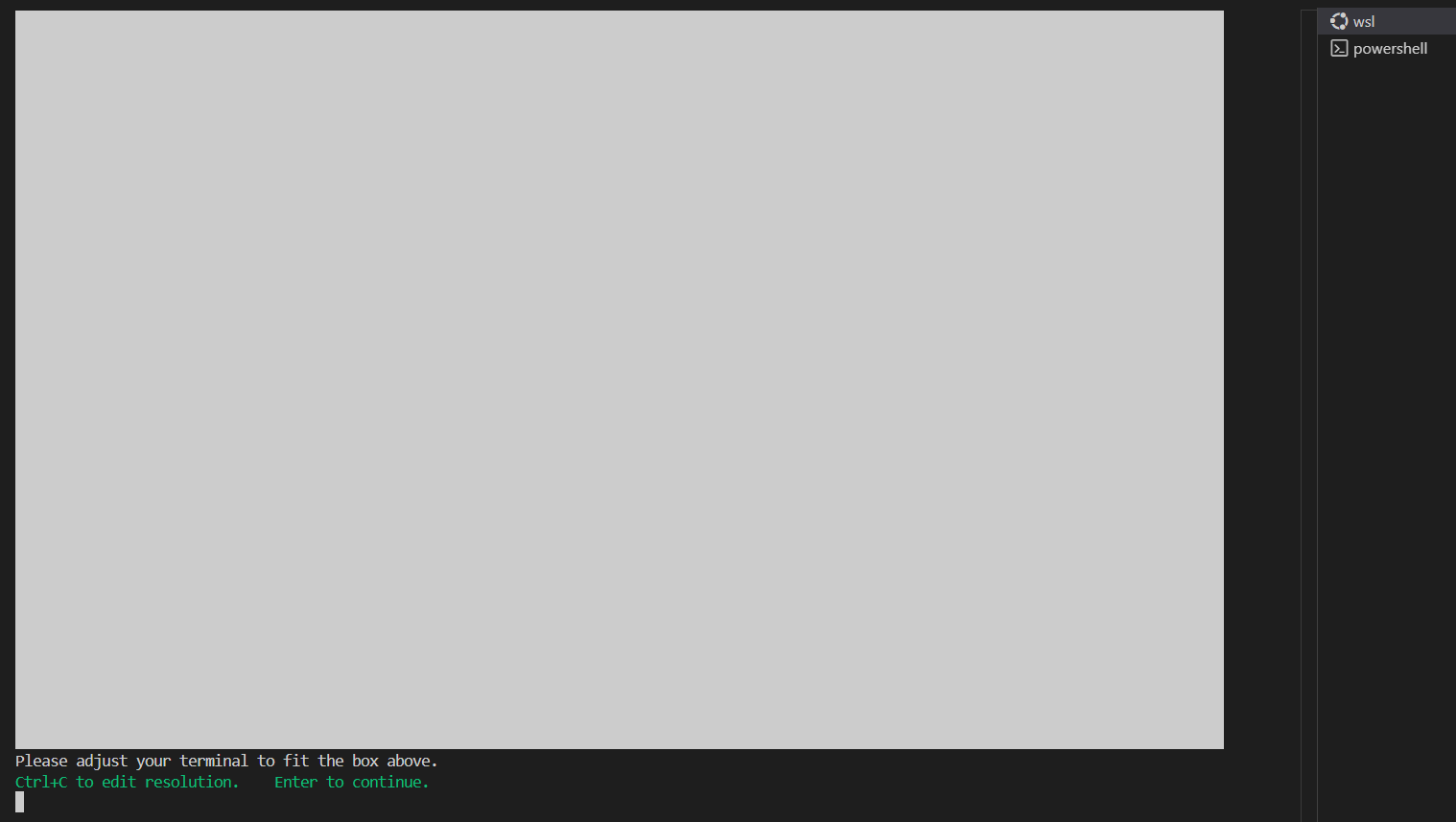
### Linux
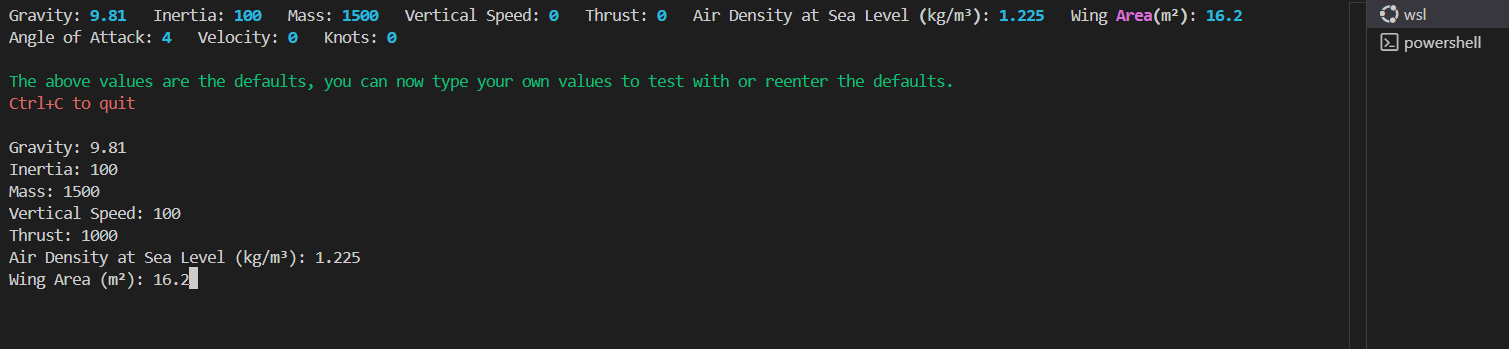
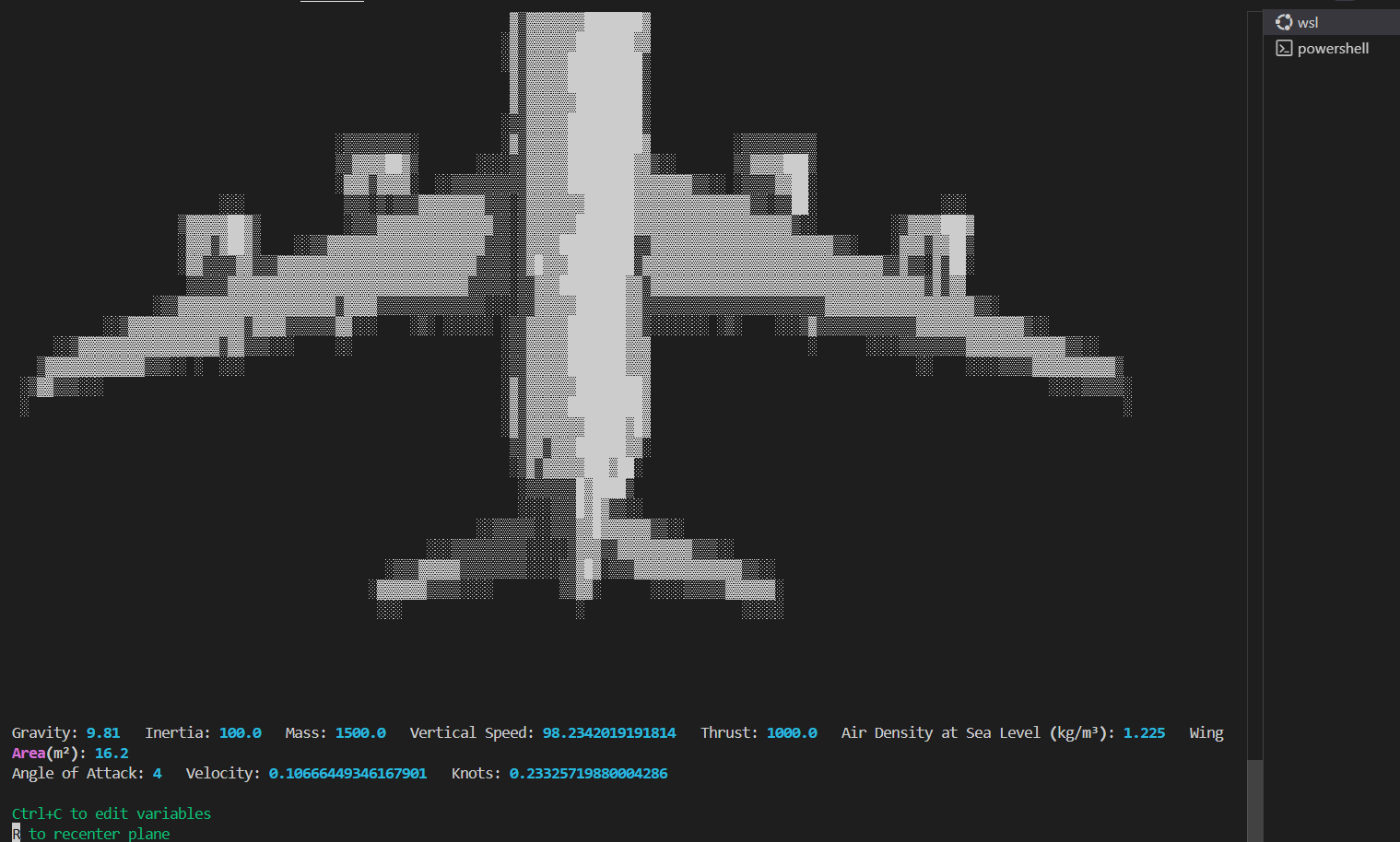
### MacOS
Currently no Mac snapshots, if you want to send it then contact me by clicking [here](https://github.com/tharakeshrajesh/Terminal-Flight-Physics-Simulator?tab=readme-ov-file#contact)
# Authors
Me, that's it
# Contact
Email: trajesh@3272010.xyz
yes, i actually open my emails so send me one if you have any questions or something, idk