
From the creator of the Burnout 2 and Super Monkey Ball Deluxe recompilations.
An unofficial native version of the original Xbox game for Windows x64, built around accurate gameplay, original presentation, and enhancements. This fan project is independent of THQ and Warner Bros. You must provide your own Xbox game disc image. Original game files are not distributed here. **0.3.0 is a development release.** Bugs, slowdowns, and stops in untested parts of the game are still possible. Linux and macOS remain planned targets. ## AI disclosure AI coding assistants, including Anthropic Claude, have assisted with development and research. Changes are checked using native diagnostics, scripted gameplay, and rendering comparisons. Those checks establish specific results, rather than complete game compatibility. ## Screenshots | Title Screen | Main Menu | | :---: | :---: | | [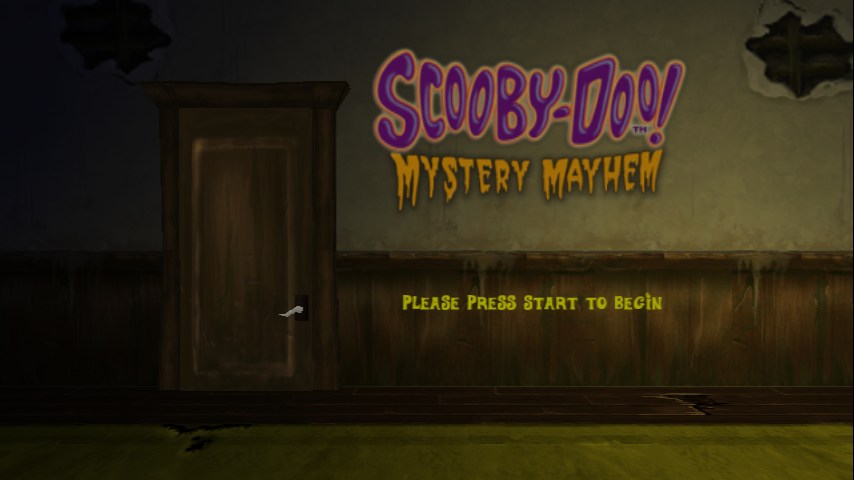 ](resources/screenshots/title-screen.jpg) | [
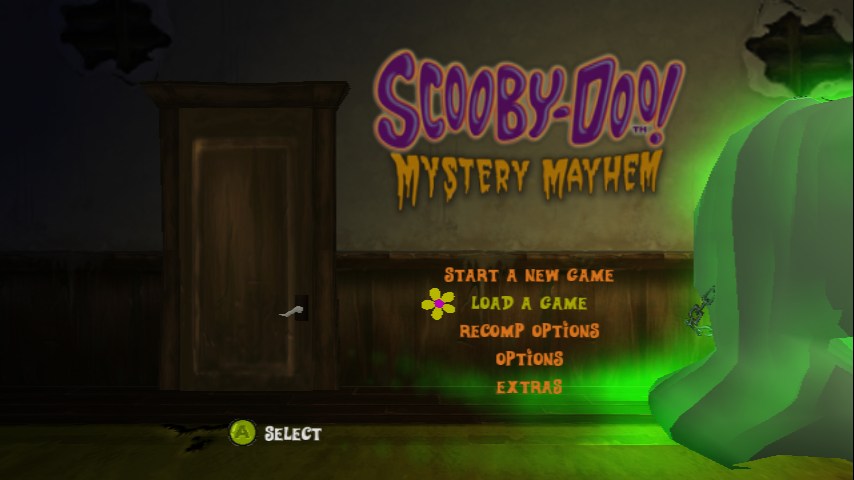 ](resources/screenshots/main-menu.jpg) |
| **Exploration** | **Ghost Encounter** |
| [
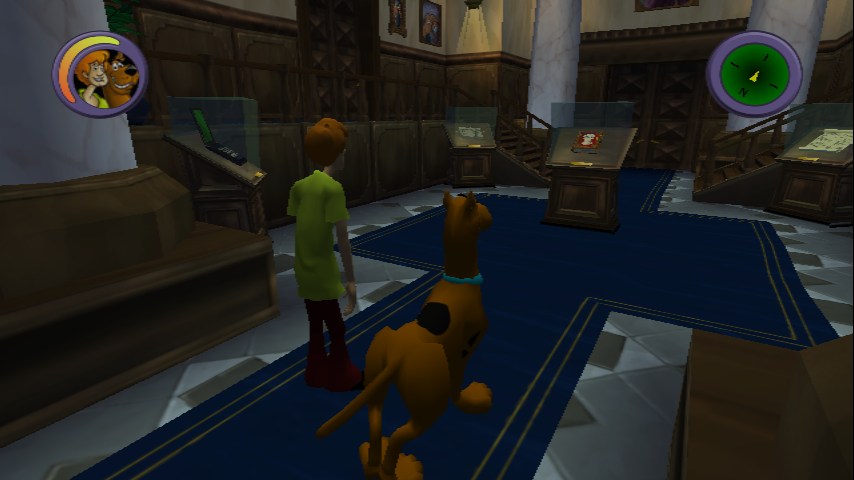 ](resources/screenshots/library.jpg) | [
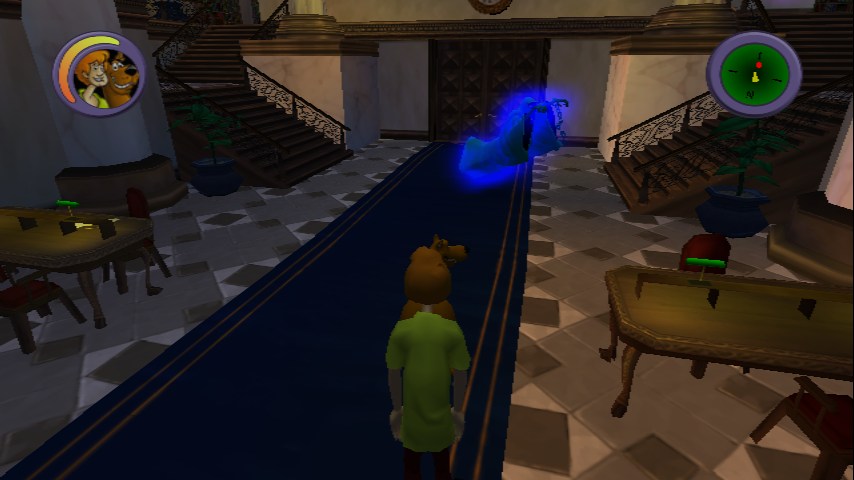 ](resources/screenshots/ghost.jpg) |
## Current status
### Changes in 0.3.0
- **21:9 ultrawide** joins 4:3 and 16:9 in Recomp Options. The translucent menu backdrop and scene fades now cover the widescreen view. HUD artwork keeps its original proportions.
- **Movies** use the extra width by trimming encoded black bars where available. The picture keeps its aspect ratio, with a blurred background at the sides. New filters reduce compression artifacts and steady fine details that briefly wobble.
- **Upscaled HUD** filters new artwork on its first frame. A lighter Real-ESRGAN pass preserves the original transparency and refines the colour in the background. Finished artwork is cached for later sessions.
- **Ghosts and pickups** follow their original movement timings at higher frame rates. In the library, the blue ghost's hover and the pickups' spin now run at the same speed at 30 and 120 FPS.
- **Settings** opens on a black background with a larger layout, the project icon beside the game title, and matching gold **Play** and **Return to game** buttons.
Changes in earlier releases are in the [release notes](https://github.com/timftw21/scoobymm-recompilation/releases).
### Known issues
- The installer is not code-signed, so Windows SmartScreen may warn before it runs. Choose **More info**, then **Run anyway**.
- Your antivirus software may flag the setup executable as a virus. It's a false positive.
- Later episodes have had little testing.
- Other issues that I'm sure I'll find.
### What works
- Startup, opening movies, and the main menus.
- Exploring levels, ghost encounters, and progression into Episode 2 in playtests.
- Keyboard and gamepad input with rumble, pause/resume, and native audio playback, including the Xbox's environmental audio effects.
- Creating and reopening game saves.
- Saved display, refresh-rate, audio, and game-file settings.
- Keyboard and controller remapping.
- Original 4:3, widescreen 16:9 and ultrawide 21:9 options with edge-anchored HUD; 1×–6× internal resolution, MSAA up to 8×, FXAA, anisotropic filtering up to 16×, and AI-upscaled HUD and menu artwork.
- Refresh limits above the original 30 Hz, including custom rates and Unlimited, with the game clock following real time.
- Frame captures and CPU/GPU performance reports.
### What still needs work
- Testing every episode, Tome of Doom capture, minigame, cutscene, and language mode.
- Wider visual, audio, and gameplay comparisons against the original Xbox release.
- Sustained 360 Hz performance. Selecting a refresh rate does not guarantee the hardware can reach it.
- Linux and macOS ports.
## Getting started
### Windows x64
You need a Direct3D 11-capable graphics card and an XISO image of the **Xbox release of Scooby-Doo! Mystery Mayhem (USA, Europe) (En,Fr,De)**. A full raw-disc dump must first be converted to XISO, for example with extract-xiso. The executable is checked against [the supported-target registry](knowledge/supported_target.json).
**[Download the 0.3.0 Windows installer](https://github.com/timftw21/scoobymm-recompilation/releases/download/v0.3.0/scoobymm-0.3.0-windows-x64-setup.exe)** · [Release notes and SHA-256 checksum](https://github.com/timftw21/scoobymm-recompilation/releases/tag/v0.3.0)
1. Run the installer and select your Xbox XISO image.
2. Choose an installation folder. You can keep a copy of the image with the game and create a desktop shortcut.
3. Choose **Install**. The progress panel shows verification, extraction, and copying as they happen.
4. Choose **Play game**, or launch it later from the Start menu or desktop shortcut.
The installer supplies the compiled game and runtime libraries. It checks your image and prepares the game files automatically. If you leave the image in its original location, keep it available while playing. The default installation is in `%LOCALAPPDATA%\Programs\Scooby-Doo! Mystery Mayhem`.
### Building from source
Install these build prerequisites:
- Visual Studio 2026 C++ build tools and the Windows SDK, including MASM.
- LLVM 22.1 or newer, including `clang-cl`, LLD, and `llvm-rc`.
- CMake 3.24 or newer, Ninja, Git, PowerShell 7 or newer, and Rust with Cargo for the audio processor.
Generation also needs `data/local/default.xbe` from your disc and Ghidra 12.1 analysis maps of it in `data/local/analysis`. The Ghidra export is not yet scripted in this repository, so a fresh clone cannot produce those maps by itself. The installer is the supported way to play.
With those files in place, run from a Visual Studio x64 Developer PowerShell in the source folder:
```powershell
cmake -S . -B build/native-recompiler -G Ninja -DCMAKE_BUILD_TYPE=Release -DCMAKE_C_COMPILER=clang-cl -DCMAKE_CXX_COMPILER=clang-cl
cmake --build build/native-recompiler --target native-recompiler
.\build\native-recompiler\native-recompiler.exe xbe data\local\default.xbe data\local\analysis build\generated --disc 'C:\Games\Scooby-Doo! Mystery Mayhem.xiso.iso'
cmake -S . -B build/xbe-release -G Ninja -DCMAKE_BUILD_TYPE=Release -DCMAKE_C_COMPILER=clang-cl -DCMAKE_CXX_COMPILER=clang-cl -DCMAKE_RC_COMPILER=llvm-rc -DXBOX_GENERATED_SOURCE=build/generated
cmake --build build/xbe-release --target scoobymm
.\Play.cmd
```
Replace the example disc path with your own. Generation verifies the executable and stops on unsupported code paths. Python is not required. In **Game Files**, select your disc image and `data/local/default.xbe`, validate the files, then choose **Play**. `tools\Package.ps1` builds the Windows installer from `build/xbe-release`.
## Game settings
Display, enhancement, and audio settings are in **Recomp Options** on the game's title and pause menus:
- **Display:** Fullscreen, aspect ratio (4:3, 16:9 or 21:9), V-sync, and a frame-rate limit up to 480 Hz or unlimited. The wider shapes show more of the scene at the sides and keep the HUD at the screen edges. The pause menu stays 4:3. Episode movies use the widescreen space by trimming their encoded black bars. Full-frame movies keep their original composition. A soft, dark blur from the same shot fills any space at the sides, and a cubic filter sharpens enlarged movie frames. Before enlargement, the player softens compression seams and faint speckles. It also stabilizes stationary details that briefly shift by a pixel in the encoded movie. 21:9 is the 64:27 shape of 2560 × 1080 displays. On 3440 × 1440 it leaves 13-pixel bars at each side. At 21:9 the game scene is horizontally softer at the same internal resolution.
- **Enhancements:** 1×–6× internal resolution, supported MSAA levels, FXAA, and anisotropic filtering up to 16×. **Upscaled HUD** sharpens HUD, menu and title artwork with the Real-ESRGAN AI upscaler on your GPU at 2× internal resolution and above. New artwork is filtered as soon as it appears. The game blends in a light AI refinement while preserving the original transparency, and reuses finished artwork from the disk cache. **Skip intro movies** starts the next session at the title screen. The defaults reproduce the original Xbox game.
- **Audio:** Master volume, mute, and mute when the window loses focus.
Press **Esc** or the controller **Guide** button to open or close the recompilation's settings window. Preferences save automatically.
- **Game Files:** Select and validate the XISO and executable.
- **General:** Set a custom frame-rate limit up to 1000 Hz, and toggle the frame-rate display.
- **Controls:** Rebind each Xbox control to a key and a controller input.
- **Diagnostics:** Capture a frame or record performance. Both are saved in `build/captures`.
Use **Restore defaults** to reset everything except the game files. During play, **Restart game** starts the game again from its opening and **Exit game** closes it; both ask first, because progress since your last save is lost.
Higher refresh limits draw and update the game more often. The game's clock follows real time, so gameplay speed stays the same.
## Controls
Connected gamepads map directly to the Xbox controller by default. The **Black** and **White** buttons are on the right and left bumpers. To change a binding, open **Controls** in the settings window, select a keyboard or controller cell, and press the new input. A binding already in use swaps places. **Esc** cancels, and **Delete** or right-click clears a binding. **Reset controls** restores the defaults below.
| Xbox control | Default keyboard |
| --- | --- |
| Left stick | W / A / S / D |
| D-pad | Arrow keys |
| A / B / X / Y | Space / Left Shift / E / Q |
| Black / White | R / F |
| Left / right trigger | Z / C |
| Start | Enter |
| Back | Backspace |
| Left / right stick click | Left Ctrl / Right Ctrl |
| Open or close settings | Esc |
| Capture a frame | F8 |
| Start / save performance recording | F9 |
Game input is held neutral while settings are open. **F8**, **F9**, **Esc**, and **Guide** are reserved. To quit, choose **Exit game** in settings. The mouse pointer hides after three seconds without mouse activity during play.
## Saves and updates
Game saves, preferences, and the local storage identity are in `data/user` inside your installation or source folder. **Back up that entire folder, including `storage.key`.** `data/user/hud-cache` keeps up to 512 MB of Upscaled HUD artwork so it is sharp from the first frame in later sessions. You can delete it at any time, and uninstalling removes it.
For installed builds, close the game and run the newer installer using the same installation folder. Updates preserve saves and preferences. Uninstall through Windows **Installed apps**. Saved games, preferences, session reports, and your original disc image are kept. An image copied into the installation folder is removed during uninstall.
## Development and credits
Game code is translated ahead of time into native C++23. Xbox services use native implementations; the game does not run a CPU interpreter. The game's loadable level modules are translated the same way. Analysis, rendering inspection, and diagnostics share the project's native core.
- [Burnout 2 recompilation](https://github.com/timftw21/burnout2-recompilation): Xbox CPU and C++ lowering foundations.
- [Super Monkey Ball Deluxe recompilation](https://github.com/timftw21/smbd-recompilation): XBE reader, offline boot, kernel services, NV2A renderer bridge, and the Windows installer.
- SDL3: windows, controllers, and audio.
- Dear ImGui: settings and diagnostic controls.
- DSP56300 emulator from the xemu project: the Xbox audio effects processor.
- Zydis and Ghidra: offline instruction analysis and generation.
- Direct3D 11 / HLSL: rendering on Windows.
- XboxDev, xemu, and Cxbx-Reloaded: documented system and graphics behavior used as research references.
See [DESIGN.txt](DESIGN.txt), the [research notes](knowledge/), and [THIRD_PARTY_NOTICES.txt](THIRD_PARTY_NOTICES.txt) for requirements, evidence, and dependency notices. Disc images, extracted game assets, generated game sources, saves, and local diagnostics are intentionally excluded from this repository.