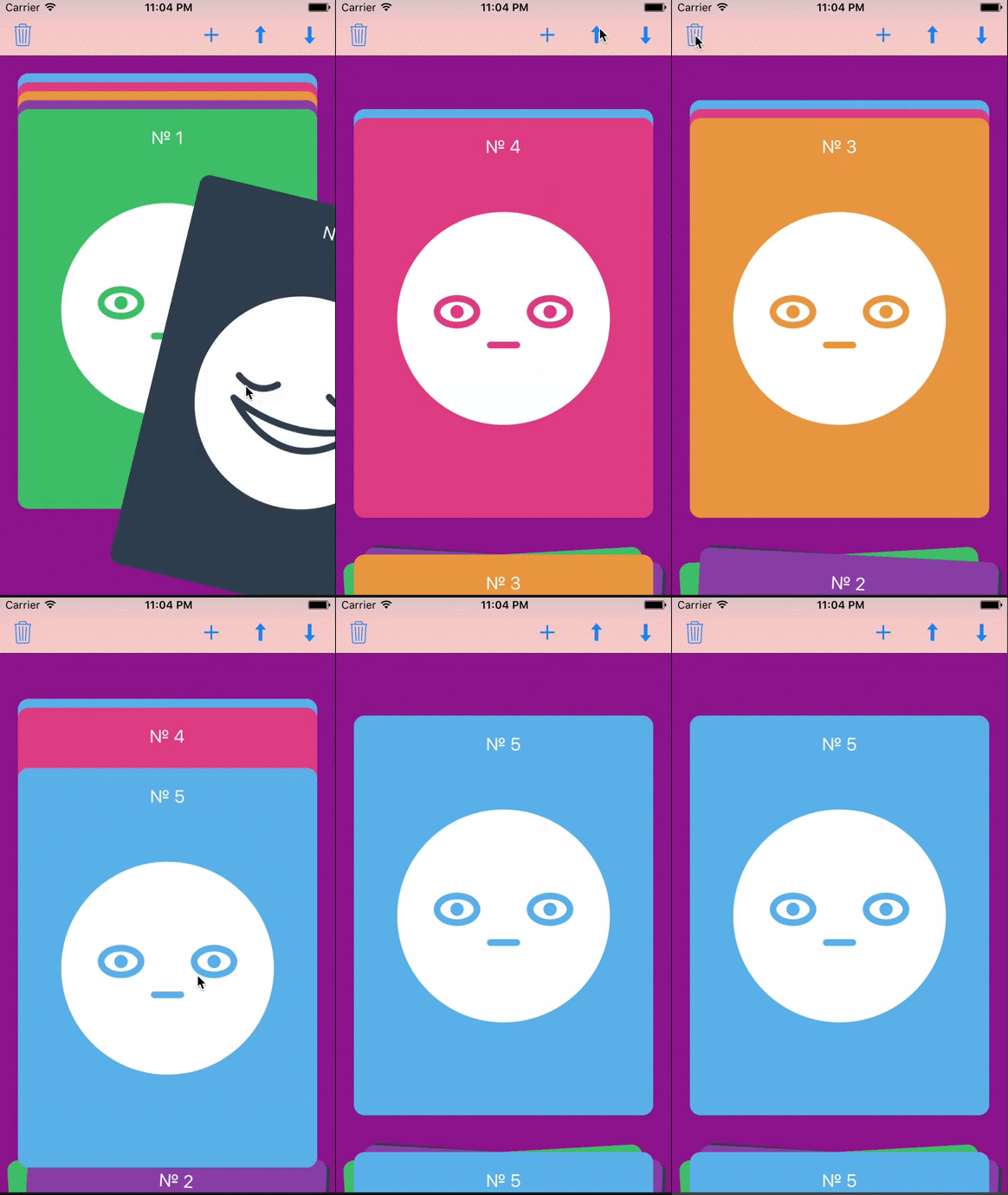
Swipable, customizable card stack view, Tinder like card stack view based on UICollectionView. Cards UI
 Сocoapods installation
------------------
Add in your `Podfile`:
Сocoapods installation
------------------
Add in your `Podfile`:
```
pod 'TisprCardStack'
```
please pay attention:
- 2.x.x versions with swift 4.0
- 1.x.x versions with swift 3.0
And in your `*.swift`:
```swift
import TisprCardStack
```
Manual installation
------------------
Add `TisprCardStackViewCell.swift`,`TisprCardStackViewController.swift`, `TisprCardStackViewLayout.swift` into your Xcode project.
Usage start
-----
1. Create controller 'TisprCardStackViewController' with 'TisprCardStackViewLayout' collectionViewLayout
2. Configuration TisprCardStackViewController,
```swift
setAnimationSpeed(0.85)
setCardSize(size)
```
3. then specify count of cards,
```swift
func numberOfCards() -> Int {}
```
4. return cards by index:
```swift
card(collectionView: UICollectionView, cardForItemAtIndexPath indexPath: NSIndexPath) -> TisprCardStackViewCell {}
```
Additional features/options
-----
1. Adding a new card: How to call the animation:
```swift
func newCardWasAdded()
```
1. How to configure the amount of visible cards in each stack (top and bottom):
```swift
layout.topStackMaximumSize = 4
layout.bottomStackMaximumSize = 30
layout.bottomStackCardHeight = 45
```
1. Changing card position: How to call the movement of a card from the top to the bottom stack and vice versa:
```swift
moveCardUp()
moveCardDown()
```
1. Delete card:
```swift
deleteCard
```
1. You can track changing of card stack in method:
```swift
func cardDidChangeState(cardIndex: Int)
```
For more detail, see the sample project.
Contact owner
-------
[Indy](https://weareindy.com)
License
-------
Apache License
Version 2.0. See LICENSE.txt