# zclaw
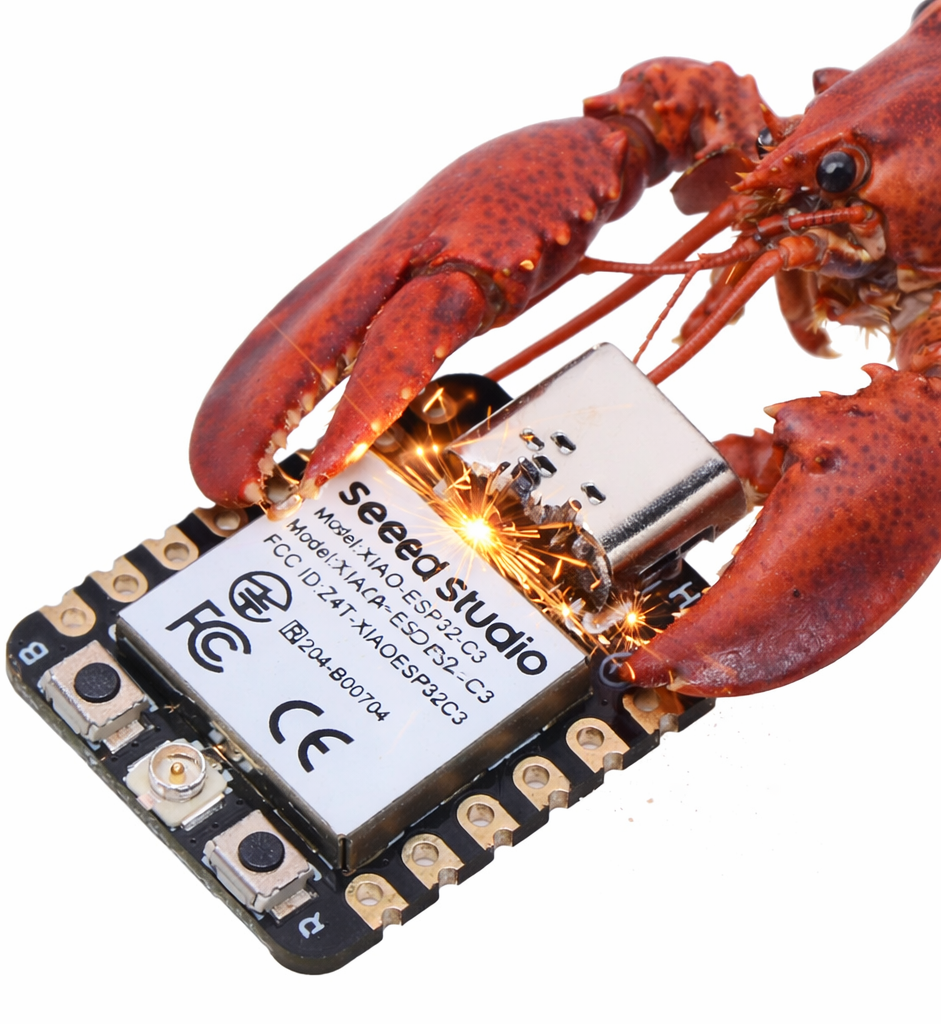 The smallest possible AI personal assistant for ESP32.
zclaw is written in C and runs on ESP32 boards with a strict all-in firmware budget target of **<= 888 KiB** on the default build. It supports scheduled tasks, GPIO control, persistent memory, and custom tool composition through natural language.
The **888 KiB** cap is all-in firmware size, not just app code.
It includes `zclaw` logic plus ESP-IDF/FreeRTOS runtime, Wi-Fi/networking, TLS/crypto, and cert bundle overhead.
Fun to use, fun to hack on.
The smallest possible AI personal assistant for ESP32.
zclaw is written in C and runs on ESP32 boards with a strict all-in firmware budget target of **<= 888 KiB** on the default build. It supports scheduled tasks, GPIO control, persistent memory, and custom tool composition through natural language.
The **888 KiB** cap is all-in firmware size, not just app code.
It includes `zclaw` logic plus ESP-IDF/FreeRTOS runtime, Wi-Fi/networking, TLS/crypto, and cert bundle overhead.
Fun to use, fun to hack on.
## Full Documentation
Use the docs site for complete guides and reference.
- [Full documentation](https://zclaw.dev)
- [Local Admin Console](https://zclaw.dev/local-admin.html)
- [Use cases: useful + fun](https://zclaw.dev/use-cases.html)
- [Changelog (web)](https://zclaw.dev/changelog.html)
- [Complete README (verbatim)](https://zclaw.dev/reference/README_COMPLETE.md)
## Quick Start
One-line bootstrap (macOS/Linux):
```bash
bash <(curl -fsSL https://raw.githubusercontent.com/tnm/zclaw/main/scripts/bootstrap.sh)
```
Already cloned?
```bash
./install.sh
```
Non-interactive install:
```bash
./install.sh -y
```
Setup notes
- `bootstrap.sh` clones/updates the repo and then runs `./install.sh`. You can inspect/verify the bootstrap flow first (including `ZCLAW_BOOTSTRAP_SHA256` integrity checks); see the [Getting Started docs](https://zclaw.dev/getting-started.html).
- Linux dependency installs auto-detect `apt-get`, `pacman`, `dnf`, or `zypper` during `install.sh` runs.
- In non-interactive mode, unanswered install prompts default to `no` unless you pass `-y` (or saved preferences/explicit flags apply).
- For encrypted credentials in flash, use secure mode (`--flash-mode secure` in install flow, or `./scripts/flash-secure.sh` directly).
- After flashing, provision WiFi + LLM credentials with `./scripts/provision.sh`.
- You can re-run either `./scripts/provision.sh` or `./scripts/provision-dev.sh` at any time (no reflash required) to update runtime credentials: WiFi SSID/password, LLM backend/model/API key (or Ollama API URL), and Telegram token/chat ID allowlist.
- Default LLM rate limits are `100/hour` and `1000/day`; change compile-time limits in `main/config.h` (`RATELIMIT_*`).
- Quick validation path: run `./scripts/web-relay.sh` and send a test message to confirm the device can answer.
- If serial port is busy, run `./scripts/release-port.sh` and retry.
- For repeat local reprovisioning without retyping secrets, use `./scripts/provision-dev.sh` with a local profile file (`provision-dev.sh` wraps `provision.sh --yes`).
## Highlights
- Chat via Telegram or hosted web relay
- Timezone-aware schedules (`daily`, `periodic`, and one-shot `once`)
- Built-in + user-defined tools
- For brand-new built-in capabilities, add a firmware tool (C handler + registry entry) via the Build Your Own Tool docs.
- Runtime diagnostics via `get_diagnostics` (quick/runtime/memory/rates/time/all scopes)
- GPIO, DHT, and I2C control with guardrails (including `gpio_read_all`, `i2c_scan`, `i2c_read`/`i2c_write`, and `dht_read`)
- USB local admin console for recovery, safe mode, and pre-network bring-up
- Persistent memory across reboots
- Persona options: `neutral`, `friendly`, `technical`, `witty`
- Provider support for Anthropic, OpenAI, OpenRouter, and Ollama (custom endpoint)
## Hardware
Tested targets: **ESP32**, **ESP32-C3**, **ESP32-S3**, and **ESP32-C6**.
Classic **ESP32-WROOM/ESP32 DevKit** boards are supported.
Test reports for other ESP32 variants are very welcome!
Recommended starter board: [Seeed XIAO ESP32-C3](https://www.seeedstudio.com/Seeed-XIAO-ESP32C3-p-5431.html)
## Local Dev & Hacking
Typical fast loop:
```bash
./scripts/test.sh host
./scripts/build.sh
./scripts/flash.sh --kill-monitor /dev/cu.usbmodem1101
./scripts/provision-dev.sh --port /dev/cu.usbmodem1101
./scripts/monitor.sh /dev/cu.usbmodem1101
```
Profile setup once, then re-use:
```bash
./scripts/provision-dev.sh --write-template
# edit ~/.config/zclaw/dev.env
./scripts/provision-dev.sh --show-config
./scripts/provision-dev.sh
# if Telegram keeps replaying stale updates:
./scripts/telegram-clear-backlog.sh --show-config
```
More details in the [Local Dev & Hacking guide](https://zclaw.dev/local-dev.html).
### Other Useful Scripts
Show scripts
- `./scripts/flash-secure.sh` - Flash with encryption
- `./scripts/provision.sh` - Provision credentials to NVS
- `./scripts/provision-dev.sh` - Local profile wrapper for repeat provisioning
- `./scripts/telegram-clear-backlog.sh` - Clear queued Telegram updates
- `./scripts/erase.sh` - Erase NVS only (`--nvs`) or full flash (`--all`) with guardrails
- `./scripts/monitor.sh` - Serial monitor
- `./scripts/emulate.sh` - Run QEMU profile
- `./scripts/web-relay.sh` - Hosted relay + mobile chat UI
- `./scripts/benchmark.sh` - Benchmark relay/serial latency
- `./scripts/test.sh` - Run host/device test flows
- `./scripts/test-api.sh` - Run live provider API checks (manual/local)
## Local Admin Console
When the board is in safe mode, unprovisioned, or the LLM path is unavailable, you can still operate it over USB serial without Wi-Fi or an LLM round trip.
```bash
./scripts/monitor.sh /dev/cu.usbmodem1101
# then type:
/wifi status
/wifi scan
/bootcount
/gpio all
/reboot
```
Available local-only commands:
- `/gpio [all|pin|pin high|pin low]`
- `/diag [scope] [verbose]`
- `/reboot`
- `/wifi [status|scan]`
- `/bootcount`
- `/factory-reset confirm` (destructive; wipes NVS and reboots)
Full reference: [Local Admin Console](https://zclaw.dev/local-admin.html)
## Size Breakdown
Current default `esp32` breakdown (grouped image bytes from `idf.py -B build size-components`):
| Segment | Bytes | Size | Share |
| --- | ---: | ---: | ---: |
| zclaw app logic (`libmain.a`) | `39276` | ~38.4 KiB | ~4.6% |
| Wi-Fi + networking stack | `378624` | ~369.8 KiB | ~44.4% |
| TLS/crypto stack | `134923` | ~131.8 KiB | ~15.8% |
| cert bundle + app metadata | `98425` | ~96.1 KiB | ~11.5% |
| other ESP-IDF/runtime/drivers/libc | `201786` | ~197.1 KiB | ~23.7% |
Total image size from this build is `853034` bytes; padded `zclaw.bin` is `853184` bytes (~833.2 KiB), leaving `56128` bytes (~54.8 KiB) under the 888 KiB cap.
## Latency Benchmarking
Relay path benchmark (includes web relay processing + device round trip):
```bash
./scripts/benchmark.sh --mode relay --count 20 --message "ping"
```
Direct serial benchmark (host round trip + first response time). If firmware logs
`METRIC request ...` lines, the report also includes device-side timing:
```bash
./scripts/benchmark.sh --mode serial --serial-port /dev/cu.usbmodem1101 --count 20 --message "ping"
```
## License
MIT