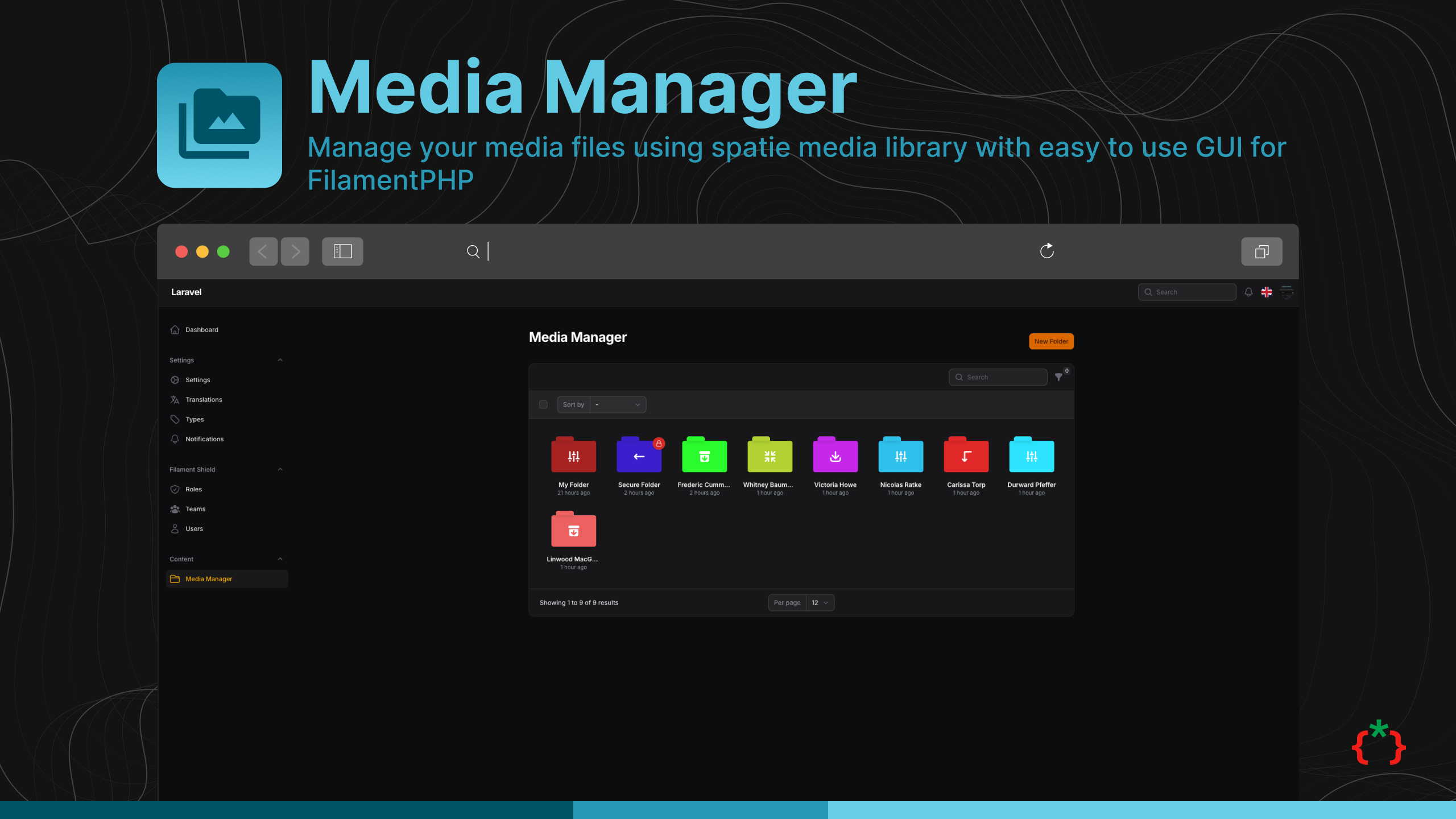
# Filament media manager
[](https://packagist.org/packages/tomatophp/filament-media-manager)
[](https://packagist.org/packages/tomatophp/filament-media-manager)
[](https://packagist.org/packages/tomatophp/filament-media-manager)
[](https://github.com/tomatophp/filament-media-manager/actions/workflows/dependabot/dependabot-updates)
[](https://github.com/tomatophp/filament-media-manager/actions/workflows/fix-php-code-styling.yml)
[](https://github.com/tomatophp/filament-media-manager/actions/workflows/tests.yml)
Manage your media files using spatie media library with easy to use GUI for FilamentPHP
## Installation
```bash
composer require tomatophp/filament-media-manager
```
now you need to publish media migration
```bash
php artisan vendor:publish --provider="Spatie\MediaLibrary\MediaLibraryServiceProvider" --tag="medialibrary-migrations"
```
after installing your package, please run this command
```bash
php artisan filament-media-manager:install
```
finally, register the plugin on `/app/Providers/Filament/AdminPanelProvider.php`, if you like to use GUI and Folder Browser.
```php
->plugin(
\TomatoPHP\FilamentMediaManager\FilamentMediaManagerPlugin::make()
->allowSubFolders()
->navigationGroup()
->navigationIcon()
->navigationLabel()
)
```
## Features
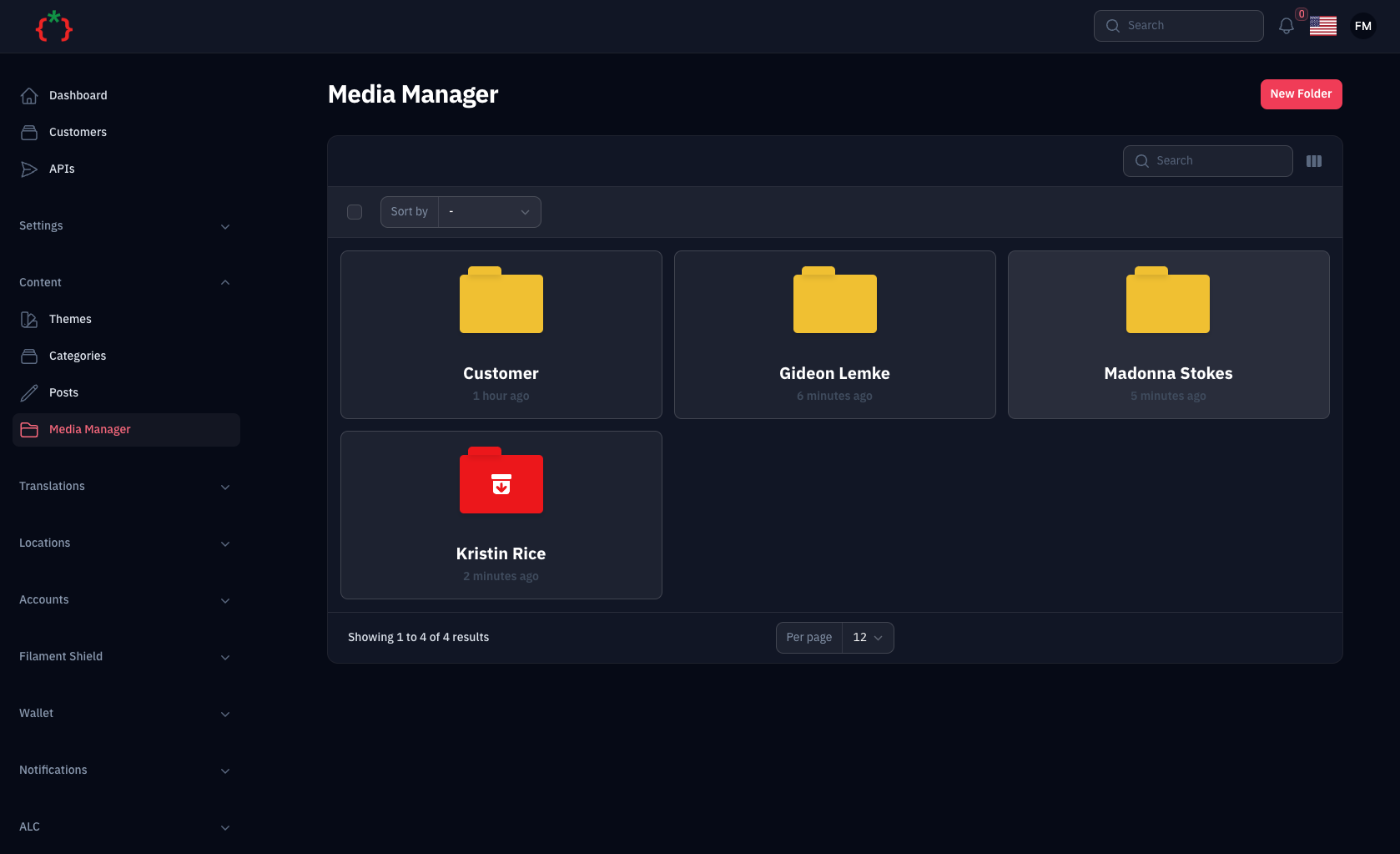
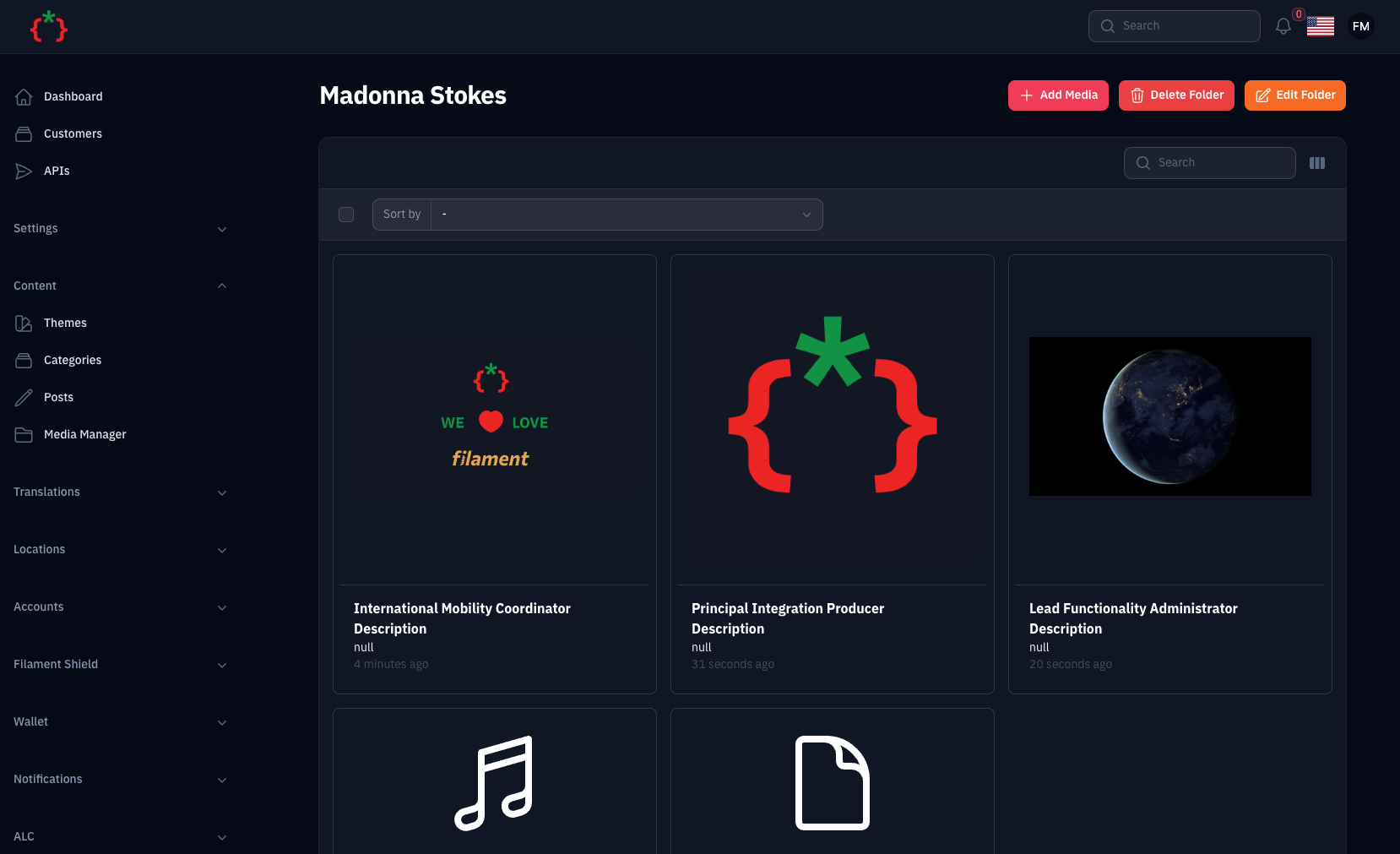
- 📁 Manage your media files using spatie media library
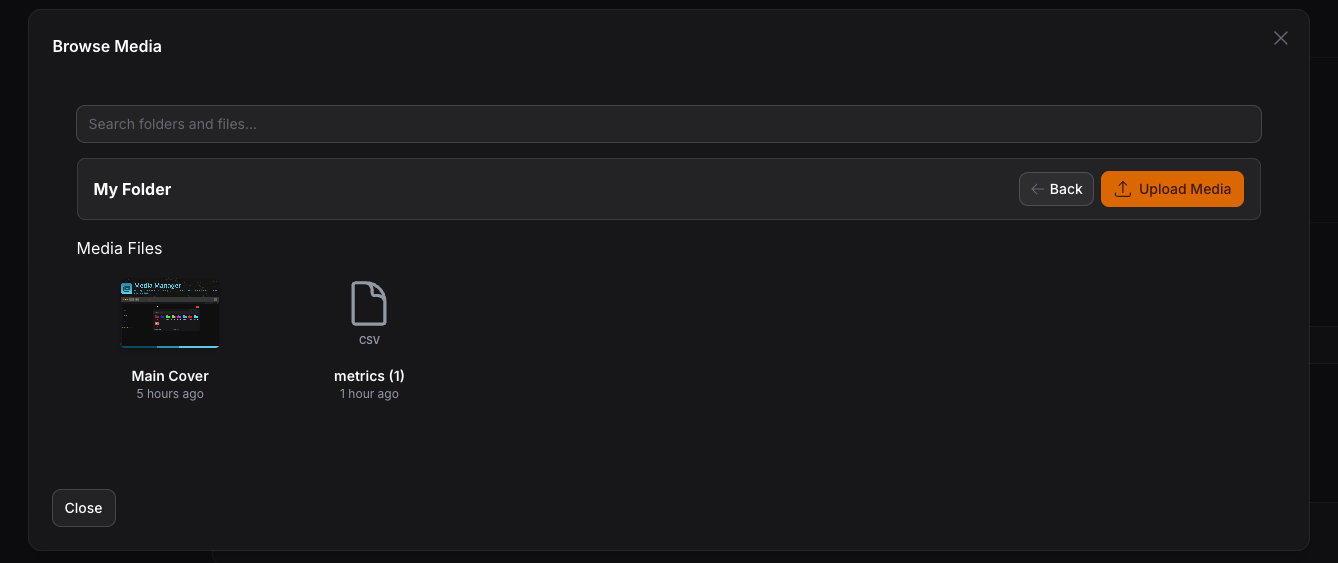
- 📂 Create folders and subfolders
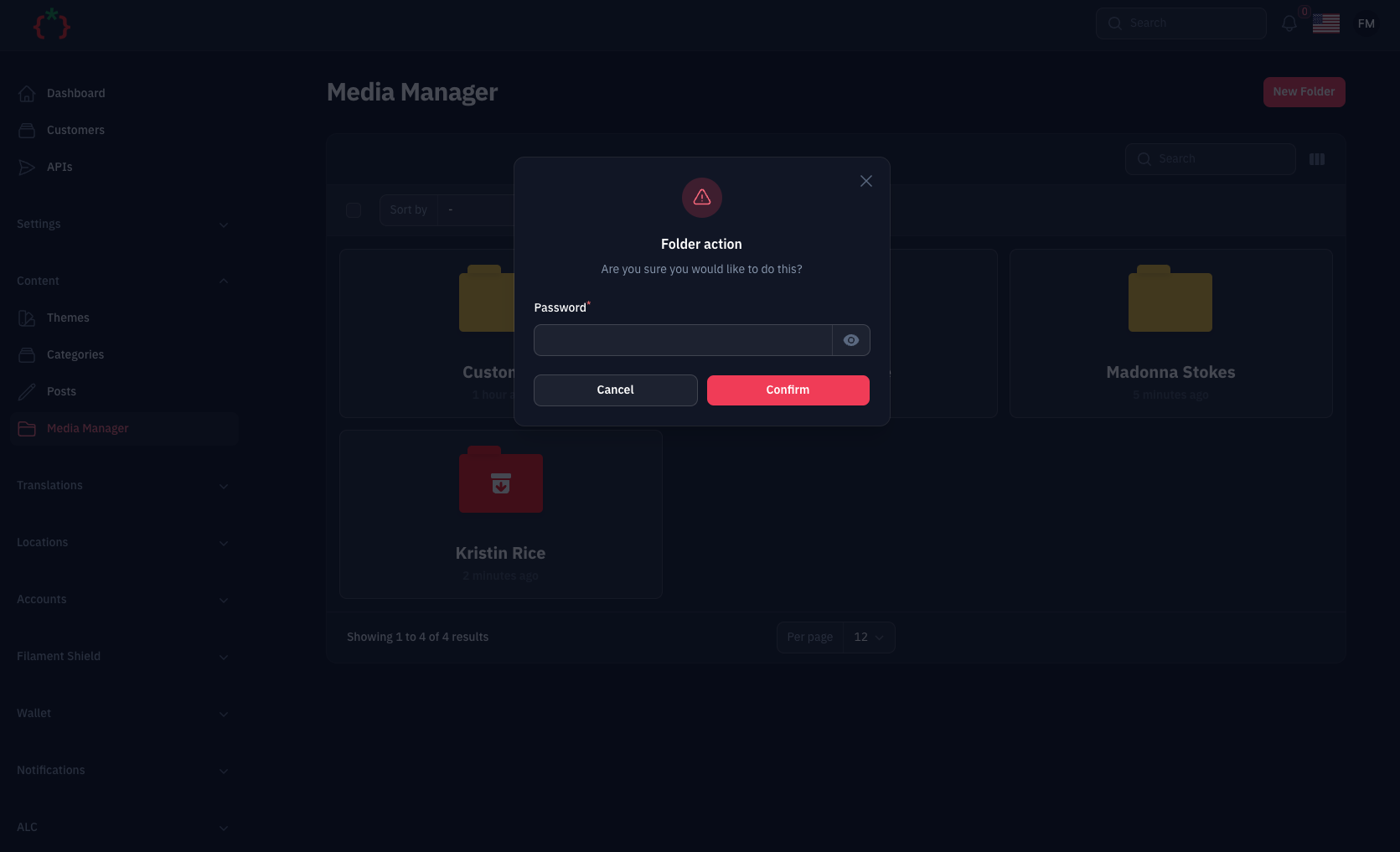
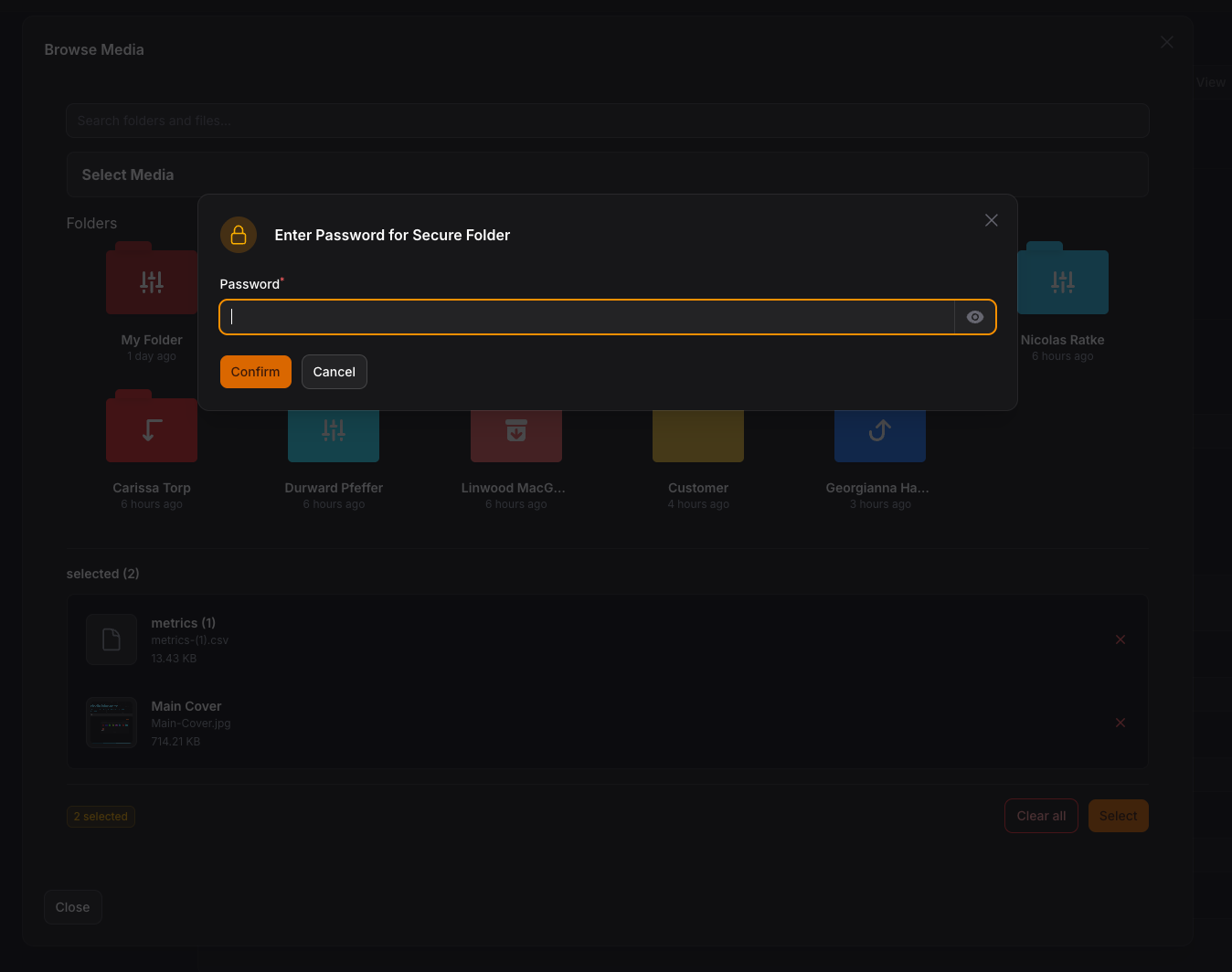
- 🔒 Set password for folders with secure access
- 📝 Upload Files with Custom Fields using `->schema()`
- 🤖 Auto Create Folders for Model/Collection/Record
- 🌍 RTL/Multi Language Support
- 🎨 Full Dark Mode Support
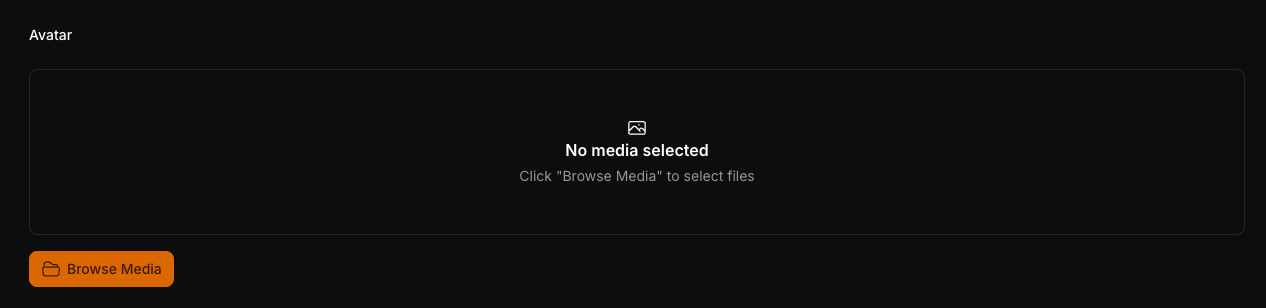
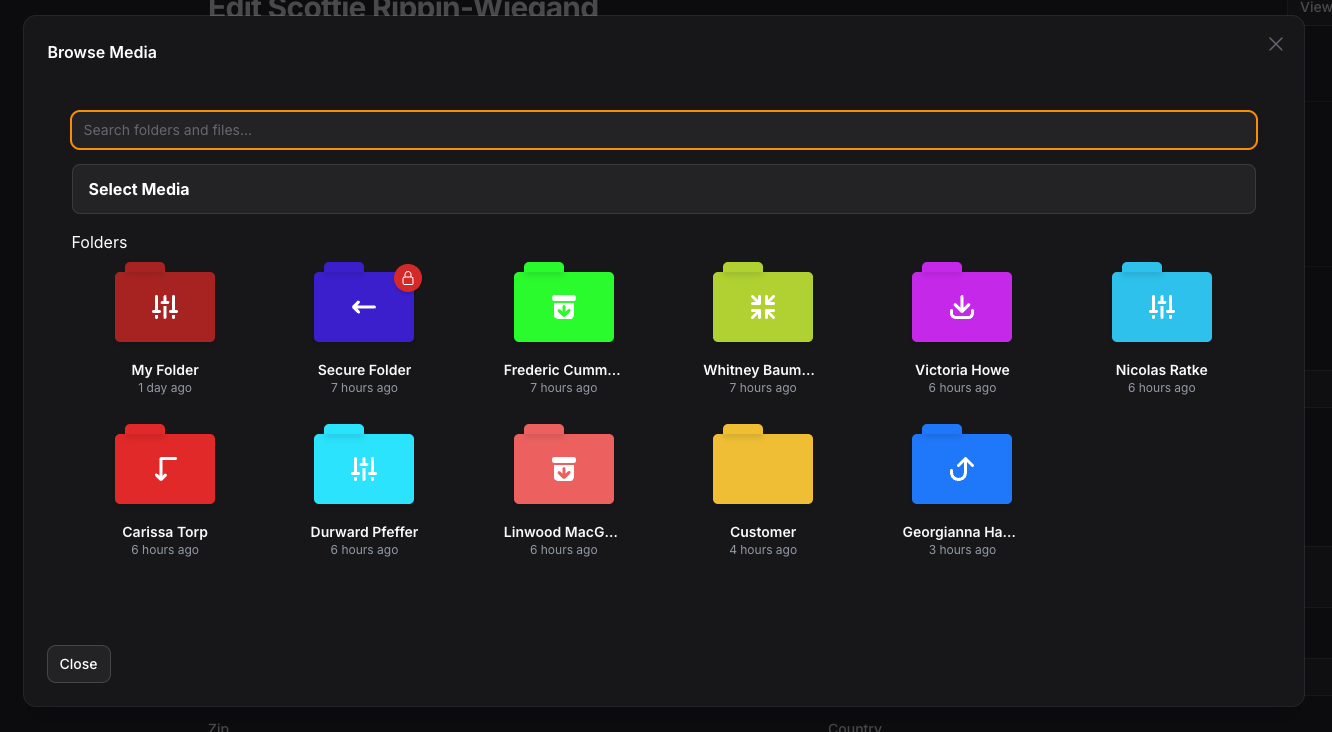
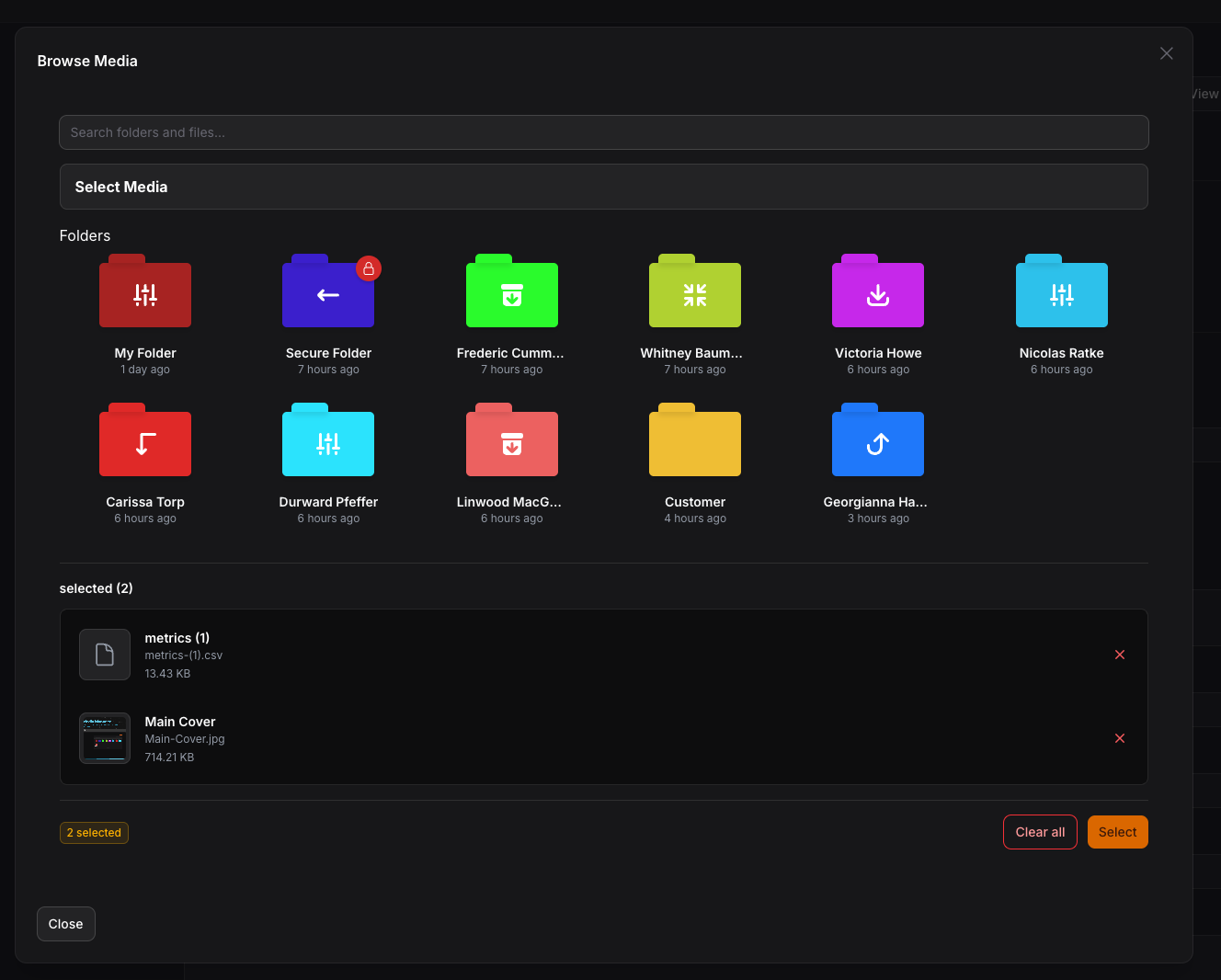
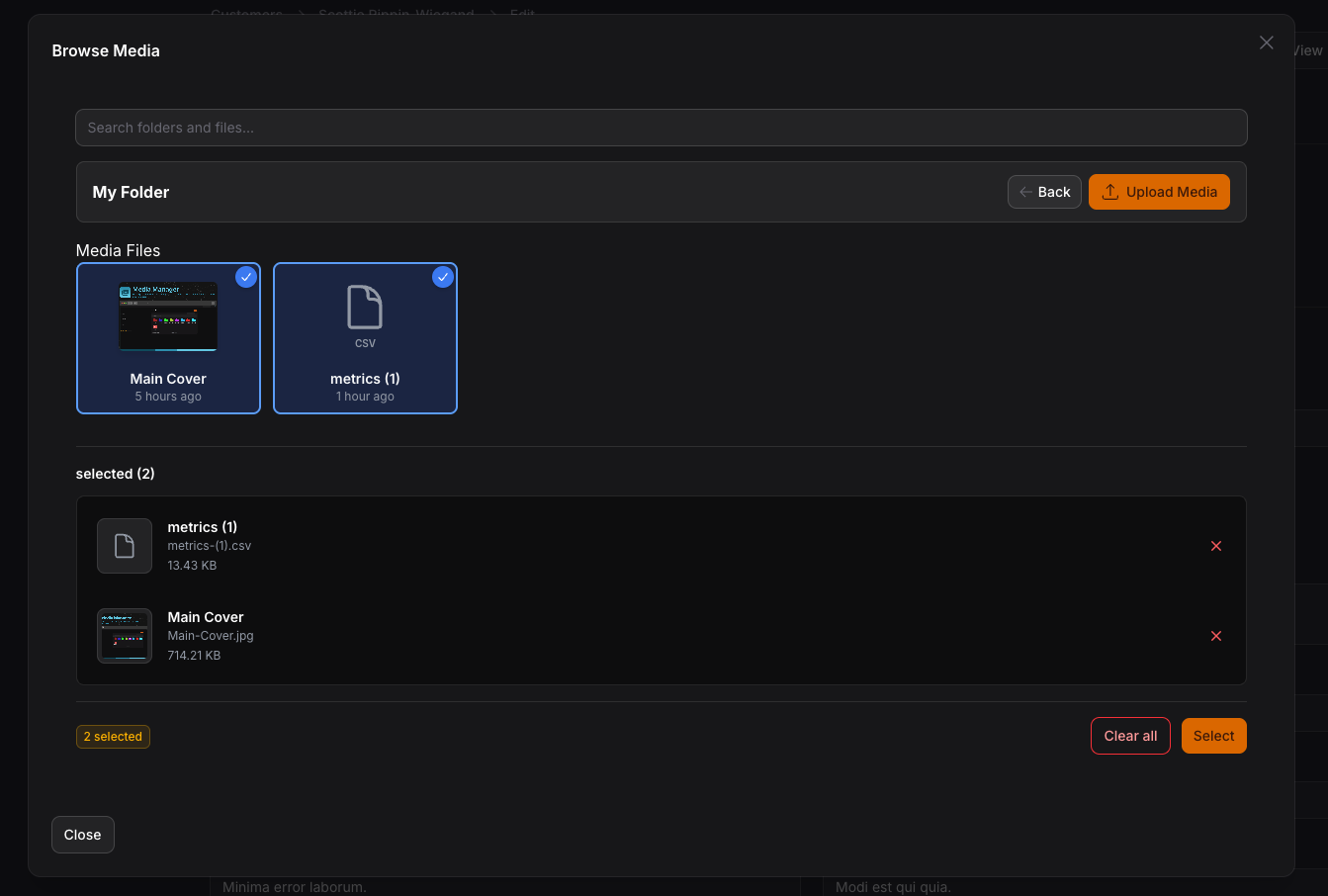
- 🖼️ MediaManagerPicker - Browse and select media from folder structure
- ⚡ MediaManagerInput - Direct file upload with Spatie Media Library
- 🔧 InteractsWithMediaManager Trait - Easy model integration
- 📊 Live Preview with thumbnails and file information
- ✅ Selection validation (min/max items)
- 🔄 Auto-save and modal management
- 🏷️ Collection Names - Multiple pickers on same page with separate collections
- 📱 Responsive Images - Automatic responsive image generation with Spatie
- 🎯 Drag & Drop Reordering - Visual reordering of selected media
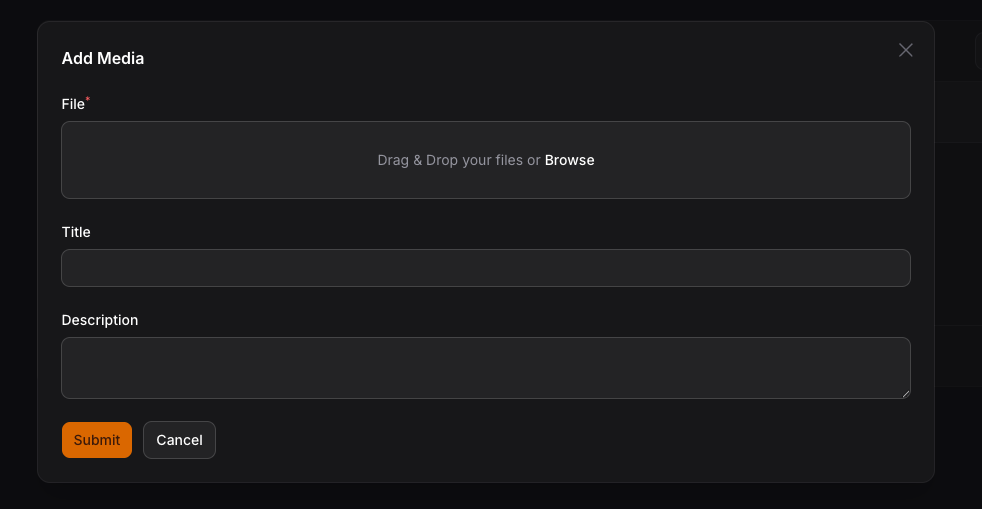
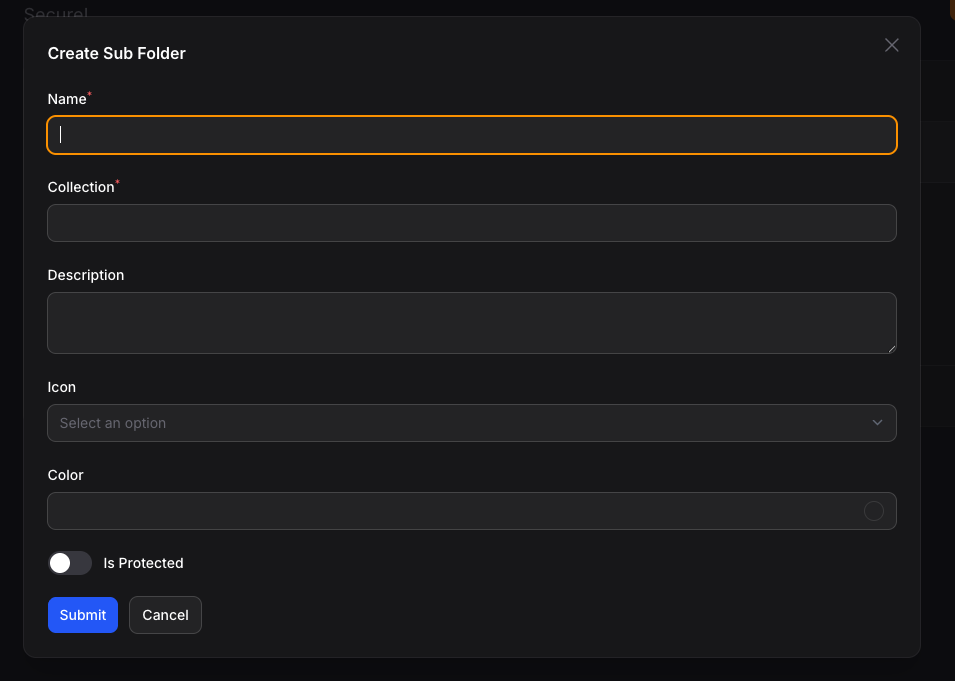
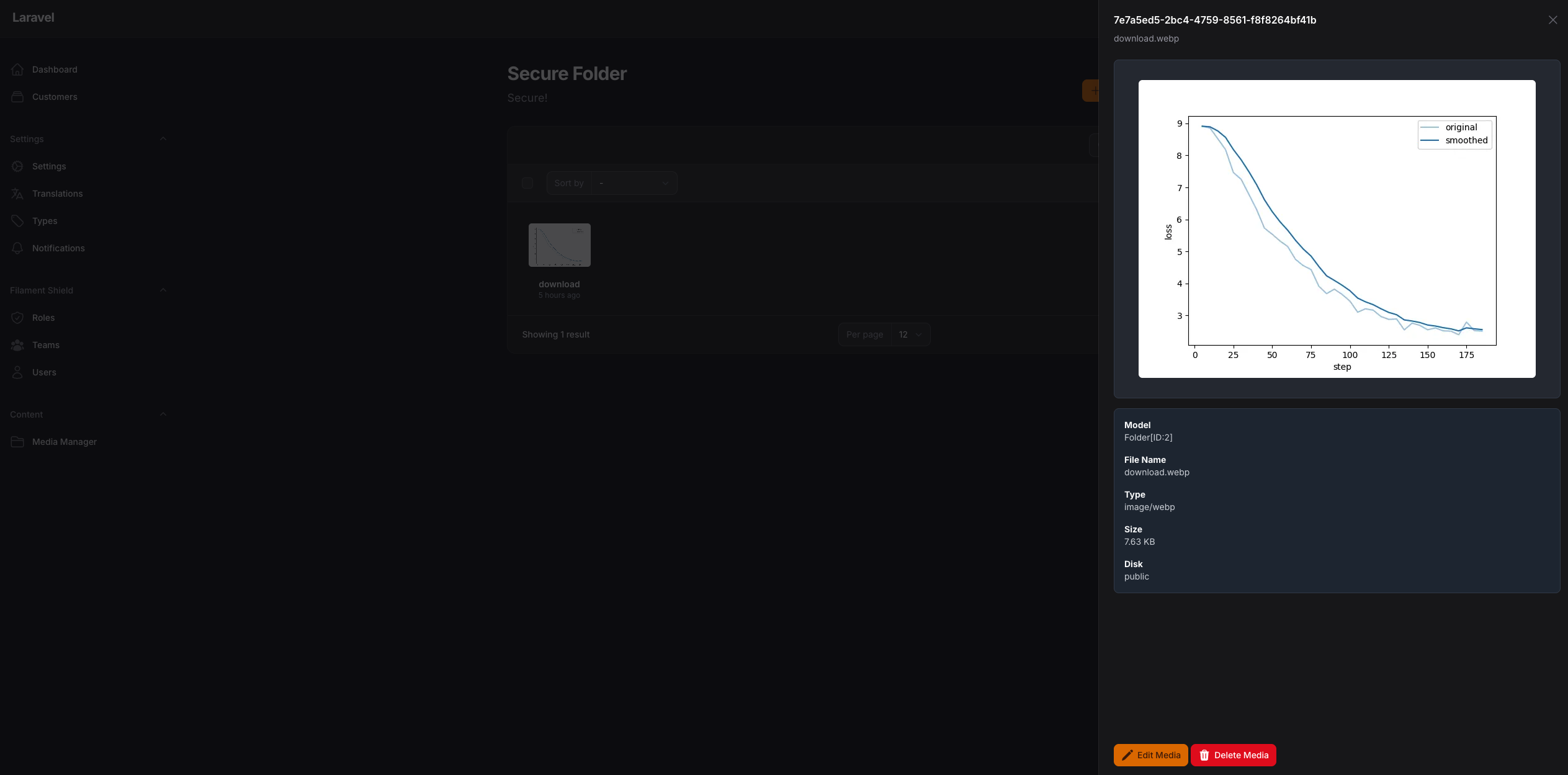
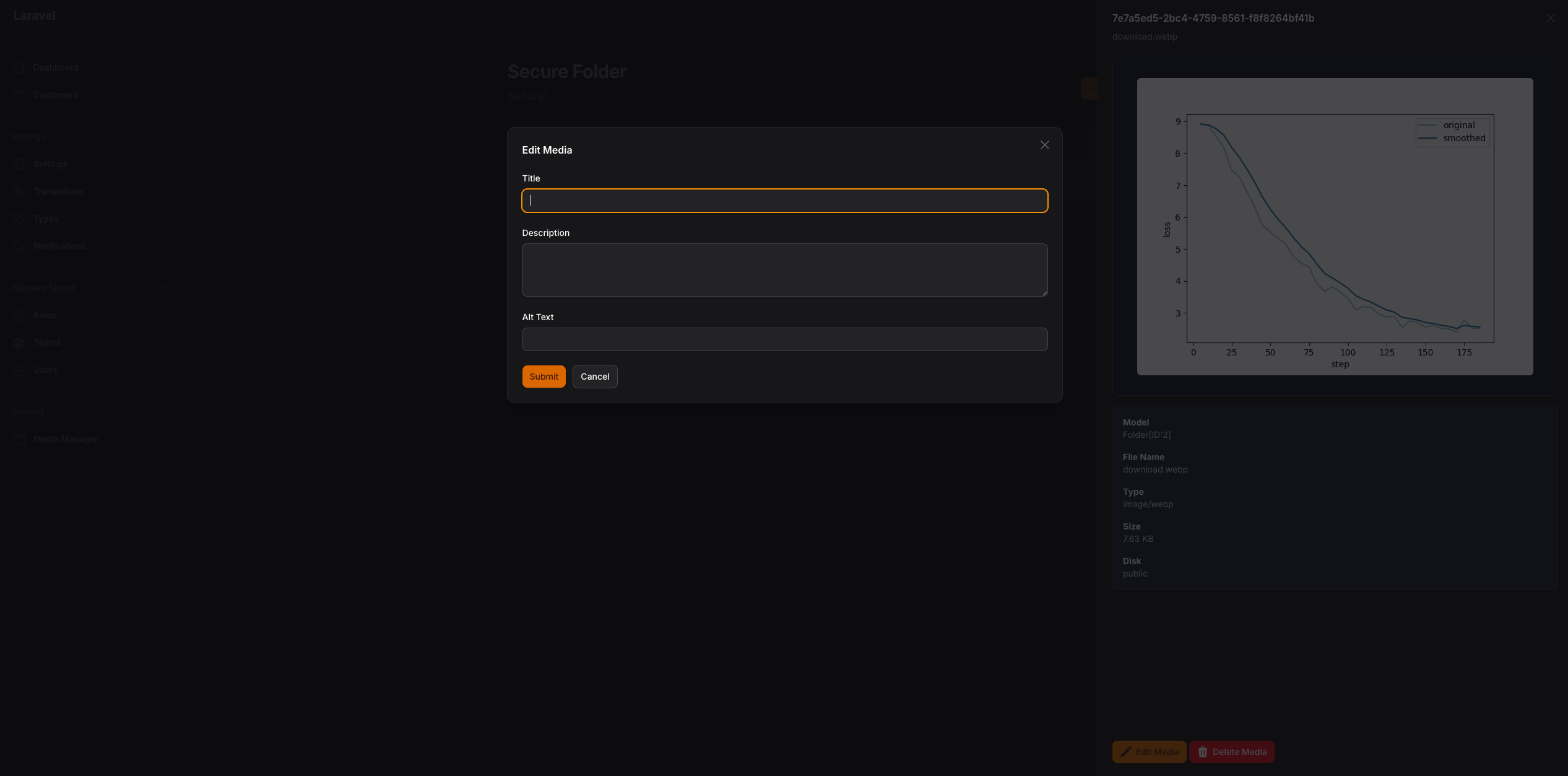
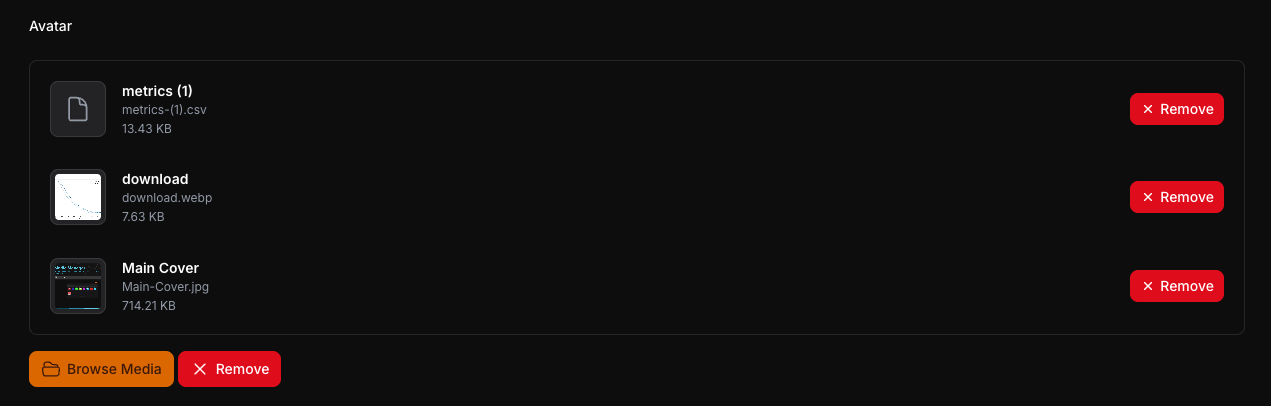
## Screenshots

## Usage
you can use the media manager by adding this code to your filament component
```php
use TomatoPHP\FilamentMediaManager\Form\MediaManagerInput;
public function form(Schema $schema): Schema
{
return $schema->components([
MediaManagerInput::make('images')
->disk('public')
->schema([
Forms\Components\TextInput::make('title')
->required()
->maxLength(255),
Forms\Components\TextInput::make('description')
->required()
->maxLength(255),
]),
]);
}
```
or you can use Media Library Picker like this
```php
use TomatoPHP\FilamentMediaManager\Form\MediaManagerPicker;
public function form(Schema $schema): Schema
{
return $schema->components([
MediaManagerPicker::make('media')
->multiple() // or ->single() (default is multiple)
->maxItems(5) // Maximum number of items that can be selected
->minItems(2) // Minimum number of items required
->collection('products') // Separate collection for this picker
->responsiveImages() // Enable responsive images generation
]);
}
```
and on your model to manage your attached media
```php
use TomatoPHP\FilamentMediaManager\Traits\InteractsWithMediaManager;
class Model extends Authenticatable {
use InteractsWithMediaManager;
}
```
### MediaManagerPicker Features
- **Multiple/Single Selection**: Use `->multiple()` or `->single()` to control selection mode
- **Item Limits**: Set `->maxItems(n)` and `->minItems(n)` to enforce selection constraints
- **Collection Names**: Use `->collection('name')` to separate media for different pickers on the same page
- **Responsive Images**: Use `->responsiveImages()` to automatically generate responsive images with Spatie
- **Drag & Drop Reordering**: Visually reorder selected media items with drag handles
- **Password Protected Folders**: Browse secure folders with password verification
- **Live Preview**: See selected items with preview thumbnails, file info, and remove buttons
- **Dark Mode Support**: Fully styled for both light and dark themes
- **Auto-close Modal**: Modal automatically closes after selection with success notification
### Multiple Pickers with Collections
You can use multiple MediaManagerPicker components on the same page by using collection names:
```php
use TomatoPHP\FilamentMediaManager\Form\MediaManagerPicker;
public function form(Schema $schema): Schema
{
return $schema->components([
// Featured image picker
MediaManagerPicker::make('featured_image')
->collection('featured')
->single()
->label('Featured Image'),
// Gallery picker
MediaManagerPicker::make('gallery_images')
->collection('gallery')
->multiple()
->maxItems(10)
->label('Gallery'),
// Attachments picker with responsive images
MediaManagerPicker::make('hero_image')
->collection('hero')
->single()
->responsiveImages()
->label('Hero Image'),
]);
}
```
Each picker maintains its own separate media attachments based on the collection name.
## Working with Media in Models
### InteractsWithMediaManager Trait
Use the `InteractsWithMediaManager` trait in your models to easily access and manage media attached via MediaManagerPicker:
```php
use TomatoPHP\FilamentMediaManager\Traits\InteractsWithMediaManager;
class Product extends Model
{
use InteractsWithMediaManager;
}
```
#### Available Methods
```php
// Get all media attached via MediaManagerPicker
$product->getMediaManagerMedia(); // All media
$product->getMediaManagerMedia('featured'); // From specific collection
// Get media by UUIDs
$product->getMediaManagerMediaByUuids(['uuid-1', 'uuid-2']);
// Get media from Spatie collection (MediaManagerInput)
$product->getMediaManagerInputMedia('images');
// Attach media programmatically
$product->attachMediaManagerMedia(['uuid-1', 'uuid-2']); // To default collection
$product->attachMediaManagerMedia(['uuid-1', 'uuid-2'], 'gallery'); // To specific collection
// Detach media
$product->detachMediaManagerMedia(['uuid-1']); // Detach specific from default
$product->detachMediaManagerMedia(['uuid-1'], 'gallery'); // From specific collection
$product->detachMediaManagerMedia(null, 'gallery'); // Detach all from collection
// Sync media (replace all with new)
$product->syncMediaManagerMedia(['uuid-3', 'uuid-4']); // Default collection
$product->syncMediaManagerMedia(['uuid-3', 'uuid-4'], 'gallery'); // Specific collection
// Check if media exists
$product->hasMediaManagerMedia('uuid-1'); // In default collection
$product->hasMediaManagerMedia('uuid-1', 'featured'); // In specific collection
// Get first media item
$product->getFirstMediaManagerMedia(); // From default
$product->getFirstMediaManagerMedia('featured'); // From collection
// Get media URL
$product->getMediaManagerUrl(); // First from default collection
$product->getMediaManagerUrl('featured'); // First from featured collection
// Get all media URLs
$product->getMediaManagerUrls(); // All from default
$product->getMediaManagerUrls('gallery'); // All from gallery collection
// Responsive Images Methods
$product->getMediaManagerResponsiveImages('hero'); // Get responsive data
$product->getMediaManagerSrcset('hero'); // Get srcset for first media
$product->getMediaManagerSrcsets('gallery'); // Get all srcsets
$product->getMediaManagerResponsiveUrls('hero'); // Get responsive URLs for first
$product->getAllMediaManagerResponsiveUrls('gallery'); // Get all responsive URLs
```
#### Usage Examples
```php
// In your blade template - Basic usage
@php
$product = App\Models\Product::find(1);
$images = $product->getMediaManagerMedia('gallery');
@endphp
@foreach($images as $image)
@endforeach
// Get featured image from specific collection
@php
$featuredUrl = $product->getMediaManagerUrl('featured') ?? '/default-image.png';
@endphp
// Responsive Images with srcset
@php
$heroSrcset = $product->getMediaManagerSrcset('hero');
$heroUrl = $product->getMediaManagerUrl('hero');
@endphp
// Gallery with responsive images
@foreach($product->getMediaManagerResponsiveImages('gallery') as $item)
@endforeach
// Get user avatar from specific collection
@php
$avatarUrl = auth()->user()->getMediaManagerUrl('avatar') ?? '/default-avatar.png';
@endphp
```
For complete documentation of the trait, see [TRAITS.md](./docs/TRAITS.md).
## Important: Run Migrations
After installing or updating the package, make sure to run migrations to add the required database columns:
```bash
php artisan migrate
```
This will add the following columns to the `media_has_models` table:
- `order_column` - For drag & drop reordering functionality
- `collection_name` - For multiple pickers with separate collections
- `responsive_images` - For responsive images support
## Add Custom Preview to selected type on the media manager
you can add custom preview to selected type on the media manager by add this code to your provider
```php
use TomatoPHP\FilamentMediaManager\Facade\FilamentMediaManager;
use TomatoPHP\FilamentMediaManager\Services\Contracts\MediaManagerType;
public function boot() {
FilamentMediaManager::register([
MediaManagerType::make('.pdf')
->icon('bxs-file-pdf')
->preview('media-manager.pdf'),
]);
}
```
in your view file you can use it like this
```php
```
you can attach global `js` or `css` file to the media manager by add this code to your provider
```php
use TomatoPHP\FilamentMediaManager\Facade\FilamentMediaManager;
use TomatoPHP\FilamentMediaManager\Services\Contracts\MediaManagerType;
public function boot() {
FilamentMediaManager::register([
MediaManagerType::make('.pdf')
->js('https://mozilla.github.io/pdf.js/build/pdf.mjs'),
->css('https://cdnjs.cloudflare.com/ajax/libs/pdf.js/4.3.136/pdf_viewer.min.css'),
->icon('bxs-file-pdf')
->preview('media-manager.pdf'),
]);
}
```
please note that the `name ` of the component will be the same name of the collection.
## Allow Sub Folders
you can allow create and manage subfolders on your media manager on `/app/Providers/Filament/AdminPanelProvider.php`
```php
->plugins([
\TomatoPHP\FilamentMediaManager\FilamentMediaManagerPlugin::make()
->allowSubFolders()
])
```
## Allow User Access
now you can allow user to access selected folder and restract user to access each other folders if the folder is not public on `/app/Providers/Filament/AdminPanelProvider.php`
```php
->plugin(
\TomatoPHP\FilamentMediaManager\FilamentMediaManagerPlugin::make()
->allowUserAccess()
)
```
now on your user model you can use this trait to allow user to access selected folder
```php
use TomatoPHP\FilamentMediaManager\Traits\InteractsWithMediaFolders;
class User extends Authenticatable
{
use InteractsWithMediaFolders;
}
```
**NOTE** don't forget to migrate after update the plugin
## Folders API
now you can access your media and folders using API you have 2 endpoints
- `/api/folders` to get all folders
- `/api/folders/{id}` to get folder by id with sub folders and media files
to allow this feature, you need to publish the config file by use this command
```bash
php artisan vendor:publish --tag="filament-media-manager-config"
```
then you can set `api.active` to `true` on the config file
```php
'api' => [
"active" => true,
],
```
## Publish Assets
you can publish config file by use this command
```bash
php artisan vendor:publish --tag="filament-media-manager-config"
```
you can publish a view file by using this command
```bash
php artisan vendor:publish --tag="filament-media-manager-views"
```
you can publish a language file by using this command
```bash
php artisan vendor:publish --tag="filament-media-manager-lang"
```
you can publish the migrations file by using this command
```bash
php artisan vendor:publish --tag="filament-media-manager-migrations"
```
## Testing
This package includes comprehensive test suites for all major features. Tests are written using [Pest PHP](https://pestphp.com/).
### Running Tests
Run all tests:
```bash
composer test
```
Run a specific test file:
```bash
./vendor/bin/pest tests/src/MediaManagerPickerTest.php
```
Run with coverage:
```bash
./vendor/bin/pest --coverage
```
### Test Coverage
The test suite includes:
- **MediaManagerPickerTest** - Tests for MediaManagerPicker component, folder navigation, password protection, selection validation, and file upload
- **MediaManagerInputTest** - Tests for MediaManagerInput component, file upload, media retrieval, deletion, and custom schema
- **InteractsWithMediaManagerTest** - Tests for the trait methods including attach, detach, sync, and URL generation
For detailed testing documentation, see [tests/README.md](./tests/README.md)
## Code Style
if you like to fix the code style, just use this command
```bash
composer format
```
## PHPStan
if you like to check the code by `PHPStan` just use this command
```bash
composer analyse
```
## Other Filament Packages
Check out our [Awesome TomatoPHP](https://github.com/tomatophp/awesome)