# rugrats
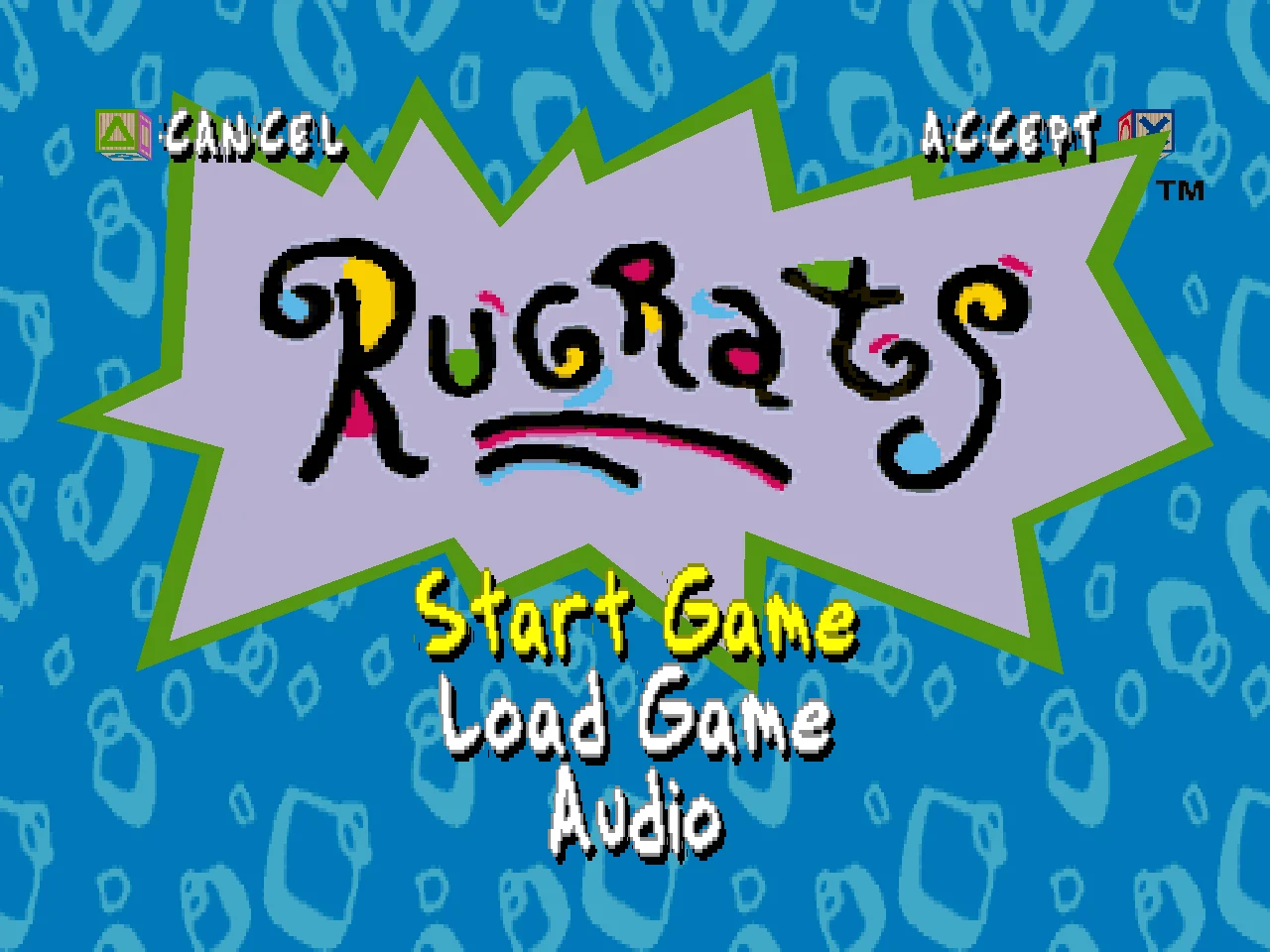
Rugrats: Search for Reptar (PlayStation, n-Space / THQ, 1998, SLUS-00650)
rebuilt as a native PC game in Rust, from a reverse engineering of the original.
It plays your own disc. No emulator, no BIOS, no PlayStation code runs.
Worklog and reference ·
Play it ·
How it is checked ·
For developers
---
## Status: playable, start to finish
Every level the game ships can be played and won, from the logos to the
credits:
| | |
| --- | --- |
| **Front end** | legal screen, logos, the opening cinematic, title menu (Start Game, Load Game, Audio), attract demos |
| **Story** | Pickles' Home as the hub, every door, the Reptar puzzle board and its twelve pieces, Reptar 2010, the ending and credits |
| **Levels** | Grandpa's Teeth, Incident on Aisle 7, 7 Voyages of Cynthia, Visitors from Outer Space, Toy Palace, Reptar 2010, The Mysterious Mr. Friend, Chuckie's Glasses, Circus Angelicus, Let There Be Light, Cookie Race, Mirrorland, Training Level, Gold Rush, Egg Hunt, No More Cookies, Touchdown Tommy |
| **Activities** | mini golf, all nine holes, one or two players |
| **Cinematics** | every in-engine cinematic, with its voices, music and lip sync |
| **Saving** | the memory card, as files on your disk |
| **Controls** | keyboard or gamepad, with the DualShock's analog stick |
The test suite wins every one of those levels by play: a bot drives the
player with the stick and the buttons only, no teleporting.
What is still being worked on, and every open question, is in the
[worklog](WORKLOG.md) (`cairns open` lists them).
## Screenshots
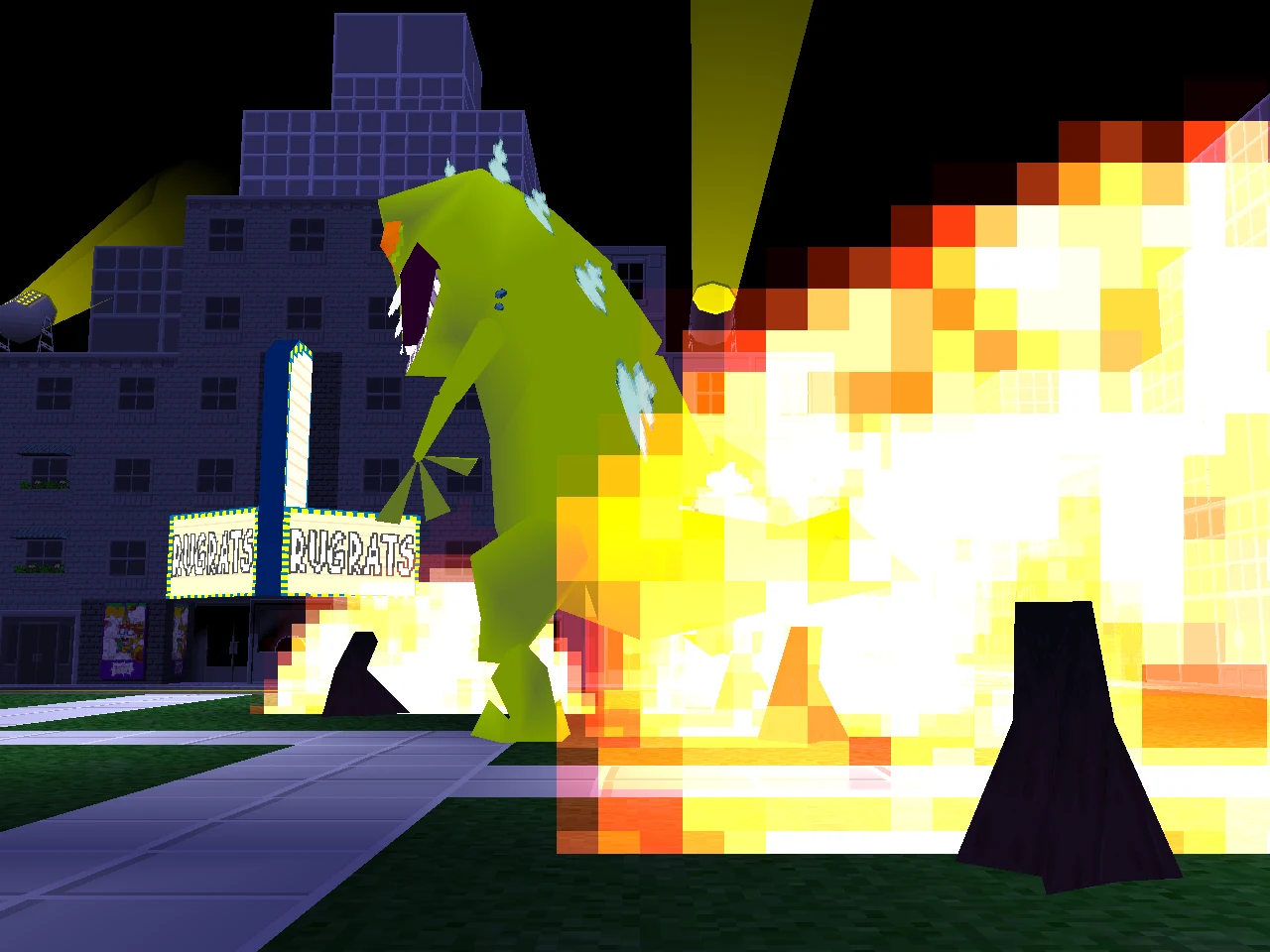
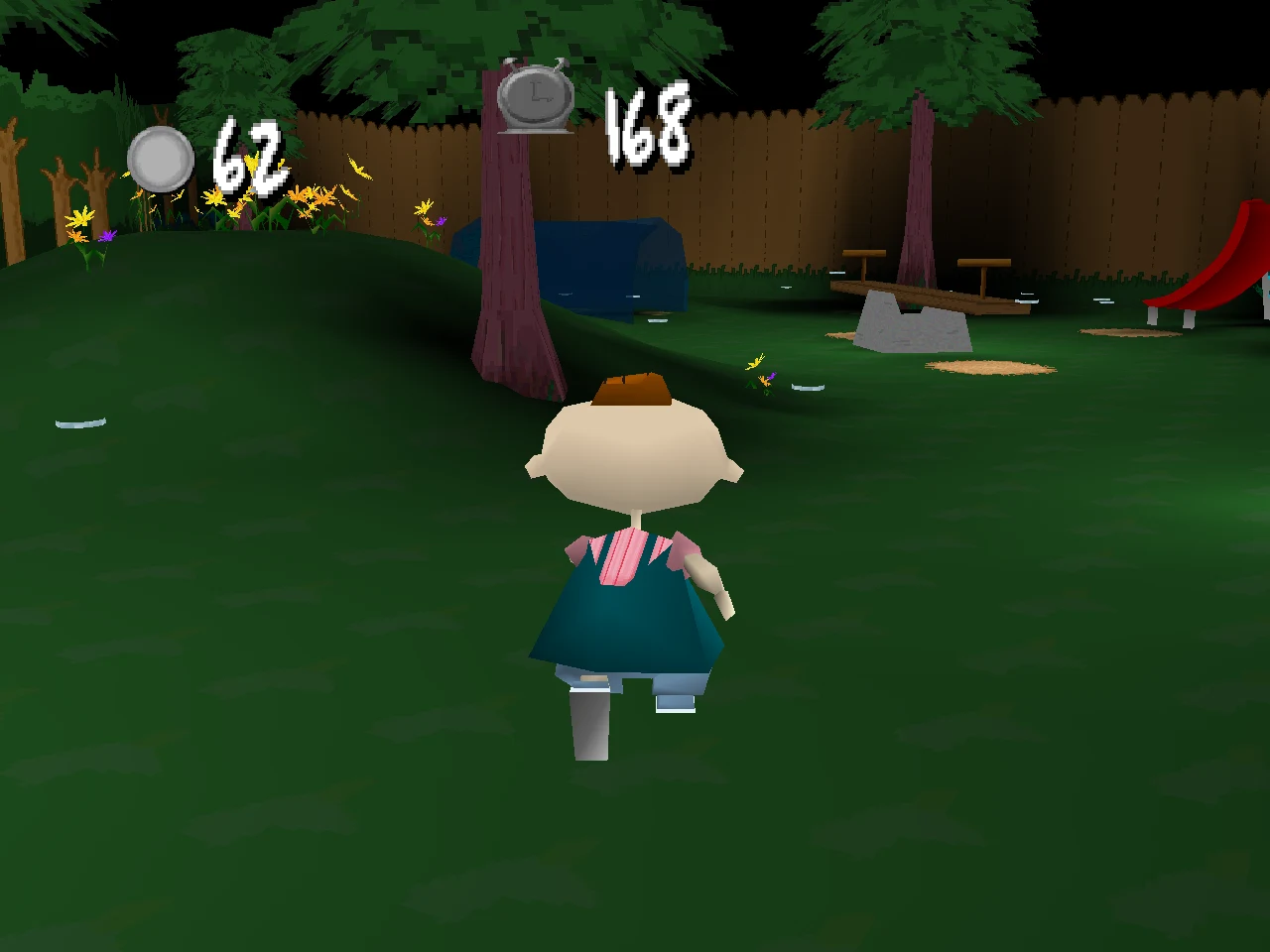
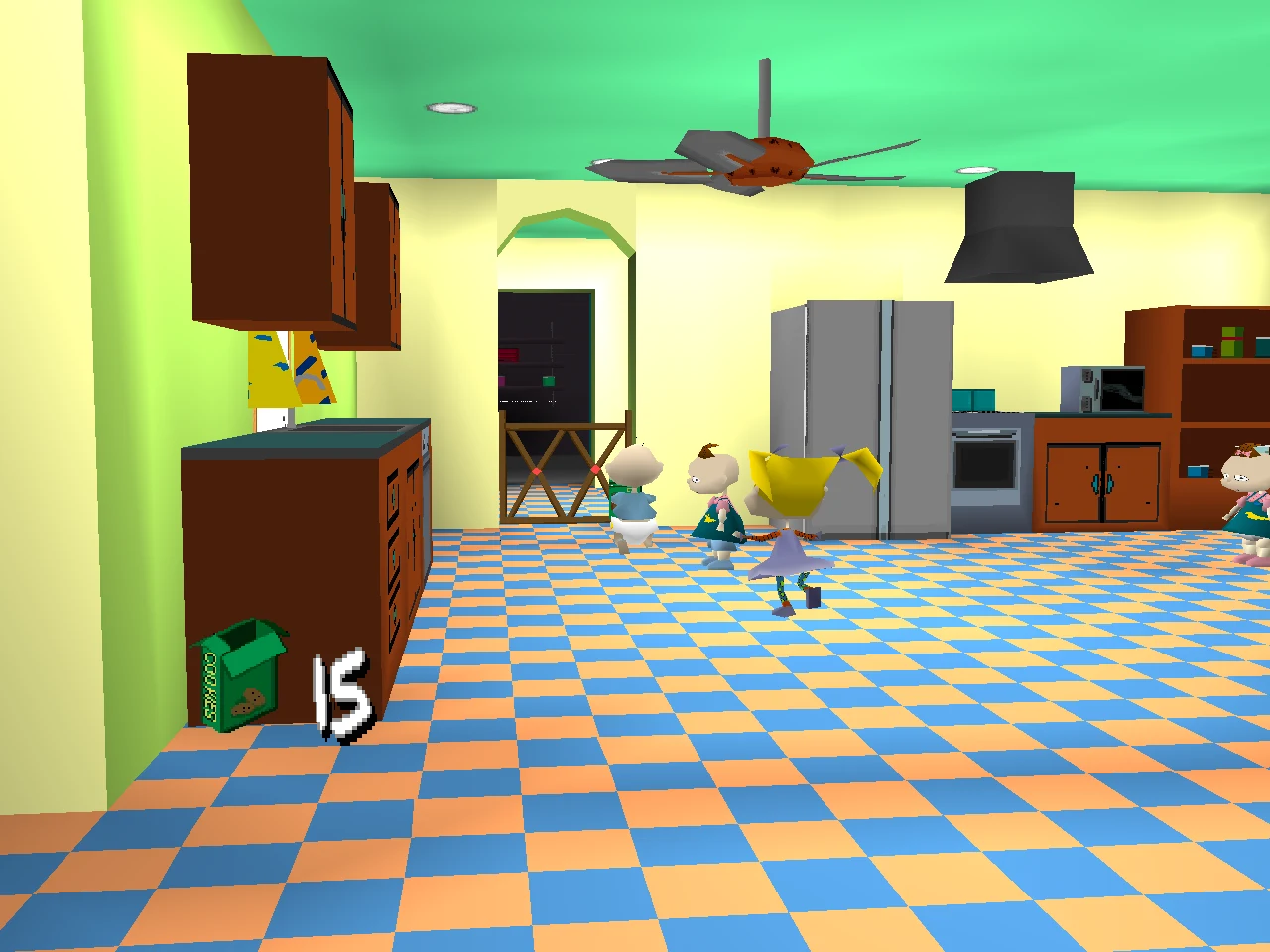
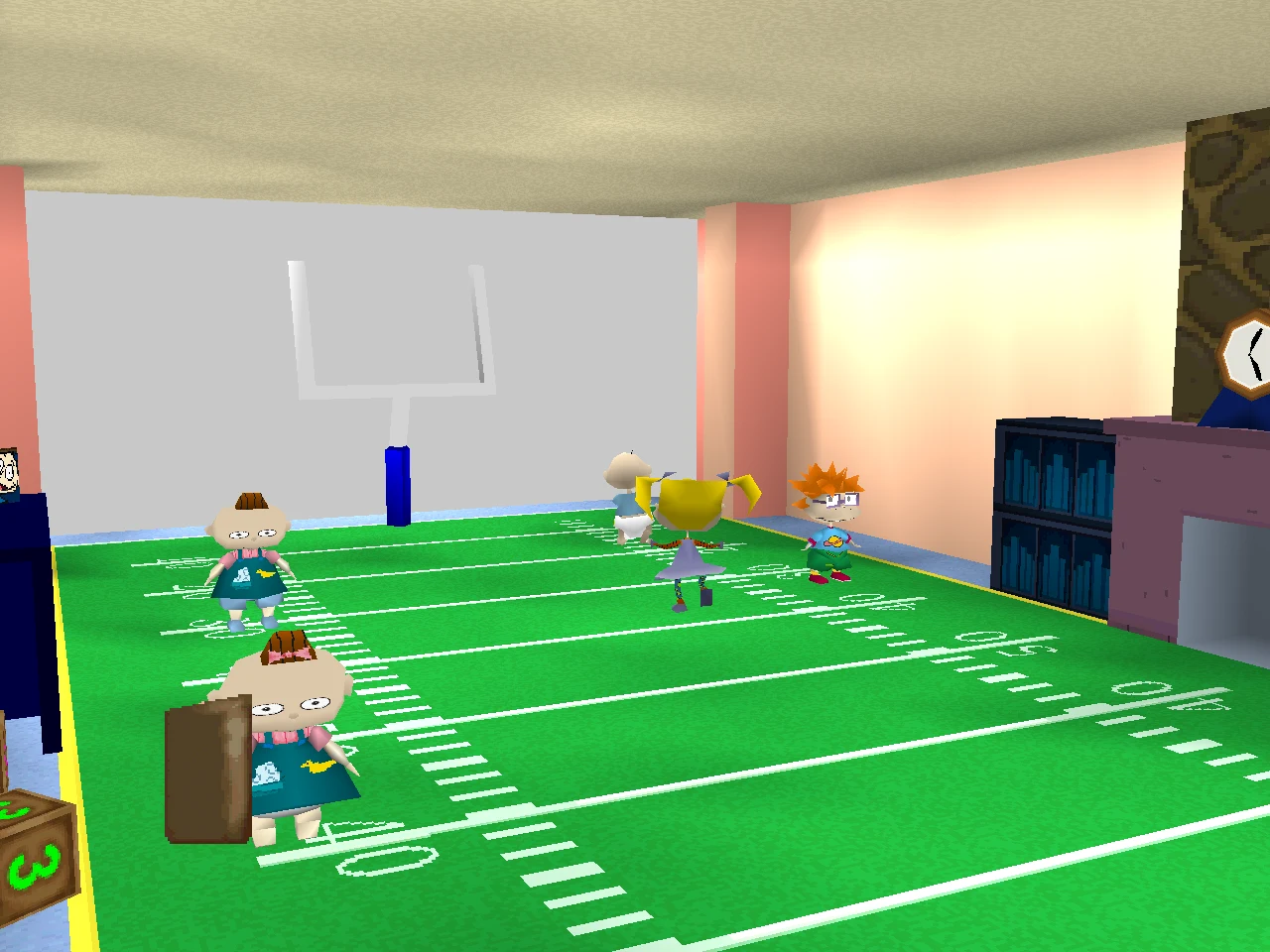
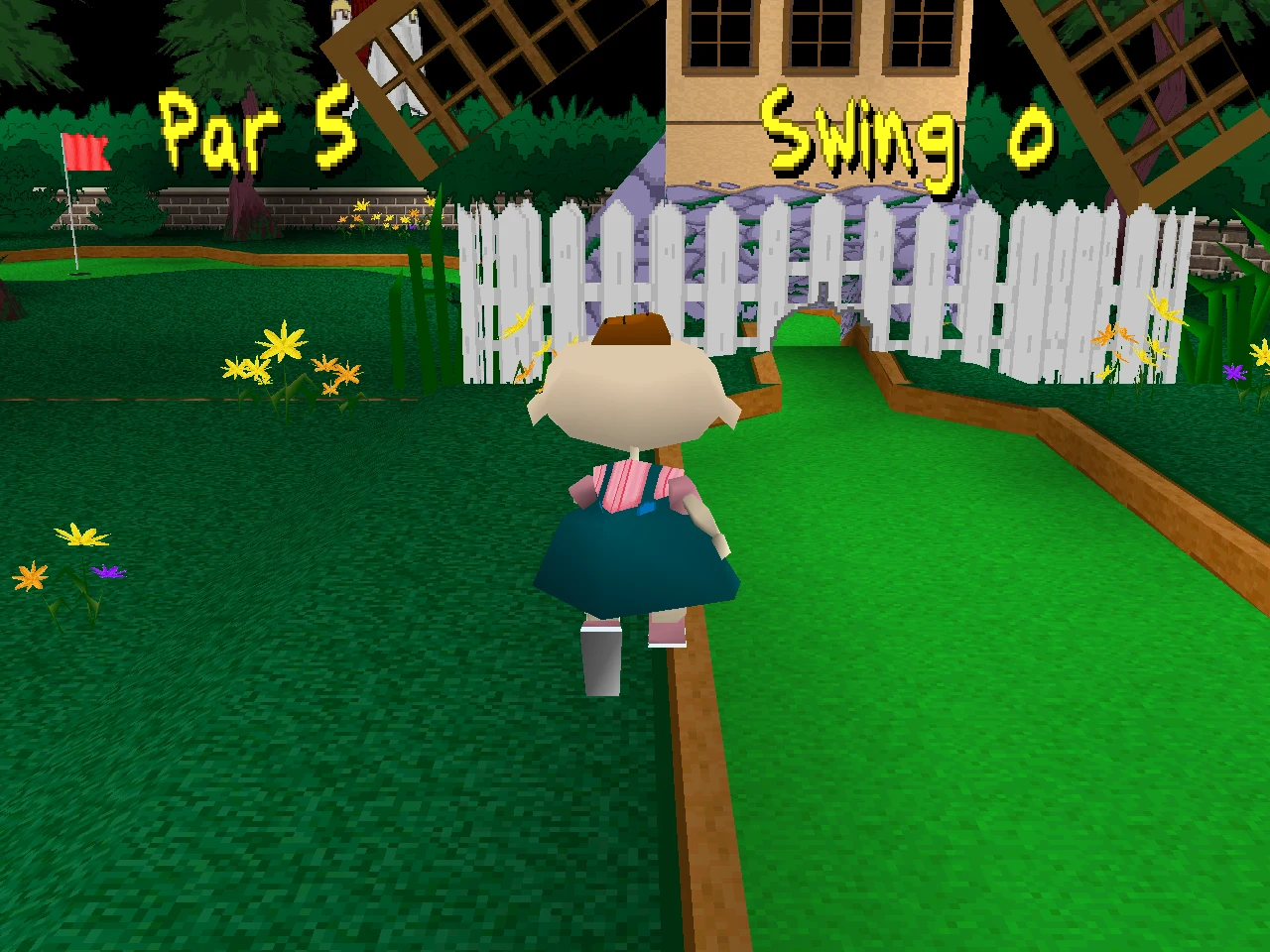
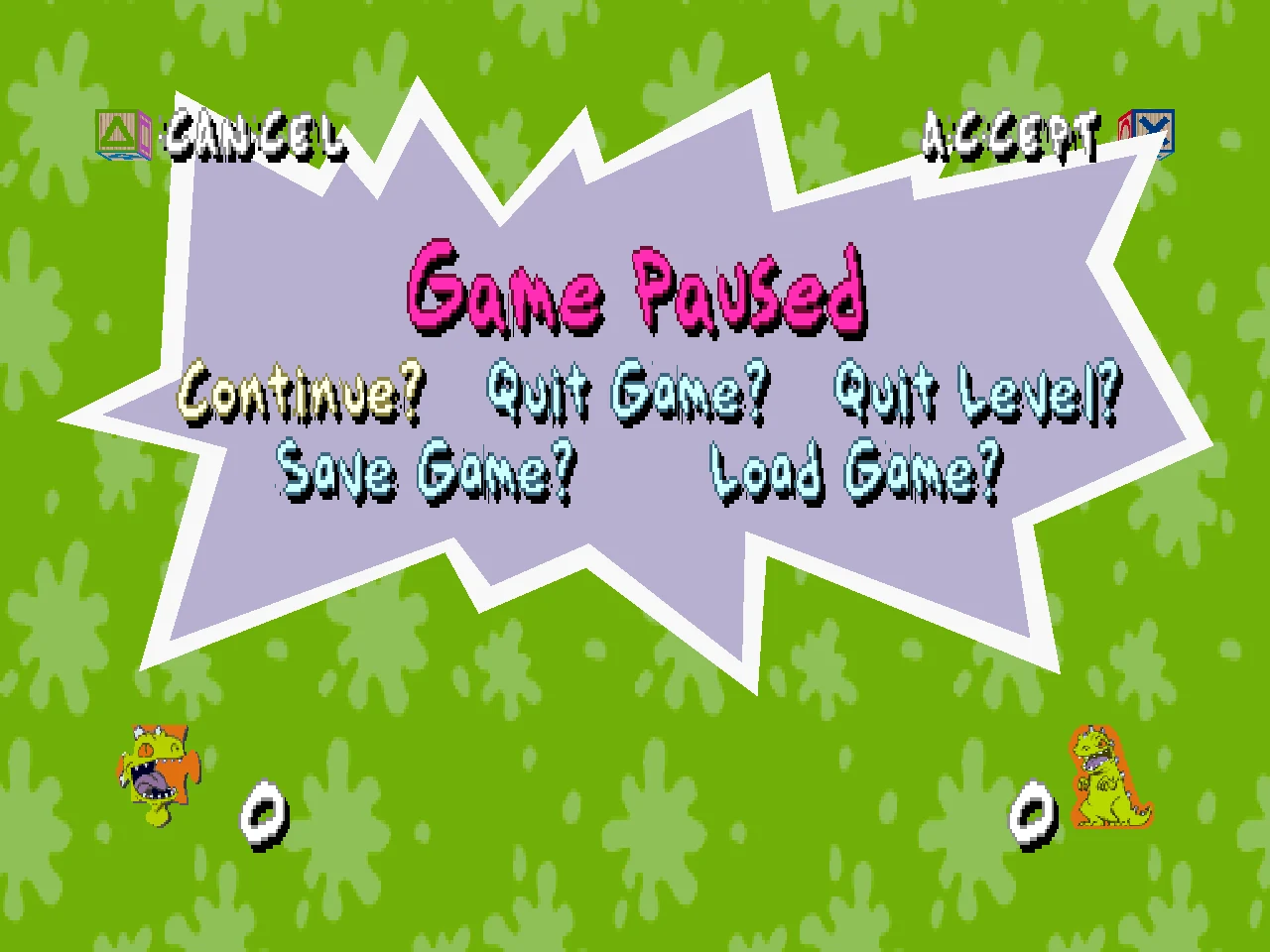
All taken from the port, at 1280 x 960.
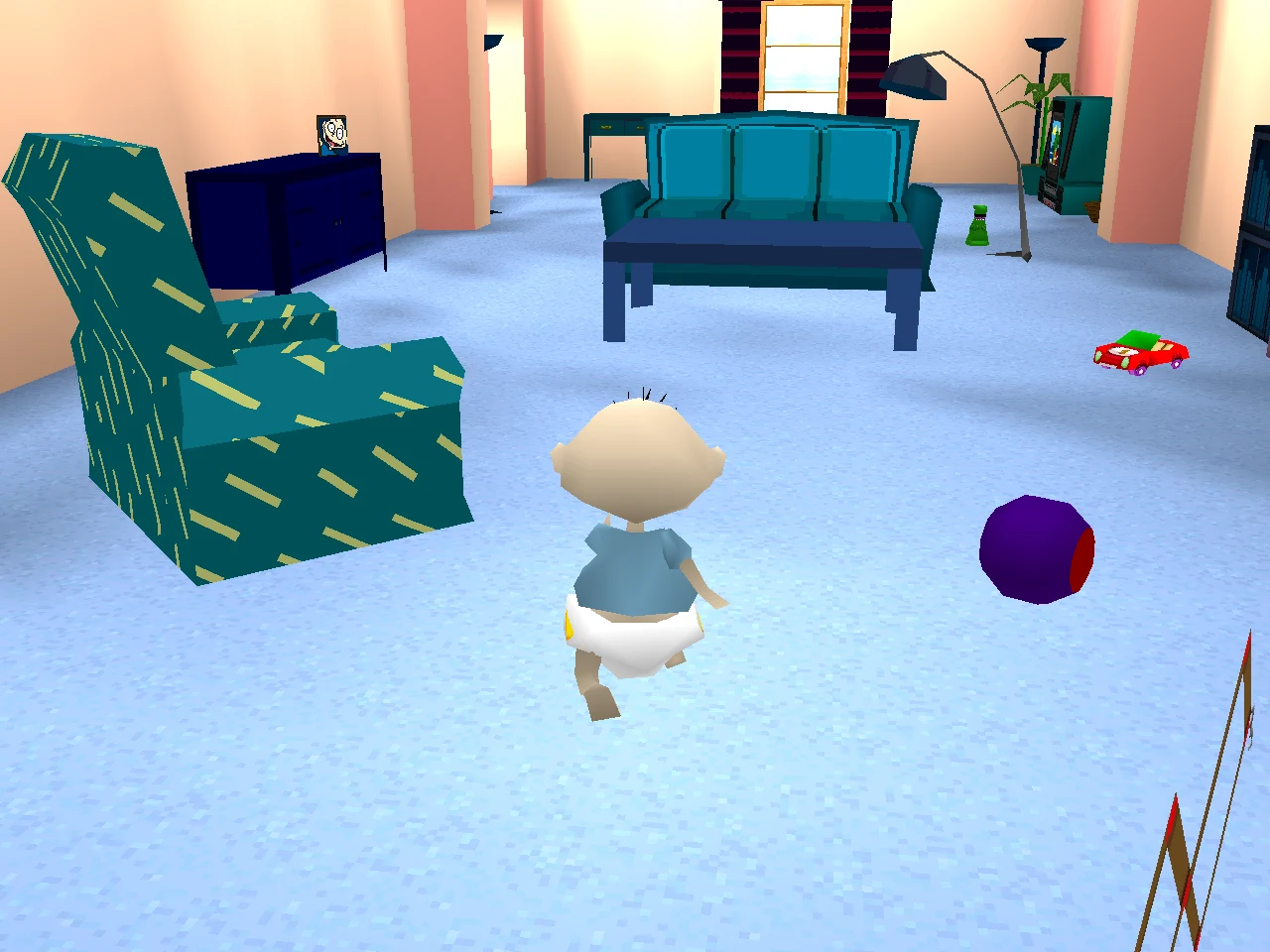 |
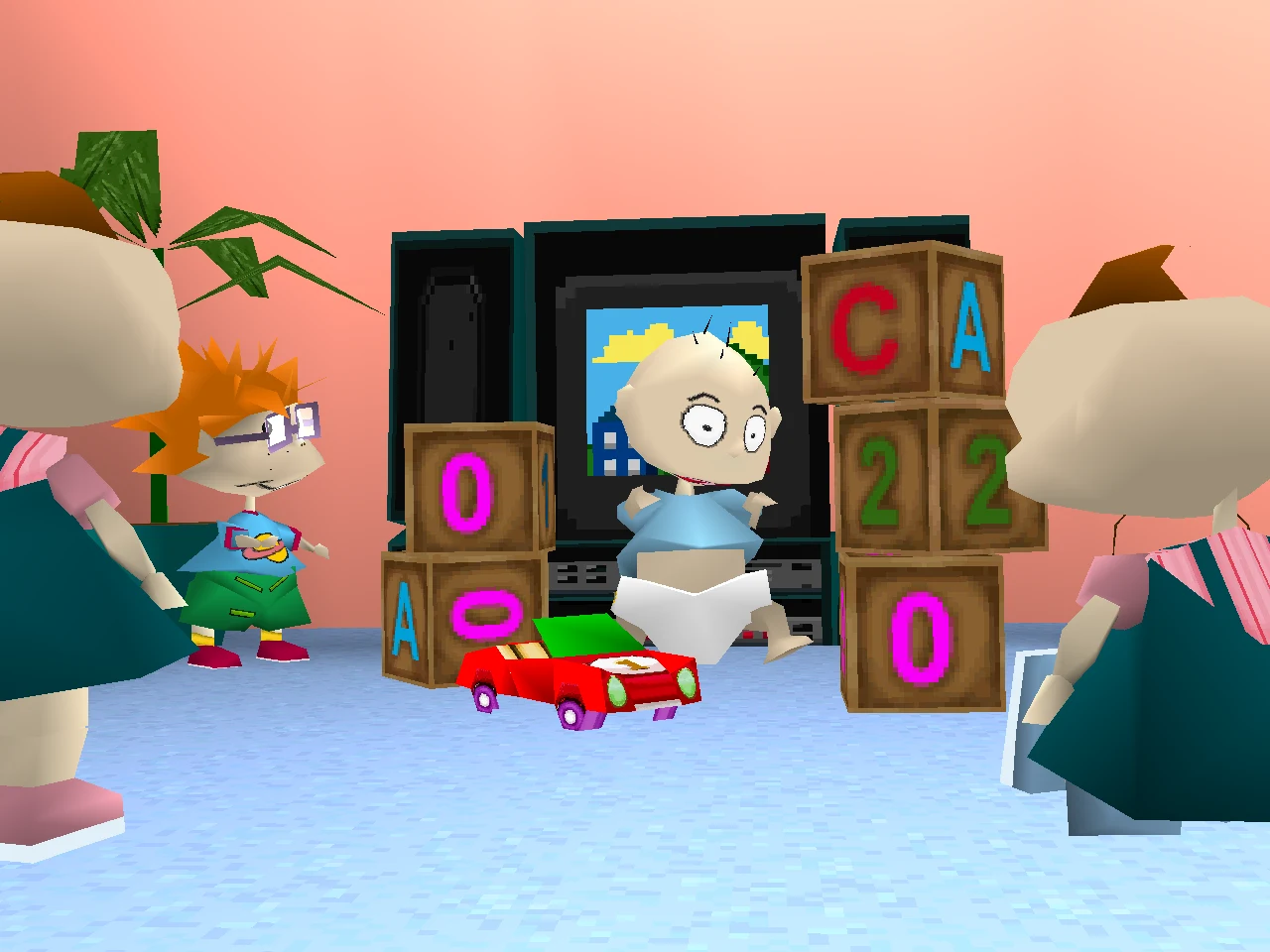 |
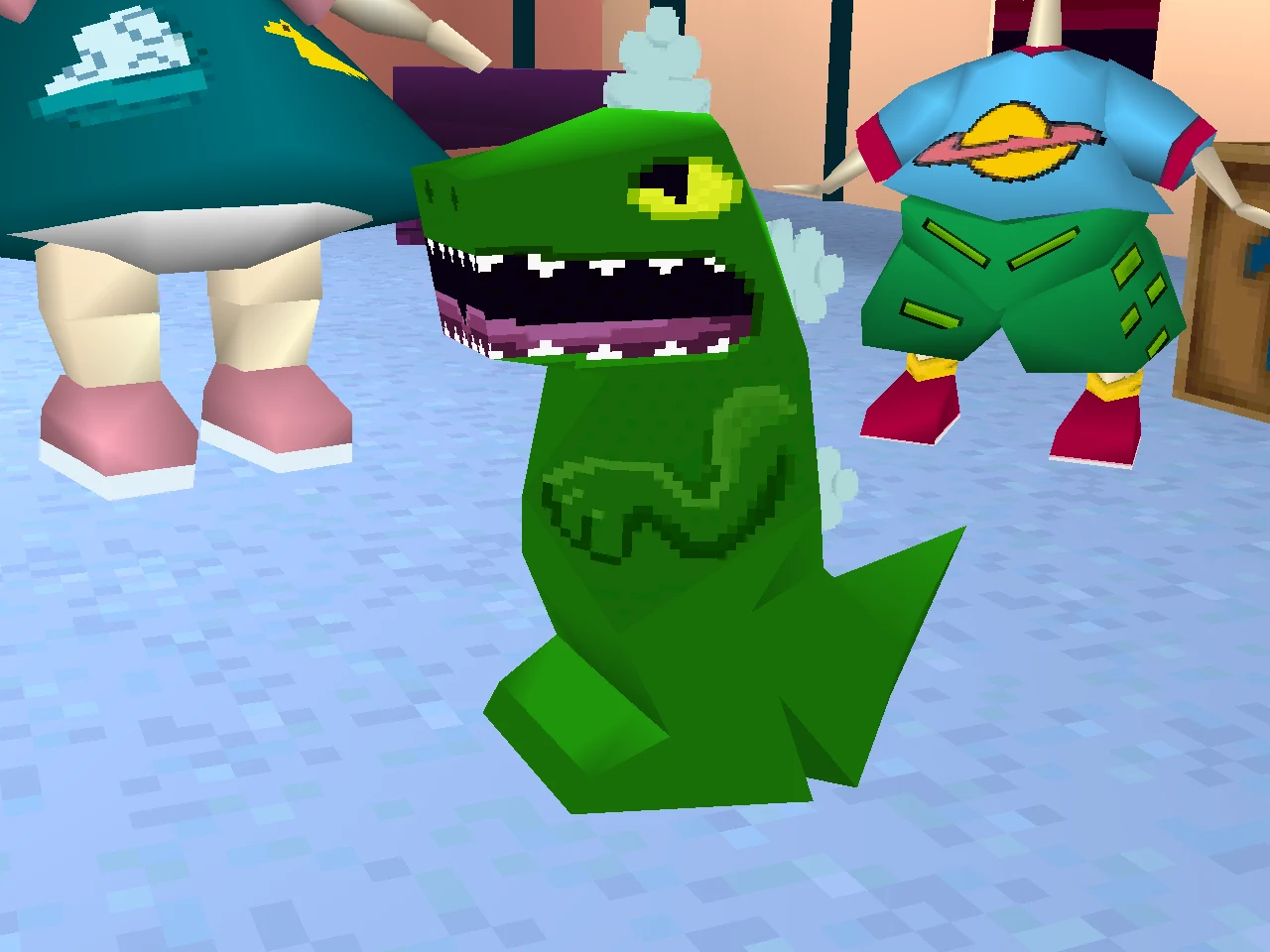 |
| Pickles' Home |
The new game's cinematic |
"Where's my Reptar?" |
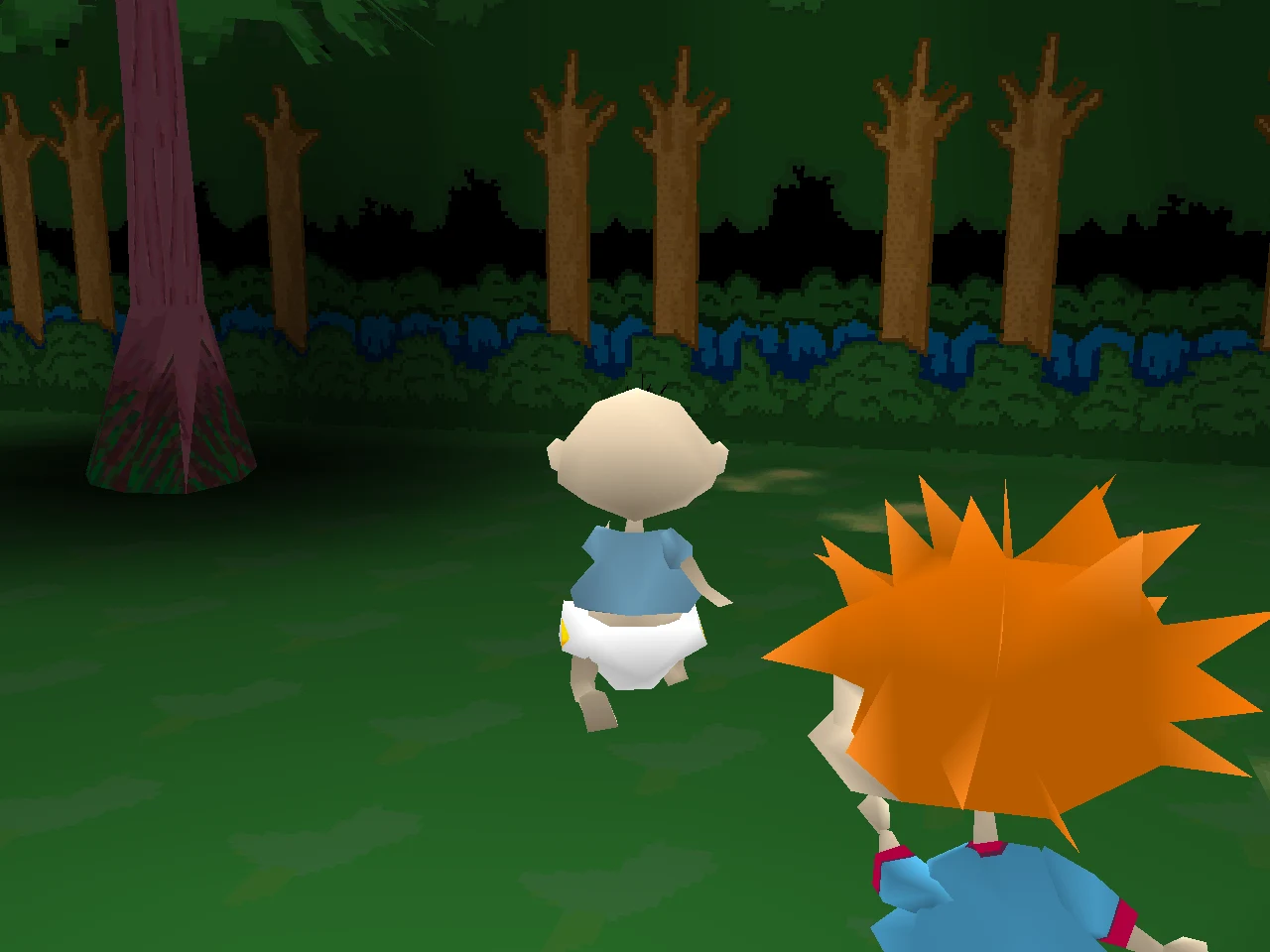 |
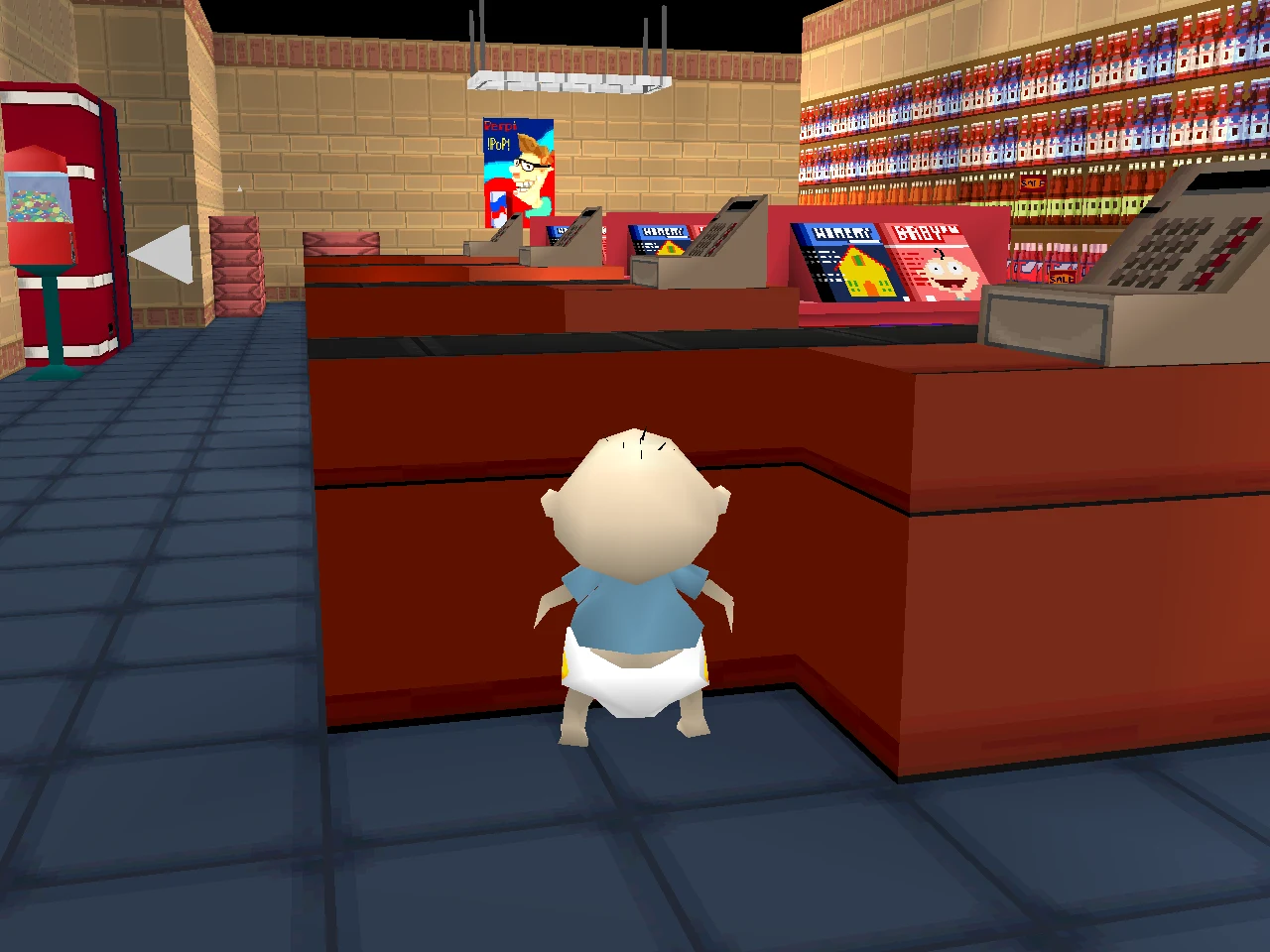 |
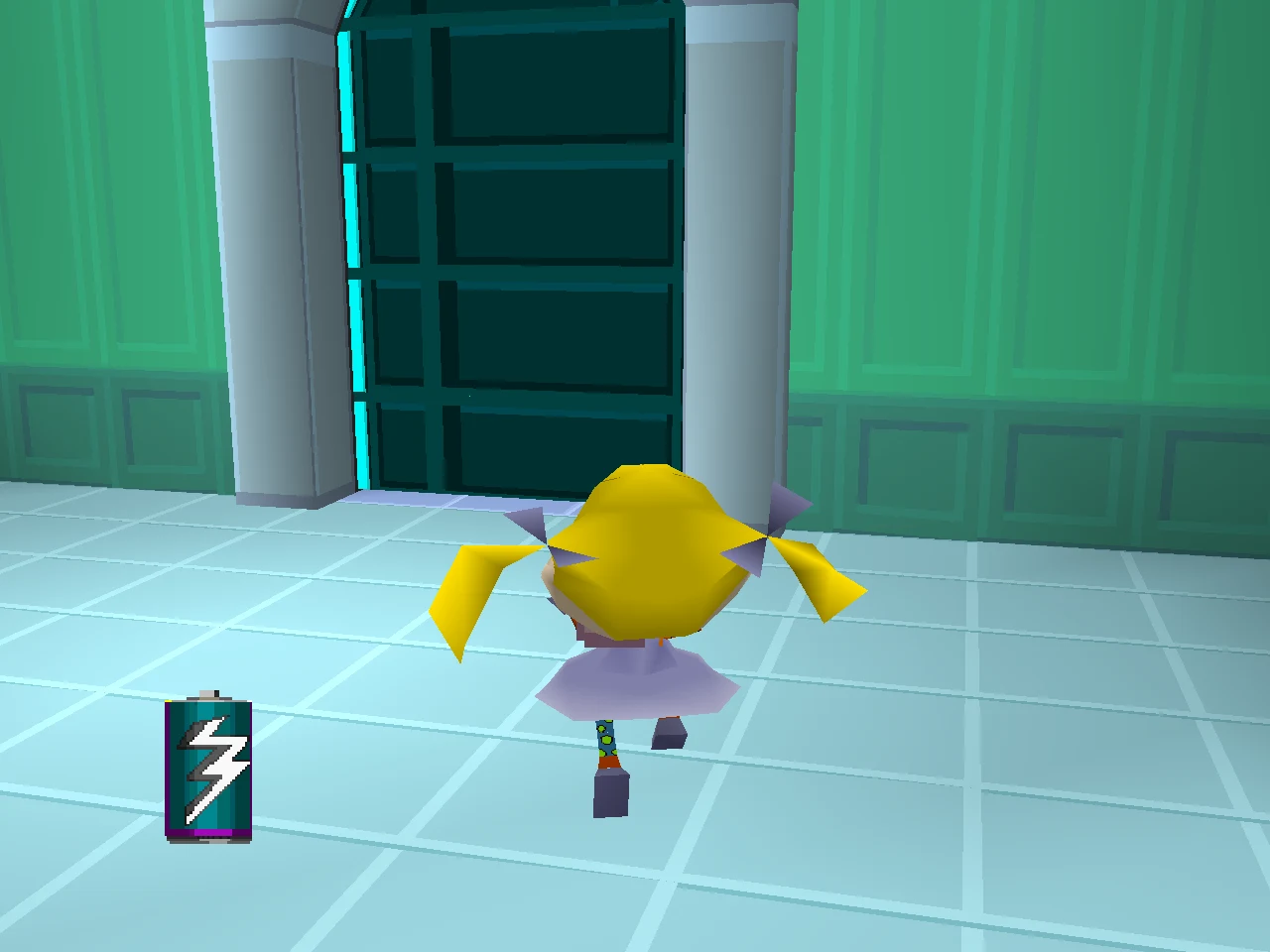 |
| Grandpa's Teeth |
Incident on Aisle 7 |
Visitors from Outer Space |
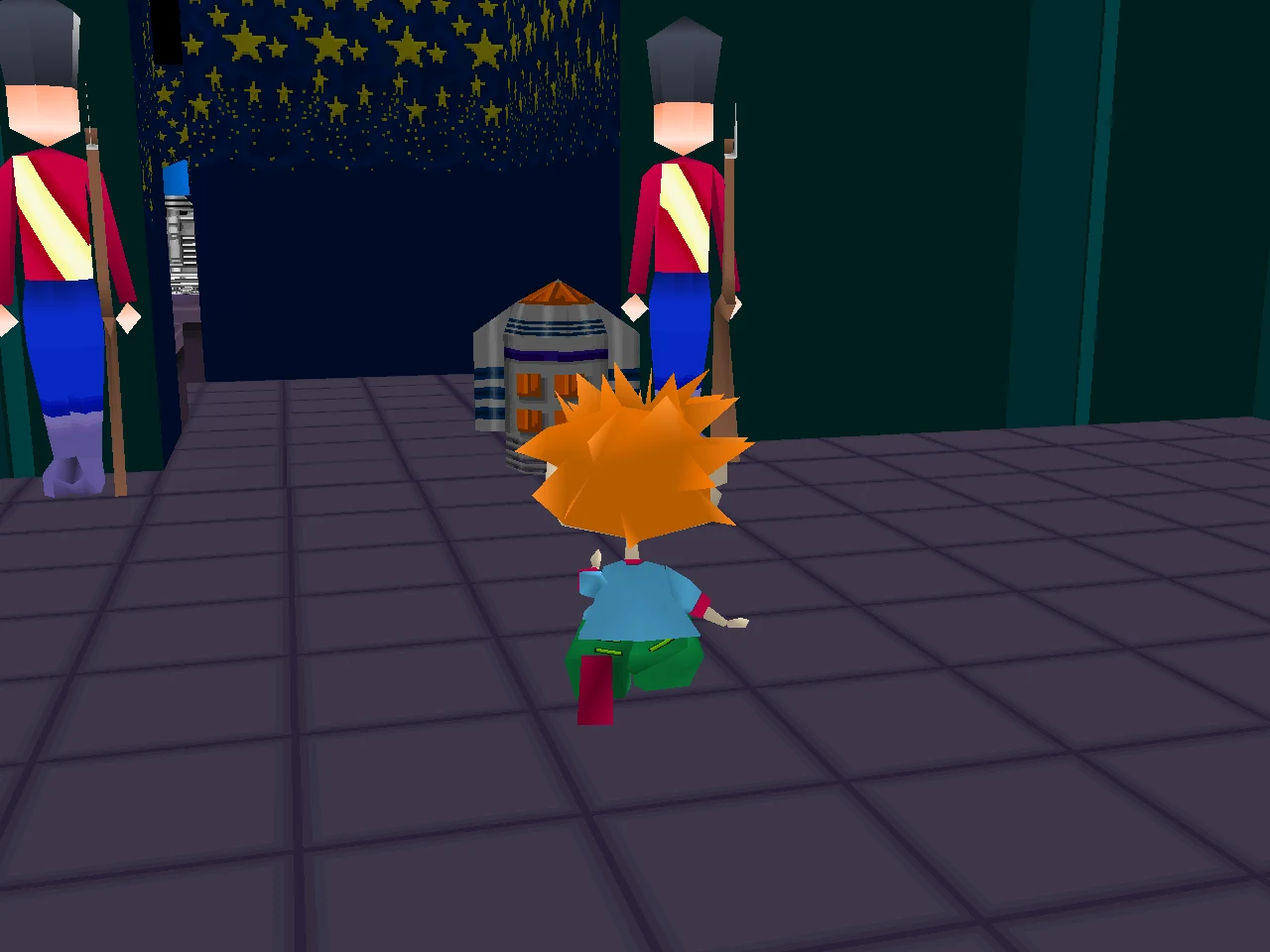 |
 |
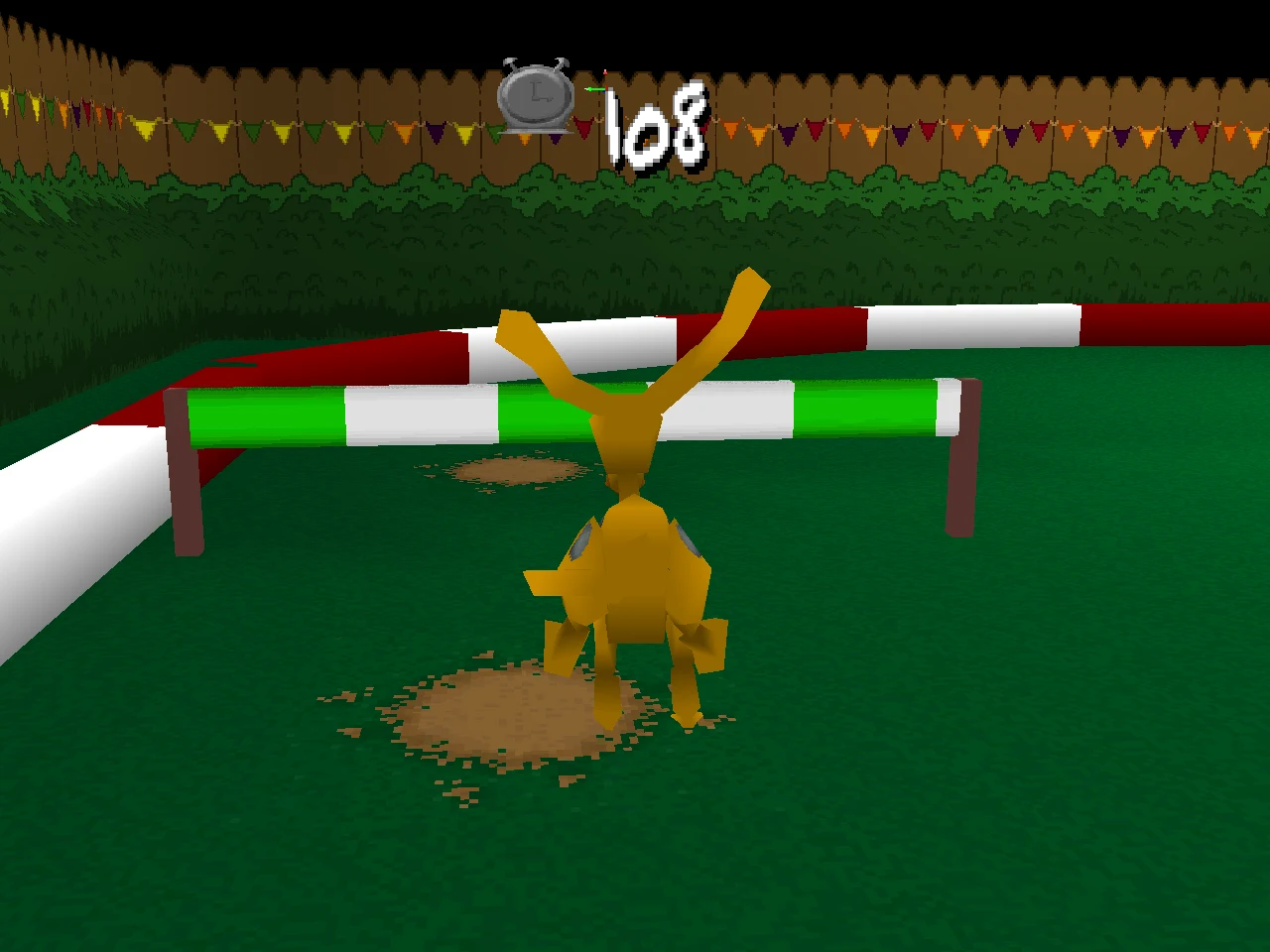 |
| Toy Palace |
Reptar 2010 |
Circus Angelicus |
 |
 |
 |
| Gold Rush |
No More Cookies |
Touchdown Tommy |
 |
 |
|
| Mini golf |
Paused |
The title |
## Not an emulator
An emulator runs the PlayStation's code on an imitation of its hardware.
This project runs none of it.
- **What runs** is the game rewritten in Rust, system by system: the game
loop, the babies' controls and physics, the camera, every level's rules,
the characters and their AI, the objects, doors, pickups and hazards, the
cinematics, the menus and HUD, the memory card, the sound driver and the
music. The picture is drawn with wgpu from the game's own models, rooms
and textures, sampled through a copy of VRAM the way the PlayStation does.
- **What it reads** is your disc: models, textures, rooms, collision,
animations, sounds, music, speech and the cinematics' streams, decoded
by readers written for this project.
- **What it runs on** is [retro_rt](https://github.com/Toyz/retro_rt), the
shared runtime for these ports: the window and frame clock, the pad and
gamepads, wgpu, audio output, disc images.
Because the game is ordinary source code now, it can be read, changed and
built on: no binary patches.
## Play it
You build the game from source on your own computer, then point it at your
own copy of the disc.
### What you need
- **Your own disc image** of the North American release,
*Rugrats: Search for Reptar* (`SLUS-00650`), as a `.cue` sheet with its
`.bin`. Other regions are not supported.
- **A graphics card with Vulkan, Metal or DirectX 12**: most from the last
ten years, with current drivers.
- **Git and Rust** (the current stable version).
### 1. Install the tools (once)
- **Windows**: install [Git for Windows](https://git-scm.com/download/win)
and run `rustup-init.exe` from [rustup.rs](https://rustup.rs). When it
asks, let it install the Visual Studio C++ build tools.
- **Linux**: install Git, a C compiler, `pkg-config`, and the ALSA (sound)
and udev (gamepads) headers, then Rust:
- Debian, Ubuntu, Mint: `sudo apt install git build-essential pkg-config libasound2-dev libudev-dev`
- Fedora: `sudo dnf install git gcc pkgconf-pkg-config alsa-lib-devel systemd-devel`
- Arch: `sudo pacman -S git base-devel alsa-lib systemd-libs`
- then: `curl --proto '=https' --tlsv1.2 -sSf https://sh.rustup.rs | sh`
- **macOS**: run `xcode-select --install`, then install Rust from
[rustup.rs](https://rustup.rs).
### 2. Download and build (once)
```sh
git clone https://github.com/Toyz/rugrats.git
cd rugrats
cargo build --release -p rugrats
```
The first build takes a few minutes. The program ends up in
`target/release/rugrats` (`rugrats.exe` on Windows).
### 3. Give it your disc
Put the disc's `.cue` and `.bin` in `work/disc/` inside the checkout, where
the game looks by default:
```text
rugrats/
work/
disc/
Rugrats - Search for Reptar (USA).cue
Rugrats - Search for Reptar (USA).bin
```
Or pass the `.cue` on the command line instead (step 4).
### 4. Play
```sh
cargo run --release -p rugrats
# or with a disc somewhere else:
cargo run --release -p rugrats -- "/path/to/Rugrats - Search for Reptar (USA).cue"
```
### Updating
```sh
git pull
cargo build --release -p rugrats
```
### Controls
| PlayStation | keyboard | gamepad | in the game |
| --- | --- | --- | --- |
| D-pad | arrow keys | D-pad | move |
| left stick | (none) | left stick | move, as gently as you push it |
| Cross | Z | south button | jump (hold for higher), accept |
| Circle | X | east button | pick up, put down, throw |
| Square | A | west button | walk (held) |
| Triangle | S | north button | use: doors, switches, tag; cancel |
| R1 | W | right shoulder | camera behind Tommy |
| L1 | Q | left shoulder | look up |
| L2 / R2 | 1 / 2 | triggers | look left / right |
| Start | Enter | Start / Options | pause |
| Select | Shift or Backspace | Select / Back | restart menu |
**Escape** quits, **F11** toggles fullscreen, and **Select + Start**
together also quits.
### Saves
The memory card is a folder: `work/memcard/slot1` (and `slot2` for the
second card), holding the card file byte for byte as the game writes it.
Save from the pause screen, and load from the title's Load Game.
### Command line
| option | what it does |
| --- | --- |
| `DISC.cue` | the disc to play (default: the one under `work/disc`) |
| `--fullscreen` | open borderless fullscreen |
| `--no-vsync`, `--fps-cap N` | frame pacing |
| `--record PATH` | write a pad log of your game when it ends |
| `--replay PATH` | play a pad log back: the same input gives the same game |
| `--press F:BUTTONS[:FRAMES],...` | scripted button presses |
| `--shot PATH --frames N [--every N] [--size WxH]` | run without a window and save the picture as PNG |
| `--log FILTER` | log filter (`RUST_LOG` wins) |
### If something goes wrong
- **"no disc" or a CUE error**: check the `.cue` and the `.bin` are both in
`work/disc/` and that the `.cue` names the `.bin` as it is spelled.
- **A crash or a wrong picture**: run with `--record bug.log`, reproduce
it, and open an issue with the log attached. A pad log replays your exact
game, so the bug can be seen where you saw it.
## How it is checked
The port is held to the original, not to memory of how the game felt.
- **An oracle.** The original executable runs in an instrumented emulator
([`rugrats-hle`](crates/rugrats-hle) and the probes written around it),
where any memory can be read, any function hooked, and any frame
captured. Positions, speeds, animation frames, sounds and pictures are
read off it, and the port is changed until it gives the same.
- **Tests that pin it.** Those readings become tests: a jump's arc frame by
frame, a run's stopping distance from a wall, a box's slide after it is
put down, how far GRAB reaches, the pause screen's layout, a cinematic's
lens. The workspace has 133 tests; every one passes.
- **The whole game, by play.** `the_whole_game_by_play` goes from the hub's
training through every door, wins each level with progress carried, and
reaches Reptar 2010. `levels_walked` wins every level steering only with
the stick and Cross, the way a player does.
- **A worklog.** Every finding is written up as it is made: what was
measured, in which routine, and what is still unknown. 168 entries so far,
published at [toyz.github.io/rugrats](https://toyz.github.io/rugrats/).
## For developers
### The crates
| crate | what |
| --- | --- |
| [`rugrats`](crates/rugrats) | the game: its systems as a library (`actors`, `world`, `levels`, `media`, `audio`, `ui`, `save`, `app`) and the program on retro_rt's loop |
| [`rugrats-data`](crates/rugrats-data) | readers for the disc's data: the file table, models, hierarchies, animations, rooms and collision, placements and templates, TIM, VAB, BS stills, cinematic streams |
| [`rugrats-render`](crates/rugrats-render) | the renderer the game and the viewer share: wgpu, textured through a copy of VRAM with the PlayStation's texture pages and CLUTs |
| [`rugrats-hle`](crates/rugrats-hle) | the oracle: the original executable in retro_rt's R3000A interpreter with the console's I/O modelled; for checking only, never part of the program |
| [`rugrats-re`](crates/rugrats-re) | the reverse engineering command line: the disc, the formats, the executable through retro_rt's disassembler and decompiler |
| [`rugrats-viewer`](crates/rugrats-viewer) | fly around any database's rooms, models, hierarchies, animations and cinematic frames |
### Layout
| path | what |
| --- | --- |
| `crates/` | the code (above) |
| `docs/` | the [reference](docs/README.md): what is true about the disc, the formats, the engine and each level |
| `docs/cut/` | cut, missing and unreachable content, one page each |
| `worklog/`, [`WORKLOG.md`](WORKLOG.md) | the worklog: how each fact was found |
| `plans/` | what comes next |
| `symbols/` | names given to the executable's functions and data |
| `work/` | your disc and everything extracted from it (ignored by git) |
### Building and testing
```sh
cargo build --release --workspace
cargo test --release --workspace # needs the disc in work/disc
cargo test --release -p rugrats --test play -- --ignored levels_walked --nocapture
```
Tests that need the disc skip themselves without it.
### Tools
```sh
cargo run -p rugrats-re -- disc info # tracks, volume, sector kinds
cargo run -p rugrats-re -- disc extract # the disc's files into work/fs
cargo run -p rugrats-re -- files # the game's file table against the ISO
cargo run -p rugrats-re -- funcs work/fs/SLUS_006.50
cargo run -p rugrats-viewer -- 1 # fly around Pickles' Home
cargo run --release -p rugrats --example play_script -- 6 "none*10,up*50" shots 30
cargo run --release -p rugrats --example opening_shot -- 0 shots 600 30 # CINE=n DB=d
```
`crates/rugrats/examples/` has some thirty more: cinematics, sounds, speech,
placements, collision probes, textures.
### The worklog
The project keeps its log with [cairns](https://github.com/Toyz/cairns):
one numbered entry per piece of work, each with what was found, the
routines and addresses behind it, and a **Still unknown** list. `cairns
open` collects what is still unknown across all of them. The log and the
reference are built into a site and published to GitHub Pages on every
push to `main` ([workflow](.github/workflows/worklog.yml)).
## Related
- [retro_rt](https://github.com/Toyz/retro_rt): the runtime the port runs on.
- [cairns](https://github.com/Toyz/cairns): the worklog tool.
- Other ports on the same runtime: [hwtr](https://github.com/Toyz/hwtr)
(Hot Wheels Turbo Racing), [piney_apples](https://github.com/Toyz/piney_apples)
(the .hack quartet), [hellbender](https://github.com/Toyz/hellbender),
[bedlam](https://github.com/Toyz/bedlam).
## Legal
This repository holds no game data: no disc image, no executable, no
extracted files, no textures, sounds or music. You need your own copy of
the game. Rugrats and its characters are owned by Viacom International;
*Search for Reptar* was made by n-Space and published by THQ. This project
is not affiliated with or endorsed by any of them.
The code is licensed under either of [MIT](LICENSE-MIT) or
[Apache-2.0](LICENSE-APACHE), at your option.