OpenWriter
Write and publish with your agent.
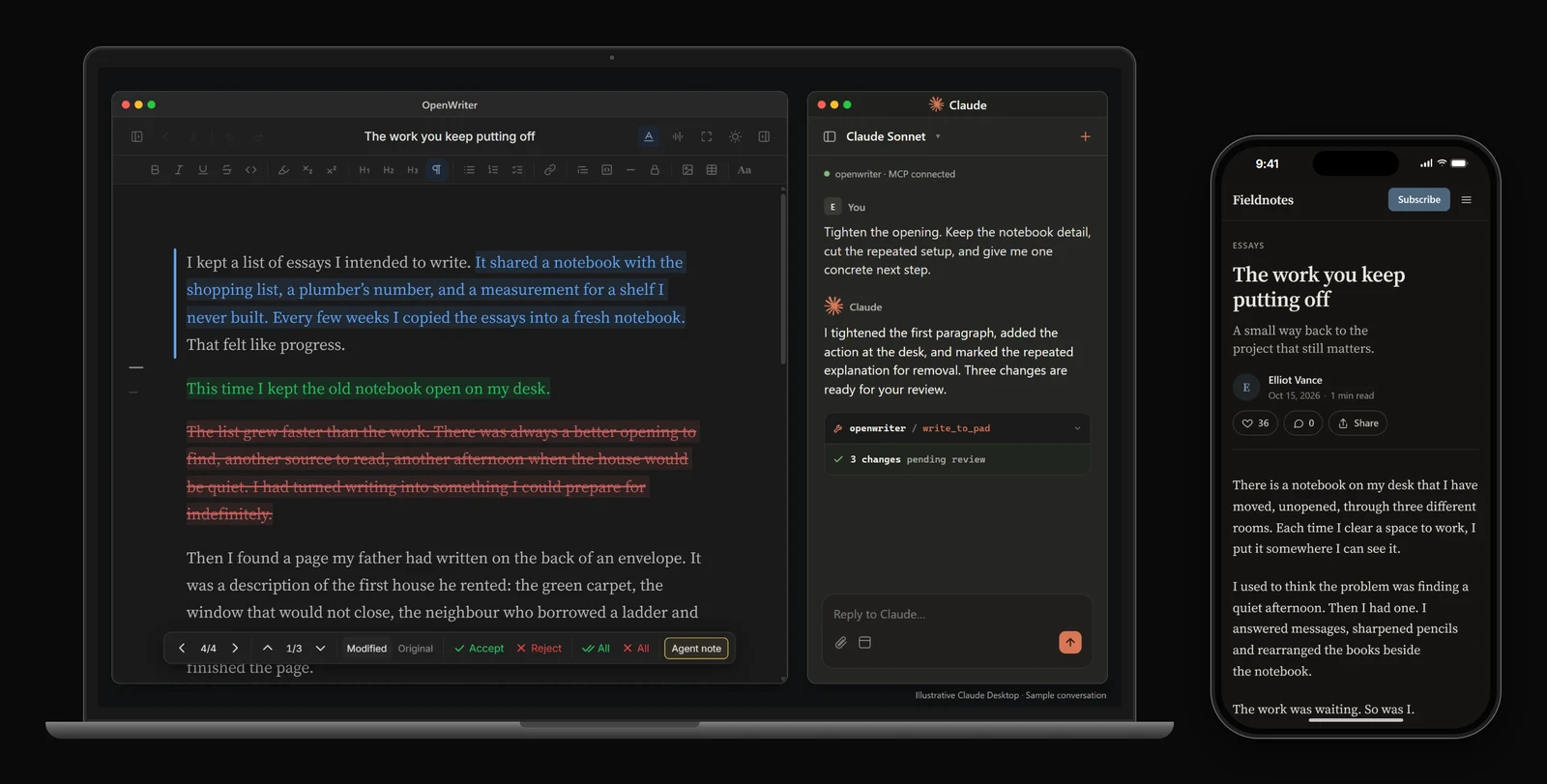
Turn your ideas into posts, newsletters and books. Your agent drafts and edits, you review every change, and you publish to your site, your subscribers' inboxes, X and LinkedIn from the same place.
Website ·
Write in your browser ·
Docs ·
Reference


## Install
```bash
npx openwriter setup
```
Installs the editor and connects it to Claude Code. Restart Claude Code and ask it to write something in OpenWriter. The editor opens at `localhost:5050`, and your documents are plain Markdown files in `~/.openwriter/`.
Codex, Cursor, OpenCode and other agents
```bash
npm install -g openwriter
codex mcp add openwriter -- openwriter --no-open
```
For any other MCP agent, add OpenWriter as a server in its config:
```json
{
"mcpServers": {
"openwriter": { "command": "openwriter", "args": ["--no-open"] }
}
}
```
Per-agent details are in the [reference](https://github.com/travsteward/openwriter/blob/main/REFERENCE.md#connect-your-agent).
Rather not install anything? [Write in your browser](https://app.openwriter.io/_auth/signin): sign in with your email, on a laptop or a phone.
## What you can do
### Put your ideas into words that sound like you
Give the agent your notes, sources and past writing. Ask for a draft, a tighter argument or a different opening, in your voice.
### Keep the changes that make the piece yours
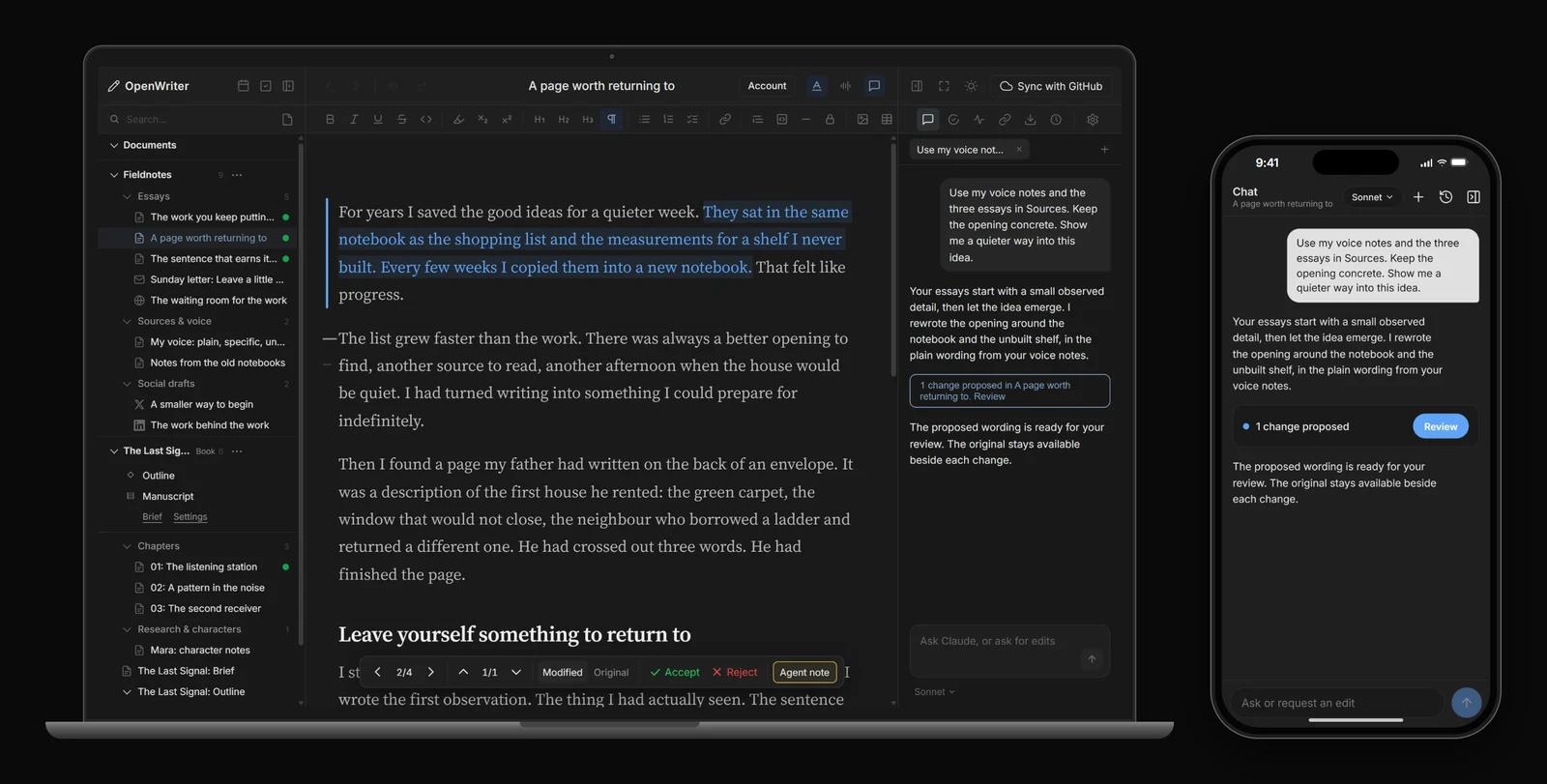
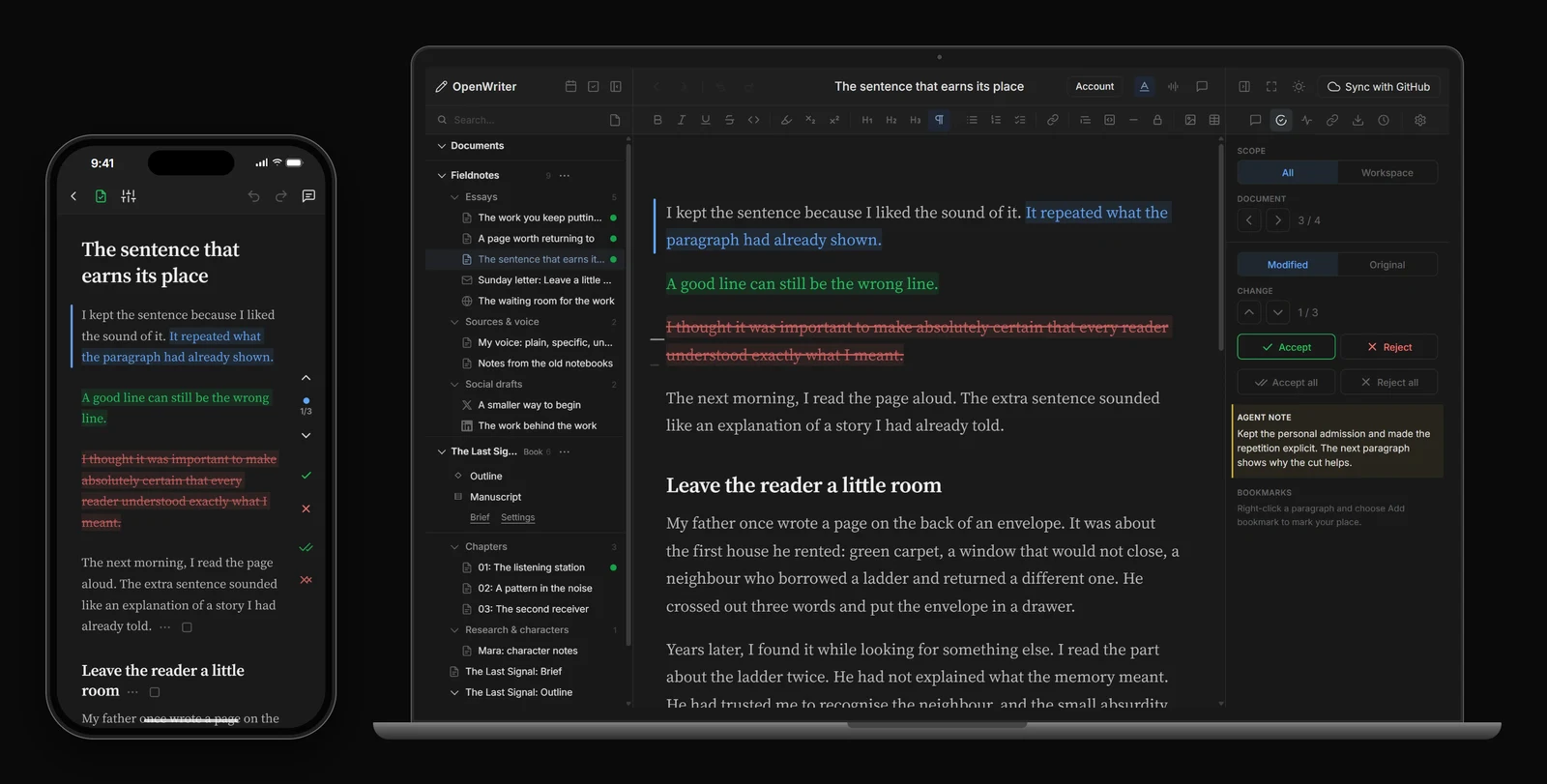
Every edit the agent makes arrives as a proposal: green for insertions, blue for rewrites, red for deletions. Accept the parts you want, reject the rest, and give another instruction when the piece needs more work. Move through changes with `j` and `k`, accept with `a`, reject with `r`.
### Reach readers on your site and in their inbox
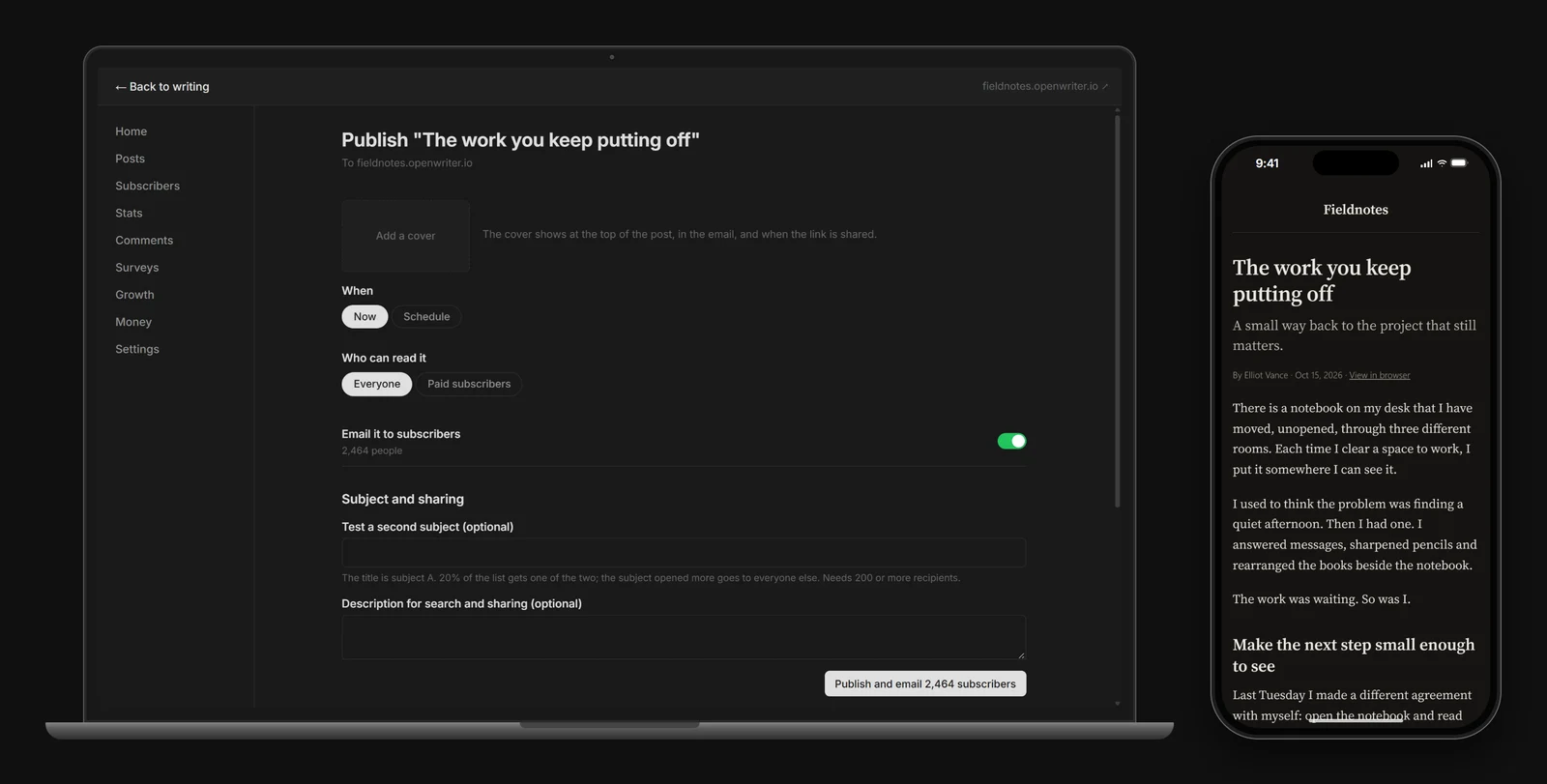
Publish a post, send it as a newsletter, or do both. Preview the page and the email, choose the audience, and release the version you're ready to share.
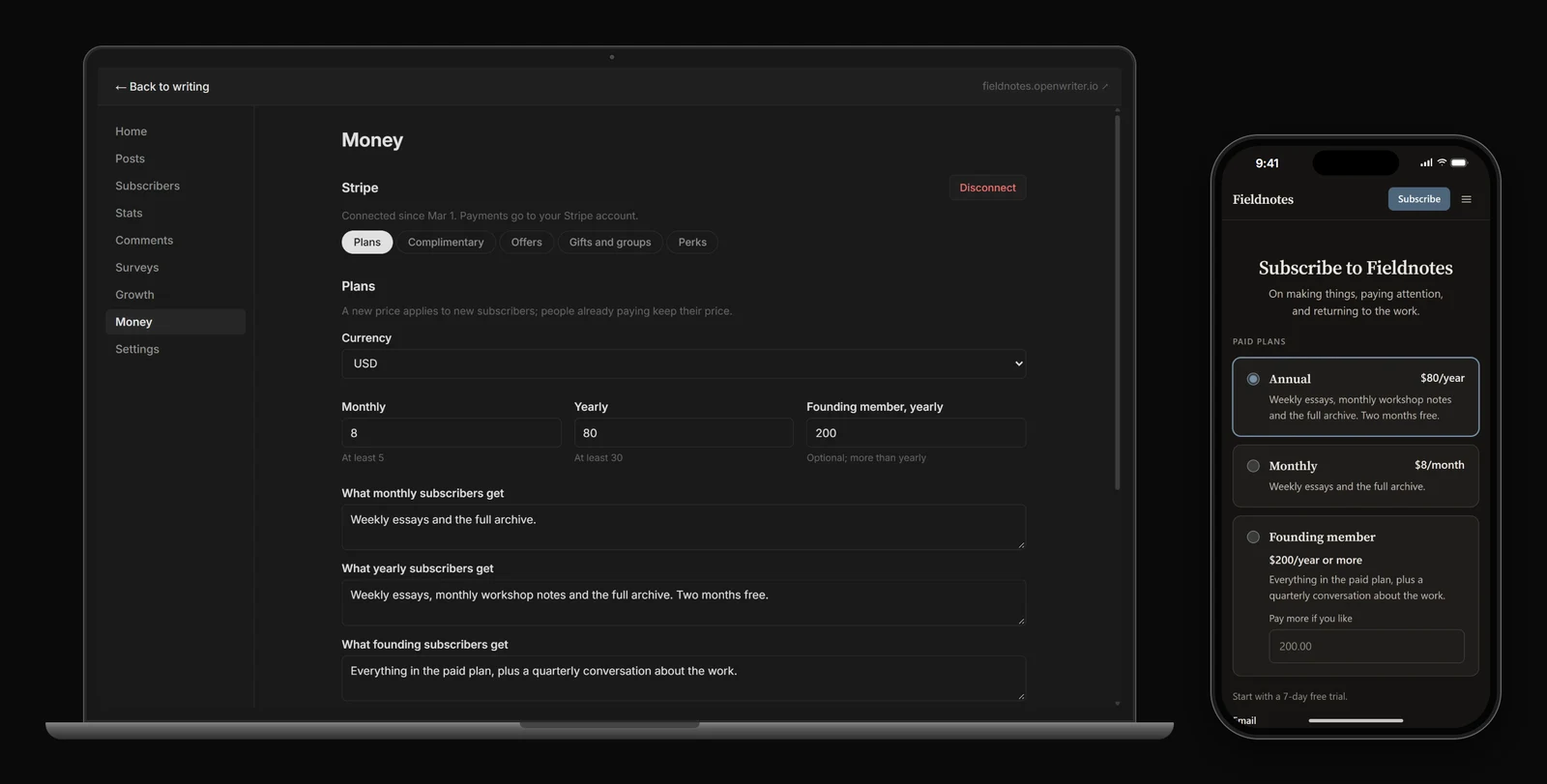
### Let readers pay for more of your work
Choose what everyone can read and what belongs to members. Set your paid plans and manage access from the same publication. Payments go through your own Stripe account.
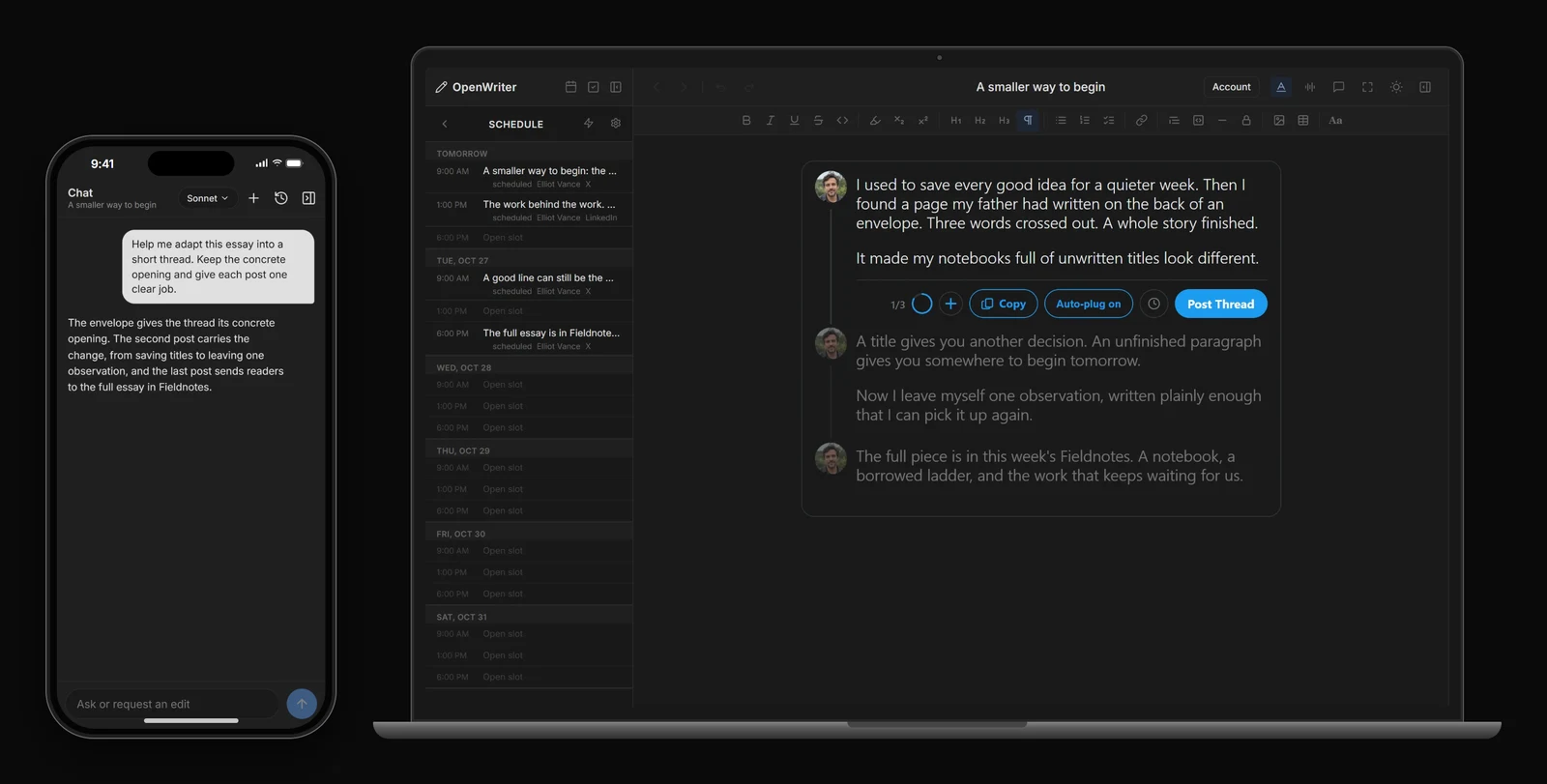
### Turn a finished piece into your next social posts
Adapt an idea for X or LinkedIn with your agent. Check each post in its own format, then publish now or schedule it for later.
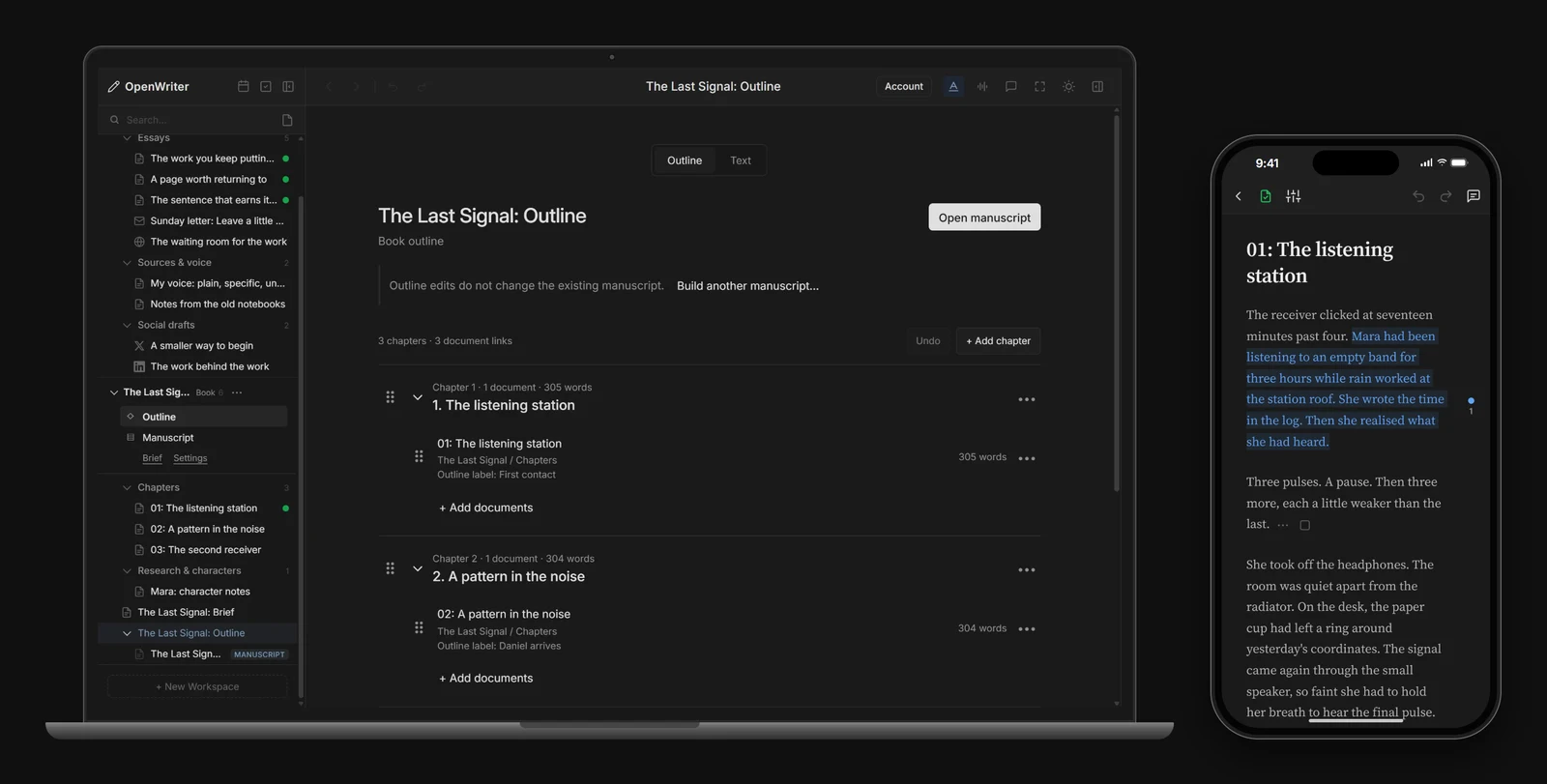
### Take the book from scattered notes to a manuscript
Keep your brief, sources and chapters together. Build a manuscript in your chosen order, revise it as its own draft, and export it as EPUB or Word.
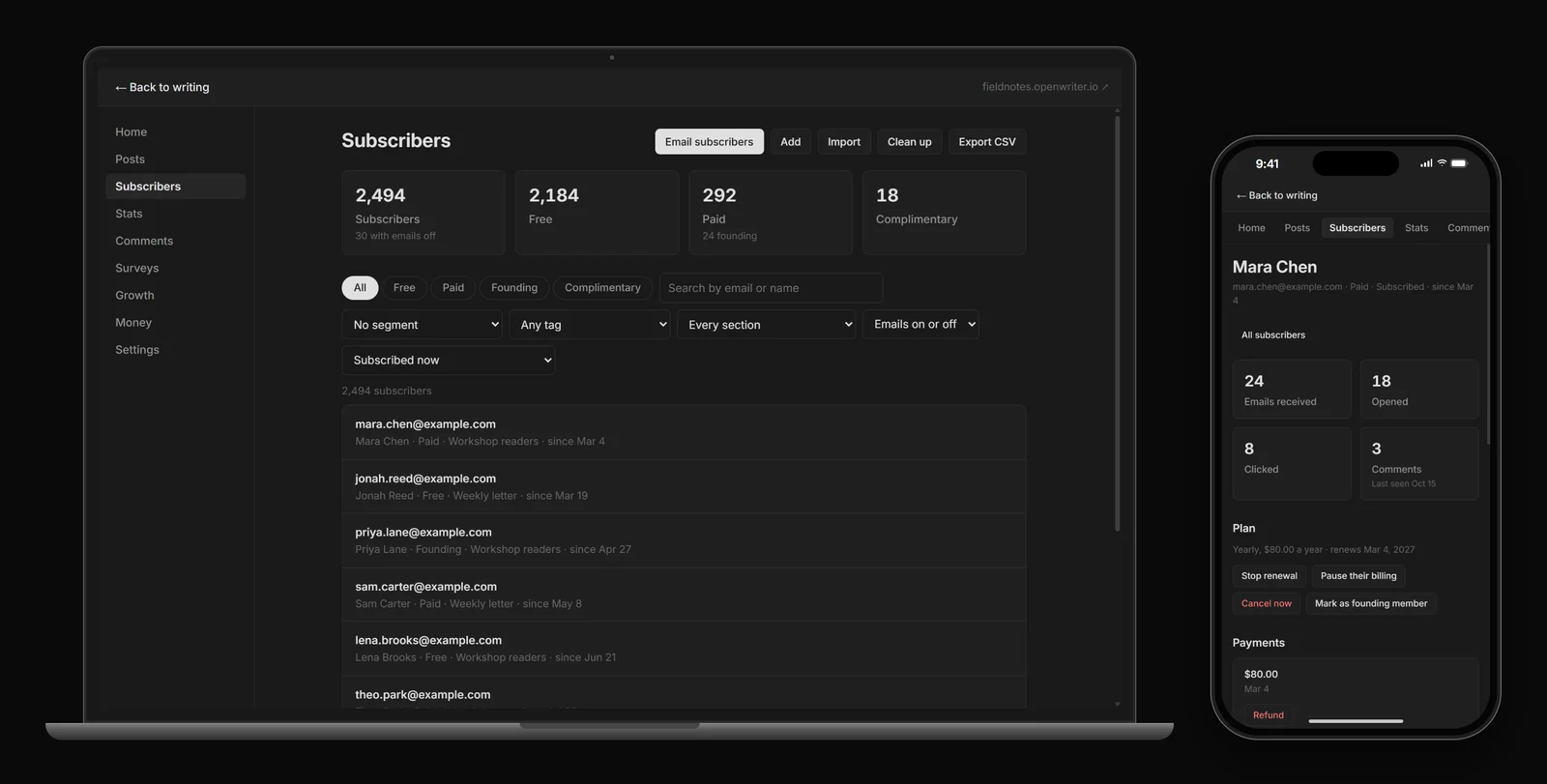
### Keep up with the people reading your work
Find a subscriber, send to a chosen group, or follow a discussion. See how posts and paid readership are doing before you plan the next piece.
## Your work stays yours
- **Plain files.** Every document is a Markdown file on your computer. No database and no proprietary format, so you can open, search and move them with anything.
- **GitHub sync.** Connect a repository and your writing syncs both ways, between computers and with the browser app.
- **Exports.** Markdown, HTML, Word, plain text and PDF, EPUB for manuscripts, and your subscriber list.
- **Version history.** Automatic snapshots, with a one-click restore.
## Works with the agent you already use
OpenWriter doesn't ship its own agent. It works with Claude Code, Claude Desktop, Codex, Cursor, OpenCode and any other agent that speaks MCP, and it tells your agent how to use it as it goes.
The right-click writing actions (Enhance, Shrink, Expand and more) run on your own Claude API key, or on your OpenWriter balance with a free daily allowance.
## What it costs
- **The editor** is free and open source.
- **Your publication, social posting and scheduling** have no monthly fee.
- **Reader payments:** OpenWriter takes 5%, through your own Stripe account.
- **Email** is free through 2,500 active subscribers, then $1 per started 1,000 in a month you send.
Details on [openwriter.io](https://openwriter.io/#pricing).
## Build on it
Plugins add MCP tools, HTTP routes and right-click actions. The [reference](https://github.com/travsteward/openwriter/blob/main/REFERENCE.md) covers the full tool list, the plugin API, the architecture and local development.
## Contributing
Contributions are welcome. Please open an issue first to discuss what you'd like to change.
## License
[MIT](https://github.com/travsteward/openwriter/blob/main/LICENSE)