# Skilly
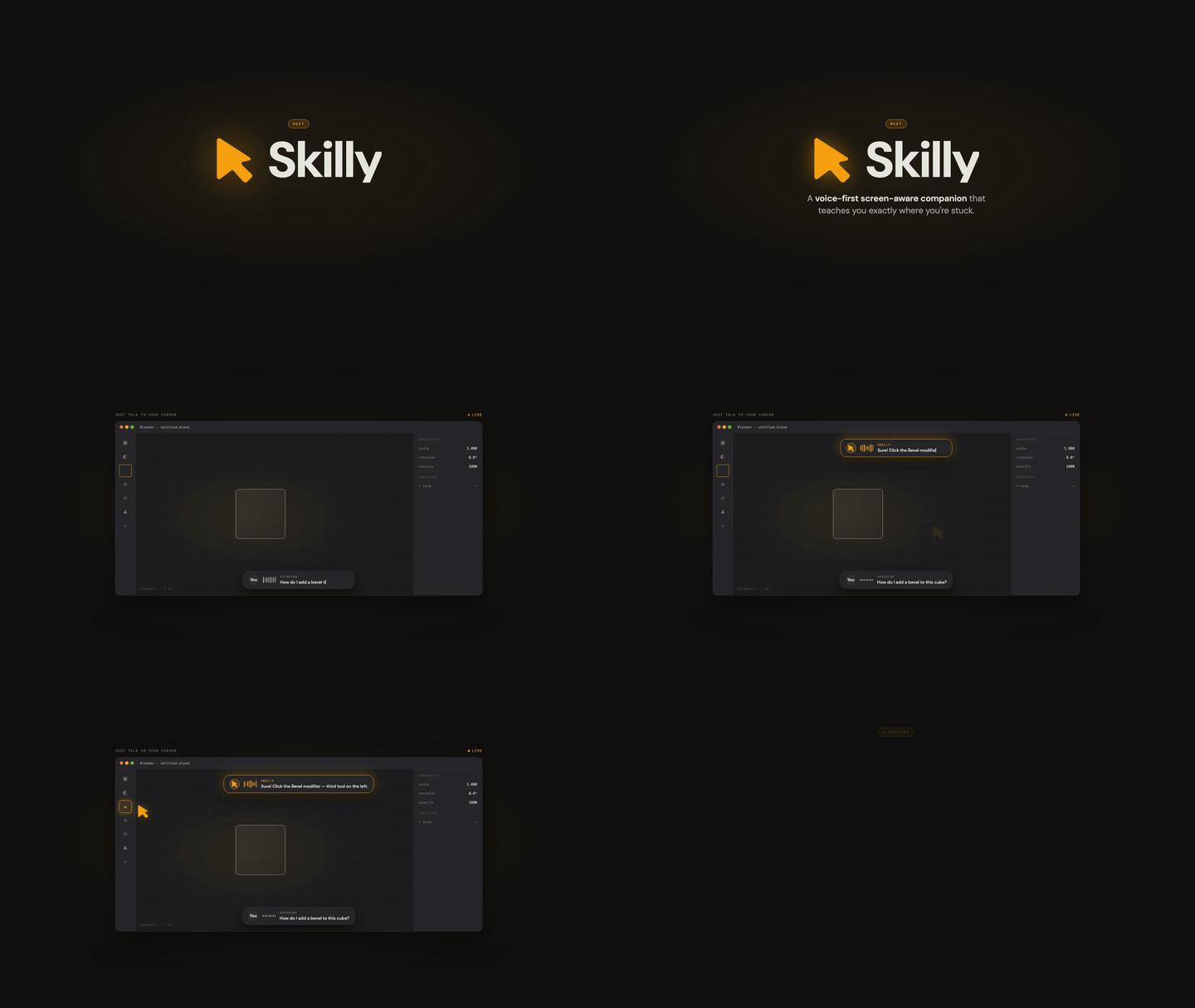
An AI teaching companion that sees your screen, talks to you, and physically points at UI elements — like having an expert tutor sitting next to you.
Ships as a **macOS menu bar app**, an **embeddable web widget** (`@skilly/web`), and a **Studio dashboard** for site owners. Each surface shares the same teaching skill format, voice pipeline, and billing layer.
**[tryskilly.app](https://tryskilly.app)** | **[Download macOS app](https://github.com/tryskilly/skilly/releases/latest/download/Skilly.dmg)** | **[Web SDK CDN](https://cdn.tryskilly.app/web/v1.js)**
## What's new in v2.0 (2026-05-30)
**Now running on OpenAI's GA Realtime API (`gpt-realtime`).** The entire voice pipeline moved off the old beta endpoint onto OpenAI's generally-available Realtime stack — lower latency and a noticeably more natural voice.
**Bring your own OpenAI API key.** Paste your `sk-proj-...` key in Settings → Account → API Key, hit "Verify & save," and the 15-minute trial gating disappears. You're billed by OpenAI directly (~$0.06–0.10 per minute of voice). No card on file with us, no subscription required.
If you'd rather skip key management, the hosted $19/month tier still exists. Both paths use the same app.
## Surfaces
### macOS App
Lives in the menu bar (`LSUIElement=true`, no dock icon). Push-to-talk (ctrl + option) or Live Tutor mode captures your screen and mic, streams them to OpenAI Realtime, and animates a blue cursor to whatever UI element the AI references.
### `@skilly/web` Embed Widget
A ~24KB vanilla-TS Shadow DOM widget site owners drop into any web page via one `
```
Or via npm:
```bash
bun add @skilly/web # ESM build
```
### Studio Dashboard
Self-serve control plane at [tryskilly.app](https://tryskilly.app). Manage API keys, origin allowlists, SKILL.md content, usage metrics, and billing — all in one place. Built with Next.js App Router + Tailwind v4.
## Features
- **Screen-aware tutoring** — sees your screen (macOS) or DOM (web) and references specific UI elements by name
- **Cursor pointing** — blue cursor animates to elements via bezier arc on any connected monitor (macOS) or anywhere on the page (web)
- **Teaching skills** — `SKILL.md` files with curriculum stages, completion signals, and UI vocabulary; domain expertise layered into the system prompt
- **5 bundled skills** — Blender, After Effects, Premiere Pro, DaVinci Resolve, Figma
- **Live Tutor mode** — always-on listening with server-side VAD (no hotkey needed)
- **Multi-monitor** — captures and points across all connected displays (macOS)
- **Bring Your Own Key** — bypass billing by supplying your own OpenAI API key
- **15-minute free trial** — no card required, then $19/month for 3 hours of tutoring
## Quick start with Claude Code
```
Hi Claude.
Clone https://github.com/tryskilly/skilly.git into my current directory.
Then read the CLAUDE.md. I want to get Skilly running locally on my Mac.
Help me set up everything — the Cloudflare Worker with my own API keys, the proxy URLs, and getting it building in Xcode. Walk me through it.
```
## Manual setup
### Prerequisites
- macOS 14.2+ (for ScreenCaptureKit)
- Xcode 15+
- Node.js 18+ / Bun 1.x (for the Worker and Studio backend)
- A [Cloudflare](https://cloudflare.com) account (free tier works)
- API keys for: [OpenAI](https://platform.openai.com) and [WorkOS](https://workos.com)
### 1. Set up the Cloudflare Worker
The Worker is a proxy that holds your API keys and handles auth, billing, and API routing. Nothing sensitive ships in the app binary.
```bash
cd worker
npm install
```
Add your secrets:
```bash
npx wrangler secret put OPENAI_API_KEY
npx wrangler secret put WORKOS_API_KEY
npx wrangler secret put SESSION_TOKEN_SECRET
npx wrangler secret put POLAR_ACCESS_TOKEN
npx wrangler secret put POLAR_WEBHOOK_SECRET
```
Configure `wrangler.toml` with your WorkOS and Polar settings, then deploy:
```bash
npx wrangler deploy
```
### 2. Open in Xcode and run
```bash
open leanring-buddy.xcodeproj
```
1. Select the `leanring-buddy` scheme (the typo is intentional/legacy)
2. Set your signing team under Signing & Capabilities
3. Hit **Cmd + R** to build and run
The app appears in your menu bar (not the dock). Click the icon to open the panel.
**Do NOT run `xcodebuild` from the terminal** — it invalidates TCC permissions and the app will need to re-request screen recording, accessibility, etc.
### 3. Studio dashboard (optional)
```bash
cd apps/web-backend
bun install
cp .env.example .env.local # fill in your keys
bun run dev
```
See `apps/web-backend/.env.example` for all required environment variables.
### Permissions (macOS app)
- **Microphone** — push-to-talk voice capture
- **Accessibility** — global keyboard shortcut
- **Screen Recording** — screenshots when you talk
## Architecture
```
macOS app ─────────────────────────────────────────────────────┐
Push-to-talk / Live Tutor │
OpenAI Realtime WebSocket (audio + vision + TTS) │
Blue cursor overlay (bezier arc, all monitors) │
Skill system (SKILL.md → 5-layer system prompt) │
│
@skilly/web widget ─────────────────────────────────────────── │ ─── Cloudflare Worker proxy
Shadow DOM embed (~24KB IIFE) │ /openai/token
DOM digest (screenshot-free page view) │ /auth/*
OpenAI Realtime over WebRTC (mic up, voice down) │ /entitlement
Bezier-arc cursor pointing (data-skilly / CSS / text) │ /webhooks/polar
│
Studio dashboard (apps/web-backend) ──────────────────────────┘
Next.js App Router + Tailwind v4 + Postgres
Multi-tenant: keys, origins, skills, usage, billing (Polar)
WorkOS AuthKit (Google SSO + magic link)
```
The macOS app and web widget share the same Cloudflare Worker for token relay and the same `SKILL.md` teaching format. A shared Rust core (`core/`) provides deterministic policy, realtime state-machine, and prompt-composition logic compiled as a C ABI dylib (Swift bridges) and WASM (browser widget).
## Project structure
```
leanring-buddy/ # macOS Swift source (the typo stays)
CompanionManager.swift # Central state machine + voice pipeline
OpenAIRealtimeClient.swift # OpenAI Realtime WebSocket client
SkillManager.swift # Skill loading, activation, curriculum
SkillPromptComposer.swift # 5-layer system prompt composition
AuthManager.swift # WorkOS auth + Keychain session
EntitlementManager.swift # Billing entitlement + trial tracking
OverlayWindow.swift # Blue cursor overlay + pointing animation
RustPolicyBridge.swift # Swift ↔ Rust FFI (policy, skills, realtime)
worker/ # Cloudflare Worker API proxy
src/index.ts # Auth, billing, OpenAI token relay
apps/
web-backend/ # Studio dashboard (Next.js + Tailwind v4)
sdk/
web/ # @skilly/web embed widget source (TypeScript)
src/index.ts # Public API + SkillyController
src/realtime.ts # OpenAI Realtime over WebRTC
src/pointing.ts # DOM digest + bezier-arc cursor engine
ios/companion/ # iOS SkillyCompanion Swift Package
android/ # Android SDK (Kotlin, UniFFI)
core/ # Shared Rust workspace
policy/ # Deterministic entitlement/trial/cap engine
skills/ # Prompt composition (curriculum + vocabulary)
realtime/ # Realtime turn/session state machine
ffi/ # C ABI boundary for Swift bridges
web-sdk/ # WASM bindings for the browser widget
skills/ # Bundled teaching skills
blender-fundamentals/ # Blender 4.x (6 curriculum stages)
after-effects-basics/ # Adobe After Effects
premiere-pro-basics/ # Adobe Premiere Pro
davinci-resolve-basics/ # DaVinci Resolve
figma-basics/ # Figma
scripts/ # Build + release automation
build-web-cdn.sh # Builds @skilly/web → sdk/web-cdn-public/
release.sh # macOS DMG + notarization + GitHub Release
docs/ # Architecture docs, PRDs, analytics tracking plan
```
## Installing skills
Skills are `SKILL.md` files that give Skilly domain expertise. The 5 bundled skills are seeded automatically on first launch. To install a custom skill, drop its directory in `~/.skilly/skills/`:
```bash
mkdir -p ~/.skilly/skills
cp -r skills/blender-fundamentals ~/.skilly/skills/
```
Skills auto-activate when you open their target app (e.g., the Blender skill activates when Blender is frontmost). You can also drag a skill folder onto the Skilly panel or manage skills via the per-row overflow menu.
## Acknowledgments
Skilly is a fork of [farzaa/clicky](https://github.com/farzaa/clicky) — Farza's open-source AI cursor-buddy. The macOS foundation (ScreenCaptureKit integration, app focus tracking, accessibility hooks) is built on his work.
What Skilly adds on top:
- **Live Tutor mode** — continuous voice-gated conversation, not just push-to-talk
- **Single-call OpenAI Realtime pipeline** — one WebSocket replaces the old TTS + STT + LLM chain
- **Pluggable Skills layer** — `SKILL.md` files with curriculum stages, completion signals, and UI vocabulary
- **`@skilly/web` embed** — bring the companion to any website via a `