# Demo App
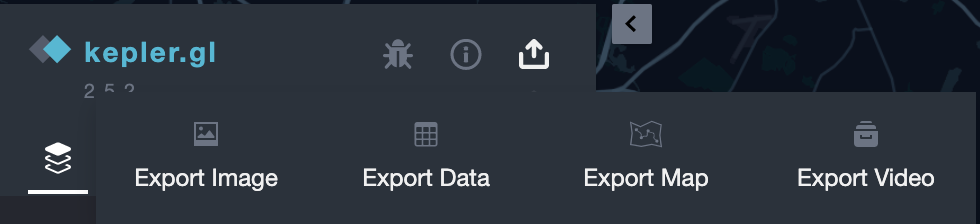
This is a lite version of the kepler.gl demo app that includes hubble.gl features. In particular, presets to modify zoom, bearing, pitch, as well as latitude/longitude are demonstrated within a self-contained modal that can be accessed by clicking the "Share" option at the top left of the side panel and then selecting "Export Video". Afterwards, animations can be exported in various formats such as GIF, WEBM, JPEG sequence, etc.
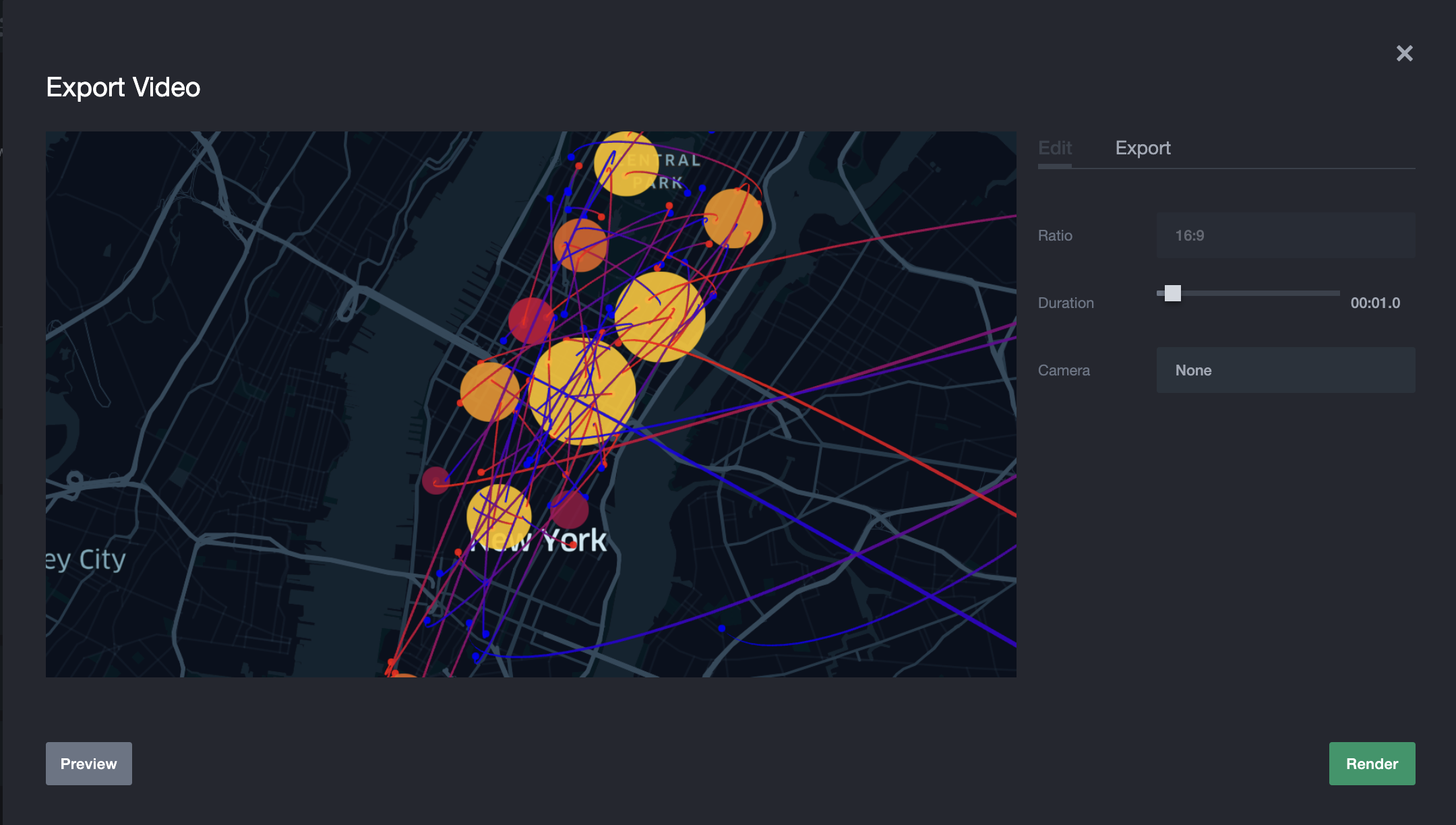 A live demo can be viewed here:
https://hubble.gl/examples/kepler-integration/
## Features - In addition to the description
- Allows the user to create an animation of their Kepler.gl datasets and export as a GIF, WEBM, or series of photos.
- Currently supported camera movements include zooming in/out, panning, orbiting a point
- Supports the ability to animate time ranges. First select the desired range before opening the modal.
- To make camera movements slower or quicker adjust the duration accordingly.
- Users are encouraged to bring their exports into video editing software to further refine transitions, stitch animations together, etc.
## Basic Usage
By default Hubble's modal will open up, allowing users to create animations with the sample data. Users can drag around the map in the modal (or in Kepler), zoom in by scrolling, and adjust the camera angle by holding SHIFT and dragging.
Should you wish to use your own data, feel free to close the modal and use Kepler as you normally would. To access the modal again click on the share button (shown below) and click on "Export Video".
 ## Installation
#### 1. Install all required libraries
```sh
yarn
```
#### 2. Mapbox Token
add mapbox access token to node env
```sh
export MapboxAccessToken=
```
#### 3. Start the app
```sh
yarn start-local
```