
[](LICENSE)
[](https://github.com/usekaneo/kaneo/actions)
[](https://discord.gg/rU4tSyhXXU)
[](https://github.com/sponsors/andrejsshell)
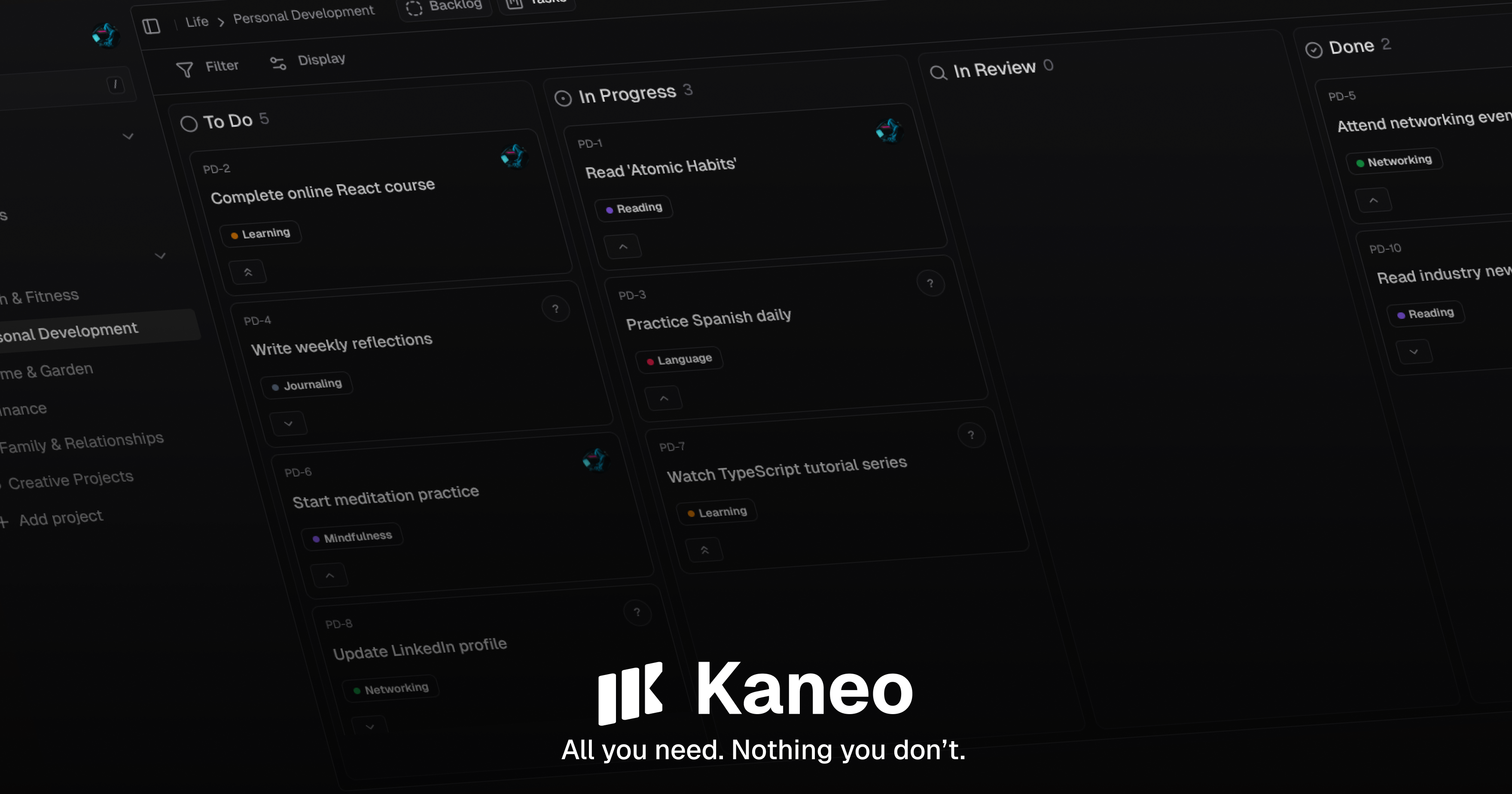
## Why Kaneo?
After years of using bloated, overcomplicated project management platforms that distracted from actual work, we built Kaneo to be different.
The problem with most tools isn't that they lack features—it's that they have **too many**. Every notification, every unnecessary button, every complex workflow pulls your team away from what matters: **building great products**.
We believe the best tools are **invisible**. They should amplify your team's natural workflow, not force you to adapt to theirs. Kaneo is built on the principle that **less is more**—every feature exists because it solves a real problem, not because it looks impressive in a demo.
**What makes it different:**
- **Clean interface** that focuses on your work, not the tool
- **Self-hosted** so your data stays yours
- **Actually fast** because we care about performance
- **Open source** with a permissive MIT license
Learn more about Kaneo's features and capabilities in our [documentation](https://kaneo.app/docs/core).
## Sponsors
Kaneo is open source. If you find it useful, consider [sponsoring the project](https://github.com/sponsors/andrejsshell) to help support ongoing development.
## Getting Started
### One-Click Deployment with drim
For straightforward deployments, use [drim](https://github.com/usekaneo/drim) - a CLI tool that handles everything for you:
```bash
curl -fsSL https://assets.kaneo.app/install.sh | sh
drim setup
```
That's it. Your Kaneo instance will be running with automatic HTTPS, database setup, and all services configured.
Perfect for quick deployments and production setups where you want things to just work.
### Quick Start with Docker Compose
The fastest way to try Kaneo is with Docker Compose. This sets up Kaneo and PostgreSQL with a single Kaneo container:
```yaml
services:
postgres:
image: postgres:16-alpine
env_file:
- .env
ports:
- "5432:5432"
volumes:
- postgres_data:/var/lib/postgresql/data
restart: unless-stopped
healthcheck:
test: ["CMD-SHELL", "pg_isready -U kaneo -d kaneo"]
interval: 10s
timeout: 5s
retries: 5
kaneo:
image: ghcr.io/usekaneo/kaneo:latest
ports:
- "5173:5173"
env_file:
- .env
depends_on:
postgres:
condition: service_healthy
restart: unless-stopped
volumes:
postgres_data:
```
Save this as `compose.yml`, copy `.env.sample` to `.env`, uncomment `KANEO_CLIENT_URL=http://localhost:5173`, and set `POSTGRES_PASSWORD=` and `AUTH_SECRET=