
Video editing for coding agents. Describe the edit; get the MP4.


Get started · Prompts · Examples · VEED
OpenEdit is an open-source, agent-driven editing pipeline. There is no GUI and no timeline: you tell your coding agent what you want, and it transcribes, designs, renders and hands you the file. ## Get started You need a Mac, a Windows PC or a Linux machine, Node 20.18.1 or newer, and one of Claude Code, Codex or Gemini CLI. From your project folder, install the skill into your agent: ```sh npx skills add veedstudio/open-edit --skill open-edit ``` Then open the agent (`claude`, `codex` or `gemini`) and ask: ``` Add subtitles to my video clip.mp4 ``` The first run sets itself up: it checks for Node and ffmpeg and names the command for anything missing (on a Mac it installs through Homebrew once you approve; on Linux and Windows the commands are printed for you to run, and on Windows ffmpeg is fetched into your user folder with no admin rights); pins itself into your project as a dev dependency; and asks once how you want speech transcribed. It adds no hooks to your agent's settings and never updates itself: when a newer release is out, commands say so, and your agent installs that version only after you say yes. The first render downloads the browser it renders with into your user's app-data folder. Hosted by VEED transcribes best (a veed.io account, [sign up](https://www.veed.io/signup) or [log in](https://www.veed.io/login); the free tier covers about ten minutes a month); WhisperX runs locally for free (needs `uv` or `pipx`; the first transcription downloads the model, about 2 GB for the fast tier and more for the better one; nothing leaves your machine); or bring your own service. When the run finishes you get the MP4 with subtitles burned in and the path to the file, which lives under `runs/` in your project together with the code that made it. *Made in OpenEdit with GPT-6 Astra driving the pipeline: pure motion graphics, no source footage, prompted
against the [OpenAI Brand Film](https://vimeo.com/1122006941) as a visual reference.*
*Made in OpenEdit with GPT-6 Astra driving the pipeline: pure motion graphics, no source footage, prompted
against the [OpenAI Brand Film](https://vimeo.com/1122006941) as a visual reference.*
 *The launch video, also made in OpenEdit. Click either one to watch with sound.*
## What you can ask for
Captions are a common ask, not the limit. The agent can edit, cut and reframe footage, layer
motion graphics and visual elements, turn slides into video, and pull in any
[AI video/image generator](https://www.veed.io/tools/ai-video) or MCP server when it helps. Source
video is optional: stills, slides or generated media are enough when the brief calls for it.
As a first ask:
```
Add subtitles that look like this [IMG-REF] to my video [VIDEO]
Cut the false start and the long pause around 0:42, then caption it
Make a 20-second title sequence for my launch, no footage, in my brand colours
```
On a delivered render:
```
I don't like the yellow colour, make it darker
Move the text up a bit
When he says "go buy it now", make sure the 'now' really stands out
```
No footage at all? It can generate a talking-head clip from a script with
[VEED Fabric](https://www.veed.io/ai/fabric-1-0) and edit that. Generation is billed: it quotes the price
in your workspace's AI Playground credits and spends nothing without your yes.
## Examples
Real outputs, each with the prompt that produced it. Click any example to watch it with sound.
```
create viral subtitles with /open-edit and translate my video to 5 languages using VEED Lipsync 2.0 on Fal
```
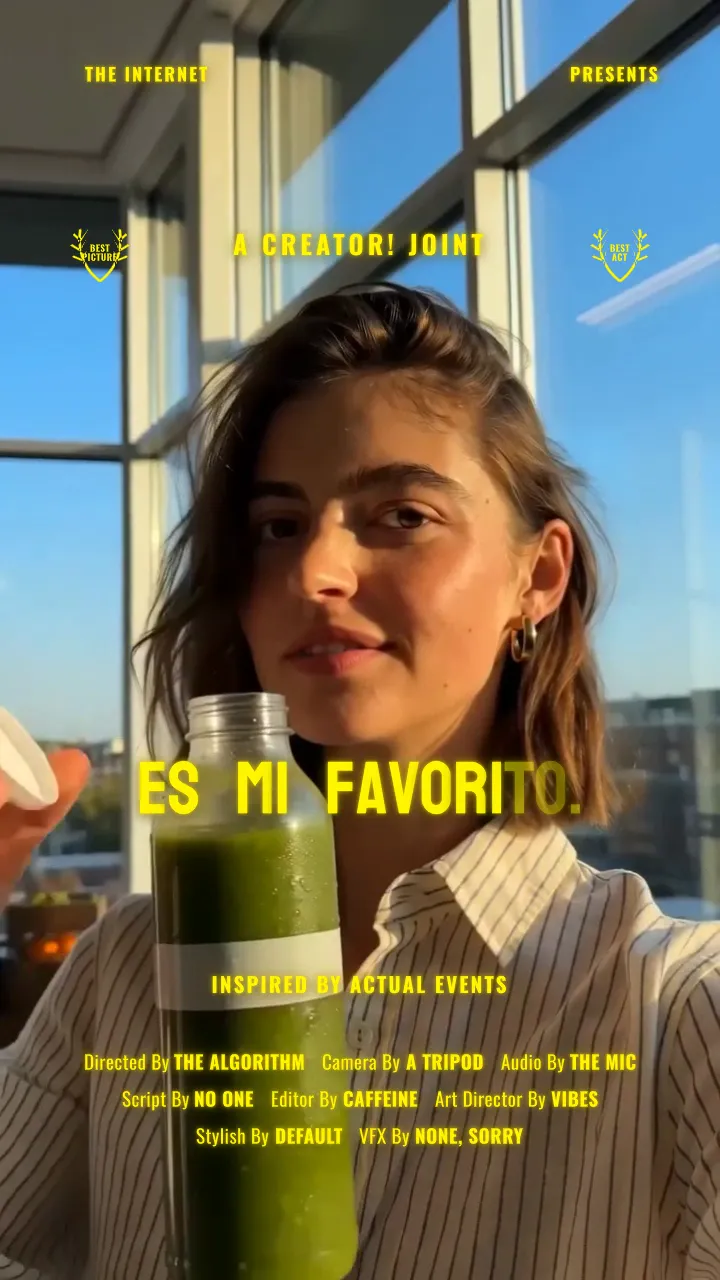
One source clip, three languages, three caption styles, translated and re-lipsynced through
[VEED's Lip Sync API](https://www.veed.io/tools/lip-sync-api):
| Spanish | French | German |
| --- | --- | --- |
| [](https://github.com/veedstudio/open-edit/releases/download/launch-examples/happy3-ES-078.mp4) | [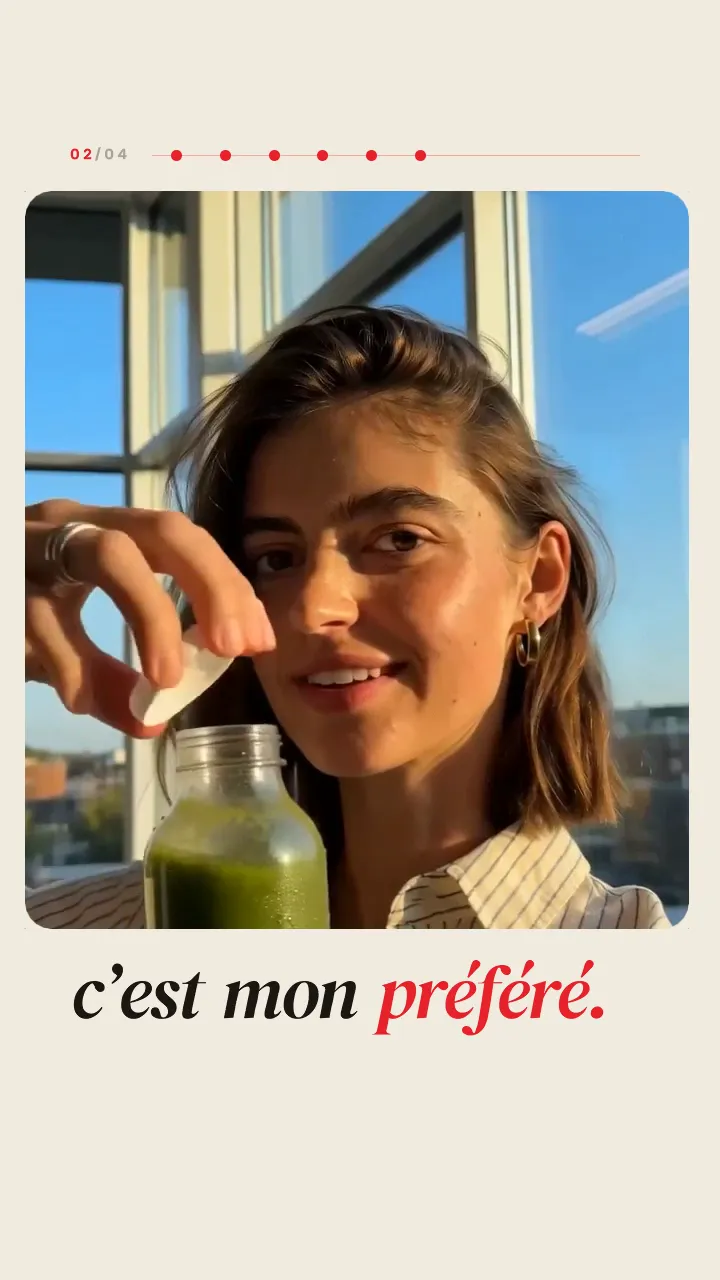](https://github.com/veedstudio/open-edit/releases/download/launch-examples/remix-FR.mp4) | [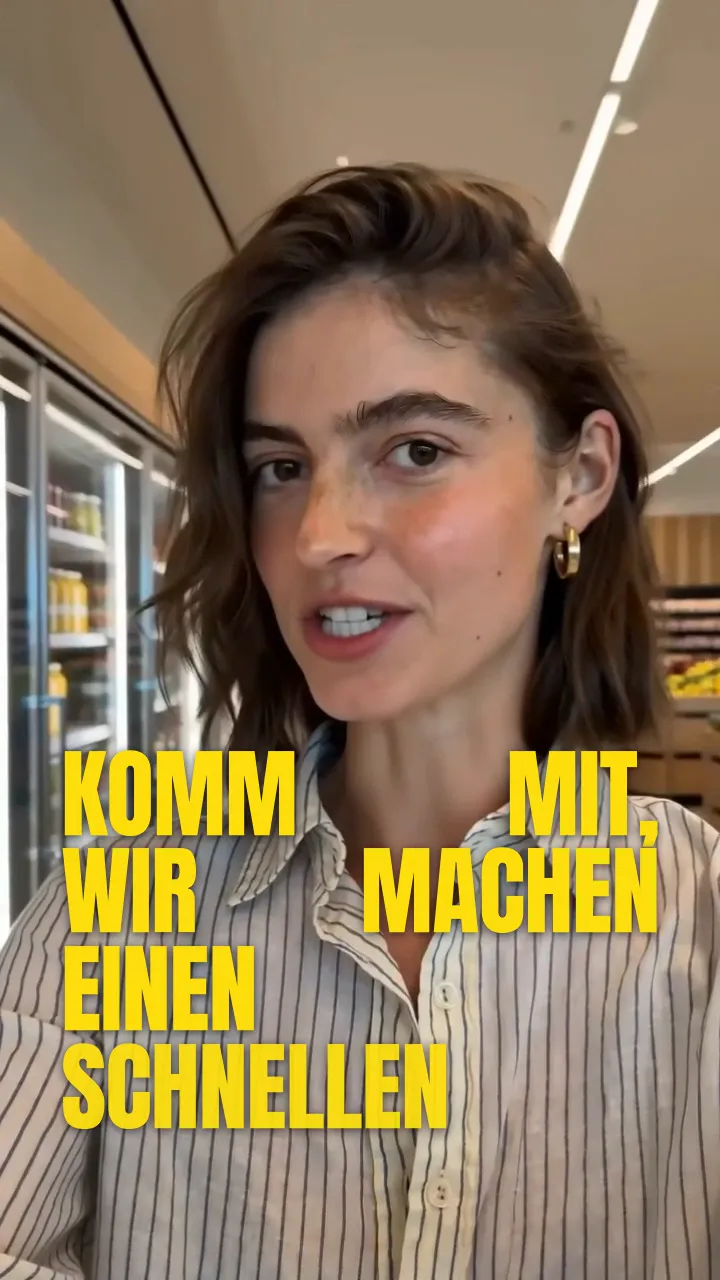](https://github.com/veedstudio/open-edit/releases/download/launch-examples/happy2-DE-lowerthird.mp4) |
```
generate 3 viral hooks in Seedance 2.0 on Fal and create dynamic motion graphics using /open-edit
```
Three hooks generated with [Seedance](https://www.veed.io/tools/ai-video/seedance), three
motion-graphic treatments:
| | | |
| --- | --- | --- |
| [](https://github.com/veedstudio/open-edit/releases/download/launch-examples/news-comic.mp4) | [](https://github.com/veedstudio/open-edit/releases/download/launch-examples/chair-remix.mp4) | [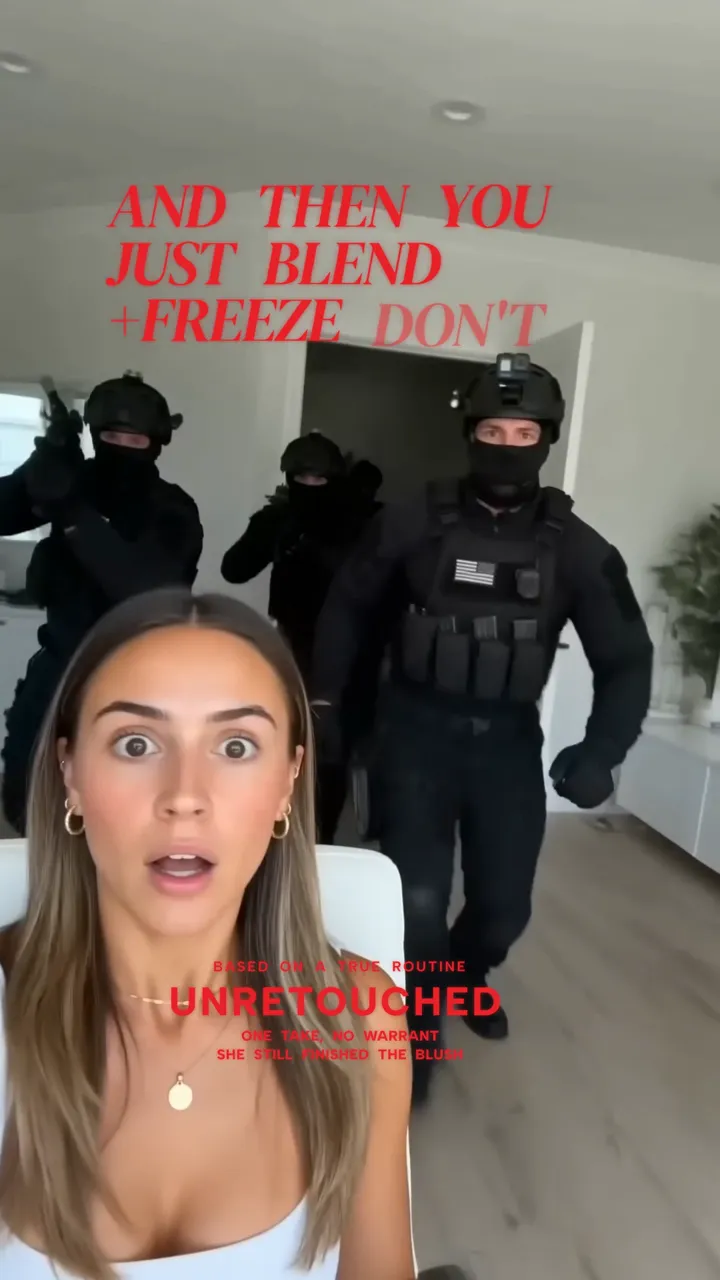](https://github.com/veedstudio/open-edit/releases/download/launch-examples/makeup-happy-v2.mp4) |
```
use Figma MCP to study my BrandBook and create branded campaign graphics using /open-edit
```
One brand book, three campaign cards:
| | | |
| --- | --- | --- |
| [](https://github.com/veedstudio/open-edit/releases/download/launch-examples/race-card-1.mp4) | [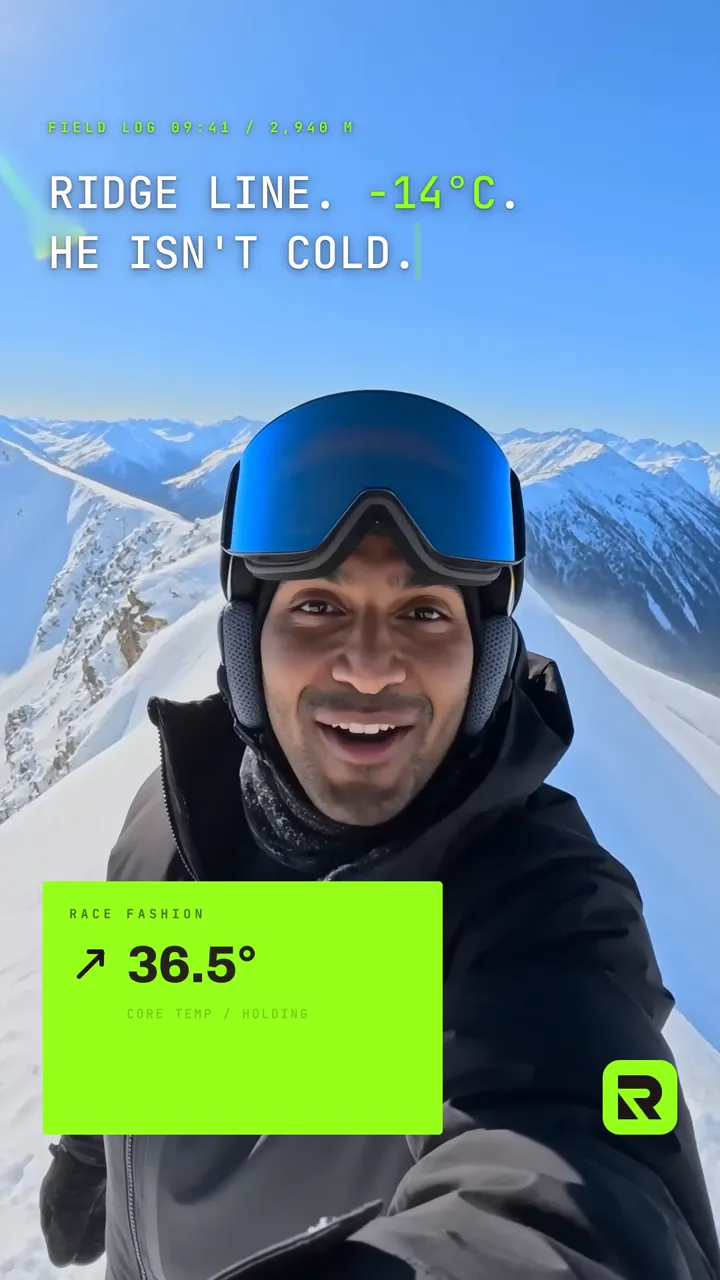](https://github.com/veedstudio/open-edit/releases/download/launch-examples/race-card-2.mp4) | [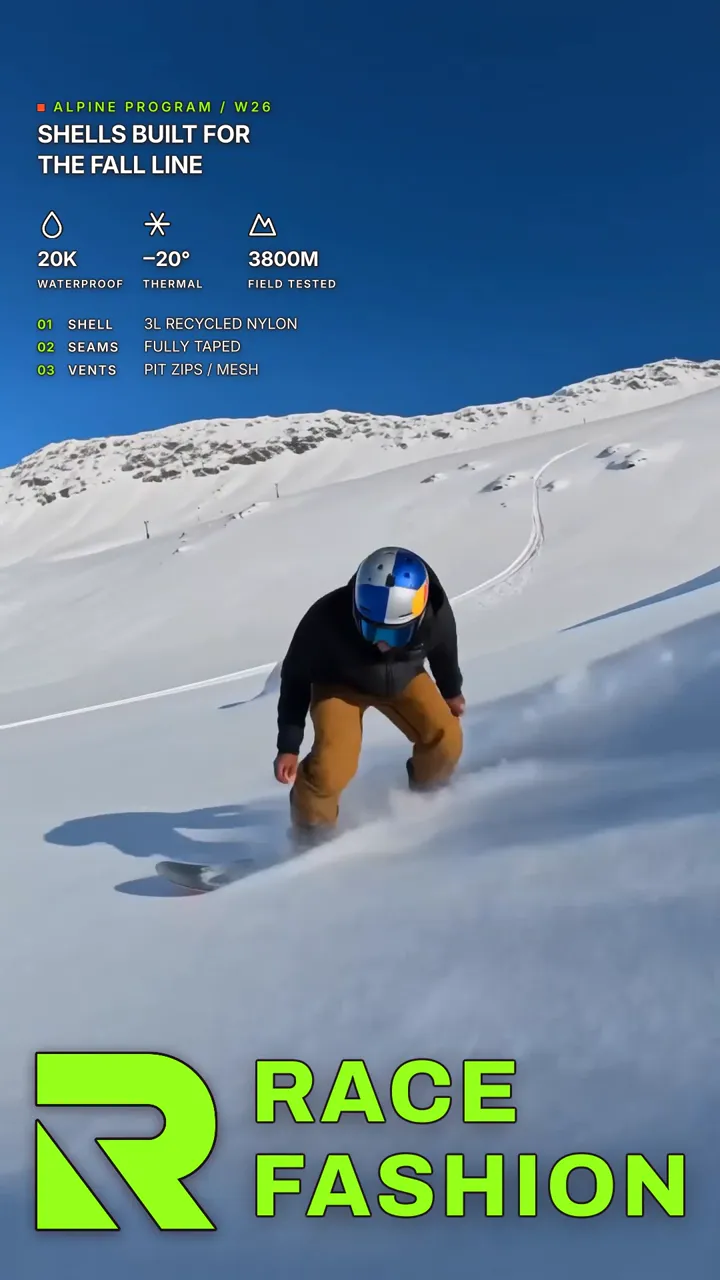](https://github.com/veedstudio/open-edit/releases/download/launch-examples/race-card-4.mp4) |
## How it works
The skill gives your agent tools and leaves the design to it. It transcribes with real per-word
timings, composes the piece as an HTML page, renders it frame by frame in a browser, looks at the frames
and fixes what it sees, then hands back the file. After a change it re-renders only the stretch that
changed. Every tool is a command from the `@veedstudio/openedit-cli` package; the
[CLI reference](../README.md) lists them.
Transcription is your choice, asked once and remembered. WhisperX runs locally and nothing leaves your
machine. VEED's hosted transcription uploads the file in order to transcribe it and stores it for that
purpose. Any Whisper-family JSON from your own service works too, and no credentials pass through
OpenEdit. Every provider writes the same `runs/
*The launch video, also made in OpenEdit. Click either one to watch with sound.*
## What you can ask for
Captions are a common ask, not the limit. The agent can edit, cut and reframe footage, layer
motion graphics and visual elements, turn slides into video, and pull in any
[AI video/image generator](https://www.veed.io/tools/ai-video) or MCP server when it helps. Source
video is optional: stills, slides or generated media are enough when the brief calls for it.
As a first ask:
```
Add subtitles that look like this [IMG-REF] to my video [VIDEO]
Cut the false start and the long pause around 0:42, then caption it
Make a 20-second title sequence for my launch, no footage, in my brand colours
```
On a delivered render:
```
I don't like the yellow colour, make it darker
Move the text up a bit
When he says "go buy it now", make sure the 'now' really stands out
```
No footage at all? It can generate a talking-head clip from a script with
[VEED Fabric](https://www.veed.io/ai/fabric-1-0) and edit that. Generation is billed: it quotes the price
in your workspace's AI Playground credits and spends nothing without your yes.
## Examples
Real outputs, each with the prompt that produced it. Click any example to watch it with sound.
```
create viral subtitles with /open-edit and translate my video to 5 languages using VEED Lipsync 2.0 on Fal
```
One source clip, three languages, three caption styles, translated and re-lipsynced through
[VEED's Lip Sync API](https://www.veed.io/tools/lip-sync-api):
| Spanish | French | German |
| --- | --- | --- |
| [](https://github.com/veedstudio/open-edit/releases/download/launch-examples/happy3-ES-078.mp4) | [](https://github.com/veedstudio/open-edit/releases/download/launch-examples/remix-FR.mp4) | [](https://github.com/veedstudio/open-edit/releases/download/launch-examples/happy2-DE-lowerthird.mp4) |
```
generate 3 viral hooks in Seedance 2.0 on Fal and create dynamic motion graphics using /open-edit
```
Three hooks generated with [Seedance](https://www.veed.io/tools/ai-video/seedance), three
motion-graphic treatments:
| | | |
| --- | --- | --- |
| [](https://github.com/veedstudio/open-edit/releases/download/launch-examples/news-comic.mp4) | [](https://github.com/veedstudio/open-edit/releases/download/launch-examples/chair-remix.mp4) | [](https://github.com/veedstudio/open-edit/releases/download/launch-examples/makeup-happy-v2.mp4) |
```
use Figma MCP to study my BrandBook and create branded campaign graphics using /open-edit
```
One brand book, three campaign cards:
| | | |
| --- | --- | --- |
| [](https://github.com/veedstudio/open-edit/releases/download/launch-examples/race-card-1.mp4) | [](https://github.com/veedstudio/open-edit/releases/download/launch-examples/race-card-2.mp4) | [](https://github.com/veedstudio/open-edit/releases/download/launch-examples/race-card-4.mp4) |
## How it works
The skill gives your agent tools and leaves the design to it. It transcribes with real per-word
timings, composes the piece as an HTML page, renders it frame by frame in a browser, looks at the frames
and fixes what it sees, then hands back the file. After a change it re-renders only the stretch that
changed. Every tool is a command from the `@veedstudio/openedit-cli` package; the
[CLI reference](../README.md) lists them.
Transcription is your choice, asked once and remembered. WhisperX runs locally and nothing leaves your
machine. VEED's hosted transcription uploads the file in order to transcribe it and stores it for that
purpose. Any Whisper-family JSON from your own service works too, and no credentials pass through
OpenEdit. Every provider writes the same `runs/OpenEdit · powered by VEED