
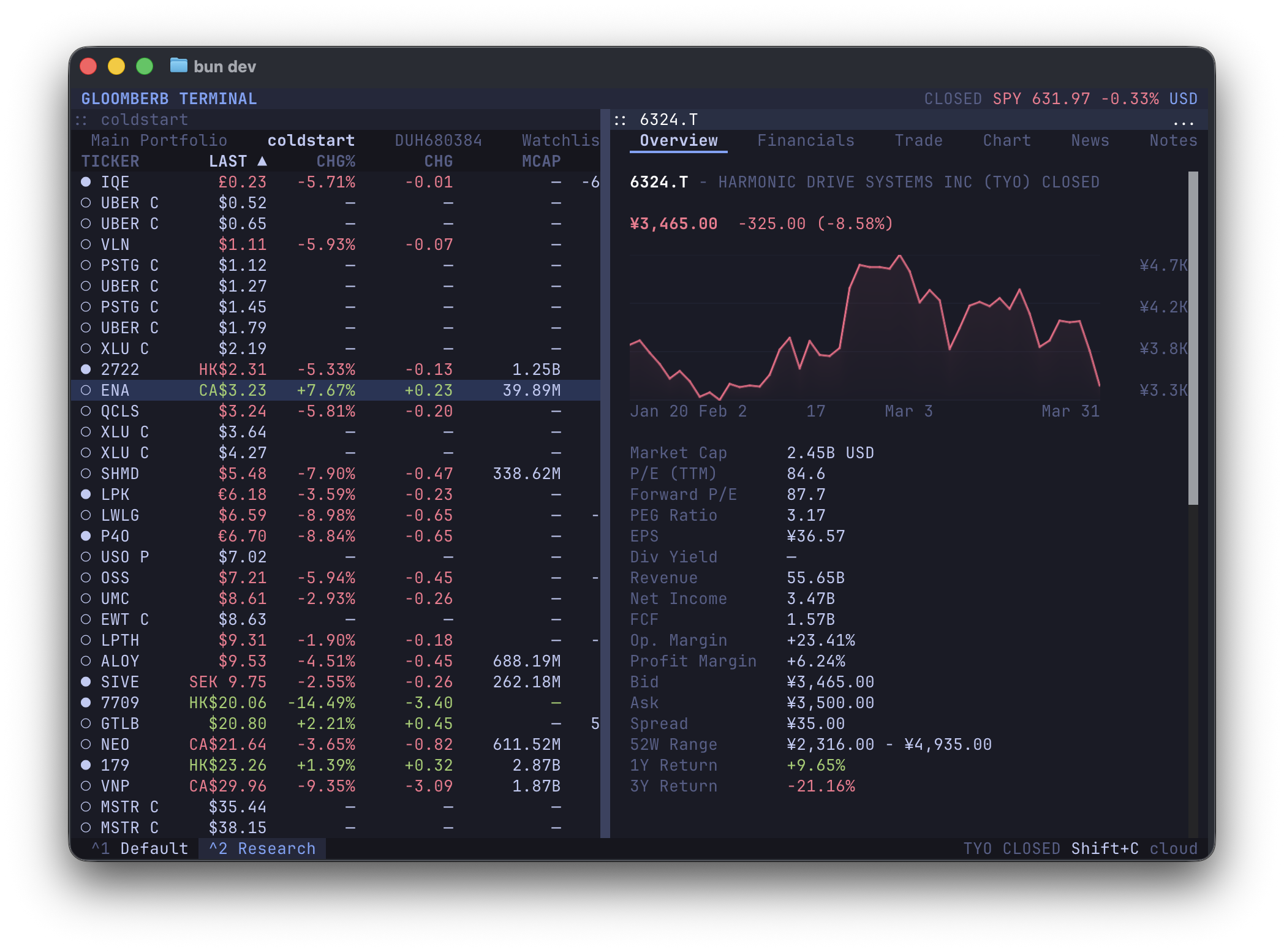
# Gloomberb
**Open-source finance terminal. Fast, keyboard-driven and extensible.**
Available as a desktop app or TUI.
Download desktop for Mac
## Install
macOS desktop app + terminal command:
```bash
brew install --cask vincelwt/tap/gloomberb
# or
curl -fsSL gloomberb.com/install | bash
```
Both install `Gloomberb.app` and a `gloomberb` terminal command that runs the TUI through the app bundle, so the Bun runtime is stored once.
Desktop-only download:
- [Download Gloomberb for Mac](https://gloomberb.com/download/desktop)
Terminal-only install:
```bash
bun install -g gloomberb
```
Then run:
```bash
gloomberb
```
On macOS, app updates replace the app bundle in place and keep the terminal command pointing at the updated bundle. Homebrew users can also update through `brew upgrade --cask gloomberb`.
For the best terminal experience, use a [Kitty](https://sw.kovidgoyal.net/kitty/)-compatible terminal such as Ghostty, Kitty, or WezTerm.
## Start
Open command mode with `Ctrl+P`, then type a command. Press `` ` `` to open ticker search directly.
| Try | Opens |
|-----|-------|
| `DES AAPL` | Security details |
| `GP NVDA` | Price chart |
| `TOP` | Ranked market stories |
| `MOST` | Market movers |
| `PF` | Portfolios and watchlists |
| `KELLY AAPL` | Position sizing |
| `HELP` | Full in-app shortcut list |
## What It Does
- Research companies with quotes, charts, financials, filings, holders, insiders, options, analyst ratings, events, and relative valuation.
- Follow markets with top stories, breaking news, sector feeds, Substack subscriptions, global indices, FX, macro events, yield curves, market movers, and fear/greed.
- Track portfolios and watchlists, connect brokers, set alerts, keep notes, run AI screens, browse prediction markets, and use Gloom Cloud chat.
## CLI
Running `gloomberb` with no arguments launches the terminal UI. Normal commands run through a headless CLI path; use `gloomberb launch-ui` when a script should explicitly open the UI.
Human-readable output is the default. Automation can opt into structured output with `--json`, `--csv`, or `--ndjson`. JSON output favors the richest fetched model available and includes display-column metadata when a command has table columns; CSV and NDJSON use the command's tabular row view. Common global flags include `--limit`, `--refresh`, `--quiet`, `--no-color`, `--dry-run`, and `--yes`.
| Command | Use |
|---------|-----|
| `gloomberb` | Launch the terminal UI |
| `gloomberb launch-ui` | Explicitly launch the terminal UI |
| `gloomberb help` | Show all CLI commands |
| `gloomberb api list|get|invoke|subscribe` | Inspect and call plugin capabilities directly |
| `gloomberb quote