# Views and Projections The same data can be drawn differently to screen based on what projection method is used. deck.gl's view system defines how one or more cameras should be set up to look at your data objects. The default view used in deck.gl is the [MapView](../api-reference/core/map-view.md), which implements the [Web Mercator projection](https://en.wikipedia.org/wiki/Web_Mercator_projection). The view system is designed to be flexible and composable and can handle many different configurations such as side-by-side views, overlapping views etc. If you plan to work with non-geospatial data, or show more than a single standard viewport, it may be worth spending some time to get familiar with the `View` API. View classes enable applications to specify one or more rectangular viewports and control what should be rendered inside each view.
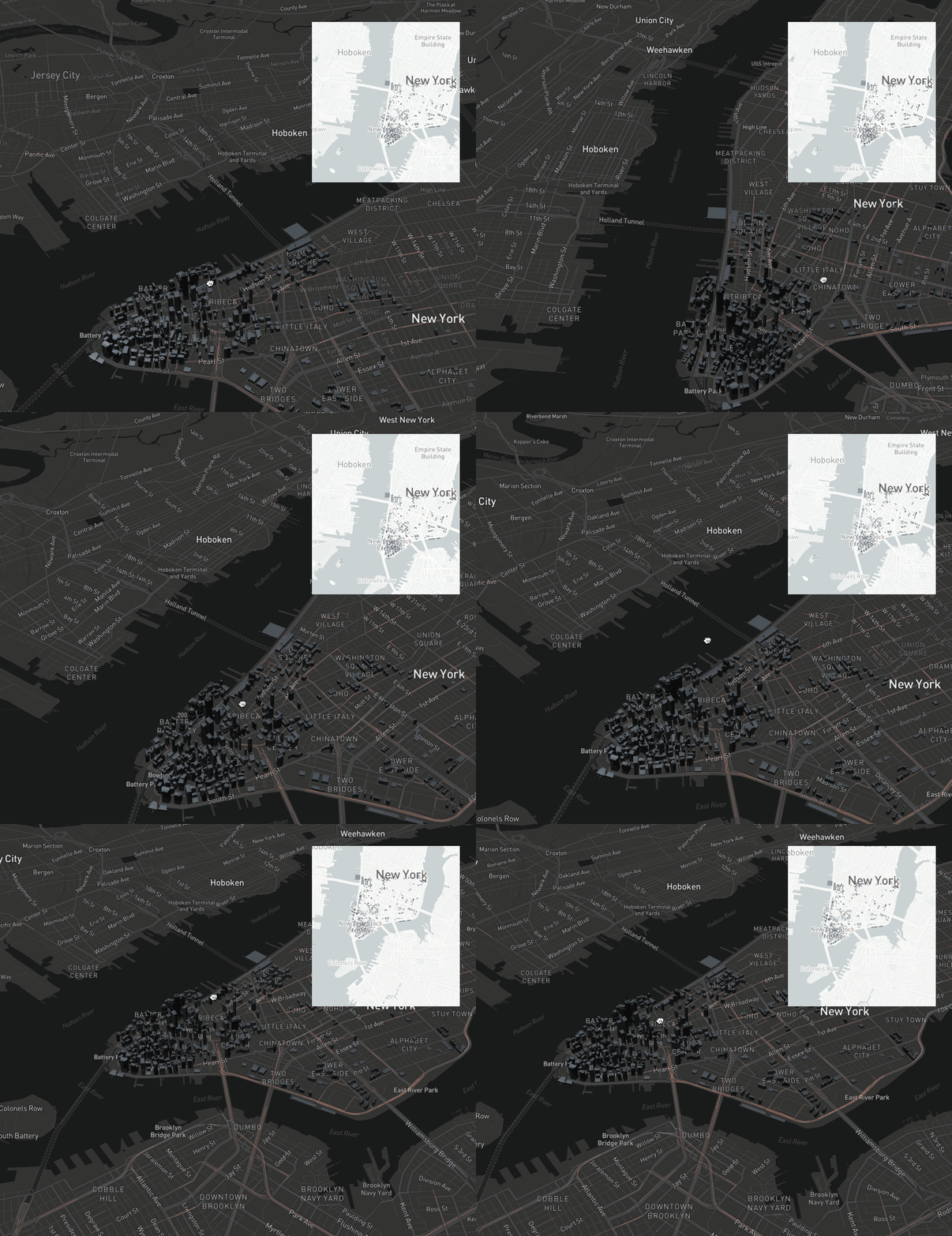
A "minimap" app, implemented as two overlapping, partially synchronized MapViews |
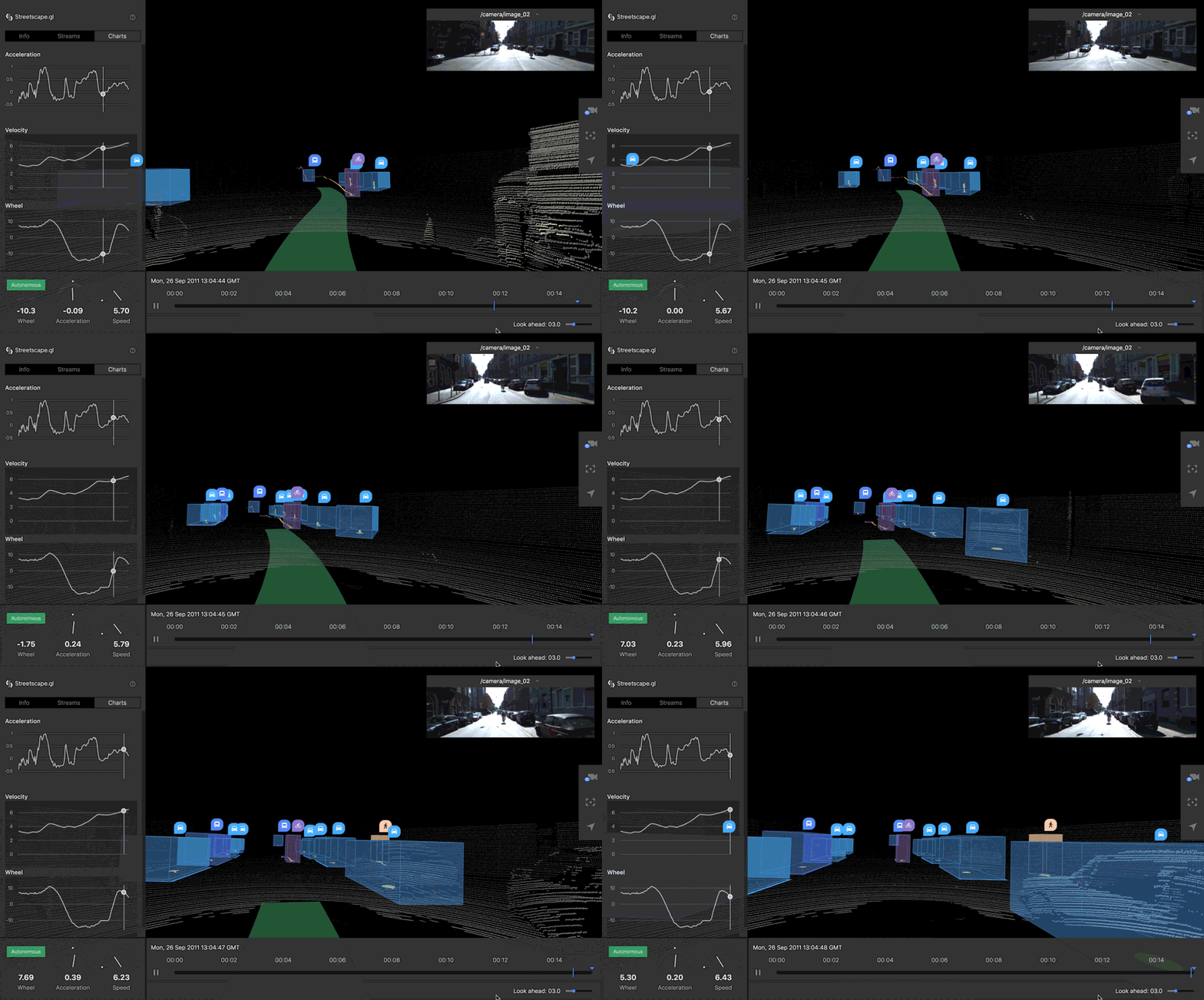
A vehicle log rendered from the driver's perspective, implemented with FirstPersonView |
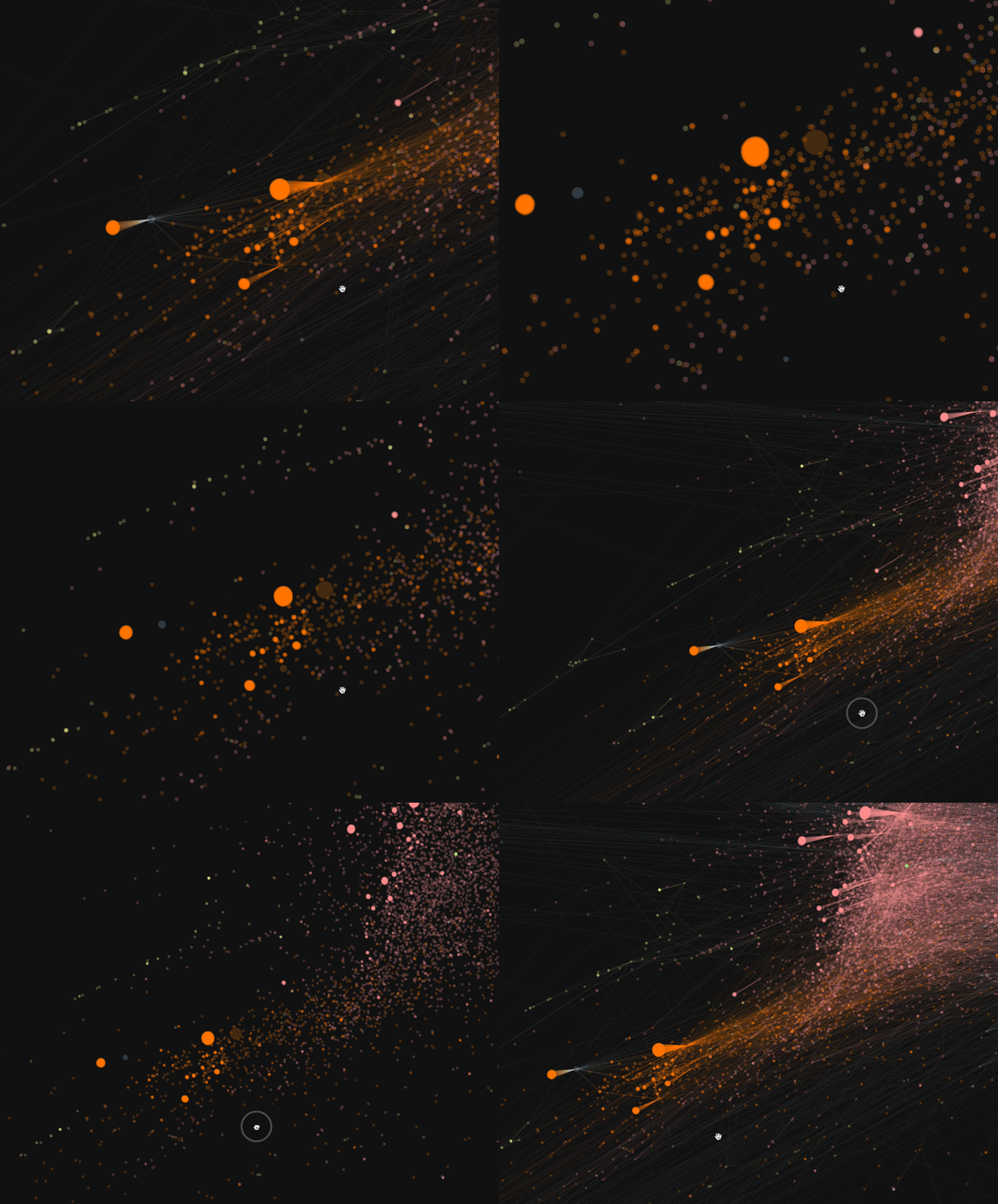
A graph, implemented with OrthographicView |