# ARChon Custom Runtime Guide
> ARChon runtime lets you run unlimited number of Android APKs created with `chromeos-apk` on Chrome OS and across any desktop platform that supports Chrome.
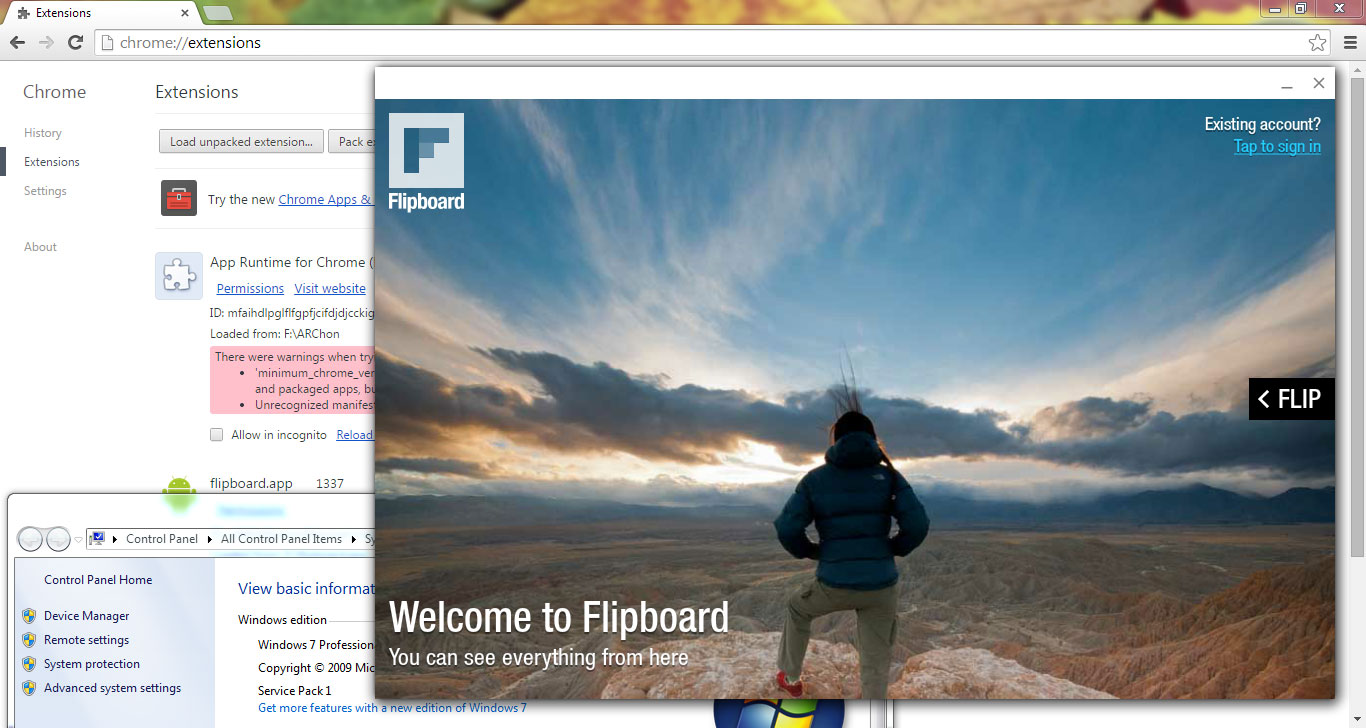
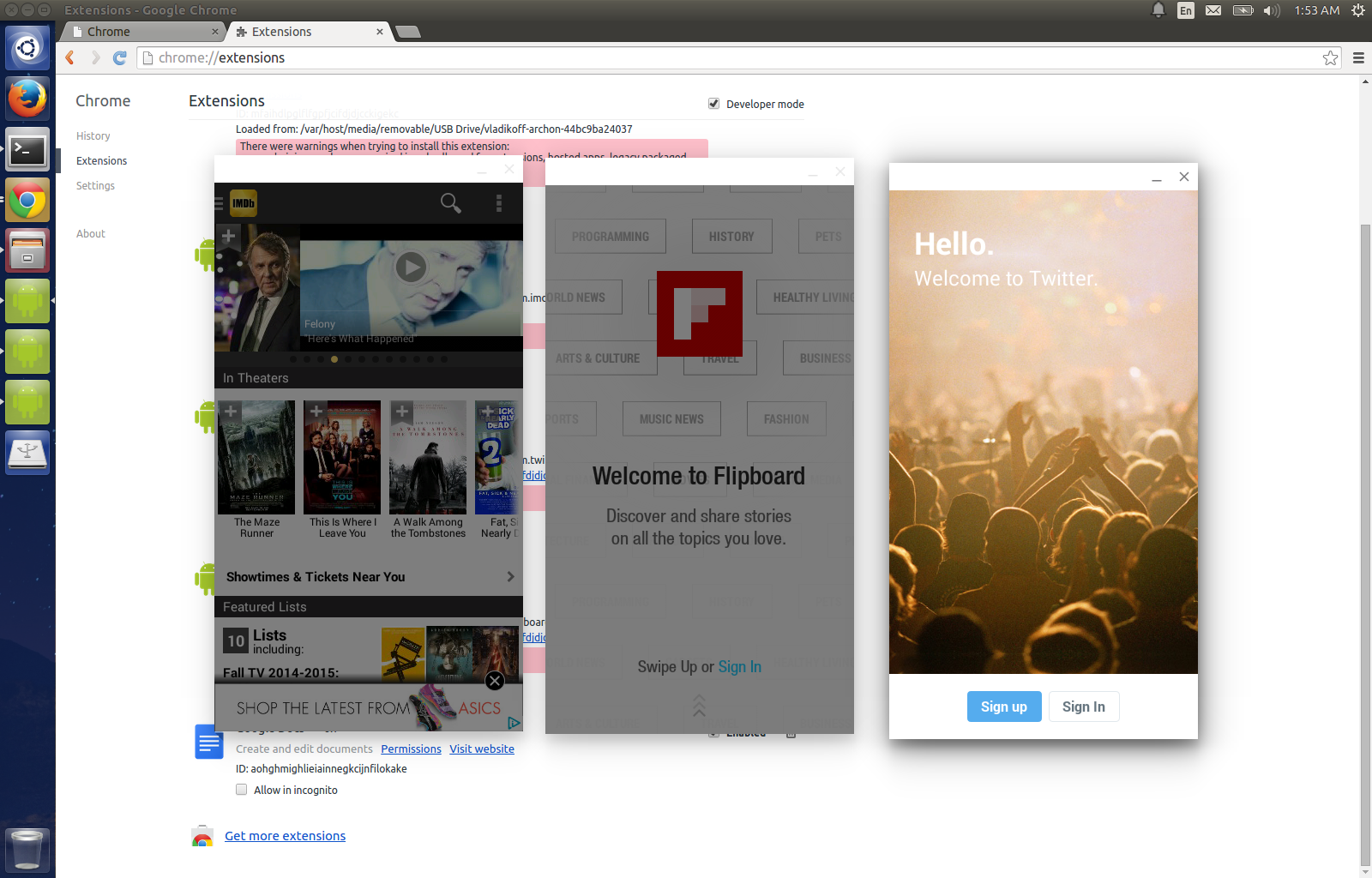
 **Warning: The custom runtime will replace the official runtime component. To go back to the official runtime you will need to uninstall the custom one and reinstall the official one.**
# Visit [archon-runtime.github.io](http://archon-runtime.github.io/) for latest releases
- Download the runtime that is appropriate for your system:
| Runtime | Download |
|---|---|
| ARChon 1.2 - Intel x86 **Chrome 64-bit / Chrome OS 64-bit** | [BitBucket](https://bitbucket.org/vladikoff/archon/get/v1.2-x86_64.zip) :: [Mirror](http://archon.vf.io/ARChon-v1.2-x86_64.zip) MD5:d77b468339cc512e121c003cc97715db |
| ARChon 1.2 - Intel x86 **Chrome 32-bit / Chrome OS 32-bit** (Win7 32-bit: Use something like Chrome Beta 38.0.2125.77 beta-m) | [BitBucket](https://bitbucket.org/vladikoff/archon/get/v1.2-x86_32.zip) :: [Mirror](http://archon.vf.io/ARChon-v1.2-x86_32.zip) MD5:9c9844e2591a27d952098581011a2bce |
| ARChon 1.2 - **ARM (i.e ARM-based Chromebooks)** | [BitBucket](https://bitbucket.org/vladikoff/archon/get/v1.2-ARM.zip) :: [Mirror](http://archon.vf.io/ARChon-v1.2-ARM.zip) MD5:3d6955c7702baf1e1d16a000d9f67b10 |
- Unzip it, Load it as an unpacked extension.
**Warning: The custom runtime will replace the official runtime component. To go back to the official runtime you will need to uninstall the custom one and reinstall the official one.**
# Visit [archon-runtime.github.io](http://archon-runtime.github.io/) for latest releases
- Download the runtime that is appropriate for your system:
| Runtime | Download |
|---|---|
| ARChon 1.2 - Intel x86 **Chrome 64-bit / Chrome OS 64-bit** | [BitBucket](https://bitbucket.org/vladikoff/archon/get/v1.2-x86_64.zip) :: [Mirror](http://archon.vf.io/ARChon-v1.2-x86_64.zip) MD5:d77b468339cc512e121c003cc97715db |
| ARChon 1.2 - Intel x86 **Chrome 32-bit / Chrome OS 32-bit** (Win7 32-bit: Use something like Chrome Beta 38.0.2125.77 beta-m) | [BitBucket](https://bitbucket.org/vladikoff/archon/get/v1.2-x86_32.zip) :: [Mirror](http://archon.vf.io/ARChon-v1.2-x86_32.zip) MD5:9c9844e2591a27d952098581011a2bce |
| ARChon 1.2 - **ARM (i.e ARM-based Chromebooks)** | [BitBucket](https://bitbucket.org/vladikoff/archon/get/v1.2-ARM.zip) :: [Mirror](http://archon.vf.io/ARChon-v1.2-ARM.zip) MD5:3d6955c7702baf1e1d16a000d9f67b10 |
- Unzip it, Load it as an unpacked extension.
 - (Try out this pre-packaged open source game: [2048-ARChon.APK](https://github.com/vladikoff/chromeos-apk/releases/download/v1.1.0/com.uberspot.a2048.android-ARChon-runtime.zip) by [Uberspot](https://github.com/uberspot/2048-android) and load it as an unpacked extension. Press "Launch", ignore warnings.)
- To load custom applications, make sure you have `chromeos-apk@2.0.0` or higher. (Update using `npm install -g chromeos-apk@latest`). See [README.md](README.md) for more help with the `chromeos-apk` tool.
- Create your custom APKs with the ARChon flag: `chromeos-apk com.imdb.mobile.apk`.
This will create an app directory for you.
- Load as many APKs as you want as unpacked extensions on any platform of your choice.
## Notes
### Google Play Services
- See https://github.com/vladikoff/chromeos-apk/issues/66
### Load additional files
- Put any additional files into `/vendor/chromium/crx/`, those would be accessible within the app environment
- OBB files, one way: enable the `enableAdb` flag in `manifest.json`, `adb push // /storage/sdcard/Android/obb//`
### Convert older apps created with `chromeos-apk` tool to ARChon runtime.
- Remove the `"key"` parameter from `manifest.json`.
### Uninstalling ARChon
- Remove the component and all applications that depend on it from `chrome://extensions` using the "Remove" button.
- Chrome OS: Reinstall an app such as Evernote to get the official runtime.
### ARChon source
ARChon source is hosted here: https://bitbucket.org/vladikoff/archon/src. It's on BitBucket because GitHub has a 100mb file limit. Feel free to hack on ARChon and tweak it.
### Changing app resolution
Tweak the runtime in 2 places: You need to change the tablet resolution values in these 2 places: https://bitbucket.org/vladikoff/archon/src/master/gen_main.min.js and
https://bitbucket.org/vladikoff/archon/src/master/gen_index.min.js
Find `tablet: {"long": 1280, "short": 800}`, tweak it, fit your resolution, reload the run time.
### Tweak Apps
Add `"resize": "scale"` to `"arc_metadata"` in `manifest.json`.
**How to adjust font size**
1. Modify the two files (gen_index.min.js and gen_main.min.js).
2. Search a.prototype.computeValues_.
3. Change the value of a.prototype.computeValues_.
4. Let the value c double. Just like the following codes.
```JavaScript
a.prototype.computeValues_ = function (a) {
var c = 2*window.devicePixelRatio / getCurrentZoom()
.....
}
```
Read [the manifest guide](manifest.md) for more advanced tweaks.
### Older downloads
> These are downloads for previous versions of ARChon
| Runtime | Download |
|---|---|
| ARChon 1.1 - Intel x86 **Chrome 64-bit / Chrome OS 64-bit** (OSX: Use this in Chrome Canary) | [BitBucket](https://bitbucket.org/vladikoff/archon/get/v1.1-x86_64.zip) :: [GitHub](https://github.com/vladikoff/chromeos-apk/releases/download/v3.0.0/ARChon-v1.1-x86_64.zip) MD5:d409801cac97cdff9ea6aad468ddc927 |
| ARChon 1.1.1 - Intel x86 **Chrome 32-bit / Chrome OS 32-bit** (OSX: Use this in Chrome Stable) (Win7 32-bit: Use something like Chrome Beta 38.0.2125.77 beta-m) | [BitBucket](https://bitbucket.org/vladikoff/archon/get/v1.1.1-x86_32.zip) :: [GitHub](https://github.com/vladikoff/chromeos-apk/releases/download/v3.0.0/ARChon-v1.1.1-x86_32.zip) MD5:5780637446ba941bd2969756f56f9671 |
| ARChon 1.1 - **ARM (i.e ARM-based Chromebooks)** | [BitBucket](https://bitbucket.org/vladikoff/archon/get/v1.1-ARM.zip) :: [GitHub](https://github.com/vladikoff/chromeos-apk/releases/download/v3.0.0/ARChon-v1.1-ARM.zip) MD5:d0a69d822399545ff67292b50f8c4047 |
| ARChon 1.0 - Intel x86 64-bit | [BitBucket](https://bitbucket.org/vladikoff/archon/get/v1.0.zip) MD5:3bd2e6014a0cba0b1ee3c69462a9b46d |
| ARChon 1.1 - Intel x86 **Chrome 32-bit / Chrome OS 32-bit** (OSX: Use this in Chrome Stable) | [BitBucket](https://bitbucket.org/vladikoff/archon/get/v1.1-x86_32.zip) :: [GitHub](https://github.com/vladikoff/chromeos-apk/releases/download/v3.0.0/ARChon-v1.1-x86_32.zip) MD5:873c4d116eabd1a5ebedec65d11d6d8a |
- (Try out this pre-packaged open source game: [2048-ARChon.APK](https://github.com/vladikoff/chromeos-apk/releases/download/v1.1.0/com.uberspot.a2048.android-ARChon-runtime.zip) by [Uberspot](https://github.com/uberspot/2048-android) and load it as an unpacked extension. Press "Launch", ignore warnings.)
- To load custom applications, make sure you have `chromeos-apk@2.0.0` or higher. (Update using `npm install -g chromeos-apk@latest`). See [README.md](README.md) for more help with the `chromeos-apk` tool.
- Create your custom APKs with the ARChon flag: `chromeos-apk com.imdb.mobile.apk`.
This will create an app directory for you.
- Load as many APKs as you want as unpacked extensions on any platform of your choice.
## Notes
### Google Play Services
- See https://github.com/vladikoff/chromeos-apk/issues/66
### Load additional files
- Put any additional files into `/vendor/chromium/crx/`, those would be accessible within the app environment
- OBB files, one way: enable the `enableAdb` flag in `manifest.json`, `adb push // /storage/sdcard/Android/obb//`
### Convert older apps created with `chromeos-apk` tool to ARChon runtime.
- Remove the `"key"` parameter from `manifest.json`.
### Uninstalling ARChon
- Remove the component and all applications that depend on it from `chrome://extensions` using the "Remove" button.
- Chrome OS: Reinstall an app such as Evernote to get the official runtime.
### ARChon source
ARChon source is hosted here: https://bitbucket.org/vladikoff/archon/src. It's on BitBucket because GitHub has a 100mb file limit. Feel free to hack on ARChon and tweak it.
### Changing app resolution
Tweak the runtime in 2 places: You need to change the tablet resolution values in these 2 places: https://bitbucket.org/vladikoff/archon/src/master/gen_main.min.js and
https://bitbucket.org/vladikoff/archon/src/master/gen_index.min.js
Find `tablet: {"long": 1280, "short": 800}`, tweak it, fit your resolution, reload the run time.
### Tweak Apps
Add `"resize": "scale"` to `"arc_metadata"` in `manifest.json`.
**How to adjust font size**
1. Modify the two files (gen_index.min.js and gen_main.min.js).
2. Search a.prototype.computeValues_.
3. Change the value of a.prototype.computeValues_.
4. Let the value c double. Just like the following codes.
```JavaScript
a.prototype.computeValues_ = function (a) {
var c = 2*window.devicePixelRatio / getCurrentZoom()
.....
}
```
Read [the manifest guide](manifest.md) for more advanced tweaks.
### Older downloads
> These are downloads for previous versions of ARChon
| Runtime | Download |
|---|---|
| ARChon 1.1 - Intel x86 **Chrome 64-bit / Chrome OS 64-bit** (OSX: Use this in Chrome Canary) | [BitBucket](https://bitbucket.org/vladikoff/archon/get/v1.1-x86_64.zip) :: [GitHub](https://github.com/vladikoff/chromeos-apk/releases/download/v3.0.0/ARChon-v1.1-x86_64.zip) MD5:d409801cac97cdff9ea6aad468ddc927 |
| ARChon 1.1.1 - Intel x86 **Chrome 32-bit / Chrome OS 32-bit** (OSX: Use this in Chrome Stable) (Win7 32-bit: Use something like Chrome Beta 38.0.2125.77 beta-m) | [BitBucket](https://bitbucket.org/vladikoff/archon/get/v1.1.1-x86_32.zip) :: [GitHub](https://github.com/vladikoff/chromeos-apk/releases/download/v3.0.0/ARChon-v1.1.1-x86_32.zip) MD5:5780637446ba941bd2969756f56f9671 |
| ARChon 1.1 - **ARM (i.e ARM-based Chromebooks)** | [BitBucket](https://bitbucket.org/vladikoff/archon/get/v1.1-ARM.zip) :: [GitHub](https://github.com/vladikoff/chromeos-apk/releases/download/v3.0.0/ARChon-v1.1-ARM.zip) MD5:d0a69d822399545ff67292b50f8c4047 |
| ARChon 1.0 - Intel x86 64-bit | [BitBucket](https://bitbucket.org/vladikoff/archon/get/v1.0.zip) MD5:3bd2e6014a0cba0b1ee3c69462a9b46d |
| ARChon 1.1 - Intel x86 **Chrome 32-bit / Chrome OS 32-bit** (OSX: Use this in Chrome Stable) | [BitBucket](https://bitbucket.org/vladikoff/archon/get/v1.1-x86_32.zip) :: [GitHub](https://github.com/vladikoff/chromeos-apk/releases/download/v3.0.0/ARChon-v1.1-x86_32.zip) MD5:873c4d116eabd1a5ebedec65d11d6d8a |