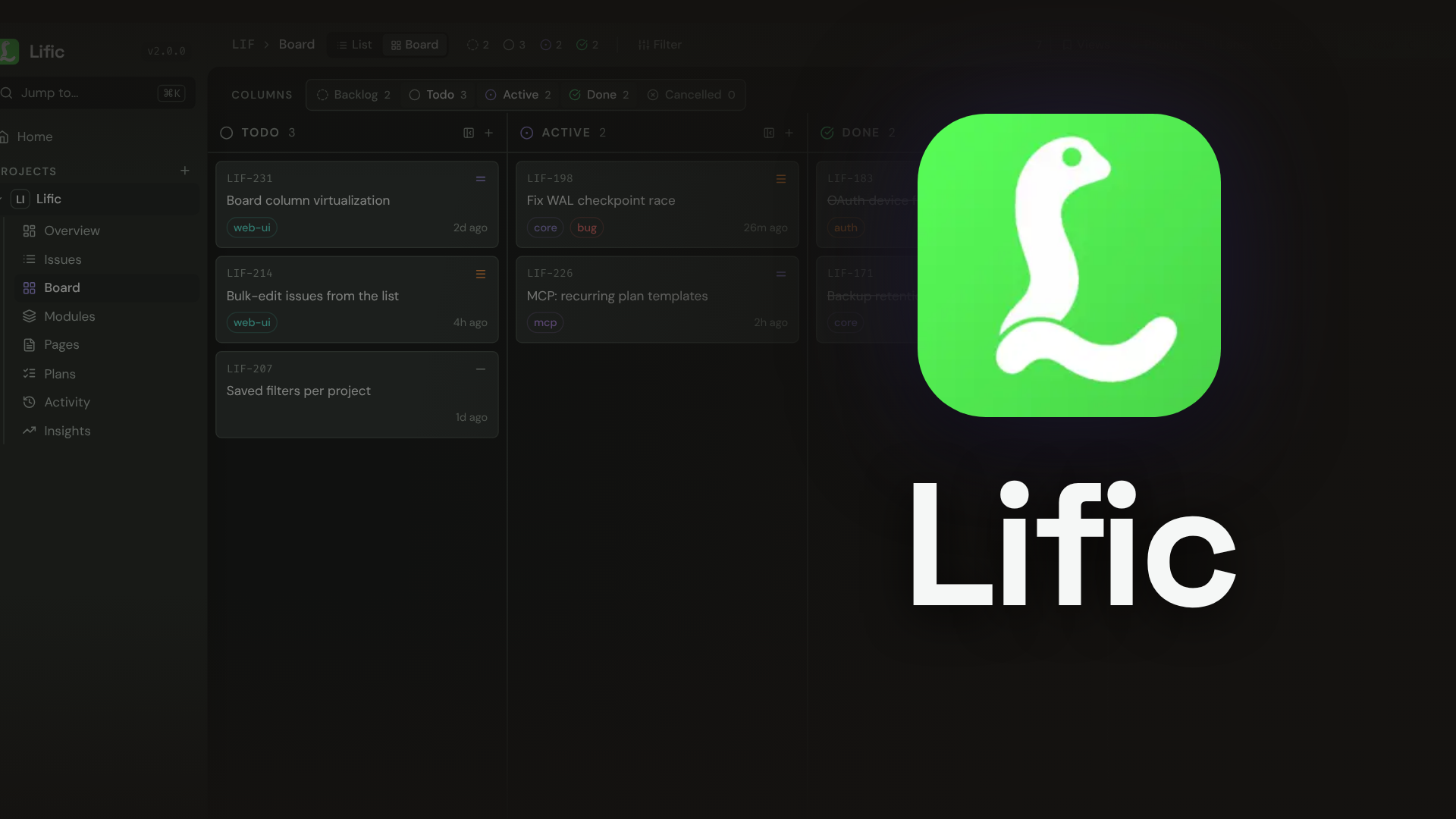





An issue tracker for prolific agents.
One binary. One SQLite file. MCP built in.
lific.dev
·
Docs
·
Discord
---
Plans and issues live on your server instead of in the context window, so work outlives the session. Agents use it over MCP; you use the web UI.
- **31 MCP tools in 5,781 tokens**, about one long file read.
- **One 25 to 32 MB binary** with SQLite, the web UI and backups built in. No Docker, no Postgres.
- **`lific connect` writes MCP config for 11 AI clients.**
- **Identifiers like `APP-42`**, never UUIDs.
## 60-second setup
```bash
cargo install lific # or Homebrew (below), or download a binary from Releases
lific init # config, database, admin account, background service on :3456
lific connect # MCP config for your AI clients
```
Restart your AI client. The web UI is at http://localhost:3456. `lific doctor` checks config, database, server and an MCP round trip, and exits nonzero if anything is broken.
- `brew install voidnullable/tap/lific` replaces `cargo install` on macOS and Linux: a release binary in seconds, no Rust toolchain.
- `lific init --here` keeps config and database in the current directory.
- `lific init --no-service` skips the background service; run `lific start` yourself.
- `lific service status | restart | stop | uninstall` manages the service.
More: [Installation](https://lific.dev/docs/installation) · [Quickstart](https://lific.dev/docs/quickstart)
## What your agent can do
| Call | What it does |
| --- | --- |
| `get_briefing(project="APP")` | Resume a project: plans and next steps, blocked and workable issues, and with `since`, what changed |
| `list_issues(project="APP", workable=true)` | Open issues whose blockers are all resolved |
| `list_issues(members=["me"])` | Your active work across the projects you belong to |
| `create_plan` / `get_plan` | Nested step plans that survive the session; a step and its issue close together |
| `link_issues(target="APP-9", relation_type="blocks", user="ada")` | Block an issue on a person or a date window, not only another issue |
| `update_issue(assignees=["human"])` | Mark work a person must do; agents take unassigned issues |
| `update_issue(status="done", evidence="cargo test: 412 passed")` | Close with the proof saved as a verification comment |
| `edit_issue` / `edit_page` | Change one string without resending the document |
| `get_activity(identifier="APP", since="2026-10-01")` | Who changed what while you were away |
Each AI tool connects as its own bot under your account. The history says "OpenCode closed APP-42", and you can revoke one tool without touching the others.
## MCP tools
| Family | Tools |
| --- | --- |
| Issues | `list_issues` · `get_issue` · `create_issue` · `update_issue` · `bulk_update` · `edit_issue` · `get_board` |
| Relations and waits | `link_issues` · `unlink_issues` |
| Pages | `get_page` · `create_page` · `update_page` · `edit_page` |
| Plans | `create_plan` · `get_plan` · `edit_plan_step` · `update_plan_step` |
| Comments | `add_comment` · `list_comments` · `edit_comment` · `delete_comment` |
| Attachments | `upload_attachment` · `get_attachment` · `list_attachments` |
| Search and history | `get_briefing` · `search` · `get_activity` |
| Structure | `list_resources` · `manage_resource` · `delete` |
| Export | `export` |
The 5,781 tokens are the `tools/list` definitions as compact JSON, counted with tiktoken's o200k_base. Parameters and output: [MCP tools](https://lific.dev/docs/mcp/tools).
## Connect your AI tools
`lific connect` supports `opencode` · `claude-code` · `claude-desktop` · `cursor` · `vscode` · `codex` · `zed` · `gemini` · `windsurf` · `goose` · `crush`.
```bash
lific connect # pick from the clients it finds
lific connect --client opencode --client cursor --yes # no prompts
lific connect --client claude-code --scope project # repo-local .mcp.json
lific connect --client zed --stdio # no server: direct SQLite over stdio
```
It merges into existing config, and leaves a file it can't parse alone and prints the snippet instead. OAuth sign-in from the client and `lific login` for headless machines also work: [Connect agents](https://lific.dev/docs/connect).
Manual config for any MCP client
Remote, over Streamable HTTP:
```json
{
"lific": {
"type": "remote",
"url": "http://localhost:3456/mcp",
"headers": { "Authorization": "Bearer your-api-key" }
}
}
```
Local, over stdio with no server:
```json
{
"lific": {
"type": "local",
"command": ["lific", "--db", "path/to/lific.db", "mcp"]
}
}
```
Create a key with `lific key create --name my-key --user `. A stdio session without `LIFIC_TOKEN` acts as the instance operator.
## CLI
```bash
lific issue list --project APP
lific issue create --project APP --title "Fix login bug" --priority high
lific issue update APP-42 --status done
lific search "authentication" --project APP
lific --backend http --url https://lific.example.com issue list --project APP # after lific login
```
The CLI reads the database directly, or a remote server with `--backend http`. Output is JSON when piped. `lific agents-md` adds a short Lific section to a repo's `AGENTS.md`. Full reference: [CLI](https://lific.dev/docs/cli).
## When Lific is the wrong tool
- You coordinate a large team and need SSO, sprints or Gantt charts. Use Linear or Plane.
- You want issues stored in the repo itself. Use a git-native tracker such as beads.
- You need several servers syncing with each other. One Lific instance is one SQLite file.
It's built for one person directing several agents.
## Running it
**Access.** New installs check project membership on every call, reads included. Add people with `lific member add --project APP --user sam --role maintainer`. See [Self-hosting](https://lific.dev/docs/self-hosting).
**Backups.** Lific writes an archive every hour and keeps 24. For a one-off:
```bash
lific dump # database plus attachments, safe while running
lific restore lific_20260703_141500.tar.gz # stop the server first
```
**Config.** `lific init` writes `lific.toml`. Set `server.public_url` before exposing the server beyond localhost. See [Configuration](https://lific.dev/docs/configuration).
**Docker.** Optional; the binary needs nothing else.
```bash
docker build -t lific .
docker run -p 3456:3456 -v lific-data:/data \
-e LIFIC_INIT_ADMIN_NAME="Your Name" \
-e LIFIC_INIT_ADMIN_PASSWORD="a long password" \
lific
```
Both variables are required on first boot and ignored after it.
**Upgrading.** Read [Upgrading](https://lific.dev/docs/upgrading) before you skip versions.
## Build from source
```bash
git clone https://github.com/VoidNullable/lific && cd lific
devenv allow && devenv shell
devenv tasks run lific:debug-build
```
[CONTRIBUTING.md](CONTRIBUTING.md) covers tests and release builds.
## Community
Questions, bug reports and release announcements: [Discord](https://discord.gg/uWvaFC4f7D). Support questions get answered fastest in #support.
## Contributing
Issues and PRs welcome. For anything large, open an issue first.
## MCP Registry
Lific publishes `server.json` to the [MCP Registry](https://registry.modelcontextprotocol.io).
- `mcp-name: io.github.VoidNullable/lific`
## License
[Apache-2.0](LICENSE)