
Turn an API description into a secure, self-hosted MCP server.
MCPlica guides you from an OpenAPI specification or API inventory to a reviewed MCP manifest and an isolated project runtime. It combines deterministic compilation with optional AI-assisted analysis, so teams can understand, build, validate, and operate MCP integrations from one place. > **Prerelease:** this branch is prepared as `v1.0.0-rc.2`. It is suitable for evaluation, not a > claim of production certification. See the [release notes](docs/releases/v1.0.0-rc.2.md) for > compatibility and known limitations. 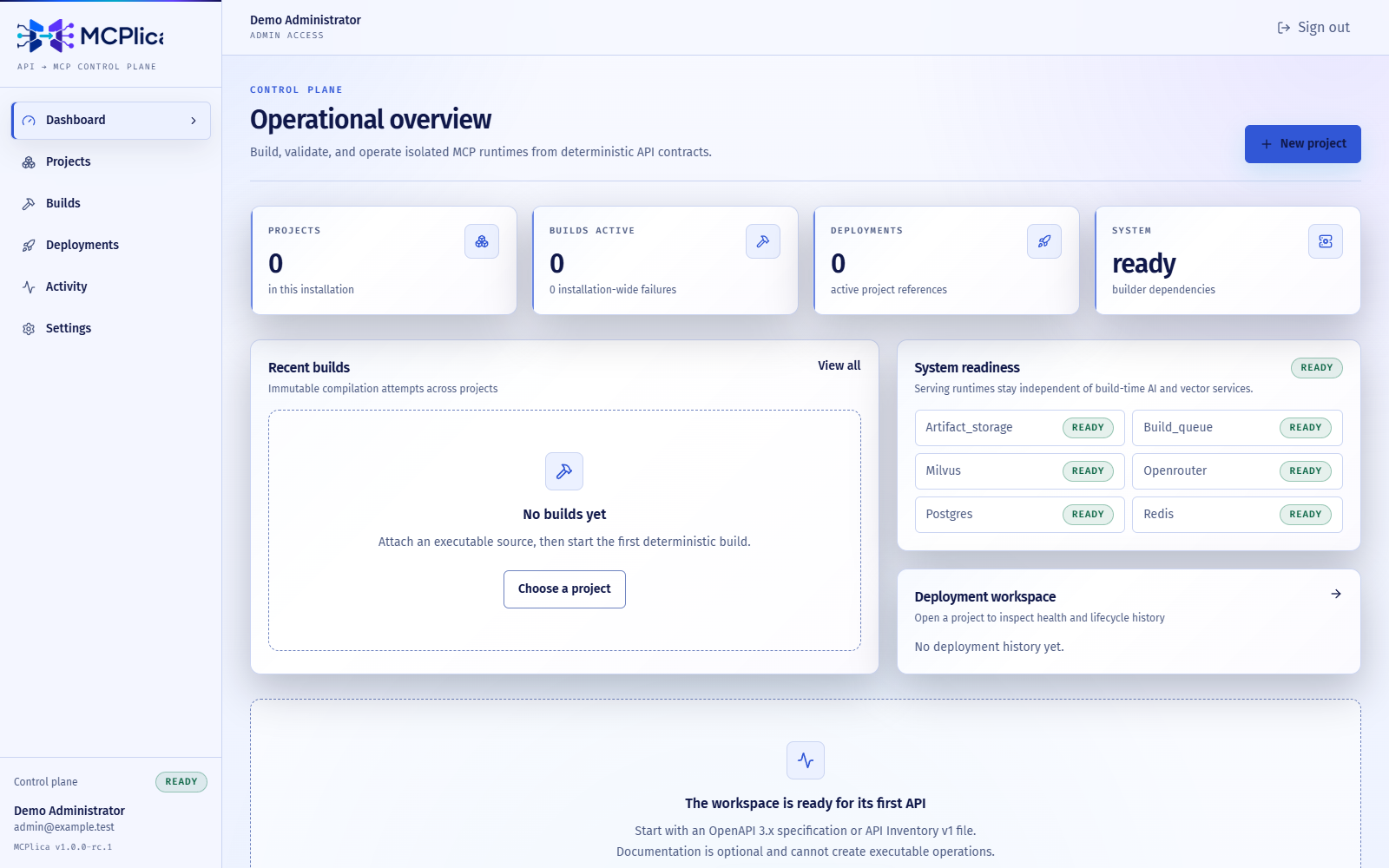 ## What you can do - Import an OpenAPI document or structured API inventory. - Review detected operations, authentication needs, and generated tool definitions. - Build and validate a reproducible MCP manifest with clear provenance. - Deploy each project through its own isolated, reusable MCP runtime. - Operate projects, builds, deployments, credentials, and audit history from the web interface. ## Try it locally You need Docker Engine with Docker Compose 2.24.4 or newer and Python 3.13. From the repository root: ```bash python scripts/init_env.py docker compose --env-file .env -f infra/compose.yaml up --build --detach --wait --wait-timeout 300 docker compose --env-file .env -f infra/compose.yaml exec -T api python -m app.cli.ensure_development_admin ``` The initializer creates a private `.env` with random local secrets and development administrator credentials. Do not commit or paste that file into logs. Then open: - Web interface: