# dsh-chatgpt-web
[English](./README.md) | [中文](./README.zh-CN.md)
[](./LICENSE)
[](https://github.com/lordraiden/dsh-chatgpt-web/actions/workflows/tarball-smoke.yml)
[](https://github.com/deepseek-ai/deepseek-harness)
[](./README.md#overview)
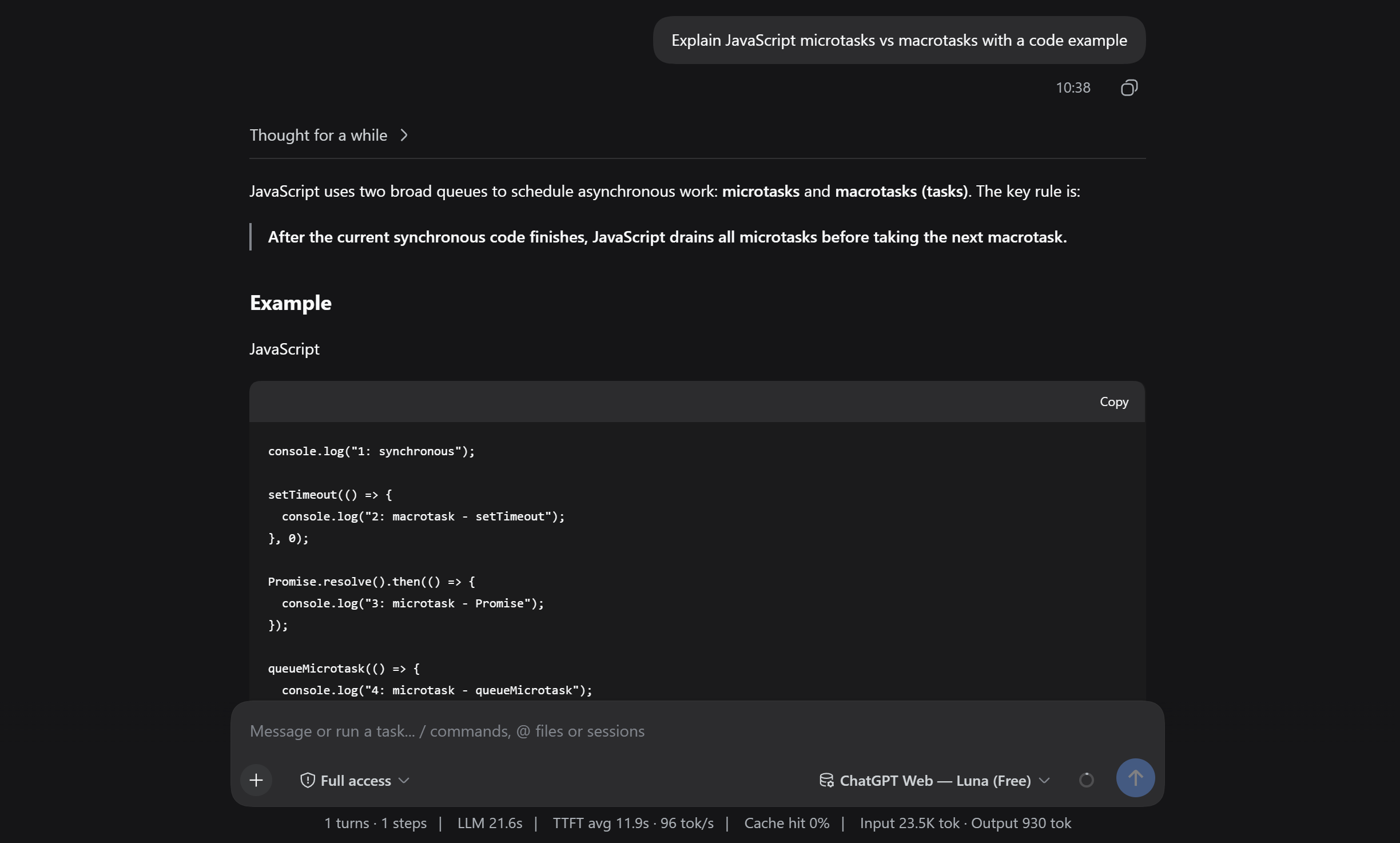
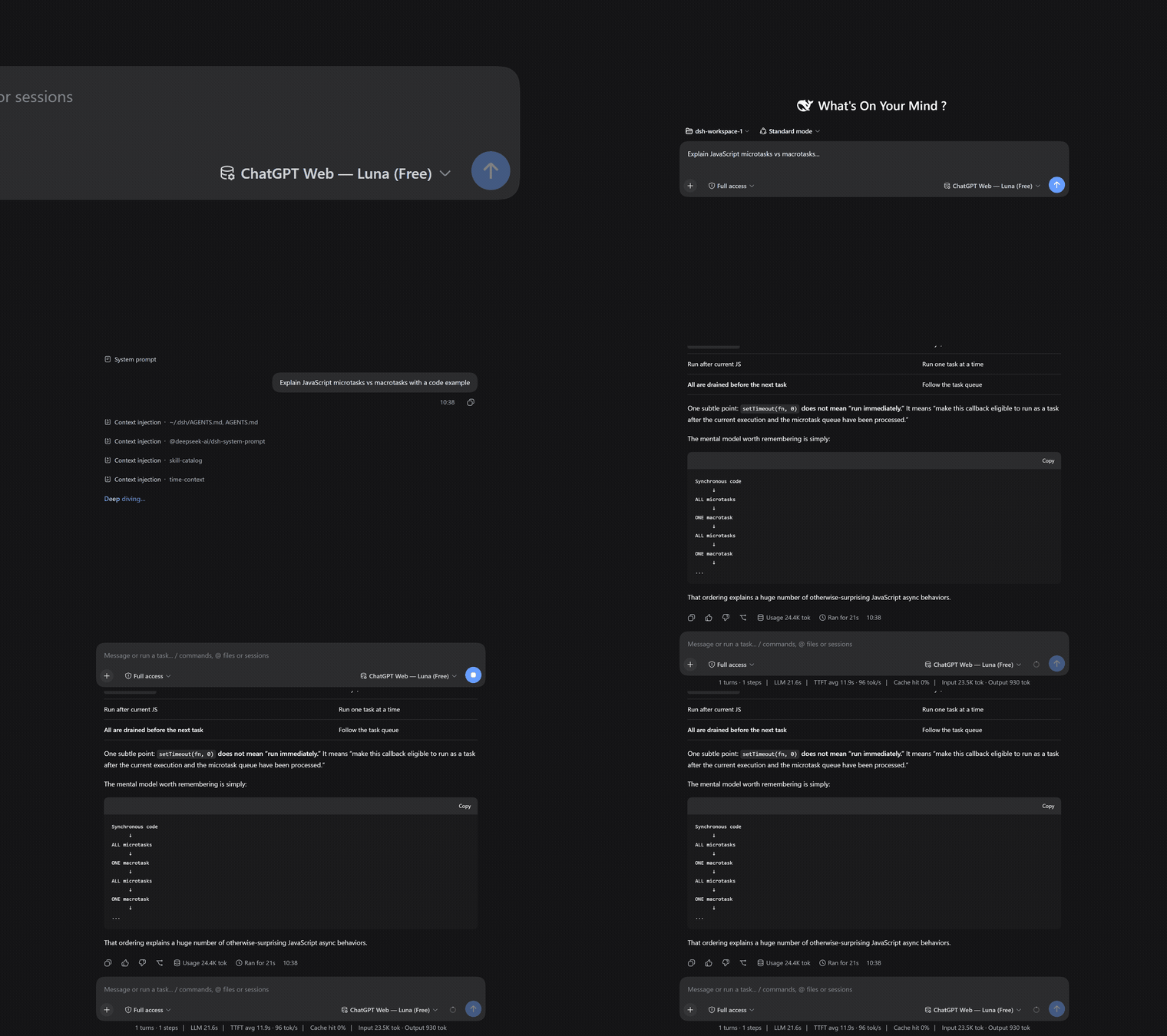
> **Zero-cost conversational AI model provider for DeepSeek Harness powered by free ChatGPT Web (GPT 5.6 Luna).**
---
## Table of Contents
- [Overview](#overview)
- [Requirements](#requirements)
- [Quick Start](#quick-start)
- [Diagnostics & Health Check](#diagnostics--health-check)
- [Troubleshooting](#troubleshooting)
- [Notes & Limitations](#notes--limitations)
- [Related Documentation](#related-documentation)
---
## Overview
**dsh-chatgpt-web** turns your local browser session of ChatGPT into a seamless, **$0.00 API-free conversational model provider** directly inside DeepSeek Harness (DSH).
It connects via headless or visible Chrome/Chromium browser automation to `chatgpt.com`, streaming real-time Markdown responses, code solutions, explanations, and reasoning back to your DSH chats without consuming API credits.
### Why Pure Chat?
Small conversational web models (like GPT 5.6 Luna) excel at explanations, dialogue, Q&A, brainstorming, code snippet generation, and side-assistant tasks. By running in **Pure Chat Mode**, the bridge eliminates prompt overhead, tool hallucinations, and syntax errors of autonomous multi-tool execution loops, providing a fast, rock-solid, zero-cost LLM provider.
### Key Features
- **100% Free ($0.00 Cost):** Uses your existing free ChatGPT Web session. No OpenAI API keys or credit cards needed.
- **Cordis Plugin-First Lifecycle:** Managed by DSH via `ctx.effect`. DeepSeek Harness starts the background sidecar automatically on launch and shuts it down on exit.
- **Dynamic Model Auto-Detection:** Automatically detects your ChatGPT tier:
- **Free Accounts:** Defaults to `chatgpt-web/luna` (`gpt-5-6-luna`).
- **Plus / Team Accounts:** Automatically detects and exposes available paid models (such as `gpt-4o`, `o1`).
- **Full Streaming Markdown & Code Blocks:** Delivers tokens in real time directly to the DSH Web UI or CLI.
- **Portable, Validated Artifacts:** The published tarball is validated by CI (clean install, runtime smoke test, dependency resolution, no build-environment path contamination) before it can reach the registries.
---
## Requirements
- **Runtime:** Node.js `>=22.19.0` **or** Bun `>=1.3.0` (both are supported; the CLI runs on either).
- **DeepSeek Harness:** `>=0.2.0-rc.2`.
- **Browser:** Chrome or Chromium on your machine (used for the one-time sign-in and for serving).
---
## Quick Start
### 1. Installation
Install the plugin directly from this GitHub repository:
```bash
dsh plugin --profile add github:lordraiden/dsh-chatgpt-web
```
This registers the plugin in the profile's `package.json` bundles, so its Cordis entries are composed automatically — no manual `insert` is needed.
### 2. One-Time Browser Sign-In
Authenticate your ChatGPT account once. The plugin binary lives in the profile's `node_modules/.bin`:
```bash
~/.dsh/profiles//node_modules/.bin/dsh-chatgpt-web setup
```
A dedicated Chrome/Chromium window will open. Log into your OpenAI / ChatGPT account. Once the ChatGPT composer is visible, the setup captures the session and writes the config and browser state to the plugin's storage directory (default `~/.dsh/storages/chatgpt-web/`).
If your browser is not at the default path, pass it explicitly:
```bash
~/.dsh/profiles//node_modules/.bin/dsh-chatgpt-web setup --chrome /path/to/chrome
```
#### Using a snap-confined browser (e.g. snap Chromium)
Snap-confined browsers can only write to **non-hidden** paths in `$HOME`. The plugin's default storage directory (`~/.dsh/storages/chatgpt-web/`) is hidden, so a snap browser cannot create its profile lock there and setup fails with:
```text
Failed to create .../login-profile-XXXX/SingletonLock: Permission denied (13)
```
The fix is to point the plugin's storage home at a **non-hidden** directory using the `DSH_CHATGPT_WEB_HOME` environment variable.
**How the variable works:** `VAR=value command` is standard shell syntax — it sets the environment variable *only for that one command* and does not persist it. The plugin reads `DSH_CHATGPT_WEB_HOME` on startup; when set, every file it owns (config, browser profile, storage state) lives under that directory instead of `~/.dsh/storages/chatgpt-web/`.
**Step by step:**
1. **Run the one-time setup with the variable applied to the command:**
```bash
DSH_CHATGPT_WEB_HOME="$HOME/dsh-chatgpt-web" \
~/.dsh/profiles//node_modules/.bin/dsh-chatgpt-web setup --chrome /snap/bin/chromium
```
The browser window opens; log in to ChatGPT. The session is saved under `~/dsh-chatgpt-web/`.
2. **Persist the variable for the shell that starts DSH.** The background sidecar is started by DeepSeek Harness and inherits DSH's environment — it does *not* inherit a one-off `VAR=value` prefix from your terminal. So export the variable in your shell (e.g. `~/.bashrc`), then start DSH from that shell:
```bash
# add to ~/.bashrc (or ~/.zshrc):
export DSH_CHATGPT_WEB_HOME="$HOME/dsh-chatgpt-web"
# reload, then start DSH in that shell:
source ~/.bashrc
dsh --profile web
```
The sidecar now finds the same `config.json` and browser state that setup created.
3. **Verify with the doctor** (run it in the same environment):
```bash
~/.dsh/profiles//node_modules/.bin/dsh-chatgpt-web doctor
```
> **Important:** every command that touches the plugin state — `setup`, `login`, `doctor`, and the DSH process that runs the sidecar — must see the **same** `DSH_CHATGPT_WEB_HOME`. If some of them use the hidden default path and others use the non-hidden one, the sidecar will report `Configuration is missing`.
### 3. Enable in DeepSeek Harness
Provider configuration lives in the profile's Cordis patch layer (`~/.dsh/profiles//cordis.patch.yml`), not in a global settings file. Add the `chatgpt-web` provider under the existing `providers` map of the `llm-pi-ai` entry:
```yaml
- id: llm-pi-ai
name: "@deepseek-ai/dsh-llm-pi-ai"
config:
providers:
# ...your existing providers...
chatgpt-web:
displayName: "ChatGPT Web (Free)"
api: openai-responses
baseURL: http://127.0.0.1:17841/v1
headers:
Authorization: "Bearer chatgpt-web-free"
streamIdleTimeoutMs: 300000
models:
- id: chatgpt-web/luna
name: "ChatGPT Web — Luna (Free)"
contextWindow: 1050000
maxTokens: 32768
input:
- text
- image
```
Optionally, make it the agent's default model in the `agent-default-model` entry:
```yaml
- id: agent-default-model
name: "@deepseek-ai/dsh-agent-default-model"
config:
provider: chatgpt-web
model: chatgpt-web/luna
```
Now start DeepSeek Harness with the profile:
```bash
dsh --profile web
```
DSH will automatically start the background sidecar process, connect to your authenticated ChatGPT session, and accept prompts!
---
## Diagnostics & Health Check
Verify your setup at any time with the built-in diagnostic doctor:
```bash
~/.dsh/profiles//node_modules/.bin/dsh-chatgpt-web doctor
```
Example healthy output:
```text
✓ Configuration is valid (~/.dsh/storages/chatgpt-web/config.json)
✓ Chrome executable found
✓ ChatGPT login state has authenticated browser evidence
✓ Responses proxy is healthy on 127.0.0.1:17841
Doctor result: ready
```
---
## Troubleshooting
See [TROUBLESHOOTING.md](./TROUBLESHOOTING.md) for common issues: browser executable paths, snap confinement, missing configuration, and runtime (Node/Bun) notes.
---
## Notes & Limitations
1. **Unofficial Bridge:** Operates via local Playwright browser automation on `chatgpt.com`. Not affiliated with or endorsed by OpenAI.
2. **Single-Session Concurrency:** Runs within a single browser tab. Sequential queries and normal DSH agent chats work seamlessly; avoid launching parallel multi-subagent swarms against the same tab simultaneously.
3. **Pure Chat Only:** This provider generates pure conversational responses, explanations, reasoning, and code blocks. It does not execute local filesystem, terminal, or autonomous tool loops.
4. **Standard Free Tier Rate Limits:** Subject to standard OpenAI free-tier hourly usage limits.
---
## Related Documentation
- [CONTRIBUTING.md](./CONTRIBUTING.md) — development setup and contribution guidelines.
- [SECURITY.md](./SECURITY.md) — how the plugin handles your session credentials.
- [TROUBLESHOOTING.md](./TROUBLESHOOTING.md) — diagnosing setup and runtime problems.
- [LICENSE](./LICENSE) — MIT.