


Language: 简体中文 | English
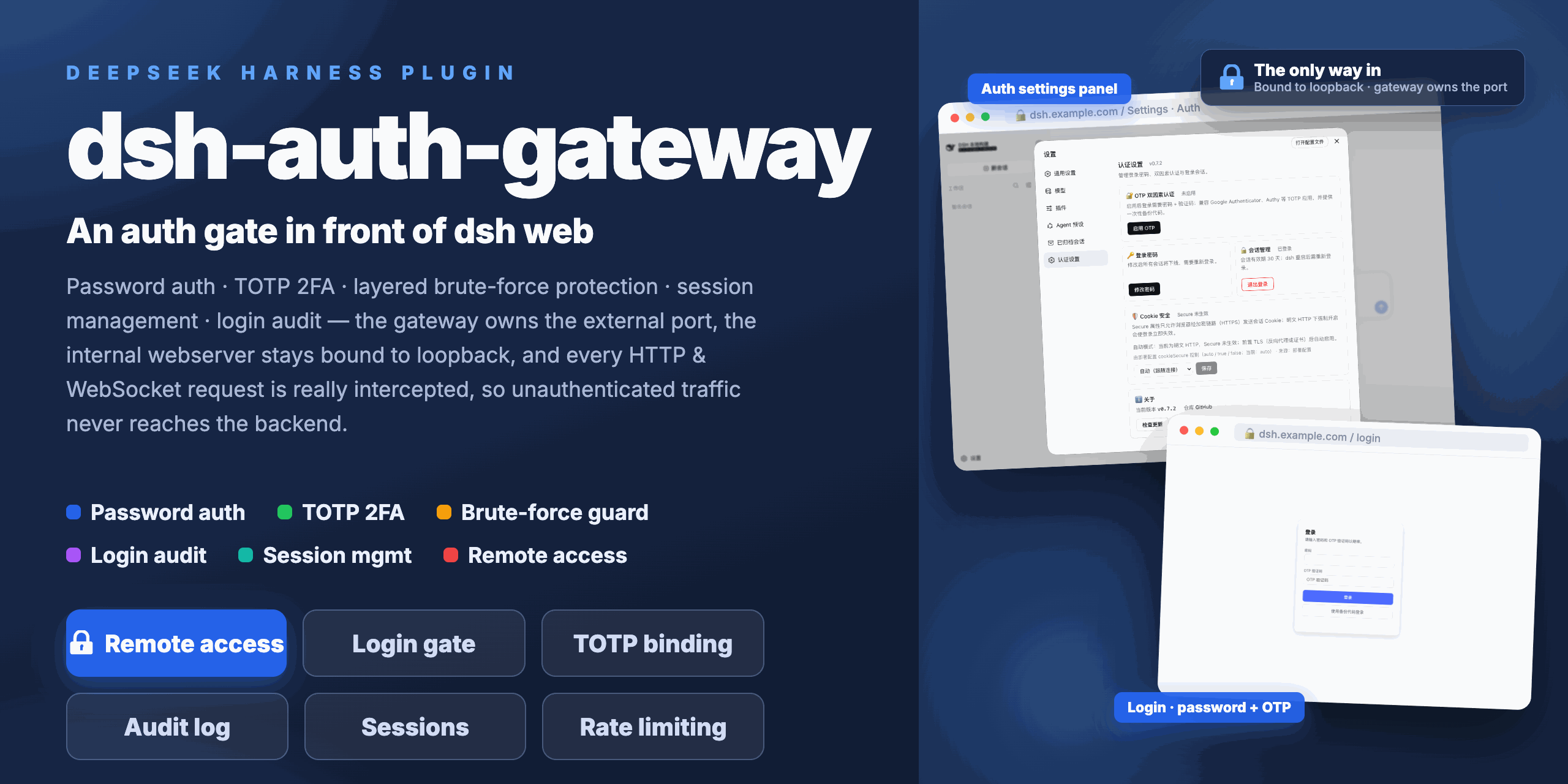
A Cordis plugin that puts an authentication gate in front of the [DeepSeek Harness](https://github.com/deepseek-ai/deepseek-harness) Web UI: **password auth + TOTP two-factor authentication + layered brute-force protection + session management + login audit**, with **real interception of every request** (HTTP and WebSocket) at the gateway layer — unauthenticated traffic never reaches the backend. `dsh web`'s official authentication targets the local loopback only: since dsh 0.1.2 the internal webserver enforces built-in browser authentication (BrowserAuth), but it is just a single authority-bound bearer cookie — the design note states plainly *"There is no logout operation"* and that *"Authentication does not configure TLS, forwarding-header interpretation, or proxies"*. dsh 0.2.1 did add a native HTTPS listener (`--tls-cert` / `--tls-key`) and concrete-IP binding for direct deployments (the CLI only rejects wildcard addresses such as `0.0.0.0` and accepts concrete address literals), yet the authentication layer itself still has **no logout, no password or multi-factor auth, no brute-force protection, no login audit, and no integration channel for putting another authentication gateway in front of it**. This plugin fills that missing remote-access authentication itself, as an in-process gateway: the gateway exclusively owns the external port, the bundle patch binds the internal webserver to the loopback address, and the gateway is the only way in. This project supports `0.1.5-rc.2 <= dsh <= 0.2.1-rc.2`, all verified. > **Known limitation**: **signing in to a DeepSeek account does not work over remote access** (domain, reverse proxy, LAN IP — any non-loopback http entry): clicking "sign in with a DeepSeek account" in the bottom-left fails immediately with "Could not sign in". **Everything else works normally** (sessions, models, tools, settings). The root cause is upstream: dsh requires the **browser origin** to be a loopback http origin with an explicit non-zero port, and a loopback address resolves on the machine running the **browser** — so **this plugin cannot work around it server-side** (remote access is exactly what this plugin provides, which makes the limitation unavoidable in that setup). Triage and evidence in [docs/en/TROUBLESHOOTING.md](docs/en/TROUBLESHOOTING.md) §10. > > **Manual workarounds** (step-by-step in [docs/en/DEPLOYMENT.md](docs/en/DEPLOYMENT.md), section "Signing in to a DeepSeek account over remote access"): > > 1. **Loopback access on the same machine**: when the browser runs next to dsh, open `http://127.0.0.1: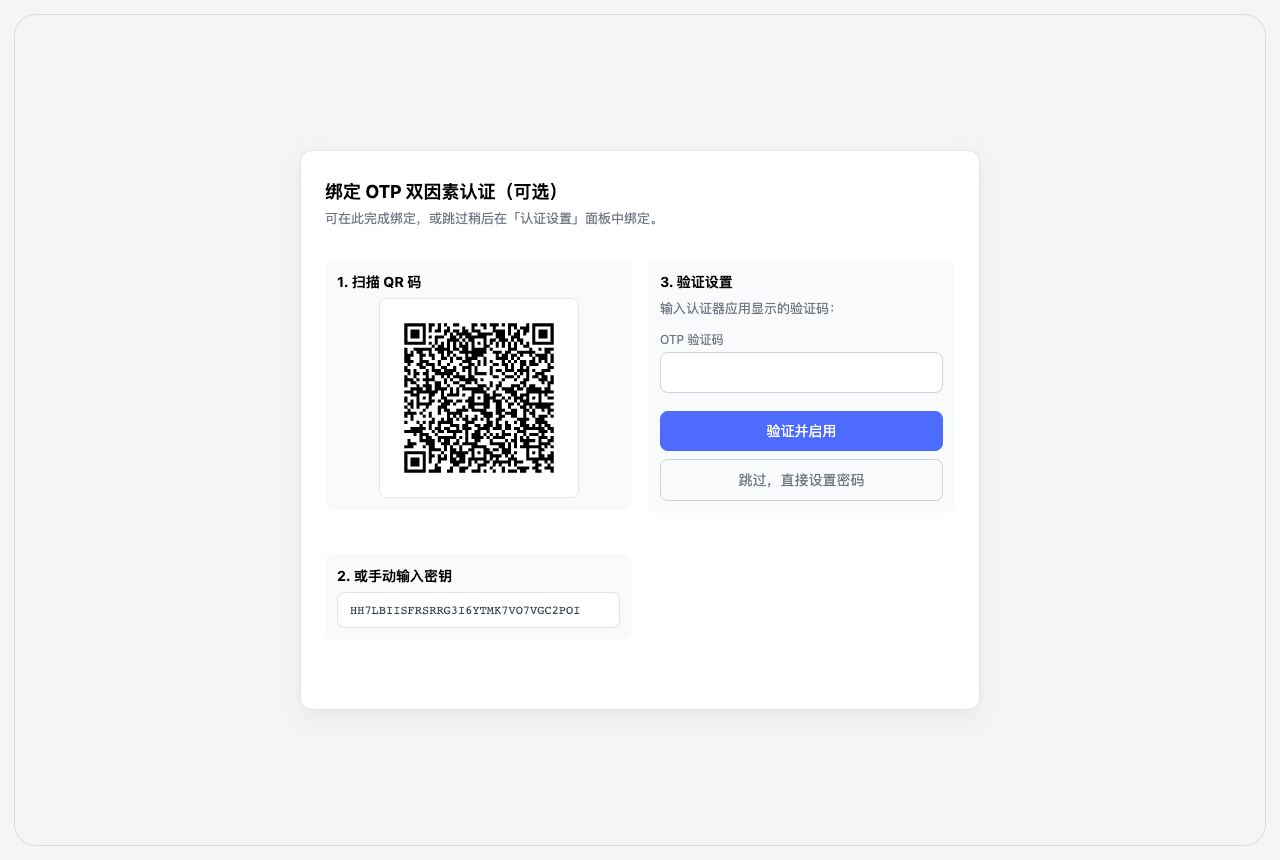 Onboarding (after initial-password login) |
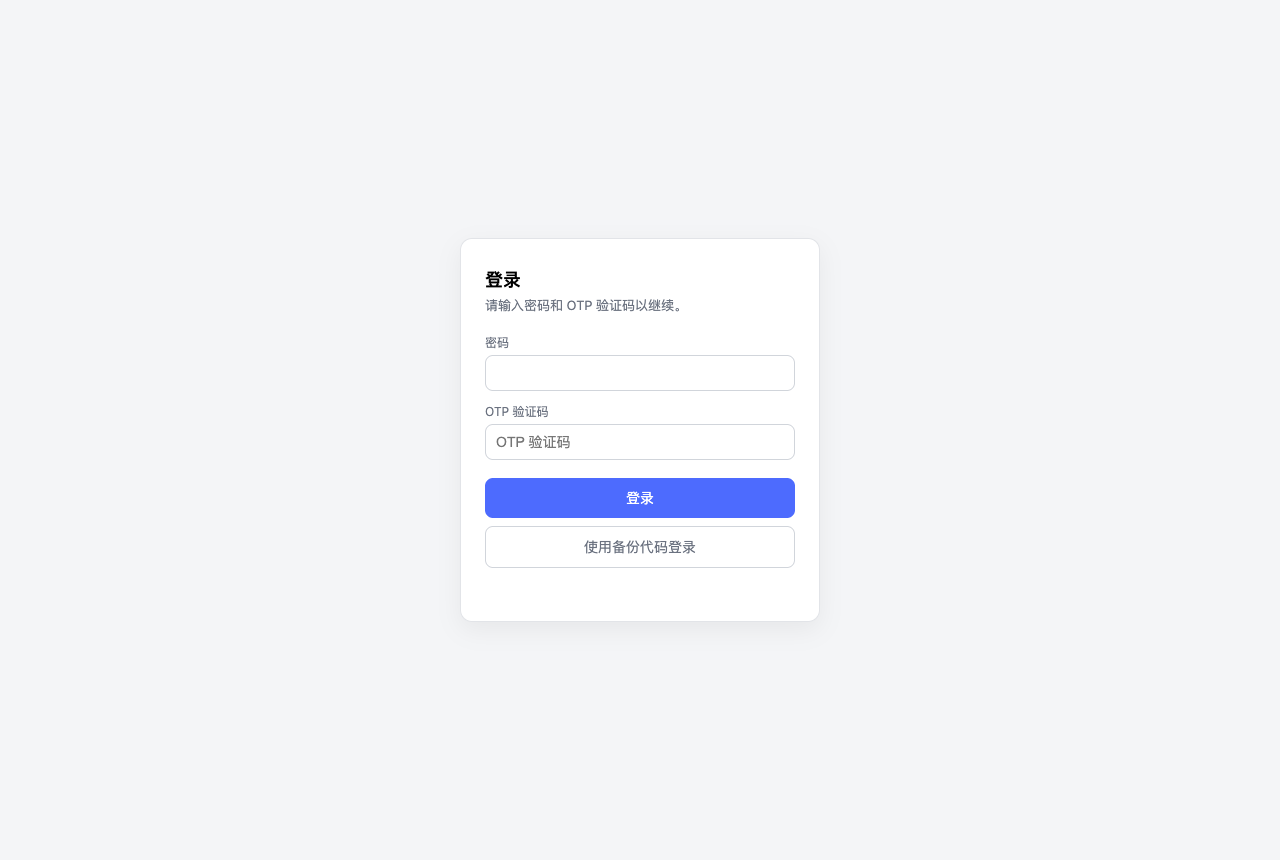 Login (with 2FA code) |
 2FA login success |
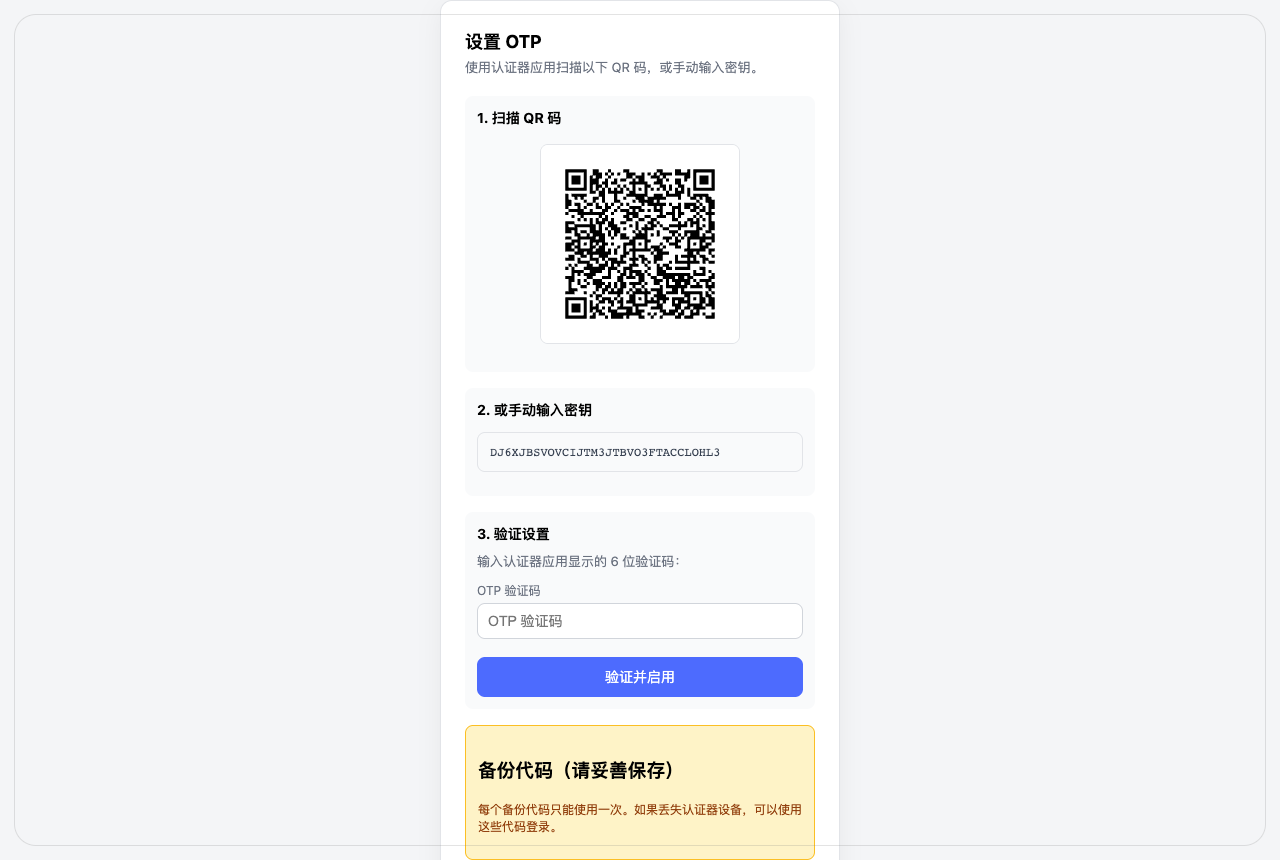 OTP setup (QR code) |
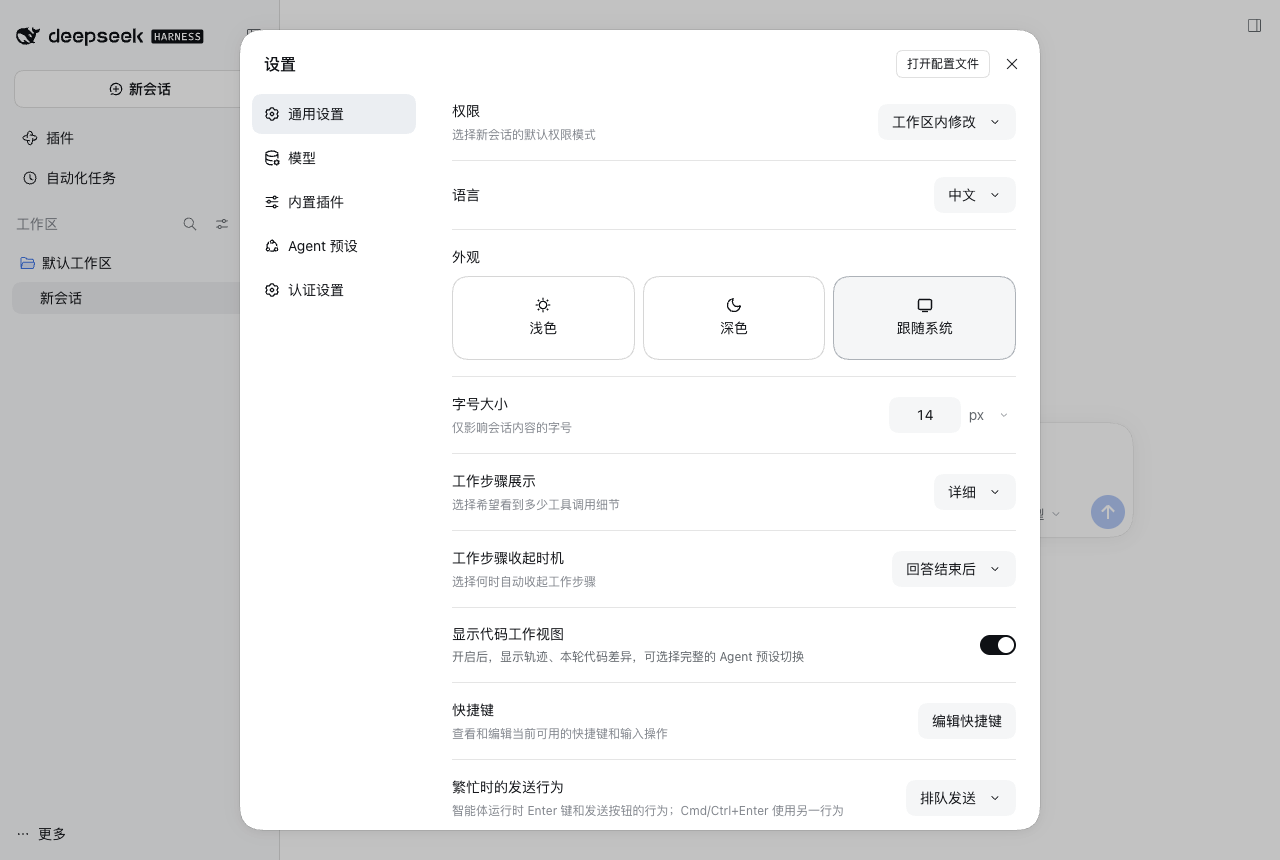 Settings menu ("Auth Settings" entry) |
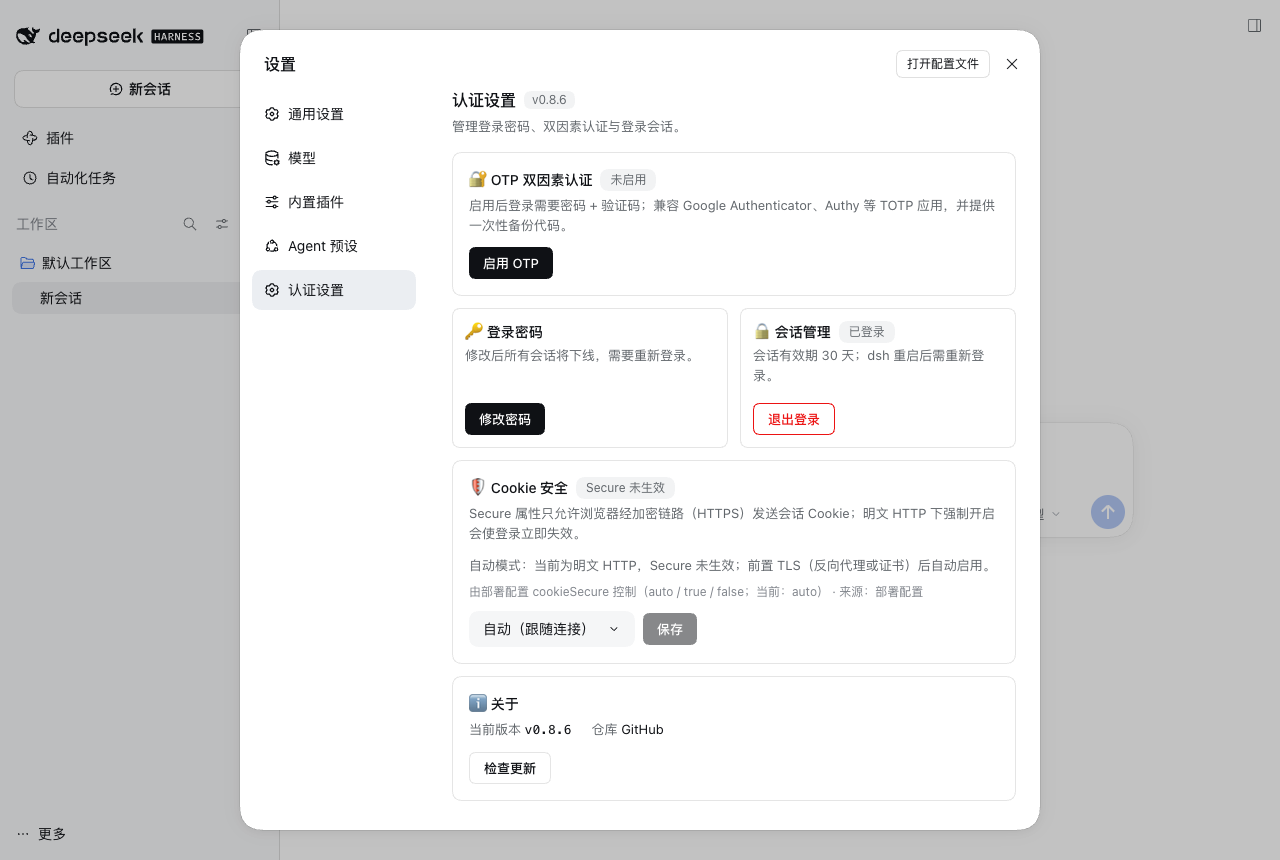 Auth settings panel |